

 Computer Forum
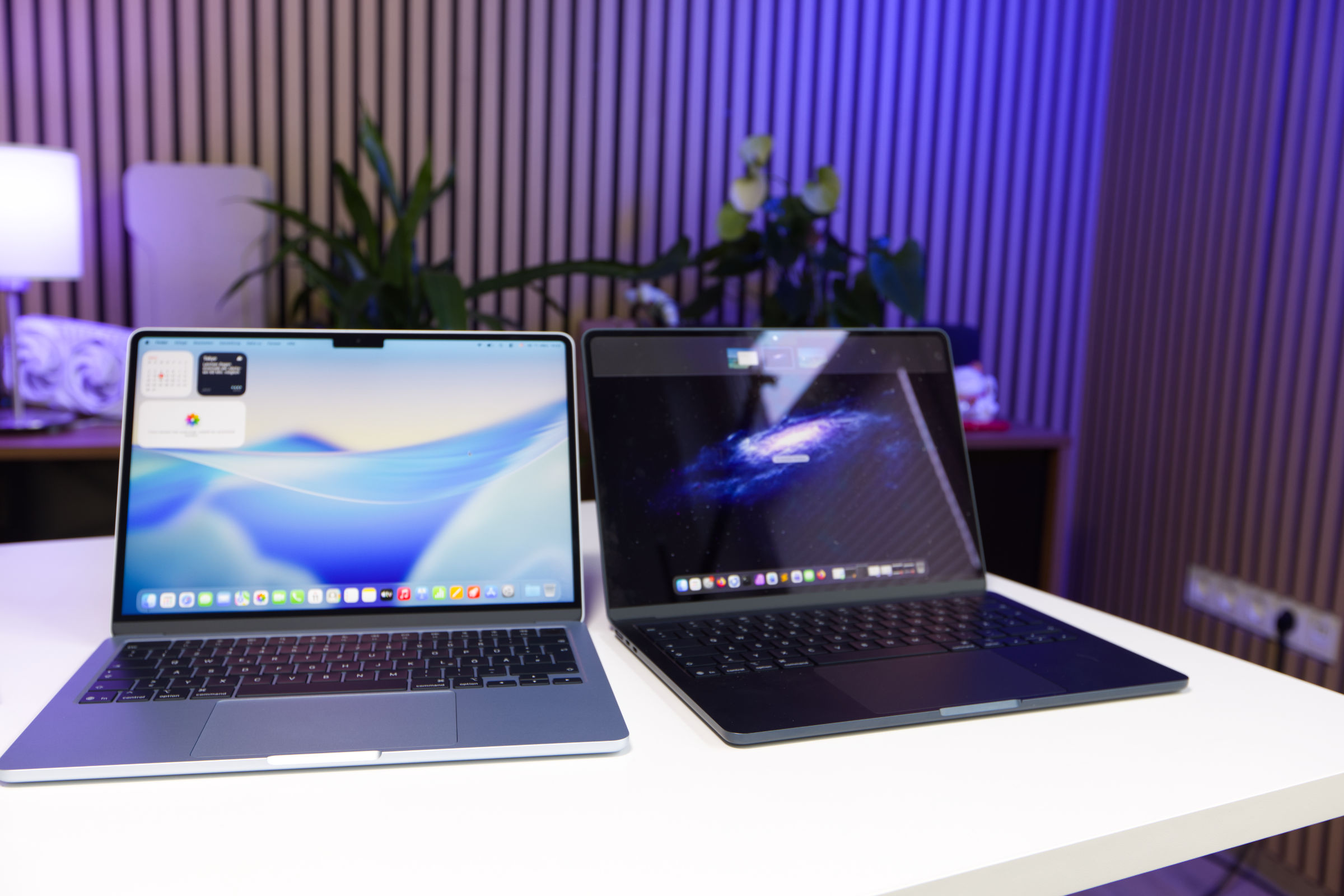
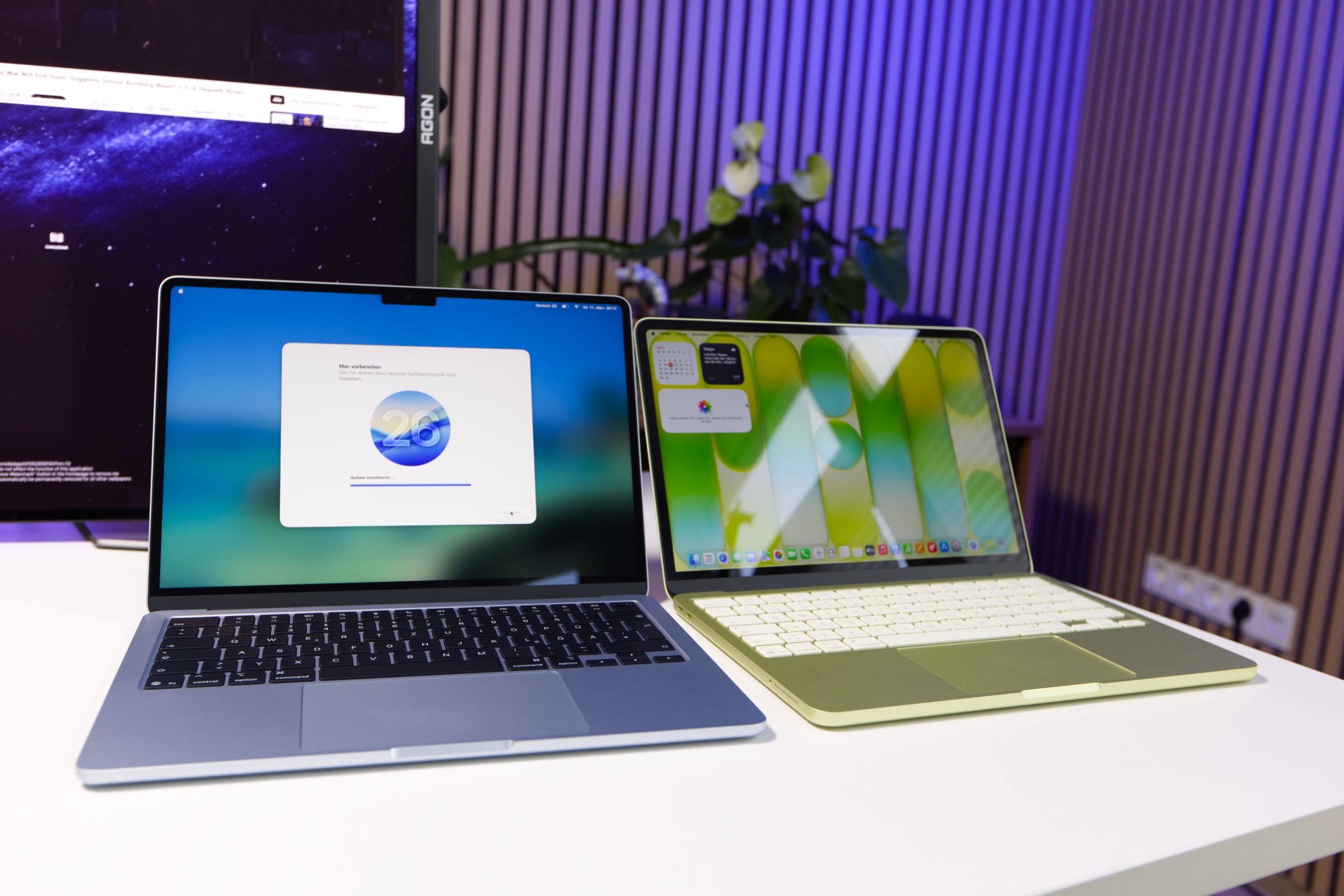 Apple MacBook Air 13 M5 Größenvergleich MacBook Neo (Bild © PCMasters.de)
With the introduction of the affordable MacBook Neo model from our review alongside the updated MacBook Air M5 (review) and MacBook Pro models, the lineup now ranges from entry-level machines costing €600 to high-end AI workstations costing several thousand euros.
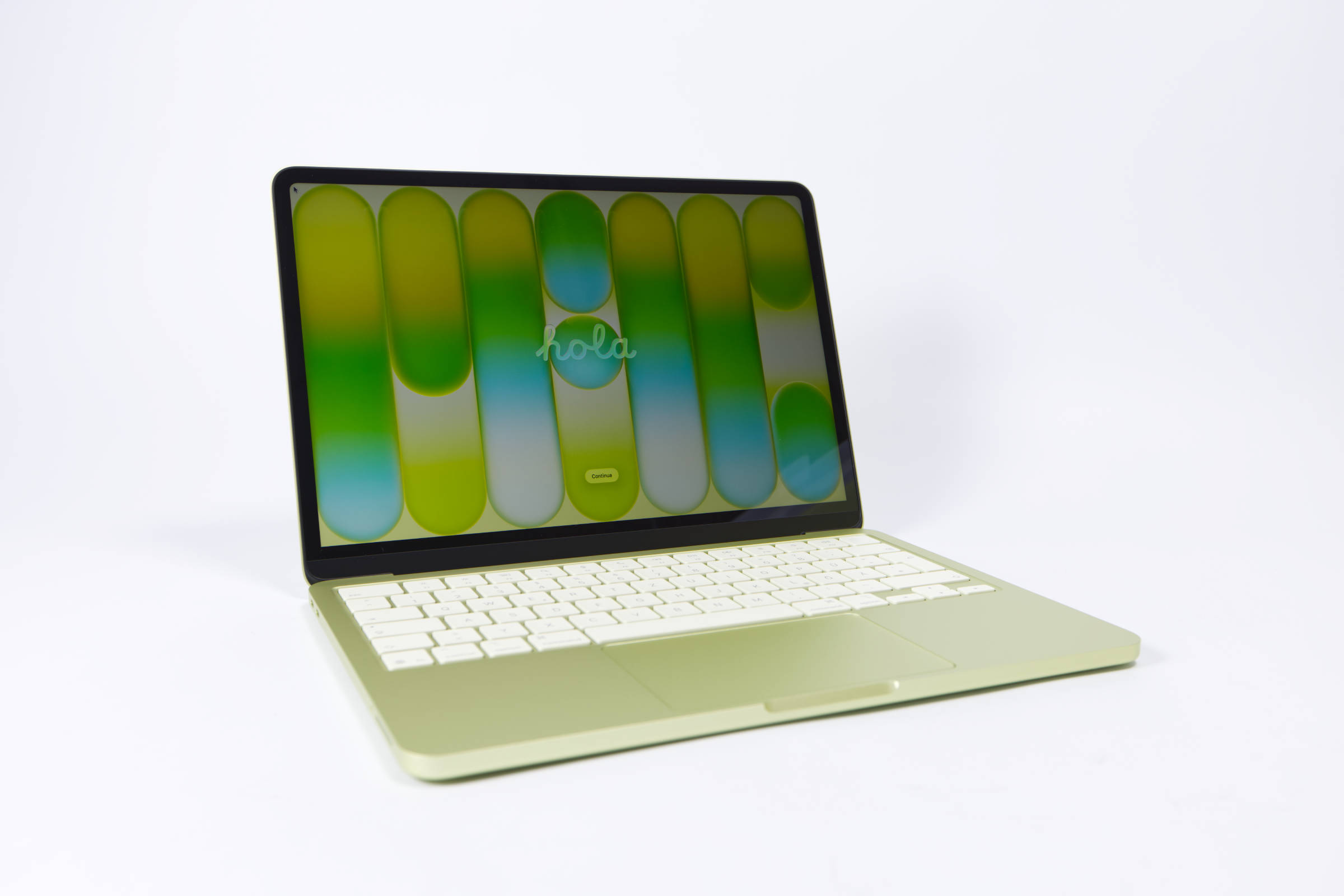 Apple MacBook Neo Das günstigste MacBook (Bild © PCMasters.de)
MacBook Neo: The most affordable entry-level MacBook
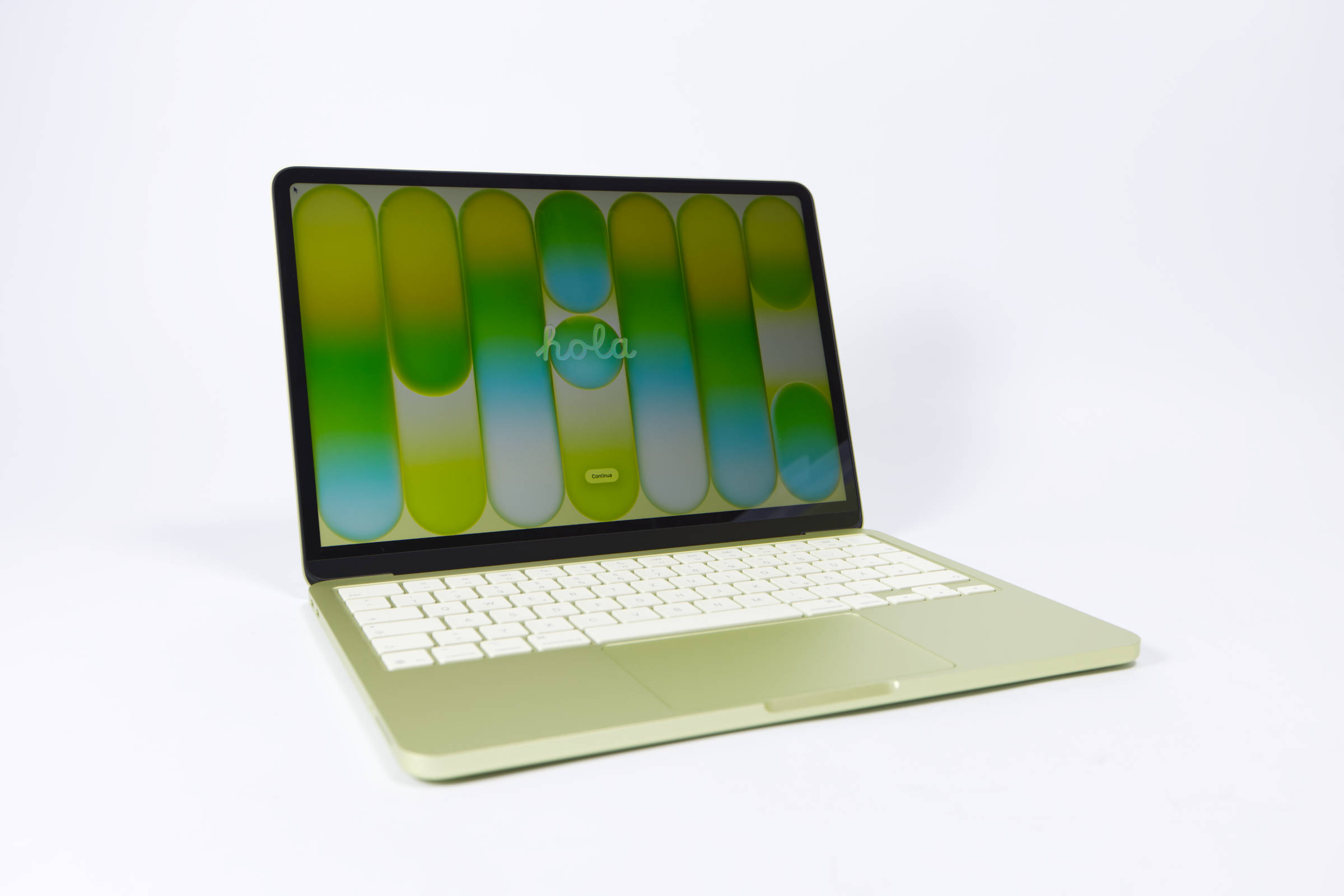
The MacBook Neo represents a new entry point into the ecosystem, with prices starting from €600 when taking advantage of educational discounts and a typical retail price of around €700. It is designed specifically for users with minimal technical requirements, such as students or people who use their devices mainly for web browsing, streaming and basic document editing.
Hardware limitations and performance
MacBook Neo is powered by the A18 Pro chip, which provides enough speed for everyday tasks while keeping the device completely fanless and silent. The following charts show how the MacBook Neo stacks up against the Mac Studio and MacBook Air.
However, this price requires some compromises in terms of hardware:
- Memory and storage: The device is equipped with 8 GB of RAM and a slow SSD. Both components are soldered to the motherboard, which means they cannot be upgraded after purchase.
- Connectivity: The port selection is limited to two USB-C ports. Crucially, one of these ports is limited to USB 2.0 speeds, which significantly hampers data transfer for external drives.
- Screen quality: While the screen is bright, it suffers from a reflective surface and below-average color accuracy, making it unsuitable for color-critical creative work.
- External support: The system natively supports only one external monitor.
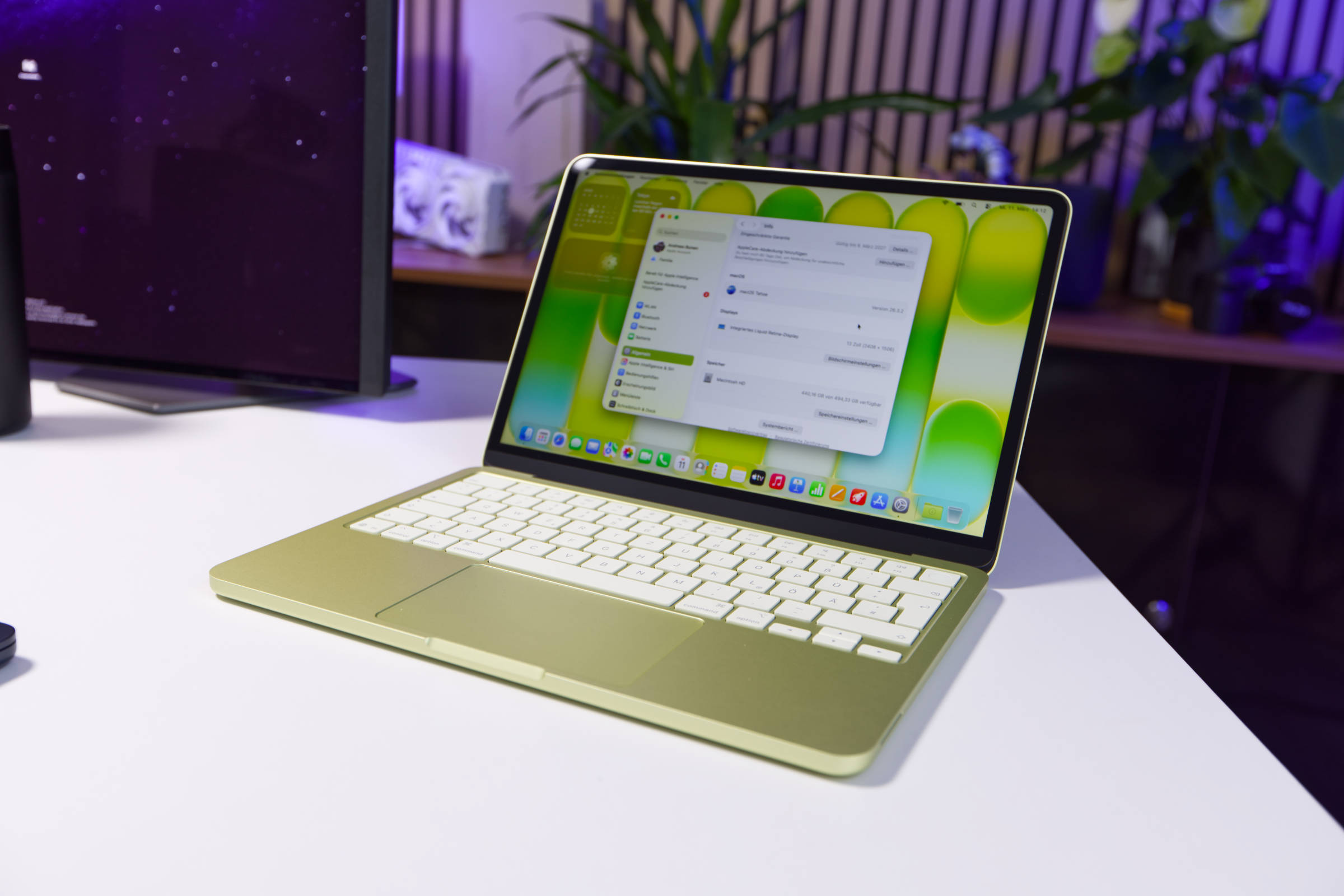 Apple MacBook Neo Test Review (Bild © PCMasters.de)
Conclusion on the MacBook Neo
This makes the MacBook Neo the most affordable entry point for students and those who are just switching to MacOS and want to benefit from the ecosystem.
 Apple MacBook Air 13 M5 Test Review (Bild © PCMasters.de)
MacBook Air: The transition to the mid-range
The MacBook Air serves as a bridge between basic functionality and professional performance. In 2026, Air buyers will have a choice between the new M5 models and the previous M4 generation.
MacBook Air M5 Air vs. M4 alternatives
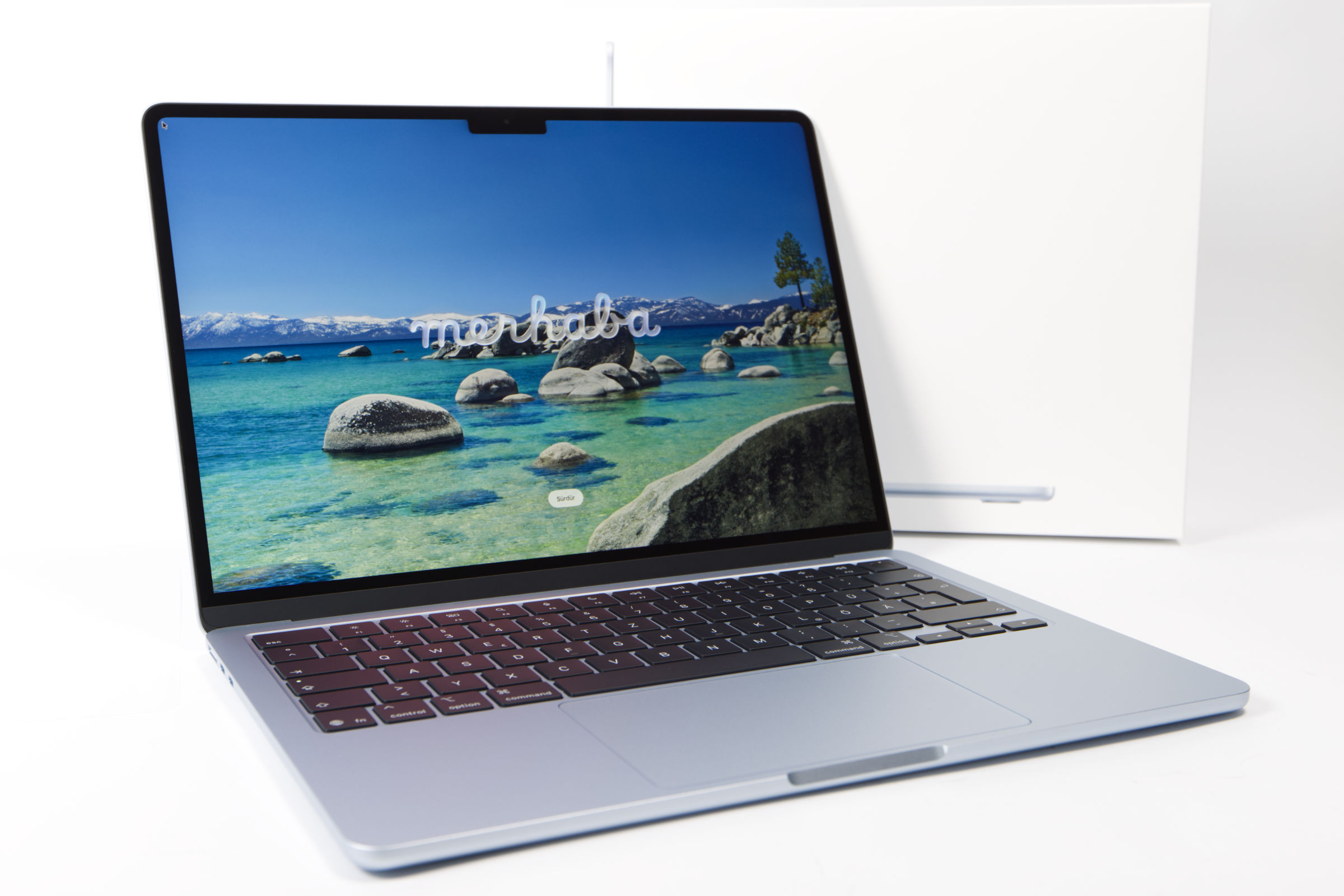
The M5 MacBook Air is available from €1,200. The most important technical improvements concern the memory bandwidth and the memory subsystem. The M5 base model now starts with a 512GB SSD, doubling the 256GB capacity of previous entry-level models, and offers significantly faster read/write speeds. These improvements, combined with a better calibrated IPS panel, make the M5 Air a very exciting solution, as the new model is better in AI loads, as well as single and multi-threaded applications. However, the optimizations are on the inside, as the M4 and M5 models look identical on the outside!
For users with a budget of €1,000 to €1,500, the MacBook Air M4 remains an extremely competitive option and you benefit even more from used and refurbished models, which you can also get at a significantly reduced price from Apple. The M4 model is also sometimes available for €900, which is even closer to the MacBook, even if we get more performance and features here! You can usually get the MacBook Air with 16 GB RAM, which is sufficient for pretty much all purposes, and if you want to spend more than €1,300, you can also choose the MacBook Air M5.
| Apple M5 chip | Apple M4 chip | |
|---|---|---|
| CPU cores | 10 cores (4 P-cores + 6 E-cores) | 10 cores (4 P-cores + 6 E-cores) |
| Memory | LPDDR5X (16, 24 or 32 GB) | LPDDR5X 7500 MT/s (8, 16, 24 or 32 GB) |
| GPU | 10 cores | 10 cores |
| Neural Engine | 16 cores | 16 cores |
| Manufacturing process | 3 nm (N3E) (TSMC) | 3 nm (N3E) (TSMC) |
| Neural Accelerators | Yes | No |
| Storage options | 512GB SSD, 1TB SSD, 2TB SSD, 4TB SSD | 512GB SSD, 1TB SSD, 2TB SSD |
| Print bed | rectangular, heatable (0-120°C) | Rectangular, heatable (0-120°C) |
| Hardware-accelerated ray tracing | Yes | Yes |
| Camera | 1920x1080 pixels (2.1MP) | 1920x1080 pixels (2.1MP) |
| Memory bandwidth | 153 GB/s | 120 GB/s |
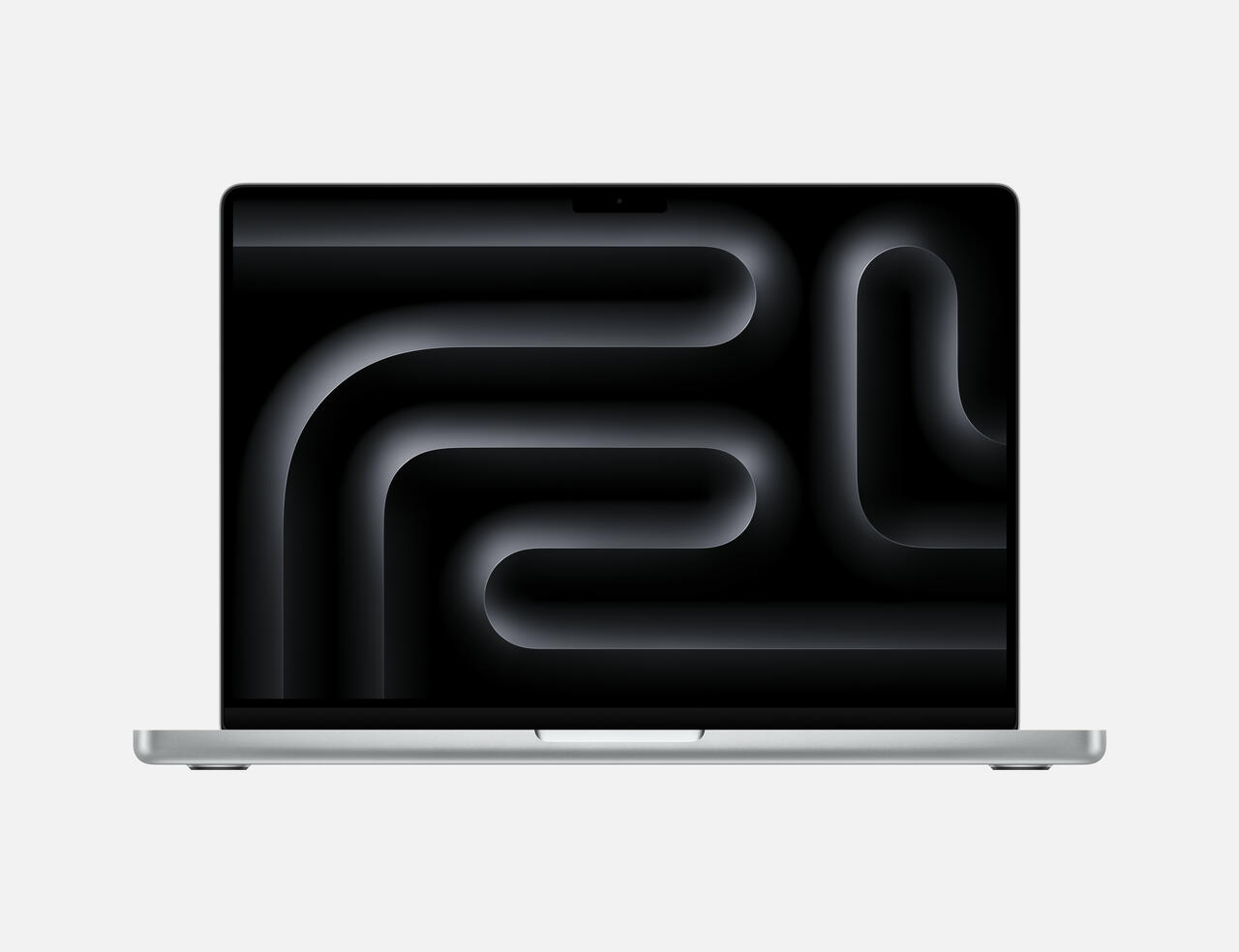 Apples MacBook Pro 14 mnit M5 Chip (Bild © Apple)
MacBook Pro: High-end workstations and professional case
The MacBook Pro comes with some high-end features and should also serve as a clever speed upgrade, because the limitations are lower here and the number of configurations is really large! The entry-level models are the MacBook Pro with M5 and 14.2" display from €1,649 (Affiliate) and the MacBook Pro 16.2" from €2,672 (Affiliate). This is a significant price increase compared to the other models, but there are good reasons for it. The leap from the MacBook Air to the MacBook Pro also brings a significant increase in both price and performance features.
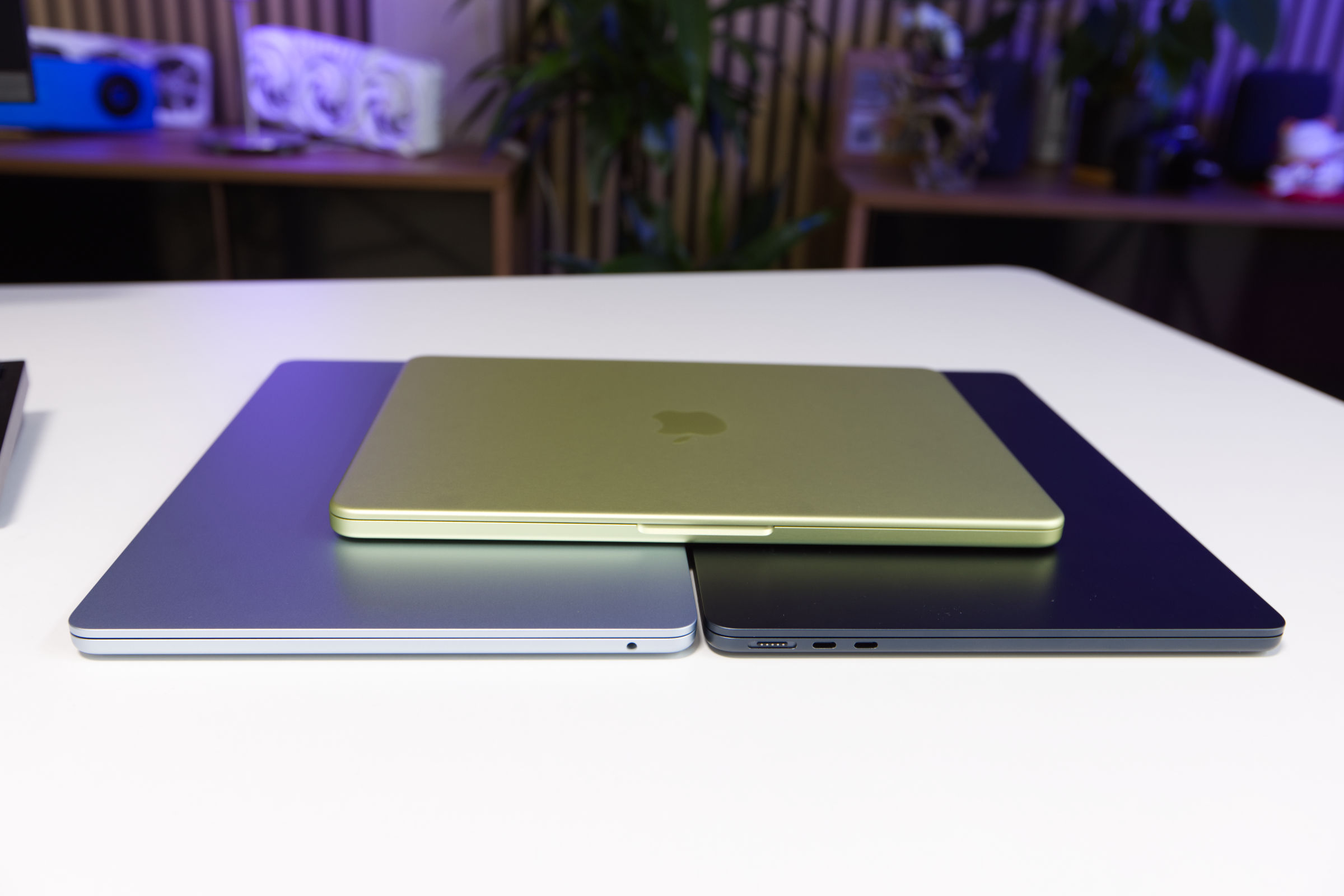 Apple MacBook Air 13 M5 vs M4 vs MacBook Neo Gehäuse (Bild © PCMasters.de)
Advantages of the MacBook Pro
Beyond the processor, the MacBook Pro line offers professional-grade hardware, plenty of ports and a powerful display that the MacBook Neo or MacBook Air can't match:
- Display Technology: A 120 Hz ProMotion display with brightness levels of over 500 cd/m². Users can also opt for a nano-textured glass coating to further reduce reflections.
- Expanded I/O ports**: Three Thunderbolt 5 ports, one HDMI 2.1 port and a dedicated SD card reader.
- Active cooling: Active cooling allows the M5 chips to maintain peak performance for longer, although the base M5 Pro model only offers a marginal speed increase of about 5% over the Air in some scenarios. But this also ensures that the MacBook Pro doesn't throttle, which can happen with its passive little siblings.
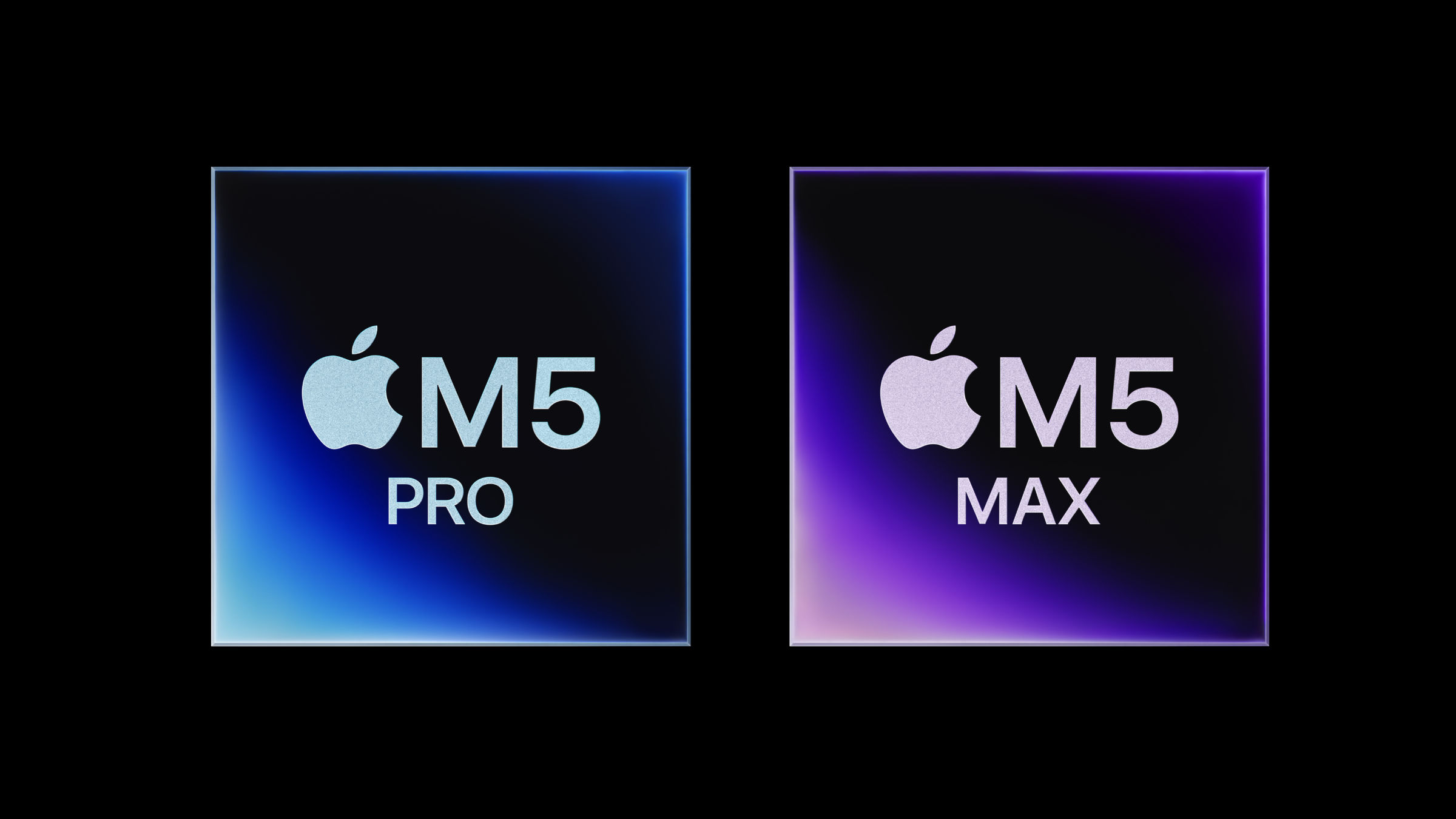 Apple M5 Pro und M5 Max Chips (Bild © Apple)
Chipset hierarchy: M5 Pro vs. M5 Max
The real value of the MacBook Pro range lies in the higher-end chips that you can't choose on the MacBook Air:
M5 Pro
This is the recommended configuration for developers and media designers. It offers a significant performance boost in single-core and multi-core performance compared to the M4 Pro. Most professional configurations are equipped with 24 GB RAM and a 1 TB SSD, but you can also add more.
M5 Max
This is the largest chip designed for a small niche of power users and is therefore very expensive. The main advantage is the support for a maximum of 128 GB of shared memory, which makes it a candidate for local AI model training and demanding virtualization. The GPU performance of the M5 Max in the 16-inch chassis is also said to be very strong, some see a level on par with the GeForce RTX 5090 laptop GPU, but the MacBook Pros also get hot and loud with the chip.