

 Computer Forum
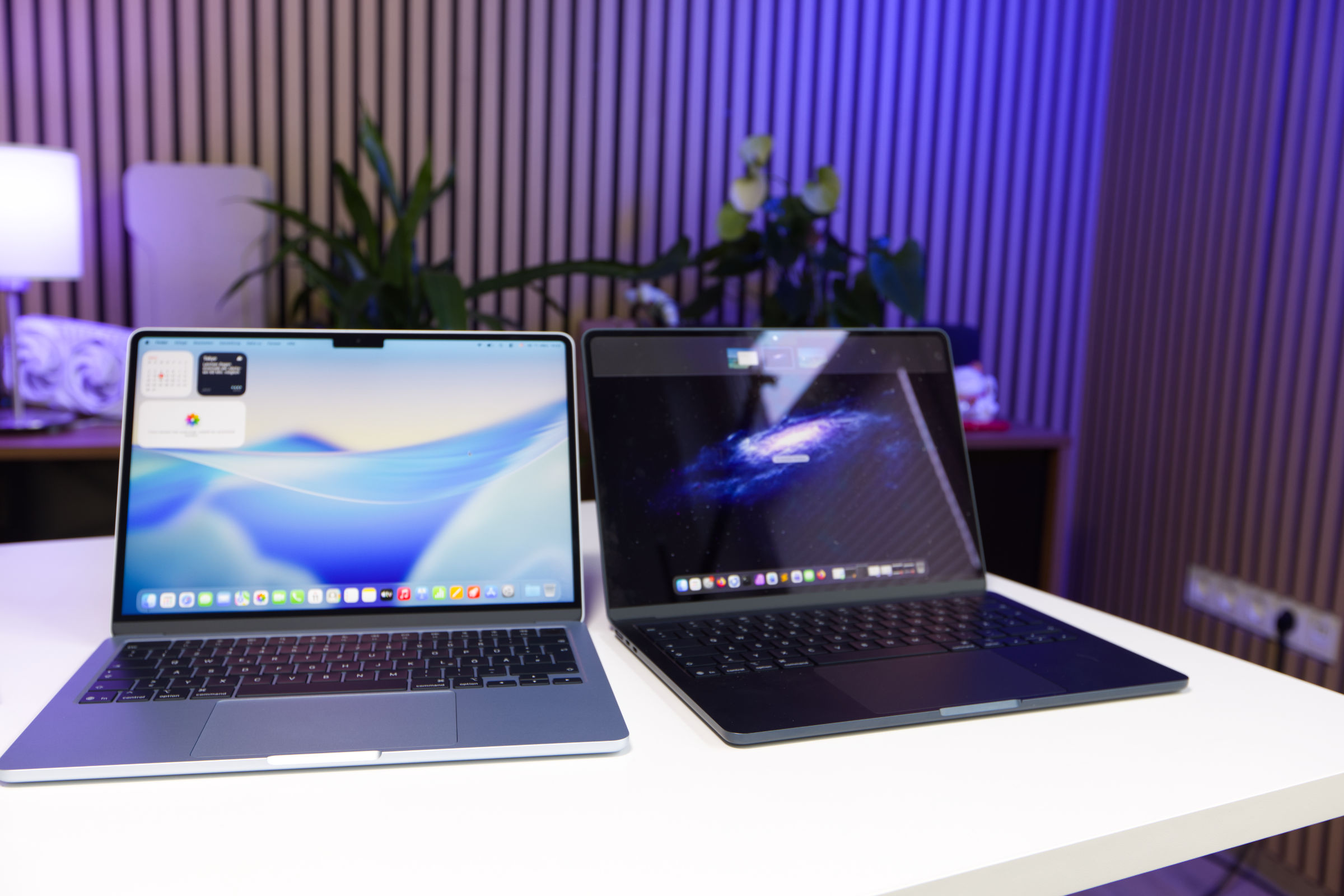 Apple MacBook Air 13 M5 Test Review (Bild © PCMasters.de)
Apple MacBook Air 13" M5 vs M4 in Detail
Rumors of a particularly affordable MacBook for the mass market have been circulating for a long time. The release date kept getting pushed back, but now it has become a reality in the form of the Apple unveiled a whole slate of new devices in March, including the eagerly awaited MacBook Air 13" with the M5 chip. The M4 model was already a pretty good upgrade, so expectations are higher for the M5 generation. With a starting price of €1,159 (Affiliate), the compact 13-inch MacBook Air is a thoroughly exciting model. Apple also offers it with a 15-inch display starting at €1,499. However, the 13-inch model will likely appeal to most users. When it comes to configuration, Apple gives users more flexibility than with the MacBook Neo, as the M5 is available in two versions that differ in the number of GPU cores. RAM starts at 16 GB and can be upgraded to 24 and 32 GB. The premium for RAM is often steep, but in times of a RAM shortage, it’s almost the norm. When it comes to SSD storage, it starts at a moderate 512 GB and can be upgraded to 1 TB, 2 TB, or even 4 TB—but not retroactively, since it’s soldered in place.
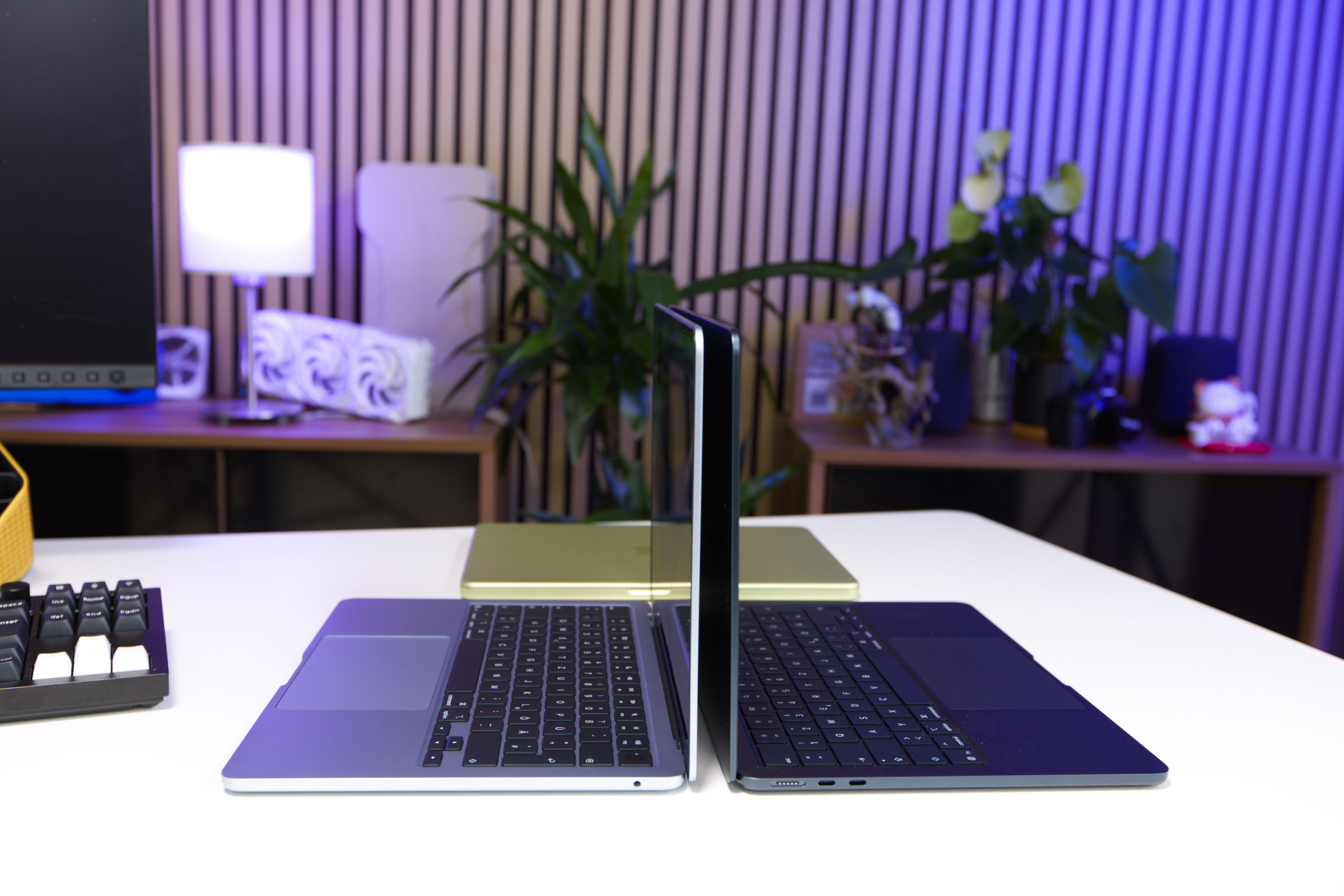 Apple MacBook Air 13 M5 links vs M4 rechts (Bild © PCMasters.de)
When it comes to color options, Apple is more restrained: there’s Sky Blue, which barely differs from Silver, and then Polar Star and Midnight, which is the darkest of the colors. We ordered the sky blue option, which often looks just like silver in daylight.
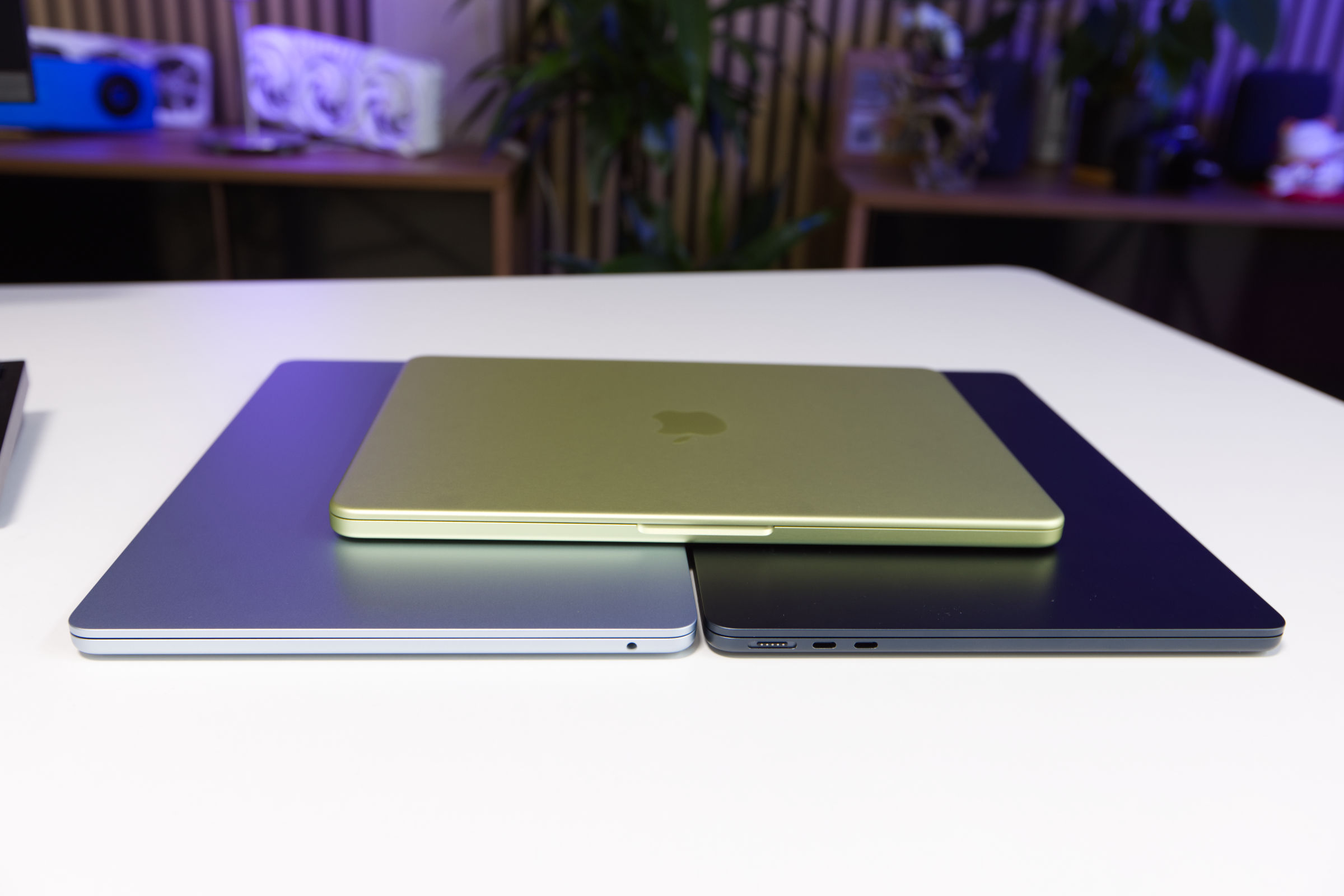 Apple MacBook Air 13 M5 vs M4 vs MacBook Neo Gehäuse (Bild © PCMasters.de)
Apple M5 Chip with Even More Power
The M5 chips are more of an evolution than a new development, with Apple having optimized several aspects. For a direct comparison, we pitted our 13-inch MacBook Air from the M4 generation against the new MacBook Air with the M5 to make a fair assessment.
The M5 chips are more of an evolution than a new development, with Apple having optimized several aspects. For a direct comparison, we pitted our 13-inch MacBook Air from the M4 generation against the new MacBook Air with the M5 to get a good sense of the differences.
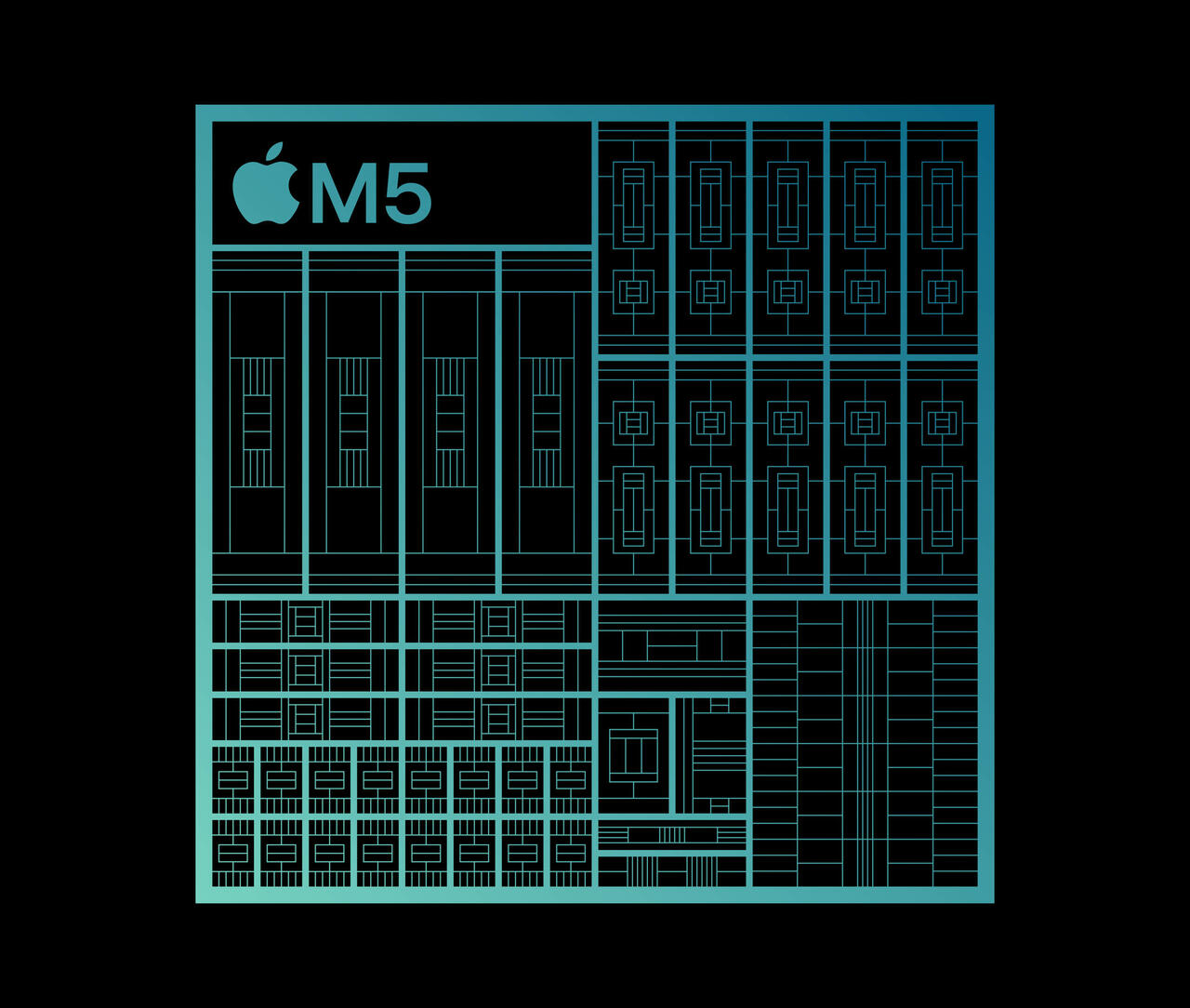 Apple M5 Chipaufbau (Bild © Apple)
Looking at the key specifications, one thing stands out: Nothing has changed significantly, as production is still handled by TSMC using the 3 nm (N3E) process. The base model of the M5 still features a 10-core CPU, consisting of four P-cores and six E-cores. The Neural Engine (NPU) has 16 cores, and the GPU also has 10 cores. The number of cores is thus the same, but the cores have been improved. Apple claims that its latest performance core is the fastest the company has ever produced. A 15% increase in multithreaded performance over the M4 is reported. This improvement is particularly beneficial for tasks such as code compilation, parallel media processing, and data pipelines.
GPU Improvements
The M5’s graphics performance is optimized to extract more power from the 10 cores within the same package. Among the improvements is a neural accelerator in each core. This addition is said to have improved peak AI performance by a factor of four compared to the M4. In addition to the AI improvements—which most users are unlikely to benefit from—shader optimizations, second-generation dynamic caching, and a third-generation ray tracing engine are expected to make the biggest difference. Together, these improvements contribute to a 30% increase in overall graphics performance and a 45% boost in ray tracing performance compared to the M4.
Better Neural Engine
The 16-core Neural Engine remains a core component of the M5, but has also been further optimized to accelerate AI inference. In a direct comparison between the M4 and M5, this was actually measurable in tokens/s in llama.cpp and Geekbench AI. This improvement enables faster image generation with diffusion models, smoother real-time rendering in the viewport, and shorter export times in GPU-intensive applications.
| Apple M5 Chip | Apple M4 Chip | |
|---|---|---|
| CPU cores | 10 cores (4 P-cores + 6 E-cores) | 10 cores (4 P-cores + 6 E-cores) |
| RAM | LPDDR5X (16, 24, or 32 GB) | LPDDR5X 7500 MT/s (8, 16, 24, or 32 GB) |
| GPU | 10 cores | 10 cores |
| Neural Engine | 16 cores | 16 cores |
| Manufacturing process | 3 nm (N3E) (TSMC) | 3 nm (N3E) (TSMC) |
| Neural Accelerators | Yes | No |
| Storage options | 512GB SSD, 1TB SSD, 2TB SSD, 4TB SSD | 512GB SSD, 1TB SSD, 2TB SSD |
| Print bed | rectangular, heated (0-120°C) | rectangular, heated (0-120°C) |
| Hardware-accelerated ray tracing | Yes | Yes |
| Camera | 1920x1080 pixels (2.1MP) | 1920x1080 pixels (2.1MP) |
| Memory bandwidth | 153 GB/s | 120 GB/s |
13"-Liquid Retina Display and GPU with Limitations
For the display of the MacBook Air 13.6" M5, Apple continues to rely on a 13.6-inch Liquid Retina display with a diagonal of 34.46 cm, offering plenty of space for various tasks on the go. The display has a resolution of 2560 x 1664 pixels, and with a pixel density of 225 ppi (pixels per inch), text appears sharp and images look vibrant. The IPS panel is glossy but doesn’t reflect too much in everyday use. The 60 Hz refresh rate ensures smooth visuals without lag or distortion.
Apple specifies a maximum brightness of 500 nits, which is unchanged from the previous generation. Additionally, the display supports a wide color gamut with P3 support, delivering vibrant and accurate colors. The backlighting was uniform, and we didn’t notice any issues.
Starting at 16 GB RAM
When it comes to RAM, the Apple MacBook Air 13" M5 website, as the 16 GB is offered in the base model, just as it was with the MacBook Air 13" M4. The RAM is still soldered in and cannot be upgraded. The LPDDR5X RAM runs at 9,600 MT/s, which is faster compared to the 7,500 MT/s of the M4 generation.
The difference isn’t huge, but it does contribute to the performance boost.
If 16 GB isn’t enough for you, you can switch to 24 or 32 GB in the configurator. However, you’ll pay a €250 surcharge for the upgrade from 16 to 24 GB, but in return you’ll also get the more powerful M5 chip with 10 GPU cores. Upgrading from 16 to 32 GB costs €500, which also includes an upgrade to the M5 chip.
Starting at 512 GB SSD storage
With the M5-generation MacBook Air, Apple has finally raised the bar and no longer sells models with 256 GB. The base model now comes with 512 GB, which is much more in line with current standards. The price remains the same, which is a positive given Apple’s typical price premiums for NAND storage.
If you want to play it safe, you can also opt for 1 TB, 2 TB, or even 4 TB in the configurator. You can’t easily upgrade the storage later on, except via external SSDs.
The new generation is significantly faster in data transfer rates than the MacBook Air M4. When tested with the Blackmagic Speed Test tool, the 13-inch MacBook Air M5 6,351 MB/s in sequential read and 6,220 MB/s in sequential write. While these aren’t record-breaking figures when compared to current PCIe Gen 5 NVMe SSDs, they are more than double what the M4 model achieved.
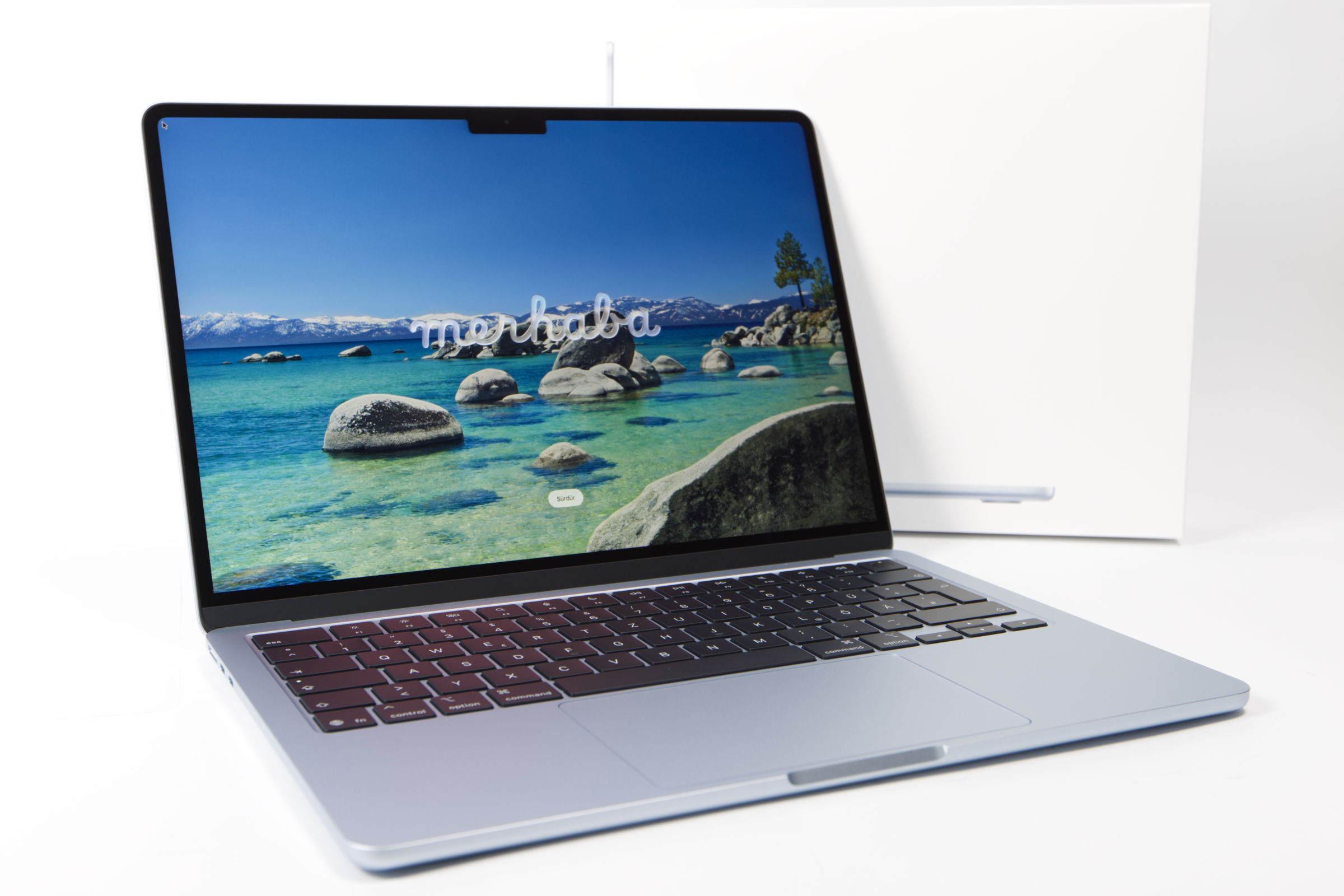 Apple MacBook Air 13 M5 im Test (Bild © PCMasters.de)
Battery and Charging
The MacBook Air 13" M5 offers up to 18 hours of battery life when streaming videos, which is identical to the MacBook Air M4. The battery capacity is listed as 53.8 watt-hours. Charging the MacBook Air 13 " M5 is possible via USB-C and MagSafe 3, with the MagSafe 3 charging cable being the most convenient option because it’s comfortable to use. There is also a fast-charging feature with 70W USB-PD if you use the USB-C port. It is worth noting that the required power adapter is not included in the box, so users must purchase it separately. Apple follows this strategy with all of its notebooks. macOS efficiently tracks these charge cycles and ensures that users remain informed about the condition of their device over time.
Technical Specifications
| Apple MacBook Air 13" M5 (Base) | MacBook Air 13" M4 (Base) | |
|---|---|---|
| Display | 13.6", 2560 × 1664, 20:13, 225 ppi, 60 Hz, glossy, IPS, 500 cd/m², 10-bit (1.07 billion colors) |
13.6", 2560x1664, 20:13, 225 ppi, 60 Hz, glossy, IPS, 500 cd/m² |
| CPU | Apple M5 – 10-core CPU / 8-core GPU, 4C + 6C / 10T |
M4 – 10-core CPU / 8-core GPU, 4C+6c/10T (ARMv9.2-A, TSMC 3nm) |
| Chipset | SoC (System-on-Chip) | SoC (System-on-Chip) |
| NPU | 60 TOPS (Apple Neural Engine, 16-core) | 38 TOPS (Apple Neural Engine, 16-core) |
| RAM | 16 GB LPDDR5X-9600 (onboard, non-expandable) | 16 GB LPDDR5X-7500 (Onboard, non-expandable) |
| SSD | 512 GB (soldered) | 256 GB (soldered) |
| Graphics | Apple M5 8-core GPU (iGPU) | Apple M4 8-core GPU (iGPU) |
| Operating System | macOS 26 | macOS 26 |
| Input | German keyboard layout (backlit, rubber dome), Touchpad (Apple Force Touch Trackpad) |
German keyboard layout (backlit, rubber dome), Touchpad (Apple Force Touch Trackpad) |
| Ports |
2x Thunderbolt 4 / USB4 with DisplayPort 1.4 (40 Gb/s, PD-Out, power input PD-In), 1x 3.5mm jack Line-In, 1x DC-In Apple MagSafe 3 (power connection) |
2x Thunderbolt 4 / USB4 with DisplayPort 1.4 (40 Gb/s, PD-Out, power connection PD-In), 1x 3.5mm jack, 1x DC-In Apple MagSafe 3 (power connection) |
| Wireless | Wi‑Fi 7 (802.11a/b/g/n/ac/ax/be, 2×2, Apple N1), Bluetooth 6.0 |
Wi-Fi 6E (WLAN 802.11a/b/g/n/ac/ax), Bluetooth 5.3 |
| Authentication | Fingerprint reader (Apple Touch ID) | Fingerprint reader (Apple Touch ID) |
| Camera | 12 megapixels | 12 megapixels |
| Speakers | 4 × Dolby Atmos | - |
| Battery | Li-polymer 53.8 Wh – 18 h (video), 15 h (web browsing) | Li-polymer 53.8 Wh – 18 h (video), 15 h (web browsing) |
| Power adapter | No power adapter included | 1x USB-C power adapter |
| Weight | 1.23 kg | 1.24 kg |
| Dimensions (W × H × D) | 304.1 × 11.3 × 215 mm | 304.1 × 11.3 × 215 mm |
Wi-Fi 7 and Bluetooth 6
The new MacBook Air M5 comes with an upgrade from 6E to Wi-Fi 7. It supports Wi-Fi 802.11a/b/g/n/ac/ax/be, which is currently the modern standard for Wi-Fi and theoretically supports 23 Gbps, though in reality it tends to be around 2 to 4 Gbps.
The 2x2 antenna configuration improves signal strength and stability, making it ideal for demanding applications such as HD video streaming, online gaming, and transferring large files. The built-in Apple N1 chip further optimizes Wi-Fi performance and is designed to be energy-efficient. The N1 chip is engineered to work seamlessly with Wi-Fi 7.
In addition to its advanced Wi-Fi capabilities, the MacBook Air 13 M5 features Bluetooth 6.0. This latest version of Bluetooth technology delivers faster data transfer rates, improved range, and more stable connections with compatible devices.
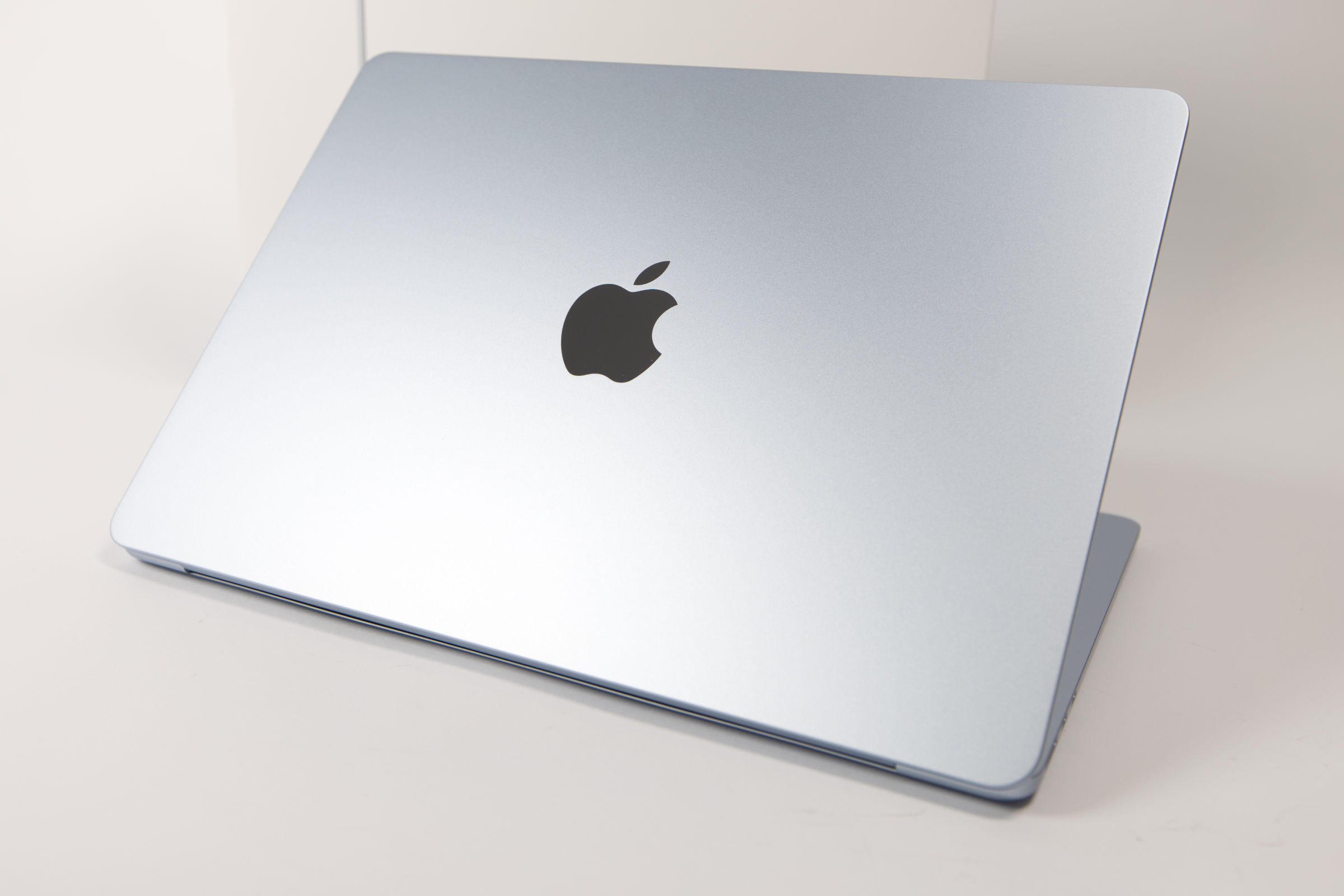 Apple MacBook Air 13 M5 Oberschale mit Logo (Bild © PCMasters.de)
Design and Exterior
In terms of design, absolutely nothing has changed between the two versions of the MacBook Air. The weight differs by one gram, but otherwise the chassis is identical.
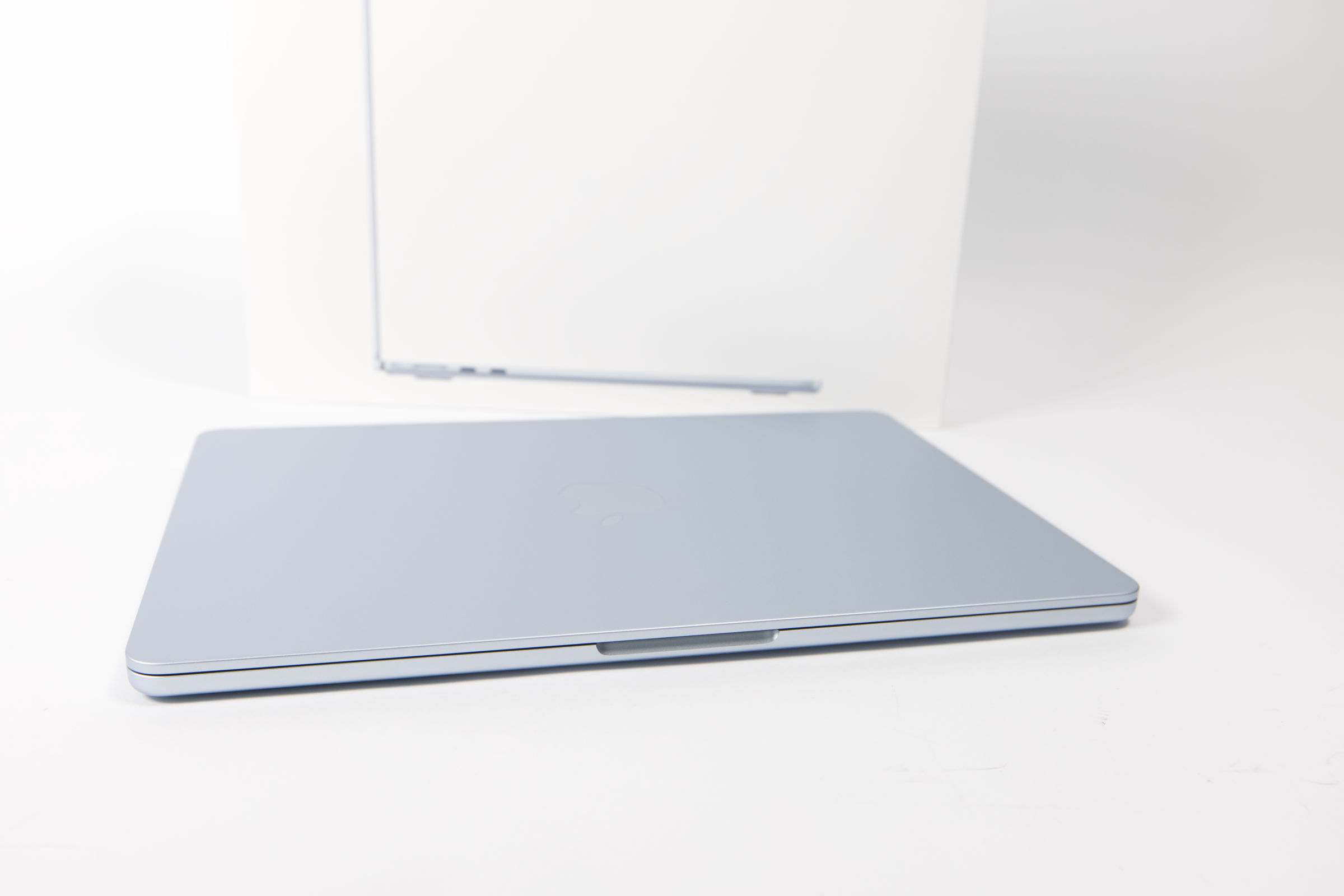 Apple MacBook Air 13 M5 Alu Gehäuse (Bild © PCMasters.de)
The top panel continues to feature the highly reflective Apple logo, which appears to consist of a single element that is precisely embedded. The build quality of the chassis is flawless, with no scratches or imperfections. The casing feels very cool to the touch since it is made of aluminum.
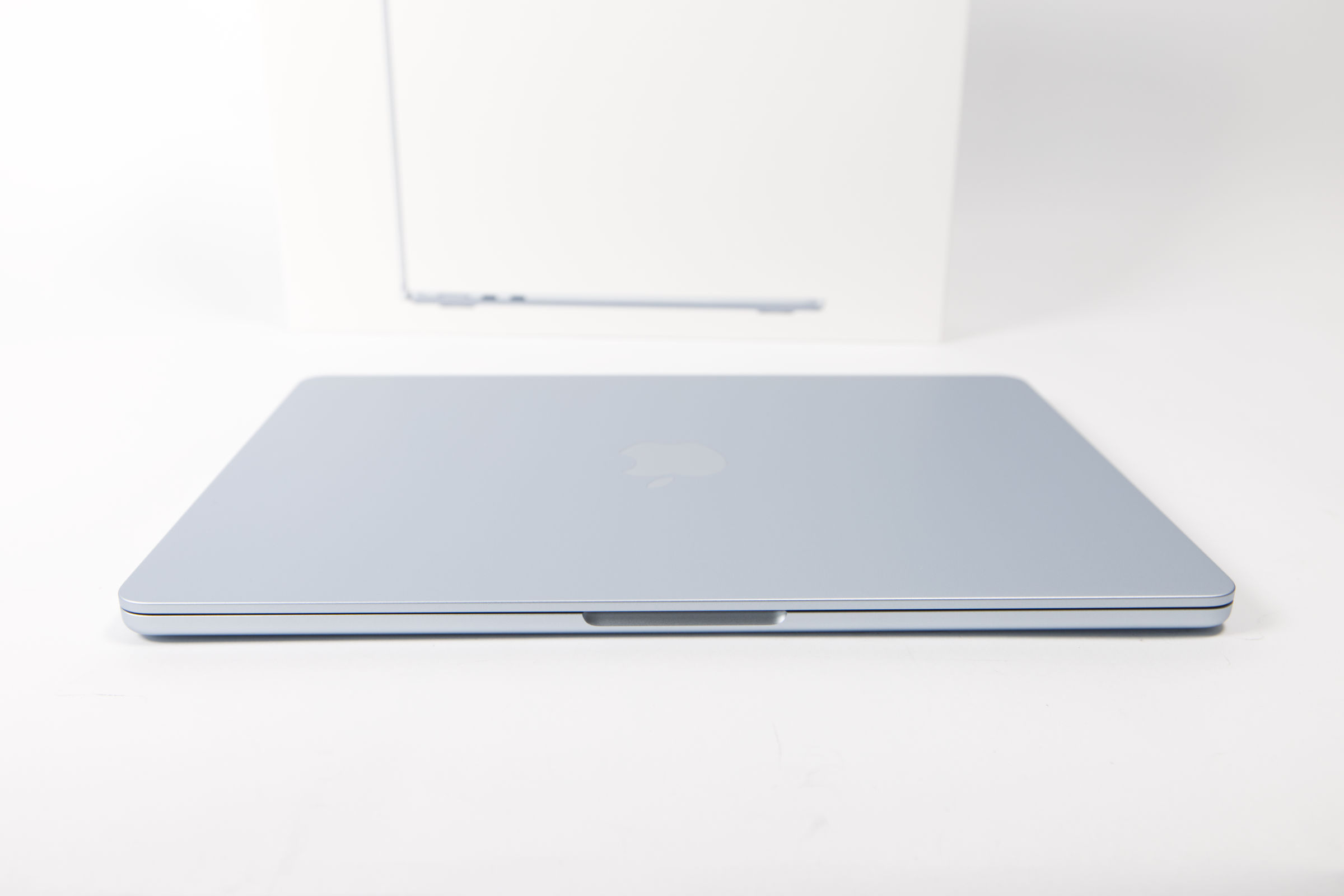 Apple MacBook Air 13 M5 Front (Bild © PCMasters.de)
The hinges are as sturdy as ever and keep the display level without wobbling. A large notch is recessed for opening the notebook, just as with the M4 generation.
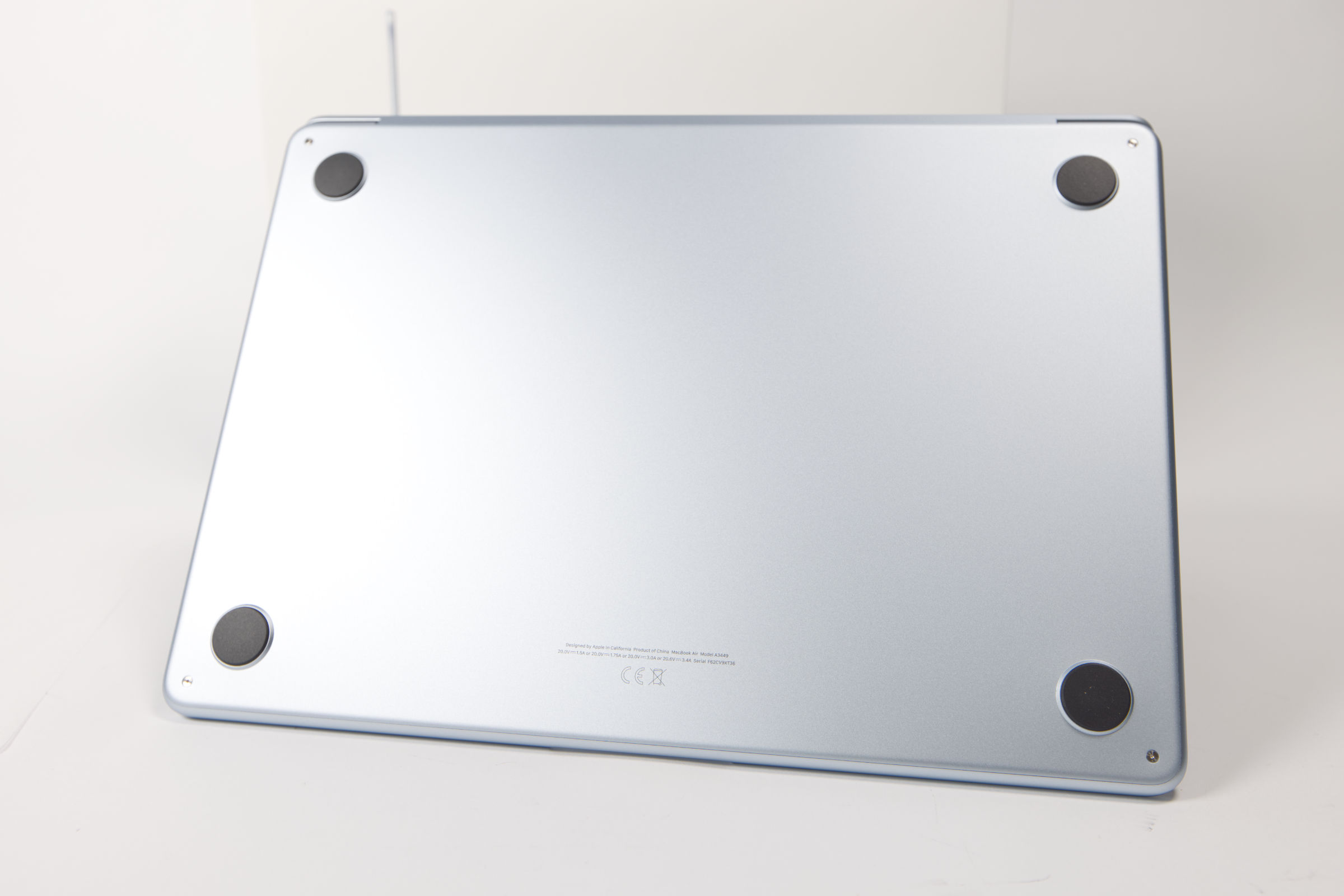 Apple MacBook Air 13 M5 Unterseite (Bild © PCMasters.de)
On the bottom, very wide rubber feet approximately 3 mm thick are affixed to the four corners. Aside from a few small engravings in the lower section and the four screws on the bottom, the underside is clean.
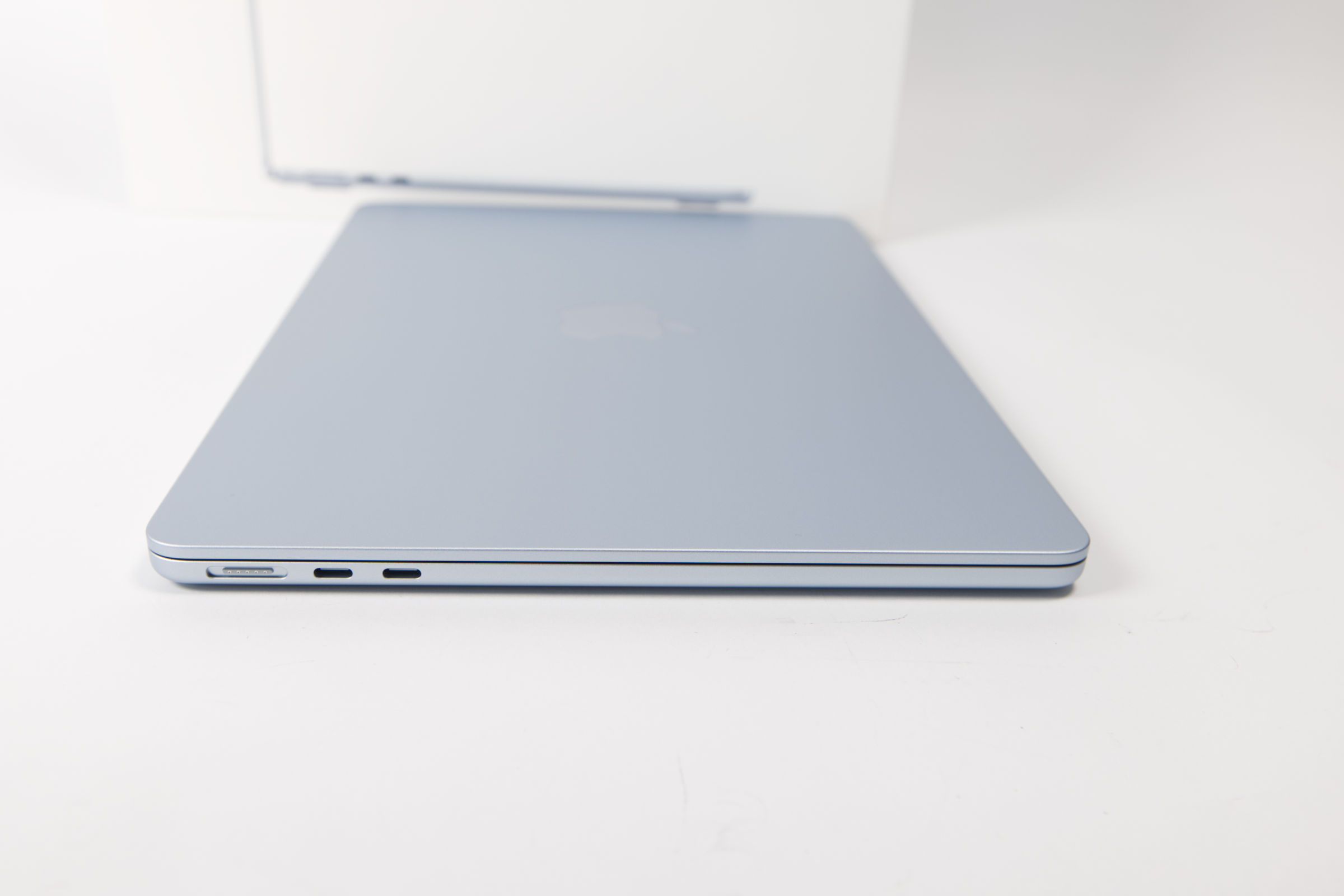 Apple MacBook Air 13 M5 Anschlüsse links (Bild © PCMasters.de)
Ports
The MacBook Air has always been rather sparse when it comes to connectivity options. The M5 generation also doesn’t get any new ports and sticks with two Thunderbolt 4 / USB4 ports, each of which supports DisplayPort 1.4. While the ports offer high data transfer rates of up to 40 Gb/s, they make the most sense when using a Thunderbolt 4 dock to connect multiple devices via a single port. A USB hub would also work, but via Thunderbolt 4, you can charge the MacBook Air, connect it to a 5K monitor, and also connect to LAN and peripherals all at the same time. Both Thunderbolt 4 / USB4 ports also support Power Delivery (PD), allowing you to charge the battery as well.
To ensure you don’t waste any of the scarce TB4/USB ports on the go for charging the MacBook, the MacBook Air is equipped with a MagSafe 3 connector. The cable for this is included in the box, but unfortunately, the charger is not.
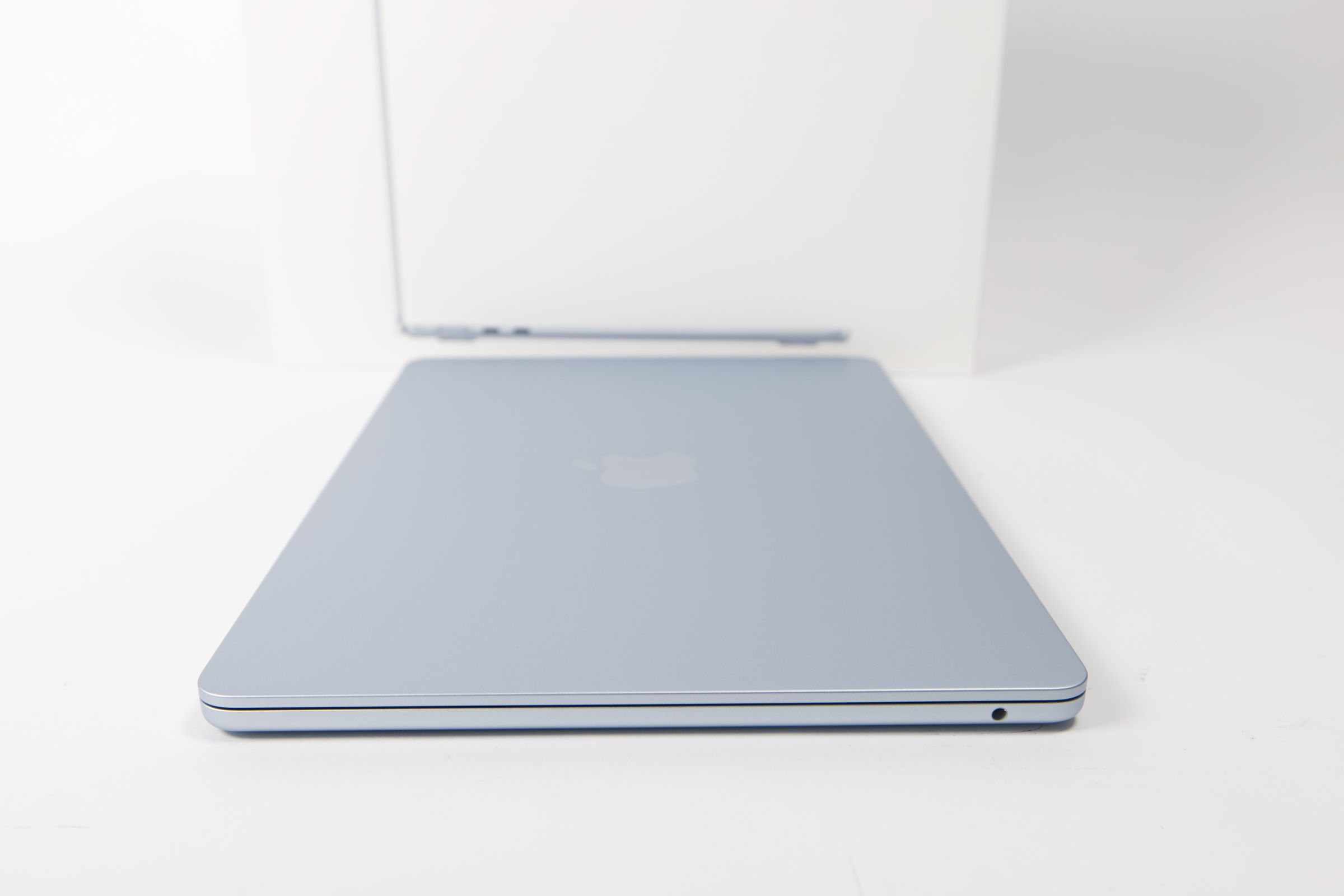 Apple MacBook Air 13 M5 Anschlüsse rechts (Bild © PCMasters.de)
For connecting headphones, we get the familiar 3.5-mm line-in jack on the other side of the MacBook.
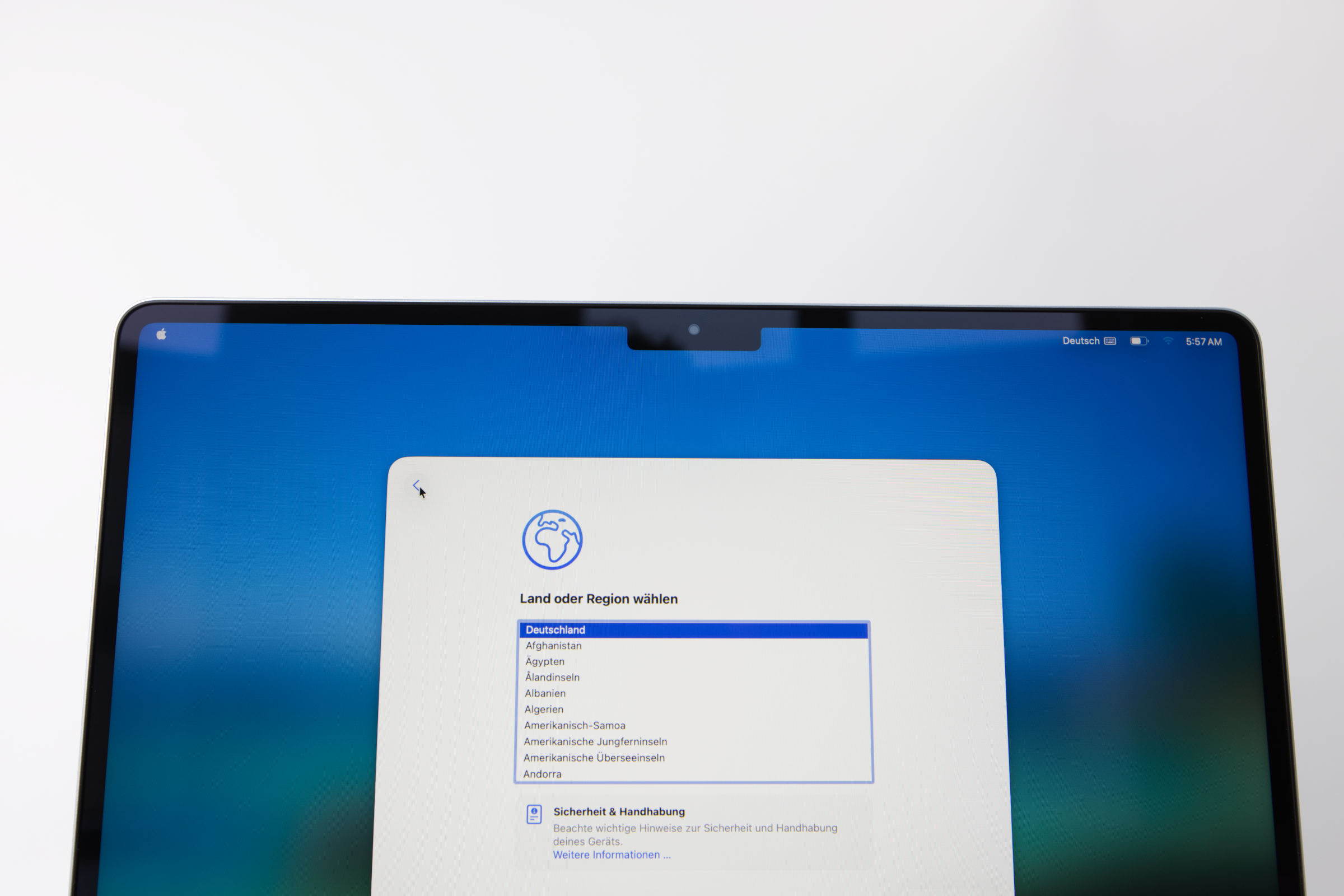 Apple MacBook Air 13 M5 Display mit Notch (Bild © PCMasters.de)
Camera and Notch
The camera in the upper notch section of the MacBook Air is also back. It’s the same 12-MP Center Stage camera, which is wide-angle and uses software to zoom in and track your face during video calls. Thanks to "Desk View," it can seamlessly capture and share its surroundings during video calls or presentations. The camera supports 1080p HD video recording, which isn’t exactly outstanding but will suffice for most scenarios. The MacBook Air is equipped with an image signal processor (ISP) that processes and optimizes the signal to get more out of the camera. The ISP is designed to deliver optimal color accuracy, sharpness, and low noise levels.
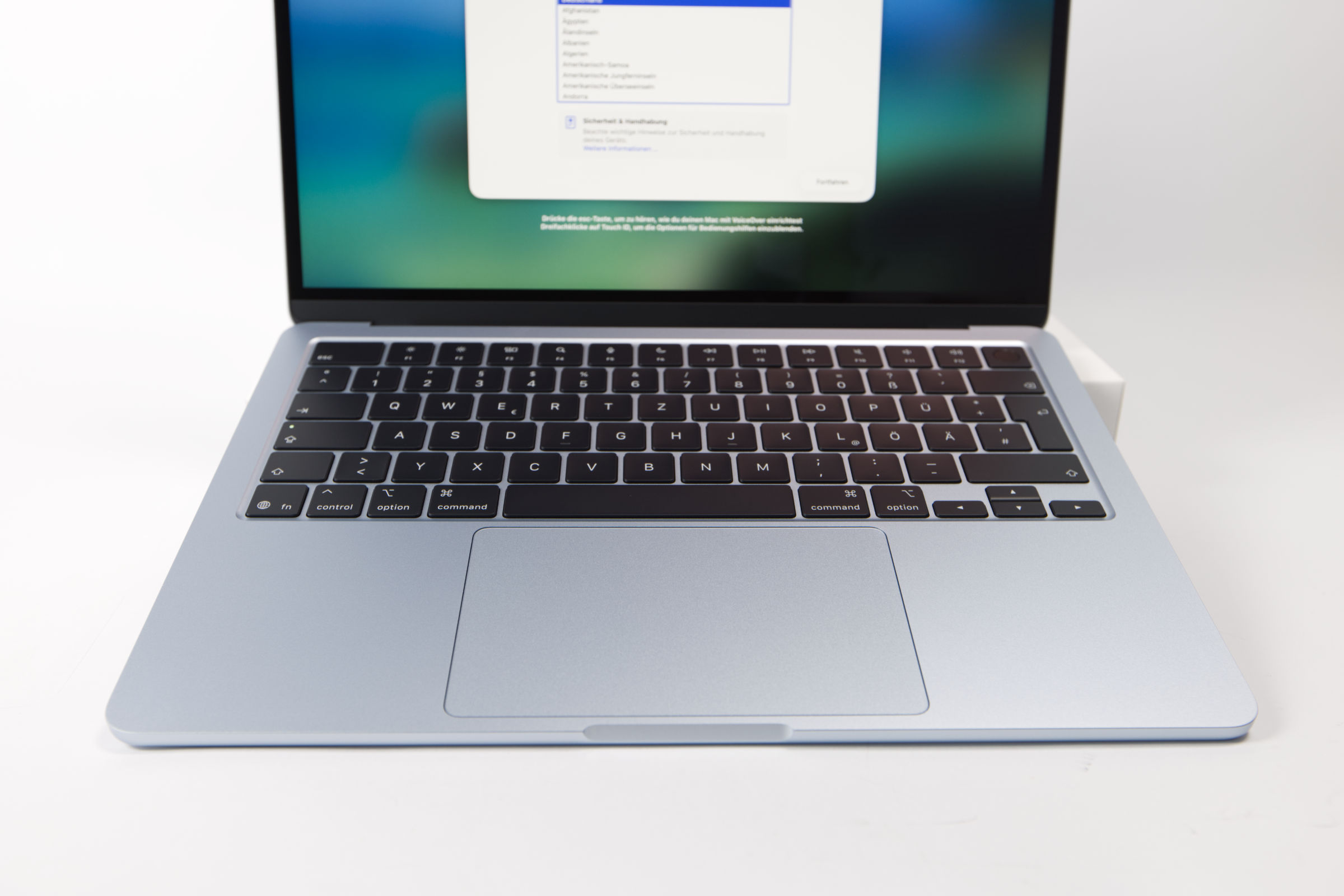 Apple MacBook Air 13 M5 Trackpad und Tastatur (Bild © PCMasters.de)
Keyboard and Trackpad, Touch ID
The keyboard naturally features the standard German layout for German-speaking buyers. The low-profile keys are finished in the familiar black tone and offer backlighting. They feel very comfortable to type on, as is typical of the MacBook Air.
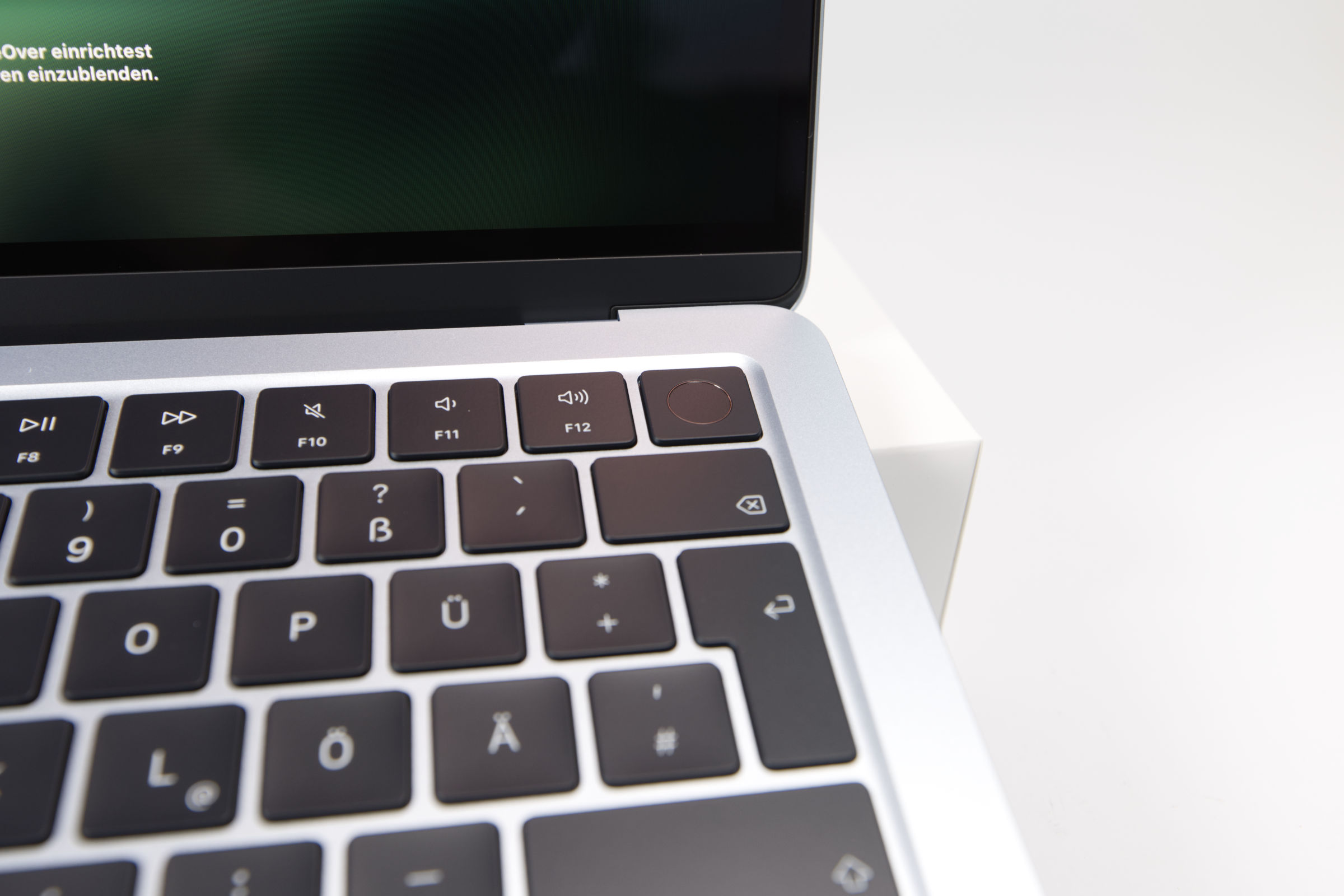 Apple MacBook Air 13 M5 Toch ID (Bild © PCMasters.de)
In the top-right corner is the Touch ID sensor, which is integrated into the power button. This is very convenient, and we wouldn’t want to do without Touch ID on a Mac, as it enables a very pleasant and secure authentication process.
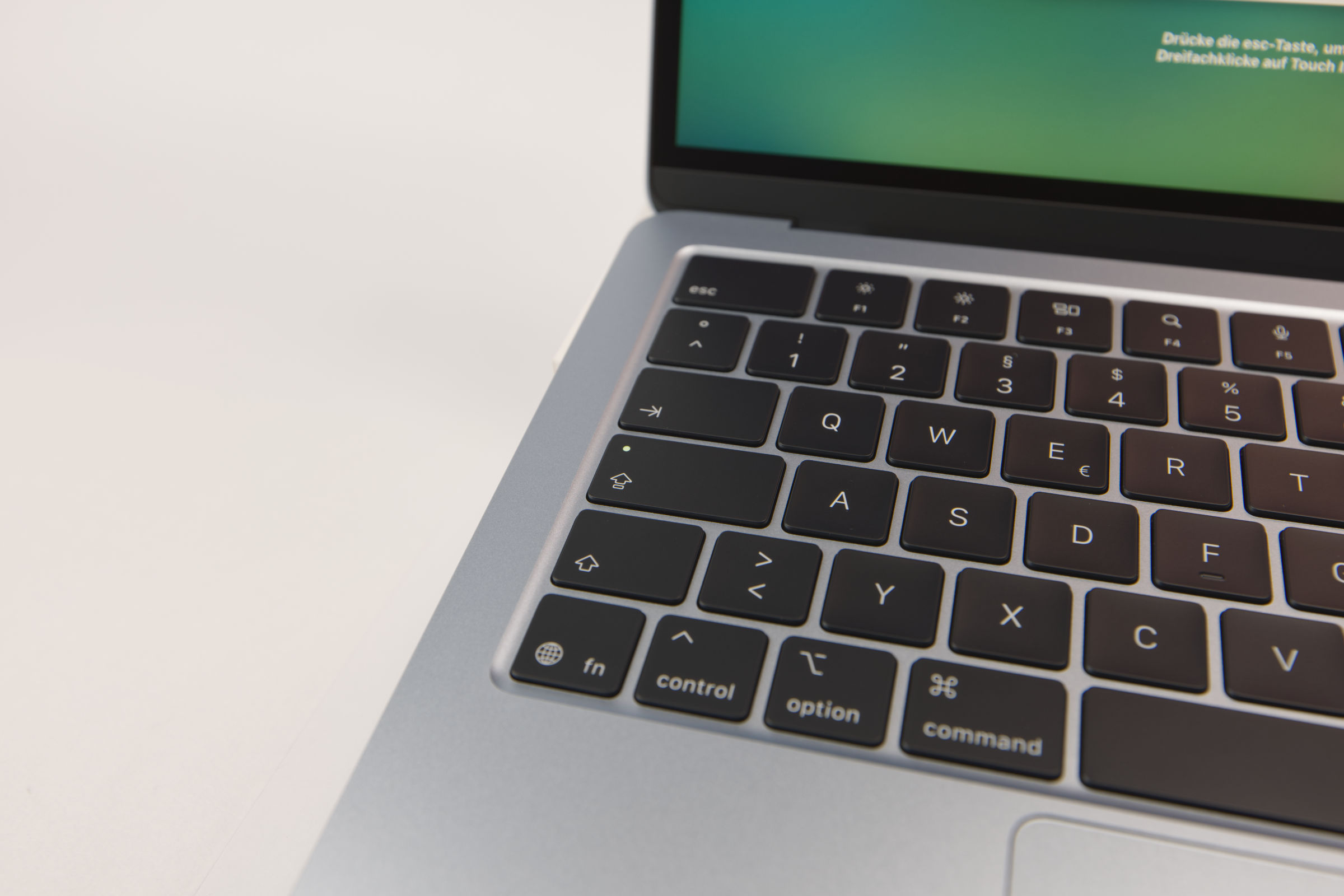 Apple MacBook Air 13 M5 Tastatur (Bild © PCMasters.de)
The brightness of the key backlighting can be adjusted using the keys in the F-key row. The F1 through F12 keys, on the other hand, are activated by pressing them in combination with the "fn" key.
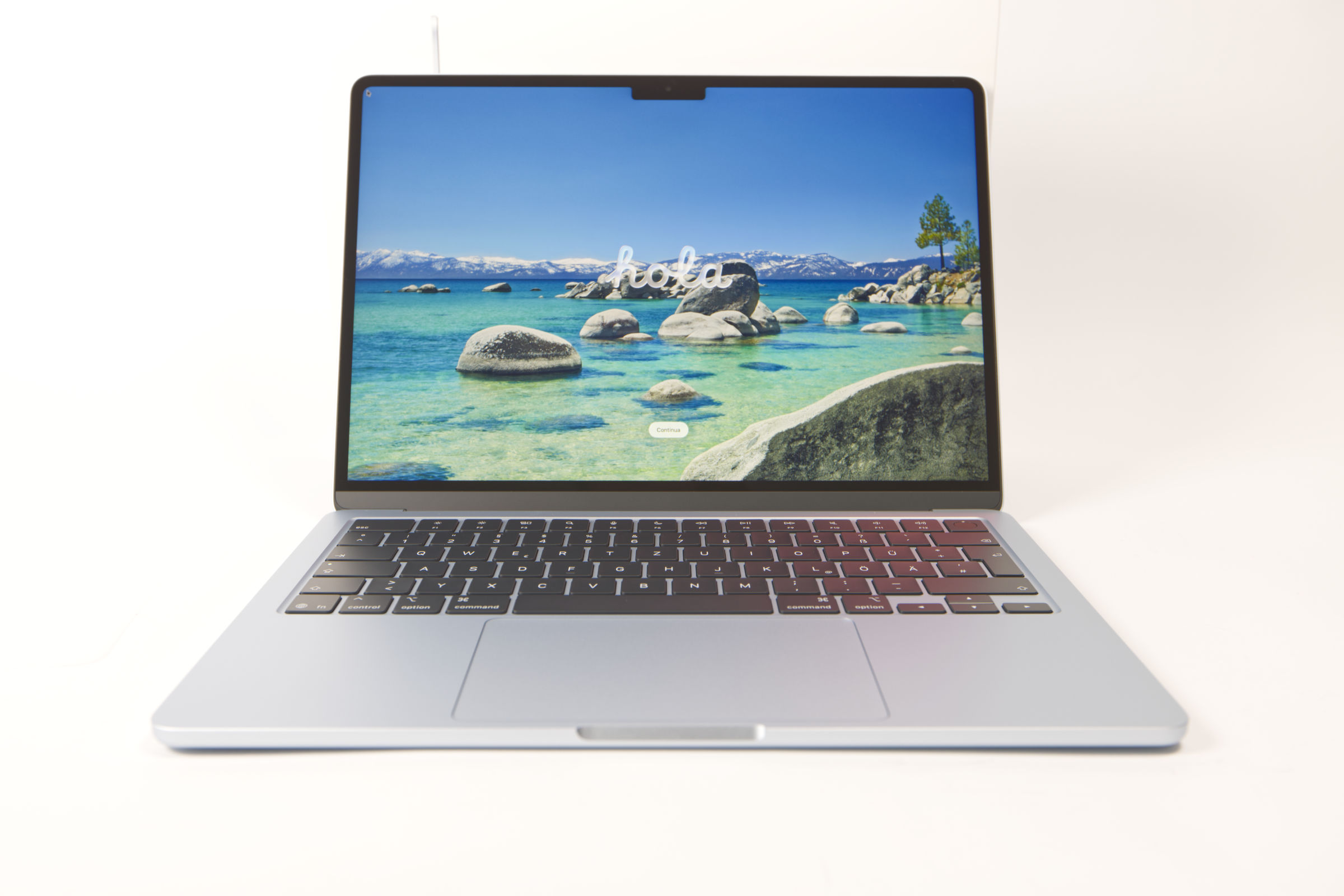 Apple MacBook Air 13 M5 vs M4 (Bild © PCMasters.de)
Sound and Speakers
The MacBook Air doesn’t offer the sound quality of the MacBook Pro, but it’s still surprisingly good for a notebook. Apple manages to get really good sound out of the four speakers despite the limited space. These aren’t directly visible, as they’re hidden in the front. The sound is reflected by the display and directed toward the user. The bass tones, in particular, are stronger than what you’re used to from other notebooks. The midrange and treble are crisp and pleasantly balanced. This means you aren’t forced to rely on headphones, as the sound is enjoyable for the price. In our opinion, the volume could be higher.
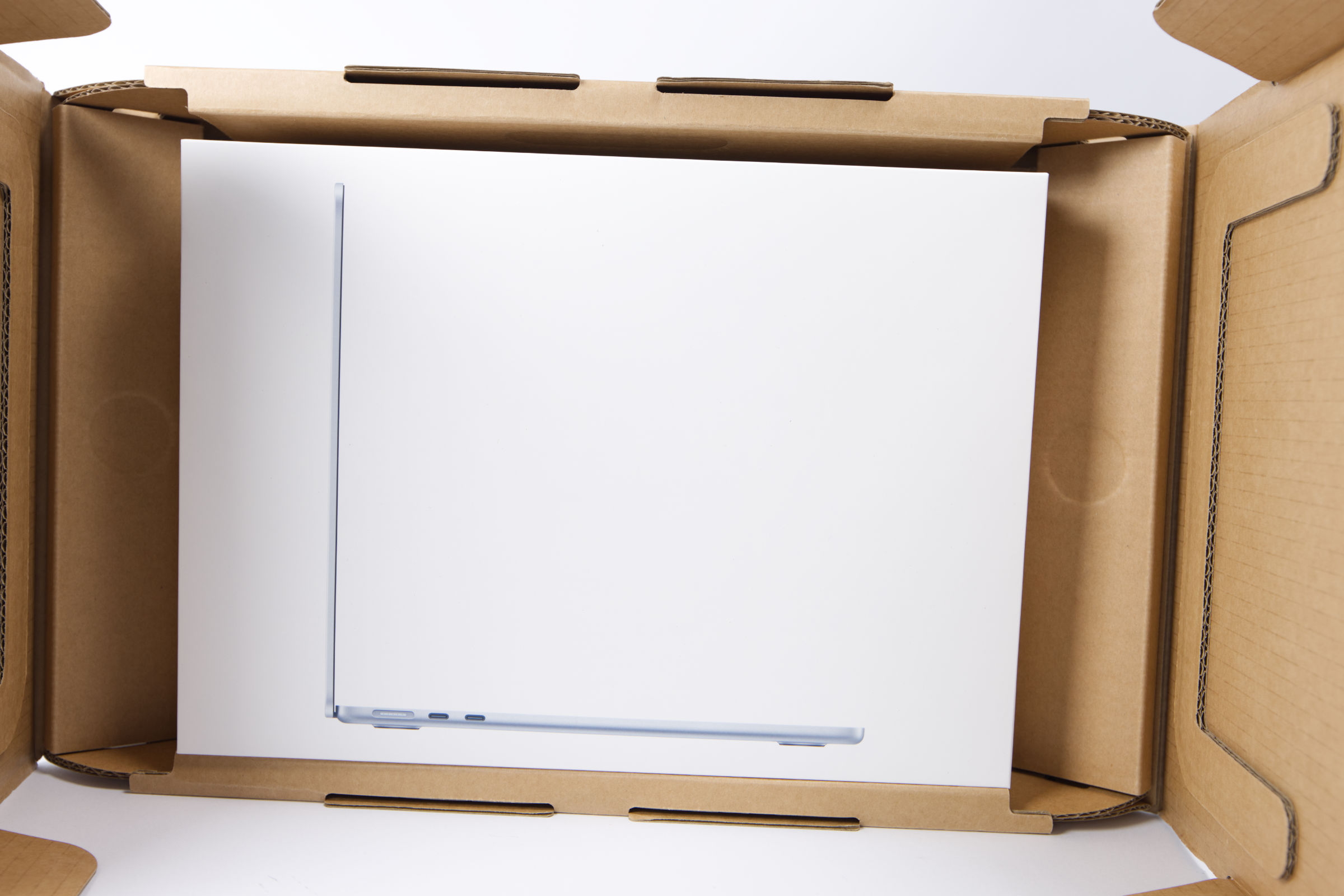 Apple MacBook Air 13 M5 Verpackung (Bild © PCMasters.de)
Packaging and Contents
The unboxing experience of Apple products has long been appreciated by buyers for its meticulous design and attention to detail, setting a high standard in the industry. The new MacBook Air 13" M5 is no exception.
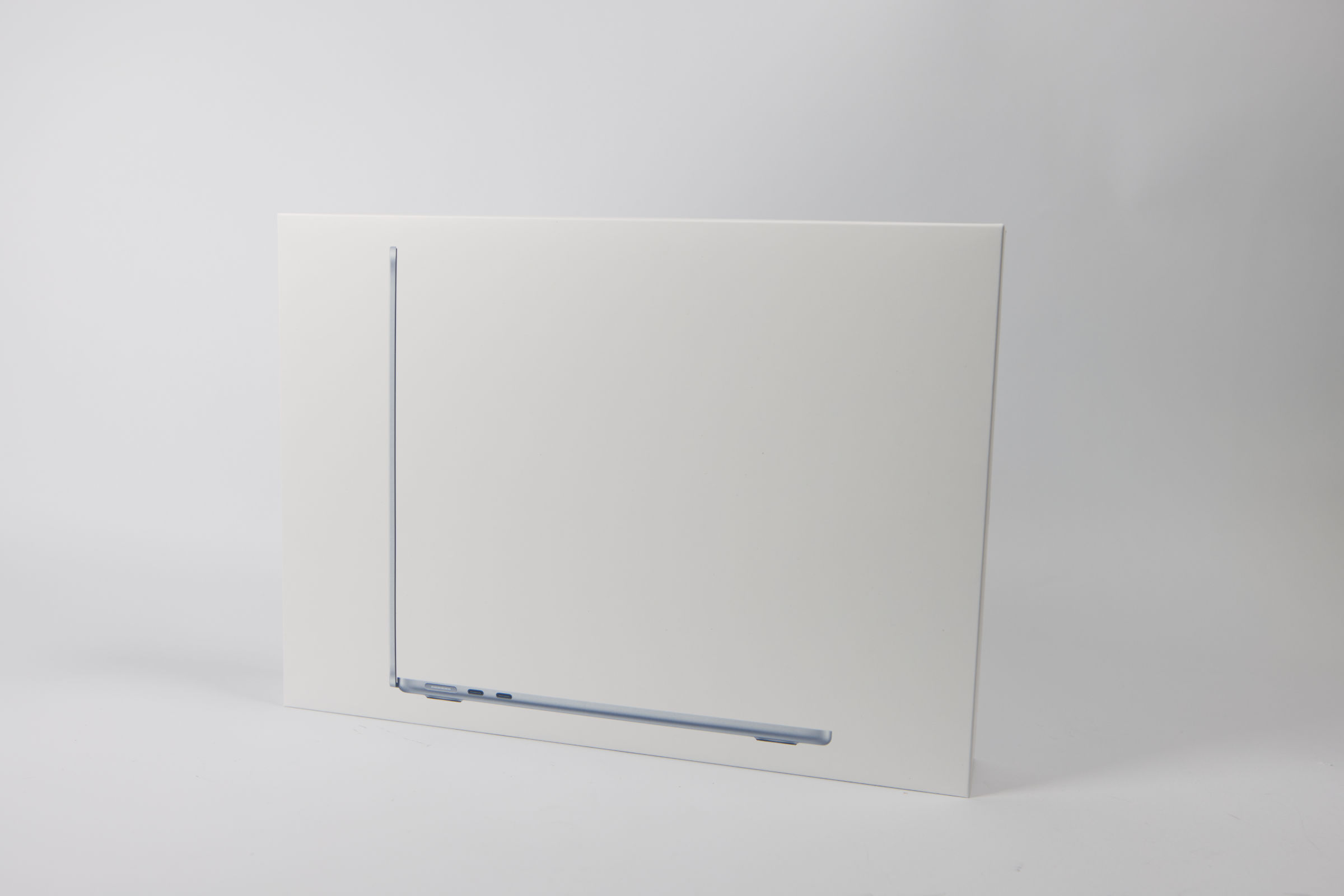 Apple MacBook Air 13 M5 Außenverpackung (Bild © PCMasters.de)
Apple’s commitment to a special unboxing experience is evident from the moment you receive the product. The outer shipping box is designed to open easily, allowing you to access your new device quickly and effortlessly. Then there’s the distinctive scent that often accompanies new devices. This sensory appeal creates a sense of familiarity and anticipation, reminiscent of previous Apple products. The outer packaging of the MacBook Air 13" M5 is made of thick, durable cardboard.
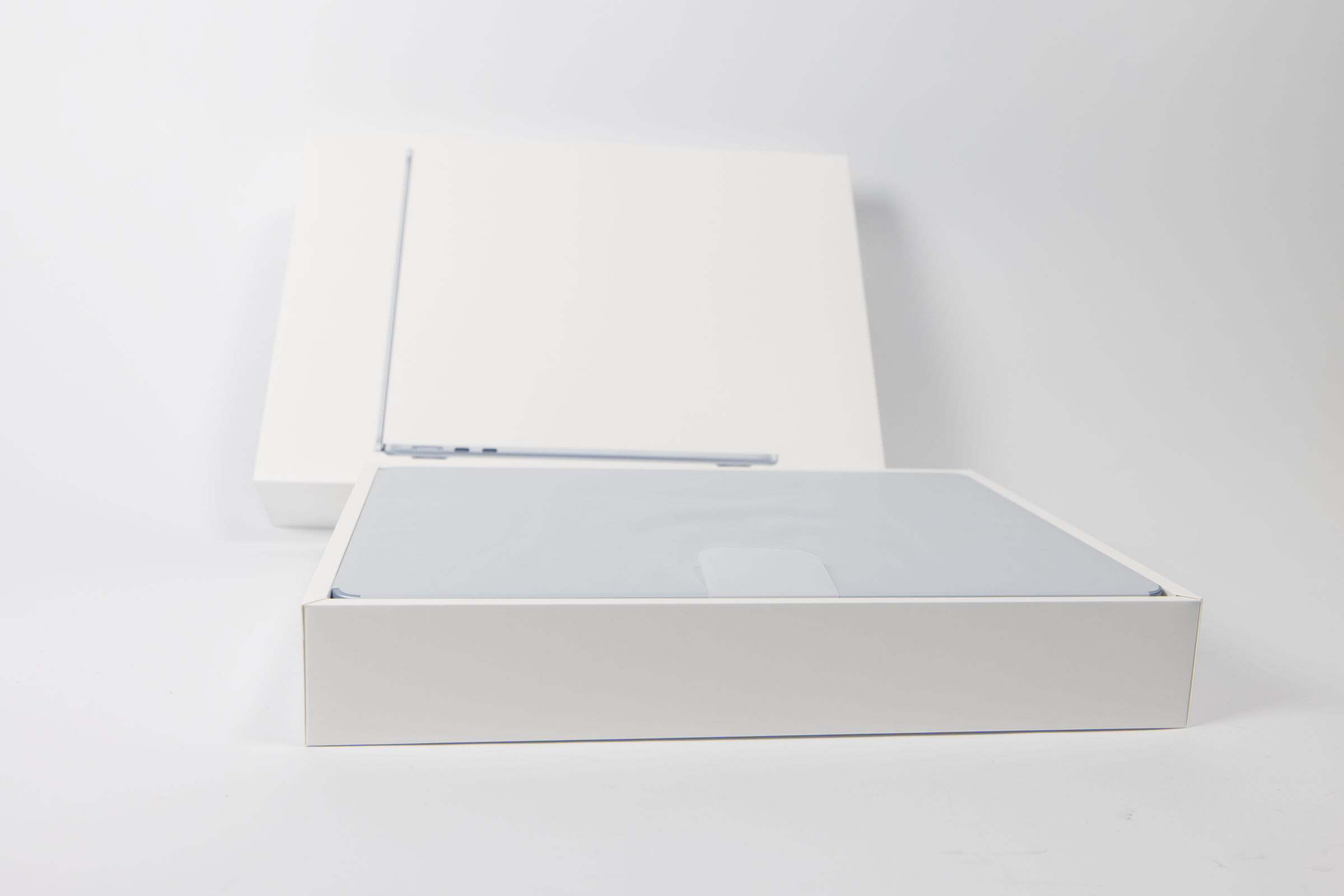 Apple MacBook Air 13 M5 Verpackung offen (Bild © PCMasters.de)
The front of the packaging features a large image of the notebook, conveying an elegant and modern aesthetic. To open the packaging, you need to pull on two tabs on the back. Once opened, the large lid can be lifted, revealing the contents.
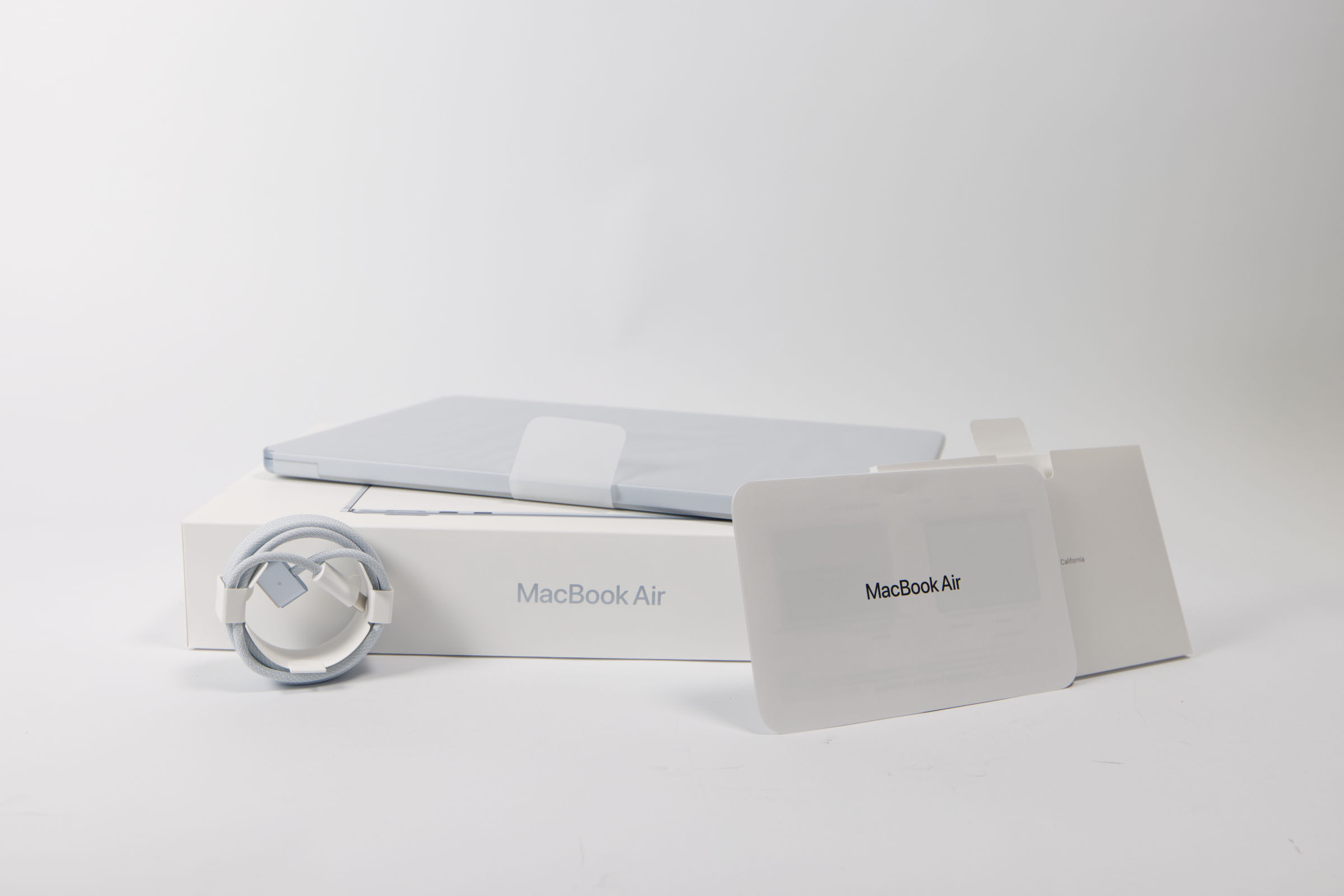 Apple MacBook Air 13 M5 Lieferumfang (Bild © PCMasters.de)
The package includes only a few instruction sheets and a USB-C-to-MagSafe 3 cable. Unfortunately, Apple does not include a charger.
Performance of the Apple MacBook Air 13" M5
Using Mac-native benchmarks, we test the notebook’s performance in workloads and games. For comparison, we include a Mac Studio with M1 Max, a MacBook Air with an M4 chip, and a new one with an M5 chip.
Apple MacBook Air 13" M5 Benchmark (Synthetic)
Synthetic benchmarks allow for relatively good comparisons between different CPU architectures. Depending on the benchmark, the focus is on specific workloads, allowing the respective CPU to demonstrate its performance.
Cinebench 2026 GPU
For the GPU benchmarks, the MacBook Air 13" M5 does not meet the minimum requirements of Cinebench 2026, which is why zero points are recorded here.
Cinebench 2026 CPU
HandBrake
This benchmark measures elapsed time, meaning lower numbers are better.
Geekbench 5 CPU Benchmark
Geekbench 6 CPU Benchmark
Geekbench 6 GPU Benchmark
Apple MacBook Air 13" M5 AI Performance in Benchmarks
Apple is increasingly focusing on AI features as part of its Apple Intelligence. The MacBook Air 13" M5 also supports these features. We have tested the AI performance so far using Geekbench AI and compared it with that of other Macs. The NPU is particularly important here, as it is designed to shift the load for AI inference from the CPU and GPU to the NPU.
Apple MacBook Air 13" M5 Benchmarks
Apple has long promised that gaming on the Mac would be a thing. In reality, this is indeed possible, as starting with the M2 SoC, you can play just about any Windows game in the Steam library. Some developers put in extra effort, and you can even achieve unexpectedly high frame rates. While you can also stream games from a PC, we expect the Mac to handle this on its own without annoying latency.
3DMark for Mac/iOS - Wild Life Extreme
The 3DMark tool is designed for iOS and macOS, which is why we’ve included it as an additional option.
3DMark for Mac/iOS - Solar Bay Extreme (Raytracing)
Shadow of the Tomb Raider
This Tomb Raider title isn’t the newest, but it has aged well, as the graphics are superb by today’s standards and the game runs at very high fps on Macs.
- Note : With SOTR, it wasn’t possible to freely select the resolution, which is why the MacBooks had varying resolutions, such as 1280x876px and 1280x860px.
 Apple MacBook Air 13 M5 Wärmebildaufnahmen (Bild © PCMasters.de)
Cooling
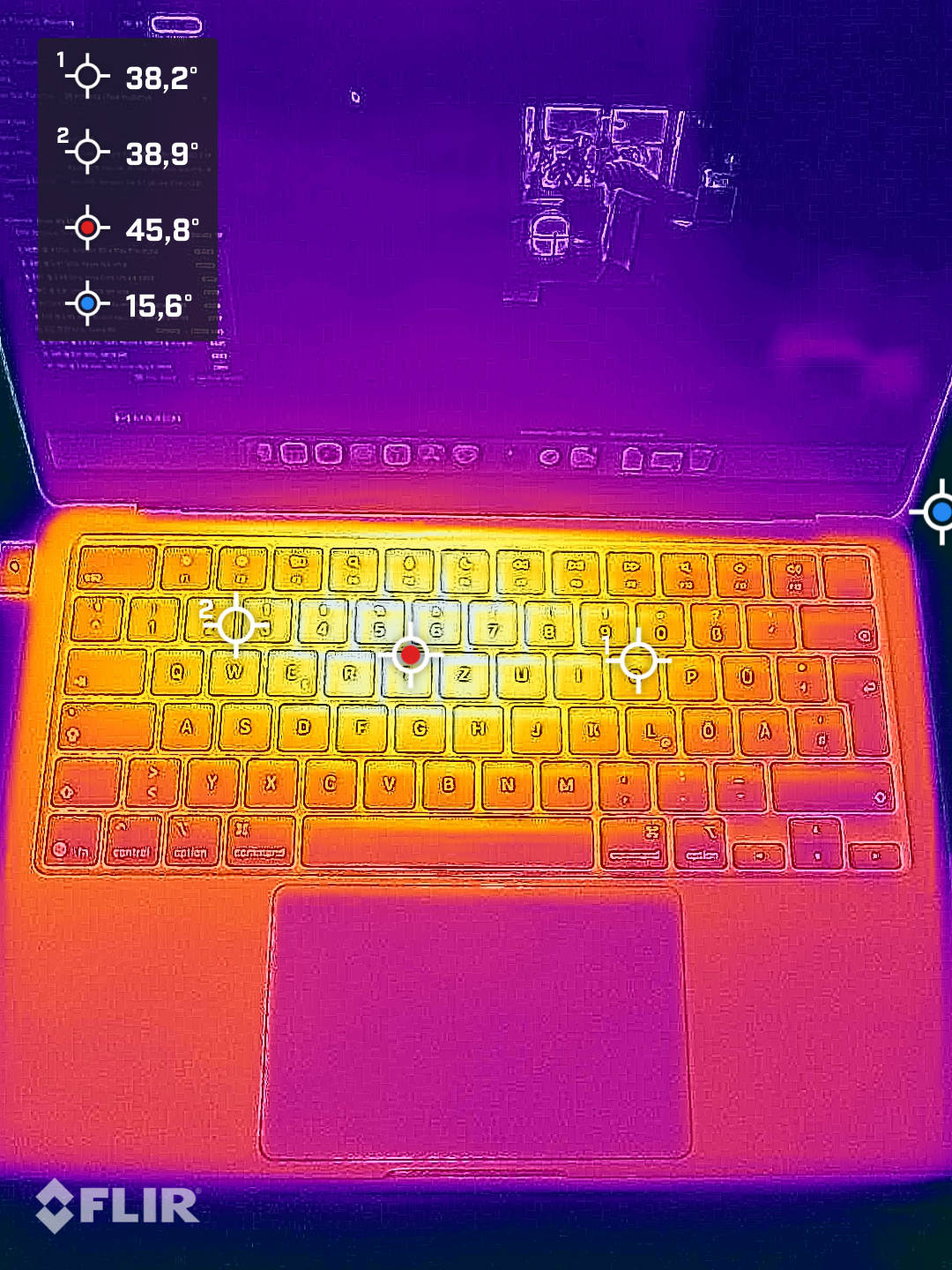
The MacBook Air 13" M5 is a purely passively cooled device. Performance is throttled if the system-on-a-chip overheats. This passive cooling approach eliminates the need for active components like fans, resulting in quieter operation and lower power consumption. The device uses its aluminum chassis for heat dissipation, effectively utilizing the laptop’s body as a large heat sink. When running Cinebench 2026 at full load on all cores for 15 minutes, the notebook did not get too hot, but other scenarios may cause throttling.
Thermal imaging shows that heat is mainly concentrated in the area of the motherboard. Despite this localized heating, overall thermal performance remains acceptable. The aluminum chassis heats up to a relatively cool temperature of about 38 °C, with a hotspot of about 46 °C.
Performance in Gaming, Multi- and Single-Thread Applications (Rating)
When looking at performance in single-thread applications, the MacBook Air 13" M5 really stands out compared to the previous generation. The difference is about 15%, which is in line with expectations.
In multi-threaded scenarios, the M5 MacBook Air also stands out from the previous generation, even if the gain is "only" 14%. However, it should be noted that the number of cores has not changed.
The 13-inch M5 MacBook Air has also retained the same number of GPU cores, delivering about 13% more fps in gaming. That’s not a massive leap, but it’s a solid improvement between generations. The nice thing here is that the translation layer offers more capabilities, allowing you to play most Windows titles. Performance, however, depends on the game, the resolution, and the level of graphical detail.
Apple MacBook Air 13 M5 vs M4 (Bild © PCMasters.de)
Conclusion on the MacBook Air 13" M5
The new M5 generation of the MacBook Air 13" is here and brings incremental improvements over the previous generation. Following the release of the MacBook Neo, it is no longer the most affordable MacBook and must therefore prove itself against the newcomer, as they are in a similar league.
When comparing the MacBook Air 13" M5 with the M4 generation on paper, you’ll notice almost no changes, as Apple has focused more on optimizations here. In terms of single-thread performance, the M5 model is about 15% faster, and for multi-threaded applications, it’s approximately 14%. Even though the number of cores hasn’t changed, the 15% performance increase is exactly what you often see with Intel and AMD between generations. In terms of gaming performance, the MacBook Air 13" M5 can deliver about 13% more fps. Thanks to broad Steam support, Windows-native games can also be played on the Mac.
There are changes to the base model, as the MacBook Air 13" M5 now starts with 512 GB instead of 256 GB, and the storage is also twice as fast as in the previous generation. Otherwise, the MacBook Air once again starts with 16 GB of RAM, providing a solid foundation for most work scenarios.
Build quality is, as usual, top-notch, and the passively cooled system remains silent even under heavy load. In our tests, performance did not throttle under heavy load, but this can happen if the chip overheats, as there are no fans. The 13-inch Liquid Retina display delivers a sharp and bright picture. The four hidden speakers also provide good sound, even if the volume isn’t overwhelming.
Apple MacBook Air 13 M5 vs M4 vs MacBook Neo Gehäuse (Bild © PCMasters.de)
Competition Primarily From Within the Company
Now that the truly affordable MacBook Neo (review) with a starting price of €699 (Affiliate) is on the market, the new MacBook Air has a harder time holding its ground, as it sits at a price of €1,159 (affiliate link) (Affiliate). On top of that, the 15% price difference compared to the M4 MacBook Air isn’t worth the upgrade in our opinion. Prospective buyers can also get the M4 model with 256 GB of storage starting at €855 and the 512 GB version for €959 (Affiliate).
Pro
- Very good single- and multi-thread performance
- Passively cooled and therefore quiet
- Integrated Wi-Fi 7 and Bluetooth
- Very good design and high build quality
- Good sound from the four speakers
- Also suitable for gaming (including Steam games)
- Base configuration with 512 GB
Contra
- No charger included
- Price compared to the MacBook Neo and M4 model