
 Computer Forum
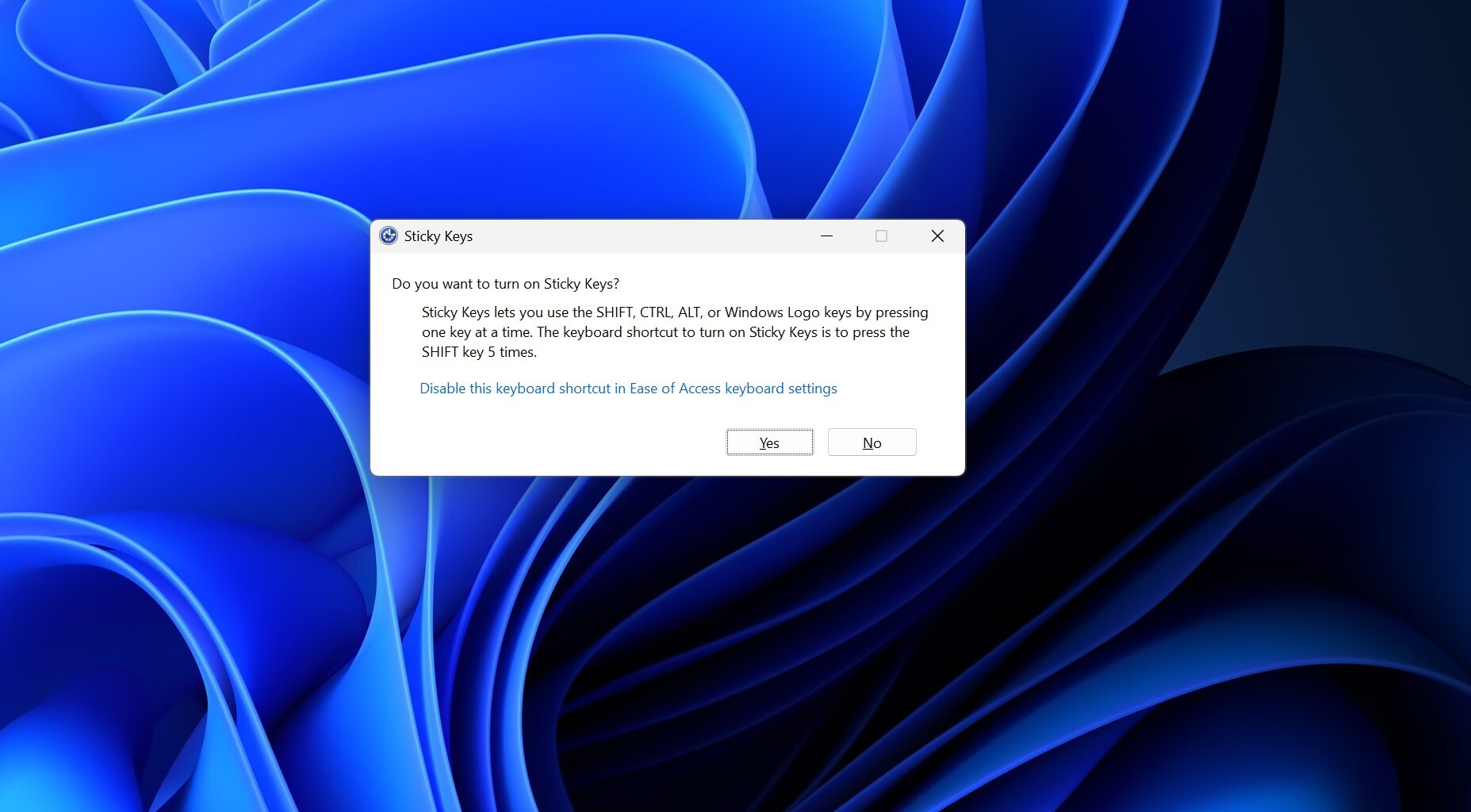 Windows Sticky Keys (Image © PCMasters.de)
New Functionality in Accessibility Prompts
This update changes the dialog boxes that appear when a user triggers the keyboard shortcuts for Sticky Keys or Filter Keys. Previously, these prompts only offered the option to enable the feature or ignore the prompt for that specific instance. The new version includes a direct option within the prompt to prevent Windows from displaying the notification again.
Currently, users who want to disable these prompts must navigate through a multi-step menu path: Settings > Ease of Access > Keyboard. There, they must manually disable the keyboard shortcuts for both “Sticky Keys” and “Filter Keys.” The new implementation simplifies this process by integrating the control directly into the pop-up notification.
Build and Release Details
This feature has been included in the latest versions of the Windows Insider Program. Specifically, the change is included in Beta Build 26320.9876 and Experimental Build 26340.9882, both of which were released on November 6.
In addition to the accessibility adjustments, Beta Build 26320.9876 introduces other significant system changes:
- Version transition: The build marks the transition to the Windows 11 26H2 channel.
- System search: The update includes a revamped version of Windows Search.
User Experience and Gaming
The removal of these prompts is particularly relevant for users of software that requires extensive input, such as video games. Many games assign important actions, such as sprinting or crouching, to the Shift key. Rapidly pressing the Shift key five times—which triggers “Sticky Keys”—often happens accidentally while gaming, causing a dialog box to appear and potentially bringing the application out of full-screen mode.
A similar issue exists with “Filter Keys,” which is triggered when the right Shift key is held down for eight seconds. By allowing users to permanently disable these prompts directly in the dialog box, Microsoft reduces the frequency of these interruptions.