


 Computer Forum
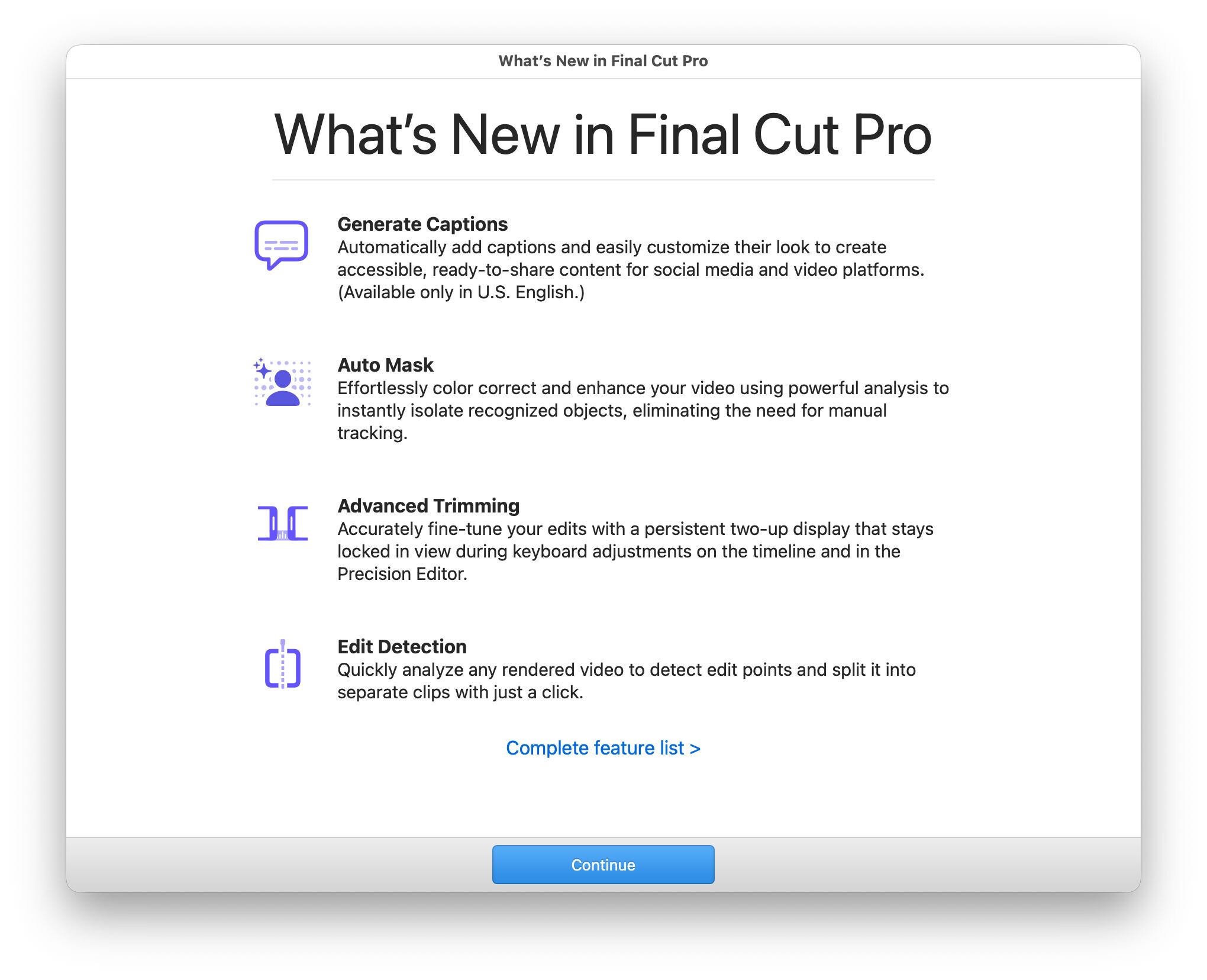 Final Cut Pro 12 3 (Image © PCMasters.de)
A key new feature is the “Automatic Mask” function, which analyzes video footage to isolate objects without requiring the user to perform manual tracking. This enables more efficient, targeted adjustments to specific elements within a clip. This is complemented by a new AI-based color grading tool that analyzes clips along the timeline and adjusts settings to ensure visual consistency—regardless of the camera originally used or the lighting conditions during filming.
In addition, the software now includes a tool for automatic caption generation. This feature is designed to improve the accessibility of content shared on social media platforms. Currently, this functionality is limited to English-language content in the United States and requires hardware with Apple Silicon.
Improvements to Structural Editing
For editors working with pre-rendered footage, version 12.3 introduces a cut detection tool. This allows users to analyze a finished video file, identify cut points, and automatically split the sequence into individual clips for further editing. The user interface has also been enhanced with a permanent dual-pane view. Unlike in previous versions, this view remains visible while trimming in the timeline and when using the Precision Editor, enabling more consistent visual feedback during fine-tuning.
Workflow efficiency is further enhanced through direct integration with Pixelmator Pro. Editors can now send a specific frame from their timeline to the image-editing software in a single step, making it easier to create high-resolution thumbnails and graphics.
In addition, new “Creator” themes have been added to the library. These assets support multiple aspect ratios and include dynamic titles and backgrounds. Access to these special content packs requires an Apple Creator Studio subscription.
System Compatibility
To run version 12.3, systems must be updated to at least macOS 15.6.
