


 Computer Forum
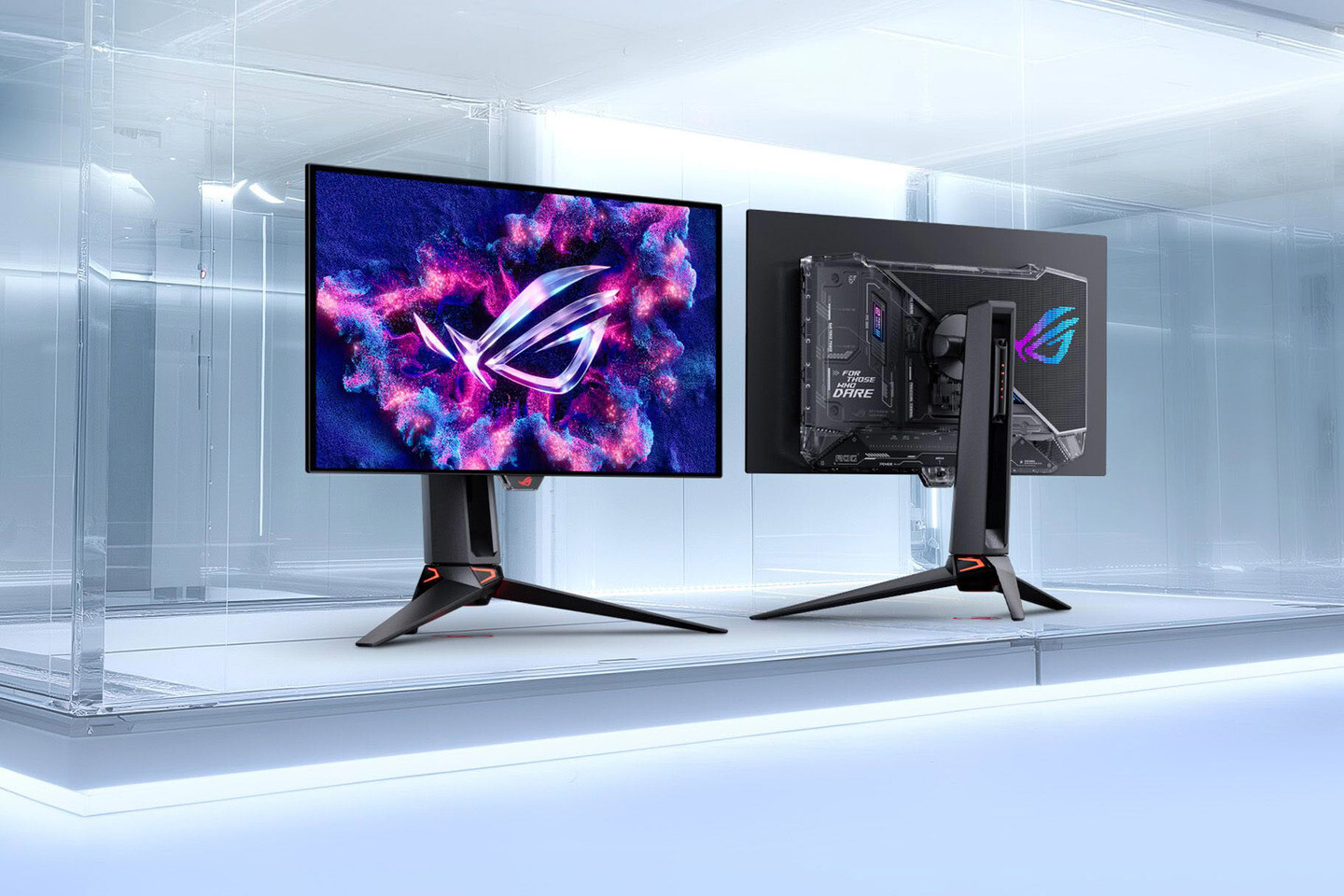 Asus ROG Swift OLED PG27UCWM und PG32UCWM (Image © ASUS)
The displays use “True RGB Stripe OLED” technology. Unlike conventional WOLED panels, these do not include a white subpixel. This design change results in sharper text edges and increases color volume by up to 27%, even at maximum brightness. Speed is the top priority here. Thanks to the dual-mode function, you can switch between 4K resolution at 240 Hz and Full HD at 480 Hz. For those who play fast-paced games: the response time is 0.03 ms. This minimizes ghosting.
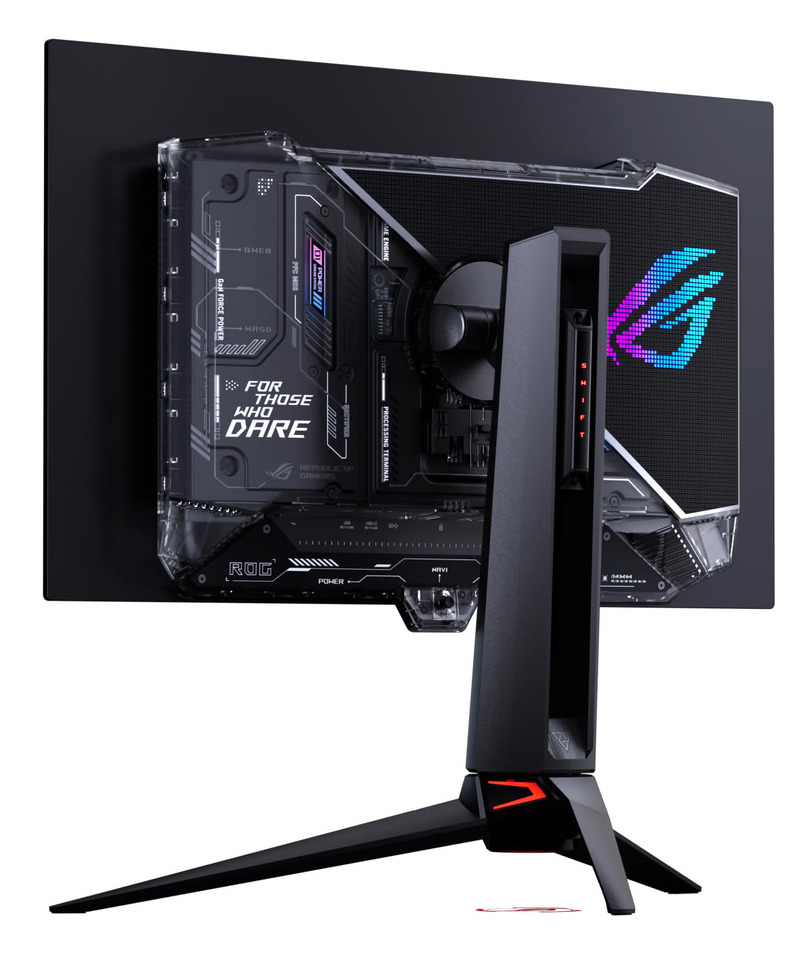 Asus ROG Swift PG27UCWM und PG32UCWM OLED Monitore (Image © ASUS)
To extend the lifespan of the OLED panel, Asus has integrated GaNFET power supply technology. This solution reduces waste heat by nearly 35% and lowers exhaust temperatures by 10%. Less heat means less wear and tear over time. The monitors also feature OLED Care Pro functions to prevent burn-in. A Neo proximity sensor detects when you’re not at your desk, and the motion sensitivity is adjustable. You can set an “Auto Away” timer from one to 15 minutes. Once triggered, the screen displays a wallpaper to protect the pixels. You can manage these settings via the DisplayWidget Center app.
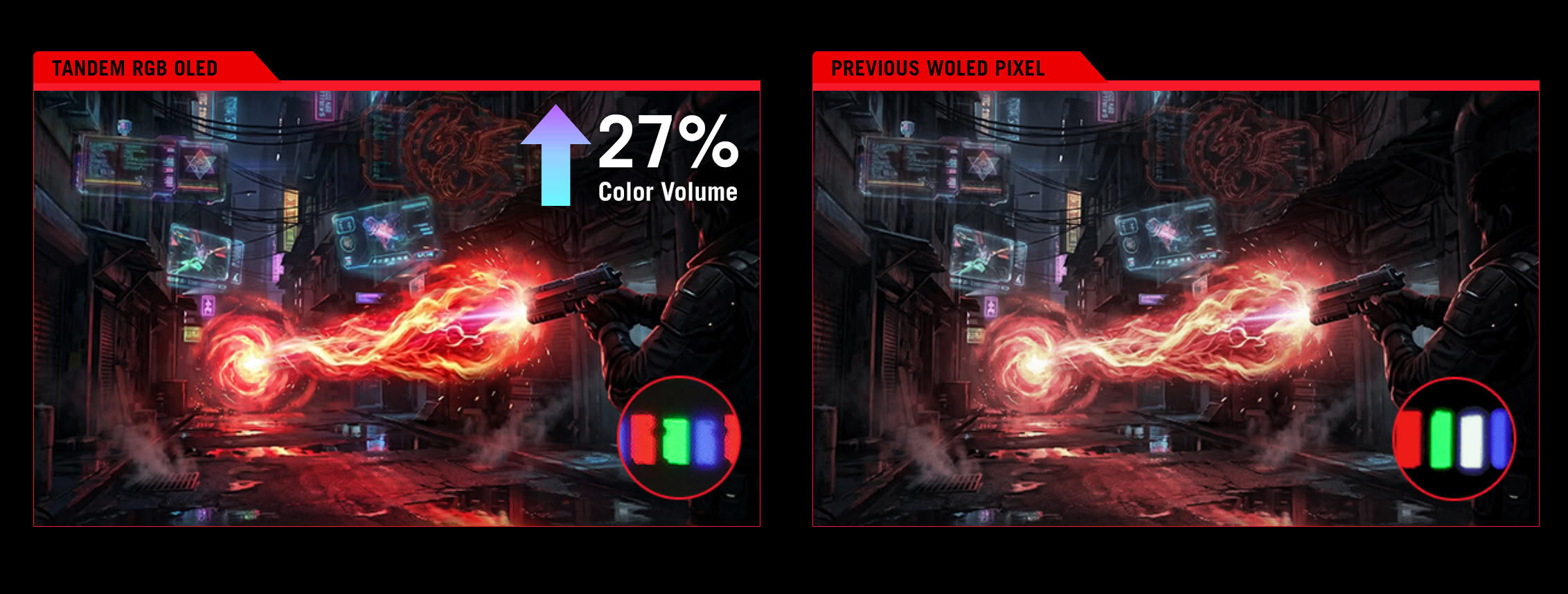 ASUS Tandem OLED (Image © ASUS)
The hardware is designed for high-resolution visual work and gaming. Both models support Dolby Vision and comply with the VESA DisplayHDR 400 True Black standard.
These specifications ensure that the monitors display deep blacks and precise highlights without artificial saturation. These displays can be controlled via natural language using the ASUS Display Control CLI and the Agent Skills. If a compatible AI agent is installed, users can request specific profile changes.
For example, an agent could automate a morning profile with high brightness and a color temperature of 6500 K. Alternatively, it can switch the monitor to a competitive gaming mode by enabling FHD@480 Hz and the OLED anti-flicker setting. The CLI executes these commands locally on the workstation.
Connectivity and Power Supply
The monitors are designed for next-generation hardware. They feature DisplayPort 2.1a UHBR20, which supports a full bandwidth of 80 Gbit/s. Other ports include HDMI 2.1 and USB-C. The USB-C port is particularly useful for laptop users, as it provides 90 watts of power. This enables a single-cable solution that can both transmit video signals and charge the device.
