


 Computer Forum
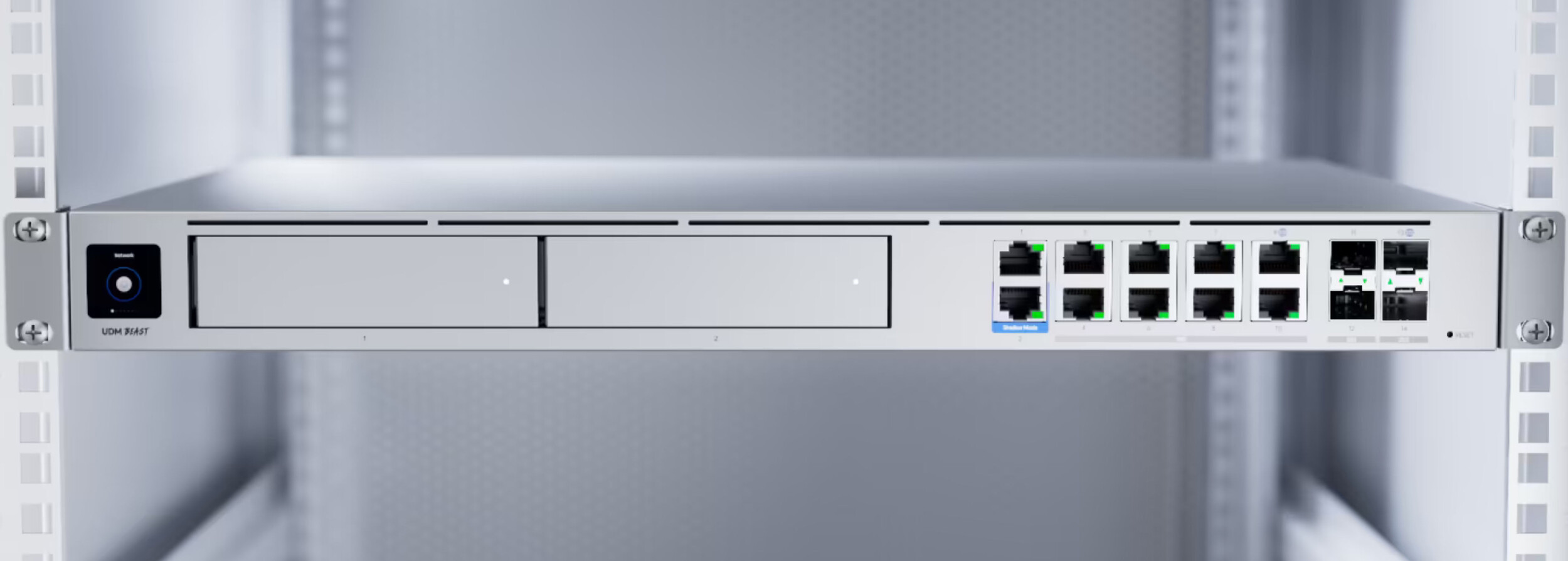 UniFi Dream Machine Beast Cloud Gateway im Rack (Image © Ubiquiti)
Optimizations in administration and resources
A major new feature in this release is support for automatic Let's Encrypt certificates, reducing the manual effort required for SSL management. To improve overall system headroom, the default network storage limit has been reduced from 80% to 70% of host storage, with administrators now able to configure a custom limit to suit specific hardware environments.
Administrative controls have also been extended, with super admins now allowed to restore local backups. In addition, the system now automatically updates the network application to the latest official version immediately after a firmware upgrade, ensuring software and hardware parity.
Improvements for Linux and container environments
For Linux deployments, version 10.3.85 implements an automatic migration process for those migrating from older network servers. To prevent system crashes due to memory shortages, the update introduces low swap memory warnings. Technical reliability has been further improved by restricting port 11084 to loopback access and adjusting the update sequence to wait for ports to close before applying new software.
On Windows and macOS, the update focuses on the containerization layer. The bootstrap flow for the Windows Subsystem for Linux (WSL) has been revised for better resilience and a clearer error message. In addition, the system now uses explicit container port binding instead of binding to all interfaces, and ICMP and ping functionality has been restored for users running Podman containers.
Bug fixes and known limitations
Several critical bugs have been fixed across platforms. On Windows, the update fixes issues where the firewall was blocking the discovery port and fixes WSL version detection bugs that occurred on systems with non-English locales. Linux users will find fixes for errors when starting services during the boot process and for update errors caused by temporary space quotas on the host storage drive.
Despite these improvements, a known issue remains: the ability to download device support files via the side panel is currently not functional. Users who require these files may need to use alternative methods until a subsequent patch is released.
