


 Computer Forum
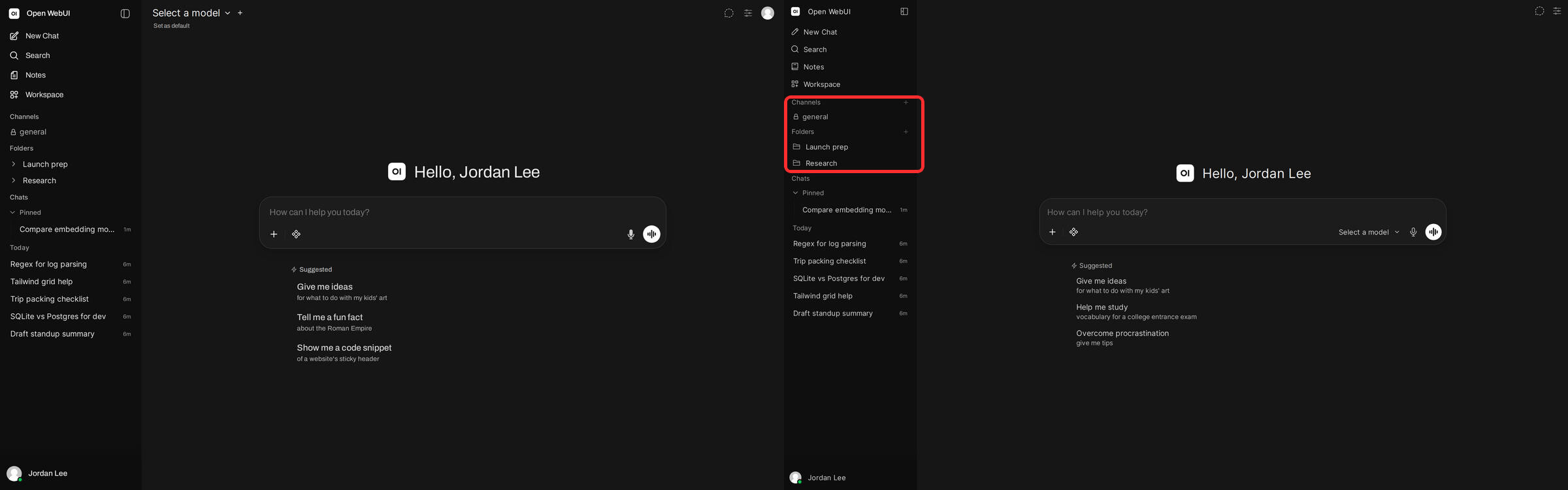 Open WebUI Same content in a rebuilt sidebar (Image © Open WebUI)
Visual Redesign and User Experience Improvements
The user interface has been redesigned from the ground up to improve readability and navigation. Key changes include a narrower conversation column, updated typography, and optimized spacing in the chat view and management areas.
To optimize interaction, the sidebar now offers compact chat previews that appear when you hover over them, allowing users to identify conversations without having to leave the current page. Additionally, message timestamps are now displayed via tooltips in the user’s local format. In terms of accessibility, the update introduces extensive improvements for screen readers and keyboard-only navigation, including a system that allows most keyboard shortcuts to be reconfigured to custom combinations.
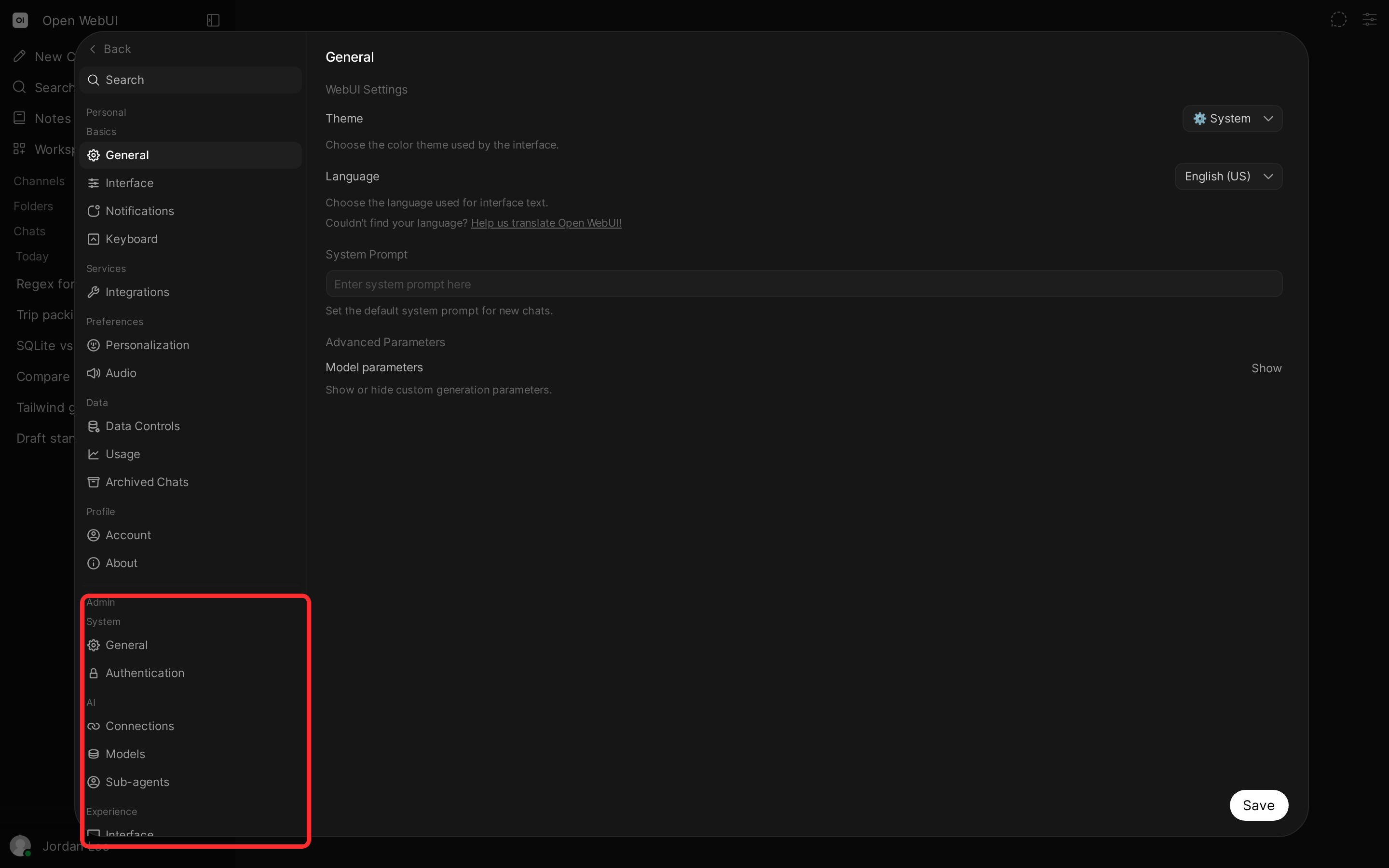 Open WebUI v0 11 0 unified settings with the Admin section (Image © Open WebUI)
Enhanced Agent Workflows and Automation
A key technical innovation is the introduction of sub-agents. Administrators can now enable background assistant agents that allow a main model to delegate specific parts of a task to specialized tools. These sub-agents operate independently and report their results back to the main chat interface.
The update also introduces chat timers, which allow assistants to schedule prompts for later delivery. To keep users informed about long-running tasks, the assistant can now trigger direct notifications when a process requires attention. In addition, the platform now supports chat variables, allowing system prompts to define specific input fields—such as dropdown menus or text fields—that are saved and retained across cloned or branched conversations.
Knowledge Management and Document Integration
Open WebUI v0.11.0 transforms the way users interact with stored data through new folder pages and improved note integration. Folders now have their own pages with sorting functions, allowing users to start chats directly from a specific directory.
The integration between notes and the AI has been enhanced; users can now chat directly with a note and use it as context for a full conversation, including the use of tools and file attachments. The assistant’s ability to process attachments has also been enhanced by a new “Files” feature that allows the model to search attached documents for relevance or exact text, rather than processing the entire contents of each file in advance.
Backend Performance and Database Optimization
Significant technical efforts have been made to reduce overhead per request and improve database efficiency. For PostgreSQL users, chat search now uses direct table reads instead of unpacking data row by row, ensuring that performance remains stable even as the history grows.
Additional technical optimizations include:
- JSON Processing: Optional integration of a faster encoder to reduce processing time for live updates in cluster deployments.
- Redis Improvements: Reduced round trips per chat and optimized Sentinel queries to prevent connection drops under high load.
- Storage management: Implementation of streamed file transfers to avoid storage spikes when uploading large models or audio files.
- Latency reduction: A reduction in database queries during the message delivery process, resulting in faster response times.
Security and API Infrastructure
This release includes a security advisory and several critical patches related to access control. These include isolating HTML file previews in the system terminal to prevent cross-site scripting, as well as stricter enforcement of OAuth and OIDC authentication safeguards via PKCE for all providers. Integration with external APIs has also been expanded. The Anthropic-compatible API now supports structured JSON output and displays reasoning blocks as “Thinking Sections.” For Ollama users, the platform now enables the creation of embeddings via an OpenAI-compatible proxy, ensuring that embedding requests follow the same authentication rules as standard chat interactions.
Finally, administrative controls have been centralized: the analytics dashboard and admin settings are now integrated directly into the main settings window, simplifying management.
