


 Computer Forum
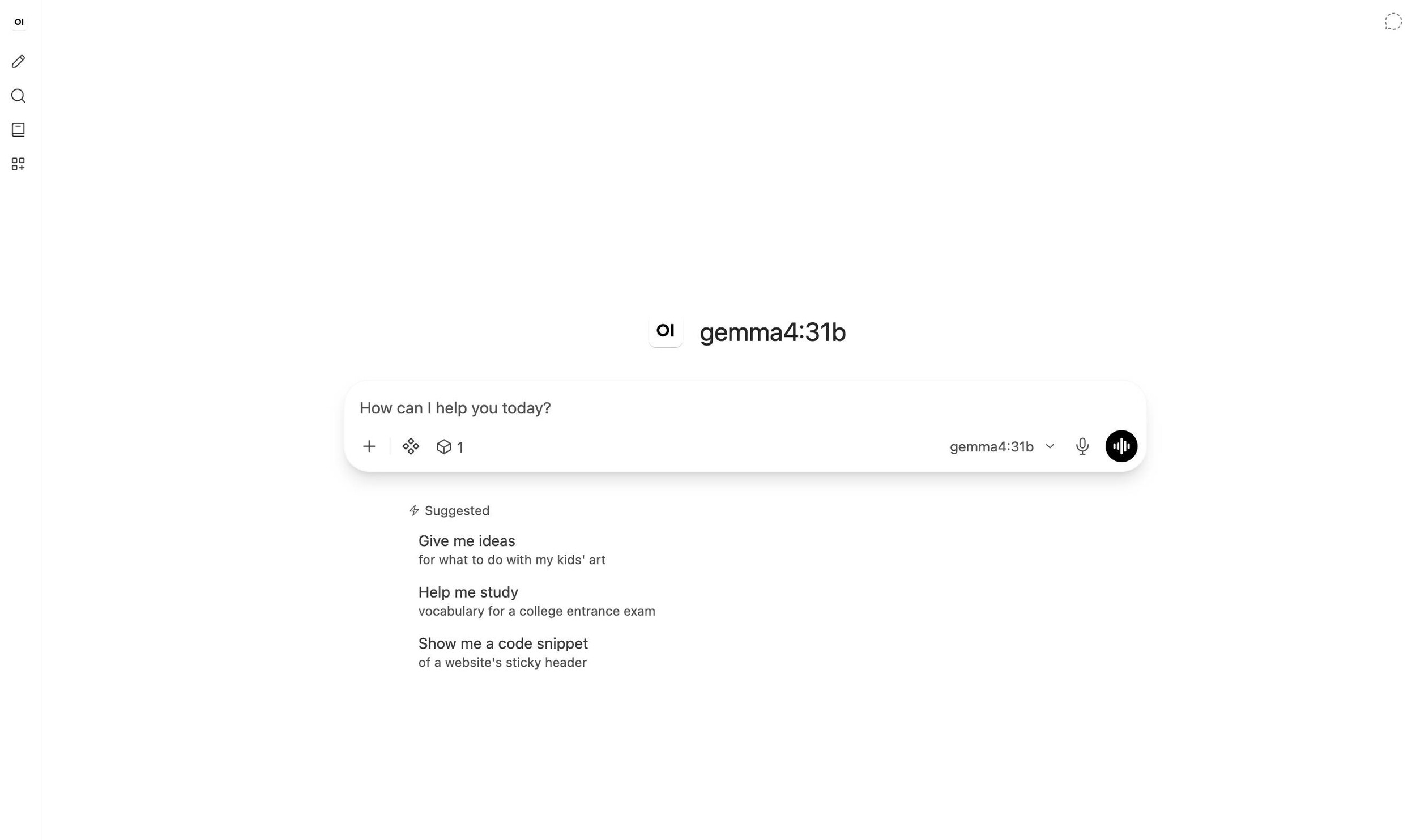 Open WebUI v0 11 1 Update (Image © Open WebUI)
Performance and Backend Optimization
The most significant technical change is a complete redesign of the streaming system. Instead of resending the entire message with every update, the system now streams small fragments of the new text. This reduces data transfer requirements for long replies by up to 1,000 times, lowers CPU usage on the servers, and reduces the number of browser repaints.
There have also been several targeted improvements to database and memory efficiency:
- JSON Processing: Enabling the ENABLE_ORJSON option speeds up the saving of chats, the retrieval of settings, and the output of the code interpreter.
- Reduced database load: Sending a message now requires only one database access instead of two. Long chats are written to the database in a single operation, rather than message by message.
- Logging overhead: The application no longer generates detailed log entries unless these logs are actually being read, which improves response times on heavily loaded servers.
- Memory management: An inactive instance no longer continuously scans every chat for expiring timers, thereby preventing unnecessary CPU usage and a potential memory bottleneck.
Agent Interaction and Tools
Version 0.11.1 introduces a “human-in-the-loop” approval system for tools. When enabled by an administrator, users can instruct the model to pause and wait for explicit permission before executing a tool call.
Additional agent features include:
- Interactive questioning: Models can now use a built-in tool to pause and ask the user up to three multiple-choice questions before continuing.
- Terminal File Integration: Agents can display files created in a terminal directly within the chat response, complete with a preview and a download button.
- Persistence of Inferences: Inference data is now returned to Ollama via native fields, allowing inference models to maintain their line of reasoning across multiple conversation rounds.
User Interface and Document Handling
The user interface has been updated to provide more accurate document previews. Word documents are now displayed as proper pages with intact headers and footers, as well as embedded images. The PowerPoint preview has been improved to correctly display tables, charts, and design colors.
For mobile users, the sidebar now supports fluid swipe and flick gestures, while the rest of the user interface’s scaling settings now consistently adjust the size of all menus and dialog boxes across different screen resolutions. Additional user interface improvements include a blinking cursor that highlights the current generation point, as well as a revamped search function that finds conversations containing all searched keywords, regardless of their order.
Administrative Features and Security
This release includes a security advisory that strongly recommends immediately updating production environments to apply access control fixes.
Administrators now have expanded management options:
- Model Management: It is now supported to download and unload models directly via the “Manage Models” dialog when connected to llama.cpp and LM Studio.
- User Grouping: Administrators can now import large numbers of users into groups via CSV files.
- Session Security: Changing a password now terminates all other active sessions on different devices, provided Redis is in use.
- SSO Improvements: Single Sign-On (SSO) now triggers events upon profile and group changes, ensuring that the session immediately uses the updated records from the identity provider.
Database Warning
This release includes database schema migrations. Users are advised to back up all data before upgrading. In environments with multiple workers or load balancing, all instances must be updated simultaneously, as rolling updates are not supported due to schema compatibility issues.
