


 Computer Forum
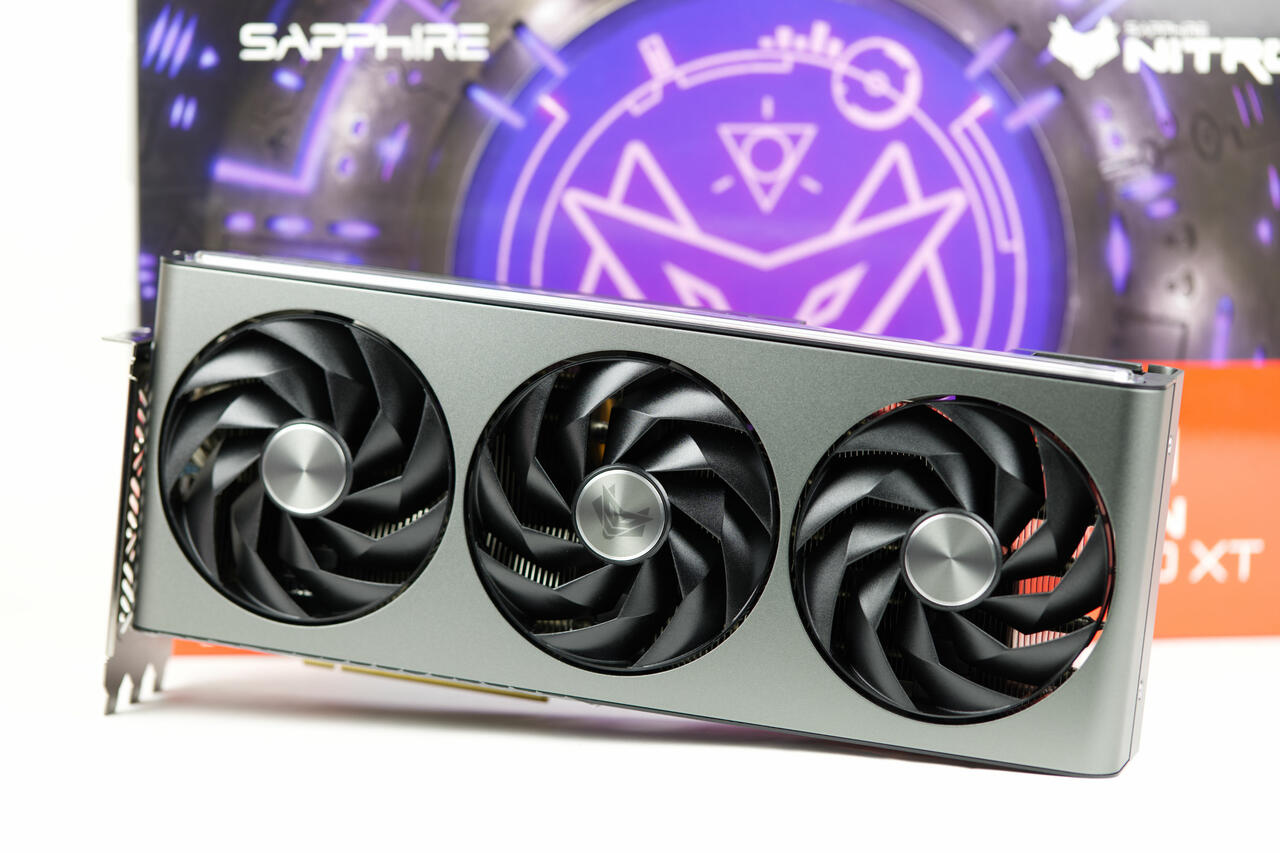 Sapphire Radeon RX 7700 XT Nitro+ Test/Review (Image © PCMasters.de)
Scope of Affected Hardware
The security update is comprehensive and covers all desktop graphics cards in the RDNA 3 family manufactured by Sapphire. The following models are eligible for the patch:
- Radeon RX 7600 and RX 7600 XT
- Radeon RX 7650 GRE
- Radeon RX 7700 XT and RX 7800 XT
- Radeon RX 7900 GRE, RX 7900 XT, and RX 7900 XTX
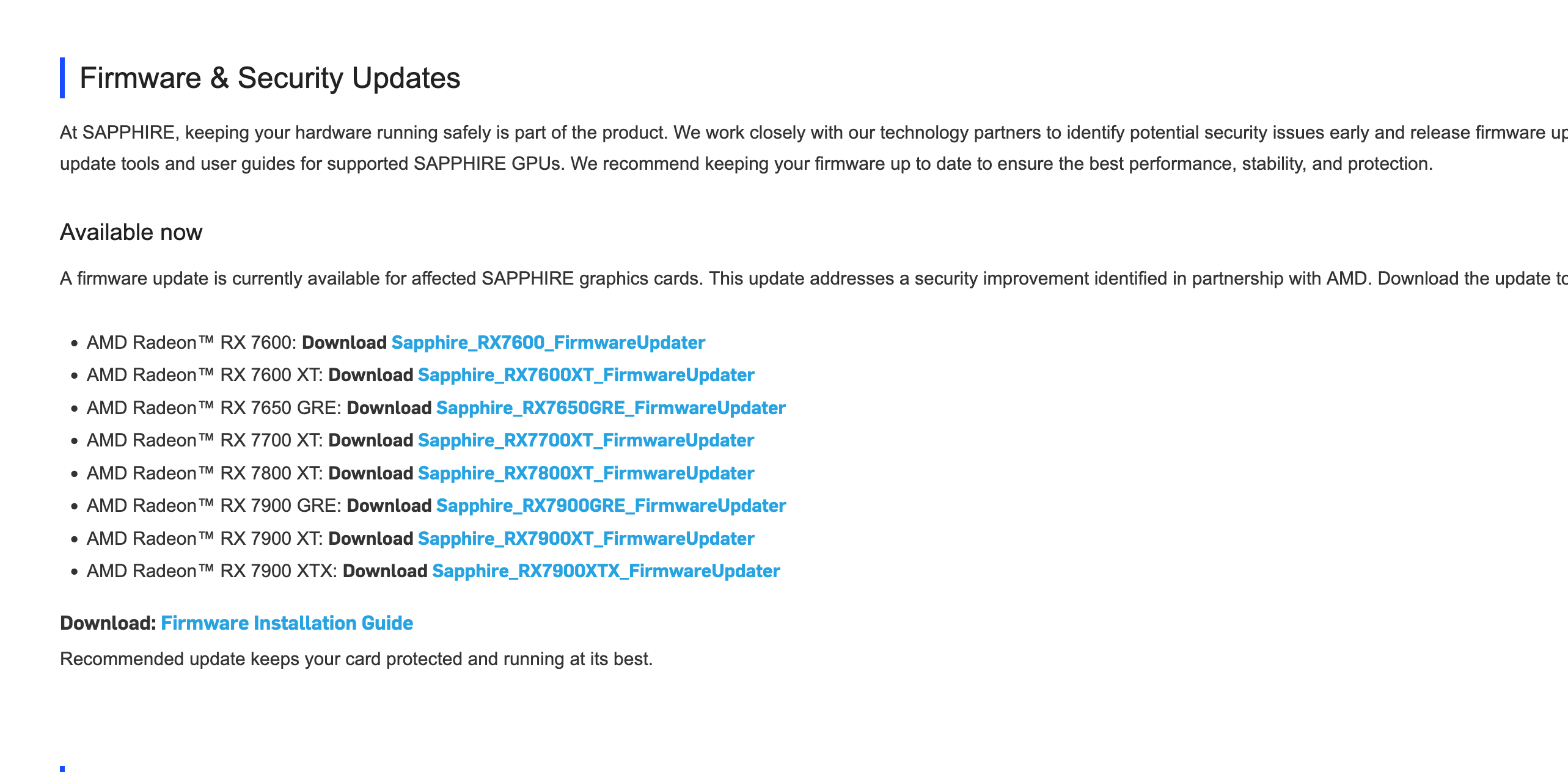 Sapphire bringt vBIOS Sicherheitspatches für Radeon RX 7000 Grafikkarten (Image © PCMasters.de)
Technical Procedure for the Update
To successfully perform the firmware update, users must first ensure that the AMD Adrenalin Edition graphics driver is installed on the system. The entire process is expected to take between 15 and 20 minutes.
The installation process involves the following specific technical steps:
- 1. Download: Users must visit the Sapphire support page and download the update program specific to their exact GPU model.
- 2. First Launch: The downloaded file must be run with administrator privileges. The user will be prompted to select a local folder where the required executable files will be saved.
- 3. Launching the Firmware Tool: After navigating to the specified folder, the user must launch the AMD Radeon Firmware Updater tool as an administrator.
- 4. Hardware Detection: The tool scans the system for compatible AMD GPUs. The user then selects the target device and initiates the update process.
- 5. Two-Step Installation: For the Radeon RX 7000 series, the updater is programmed to run twice. The first run occurs in normal operating mode, followed by a second run in safe mode to ensure that the firmware is written correctly and securely.
- 6. System Restart: Once the two-step process is complete, a system restart is required to finalize the installation.
Verifying the Installation
After restarting, users can use the AMD Adrenalin software to verify that the update was successfully applied. The user interface displays the current firmware version of the installed graphics card, which can be compared to the version number listed in the update notes to verify the patch.
