
 Computer Forum
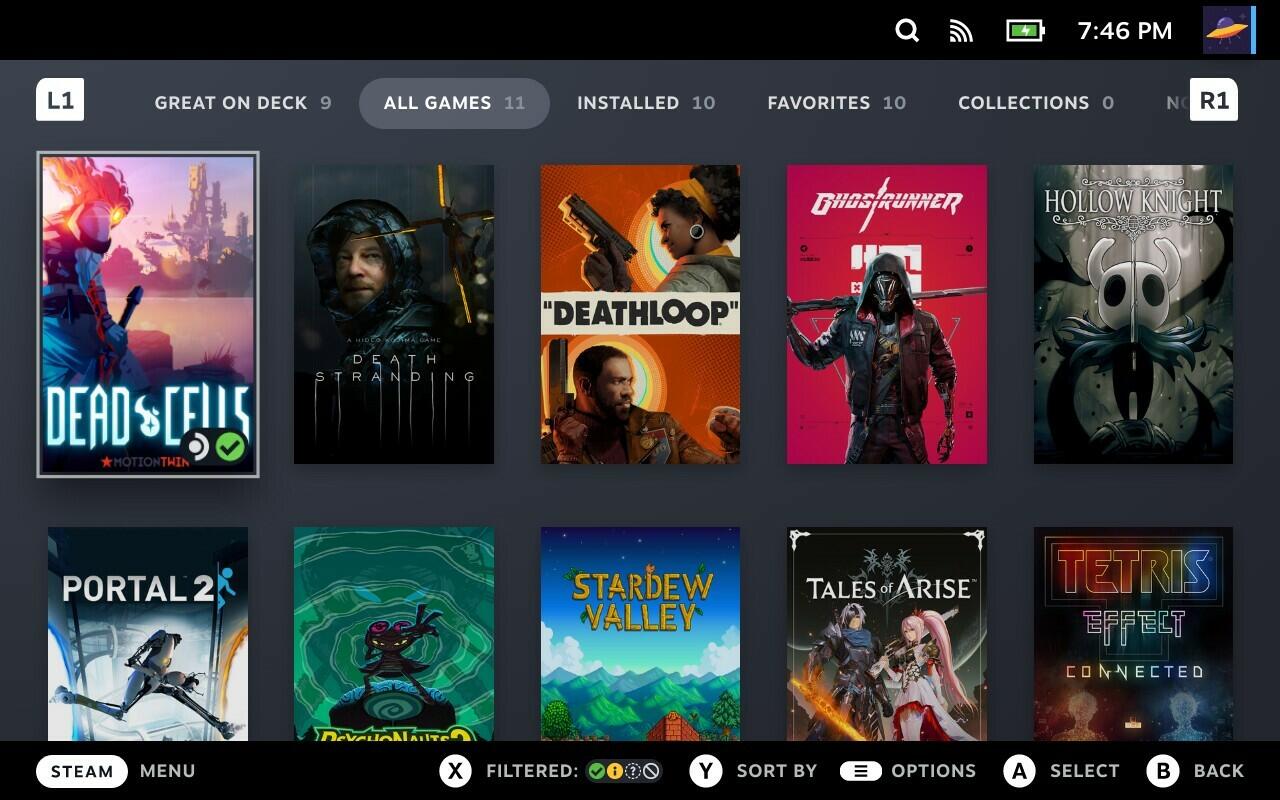 SteamOS 3.7 Stable Release Installation auf Legion Go S und anderen Handheld PCs (Image © Valve)
A key focus of version 3.9.6 is the optimization of frame timing. The update improves the consistency of the frame rate limiter when using Variable Refresh Rate (VRR) technology. For users who do not use VRR, the system now prevents performance drops in situations where a game’s frame rate is a multiple of the set limit. For example, a game running at 30 frames per second on a 120-Hz display with a 60-frame-per-second limit will no longer be incorrectly throttled to 24 frames per second.
In addition, the update resolves the issue of missing frames on fixed-refresh-rate displays by optimizing the CPU’s transition out of deep idle states. Hardware-specific display fixes include:
- Resolution of performance issues on displays with refresh rates of 240 Hz and higher.
- Correction of oversaturation in SDR content when outputting HDR10 to displays without a wide color gamut.
- Fix for black screen issues in RPG Maker titles that use Fullscreen++ technology.
Hardware Compatibility and GPU Improvements
The SteamOS 3.9 cycle introduces comprehensive support for a wider range of hardware, as well as fixes for specific device regressions. The update includes preliminary brightness control for the Legion Go 2 and resolves a system crash that occurred when launching “Forza Horizon 6” on that device. For users with dedicated GPUs based on the RDNA1 or RDNA2 architectures, the update resolves critical issues related to system sleep and resume functions. Additional hardware-specific adjustments include:
- Intel CPUs: Fixes compatibility issues with current Panther Lake processors that previously prevented titles such as “Elden Ring” and “Dark Souls III” from running.
- Intel PTL+ devices: Fixes an issue causing the startup screen to display incorrectly.
- ASUS hardware: Implementation of a workaround for a firmware issue that caused excessively high fan speeds after waking from sleep.
- NVIDIA GPUs: Fix for a “green screen” error that affected Steam Remote Play.
Core System and Desktop Environment Updates
The more comprehensive SteamOS 3.9 update migrates the system to a newer Arch Linux base and updates the desktop environment from Plasma 6.4.3 to Plasma 6.7.3. The bootloader has also been updated to ensure broader compatibility with various motherboard configurations.
System stability improvements include:
- Improved idle power consumption on the Steam Deck when audio output is inactive.
- Fixed audio dropouts that occurred when hot-plugging monitors in multi-display configurations.
- Fixed a bug where changing the system time zone prevented access to desktop mode without a full reboot.
- Fixed a regression in desktop mode that prevented scripts from being added via the “Add to Steam” feature.
Networking and Developer Tools
From the perspective of developers and system administrators, the Wi-Fi backend has been switched to wpa_supplicant by default. This change improves overall network compatibility and enables quick reconnection after waking from sleep—a feature previously exclusive to the iwd backend. The system kernel has been updated to Linux kernel 7.2. This update introduces preliminary support for hibernation, although the feature is not yet integrated into the Game Mode user interface and remains disabled on the Steam Deck until a driver issue is resolved.
Additional technical changes include:
-
Virtualization: Improved support for running SteamOS as a VM guest with accelerated graphics via
virtio-gpuandvenus. -
Package Management: Renamed various scripts and packages from the
steamos-prefix toholo-, while retaining aliases for backward compatibility. - API Support: Reintroduced support for Android Binder IPC.
- Remote Access: Bug fixes for the RDP login feature for system users in desktop mode.