Computer Forum
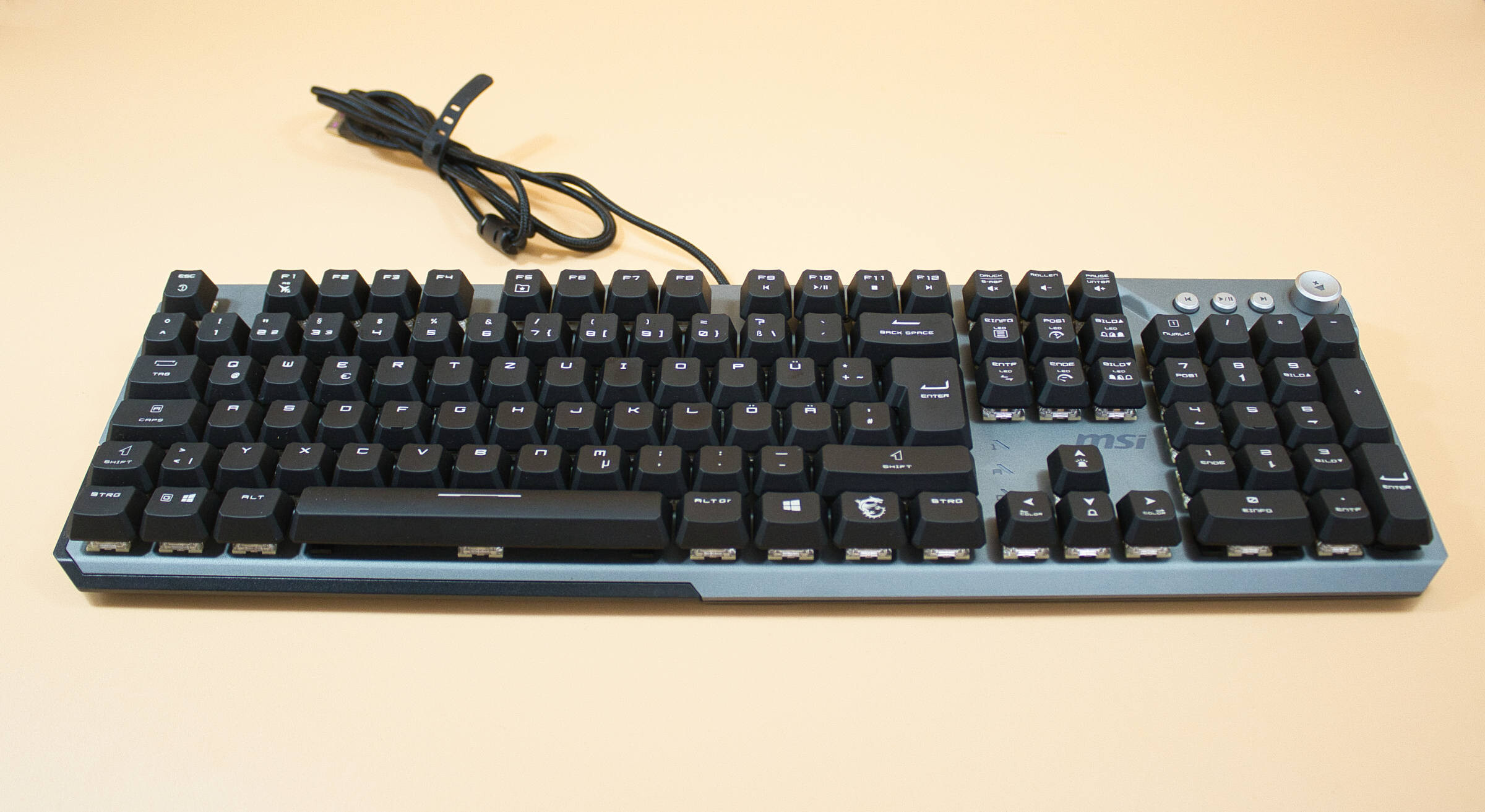 MSI Strike 600 Test/Review (Image © PCMasters.de)
Technical Specifications
| MSI STRIKE 600 - Technical Specifications | |
|---|---|
| Connection Type | Wired, USB 2.0 |
| RGB Lighting | Yes, Full RGB, adjustable via keyboard and software |
| Windows Compatible | Supported starting with Windows 10 |
| Cable Length | 1.8 m |
| Switch Lifespan | 70 million |
| Weight | 984 g |
| Media keys | Yes, volume control, play/pause, next song/previous track |
| N-key rollover | Hybrid 6+N key rollover |
| Dimensions LxWxH | 441 x 138 x 38 mm |
| Price (03/11/26) | €79.59 (Affiliate) |
Company History
In 1986, MSi was founded in Taipei by five former Sony employees who focused on motherboards and graphics cards, including the first motherboard capable of overclocking a 286. The company went public in 1998, expanded into Europe in 2001, and in 2002 released its first motherboard with an integrated Wi-Fi module. Starting in 2003, the company began producing its own notebooks, followed by netbooks in 2008. MSI also made a name for itself in the software sector with the Afterburner tool; this program is one of the most widely used of its kind because it is quite easy to use. The company supports quite a few esports teams and now sells everything a gamer’s heart desires, from mouse pads to high-end graphics cards.
 MSI Strike 600 Verpackung Front (Image © PCMasters.de)
Packaging
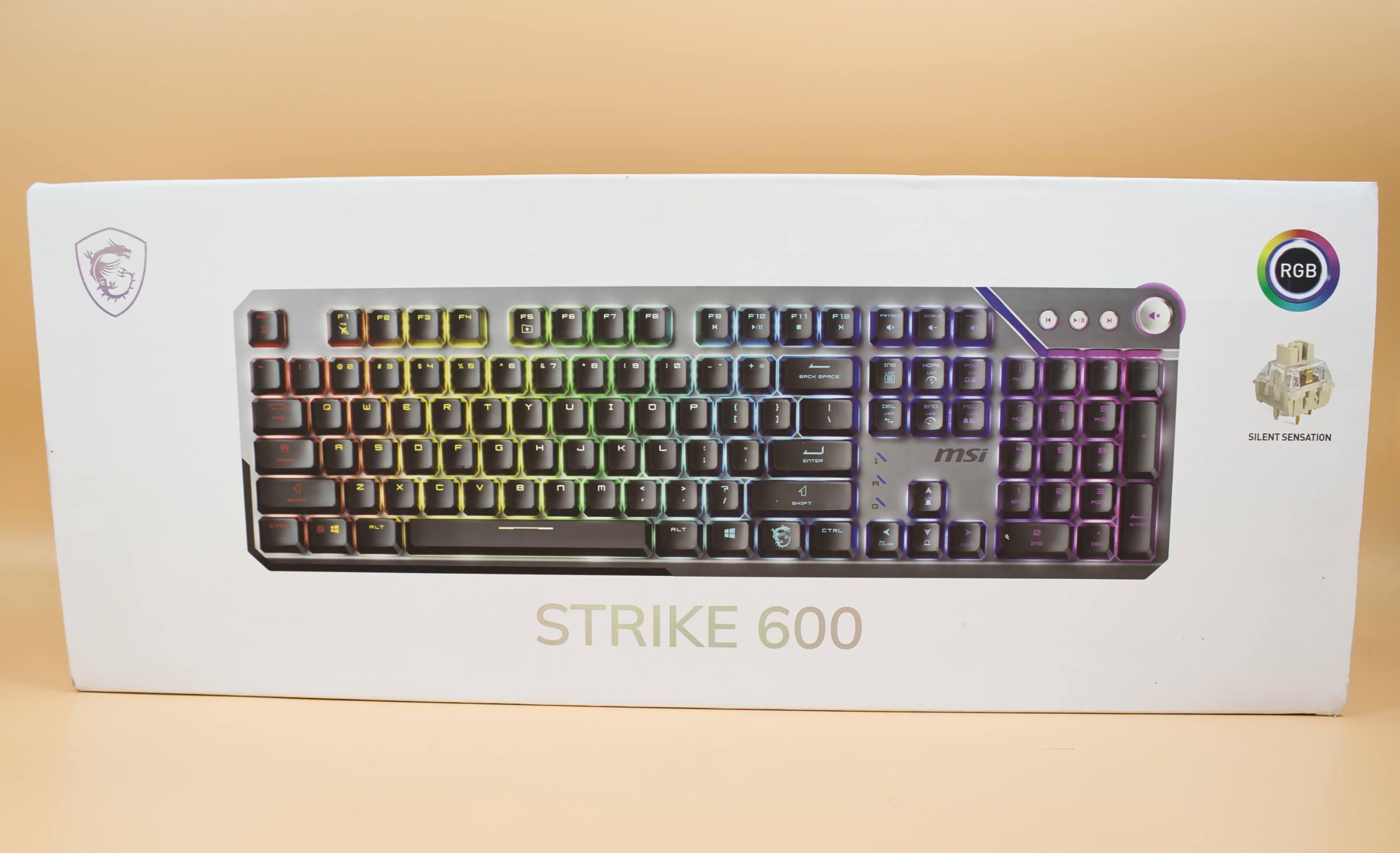
The MSI Strike 600 comes in white packaging; the front features the product image, the keyboard’s name in slightly recessed silver letters, the MSI dragon logo in the top left corner, and on the right side, the "Silent Sensation" keys are described, along with a logo hinting at RGB lighting. The sides of the packaging are also entirely white, and the name "Strike 600" is displayed there in silver letters.
 MSI Strike 600 Verpackung Rückseite (Image © PCMasters.de)
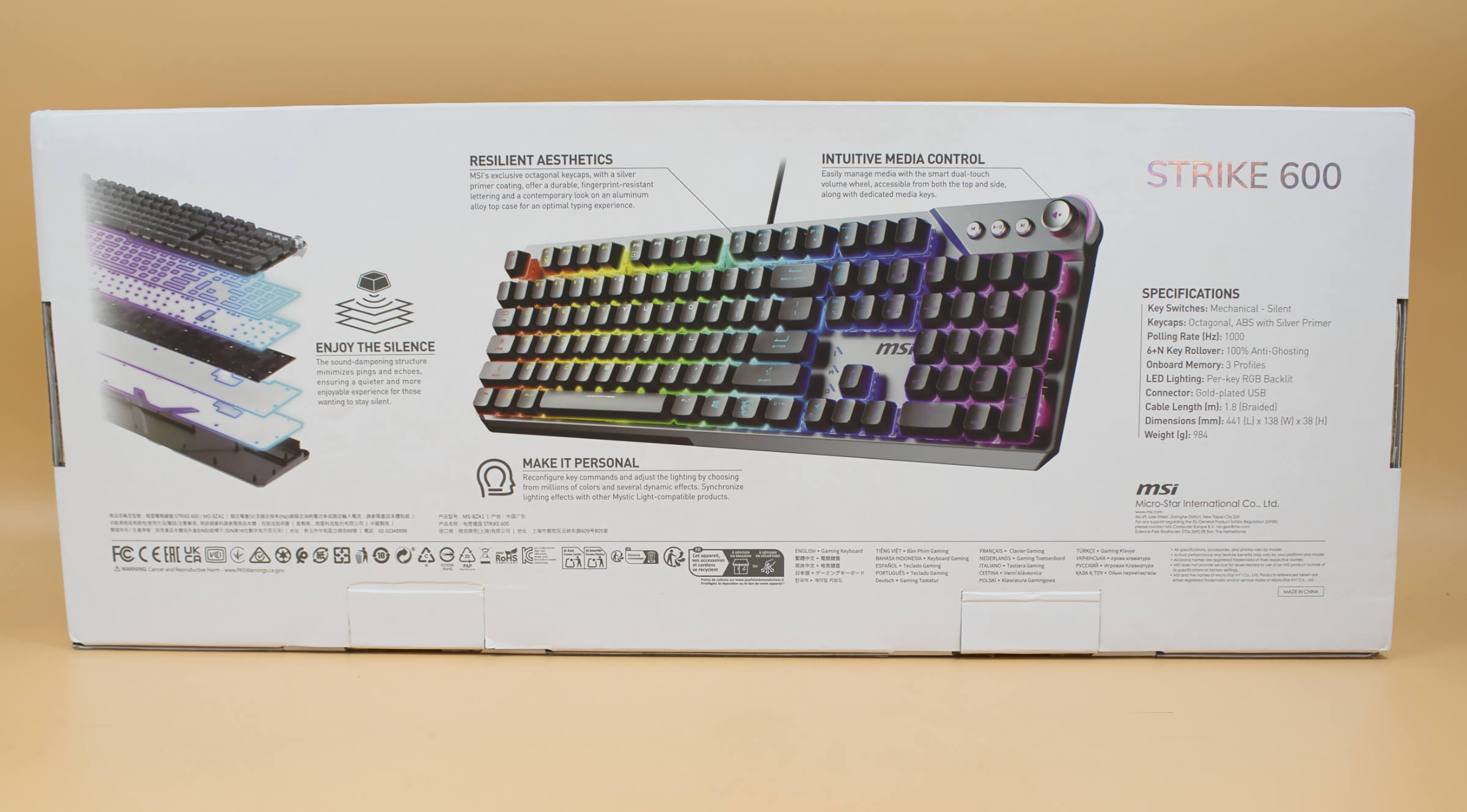
The back then goes into more detail about the keyboard’s features, explaining its design and various aspects. Upon opening, a keyboard shrouded in black mist is revealed—a nice effect, as the keyboard’s outer packaging is made of black transparent material; someone clearly put some thought into the presentation. Mystical yet chic.
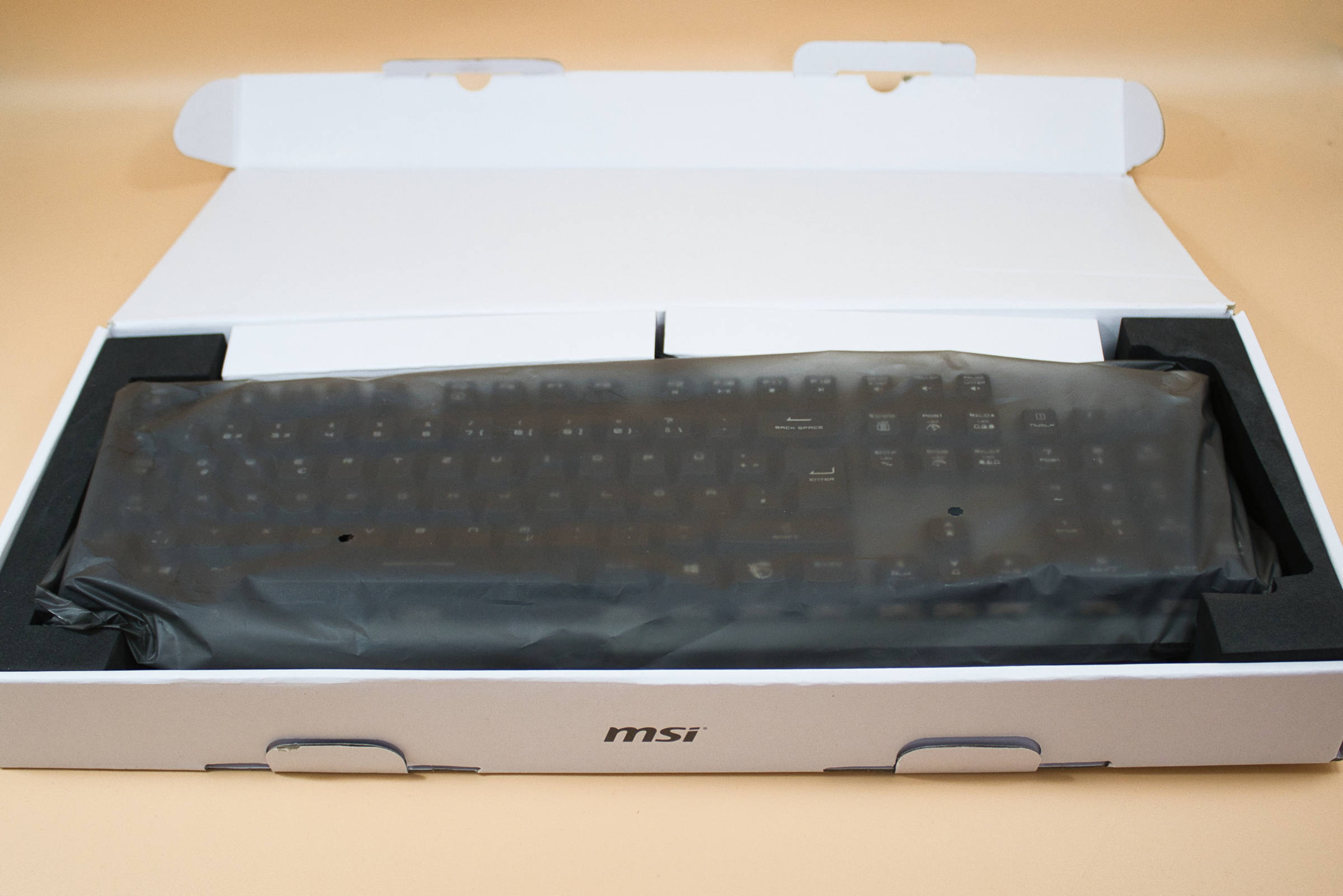 MSI Strike 600 Verpackung geöffnet (Image © PCMasters.de)
Package Contents
The contents of the package are quickly covered, as there’s nothing but the keyboard and an insert with the EU Declaration of Conformity. That saves on costs. We would have loved to see a palm rest included. But as they say in Cologne, "Et es wie et es."
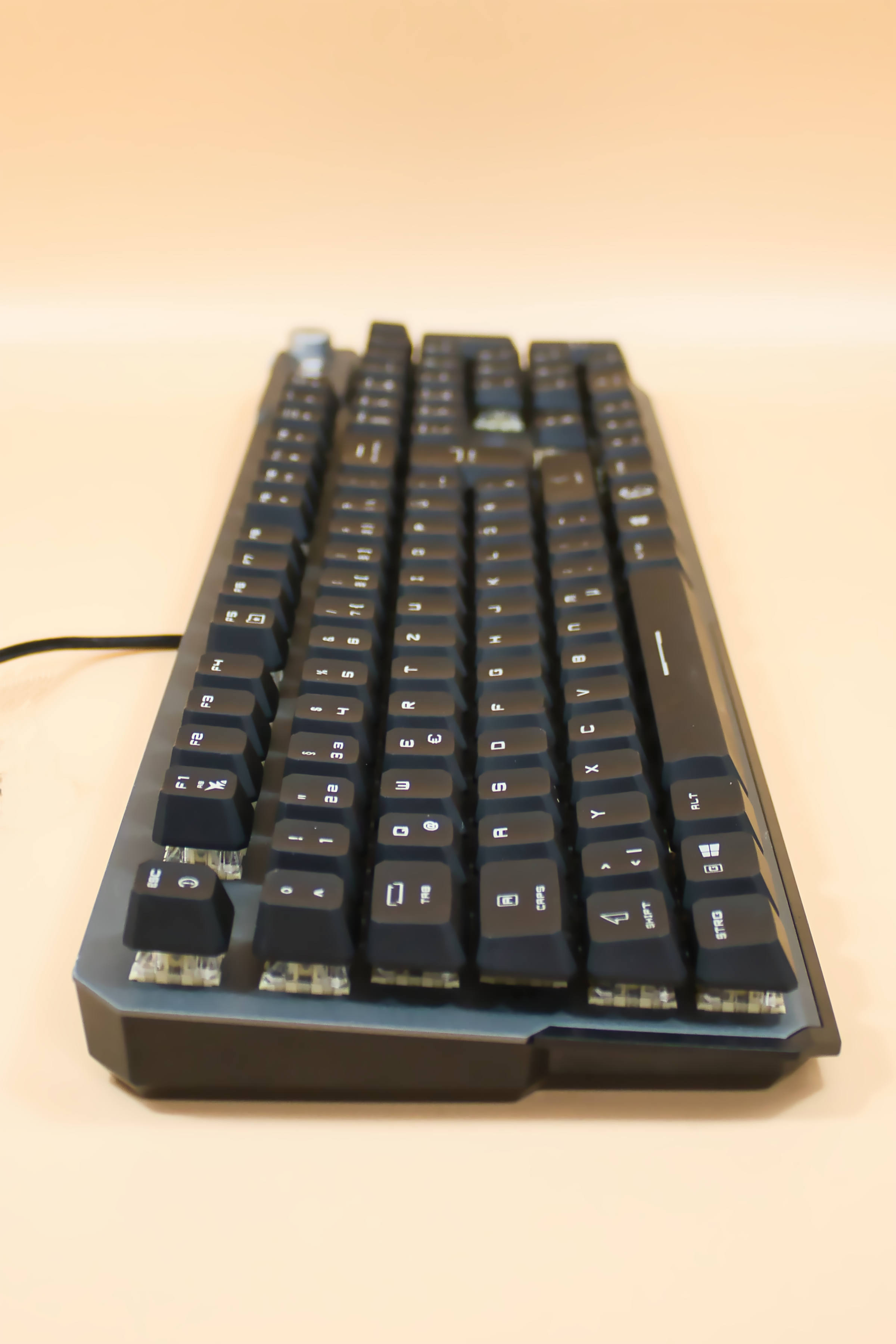 MSI Strike 600 Seitenansicht links (Image © PCMasters.de)
Design and Build Quality
The design is quite impressive, as the keyboard has a futuristic design and looks like it could have come straight out of the next science fiction movie. This is partly due to the non-standard key labeling of the letters and numbers, as well as the slightly different positioning of the three indicator lights for Num Lock, Tab, and Scroll Lock.
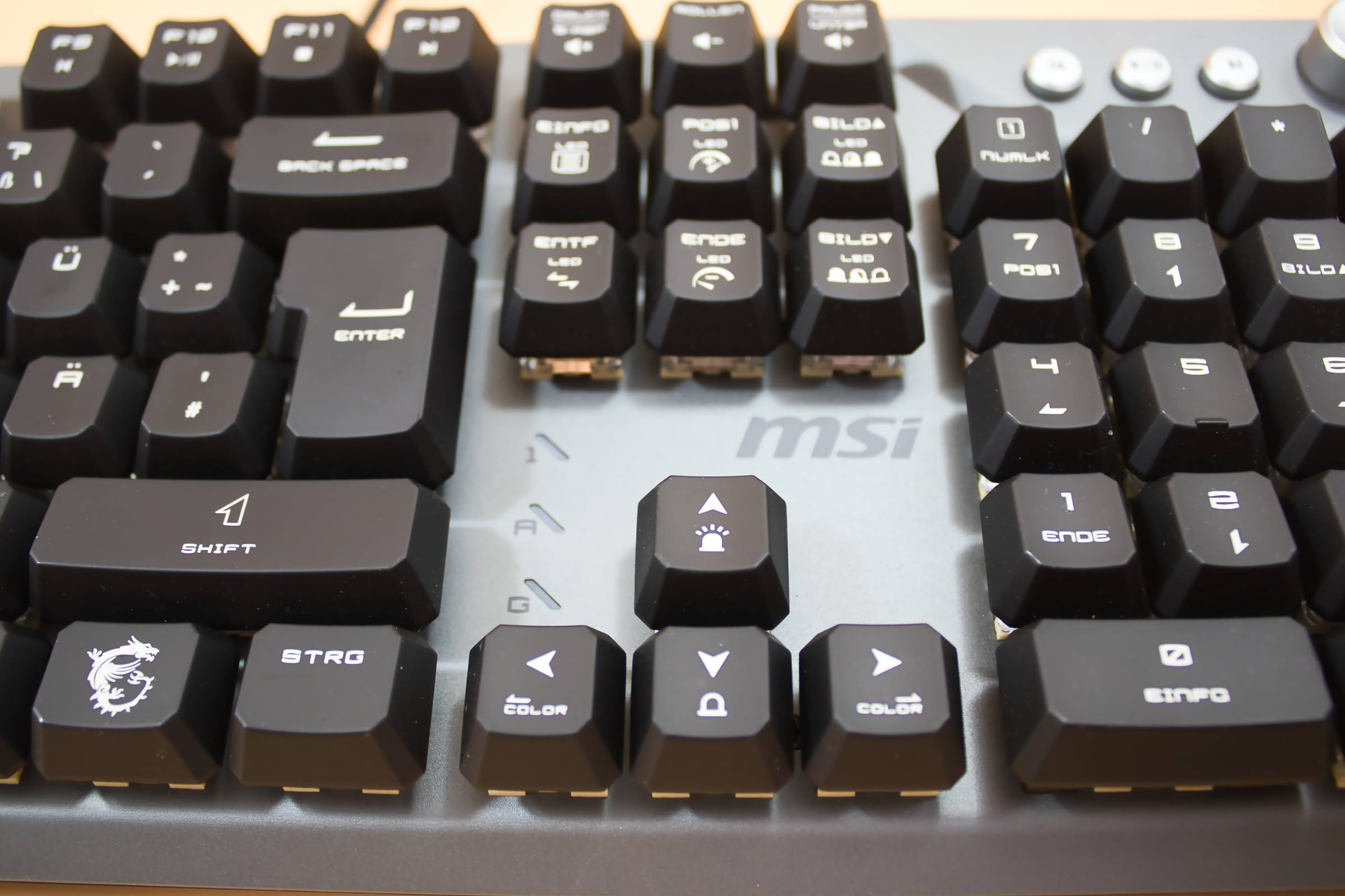 MSI Strike 600 Position Num Lämpchen (Image © PCMasters.de)
We find the keyboard well-balanced, and we particularly like the lighting. It’s nice and bright, and the lighter blue hue would even make Tron jealous, perfectly emphasizing the futuristic theme. The weight is also substantial and contributes to the excellent overall impression.
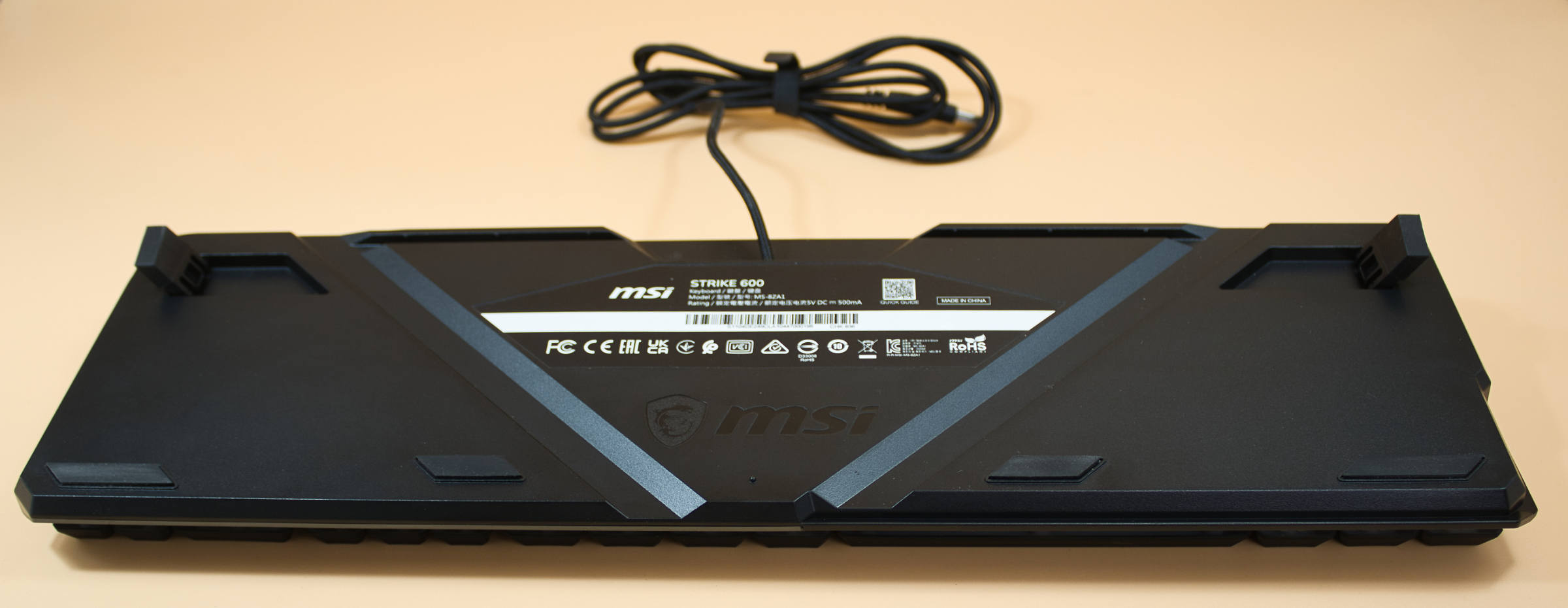 MSI Strike 600 Rückseite mit Aufstellern (Image © PCMasters.de)
Visually, we couldn’t find any flaws—whether on the front panel or the keys, everything is cleanly finished. The media control keys have a great actuation point and even provide haptic feedback. The rubber feet are quite prone to collecting dust, but who cares, since they’re hidden under the keyboard anyway and are easy to clean.
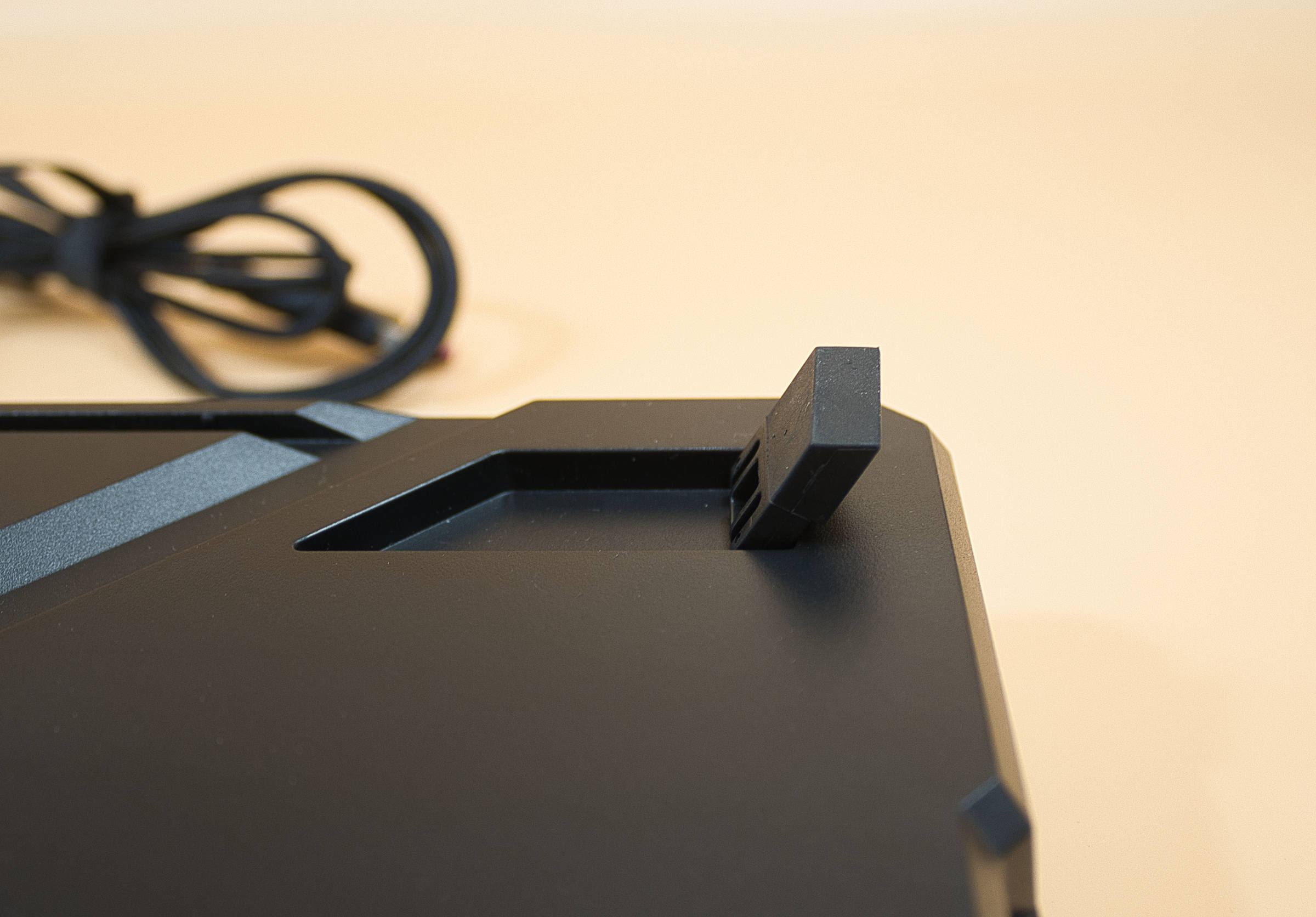 MSI Strike 600 gummierte Aufsteller (Image © PCMasters.de)
The keys work well in and of themselves, but there have been keyboards that performed just a touch better, as here it feels as though the switches slide slightly along the guide, creating a very slight resistance that is sometimes more noticeable and sometimes less. More on this in the typing feel section.
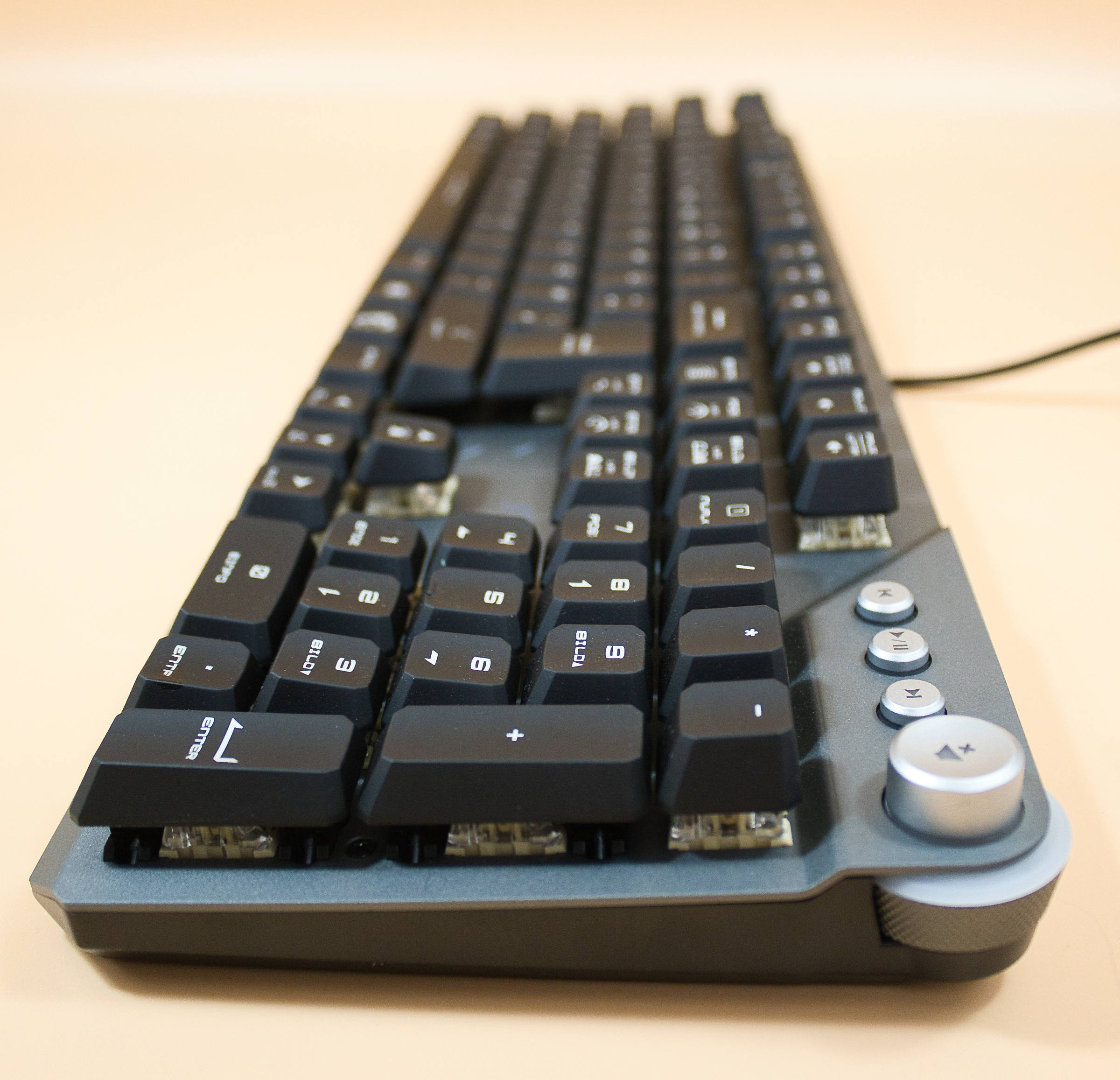 MSI Strike 600 Seitenansicht rechts (Image © PCMasters.de)
What really bugs my inner perfectionist is the mute button icon located on the volume wheel in the top-right corner of the keyboard, because it rotates along with the wheel—meaning the icon’s orientation changes depending on the volume wheel’s position. There’s a better way to do this.
The volume wheel is also quite wobbly, and due to the wheel’s considerable play, it can rub against the keyboard frame; however, these are the only flaws we were able to identify.
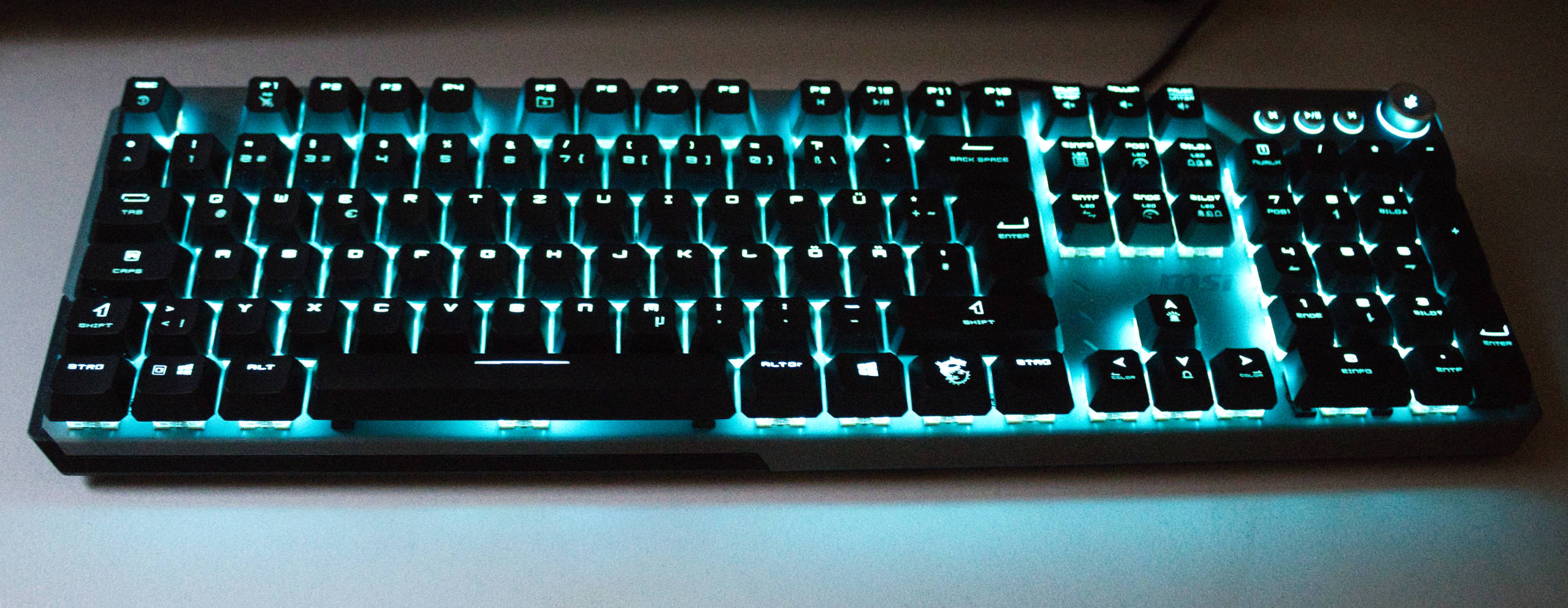 MSI Strike 600 Farbe Türkis (Image © PCMasters.de)
The typing experience
Here, we can attest to the keyboard’s positive qualities, as your fingers rest very comfortably in the curve of the keys and typing is a breeze. The key resistance is quite high, which minimizes typos, but typing is slightly more strenuous than on other keyboards. The wrist position is somewhat steep, which unnecessarily increases the strain. If you type a lot, we recommend getting a palm rest—your wrists will thank you. Thanks to the quiet switches, the noise level remains very pleasant and should hardly bother even sensitive users. Overall, this still earns a solid B+ grade.
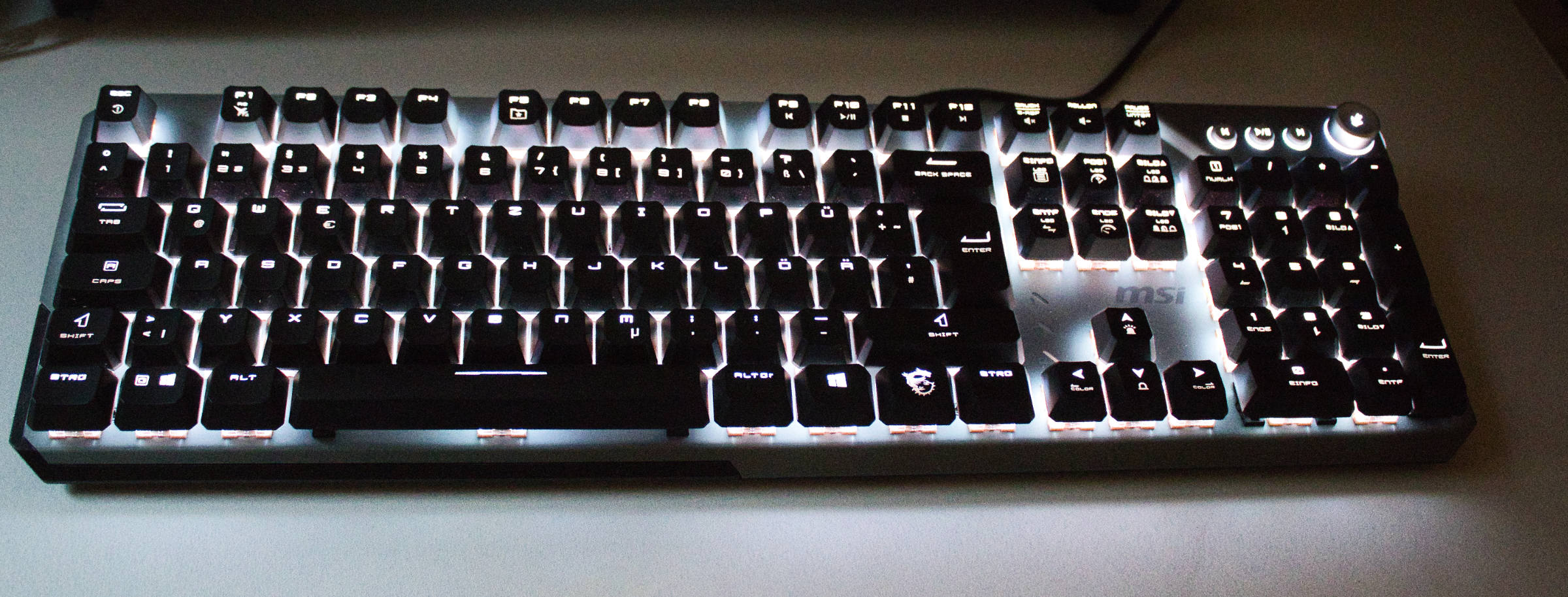 MSI Strike 600 Weiße Beleuchtung (Image © PCMasters.de)
The Typing Feel
While typing, the fairly high resistance ensures that mistypes are very rare, and the lack of a "click" from the mechanical switches doesn’t hinder accurate input. Others in the room are also hardly bothered at all; the volume is so low you might mistake it for a rubber dome keyboard, which is very pleasant for others in the room. Even the spacebar—which is often problematic on other keyboards—makes the same sound as the other keys and therefore doesn’t stand out in an unpleasant way. As a gaming keyboard, there’s nothing to complain about here except for the slightly steep angle of the wrist. A palm rest is also recommended here for long sessions at the PC.
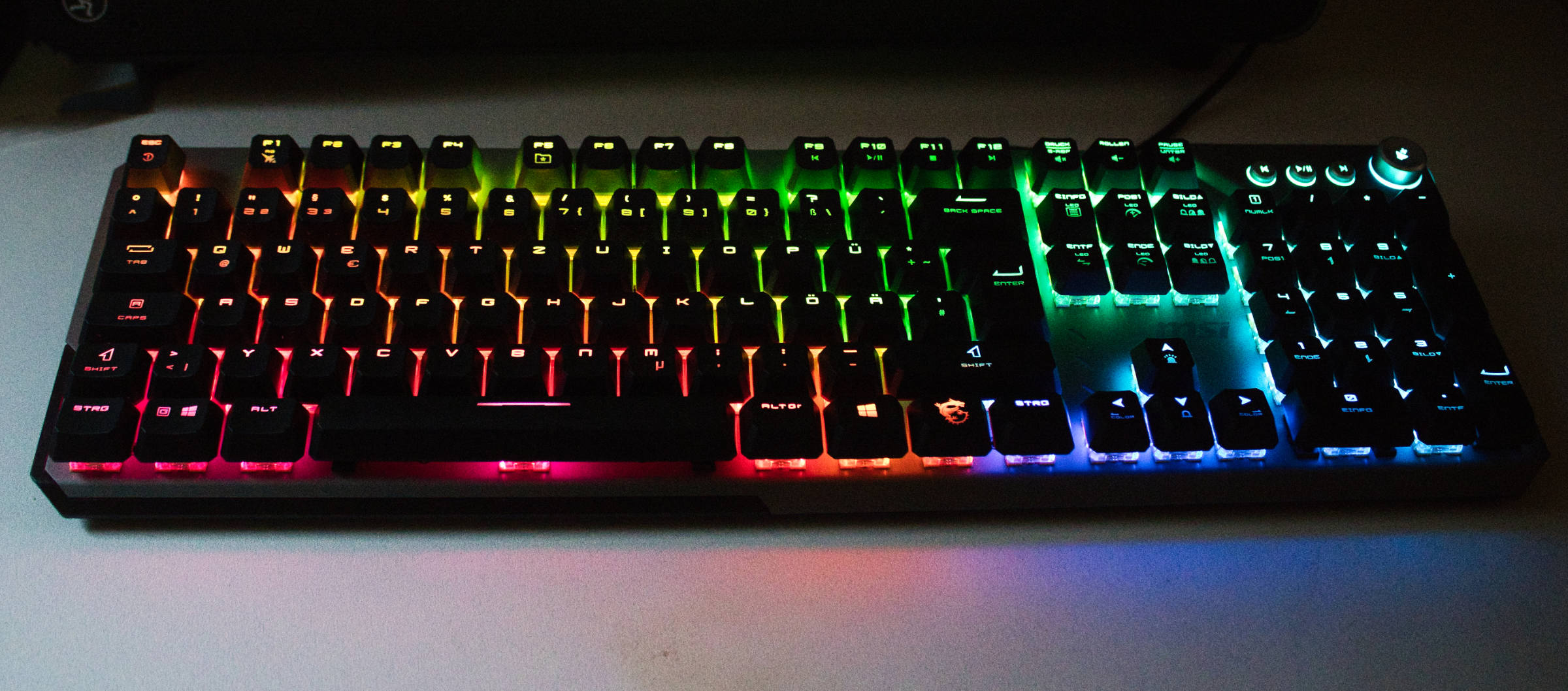 MSI Strike 600 RGB Regenbogen (Image © PCMasters.de)
The RGB Lighting
There’s nothing to complain about here—if you set it to rainbow mode and run it at maximum brightness, you’ll be as happy as a little kid. It looks really nice and uniform, the transitions between different colors are clean and smooth, and the darker the room gets, the more stylish the lighting becomes.
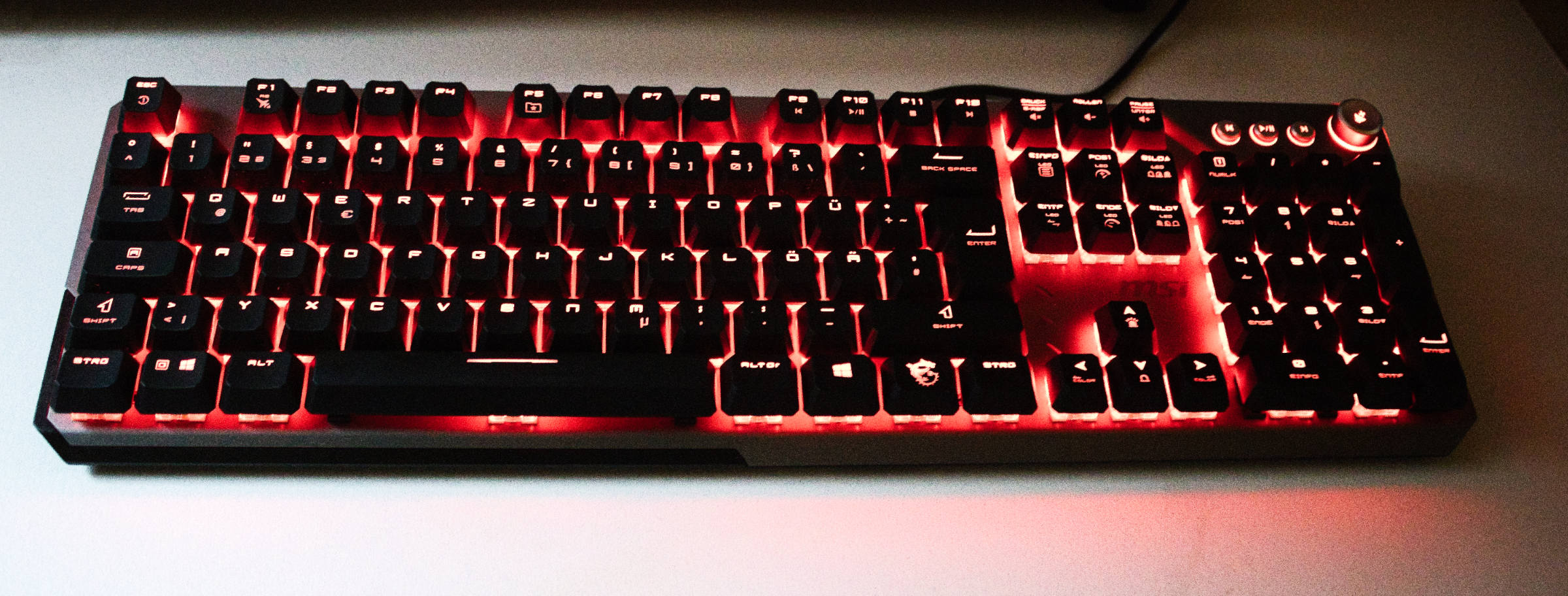 MSI Strike 600 Farbe Rot (Image © PCMasters.de)
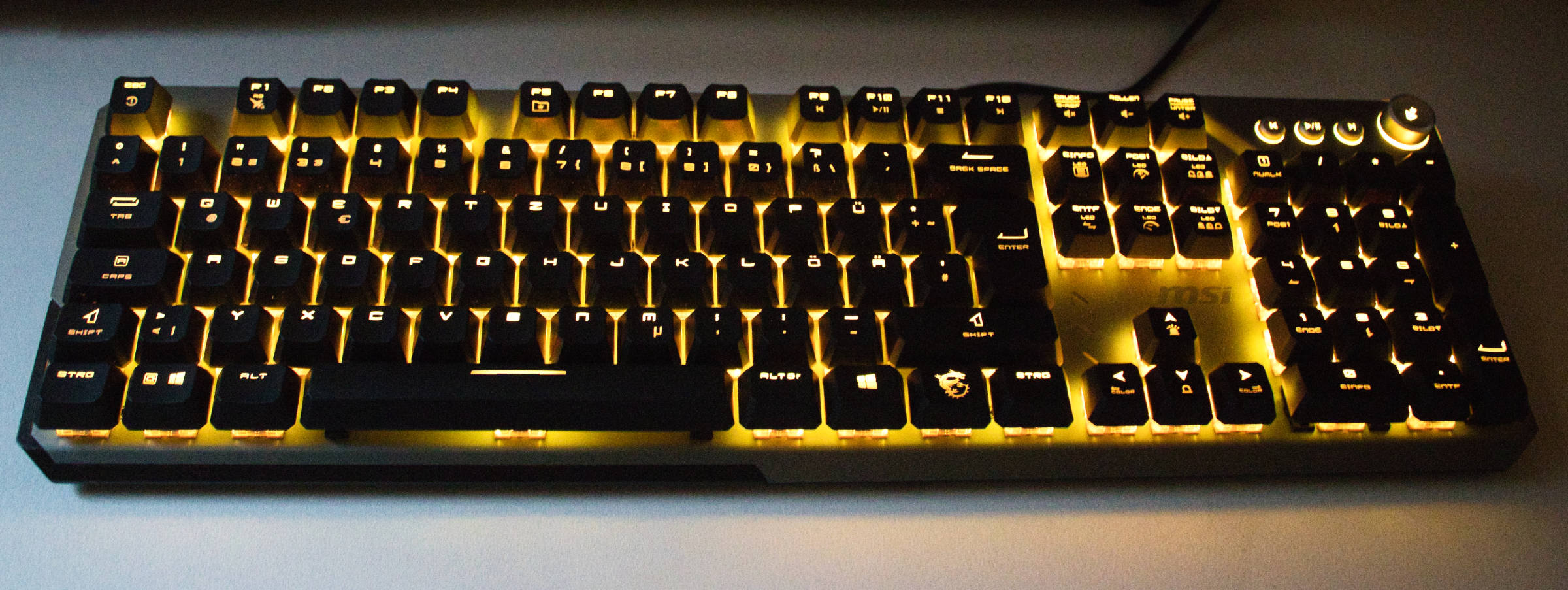 MSI Strike 600 Farbe Gelb (Image © PCMasters.de)
That’s how you do lighting! Of course, there are what feels like 1,000 ways to customize this via software. It’s also nice that the three lights for Num Lock, Tab, and Scroll Lock can be controlled via RGB as well, allowing them to integrate into the color scheme and not look like an afterthought.
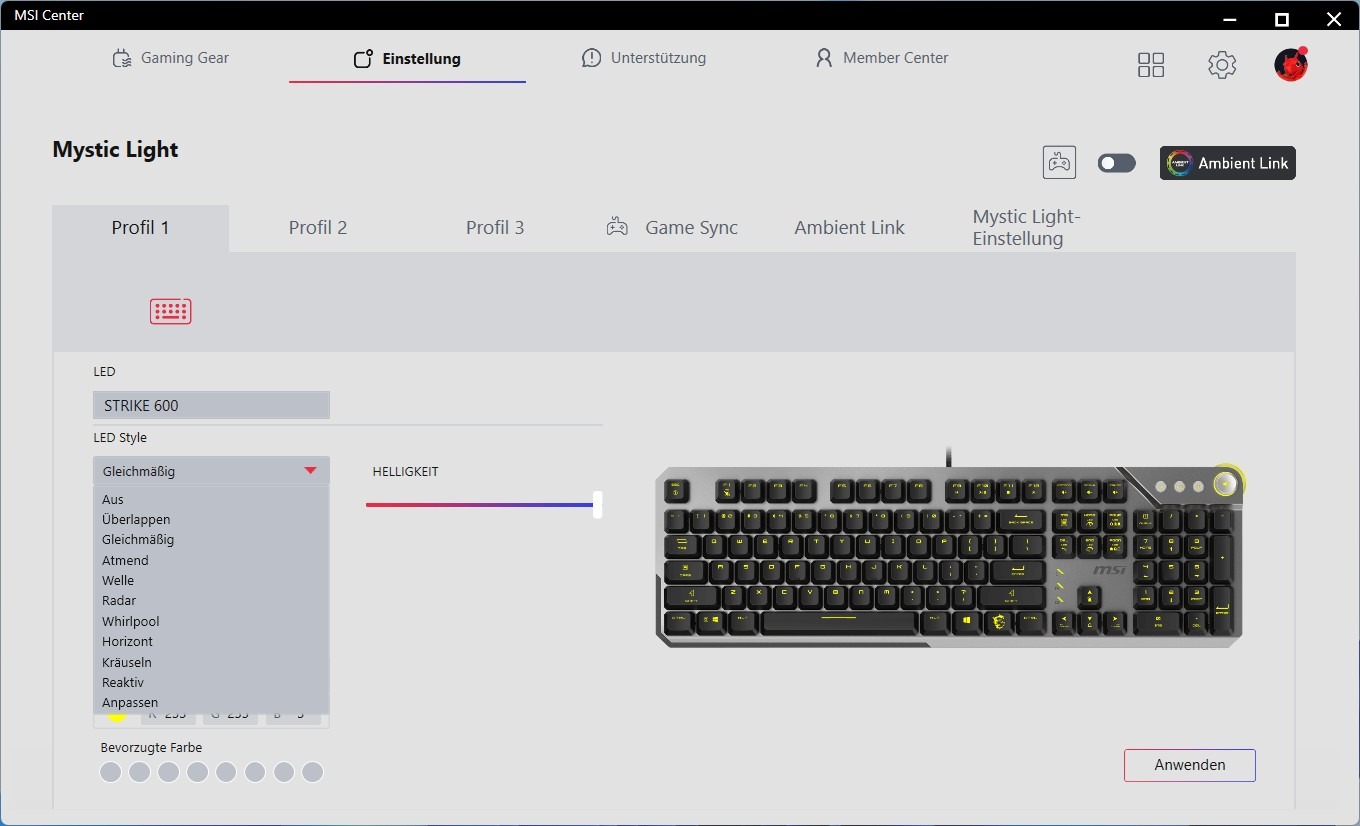 MSI Strike 600 Software RGB Beleuchtung (Image © PCMasters.de)
The Software
The software covers only the essentials, such as macro creation—which can be configured under Gaming Gear—and a setting for adjusting the keyboard’s lighting. That’s about it. Firmware updates were downloaded when the MSI Center launched; during this process, the keyboard is unresponsive, but it’s usually done after a few seconds.
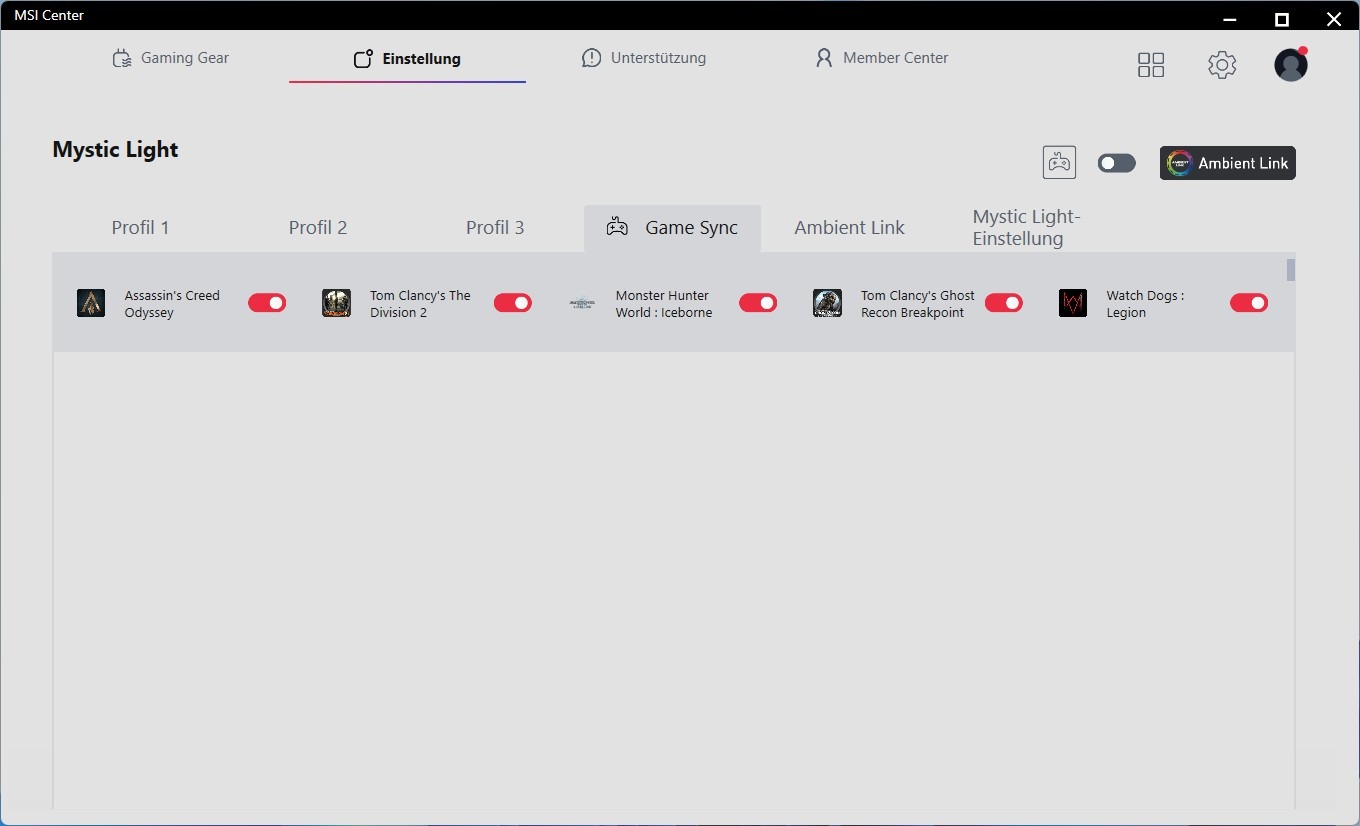 MSI Strike 600 Software RGB Beleuchtung Spielprofileanpassung (Image © PCMasters.de)
MSI Strike 600 Software RGB Beleuchtung (Image © PCMasters.de)
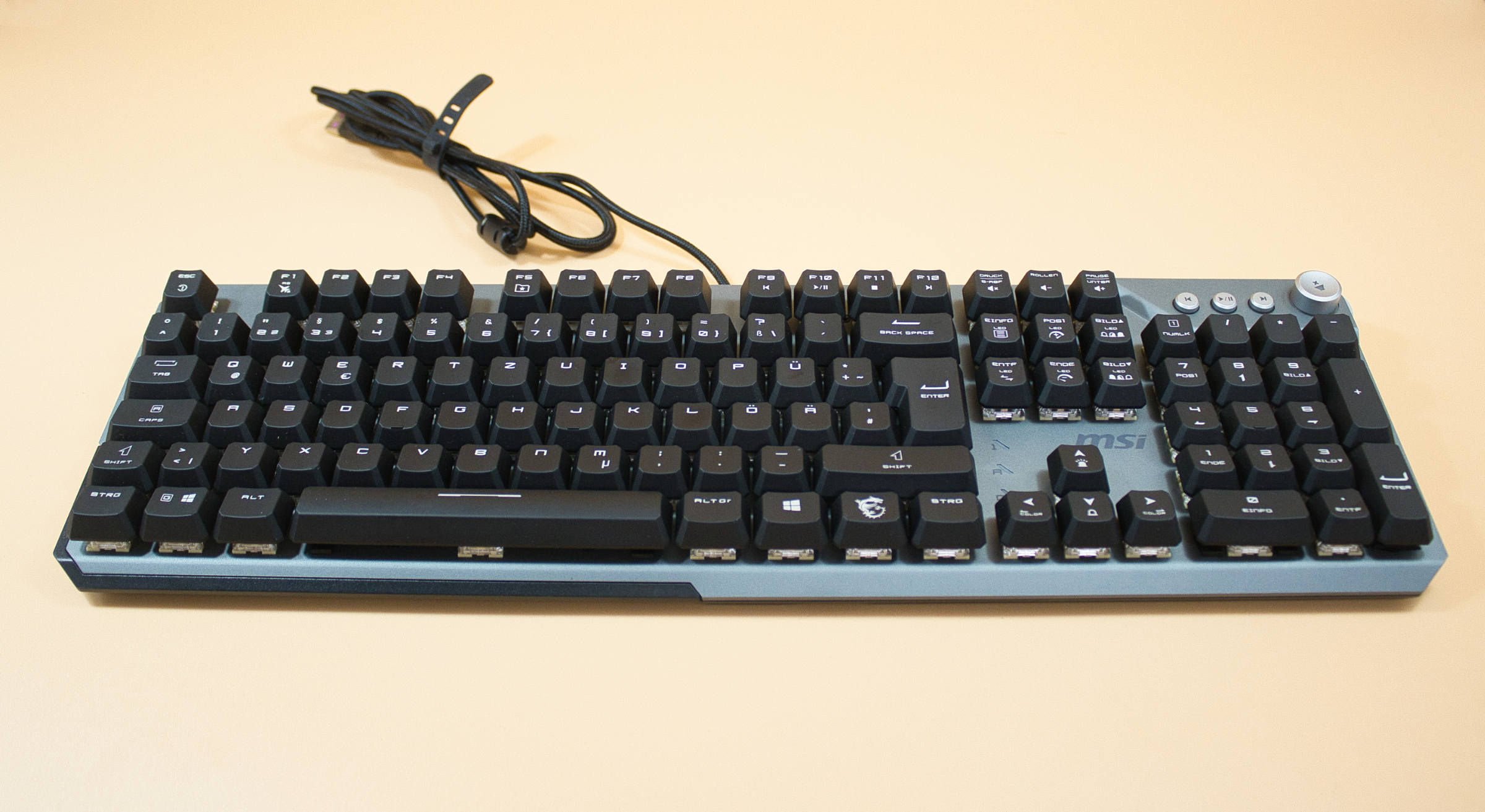 MSI Strike 600 Test/Review (Image © PCMasters.de)
Conclusion on the MSI STRIKE 600
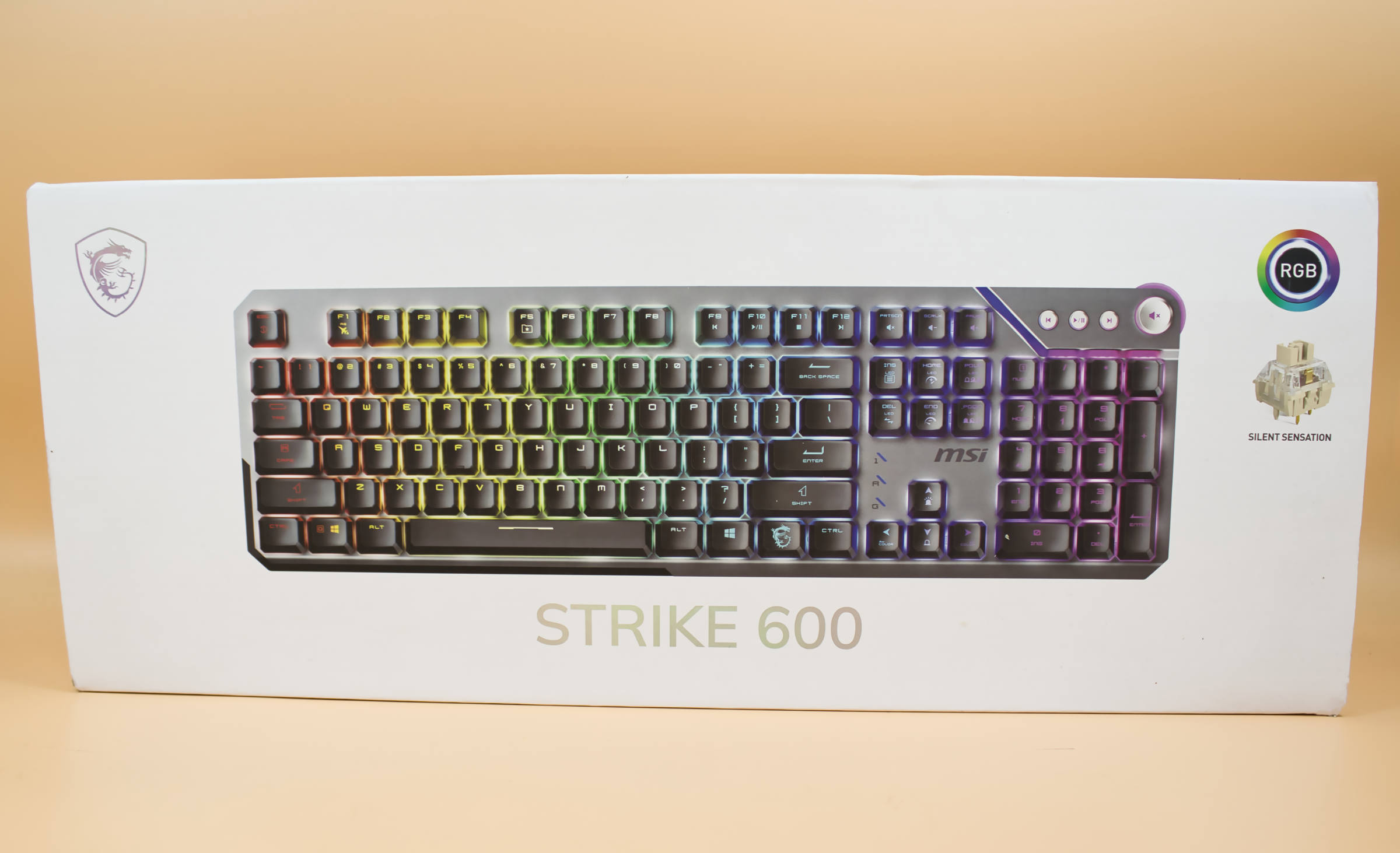
With the Strike 600, MSI has created a quiet keyboard that offers great RGB lighting and is fully capable of serving as both a typing machine and a gaming keyboard, although we would recommend a wrist rest in both cases. The keyboard’s futuristic design and excellent RGB lighting are particularly noteworthy.
The aluminum front panel is very well-made and looks impressive. The media keys provide excellent feedback, similar to a mouse click. Only the volume dial is a bit wobbly, and due to the significant amount of play, the dial tends to scrape against the front panel. The included accessories are very minimal, but on the other hand, you don’t have to spend a three-figure sum to enjoy the keyboard. The software is limited to the bare essentials, making it very easy to understand.
At the time of testing, the Strike 600 Silent keyboard is available on Amazon for just under €79 (Affiliate).
Pro
- Beautiful, futuristic design
- Shortcuts to the Afterburner software
- Great RGB lighting
- High build quality
- Fairly quiet keystrokes
- Suitable for both typing and gaming
- Lighting fully adjustable via the keyboard
Contra
- Slightly steep wrist angle (Fatigue during prolonged use)
- Significant play in the volume control knob
- The orientation of the mute button symbol changes with the volume control position
- No palm rest