Computer Forum
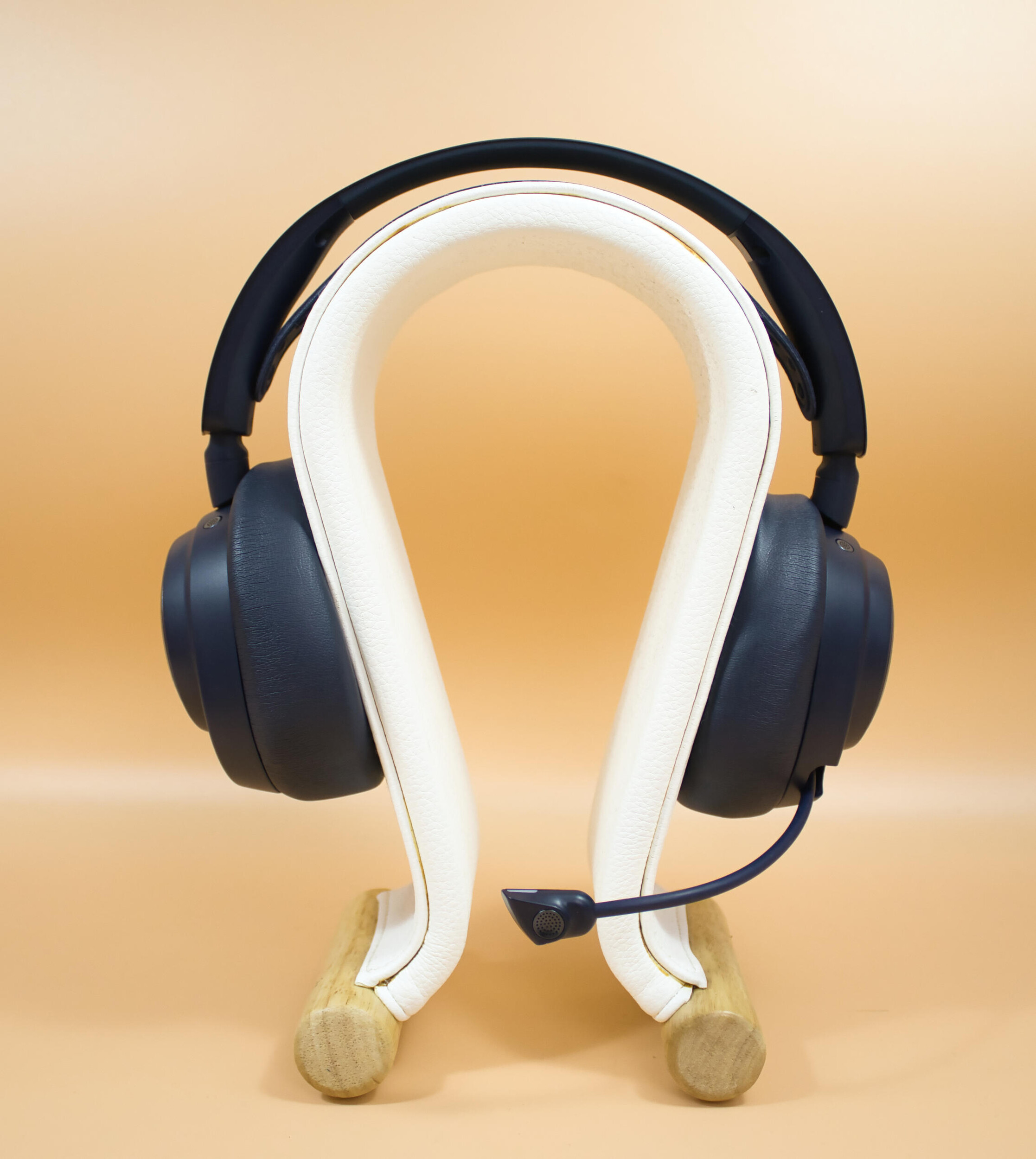 SteelSeries Arctis Nova Pro Omni Review (Image © PCMasters.de)
Company history
Steelseries has been on the market for over 20 years, having been founded in Denmark in 2001 by Jacob Wolff-Petersen. At that time it was still called Soft Trading. It was not until 2007 that the name was changed to Steelseries. In 2008, the North American gaming peripherals manufacturer Ideazon was acquired. In the following 5 years, the sales channels were consolidated and the name was established through partnerships in the gaming sector (e.g. ESport sponsorship). In 2012, Steelseries received capital, which led to the further development of popular products such as the Rival and Sensai mouse series, the Arctis headsets and the Apex keyboards. In 2019, Steelseries was acquired by Axcel. The following year, Steelseries went on a shopping spree and acquired audio software developer A-Volute and accessories manufacturer KontrolFreek. On January 12, 2022, Steelseries was then acquired by GN Store Nord for approx. 1.25 billion US dollars and has officially been a subsidiary ever since. Popular brands are continued and further developed here. Today's test candidate, which goes by the name of Arctis Nova PRO Omni, is one of the spearheads of Steelseries headsets and the latest development at Steelseries.
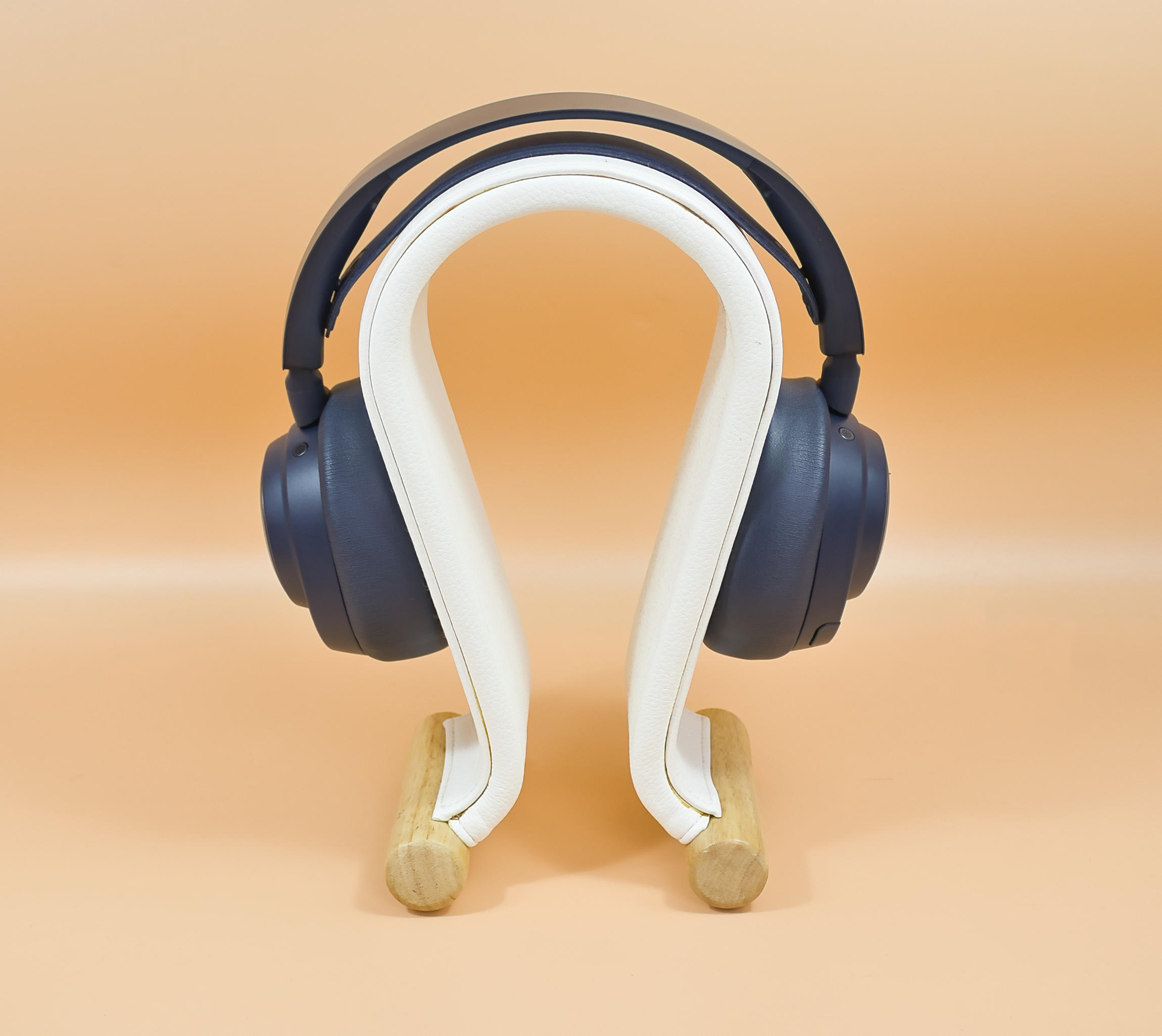 SteelSeries Arctis Nova Pro Omni front view (Image © PCMasters.de)
Technical data
| SteelSeries Arctis Nova Pro Omni - Technical data | |
|---|---|
| Bluetooth version | 5.3 + LE Audio/LE3+ |
| ANC | yes |
| Driver | 40 mm neodymium magnet driver |
| Weight | 339g headset / 169g base station |
| Frequency range | 10Hz - 40kHz |
| Impedance | 98 dB |
| Removable batteries | yes, 2 Li-ion batteries included, approx. 30h playback each without ANC |
| Microphone sensitivity | -40 dbV/Pa |
| Microphone characteristic | Omnidirectional |
| Microphone special feature | KI noise reduction |
| Mic recording frequency | 50Hz - 16kHz |
| Connections | Line in, Bluetooth and 3x USB-C |
| Compatibility | From Windows 10, Xbox X/S, MAC, PS4/5, Nintendo Switch 1 and 2, various handhelds and Meta Quest 2 and 3. Handhelds and Meta Quest 2 and 3 |
| Price | €399 (Affiliate) |
 SteelSeries Arctis Nova Pro Omni Packaging Fron (Image © PCMasters.de)
Packaging
The packaging is in gray and orange, the front is adorned with a picture of the headset and the corresponding wireless Gamehub. The name and brand cannot be missing on the front. The back is adorned with a few pictures of the software and the most important features of the headset. The scope of delivery and the headset/microphone/gamehub features are located on the side.
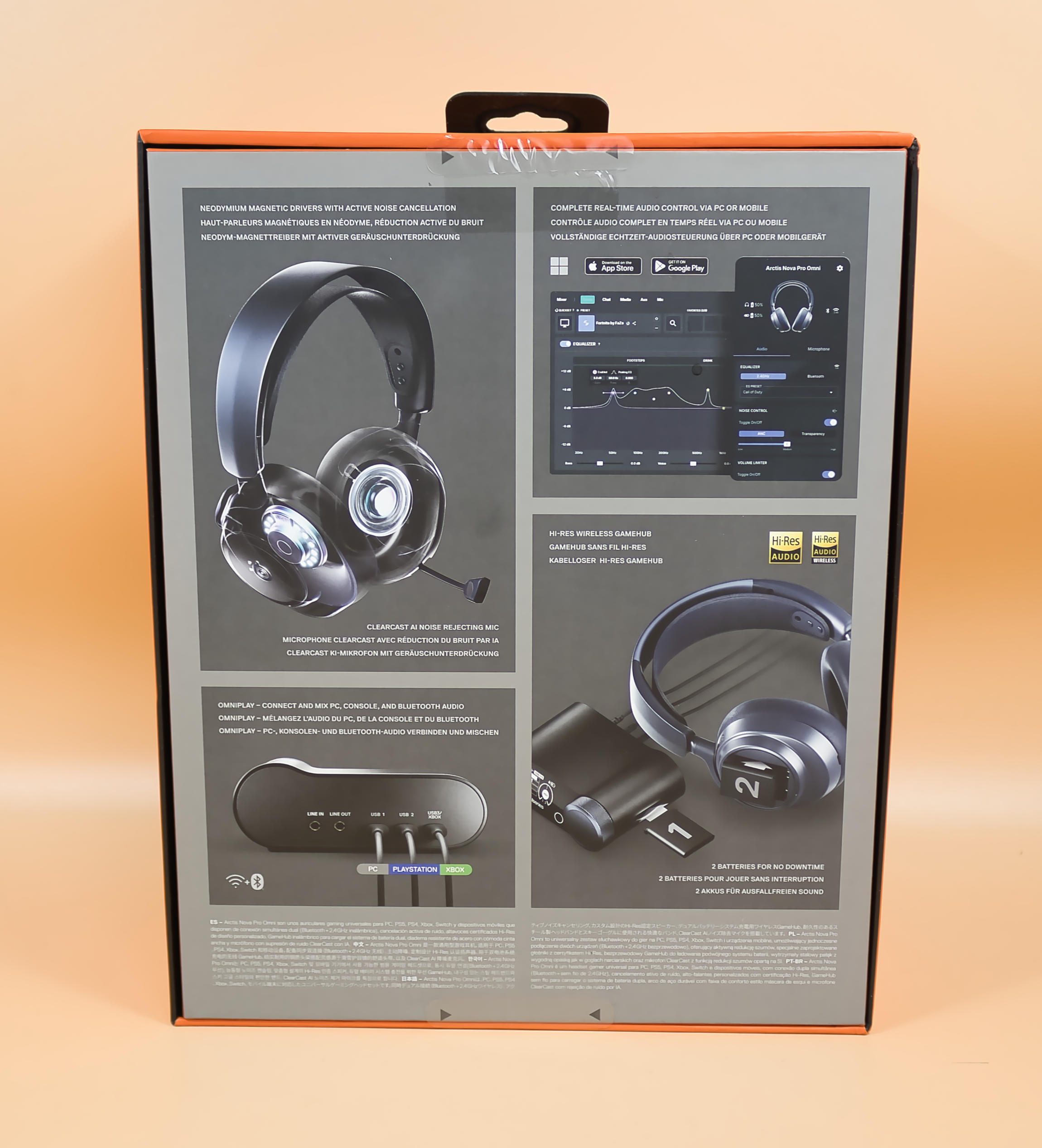 SteelSeries Arctis Nova Pro Omni rear packaging (Image © PCMasters.de)
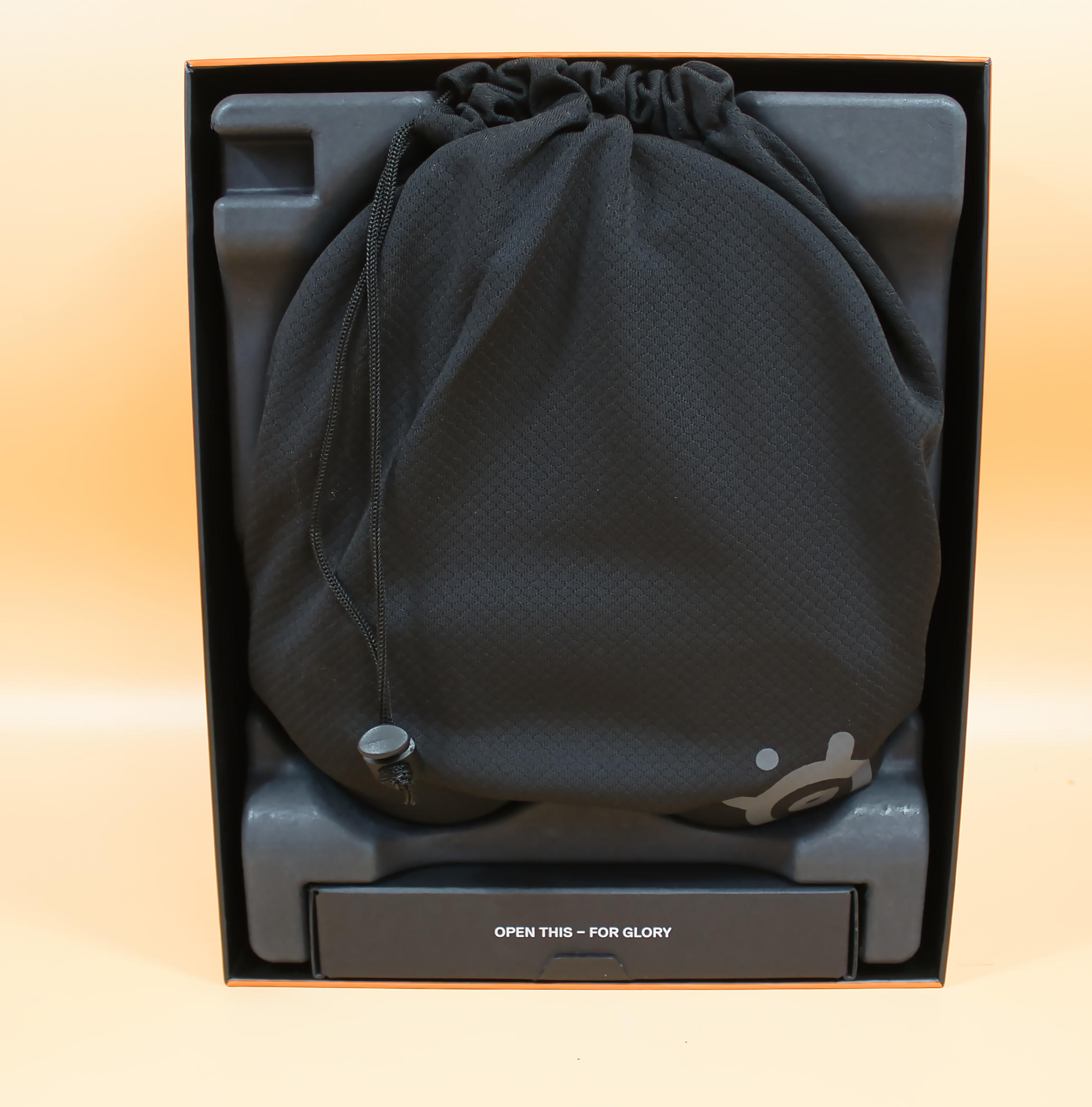 SteelSeries Arctis Nova Pro Omni packaging opened (Image © PCMasters.de)
Scope of delivery
The scope of delivery includes the base station (Gamehub), which serves as the central "mixing console" and has its own built-in display. There are also 2 rechargeable batteries, so that a full battery is always available and you are never without power except for the battery change time. There is also a fabric carrying case, which doesn't offer any real protection, but is just a storage option. At this price, more would certainly have been possible, and a carrying case would certainly have been included in view of the price. The headset itself and two cables from USB-C to USB-C, each 1.5m long. There is also a pop filter for the microphone and instructions.
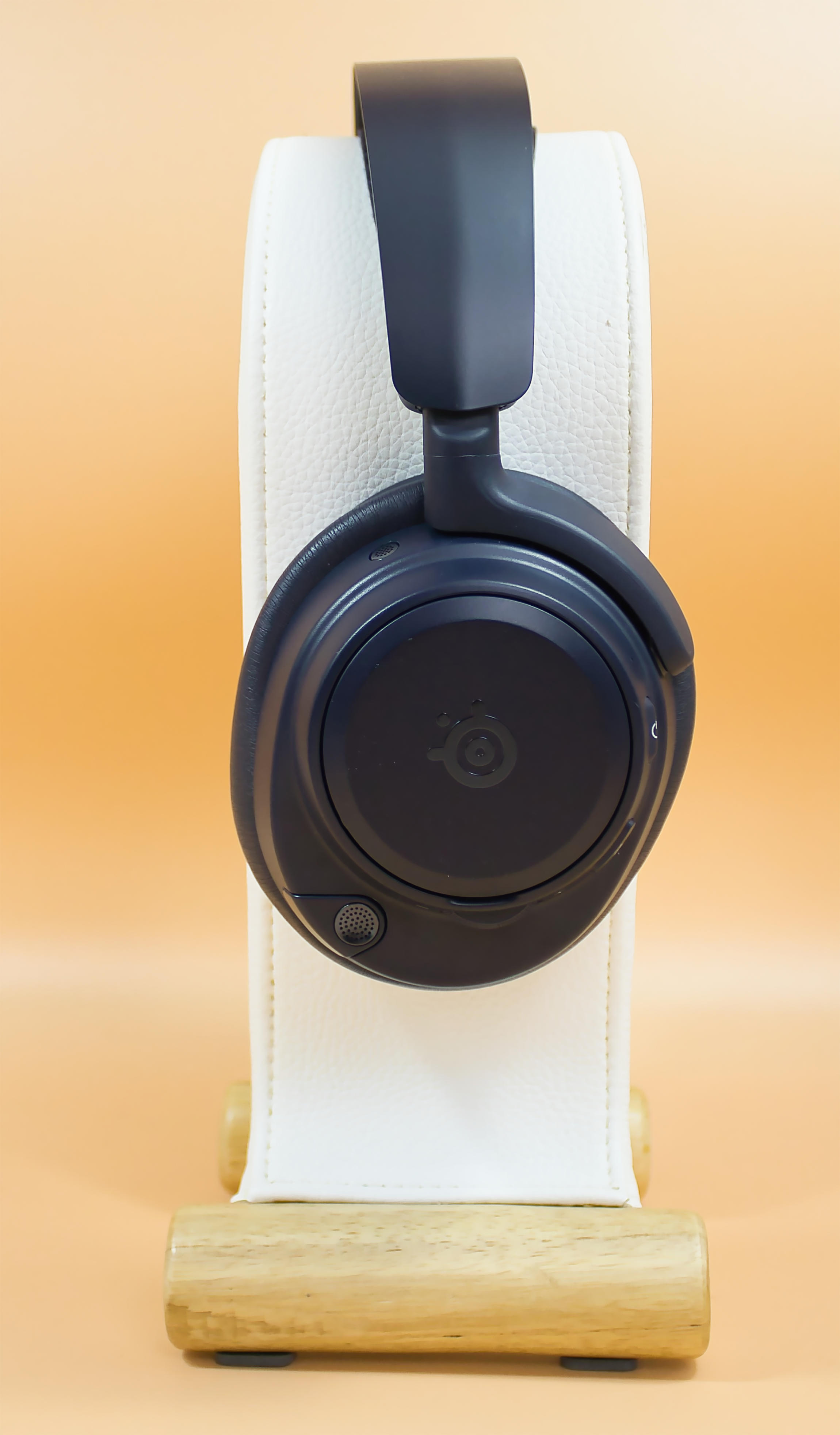 SteelSeries Arctis Nova Pro Omni Side Cover (Image © PCMasters.de)
Build quality
For an almost 400€ headset, you get a lot of plastic, which is well made but leaves a bad taste. On the other hand, the ear cups are made of an extremely comfortable material and leave many other headsets behind in terms of wearing comfort. The cover for the battery compartment fits well and does not rattle. The volume wheel on the left ear cup is slightly ribbed and provides good feedback as it is mounted with a slight click.
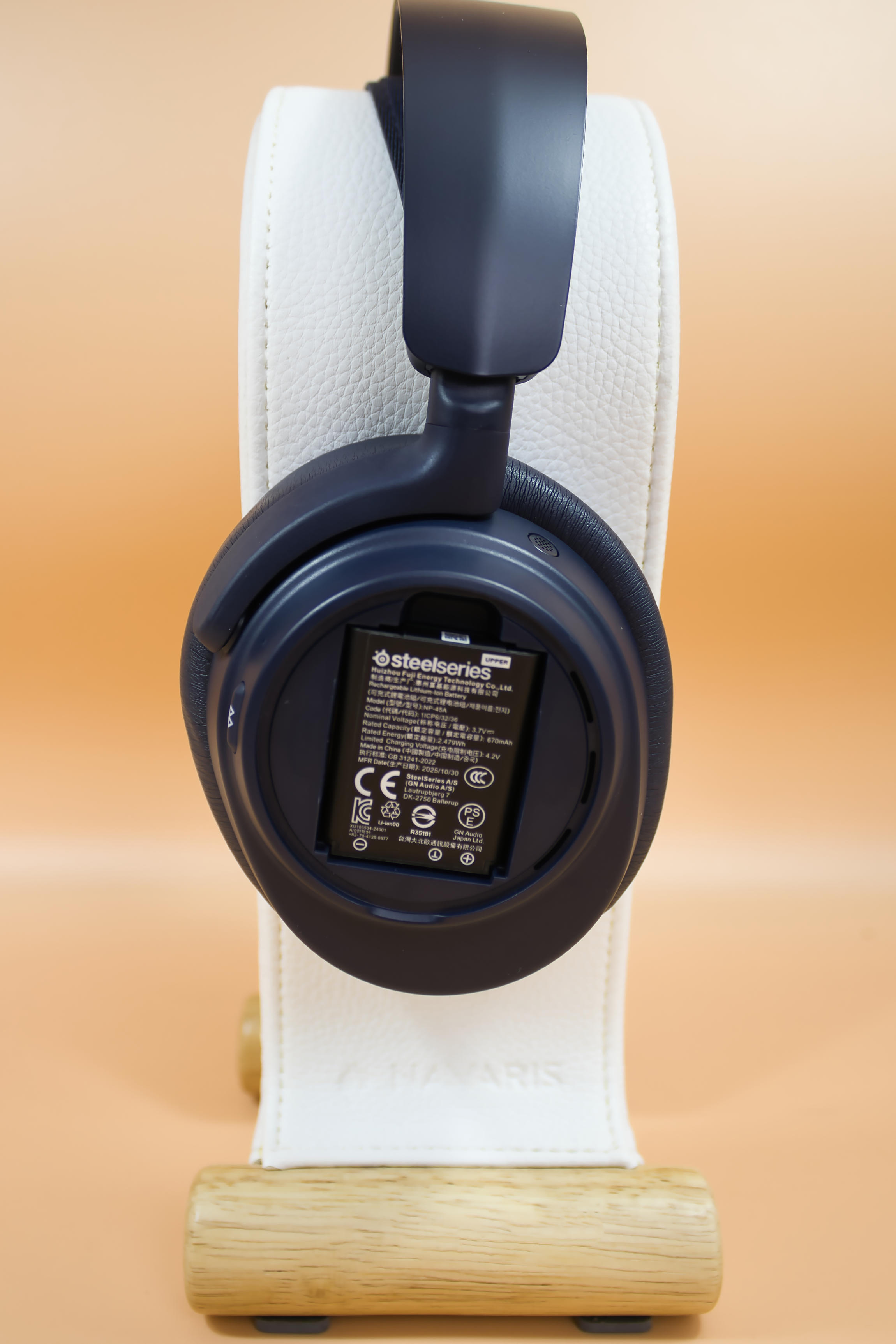 SteelSeries Arctis Nova Pro Omni battery compartment (Image © PCMasters.de)
Although the upper part of the headband is made of metal, it has a coating that looks like plastic.
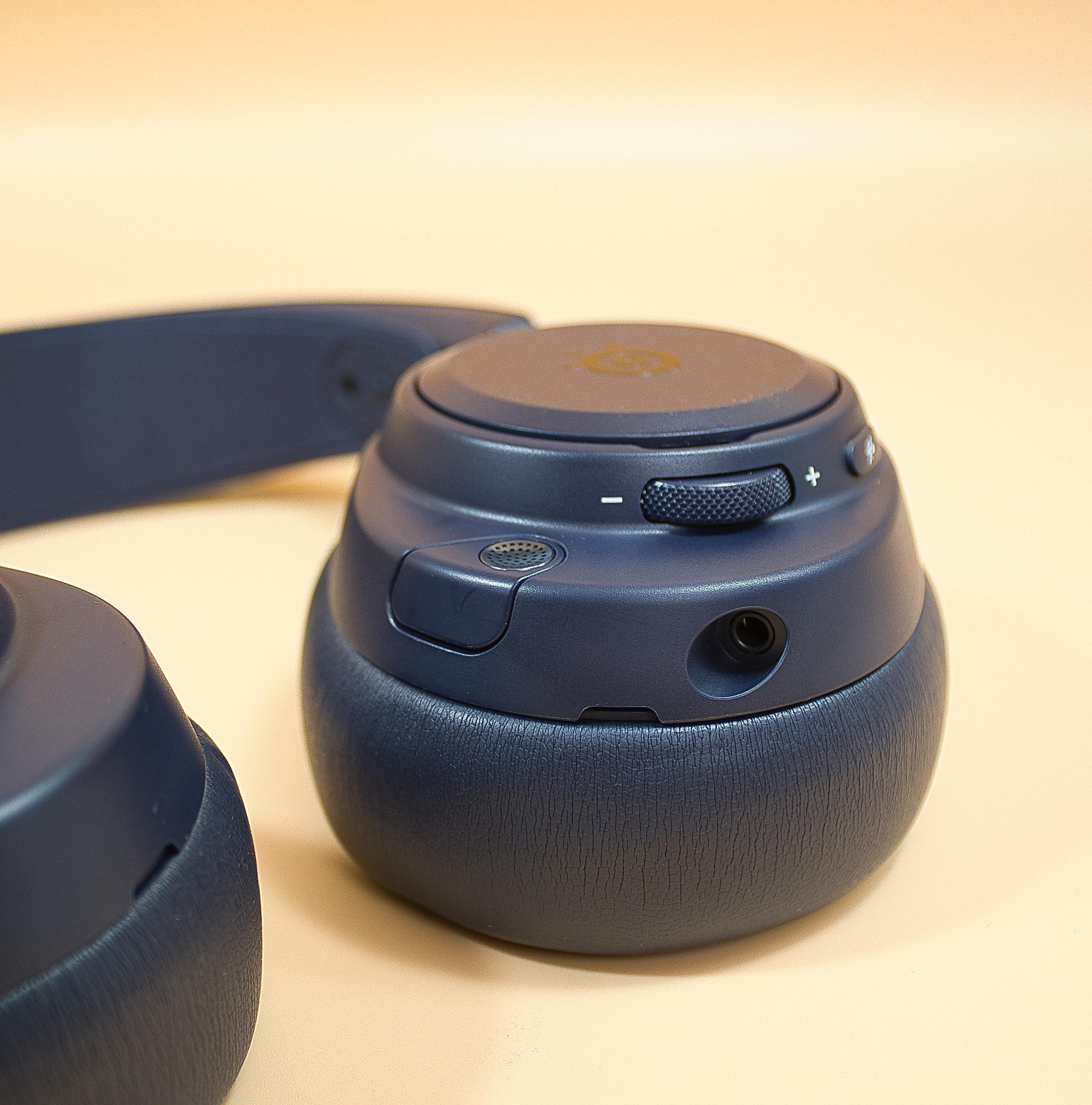 SteelSeries Arctis Nova Pro Omni volume wheel and jack connection (Image © PCMasters.de)
The buttons are integrated into the housing to a high standard and fit very precisely.
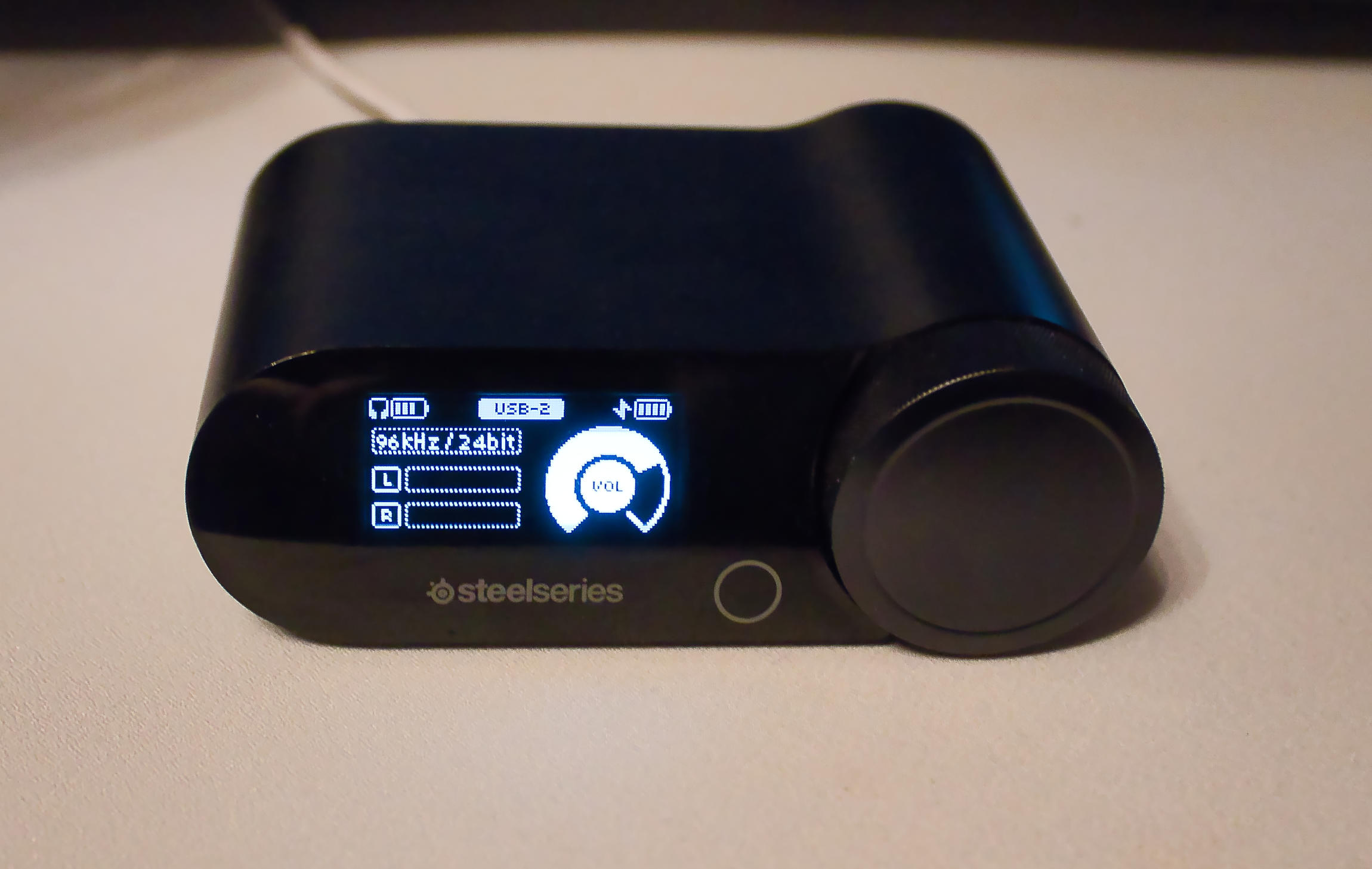 SteelSeries Arctis Nova Pro Omni Gamehub (Image © PCMasters.de)
The center of the whole thing looks the most valuable, the Gamehub has a quite pleasant frameless display not too bright but also not too dark, also the rotary knob fits exactly and does not give way as with cheap products.
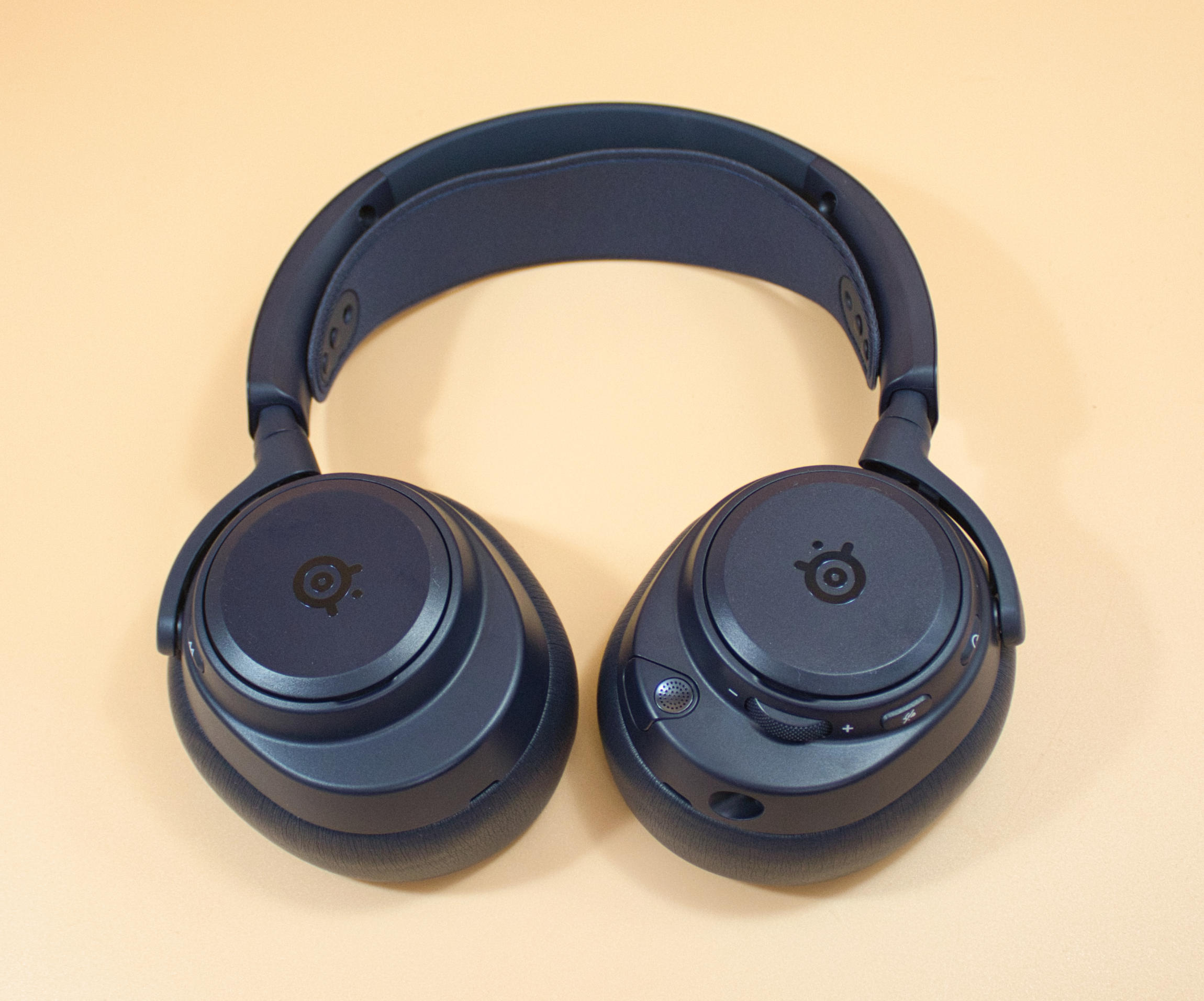 SteelSeries Arctis Nova Pro Omni external ear cups (Image © PCMasters.de)
Wearing comfort
The Arctis Nova Pro Omni is a representative of the closed design, the very thick, but also super soft foam lets you forget the headphones with their just over 300 grams on your head, only after a long time it can come to heat accumulation depending on the environment. The shielding is quite pronounced even without ANC.
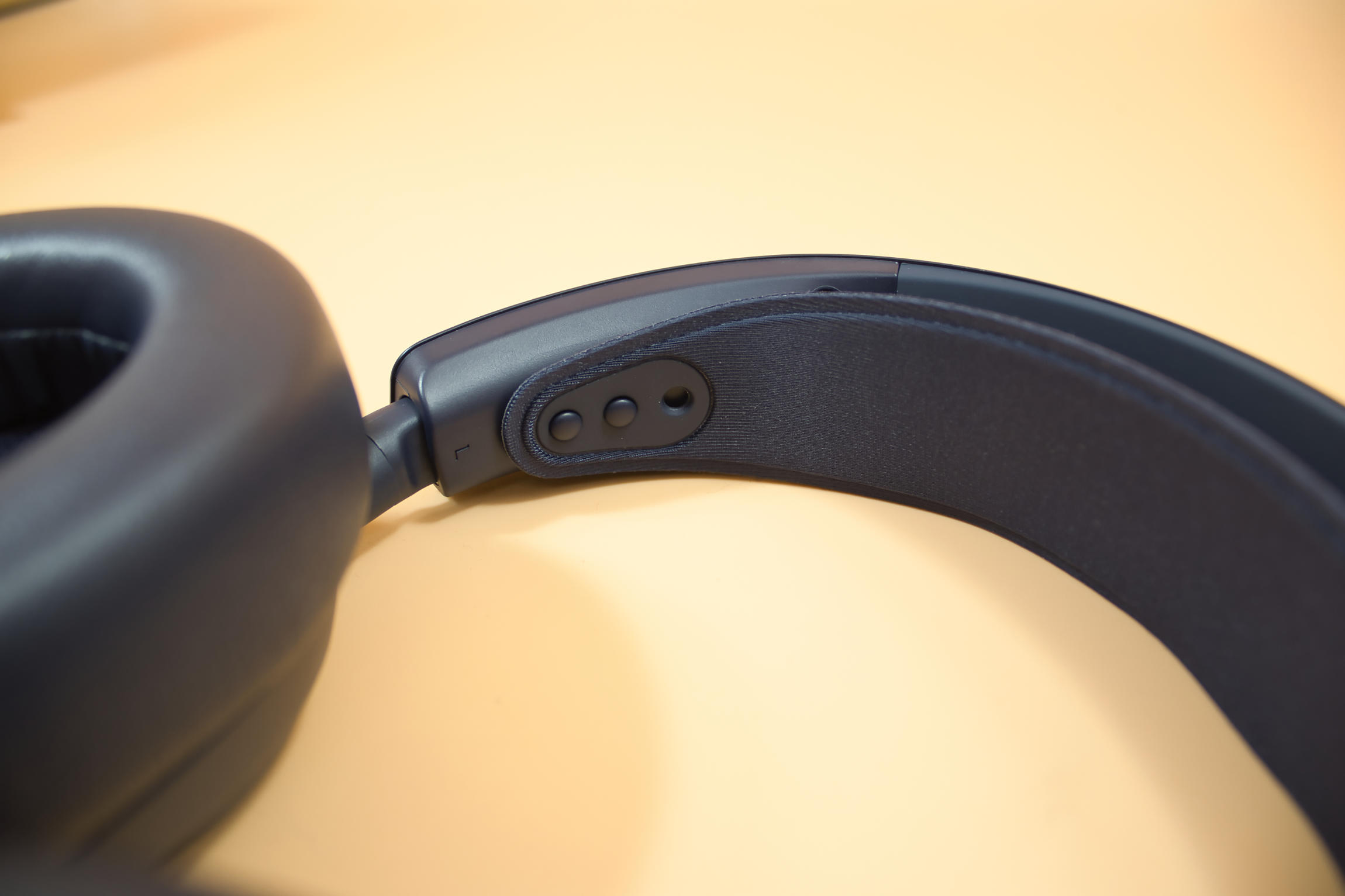 SteelSeries Arctis Nova Pro Omni head circumference adjustment (Image © PCMasters.de)
The fit is decent, but we wouldn't recommend them for jogging, but for normal head movements the fit is good. The length of the headband is adjusted using a non-locking plastic rail, which is a bit of a bitter pill to swallow for an RRP of almost €400. The length adjustment is somewhat stiff, so that the length does not change during normal use. The headband can be locked in place using fixed points and is a little fiddly, but as it is not adjusted very often, this is fine.
ANC
The noise suppression can be set to four different levels, from transparent mode, in which external noise is directed well into the headphones, to maximum, which does not provide maximum shielding but still lets some of the surroundings through. This avoids an overly extreme diving bell effect and even at the highest level, the noise suppression is not very unpleasant.
Microphone
The microphone of the Arctis Nova Pro Omni can be stowed in the ear cup, as is typical for Steelseries, and in this version it is also quite flexible, so that it can adapt to most head shapes and is hardly perceived as disturbing. The quality of the microphone can be considered usable for voice recordings. We experimented a little with the settings in the software and were able to achieve satisfactory results. For a headset microphone, the quality achieved can be considered good, even if the room-filling warm recording of a studio microphone is not achieved.
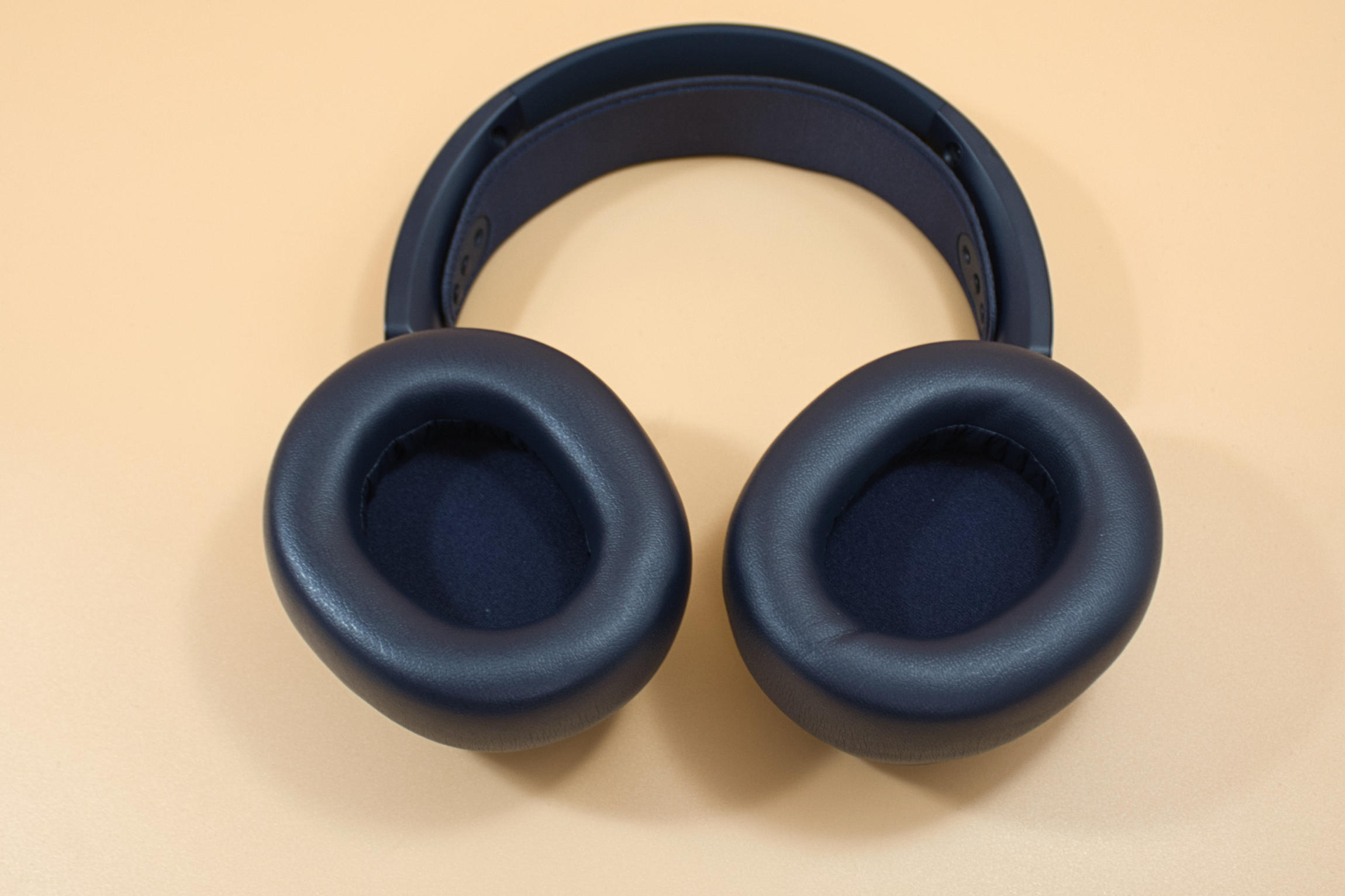 SteelSeries Arctis Nova Pro Omni ear cups (Image © PCMasters.de)
Low frequencies
In our opinion, the equalizer should be turned up a little in the low frequency range, as otherwise there's a bit of a lull here. The Arctis Nova Pro Omni is neutrally tuned, which in our subjective opinion makes the lows seem a little flat and in the delivery state, potential is wasted here. An artillery explosion directly in front of us was a little disillusioning compared to our previously rather bass-tuned headset. Here you can help with the equalizer, but you won't reach the immersion level of the reference headphones. We give it an 85% because there are moments when it suits us and there are times when it could be better. When listening to electronic music, we particularly noticed that the bass hardly booms, but is presented dryly.
Mid-range
This is where the strength of the headphones can be seen, this is where the Arctis Nova Pro Omni really shines: Speech, localization of sound sources and many instruments are at home here and are implemented very well, anyone who has always wanted to hear the 4th violin in the 3rd row could get their money's worth here. The vocal reproduction is a world of its own, which is so superbly realized that we are already raving about it at this point. This applies to both male and female voices. Applause, applause!
Tweeter
This is where the Arctis Nova Pro Omni shows the knife between its teeth: the treble is often very sharp, which can be a bit tiring in the long run, so we recommend taking the treble out a little here. However, this sharpness also helps with localization in competitive games such as CS2. To make the most of the headset's strengths, you should create various software profiles.
Hearing impression
When playing, we noticed an increase in localization due to the excellent resolution of the mid-range tones, but unfortunately the immersion falls somewhat by the wayside due to the dry, almost scalpel-like reproduction. It's almost as if you're watching a movie action movie with simple TV speakers, you can hear everything but the AHA and WOW effect is a little lacking. But you can understand the voices all the better. Boosting the bass range only helps to a limited extent, because if you invest too much in the bass, it unfortunately turns into a dull sound. For some, it may be good to hear less bass, as this preserves details in the mid-range. When listening to music, there is a lack of width, but every soundtrack is presented cleanly and you can recognize a nuance in one or the other song that you didn't notice before.
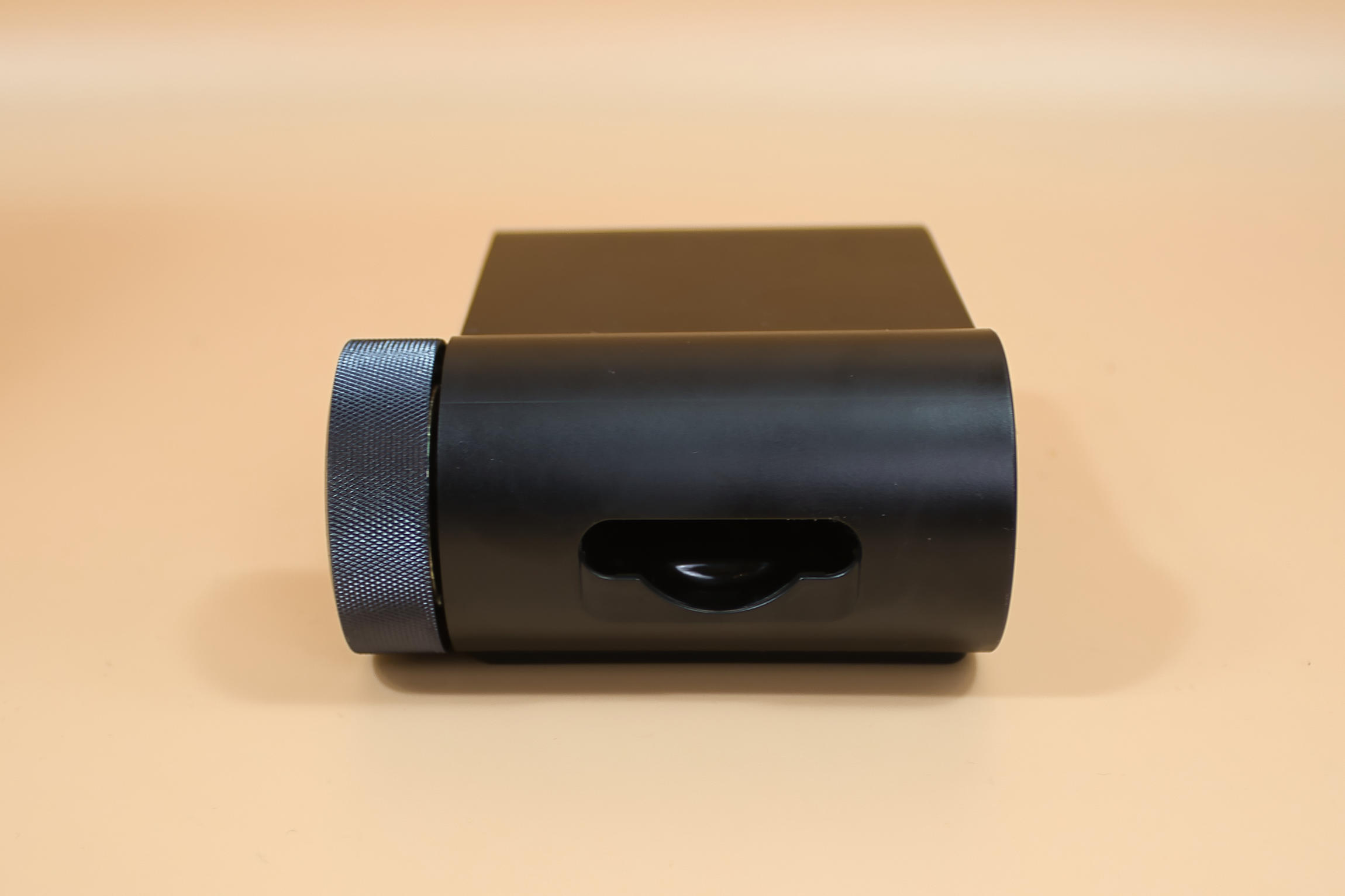 SteelSeries Arctis Nova Pro Omni battery dock (Image © PCMasters.de)
Features
There's a lot to mention on the features side, such as the removable battery, which, when charged on the Gamehub, provides power for even the longest sessions. Changing the battery is quick and easy and can be done in under 20 seconds in most cases. In our application, often with medium noise suppression and 2 audio sources (one via 2.4 Ghz on the Gamehub and one via BT), we were able to enjoy the headset for approx. 13 to 14 hours before we had to change the battery.
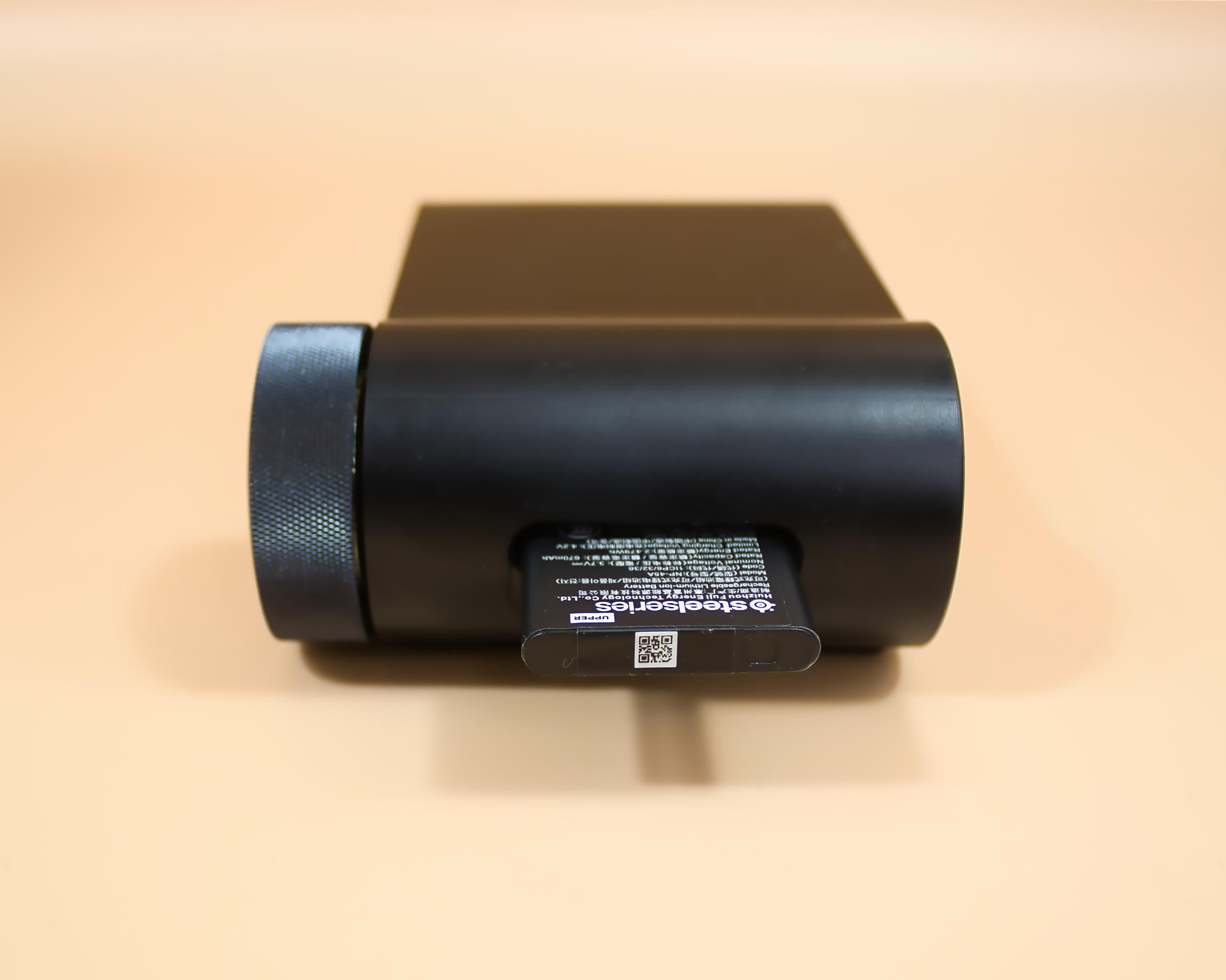 SteelSeries Arctis Nova Pro Omni battery in charging dock (Image © PCMasters.de)
We also have the option of connecting up to 5 sources, 4 of which can be mixed and played back simultaneously, which is particularly helpful if you are playing on the Playstation, for example, and want to talk via Teamspeak on the PC or simply make a phone call via your cell phone. Music playback via an external source is also easily possible.
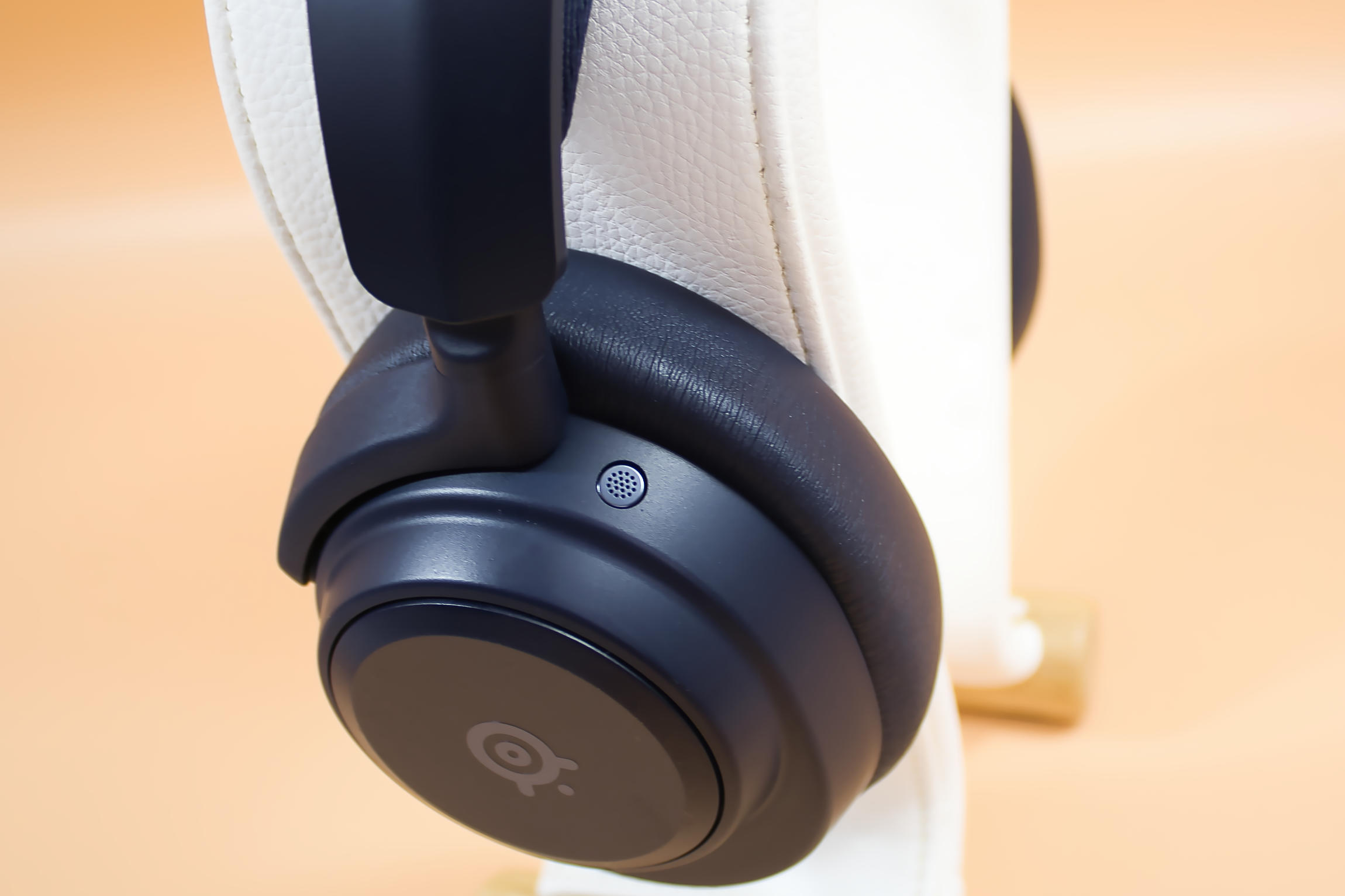 SteelSeries Arctis Nova Pro Omni ANC Microphone (Image © PCMasters.de)
The ability to play high-res audio in 24 bit and 96 kHz helps to achieve better accuracy with high-resolution music. The L3 and L3+ codec via Bluetooth also provide an increased bit rate and reduced latency.
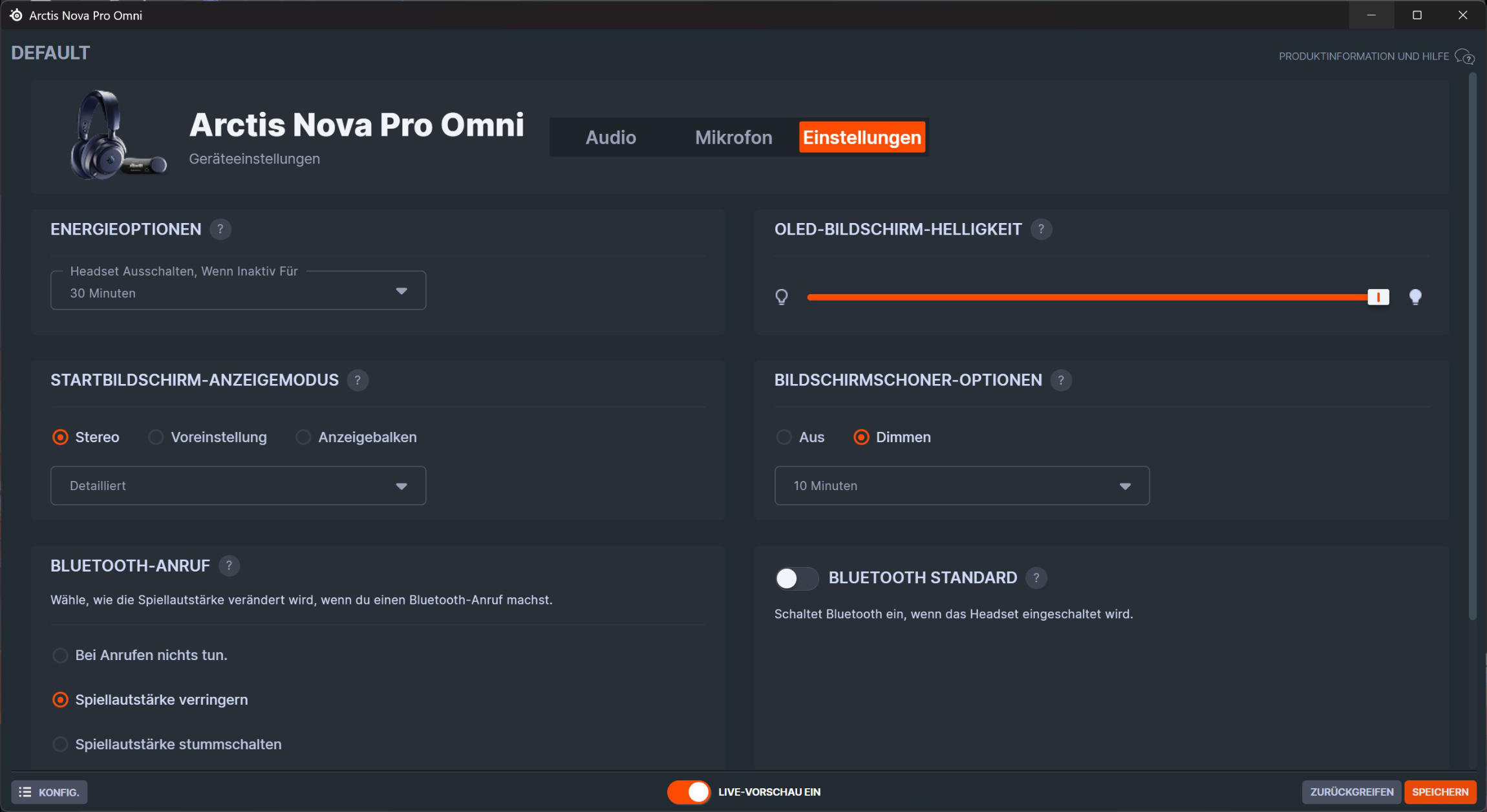 SteelSeries Arctis Nova Pro Omni device settings (Image © PCMasters.de)
Software
The software is simply called "GG" by Steelseries. Under the Engine tab, for example, you can perform a firmware update and set basic functions.
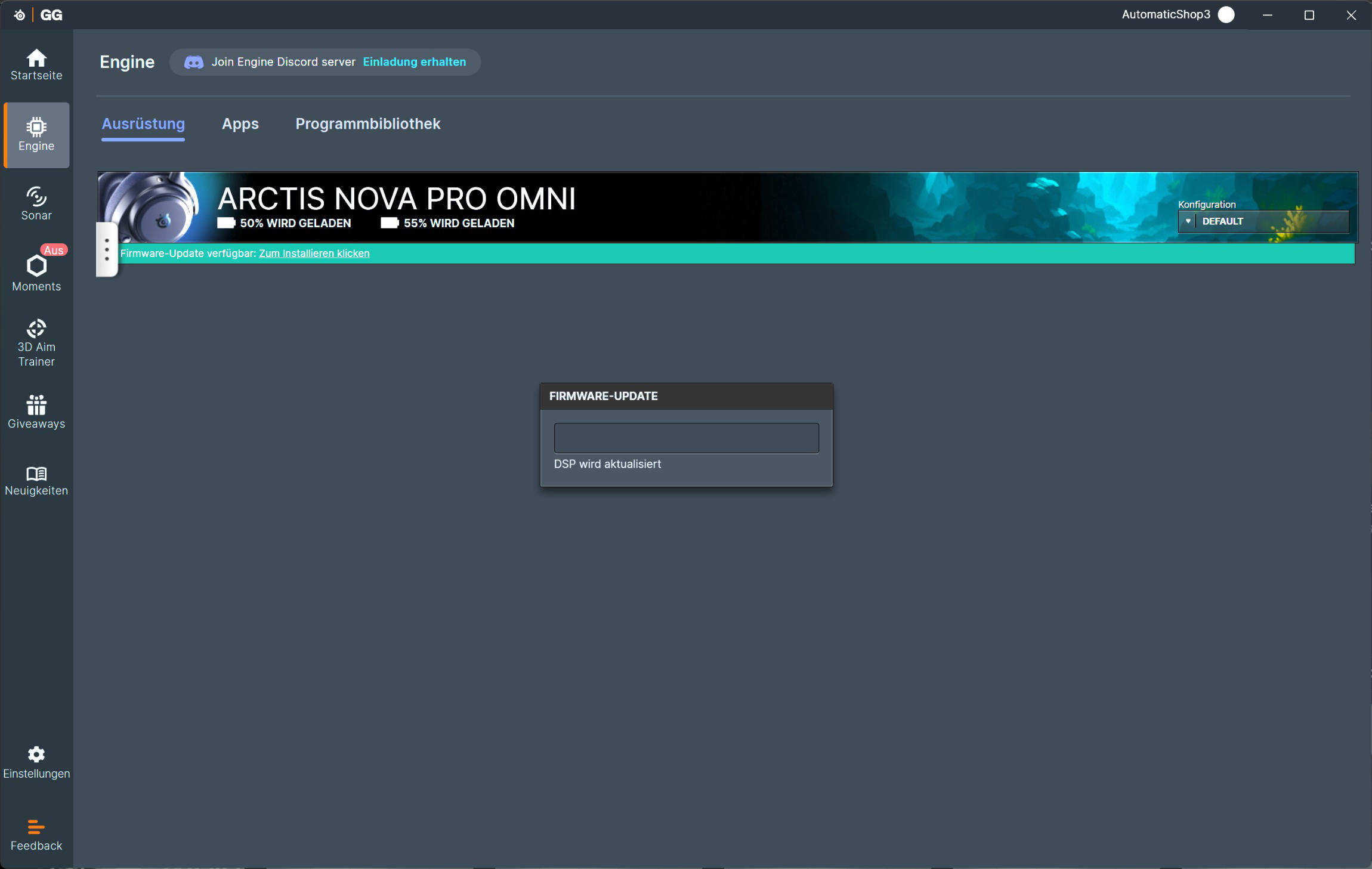 SteelSeries Arctis Nova Pro Omni Firmware Update (Image © PCMasters.de)
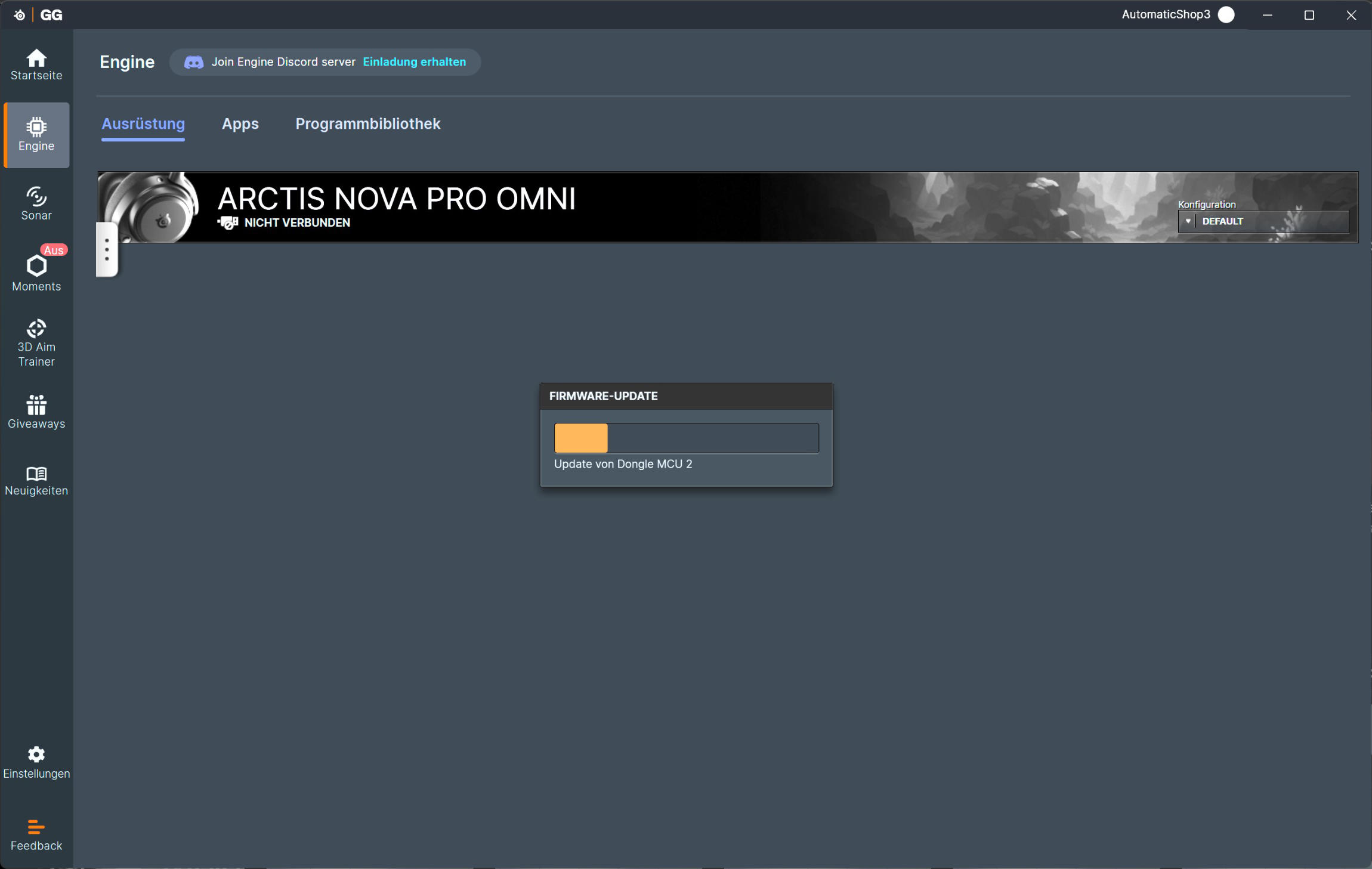 SteelSeries Arctis Nova Pro Omni Firmware Update 1 (Image © PCMasters.de)
In the Sonar area, you can assign individual channels to applications, so that you can, for example, have music playing quietly in the browser, or things like Teamspeak or Discord can drown out the gameplay so that you don't miss important announcements. You can also make your own equalizer and spatial settings (spatial effects) for each channel.
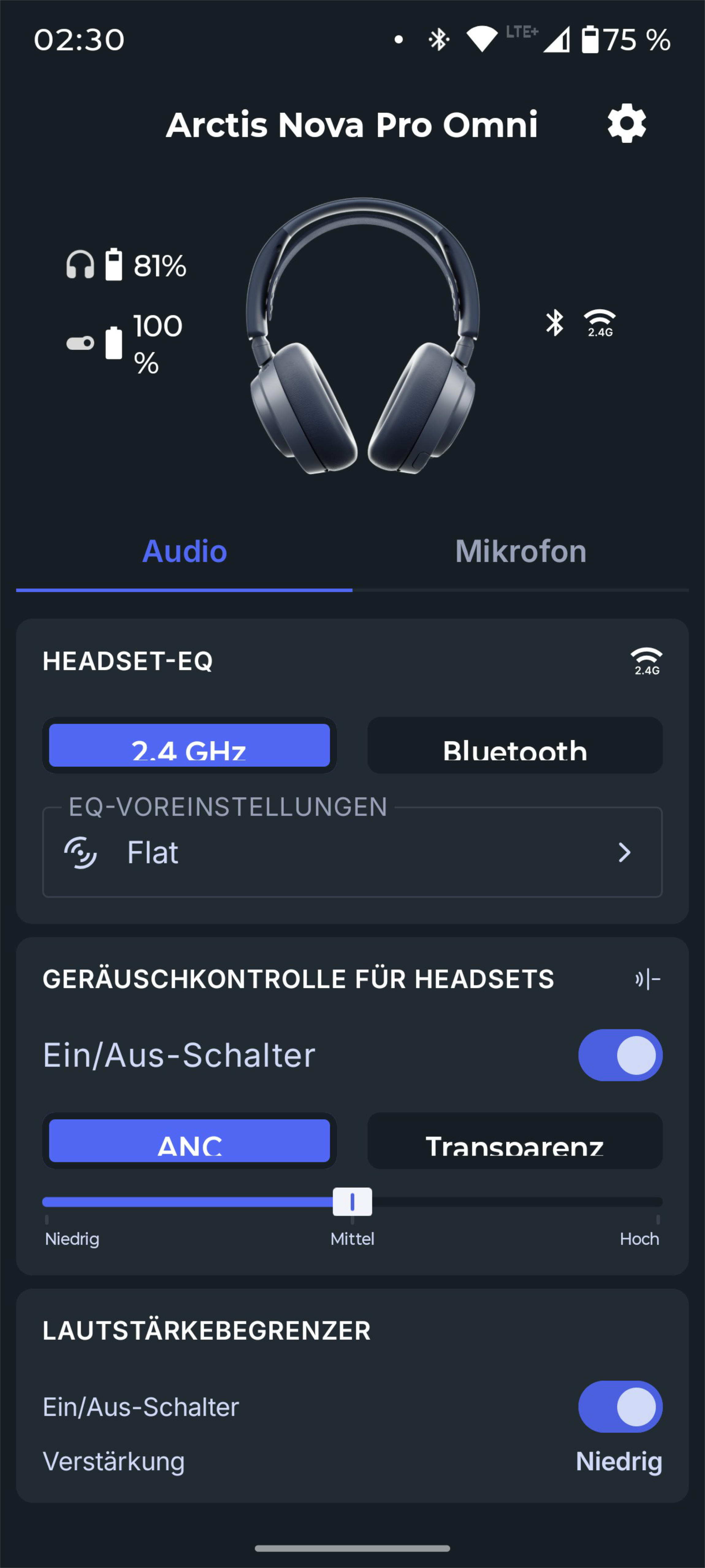 SteelSeries Arctis Nova Pro Omni App Android (Image © PCMasters.de)
The whole thing is also available as an app for your cell phone, so you can adjust everything according to your preferences. The only thing missing is an equalizer, but here you can choose from the many stored profiles.
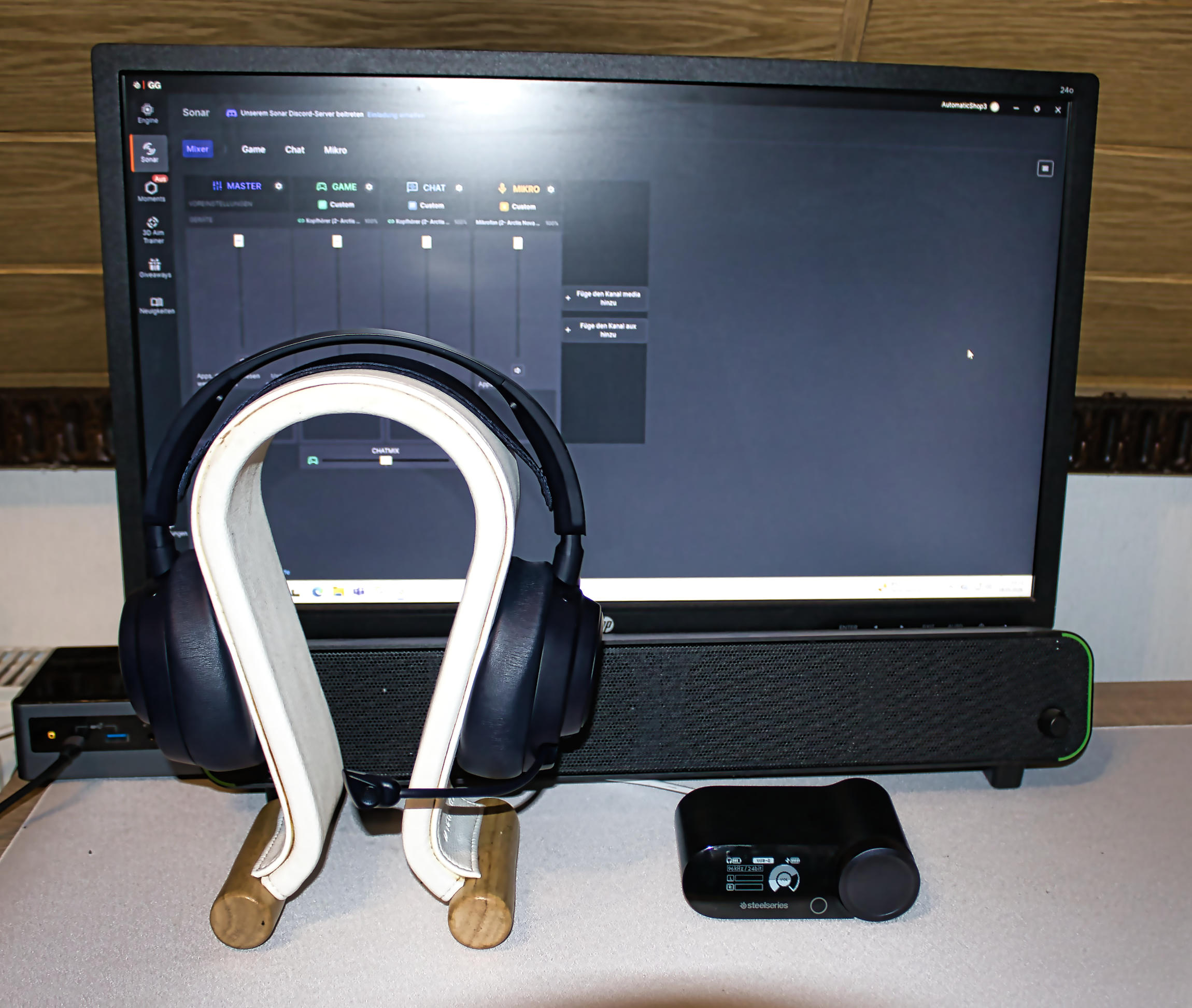 SteelSeries Arctis Nova Pro Omni Review (Image © PCMasters.de)
Conclusion
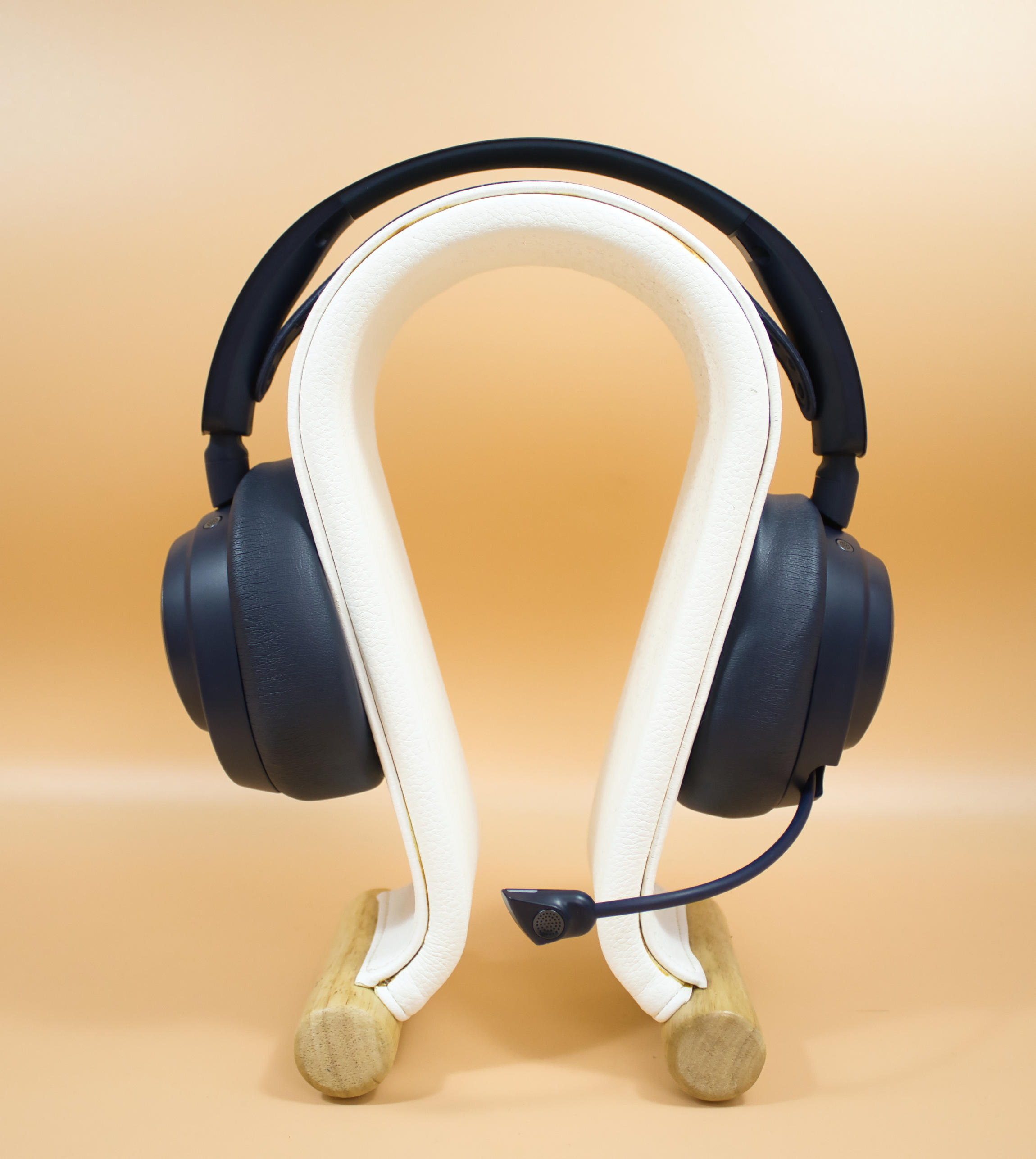
Steelseries has implemented some features with the Arctis Nova Pro Omni that are certainly not to be found too often. The removable battery and the integrated charging option for the second battery in the Gamehub are a long overdue feature. There is also nothing to complain about in terms of connectivity and operation. The fact that 4 out of a maximum of 5 sources can now be mixed is certainly a selling point for some. The Arctis Nova Pro Omni comes at the price of a loss of immersion when it comes to localization, which is implemented excellently via the headset. By this we mean that the headset is tuned in a dry scalpel-like manner, this cinematic feeling and the vastness are somewhat lacking. On the other hand, you can locate enemy footsteps or other sources of noise in the game excellently and thus be a nose, or in this case ear, length ahead of your opponent. The wearing comfort is excellent and can be described as outstanding even after long periods of wear. Noise canceling helps to eliminate extraneous noise and has been well implemented.
The entry-level-looking carrying case could have been replaced with a stylish transport case. The plastic-heavy look could have done with a material upgrade here and there. However, the workmanship is at a high level in line with the price. The Arctis Nova Pro Omni is now available for €399 (Affiliate).
Pro
- Pleasant wearing comfort
- Removable battery
- Good connectivity
- High res audio
- Great localization
- Multiple sources can be mixed
- ANC
- Good operation of the Gamehub
- OLED display on the Gamehub
- Very good workmanship
- Excellent voice reproduction
- Usable microphone
Contra
- Choice of materials (plastic-heavy)
- Relatively high price
- Inexpensive carrying bag instead of case
- Low frequency range not so immersive