Computer Forum
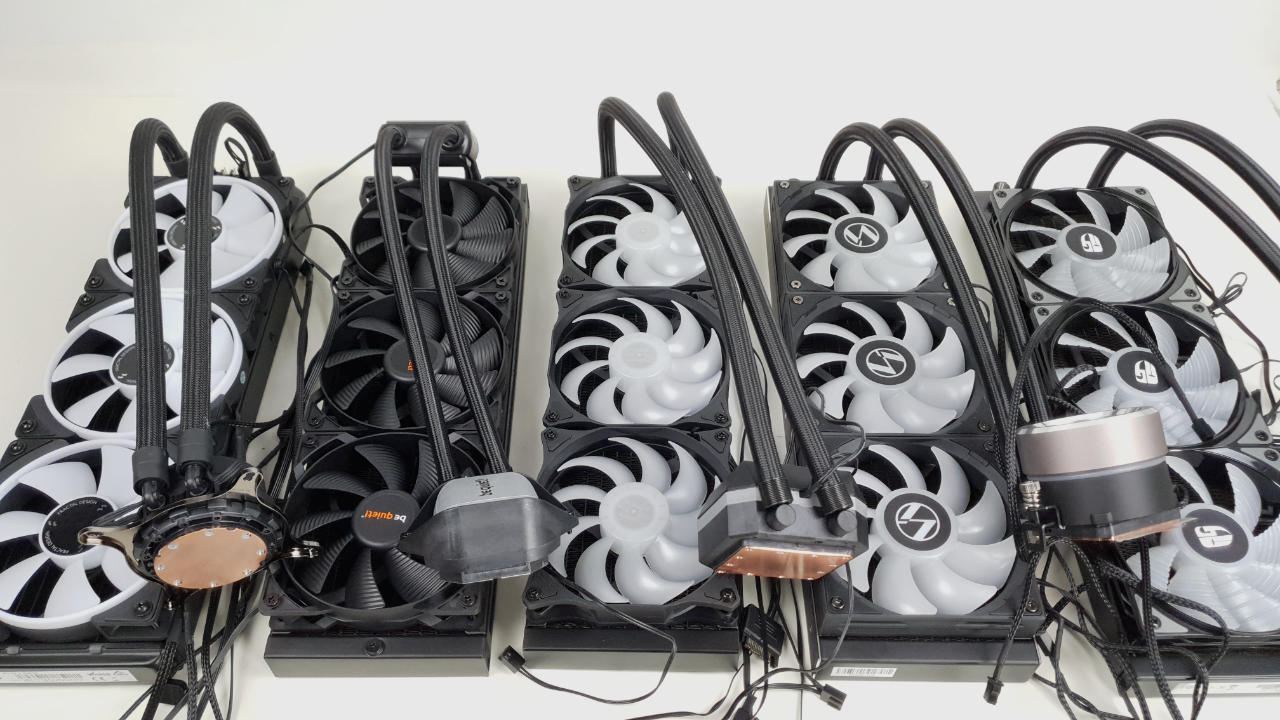 CPU Wasserkühlung Test & Vergleich (Image © PCMasters.de)
AIO water cooling test 2024 with ranking list
There are many different aspects to consider when it comes to compact water cooling systems. One is good at one thing, the other is good at something else. We try to list the AIOs in terms of as much performance, features and quality as possible. We leave the price out of this view. In our ranking, we look at the design, performance, volume and other features.
Before we start, we would like to make it clear that the comparison only takes into account AIO water cooling systems that we have tested.
 ICUE-LINK-H150i-LCD_Bild01 (Image © )
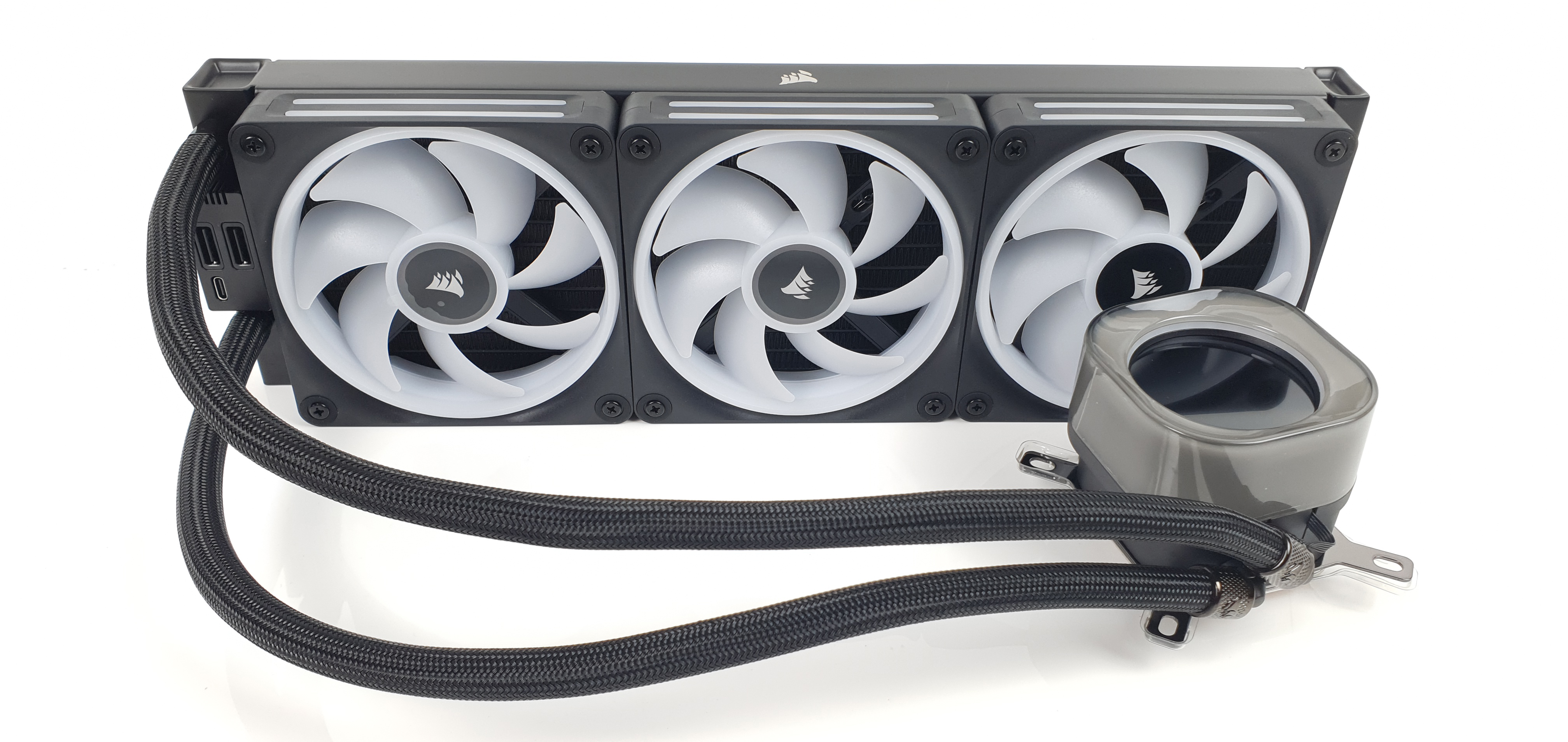
1. Corsair ICUE LINK H150i LCD
 ICUE-LINK-H150i-LCD_Bild10 (Image © )
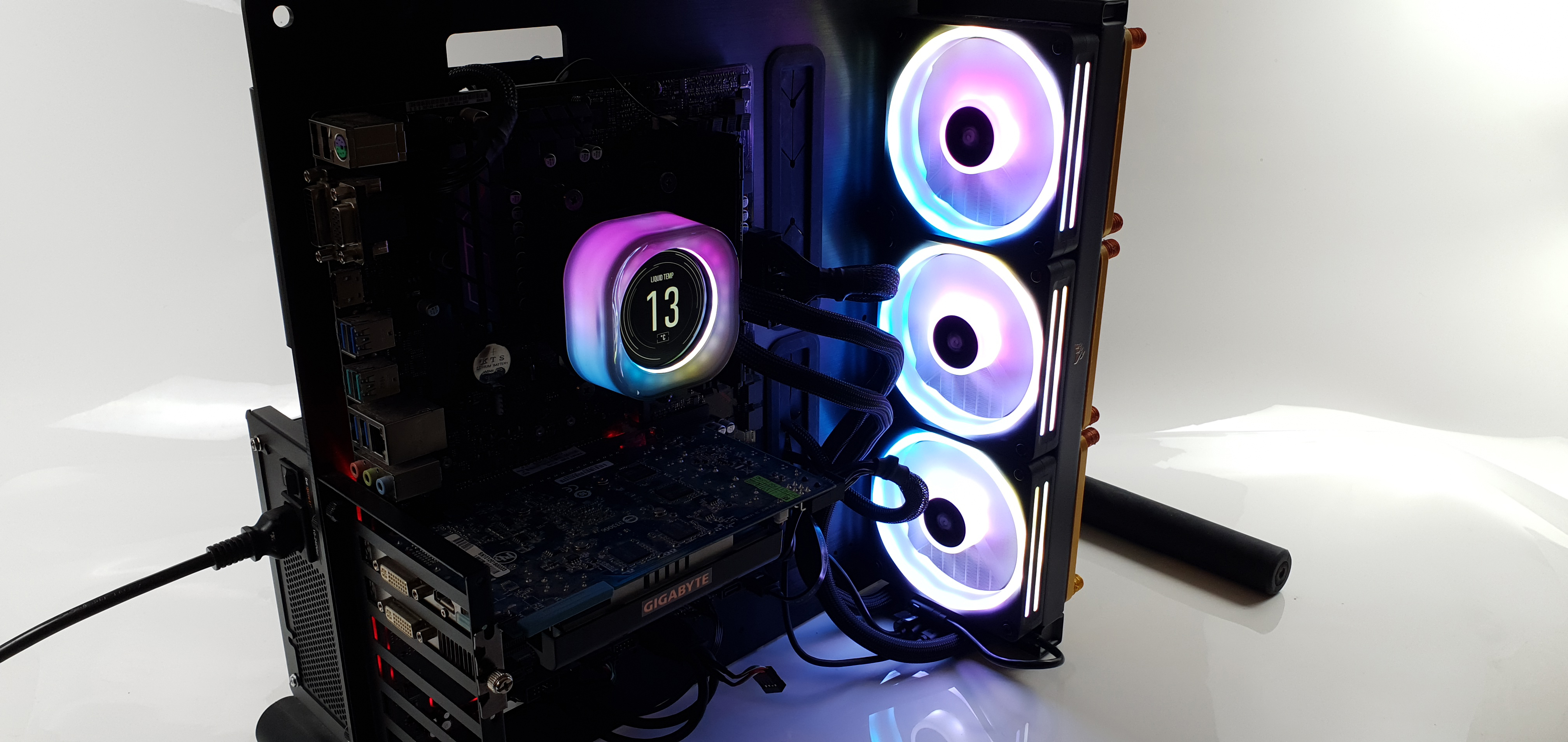
The Corsair iCUE LINK H150i LCD is a high-quality AIO water cooling system with a 360 mm radiator and Corsair's new RGB fans and Link technology. The AIO is characterized by an RGB-illuminated pump and a high-resolution LCD display. The scope of delivery is extensive and cable management is greatly simplified by the link hub. This can also be expanded with various link products.
The cooling block and pump are very well made and the radiator has a high-quality paint finish. The iCUE LINK QX120 RGB fans offer high performance and can be connected wirelessly. The Corsair Link system enables various RGB effects. The water cooling system also offers excellent cooling performance with relatively low noise levels in its class.
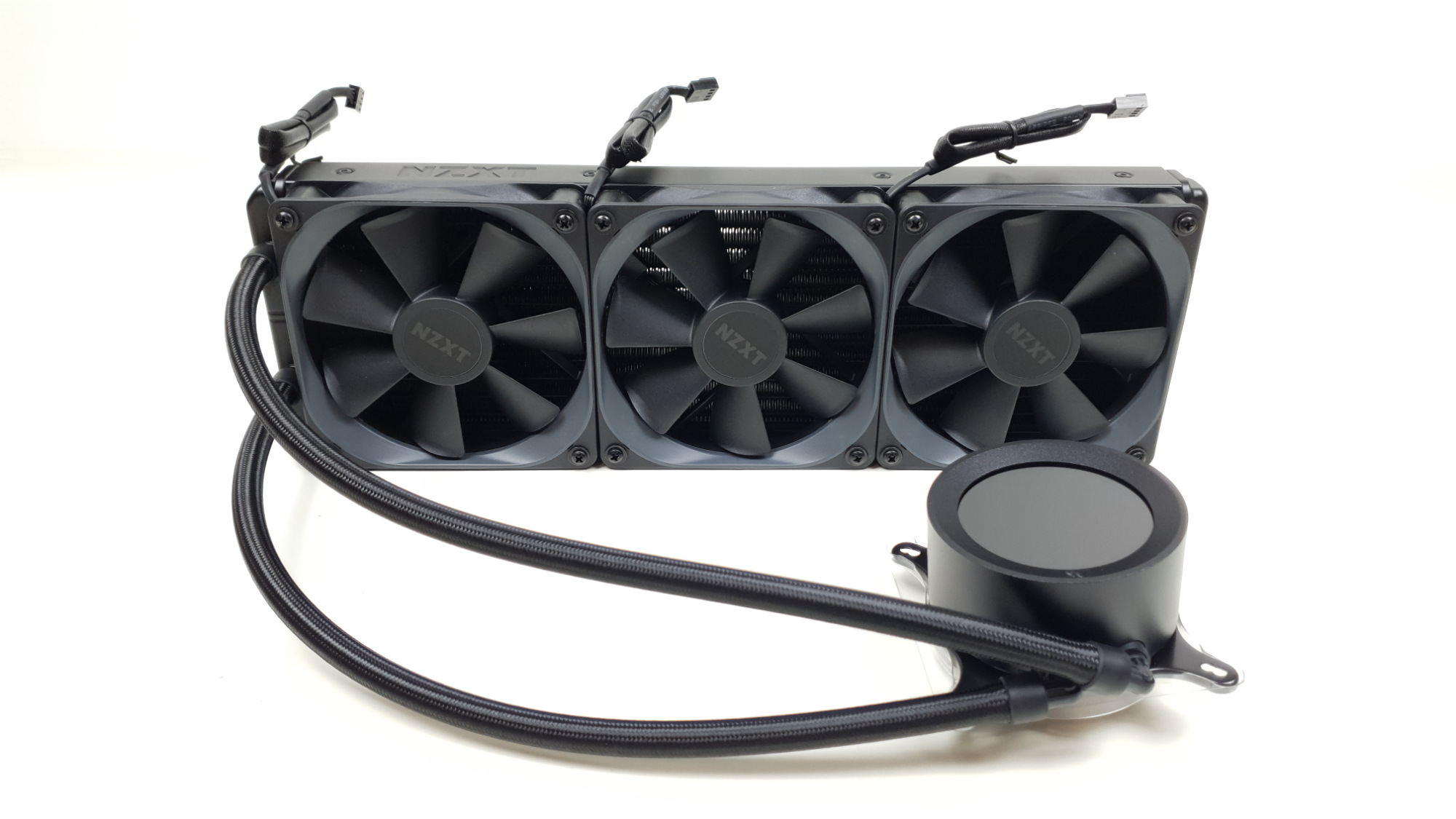 NZXT Kraken Z73 Test - AIO (Image © PCMasters.de)
2. NZXT Kraken Z73
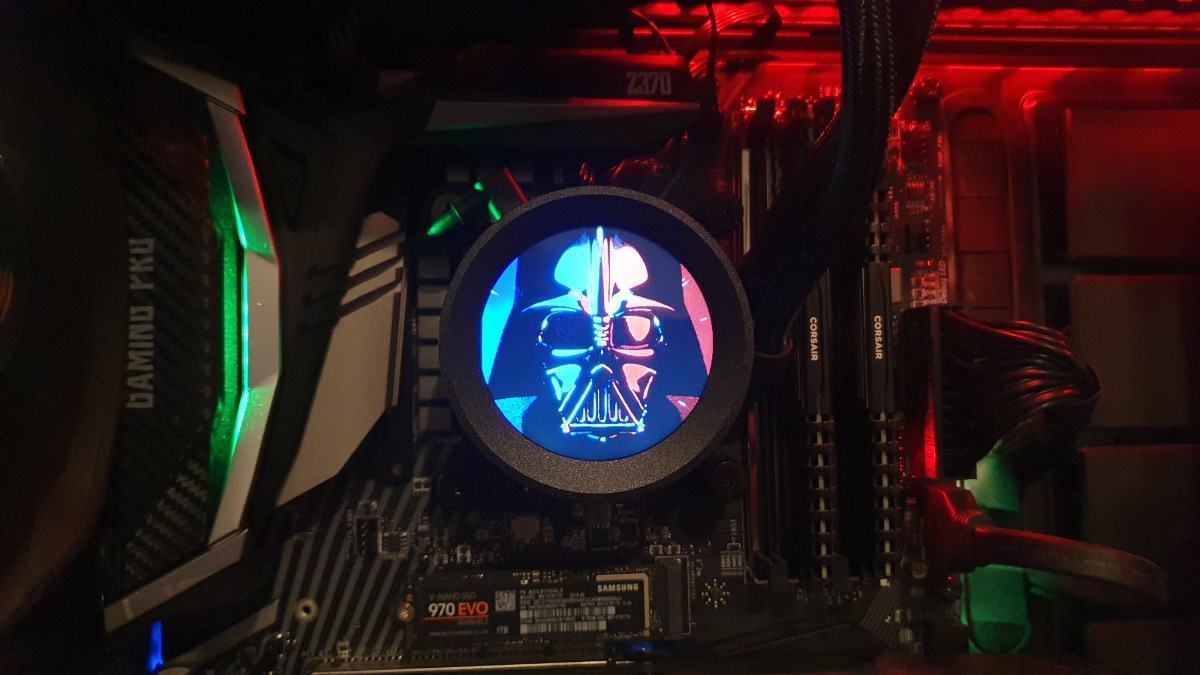 NZXT Kraken Z73 - Pumpe 05 (Image © PCMasters.de)
The Kraken Z73 currently has the best cooling performance in our tests. It also has an extremely high-quality finish. The workmanship is on the same level as the Kraken X73 RGB. The only drawback is that no RGB fans are installed here. However, the Kraken Z73 easily makes up for this with its cool LCD display. This is currently the best display installed on an AIO. The round LCD display makes it possible to play any animation in *.gif format. To do this, simply select a section of an animation in the cam software. Other predefined displays can also be selected here. For example, the CPU and GPU temperature. It is also possible to create fan curves for the fans and the pump in the software.
The number 1 in the ranking is currently available from €246 from various online retailers. It is by no means cheap, but good performance and quality have their price.
3. NZXT Kraken X73 RGB
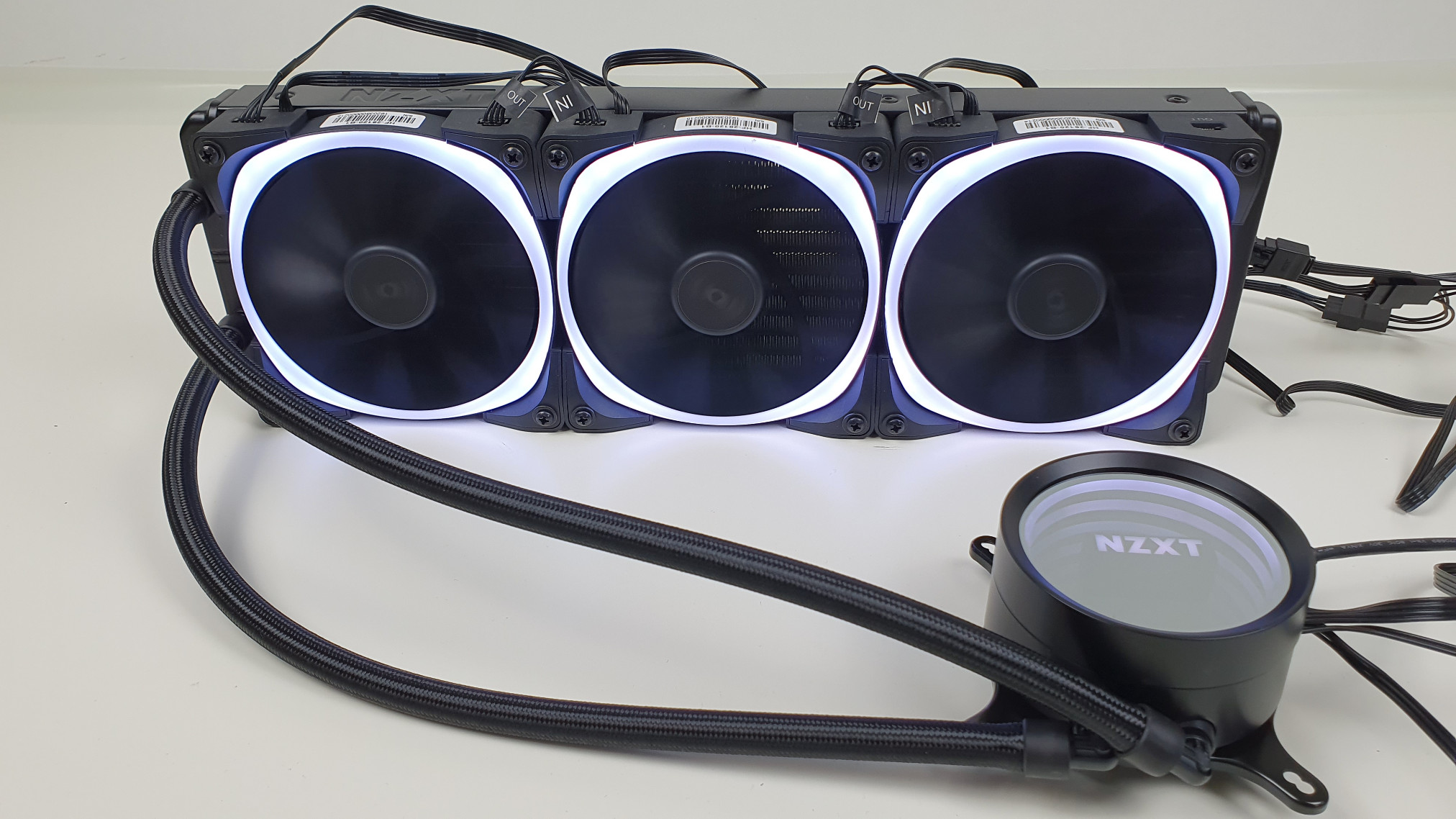 NZXT Kraken X73 RGB - Bild AIO Beleuchtet 2 (Image © PCMasters.de)
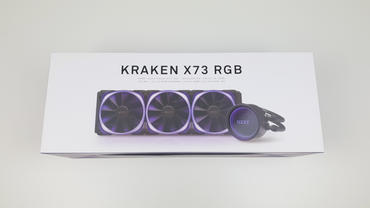
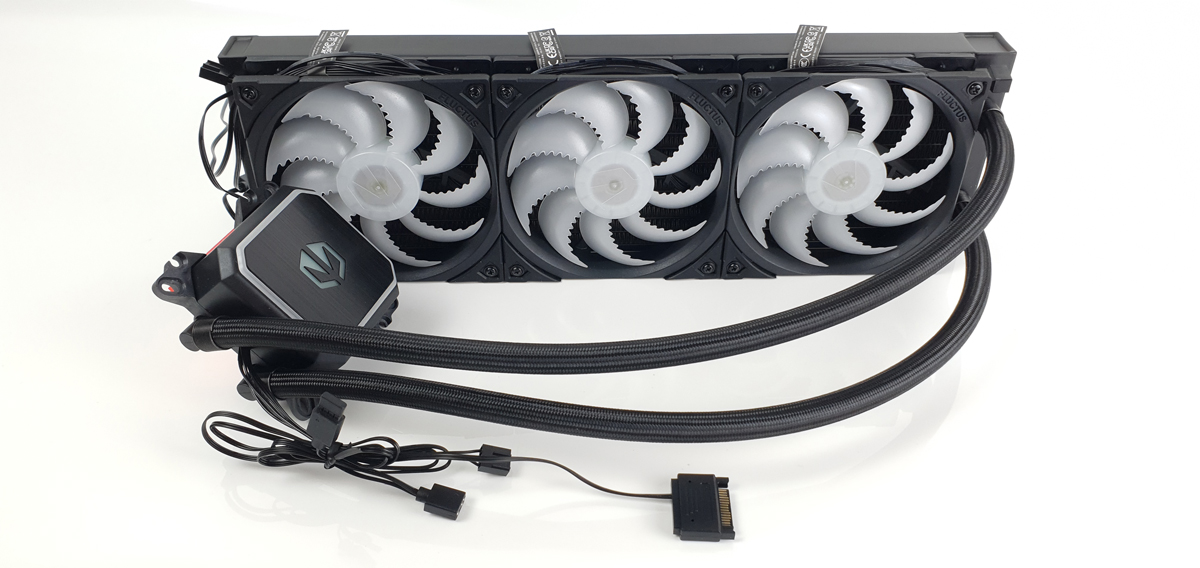
The NZXT Kraken X73 RGB is a high-priced compact water cooling system with excellent cooling performance. But good cooling performance alone is not enough for a good ranking in this list. The overall package is crucial. The Kraken X73 RGB impresses with its particularly high-quality workmanship and attractive appearance. Not only the pump has customizable RGB lighting. The fans are also equipped with particularly attractive RGB lighting. An ingenious cable management system ensures as little cable clutter as possible. It also has software that can be used to adjust the fan and pump speed as well as the RGB lighting. The Kraken X73 RGB is also extremely quiet compared to other AIO water cooling systems. This is achieved by a low fan speed.
 Endorfy_Navis_F360_argb-Bild01 (Image © )
4. Endorfy Navis F360 ARG
 Endorfy_Navis_F360_argb-Bild10 (Image © )
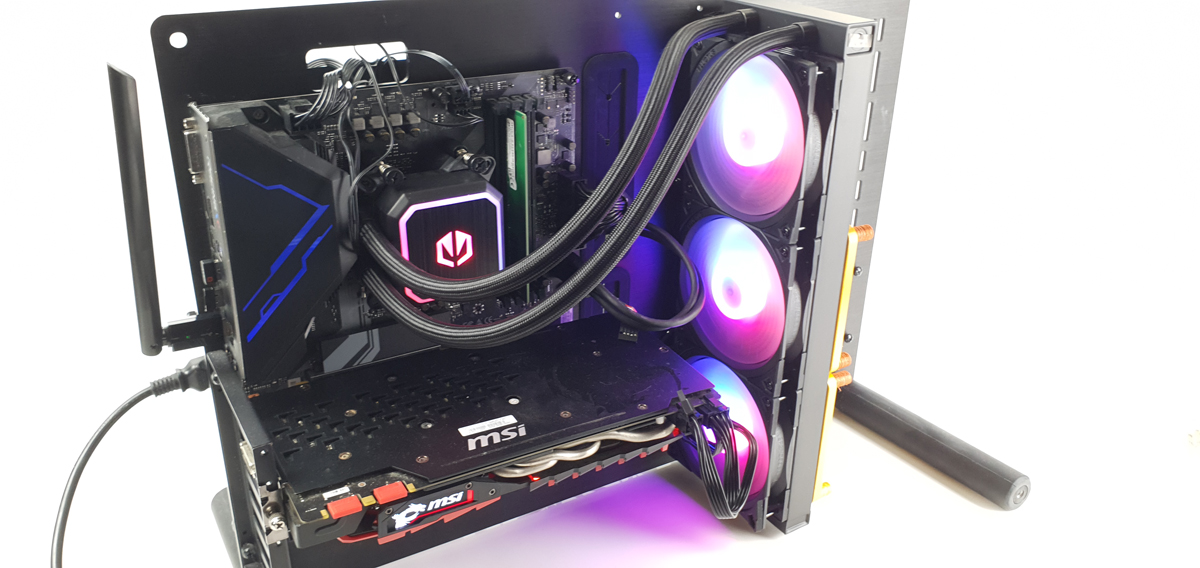
With the Endorfy Navis F360 ARGB we really do get an all-round package, and for a relatively reasonable €130. The Navis F360 ARGB has an impressive ARGB lighting system. This can be controlled via a small controller. The controller is operated via the reset button on the housing, for example. This changes the lighting of the fans and the pump. The design of the AIO is quite striking, as it has a relatively large cooling block. It also looks very good thanks to the good ARGB lighting.
The cooling block is made of plastic, but is solid. Unfortunately, the length of the hoses is not specified on the AIO, but we would estimate that they are slightly longer than usual. Most of the cable management is already pre-routed. The fans are already mounted and the cables are connected to each other and wrapped around the fans so that they are not noticeable. Unfortunately, the pump could not be controlled in our case. However, it is specified with up to 2,600 rpm. It was not particularly loud. The cooling performance is sufficient. From 33% of the maximum fan speed, the Navis F360 ARGB does a good job here. It is never really loud. The low noise level of the Navis F360 ARGB is definitely one of its strengths. The Endorfy Navis F360 ARGB is available for the most common Intel and AMD sockets.
For the price of 129€, you get a solid AIO water cooling system with the Endorfy Navis F360 ARGB. It is particularly noteworthy in terms of noise levels. If you are looking for a quiet, inexpensive system with bright ARGB lighting, this is the one for you.
 DeepCool_LS_720_SE-Bild01 (Image © )
5. Deepcool LS720 SE
 DeepCool LS 720 SE - Systemaufbau / Build (Image © PCMasters.de)
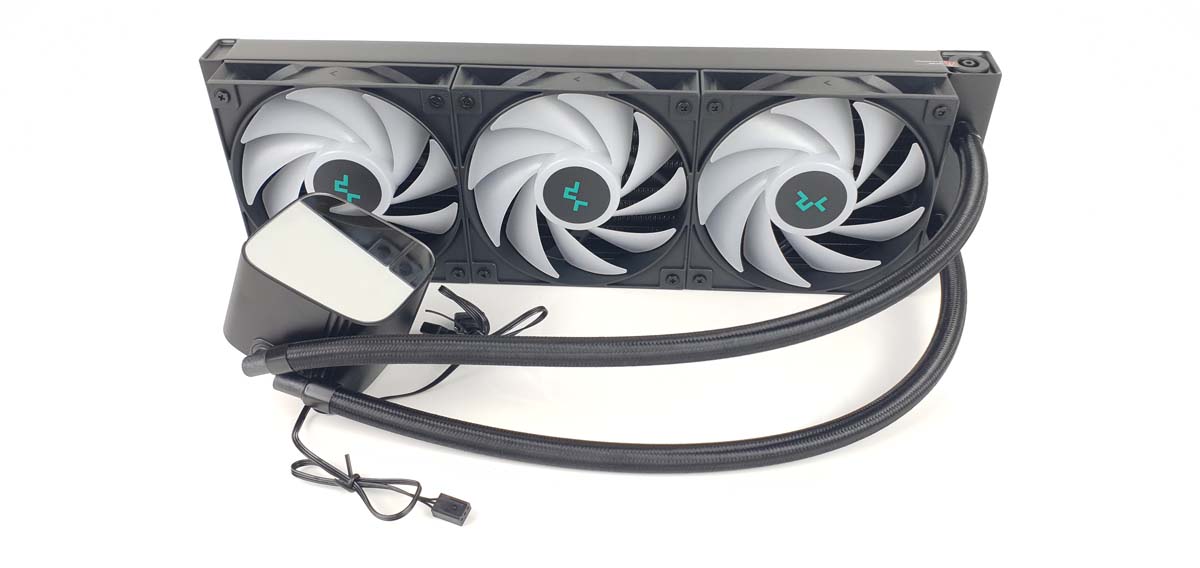
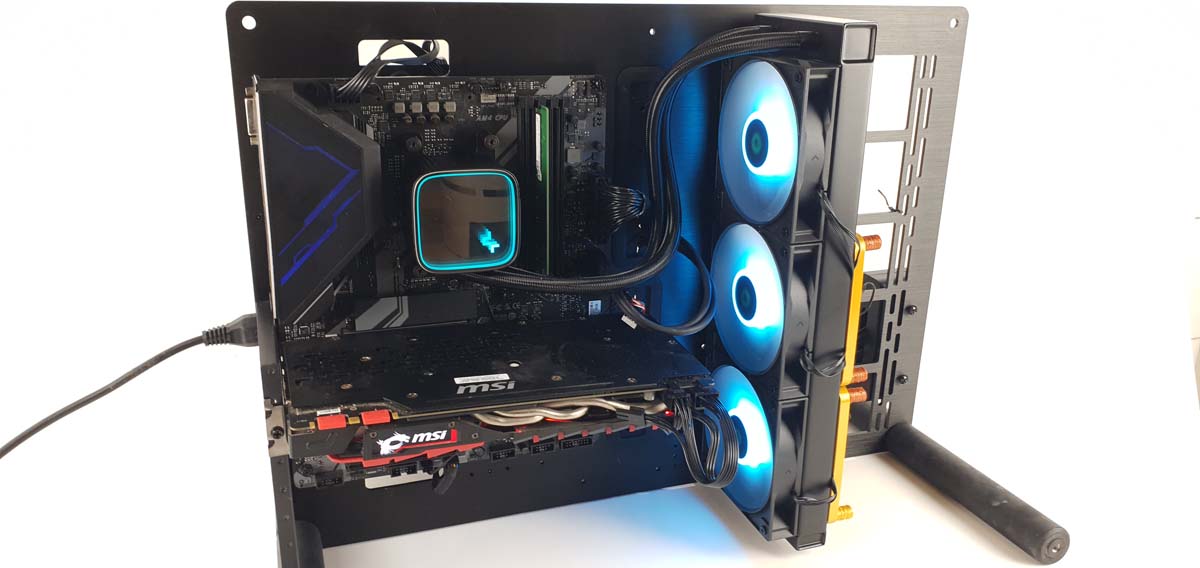
The DeepCool LS720 SE from our test costs approx. 114 €. For this price, we definitely get a powerful and good-looking AIO water cooling system. To be honest, we can do without the silent adapters. We'd rather have an RGB controller in the scope of delivery. The design is simple and cool at the same time, with the RGB lighting you could realize pretty much all common effects. At the same time, we have a cool mirror experience with the Infinity Mirror. When the AIO is not in operation, we only see a silver mirror surface, which also looks very cool.
The pump ensures a constant and good flow of coolant at up to 3,100 revolutions per minute. It is also relatively quiet. The cooler is a standard DeepCool cooler. There are the same differences here. These are not necessary as it does a good job. Three FE120 RGB fans are mounted on it. They can reach a maximum of 2,250 rpm. With the silent adapters, they are throttled to a maximum of 1600 rpm. The cooling performance is very good, regardless of whether the fans are running at 33% or 75% of their maximum speed. We would therefore adjust the fan curve so that it remains below 75%. There is a splitter cable for cable management. The RGB connections of the fans can be connected together and then connected to the mainboard. The LS 720 SE is available for some Intel and AMD sockets.
You can't go far wrong with the DeepCool LS720 SE. For just under €114, you get a powerful AIO water cooling system that we can recommend without hesitation.
 Corsair_iCUE_H115i_Bild01 (Image © )
6. Corsair iCUE H115i Elite Capellix XT
 Corsair_iCUE_H115i_BIldfazit (Image © )
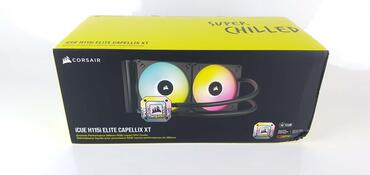
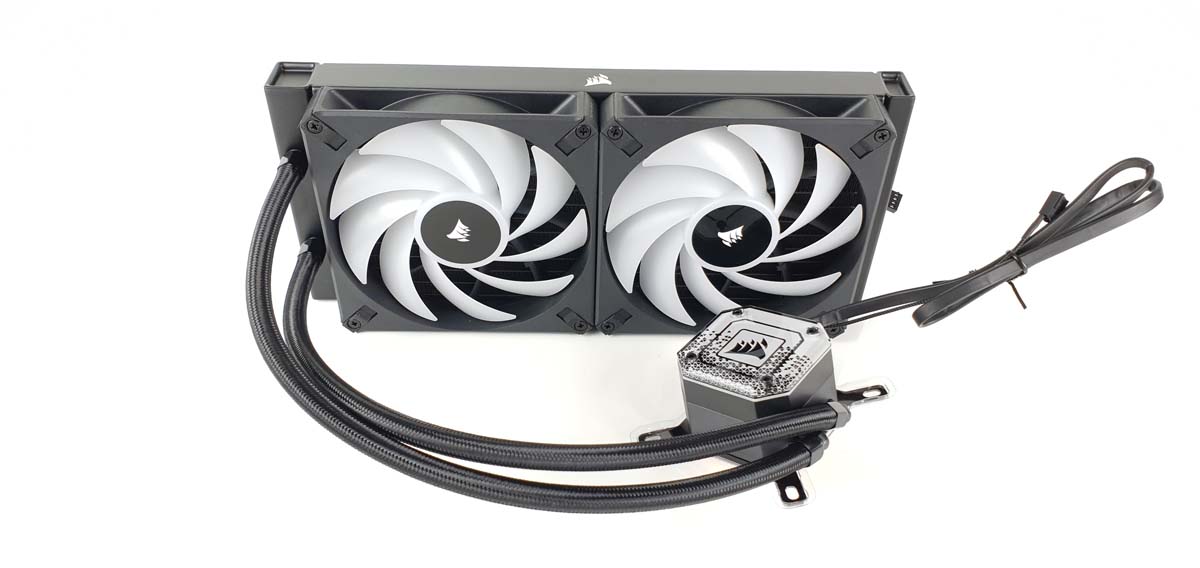
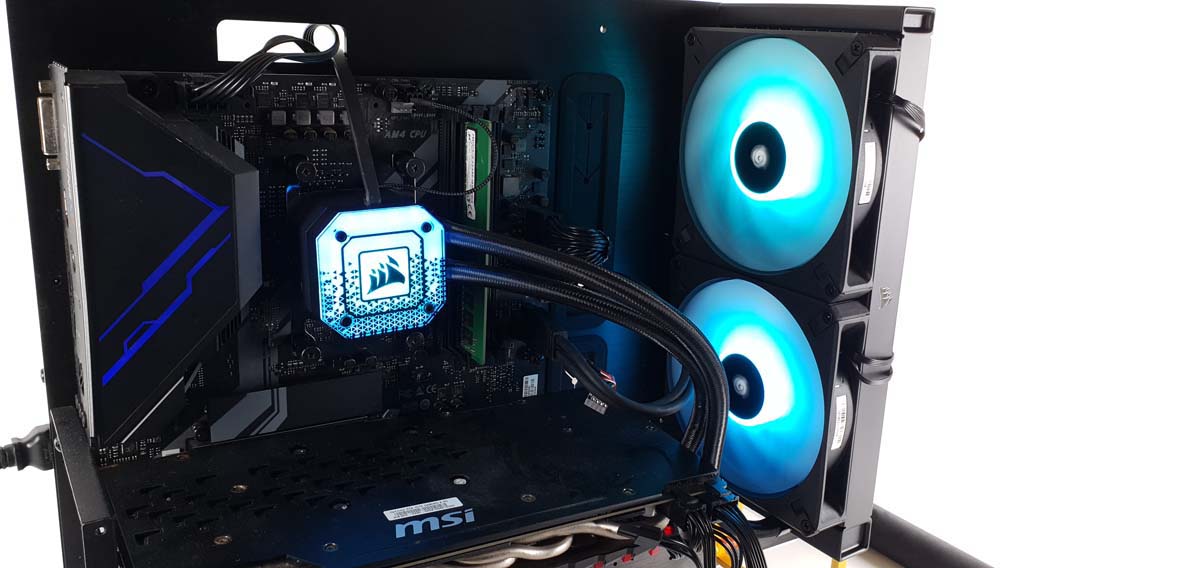
The Corsair iCUE H115i Elite Capellix XT is an excellent AIO water cooling system. It not only impresses with its great looks, but also with its particularly high-quality workmanship. The H115i has a 280 mm radiator. This allows two large 140 mm fans to be fitted. The fans blow the air through the radiator at up to 1700 rpm. The fan curve can be changed in the iCUE software. There are ready-made settings for this. It is also possible to create your own curves and save them in profiles. The fans and the pump have attractive RGB lighting. It is also possible to customize these in the software. Corsair has one of the most extensive customization options on the market. The pump can be operated at up to 2600 rpm. It is not possible to create your own curve in the software. You have to choose between the three predefined profiles. With the intensive profile, the pump is clearly audible. Above the plate is a replaceable plate with a design for the RGB lighting. This plate can be replaced. Two further design plates are included in the scope of delivery. There is also the option of mounting a Corsair display. The CORSAIR iCUE Commander CORE controller is also included in the scope of delivery. This makes it possible to connect the pump and six Corsair RGB devices as well as 4-pin PWM devices. As expected, the cooling performance of the H115i is very good and can also keep current high-end CPUs in check.
The Corsair iCUE H115i Elite Capellix XT is an excellent AIO water cooling system and will make every buyer happy. We can give it a purchase recommendation without hesitation.
 NZXT_Kraken_280-Bild01 (Image © )
7. NZXT Kraken 280
 NZXT_Kraken_280-Bild13 (Image © )
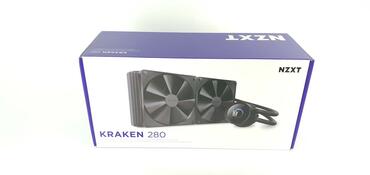
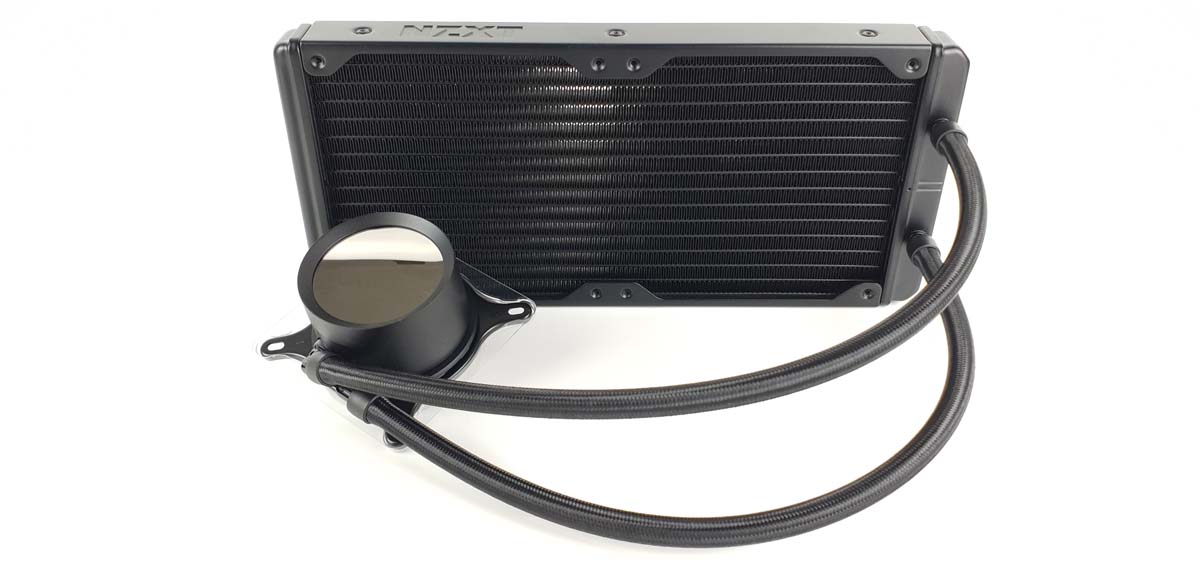
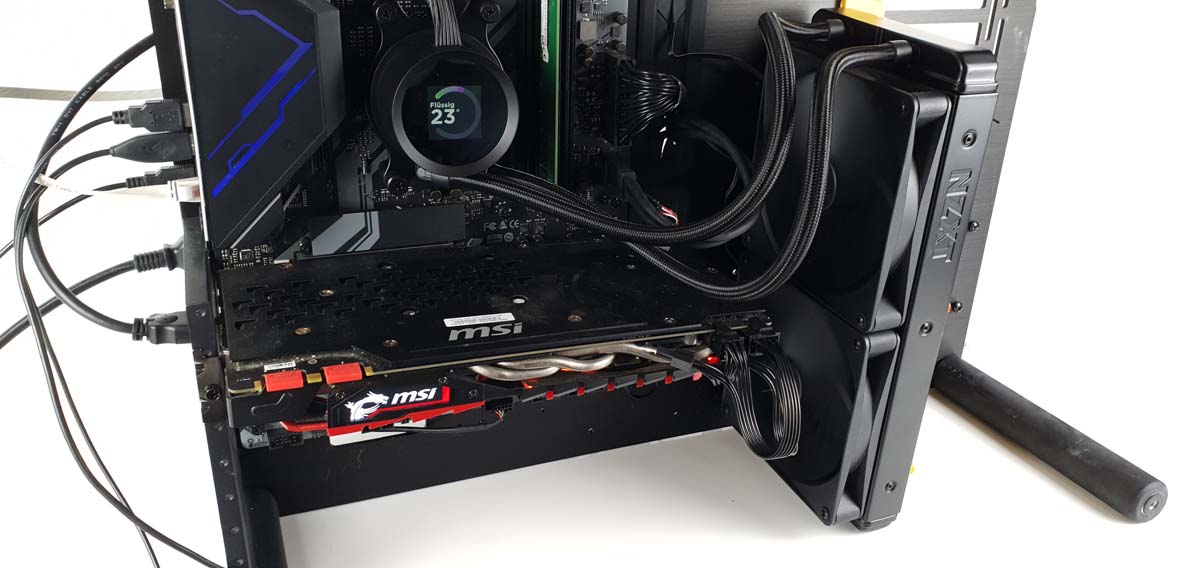
With the Kraken 280, NZXT has launched a medium-sized but relatively powerful AIO water cooling system for a good price. When light hits the display, the small square display can be clearly distinguished from the round pump unit. This is not so visually appealing. The cooling performance stands out positively and the software is clear and beginner-friendly compared to the software solutions of the competition. The Kraken 280 is the entry-level model of the new AIO water cooling systems from NZXT. It impresses primarily with its good cooling performance at a good price. It is also very well made. A large cable harness was created for cable management, which connects all components of the AIO and allows the Kraken 280 to be controlled. This is configured via NZXT's CAM software. To do this, it must be connected via an internal USB 2.0 port on the mainboard. The software then recognizes the Kraken 280 automatically. Fan curves for the fans and the pump can be created in the software. Images and graphics can also be shown on the display.
The NZXT Kraken 280 is a powerful AIO water cooling system with very good cooling performance for beginners. However, if you attach particular importance to the display, you should go for one of its two big brothers.
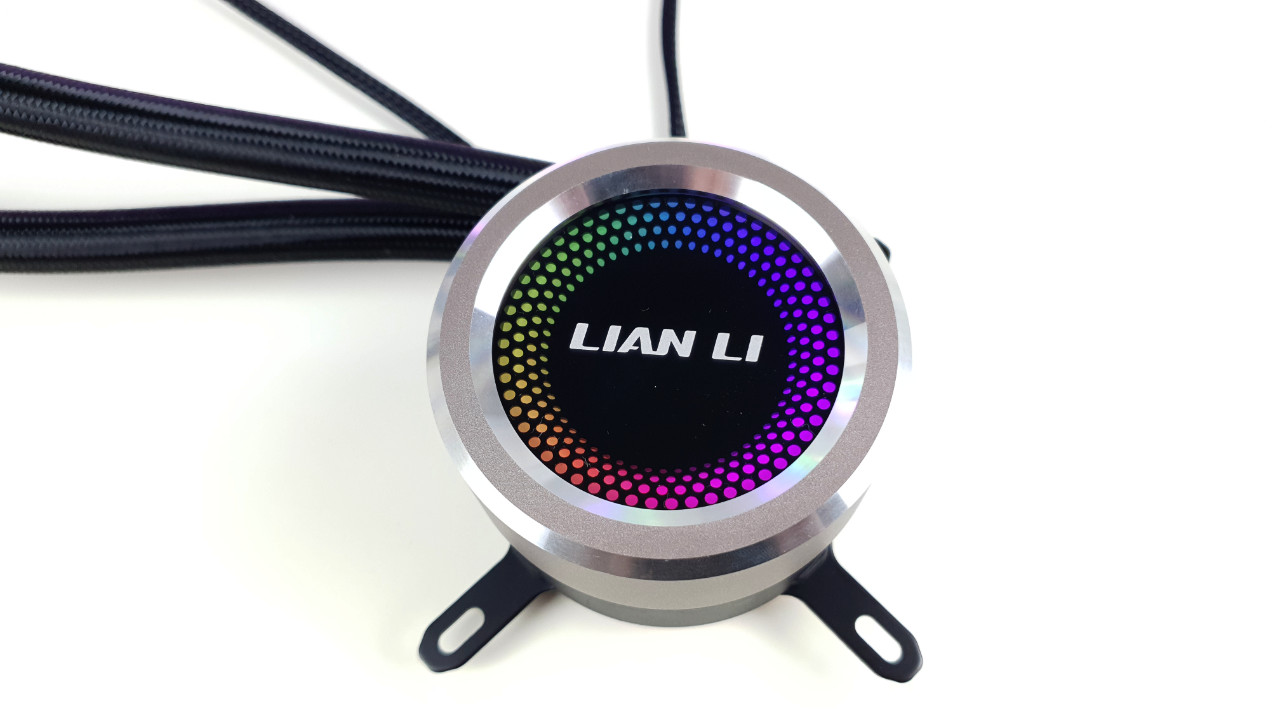 Lian Li Galahad 360 Test Pumpe 01 (Image © PCMasters.de)
How compact water cooling works
Every CPU produces heat. Because the heat would damage the processor or cause it to overclock, this heat must be dissipated. So that the CPU can pass on the heat from the components to the corresponding cooling solution, it has a kind of metal plate. The corresponding cooling system is attached to this metal plate. An AIO water cooling system roughly consists of five main components. The heat sink, the pump, the hoses, the radiator and the fans. In most cases, the heat sink is made of copper. It is hollow and has small channels inside through which the coolant flows. This is where the waste heat from the CPU is transferred to the coolant. The pump, which is usually located directly above or in the heat sink, conveys the heated coolant through the hose. The heated coolant flows through the hose into the radiator. Due to its design, it offers the largest possible contact surface. This absorbs the heat from the coolant and releases it into the air. This cools the coolant down again. In order to make optimum use of this, fans are installed on the radiator. These push the air through the cooling fins in the radiator. In this way, they ensure that as much heat as possible is released into the environment. The cooled coolant then flows back into the cooling block through the other hose and the cycle starts all over again.
AIO water cooling with 360mm in the test
AIO water cooling systems are available in different variations. Among other factors, the size of the radiator is also decisive. These are available in the following sizes: 120 mm, 140 mm, 240 mm, 280 mm and 360 mm. Logically, AIO water cooling systems with a 360 mm radiator also offer the best cooling performance on the CPU. At least among the AIO water cooling systems.
Compact water cooling performance comparison
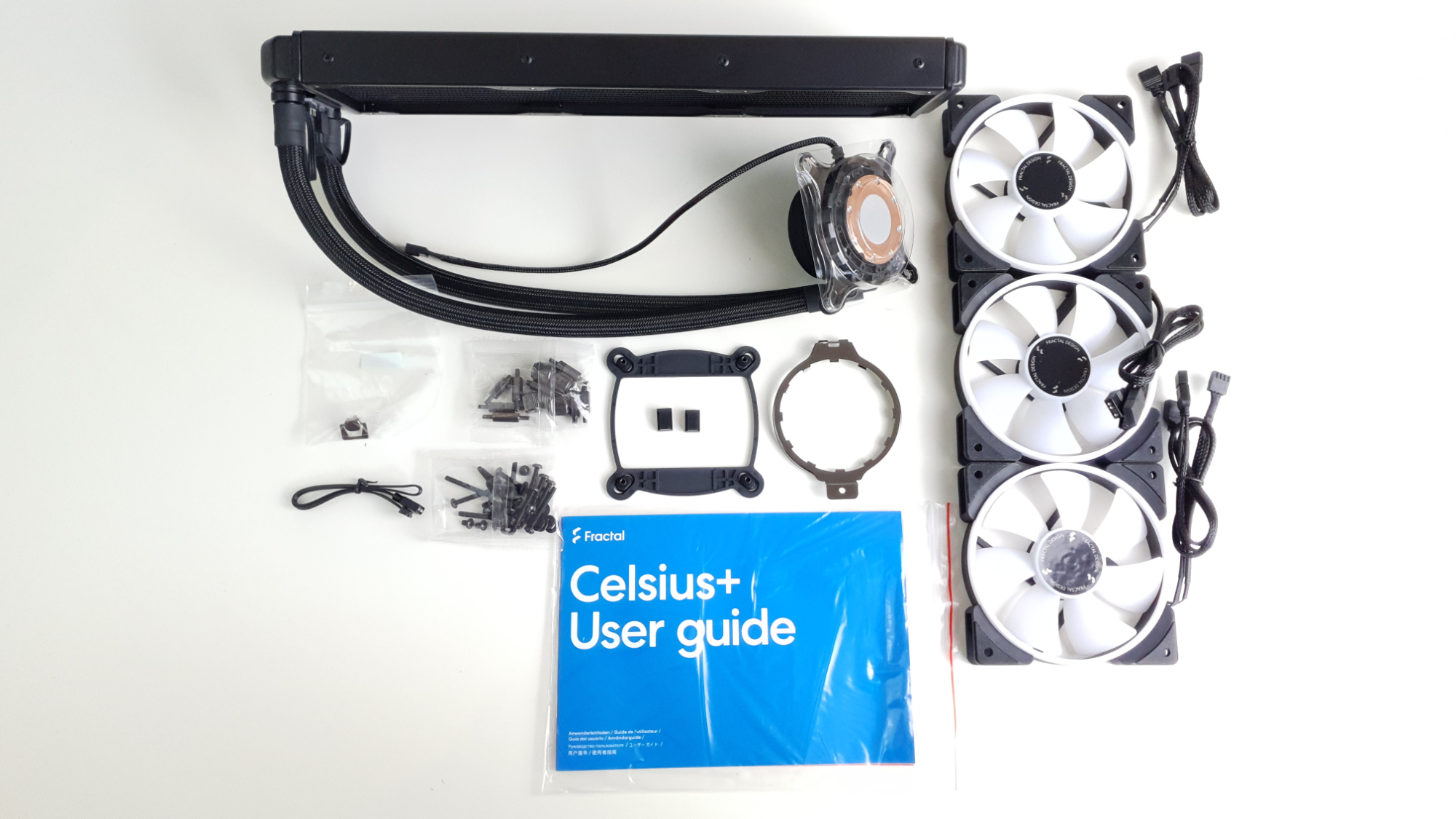 Fractal Design Celsius+ 36 Prisma Lieferumfang (Image © PCMasters.de)
Installing AIO water cooling
Installing a compact water cooling system is actually quite straightforward. Of course, a little experience can't hurt. Before you do anything else, it makes perfect sense to open the computer case and simply hold the radiator where you want it to sit later. Then you can see directly whether the fans need to be mounted on the radiator beforehand or only afterwards. You should also think about whether a push or pull design is of interest and how best to route the hoses with the heat sink to the CPU. Normally, the radiator is attached to the front of the housing or above the CPU in the housing. At the front of the housing, the fans blow the air into the housing. This has the disadvantage that the graphics card is supplied with preheated air. If the radiator is mounted at the top of the housing. This blows the air out of the housing. This has the disadvantage that the radiator is ventilated with the warm air from the graphics card. Depending on the case and the AIO, the fans must be mounted on the radiator before or after installation. Once the radiator has been installed, the heat sink must be attached to the CPU. The necessary accessories are normally supplied. It is important to remove the plastic cover from the contact surface of the heat sink. If the heat sink has a logo, make sure that the logo is facing in the right direction when installing it. Once the heat sink has been fitted, all that remains to be done is to connect the cables to the mainboard.
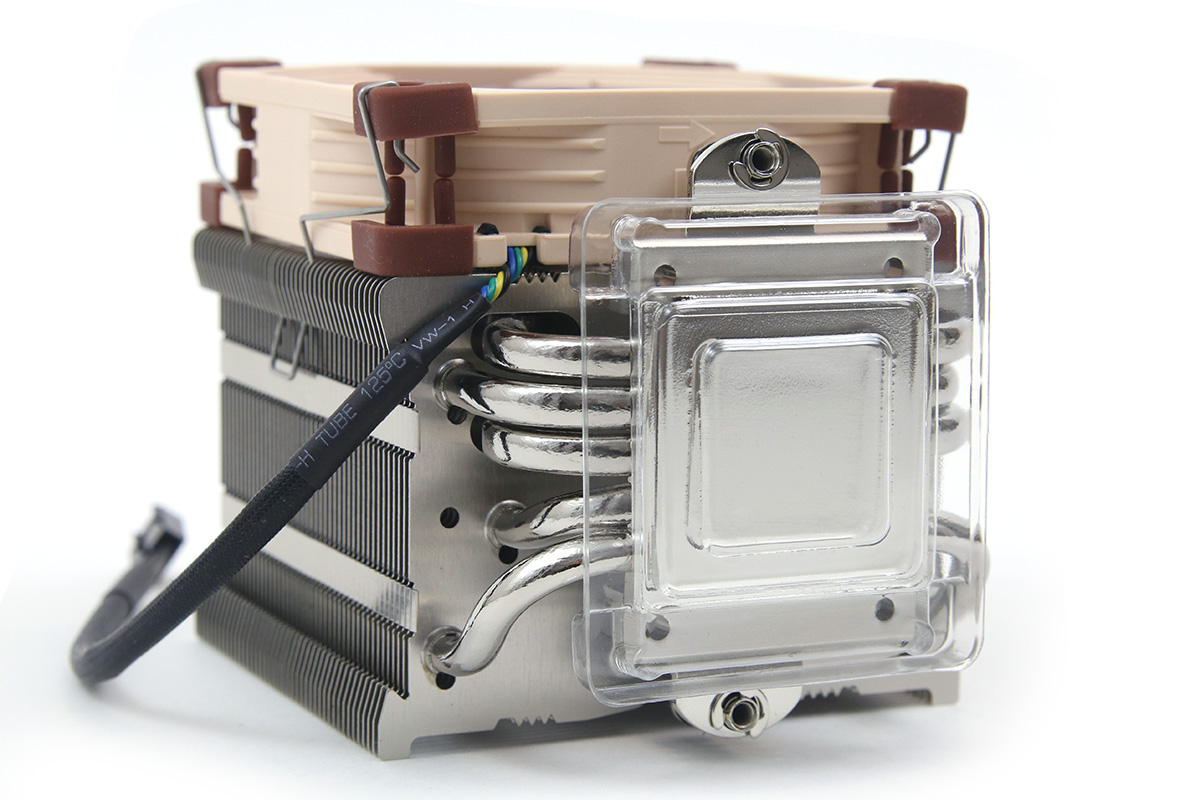 Noctua NH-U9S CPU-Kühler (Image © PCM)
Water cooling vs. air cooling
Opinions differ between water and air cooling. Some swear by water, others by air. The fact is that there is no clear winner here. Both variants have their merits. A large high-end air cooler is just as capable of keeping an unoverclocked CPU at the right temperature as an AIO water cooling system. Whether the CPU runs at 70 or 75 °C is irrelevant. AIO water cooling is really useful for CPUs that are overclocked to the extreme. Every degree Celsius counts here. A normal tower cooler can usually no longer keep up. If a CPU is running at its standard values, a tower is often even quieter. This has one or sometimes two fans. Depending on its size, an AIO water cooling system can use up to three fans. If the push-pull principle is also used here, up to six fans can be used. Logically, this generates a higher noise level. There is also the pump, which generates noise. Most people who buy an AIO water cooling system do so for visual reasons. An AIO water cooling system simply looks much cooler than a thick tower in the middle of the many RGB lights in the case.
Advantages and disadvantages of compact water cooling systems
Advantages
Surprisingly, the larger compact water cooling systems are easier to install than their smaller competitors, the air coolers. Due to the small heat sink, it is very easy to access the socket and the existing mountings. Of course, this varies from cooling solution to cooling solution. High cooling performance is one of the advantages of compact water cooling. Especially at the present time, when the competition between Intel and AMD is pushing CPU technology ever closer to the limits of the current state of development. CPUs are being pushed more and more. More cores and more clock speed result in more performance and higher temperatures. As a result, AIO water cooling systems are becoming more and more established. Every gamer knows it: your PC should attract attention at the next LAN party. That's why the look is often one of the deciding factors when buying an AIO water cooling system. These simply fit better into today's gaming PC image. Hardly anyone wants to have the thickest cooler sitting on their mainboard anymore. A gaming PC today has to be tidy and impress with simple accents and some RGB lighting. This is what AIO water cooling systems offer.
Disadvantages
AIO water cooling does not only have positive aspects. There are various disadvantages compared to air coolers. First and foremost is the power consumption. An AIO water cooling system has several fans, a pump and often also RGB lighting. This all adds up. Most air coolers simply have one or a maximum of two fans. In some cases, they also have RGB lighting. Nevertheless, the power consumption of a compact water cooling system is significantly higher. If the external circumstances are suitable, for example a low CPU load, it is possible to create absolutely inaudible cooling with air cooling. With AIO water cooling, the pump can be heard a little with almost every variant. Even if this is often only minimally the case. One of the biggest disadvantages is the fact that a defect can lead to damage to various hardware parts. If the rotor no longer runs with air cooling, in the worst case the CPU becomes too hot and the PC switches off automatically. If the pump fails in an AIO water cooling system, the water is no longer pumped away from the CPU and continues to heat up. This can cause a hose to leak. This can cause coolant to drip onto the graphics card, for example, and damage it. In addition, almost all AIOs use both copper and aluminum. This can lead to corrosion. This in turn can also cause an AIO to leak.
Endorfy_Navis_F360_argb-Bild01 (Image © )
Best AIO water cooling (360mm): Price-performance recommendation
When it comes to money, the Endorfy Navis F360 ARGB offers us the greatest possible scope for the least money. The AIO offers good cooling performance at a low price. On top of that, it has a stylish RGB look. Both the pump and the fans are illuminated. The lighting can be controlled via an RGB controller, which is included in the scope of delivery. This can be connected to the reset button on the housing. This allows the individual modes of the RGB controller to be switched conveniently at the touch of a button.
ICUE-LINK-H150i-LCD_Bild01 (Image © )
Best AIO water cooling (360mm): Best performance
In terms of cooling performance, the high-priced models don't have much in common. Our Ryzen 7 3700X currently has the Corsair iCUE LINK H150i LCD. With this, the Ryzen 7 3700X reaches a temperature of 62.8°C at a room temperature of 26°C. This results in a DeltaT of 36.8°C. However, the iCUE LINK H150i LCD only achieves this cooling performance at 100% fan speed, which generates an unpleasant noise level. It should be noted that the CPU was working at 100% load here. CPUs rarely achieve such a load in normal operation.
Endorfy_Navis_F360_argb-Bild01 (Image © )
Quietest AIO water cooling system
When it comes to the lowest noise development, Endorfy is ahead. The Endorfy Navis F360 ARGB In the lowest tested and still realistic speed range of 25% of the maximum fan speed. The Endorfy Navis F360 ARGB quietly achieves 36.5 dB(A). The Endorfy achieves this low noise level partly due to the low fan speed. At 25 %, these are around 633 rpm. Many other AIOs have a minimum speed of over 700 rpm. These can hardly achieve such values.