Computer Forum
 Logitech G305 X Superlight Review (Image © PCMasters.de)
Technical Specifications
| Logitech G305 X Superlight - Technical Specifications | |
|---|---|
| Connection | Bluetooth and dongle |
| Sensor | Hero Sensor with 44,000 DPI |
| Battery Life | 130+ hours |
| RGB Lighting | Yes |
| Buttons | 5 |
| Polling Rate | Up to 1,000 Hz, up to 8,000 Hz with Pro receiver (not included) |
| Dimensions | 117.3 x 63.9 x 38.2 |
| Weight | 61g/td> |
| Price | 79.99 € (Affiliate) |
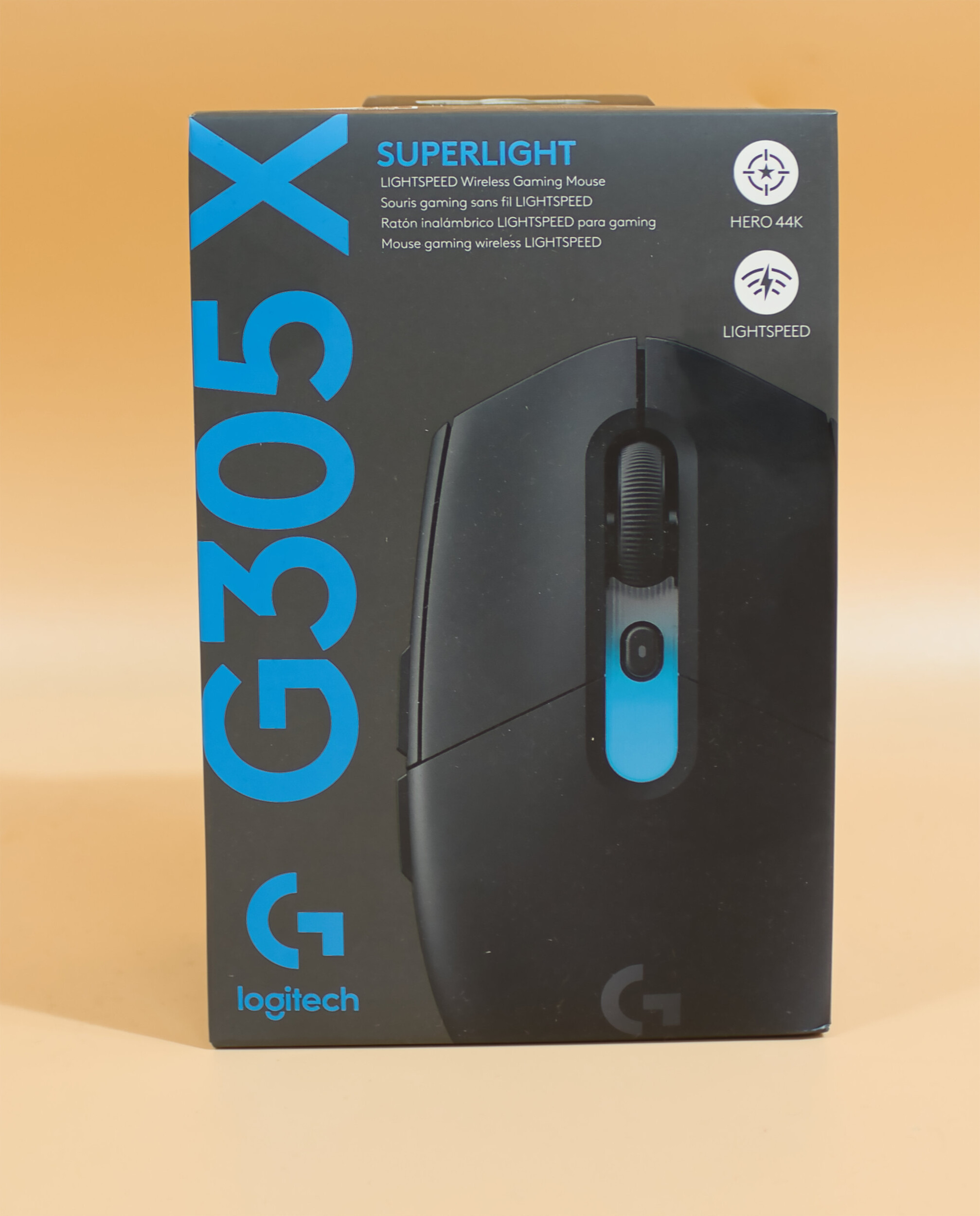
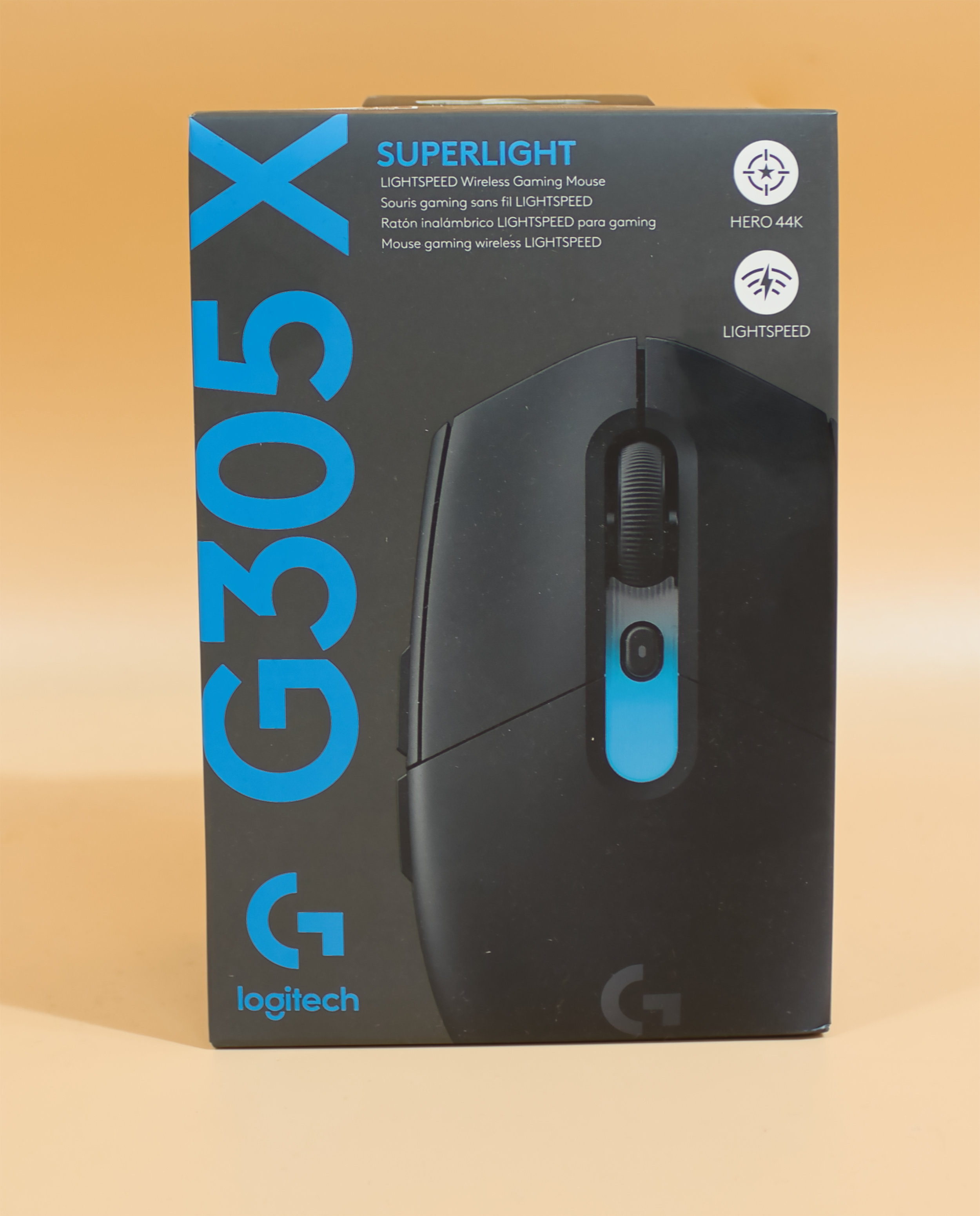 Logitech G305 X Superlight Packaging (Front) (Image © PCMasters.de)
Packaging and Contents
The Logitech mouse comes in a gray box. The front features an image of the mouse, and the name is displayed in blue letters. On the back of the packaging, you can find information about the technical specifications. There isn’t much more to say about it—it’s kept simple without any fuss.
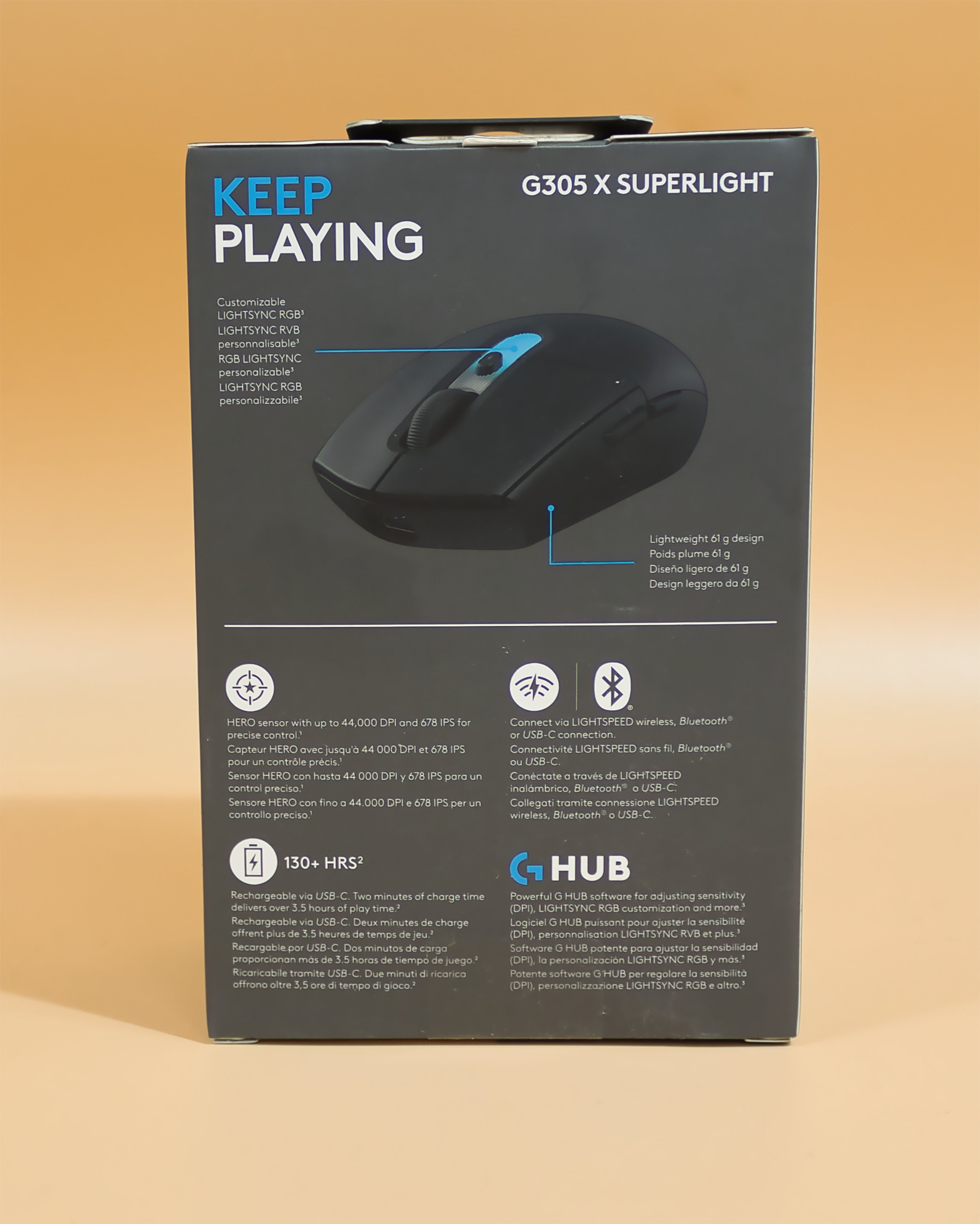 Logitech G305 X Superlight Back of Package (Image © PCMasters.de)
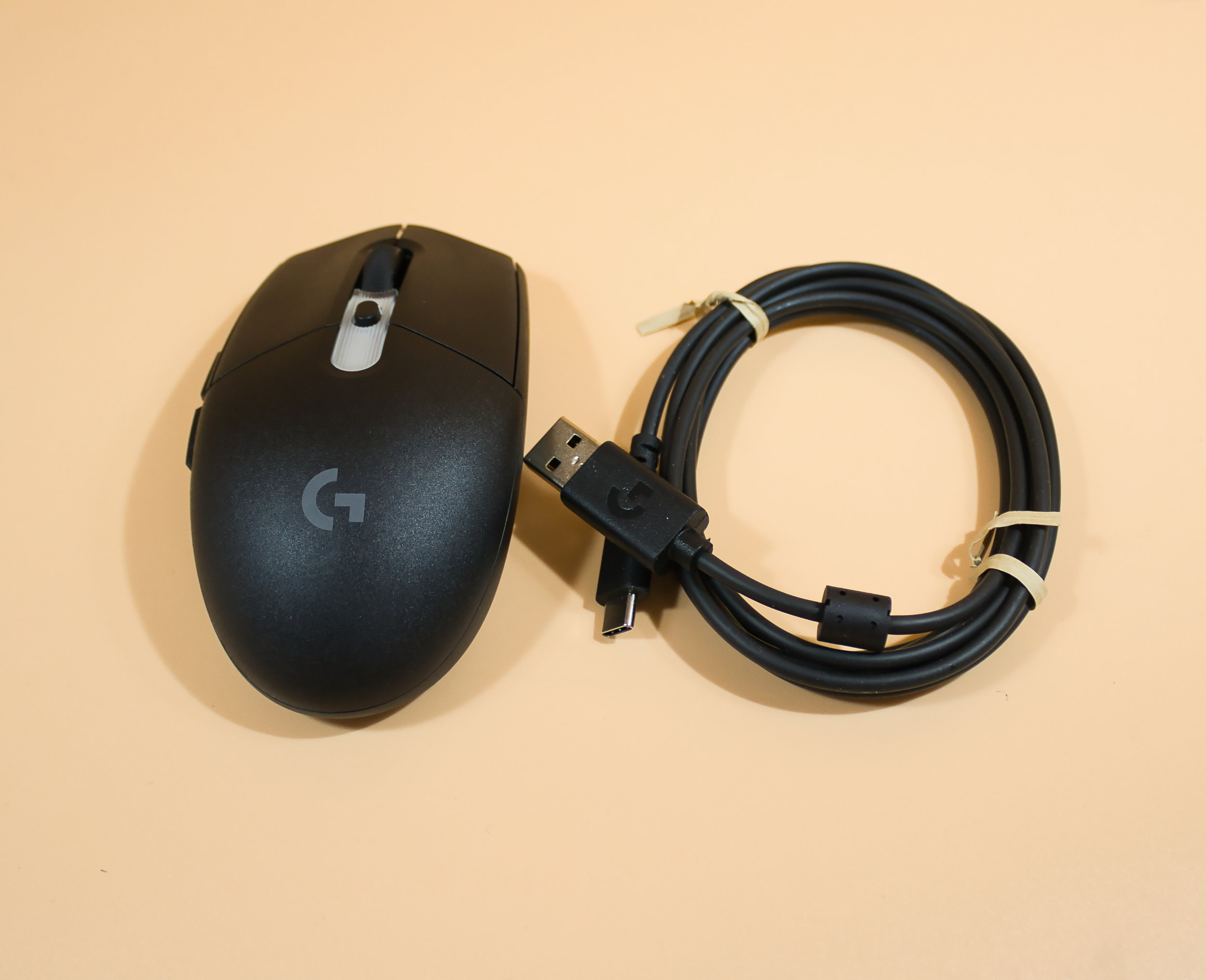 Logitech G305 X Superlight Package Contents (Image © PCMasters.de)
The contents of the package are just as unspectacular: you’ll receive the mouse, a dongle, a USB-A-to-USB-C cable, and instructions for disposal along with declarations of conformity. The software must be downloaded from the website.
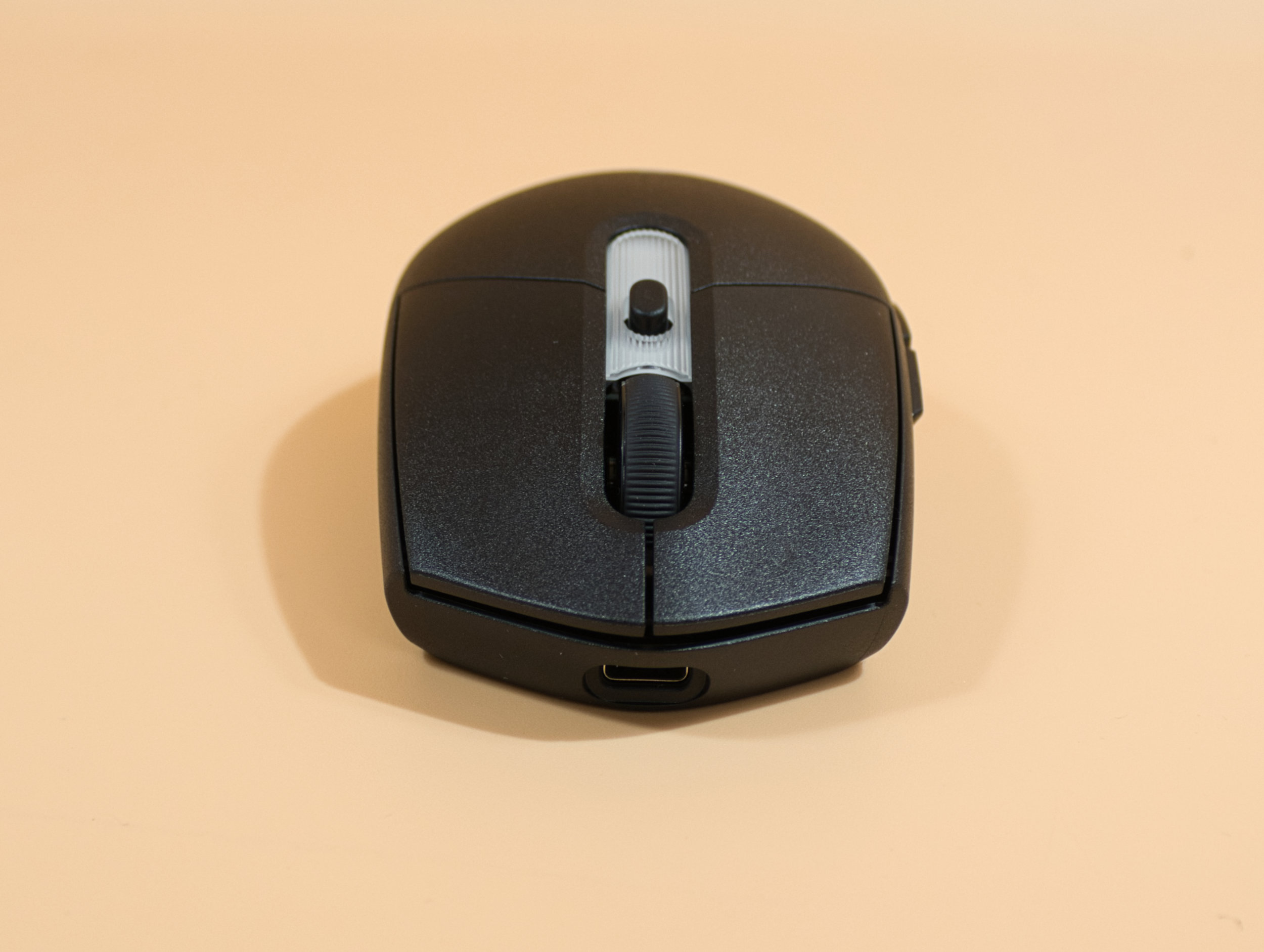 Logitech G305 X Superlight Front View (Image © PCMasters.de)
Build Quality
Here, we can say that everything meets a good standard. We can’t spot any mold lines, and the printed labels and sliding stickers are well-applied and give no cause for criticism. The plastic has a good grip and feels very sturdy. The mouse wheel clicks into place very smoothly and provides excellent feedback. All buttons are well recessed, and the thumb buttons are positioned so that both can be easily reached by the thumb. The power switch and the selector switch for the PC connection are also well integrated and offer no grounds for criticism.
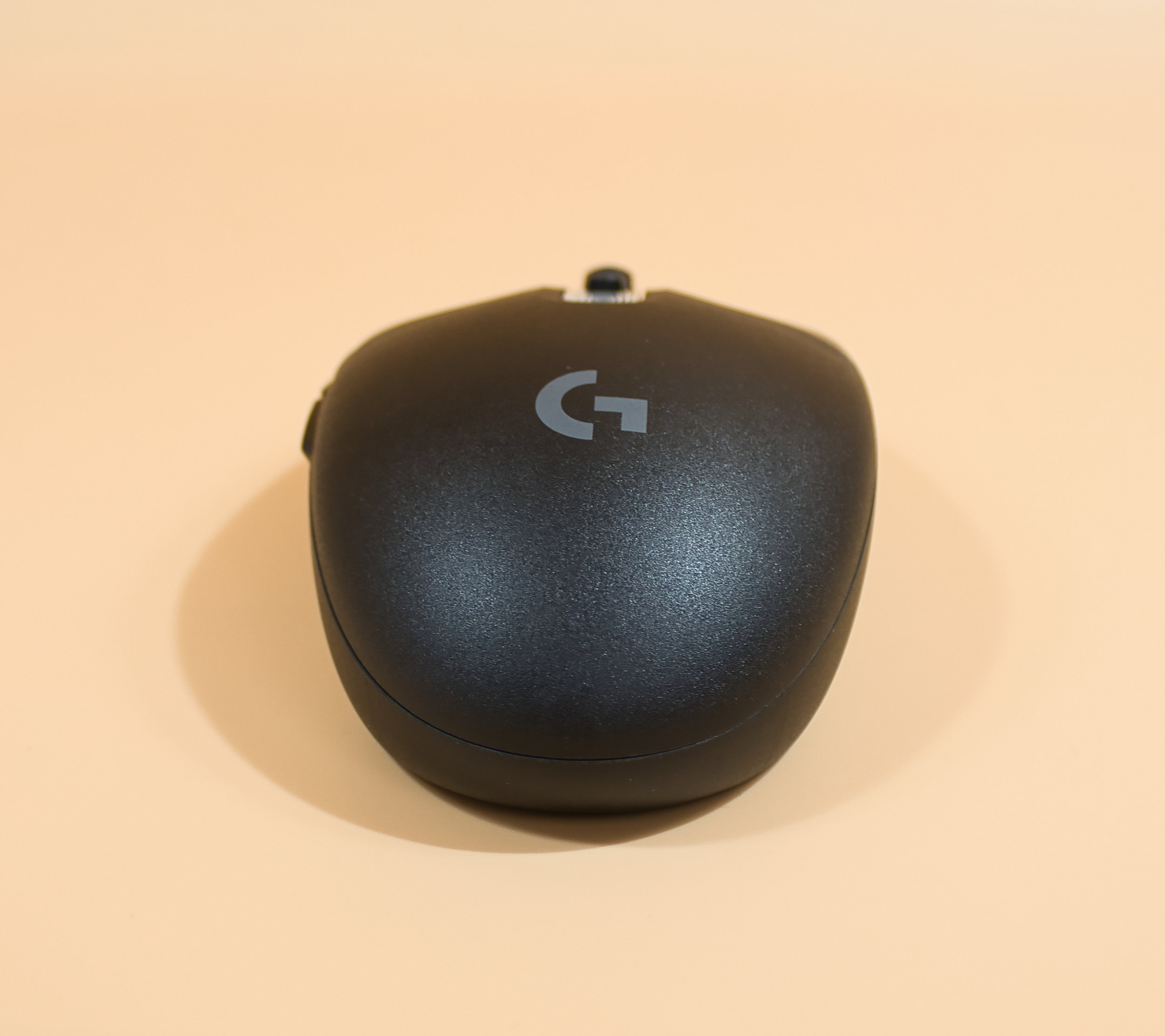 Logitech G305 X Superlight: Rear View (Image © PCMasters.de)
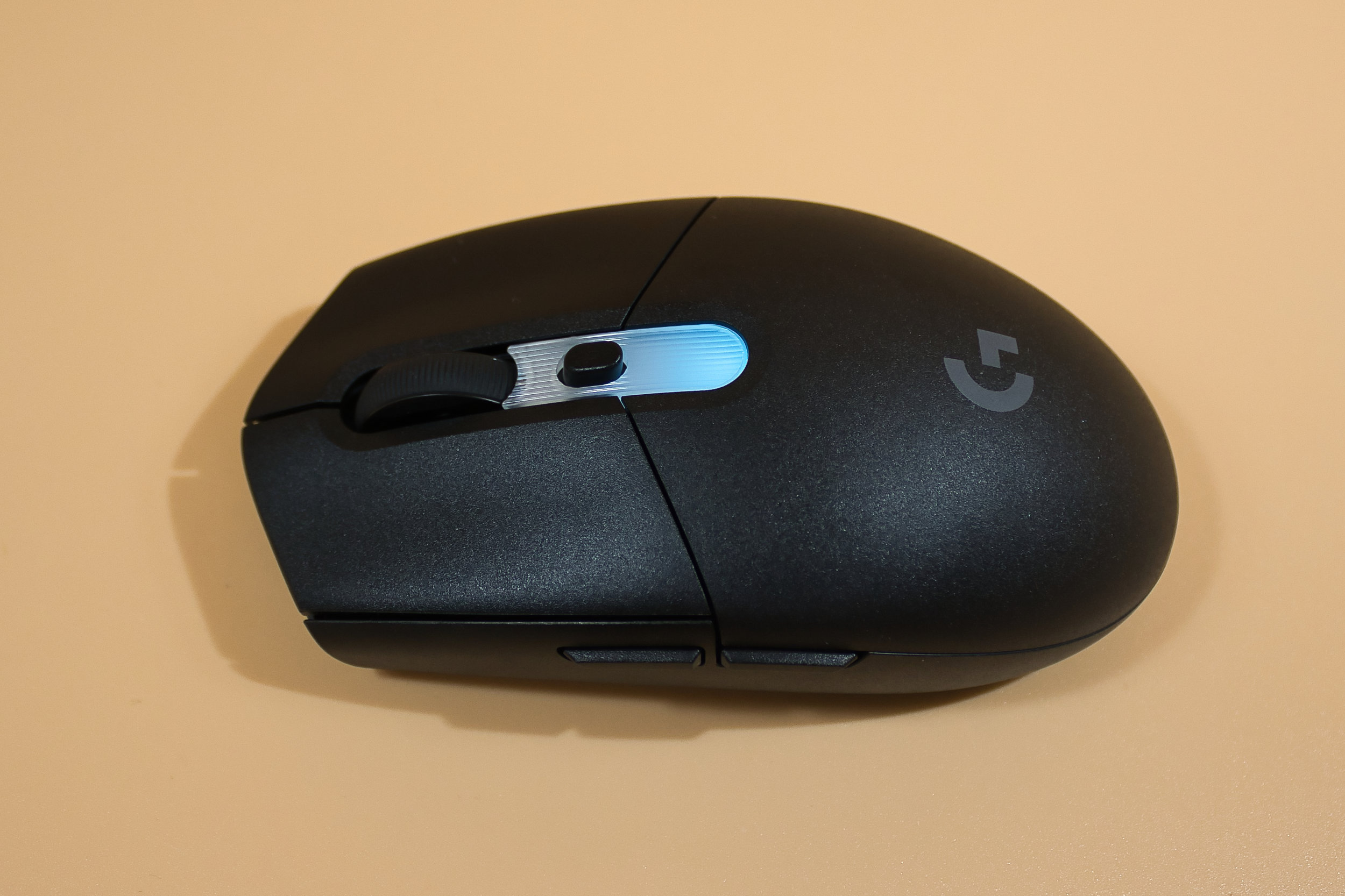 Logitech G305 X Superlight with blue side lighting (Image © PCMasters.de)
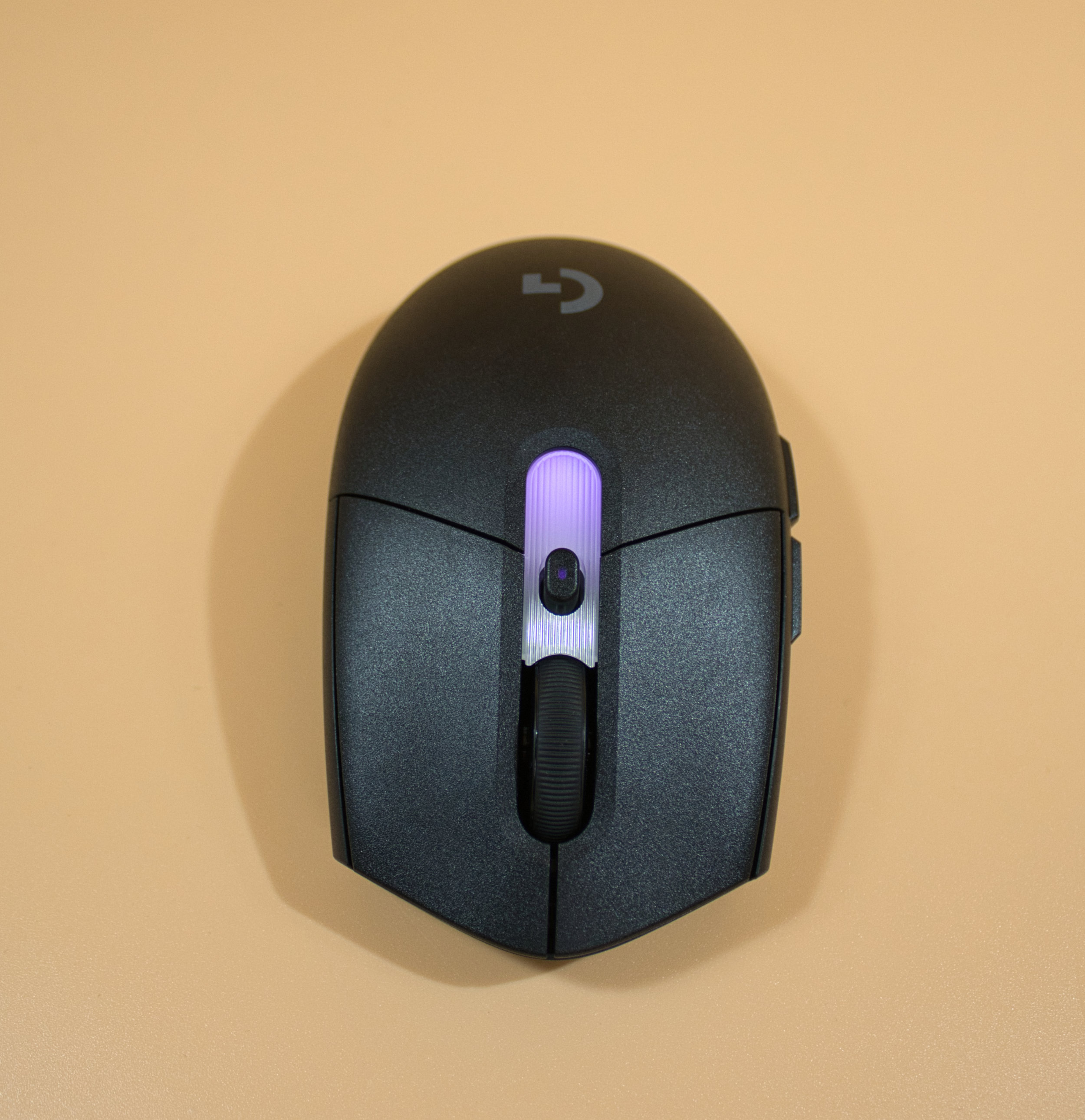 Logitech G305 X Superlight Lighting Purple (Image © PCMasters.de)
What stands out a bit is the area where the RGB lighting is located; it doesn’t quite seem to match the rest of the mouse. This is because, unlike the rest of the mouse, this area has a hatched pattern, and the plastic also doesn’t feel quite as high-quality. The on/off switch and the selector switch for connecting to the PC are also beautifully integrated and can be described as well-designed.
 Logitech G305 X Superlight: Left Side View (Image © PCMasters.de)
Ergonomics
The shape is nothing out of the ordinary by now; it’s ergonomic and offers a good fit for most users, except perhaps those with very large hands. The buttons are all where they should be, and the mouse wheel is precise and has a slight click. All buttons provide very good feedback, and we felt very comfortable using it.
 Logitech G305 X Superlight Side View (Image © PCMasters.de)
The Hero sensor also performs well—it’s precise and very sensitive. If you like, you can also run the sensor at 44k DPI, though we consistently found this to be far too sensitive, so we’re sticking with our usual 3,200 to a maximum of 6,400 DPI. The design is suitable for both precise work and all types of gaming, and even after long gaming sessions, the mouse remains a reliable companion.
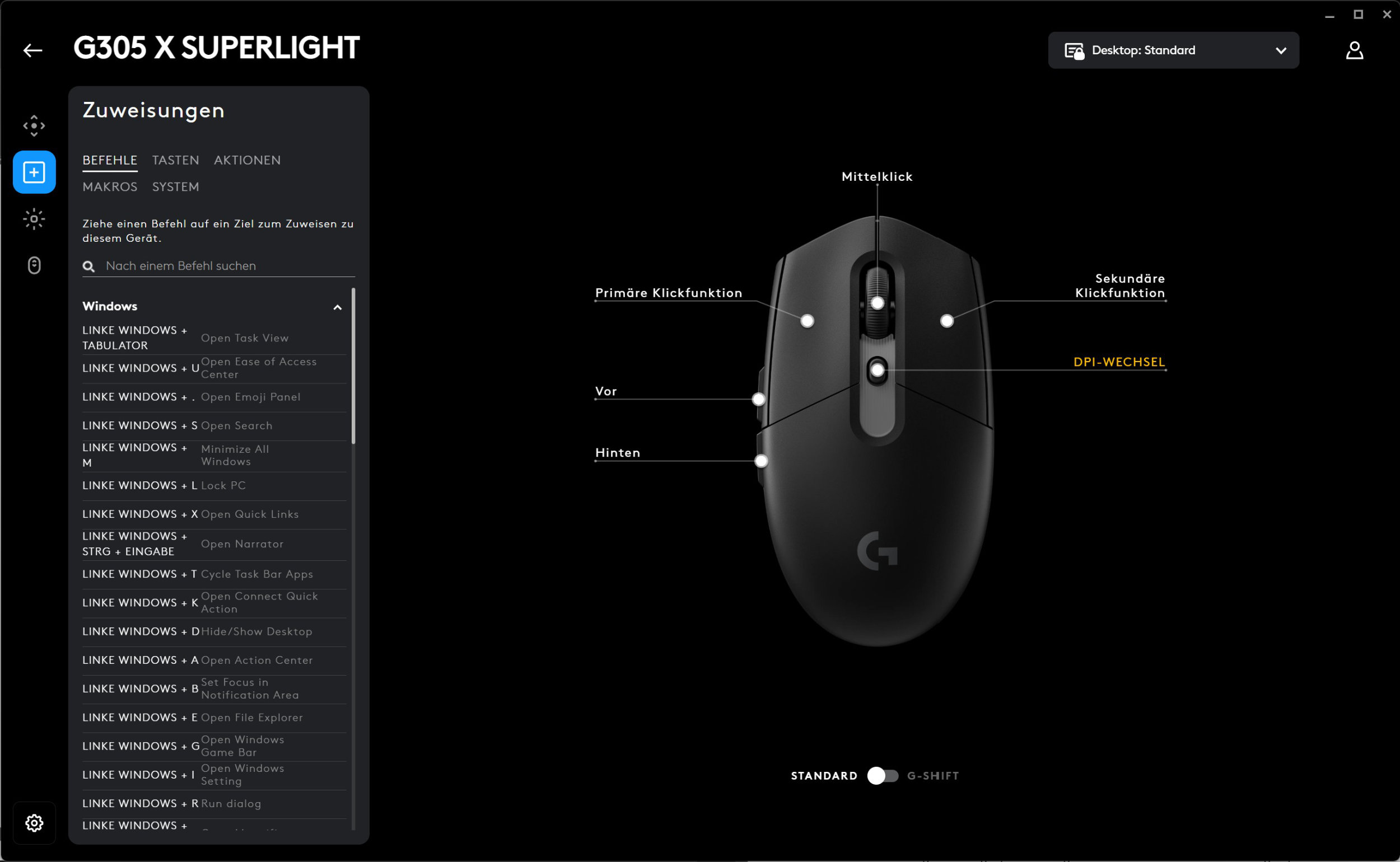 Logitech G305 X Superlight Software Key Assignment (Image © PCMasters.de)
G Hub Software
The software used is Logitech’s G Hub, where you can adjust the DPI and change the Hz rate. A wide variety of presets can be applied or edited depending on the game type. The software is pleasantly simple and shouldn’t pose any major problems. You can also assign each button to specific functions if you like.
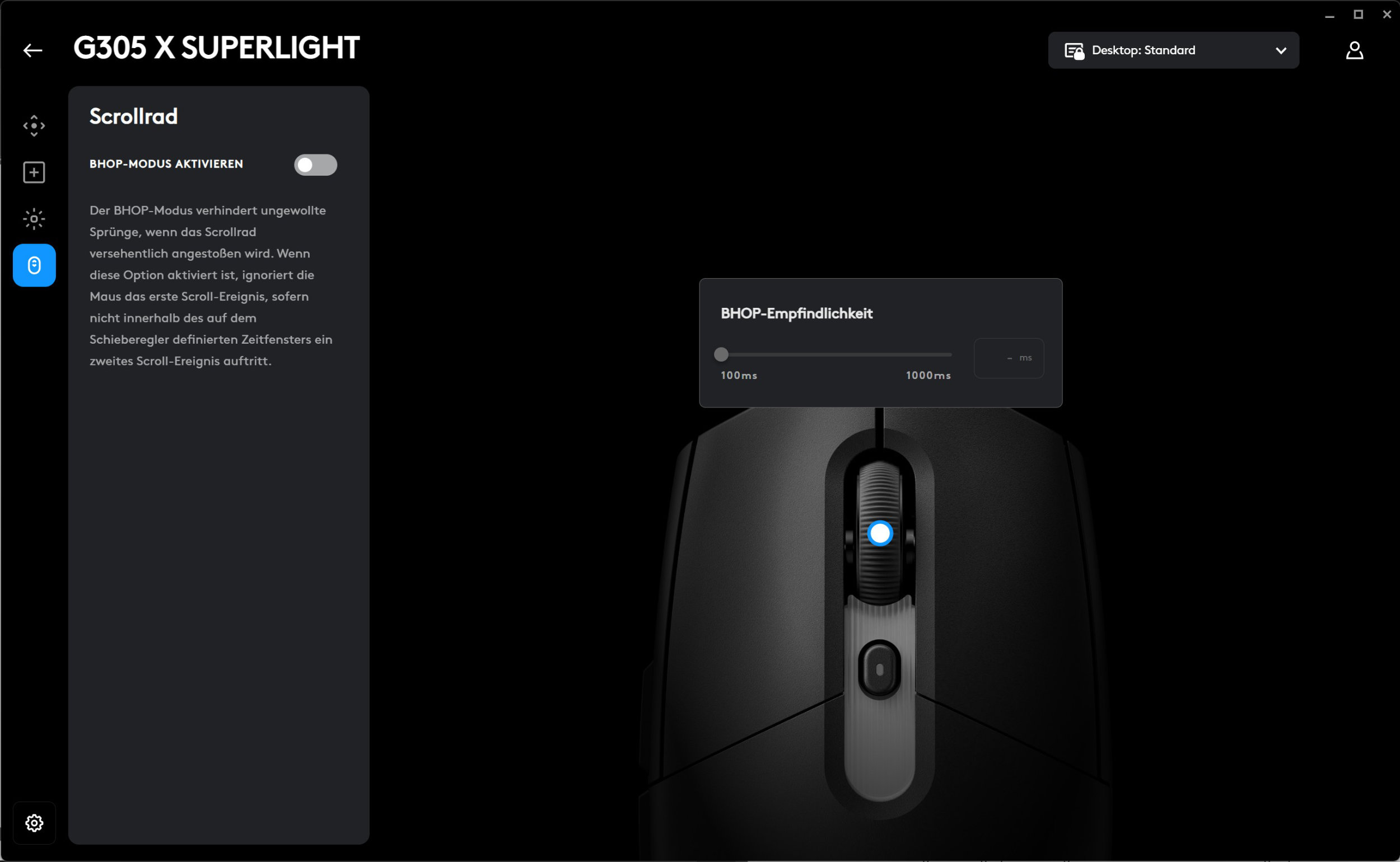 Logitech G305 X Superlight Software Scroll Wheel Sensitivity (Image © PCMasters.de)
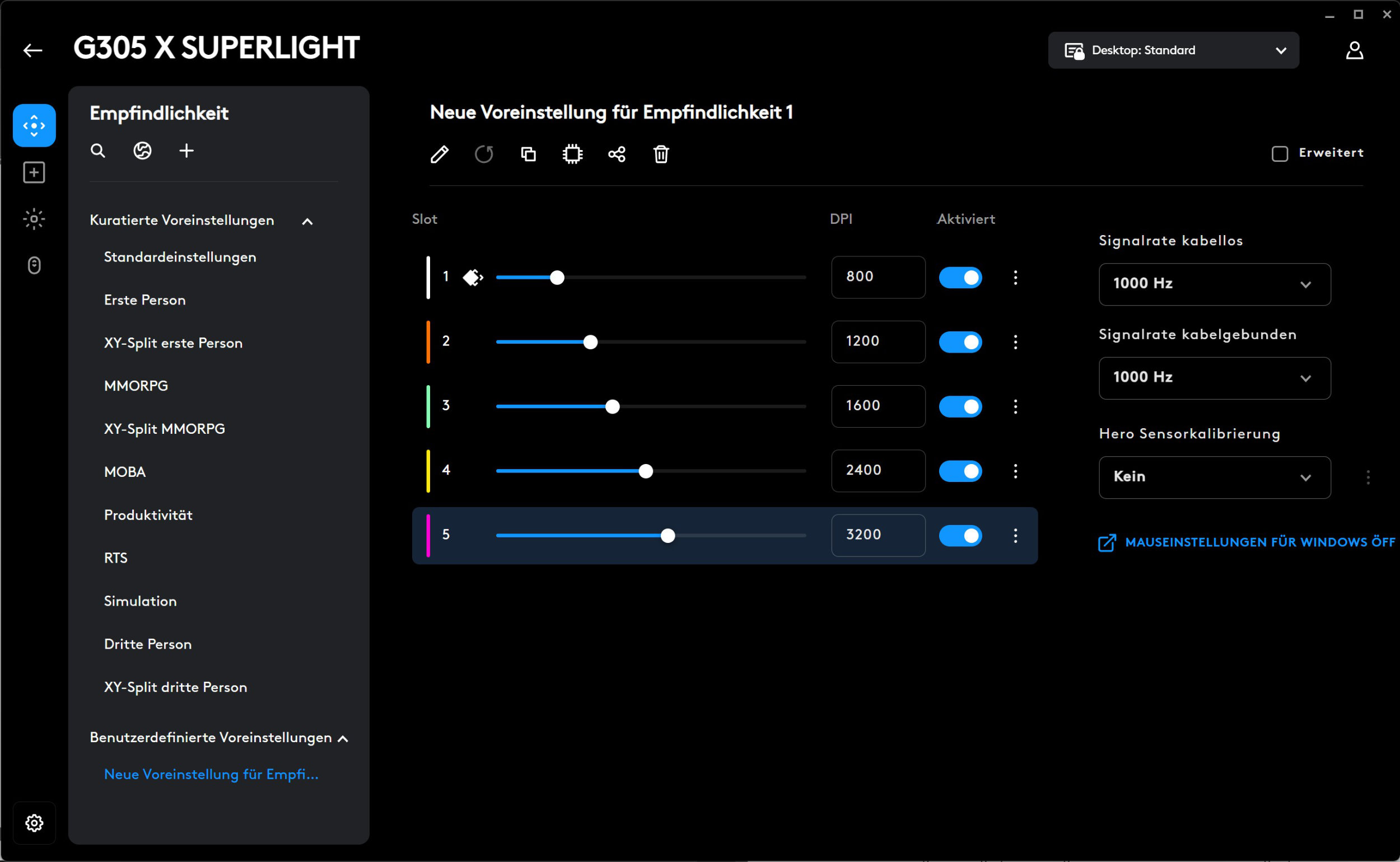 Logitech G305 X Superlight: Setting the DPI in the Software (Image © PCMasters.de)
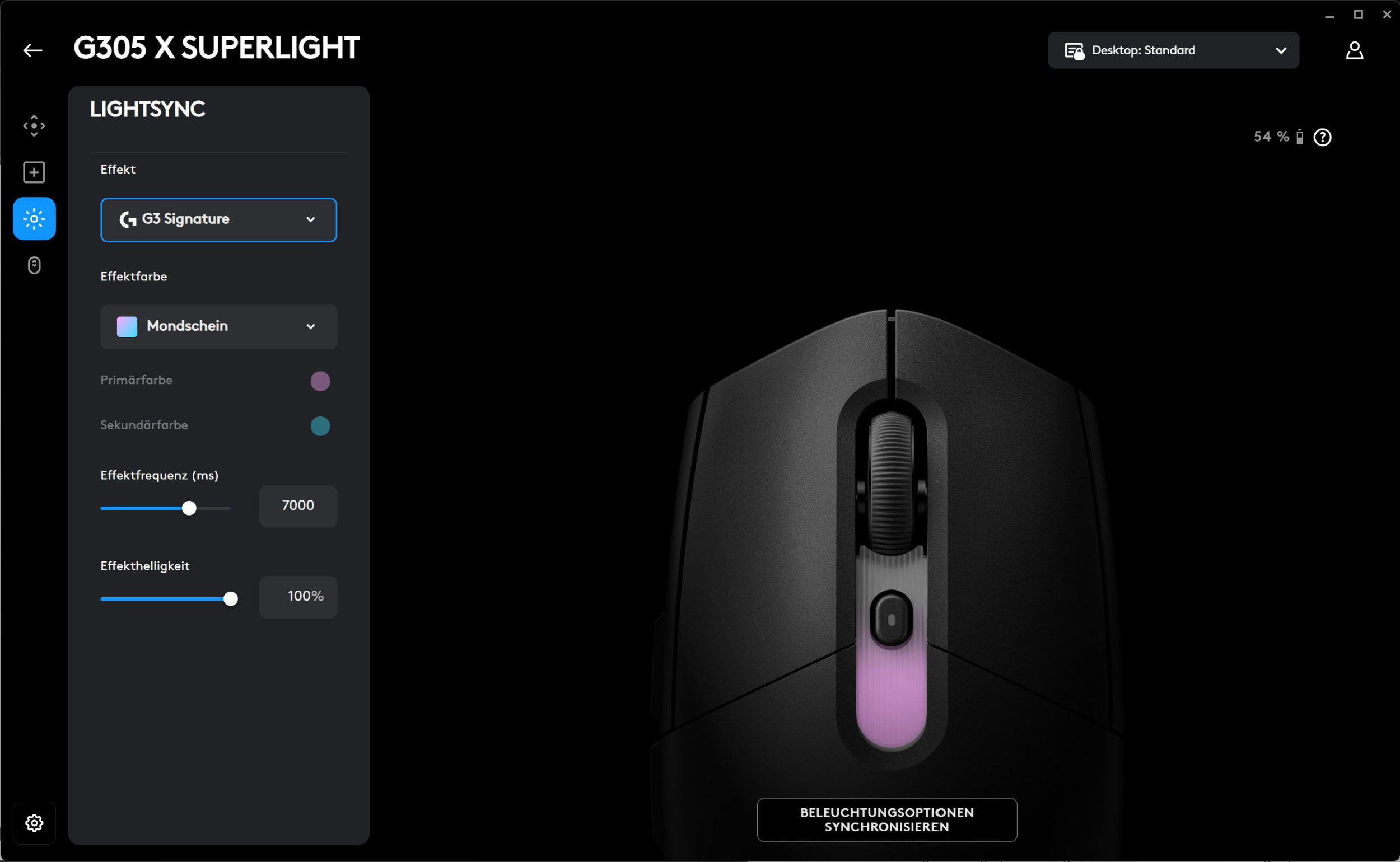 Logitech G305 X Superlight Software RGB Lighting (Image © PCMasters.de)
Macros are also available. The RGB light in the center of the mouse can be controlled here as well, but it’s so subtle that we turned it off to gain a bit more battery life. In the last tab, you can adjust the mouse wheel sensitivity to prevent accidental clicks.
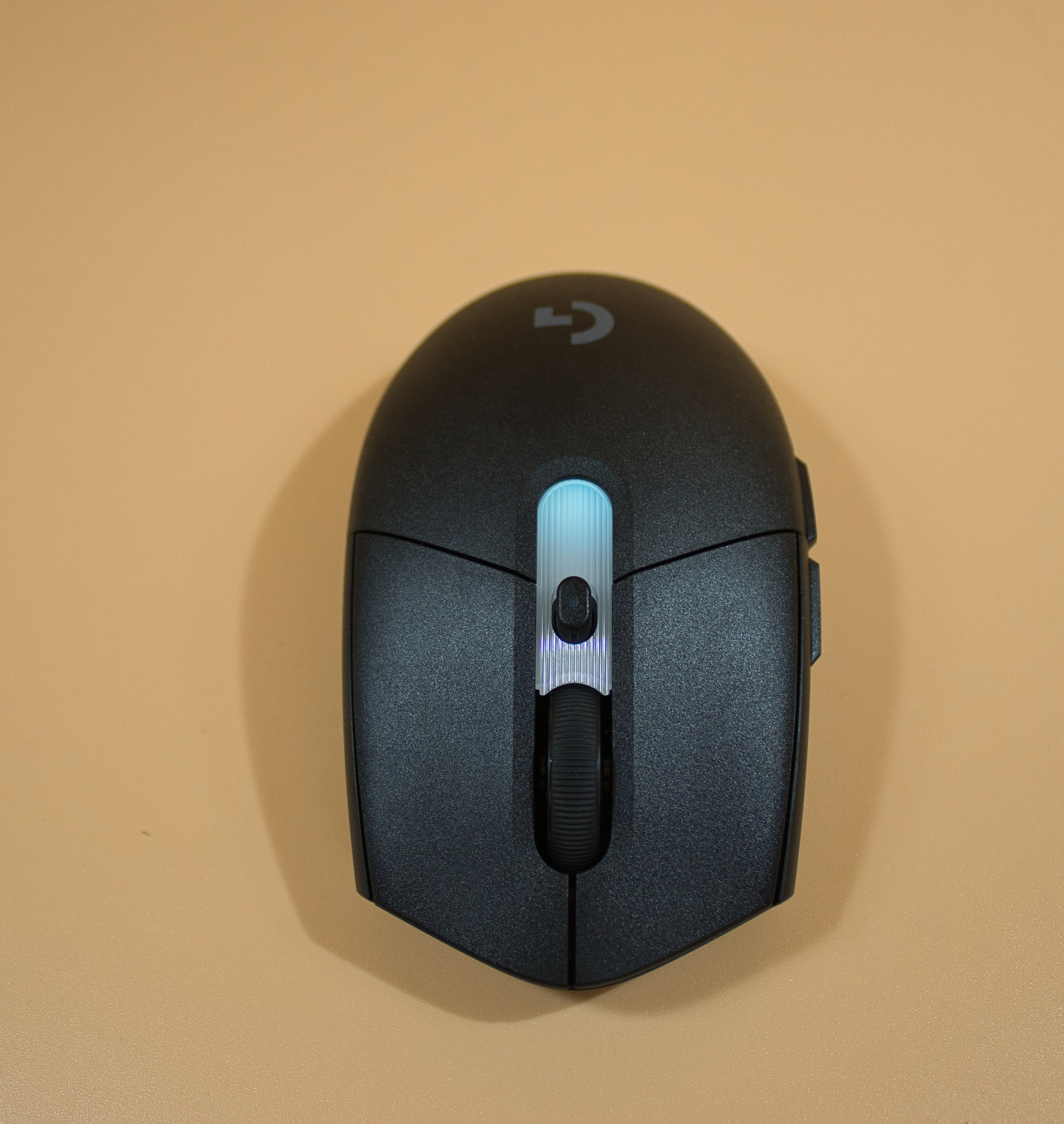 Logitech G305 X Superlight with Green Lighting (Image © PCMasters.de)
Conclusion
The Logitech G305 X Superlight isn’t the absolute lightest mouse in its class, but overall it’s a well-designed mouse with excellent battery life and a understated look. The sensor, buttons, and ergonomics are designed for long gaming sessions or work. The mouse fits comfortably in the hand, performs with precision, and features top-notch build quality.
The RGB lighting is more of a gimmick and served only as an indicator to show which sensitivity setting was currently active. In our opinion, the MSRP of €79.99 is set too high. The market price has now settled at just under €70, which we still consider too high—even though the 44k DPI sensor is a standout feature.
Pro
- Very good build quality
- Great sensor
- Quite light (61g)
- Very good battery life
- Good ergonomics
- Low latency
- Minimal RGB lighting (for those who like it)
- Excellent thumb button placement
- Clear, uncluttered software
- Dongle compartment inside the mouse for transport
Contra
- The RGB panel (plastic) doesn’t look very high-quality
- Limited suitability for left-handed users