


 Computer Forum
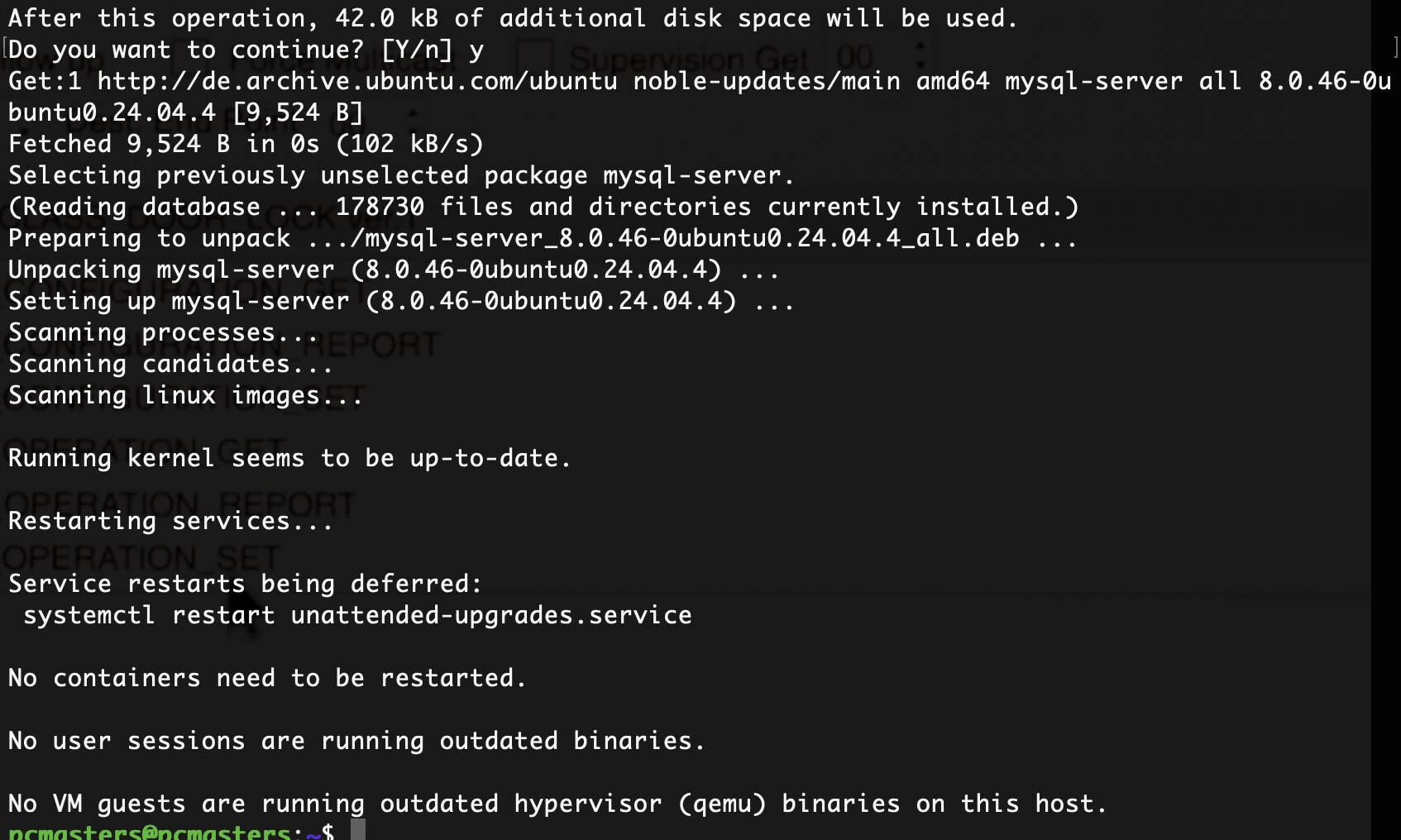 MySQL Servers installieren und optimieren (Image © PCMasters.de)
Technical Prerequisites for Installation
To proceed with setting up a MySQL server on Ubuntu, the following environmental requirements must be met:
- A fully functional Ubuntu operating system.
- A user account configured with sudo administrator privileges.
- A stable network interface for downloading packages.
- Direct access to the system terminal.
Installing MySQL 5.7 on Ubuntu 20.04 LTS
Since the default APT repositories for Ubuntu 20.04 prioritize MySQL 8.0, you must manually add the repository for version 5.7 to install it.
Run another update to ensure the keys are recognized:
sudo apt update
You can verify the repository as follows:
sudo apt-cache policy mysql-server
Server Installation and Security Configuration
Install the server and client components:
sudo apt install -f mysql-client=5.7* mysql-community-server=5.7* mysql-server=5.7*
Once the installation is complete and the root password has been set, run the security script to remove insecure default settings:
sudo mysql_secure_installation
Verification and User Management
To verify the installation, open the MySQL shell:
mysql -u root -p
Run the following query to check the version:
SELECT VERSION();
To create a new administrator user, run the following:
CREATE USER ‘username’@'localhost' IDENTIFIED BY ‘user_password’;
GRANT CREATE, SELECT ON *.* TO ‘username’@'localhost';
To list all current users:
SELECT user FROM mysql.user;
Check the service status with systemd:
sudo systemctl status mysql
Installing MySQL 8.0 on Ubuntu
The installation process for version 8.0 differs primarily in the choice of repository and authentication methods.
Install the MySQL 8.0 suite:
sudo apt install -f mysql-client=8.0* mysql-server=8.0*
During this phase, the system will prompt you to enter the root password, and you’ll need to make a decision regarding the SHA256-based authentication plugin.
Checking the MySQL Version
Check the installed version via the terminal:
mysql -V
For detailed server information, use:
mysqladmin -u root -p version
Advanced Performance Optimization via my.cnf
Optimizing the MySQL configuration file is necessary to ensure that the database uses system resources efficiently. On Ubuntu, the configuration files are typically located at /etc/mysql/my.cnf or /etc/mysql/mysql.conf.d/mysqld.cnf.
Adjustments to Memory and Connections
Before making any changes, create a backup of the existing configuration. Use a text editor such as nano:
sudo nano /etc/mysql/my.cnf
Adjust the following parameters to improve throughput:
- innodb_buffer_pool_size: Set this value to 70–80% of total RAM on dedicated database servers.
- innodb_buffer_pool_size = 4G
- max_connections: Increase this value based on the expected number of concurrent users.
- max_connections = 200
- tmp_table_size and max_heap_table_size: Increase these values to reduce disk I/O for temporary tables.
- tmp_table_size = 64M
- max_heap_table_size = 64M
Logging and InnoDB Optimization
Enable the slow query log to identify bottlenecks:
slow_query_log = 1
slow_query_log_file = /var/log/mysql/mysql-slow.log
long_query_time = 2
Further optimize InnoDB settings for data integrity and speed:
-
innodb_flush_log_at_trx_commit = 2(Strikes a balance between performance and consistency). -
innodb_log_file_size = 256M(Improves write speed for large transactions). -
innodb_file_per_table = 1(Reduces fragmentation).
Apply all changes by restarting the service:
sudo systemctl restart mysql
Comparative Analysis of Storage Engines: InnoDB vs. MyISAM
The choice of storage engine determines how data is processed, locked, and recovered.
InnoDB
- Transaction Support: Fully ACID-compliant.
- Locking: Implements row-level locking, which enables high concurrency.
- Recovery: Provides automatic crash recovery via transaction logs.
- Integrity: Supports foreign key constraints.
- Use Case: Essential for financial systems and e-commerce applications.
MyISAM
- Transaction Support: Non-transactional.
- Locking: Uses table-level locking, which can be a hindrance in write-intensive environments.
- Recovery: No built-in crash recovery; higher risk of data corruption.
- Search: Generally faster for full-text indexing and read-intensive tasks.
- Use Case: Suitable for simple websites or read-only data archives.
You can continue here to secure your MySQL server:
