


 Computer Forum
 UniFi Network Application 10 6 90 (Image © Ubiquiti)
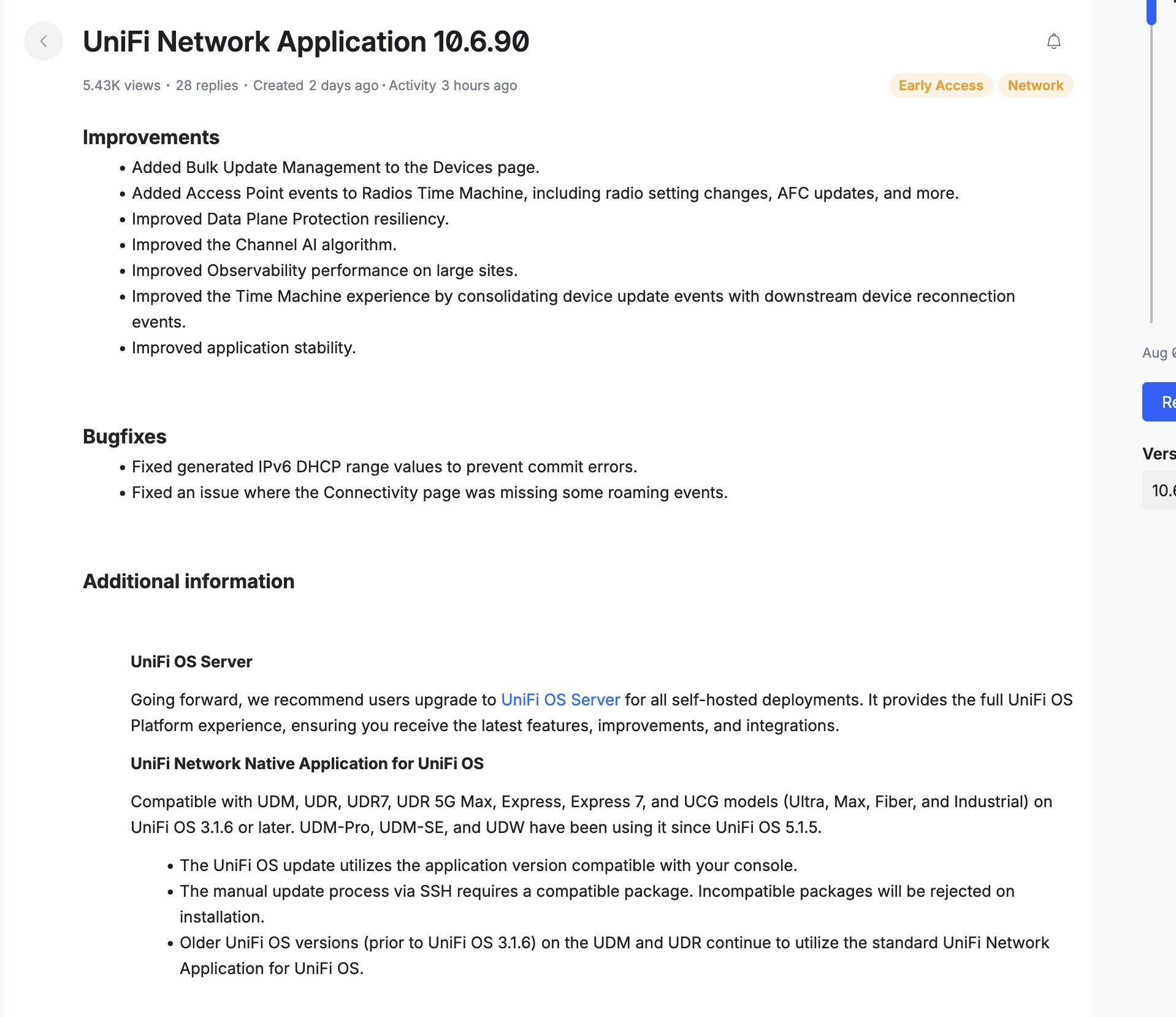
One of the most important new features in this version is the bulk update tool, which is now integrated into the “Devices” page. This allows administrators to perform multiple updates at once, rather than managing devices individually. “Radios Time Machine” has also been enhanced. It now captures a broader range of access point events, including changes to radio settings and AFC updates. To improve the user experience, device update events are now grouped with subsequent reconnection events, making the log overview clearer.
For those managing larger environments, the update improves monitoring performance at large sites and ensures that monitoring remains responsive even as the number of connected devices increases.
Technical Optimizations and Stability
Several “under-the-hood” changes are designed to increase network reliability. The “Channel AI” algorithm has been updated to improve frequency selection efficiency. There are also improvements to the resilience of “Data Plane Protection” and overall application stability.
The update also resolves two specific technical issues:
- IPv6-DHCP: A fix has been implemented for generated IPv6-DHCP range values to prevent commit errors during configuration.
- Roaming Events: The “Connectivity” page now correctly records roaming events that were previously missing from the view.
Deployment and Compatibility Requirements
There is a change to the recommendations for self-hosted deployments. Users are now advised to migrate to the UniFi OS Server to ensure access to the latest platform features and integrations. The native application remains compatible with various console models, including UDM, UDR (including UDR7 and UDR 5G Max), Express, and the UCG series (Ultra, Max, Fiber, and Industrial). These require UniFi OS 3.1.6 or later. Models such as the UDM-Pro, UDM-SE, and UDW have supported this native application since UniFi OS 5.1.5.
For administrators performing manual updates via SSH, it is important to use a compatible package, as the system rejects incompatible installations. Devices running UniFi OS versions prior to 3.1.6 on UDM and UDR hardware will continue to use the default version of the application.
