


 Computer Forum
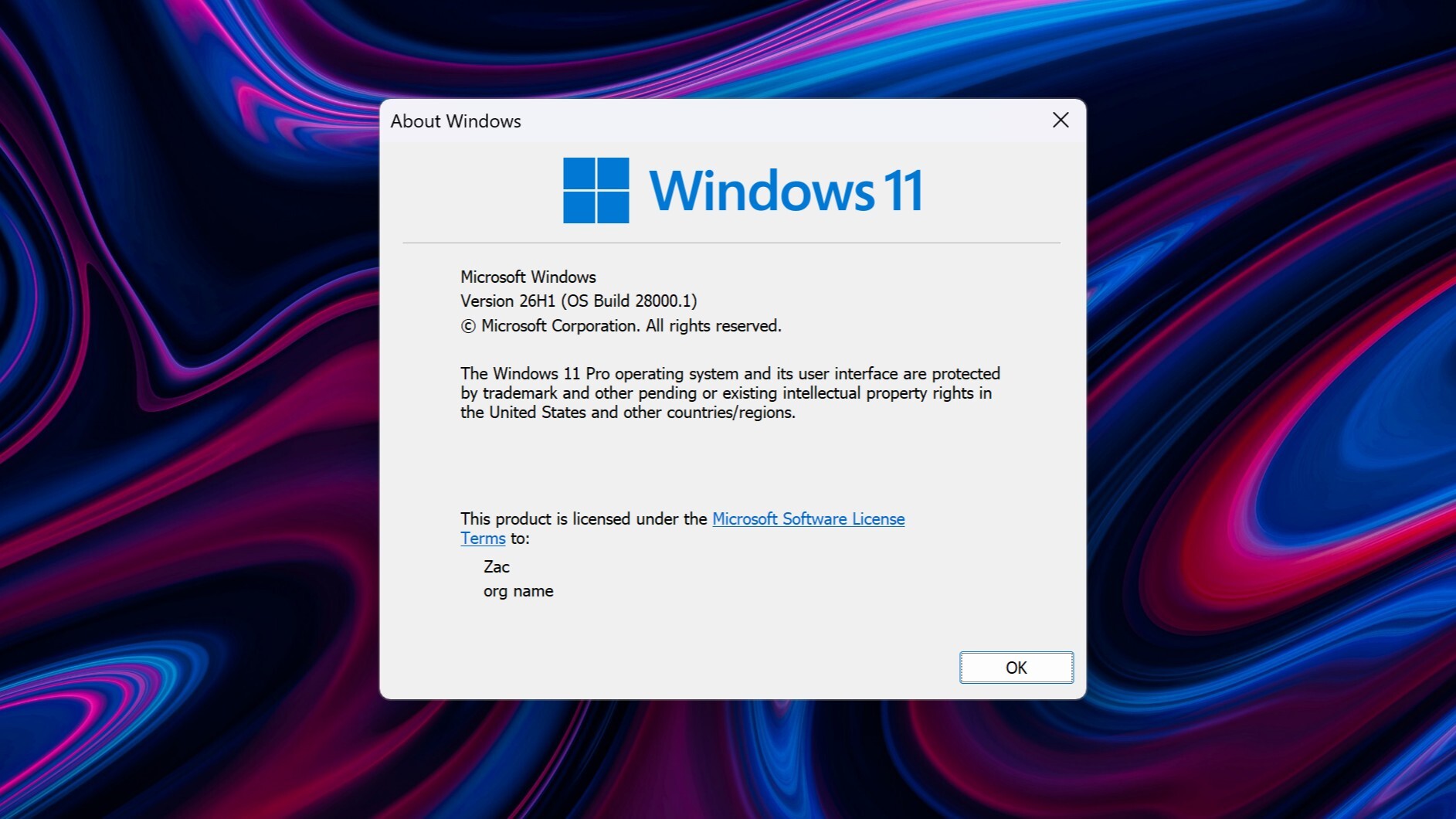 Windows 11 26H1 (Image © Windowscentral)
Errors in File Management and the Recycle Bin
One particularly noticeable issue affects the Recycle Bin confirmation dialog. When users attempt to delete a file, the system displays internal application strings—in the format “$Rxxxxx.ext”—instead of the actual file name. Interestingly, the files are displayed correctly in the Recycle Bin itself, and the correct names reappear when the deletion is undone.
Microsoft is currently developing a patch to fix this display bug. In the meantime, enterprise users can reportedly obtain a temporary workaround through official enterprise support channels.
Stability of File Explorer and OneDrive
The update has also affected the stability of File Explorer. Users have reported significant performance issues, including stuttering and the program freezing completely, particularly when initiating file-sharing tasks.
Further complications have arisen in connection with OneDrive integration. According to reports, the OneDrive folder has stopped responding or has become unusable for some users. While the issue has been confirmed by external Microsoft representatives, an official solution has not yet been released. Affected users are asked to submit detailed reports via the Admin Center.
Microsoft Office and Third-Party Software Integration
Beyond system utilities, KB5094126 has caused compatibility issues within the Microsoft Office suite. The bug specifically affects third-party applications that rely on Office for data access or integration, causing some of these external tools to stop working.
Microsoft has confirmed the existence of this conflict and is working on a solution to restore full functionality between Office and third-party software.
