


 Computer Forum
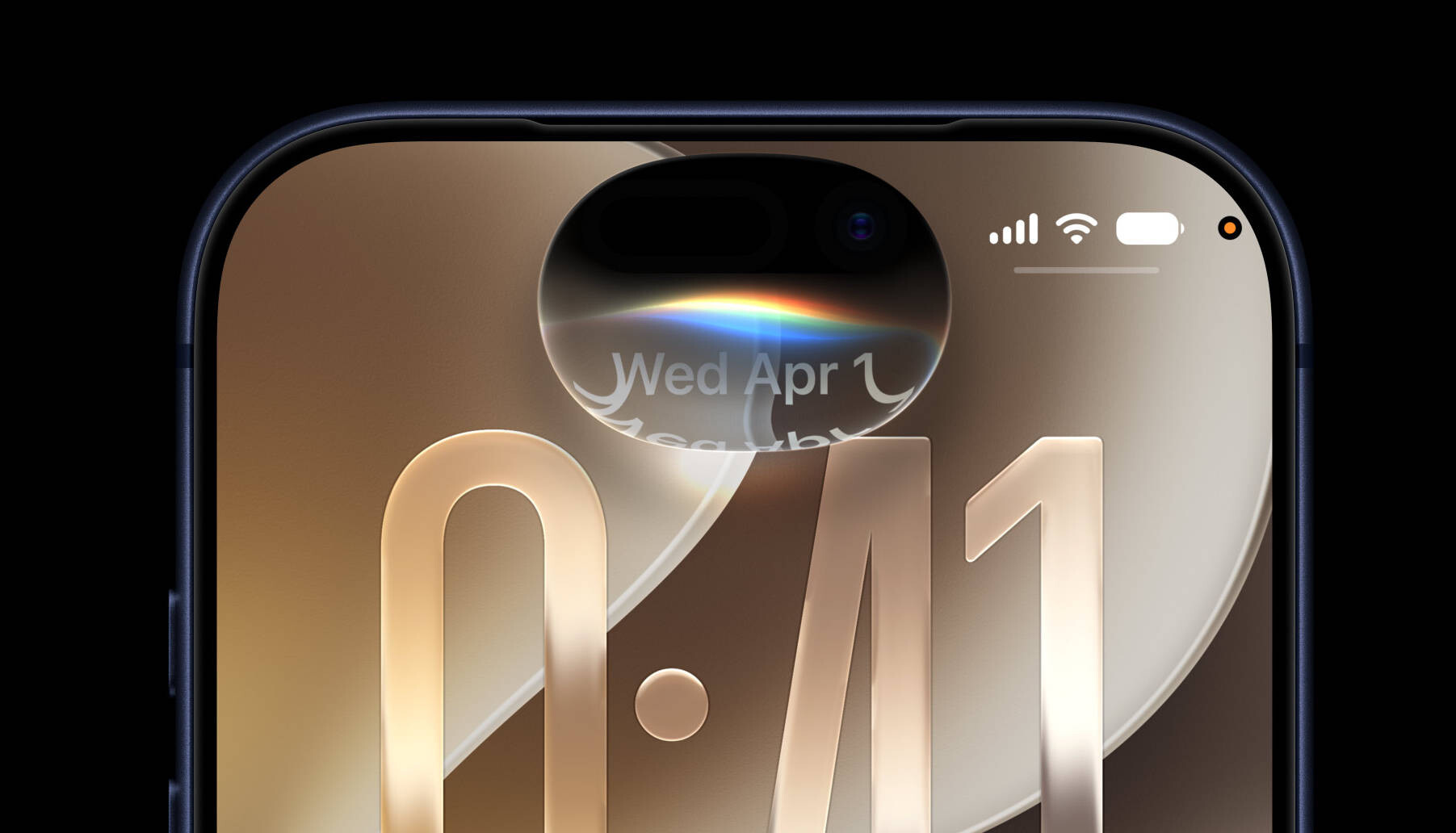 iOS 27 Preview 2 (Image © Apple)
On-Device Intelligence and Hardware Requirements
A key update in Beta 3 is the activation of Siri voice customization. Users can now adjust the expressiveness and speaking speed of the assistant’s voice, with two basic options currently available. Since this feature relies on on-device processing, it is limited to the iPhone 17 Pro and iPhone Air models.
In addition to the updates for the assistant, a new section called “Live Detection” has been added to the “Accessibility” menu. This tool uses the camera and the device’s built-in AI to identify and describe objects in the user’s immediate surroundings. The system allows users to set standard questions for the AI to answer based on visual input and supports the creation of custom activities.
User Interface and User Experience Improvements
Apple has made several changes to how users interact with the system interface. The Control Center now displays cellular connection data—including signal strength and whether 5G or LTE is active—even when the device is connected to a Wi-Fi network.
The visual appearance of the lock screen and home screen has also been updated. With certain wallpapers, the icons for the Control Center buttons on the lock screen are now displayed in black instead of white. Additionally, when you swipe down to open the Notification Center, a cutout effect of the wallpaper appears, clearly overlapping the current app or the home screen.
App Improvements
Several core apps have received updates to improve workflow and organization:
- Photos: A new “Show Rating Control” toggle in the settings menu allows users to rate photos and videos with star ratings, with visible badges appearing on the thumbnails to speed up identification.
- Shortcuts: Creating shortcuts is now more flexible, as users can choose between the manual editor and the “Describe Shortcut” interface.
- Reminders: This app features a redesigned icon and updated “Liquid Glass” bullet points in to-do lists.
- Maps: New tooltips have been added to help users easily find route settings in the options interface while navigating.
Hardware Integration and Regional Support
For AirPods users, the “Adaptive Audio” setting now includes a manual slider that allows for finer control over the balance between Transparency Mode and Active Noise Cancellation.
Regarding service requirements, it has been clarified that using the Apple Intelligence features in the “Home” app requires an iCloud+ plan with at least 2 TB of storage. Finally, for users in India, support for 5G+ is now active on compatible cellular networks.
