


 Computer Forum
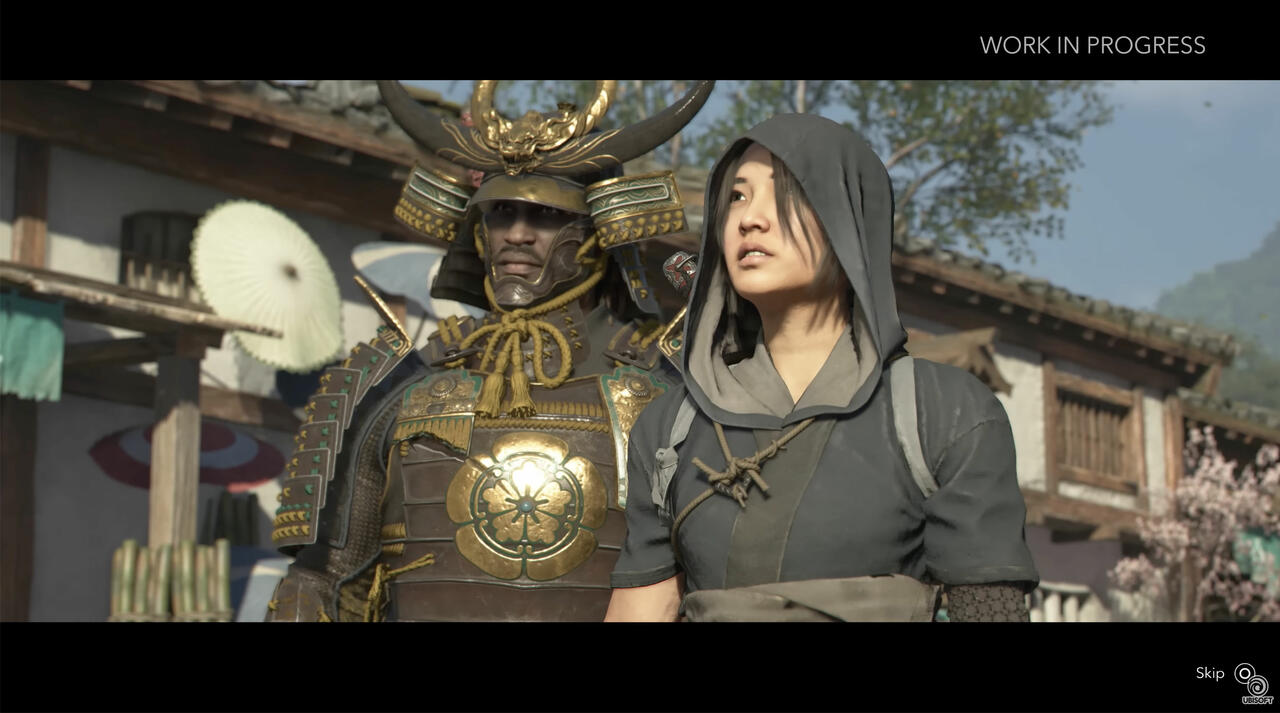 Assassins Creed Shadows Gameplay-Video (Image © Ubisoft)
This beta version focuses on fixing application crashes that occur during driver updates. Users of DX12 titles—particularly “Assassin’s Creed Shadows,” “Assassin’s Creed Black Flag Resynced,” and “Tom Clancy’s Rainbow Six Siege”—previously experienced crashes when updating drivers if shaders had been compiled with an earlier version. This issue has been resolved for all supported GPU series. For users of the Core Ultra Series 2, deleting cached shader files is recommended as an additional workaround for these titles.
Intel has also fixed issues with visual glitches that occurred during cutscenes in “LEGO Batman: Legacy of the Dark Knight” (DX12) for users of Arc A-series as well as Core Ultra Series 1 and 2 hardware.
Current Game Compatibility Challenges
Despite these fixes, several known issues persist across various hardware configurations. Many of these issues occur on both the B-Series and A-Series, as well as across different Core Ultra generations.
General Game Instability
In “Borderlands 4” (DX12) and “Marathon” (DX12), intermittent application crashes have been observed; in the latter, object errors also occur when anisotropic filtering is enabled. In “Forza Horizon 6” (DX12), issues with image quality in reflections have been reported.
Hardware-Specific Gaming Issues
- Core Ultra Series 3: This hardware may experience crashes in “Mafia: The Old Country” and “Hogwarts Legacy” (with ray tracing enabled), as well as visual glitches in “007 First Light.”
- Arc A and B Series: Users may experience purple screen glitches during the tutorial in “Echoes of Aincrad.”
- Core Ultra Series 1: Certain crashes have been observed upon first launch of “NBA 2K26” and “007 First Light.”
Issues with Productivity Software and User Interfaces The beta update also highlights issues with professional benchmark tools and system software.
Benchmark Issues
PugetBench users may experience occasional crashes when running advanced presets for Adobe Premiere Pro or benchmarks for DaVinci Resolve Studio on Arc A and B Series hardware. For A-series users, Intel recommends increasing the timeout slider in the PugetBench settings to 1,500 seconds or more to ensure that the tests can be completed.
Bugs in the Graphics Software
Several bugs have been identified in the Intel graphics software user interface:
- Windows 10: Using the option to reset all settings may occasionally cause a crash; however, resetting settings on individual pages still works.
- Performance page: The button to hide charts may not work, and issues persist when adding new metrics or reconnecting a display.
-
General user interface: A one-time crash may occur on the first attempt to reorder metrics in the selection window; however, subsequent attempts are not affected.
