


 Computer Forum
 Cursor 3 Vibe Coding (Image © Cursor)
New Interface for Autonomous Workflows
While earlier versions of Cursor were developed as forks of VS Code, Cursor 3 introduces an interface built from the ground up. This architectural change enables the platform to focus the user experience on agent orchestration rather than traditional text editing. The result is a multi-workspace environment that allows both human developers and AI agents to work simultaneously in different repositories.
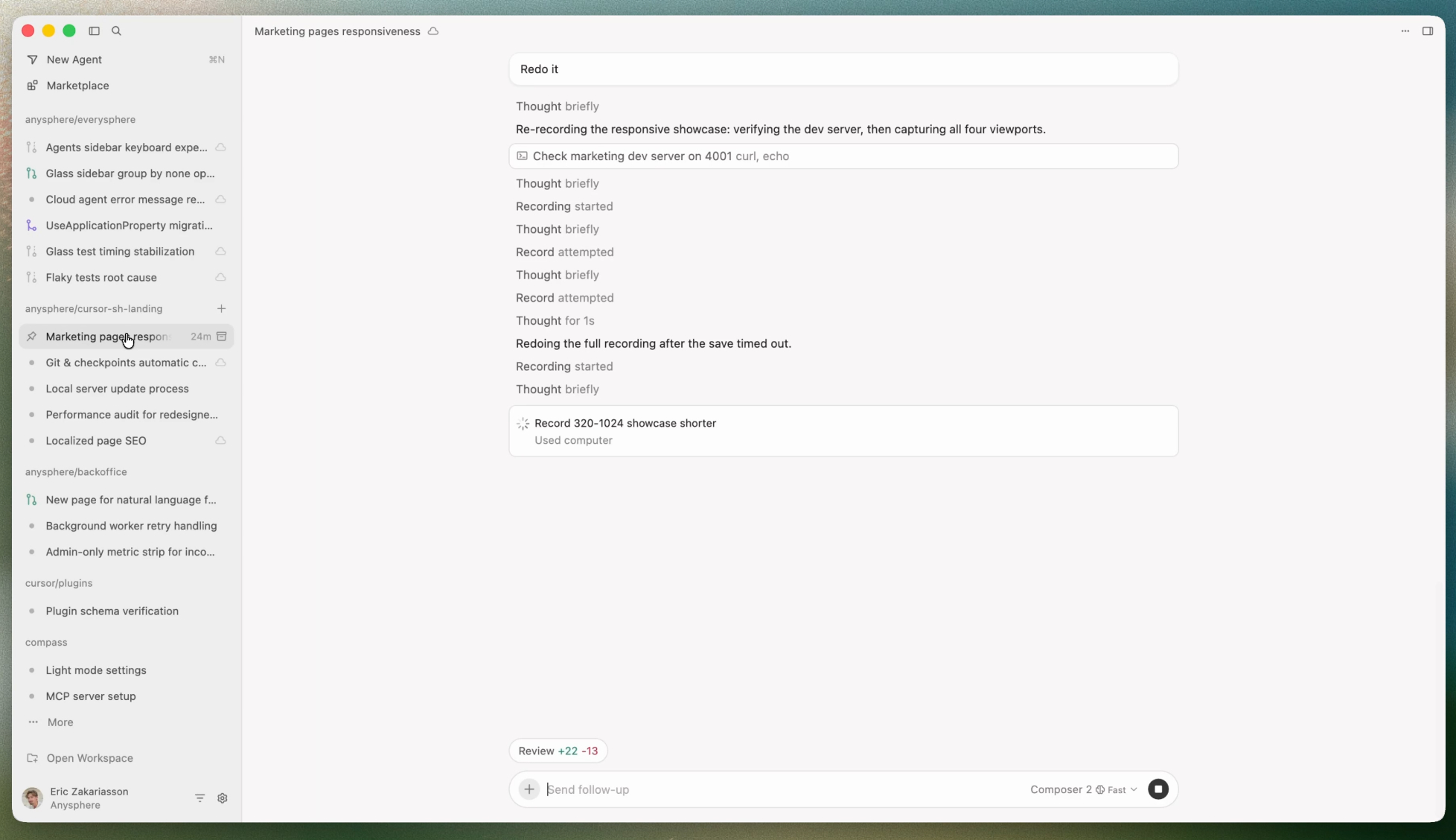
The new layout consolidates all agent activities into a single sidebar. This includes agents triggered by external integrations such as GitHub, Slack, and Linear, as well as those launched via mobile or web interfaces. To optimize the verification process, cloud agents now generate visual demos and screenshots, allowing developers to validate changes before they are integrated into the codebase.
 Cursor 3 AI Coding (Image © Cursor)
Synchronization of Local and Cloud Environments
One of the biggest technical hurdles in agent-based workflows is the discrepancy between cloud-based processing and local execution. Cursor 3 introduces a seamless handoff mechanism between these two environments.
Developers can migrate a session from the cloud to a local machine when precise manual edits or local testing are required. Conversely, local sessions can be moved to the cloud. This allows long-running tasks to continue executing on remote servers even when a developer closes their laptop or goes offline, preventing interruptions in the development cycle. This workflow is supported by Composer 2, a high-performance Frontier coding model optimized for rapid iteration.
Optimizing the Path to Production
To reduce friction between AI-generated code and production-ready software, Cursor 3 has redesigned its version control interface. A simplified diff view enables faster review and editing of changes. After verification, the system offers a direct pipeline for staging, committing, and managing pull requests within the same workspace.
The platform also retains and enhances several core IDE features. Full integration of the Language Server Protocol (LSP) enables developers to dive deep into the code using the “Go to Definition” feature. Additionally, a built-in browser allows agents to navigate and interact with local websites in real time.
Expansion of the Agent Ecosystem
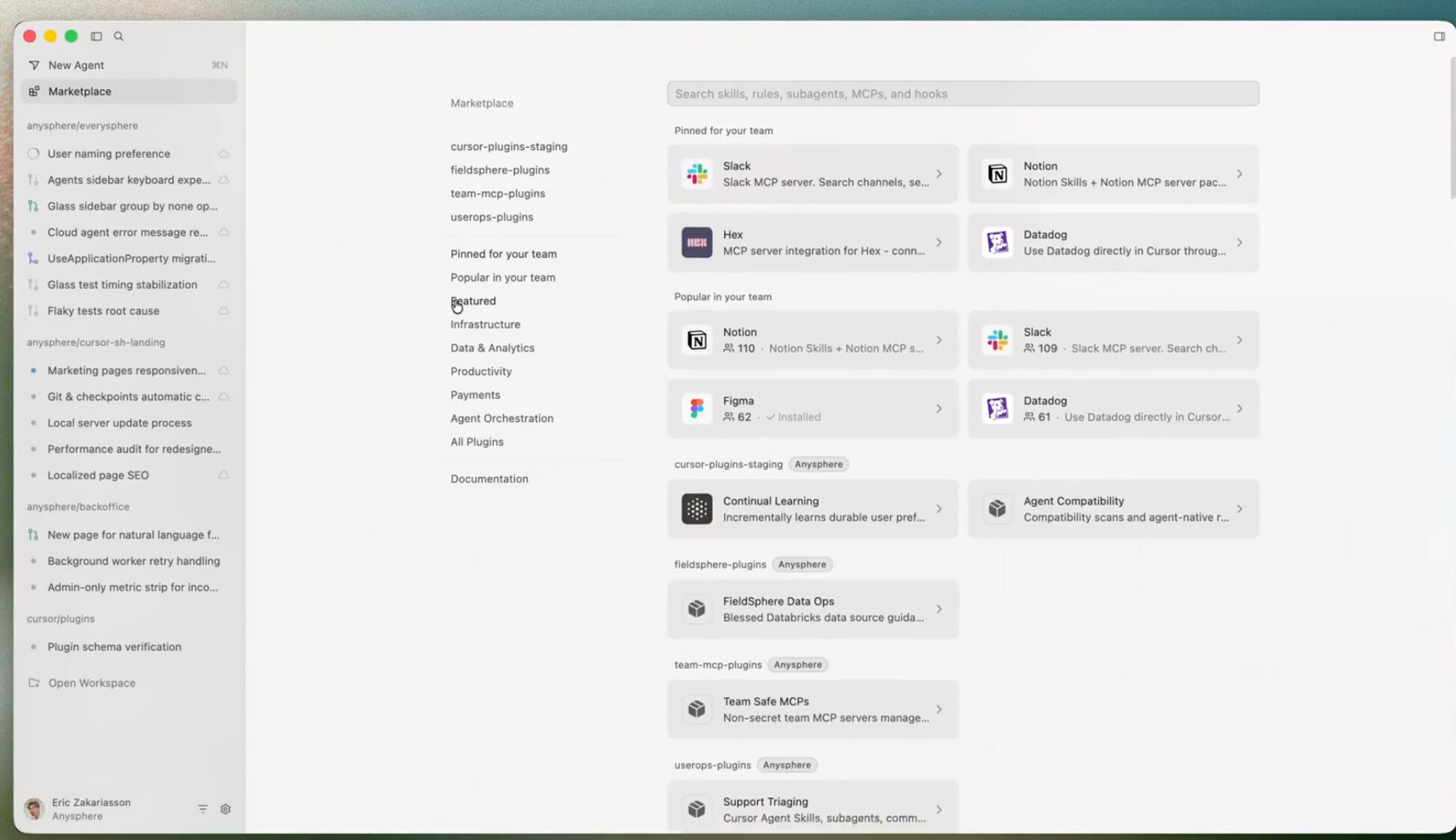
The introduction of a dedicated marketplace enables developers to extend the agents’ capabilities through Model Context Protocol (MCP) plugins and specialized skills. This ecosystem supports both public plugins and private, team-specific marketplaces, allowing companies to develop proprietary agent skills tailored to their internal coding standards.
