


 Computer Forum
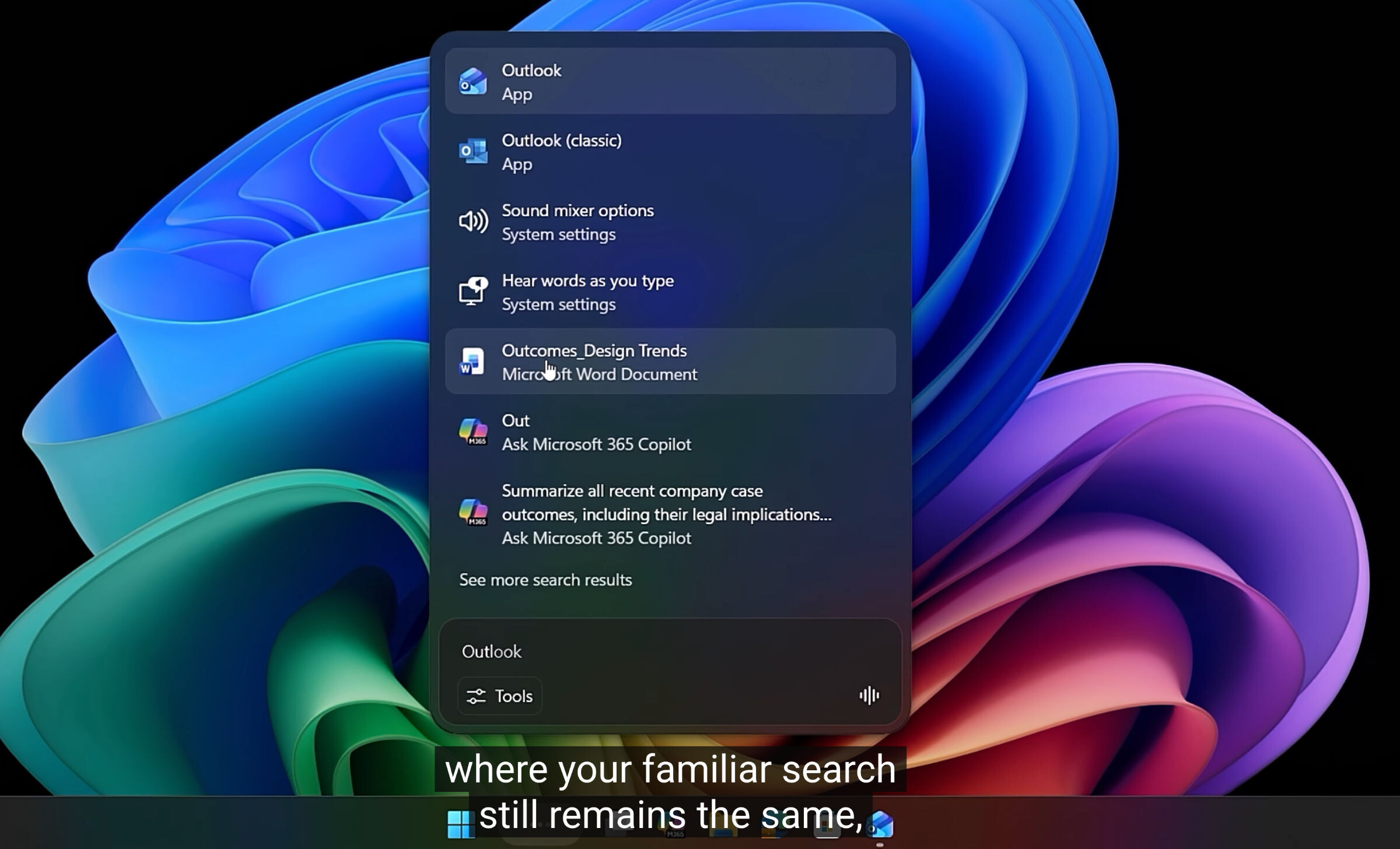 Windows 11 neue Suche (Image © Microsoft)
Dynamic Display of File Size in File Explorer
The KB5121003 update changes the way File Explorer displays file size information. Previously, the system displayed these values primarily in kilobytes. Windows 11 now uses a dynamic scaling system that automatically switches between KB, MB, or GB depending on the actual file size. Thanks to this change, users no longer need to manually convert units when managing larger data sets.
Expansion of the “Low Latency Profile”
The “Low Latency Profile” has been expanded to support a wider range of applications beyond Microsoft’s internal software. This feature optimizes application launch speeds by boosting the CPU to its maximum frequency for a period of one to three seconds during startup.
Internal tests show that this acceleration results in approximately 40% faster startup times for applications such as Edge and Outlook. For system-level components, including the Start menu and various context menus, performance improvements of up to 70% are possible. The expansion of this profile is intended to provide a more responsive experience, particularly on hardware with lower processing power.
Revamp of the Windows Search Function
The update introduces several changes to the Windows search engine to improve accuracy and local indexing. The system now applies improved logic for handling typos, missing characters, and incomplete search queries. Key changes to the search experience include:
Local Prioritization
The search function now prioritizes indexing local files throughout the operating system instead of defaulting to web-based results.
Settings Integration
Results for Windows Settings have been optimized so that relevant local options are now displayed instead of irrelevant web links.
Enforcement of Settings
Custom settings in the Start menu are now strictly enforced by the system.
