


 Computer Forum
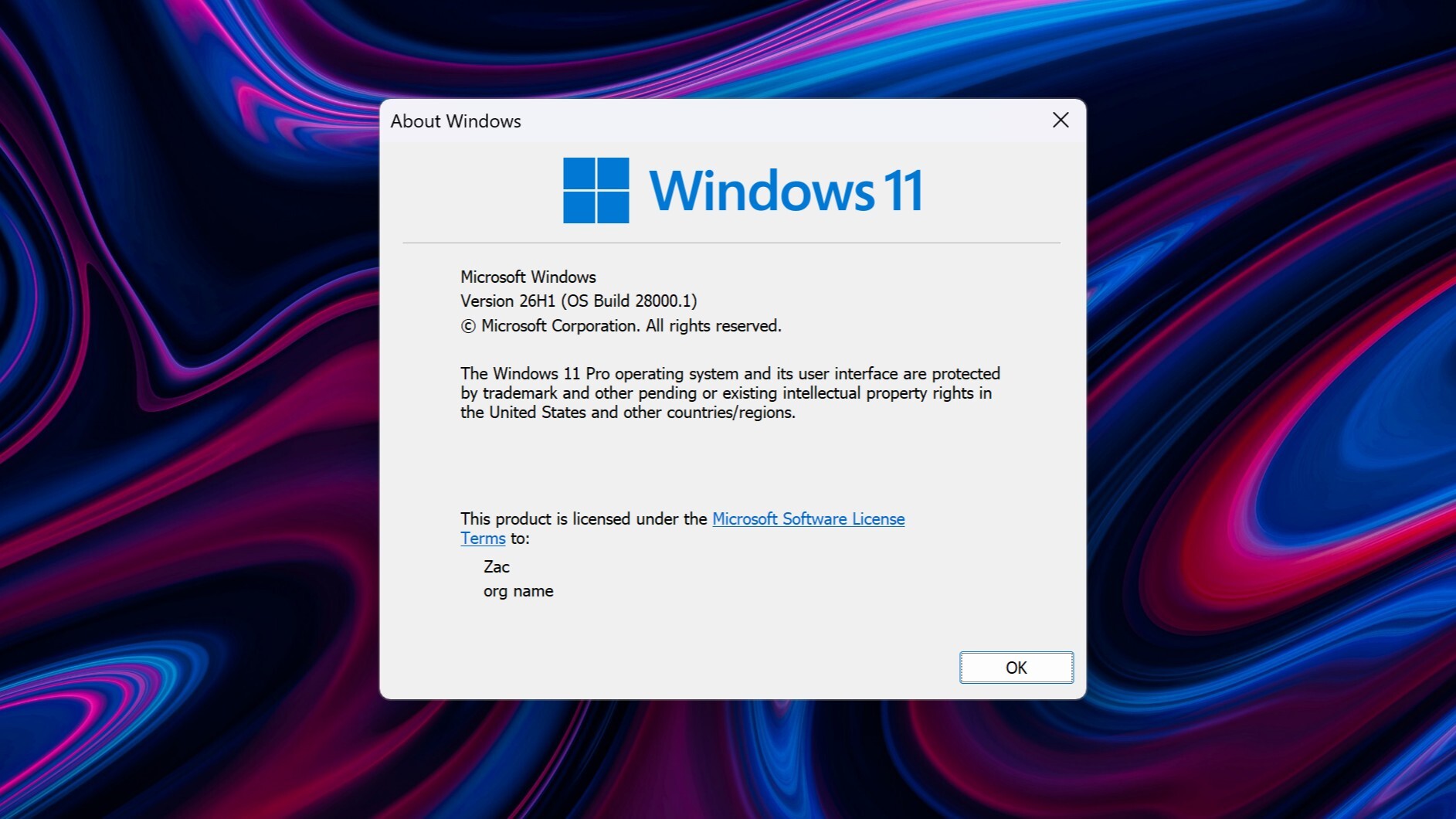 Windows 11 26H1 (Image © Windowscentral)
According to official support documentation, the update causes a variety of issues on different hardware configurations. Some users report that Device Manager either fails to recognize the audio hardware at all or displays a Code 10 error stating that the device cannot be started. Other reported issues include unresponsive volume controls, audio settings that do not respond to user input, or a complete lack of audio output.
Workaround
This technical issue particularly affects devices that use the USB Audio Class 1.0 standard. While Microsoft is currently working on a permanent solution, a limited workaround has already been found. Some users have found that audio functions can be restored by switching the device to a standard 2-channel stereo configuration. However, the problem persists when attempting to use multi-channel audio features such as 3D audio or 8-channel modes, which typically causes the device to crash.
This incident follows a series of stability issues previously observed in earlier versions of Windows 11. For example, the August update caused problems with custom cursor settings, which were often reset to an oversized default that could no longer be changed. In addition, this update was associated with system instability, including random freezes and forced reboots, particularly when using RGB peripherals.
