


 Computer Forum
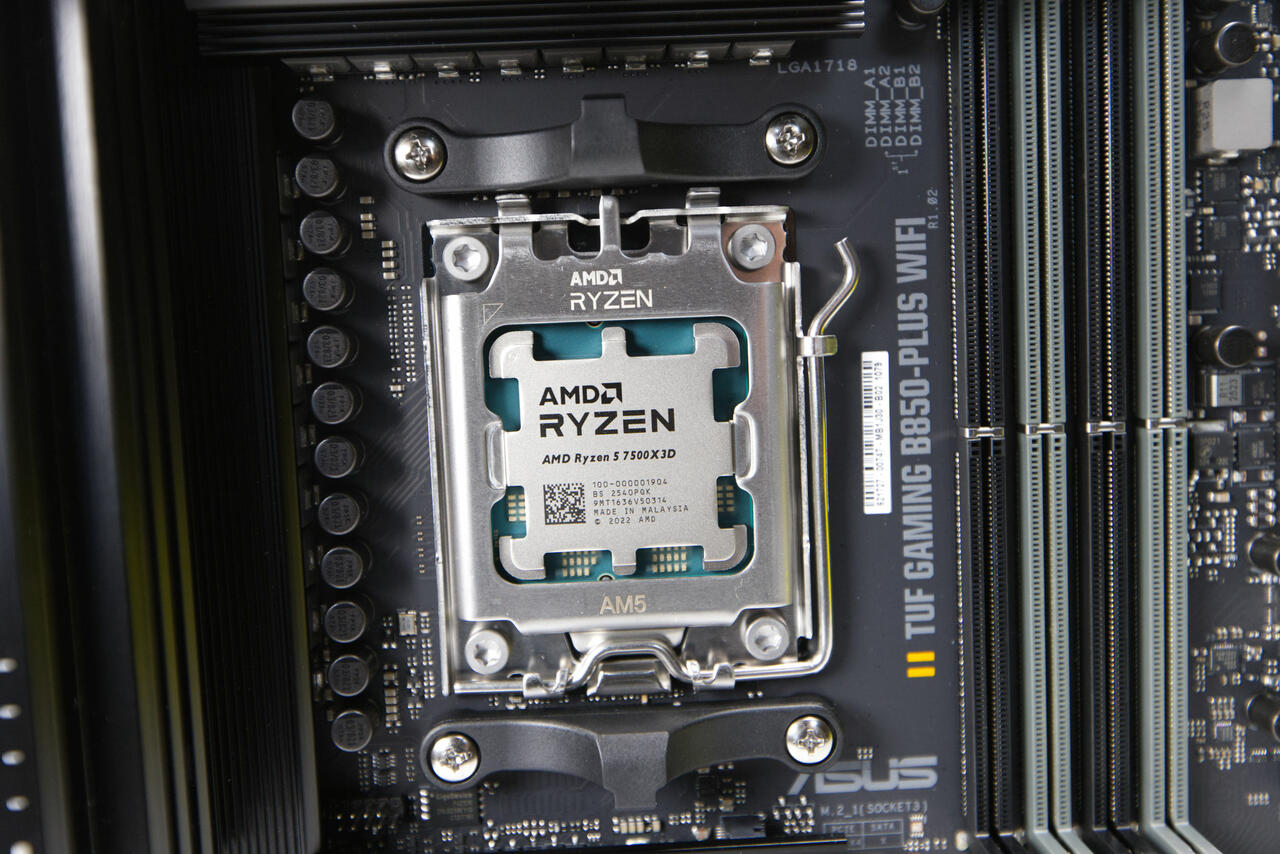 AMD Ryzen 5 7500X3D Test Review (Image © PCMasters.de)
The AOD driver uses the Windows Management Instrumentation (WMI) interface to enable communication with compatible system firmware. Instead of requiring individual applications to develop their own proprietary methods for communicating with the firmware, the driver provides supported processor settings via the Linux sysfs interface. By integrating with sysfs, the driver offers a standardized way for third-party software to read and write hardware parameters. This architecture enables developers to create management tools that interact directly with the kernel’s representation of the hardware.
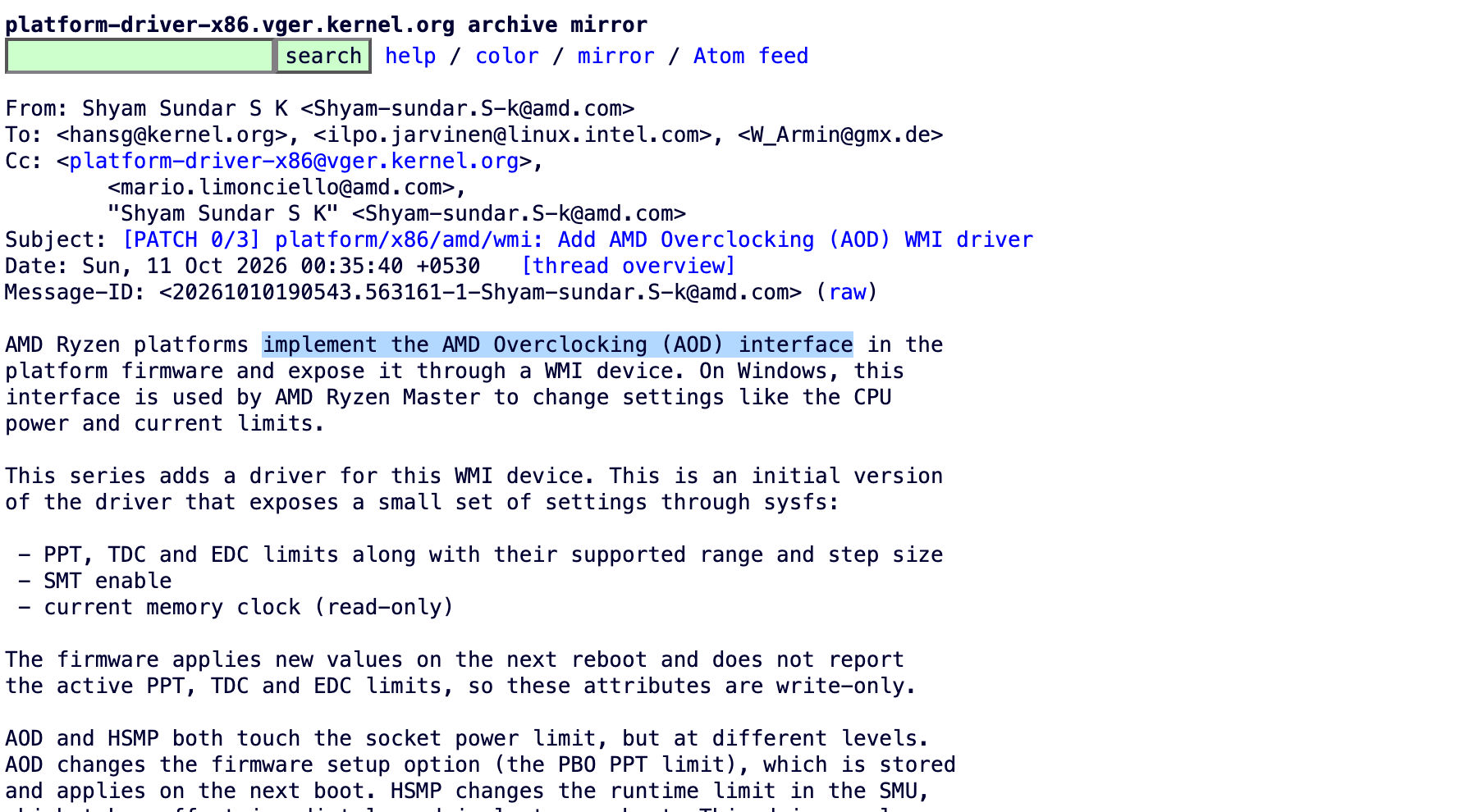 AMD Ryzen Overclocking Driver (Image © Kernel.org Team)
Current Feature Set
The first version of the driver focuses on managing performance and power thresholds. Specifically, it allows for the adjustment of three main parameters:
- Package Power Tracking (PPT): Controls the total power consumption of the processor package.
- Thermal Design Current (TDC): Manages the maximum current allowed to flow through the processor under thermal constraints.
- Electrical Design Current (EDC): Limits the peak current delivered to the CPU for short periods.
Beyond these limits, the driver allows users to monitor memory clock information and view the specific adjustment ranges supported by their hardware. Additionally, the AOD introduces the ability to enable or disable Simultaneous Multithreading (SMT) via the platform firmware.
Limitations and Restrictions
Although the driver expands control over Ryzen hardware, some technical limitations remain. Adjustments to power and current limits (PPT, TDC, and EDC) are not applied in real time; a full system reboot is required before these changes take effect. Furthermore, the current implementation does not include the full range of configuration options available in the Windows-based Ryzen Master. In particular, controls for fine-tuning CPU frequencies and voltage offsets are not yet accessible via this driver.
