


 Computer Forum
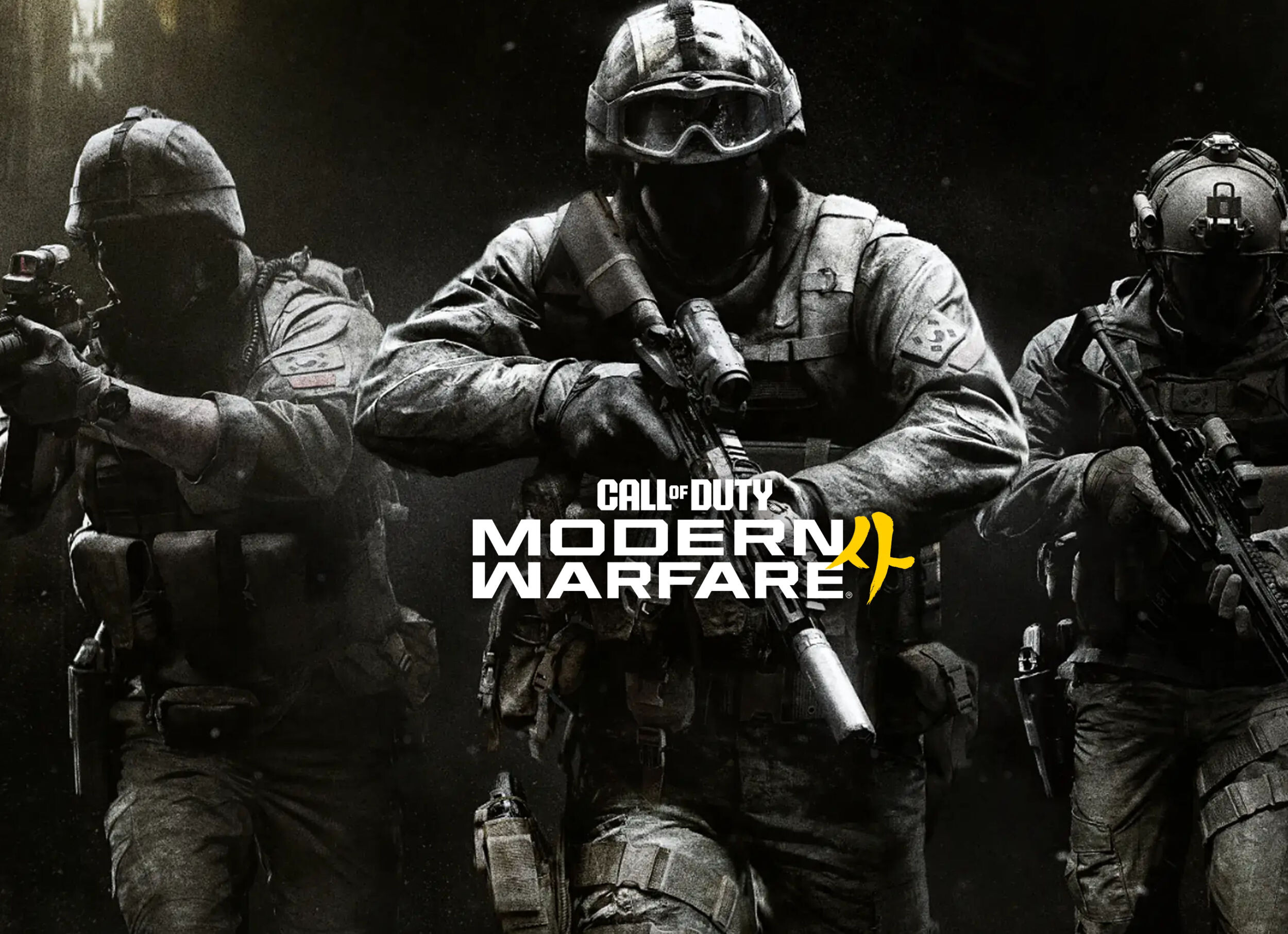 Call of Duty Modern Warfare 4 (Image © Call of Duty)
FSR Upscaling 4.1
The most significant new feature in this version is support for AMD FSR Upscaling 4.1. This feature is now available for a specific range of hardware, including the Radeon RX 6000 series graphics cards.
Support also extends to several Ryzen AI processor series:
- Ryzen AI Max 300 series
- Ryzen AI Max 400 series
- Ryzen AI 9 300 series
- Ryzen AI 9 400 series
Game Compatibility and Performance Improvements
This driver version offers official support for three new titles: “Call of Duty: Modern Warfare 4,” “STAR WARS: Galactic Racer,” and “FINAL FANTASY RESONANCE.” In terms of performance optimizations, AMD has fixed a specific issue where users of Radeon RX 6000 Series graphics cards and higher experienced stuttering while playing “Call of Duty: Modern Warfare 4.” This update resolves this instability.
Known Issues and Workarounds
Despite the fixes, several known issues persist across various hardware configurations. Users may encounter the following instability:
Application and Driver Timeouts
Some users may experience occasional crashes or driver timeouts. This has been observed in “Assassin’s Creed Black Flag Resynced” when using Radeon RX 7000 Series products, as well as in “War Thunder” on Radeon RX 5000 Series hardware. For users of the RX 5000 Series playing “War Thunder,” AMD recommends using Adrenalin Edition 26.9.1.
In “Valor Mortis,” users of the Radeon RX 7000 series may experience driver timeouts, while users of the RX 7600 series may encounter complete system crashes. System crashes have also been reported in “FINAL FANTASY RESONANCE” on Ryzen AI MAX PRO 400 series processors.
High-End Hardware and FSR Conflicts
Users of Radeon RX 9000 series graphics cards may encounter specific issues when using FSR:
- Death Stranding 2: On the Beach: Application crashes may occur when FSR is enabled. Disabling FSR is recommended as a workaround.
-
Cyberpunk 2077: Crashes or timeouts may occur if FSR upscaling, Radeon Anti-Lag, and in-game frame generation are all active simultaneously while a video is playing on a second screen. Disabling in-game frame generation should resolve this issue.
- General Stability: System crashes or freezes may occur when switching between applications or toggling overlays while in-game FSR frame generation is active. To prevent this, it is recommended to enable V-Sync in the game settings.
System and Interface Errors
A black screen may appear when launching “Fallout 76” on Ryzen AI Max PRO 400 Series processors. Additionally, conflicts between the Adrenalin performance metrics overlay and other overlays, such as the Xbox Game Bar, may cause the application to crash. Users should temporarily disable the performance metrics overlay when using other overlays.
On the software side, in regions where access to GitHub or HuggingFace is restricted, the installation of the AI bundle components may fail. Furthermore, Windows 10 users may find that Smart Access Memory is disabled after driver installation.
