


 Computer Forum
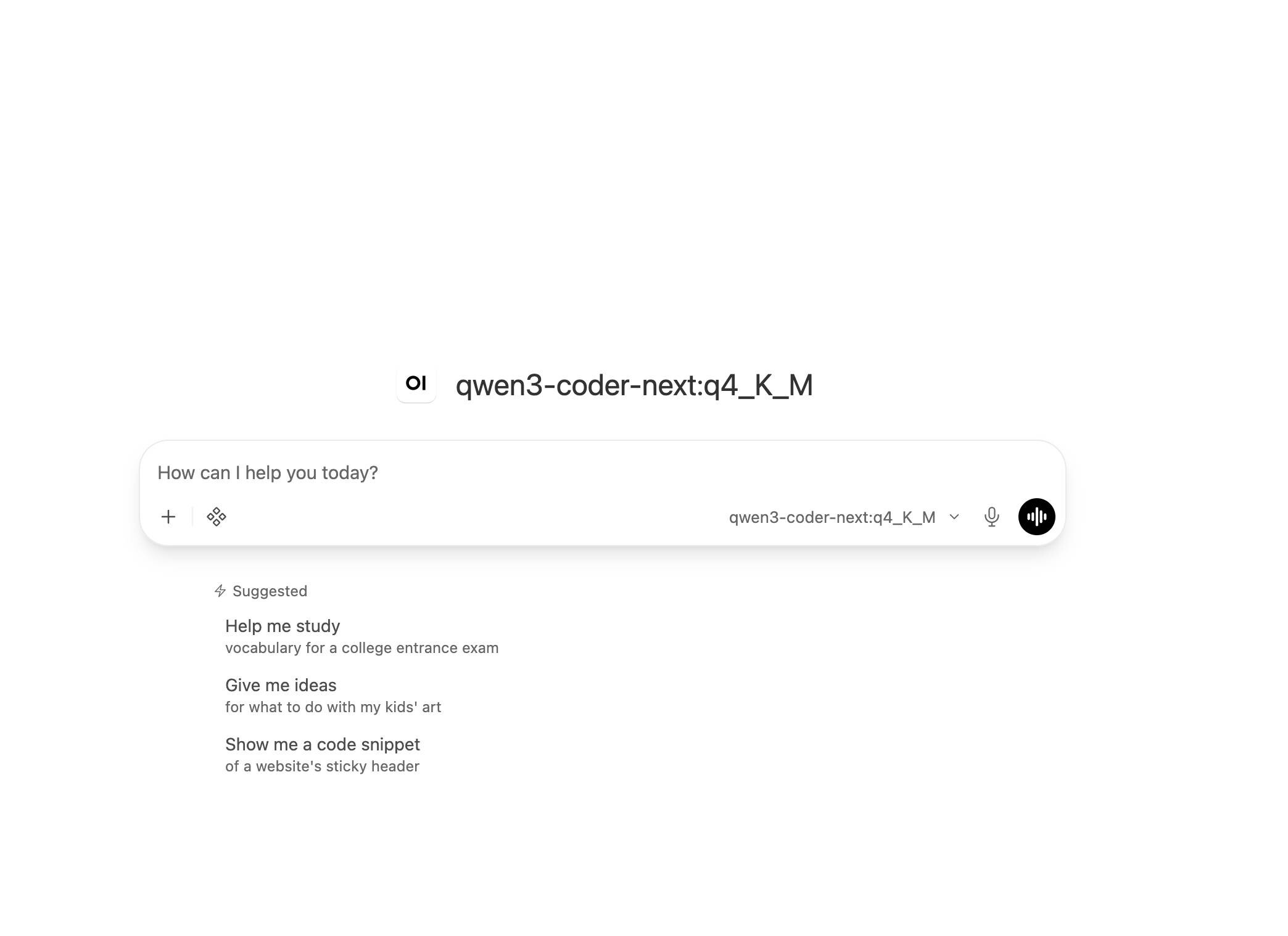 Open WebUI v0 11 4 Release (Image © PCMasters.de)
Infrastructure and Image Optimization
A key highlight of v0.11.4 is the introduction of a “Slim” Docker image. This version reduces the image size to approximately 175 MB, representing an 89% reduction compared to previous versions. This was achieved by removing local models, associated packages, and installation tools.
The standard image has also been optimized: By removing redundant copies of Python, unused fonts, and unnecessary packages, its size was reduced by approximately 170 MB.
Limitations and Requirements of the Slim Image
The Slim Image is designed for environments that rely on external services. Its operational limitations include:
- Database and Storage: Support is limited to SQLite and PostgreSQL. MySQL, MariaDB, and AWS RDS IAM logins are not supported. File storage is limited to local storage; the standard image is required for S3, Google Cloud, or Azure buckets.
- AI Features: Local embedding and reranking models are missing. Users must use OpenAI, Ollama, or Azure OpenAI Embeddings.
- Document Processing: Support is limited to text, Markdown, CSV, HTML, and XML. An external document extractor is required for PDF and Word files.
- Language and Web: Local Whisper and language engines have been removed. Web pages are retrieved via simple HTTP, as the headless browser is not included.
Terminal Integration and Skill Ecosystem
The update expands the functionality of the connected terminal server, transforming it into a more robust development environment.
Terminal Improvements
- Command Tabs: The terminal pane now features separate tabs for each command executed by a model, allowing users to monitor multiple processes simultaneously alongside their own shell.
- Folder Management: Users can now upload entire folders, including subdirectories, directly into terminals.
- File Comparison: A new side-by-side comparison tool allows users to analyze two files, highlighting additions and deletions down to specific character changes.
- Context-Aware Instructions: Models now automatically read the “AGENTS.md” file, located in the terminal’s home directory, at the start of each round.
Skill Management and Recognition
The skill system has been redesigned to improve model autonomy and skill creation:
- Automatic Recognition: Models are now provided with a list of all available skill names and descriptions. The full text of a skill is not loaded until the model explicitly decides to invoke it.
- Direct Creation: Users can convert a current chat workflow into a reusable skill using the /skills:create command, which saves the skill in the .agents/skills directory.
- Terminal Skills: Skills offered by a terminal server are now integrated into the $ and / menus as well as the integration area.
System Performance and Backend Scaling
Several backend optimizations have been implemented to reduce latency and server load, particularly in high-traffic environments.
Request and Storage Efficiency
- Redis Optimization: In multi-server setups with Redis, chat requests no longer retrieve the entire shared model list. Workers now manage local copies and reload them only when changes occur.
- Streaming Optimization: The system now processes long conversations more efficiently by avoiding the need to rewrite the entire conversation history for minor message updates.
- Non-blocking Search: Search operations across chats and knowledge bases, including grep commands, now run asynchronously, preventing long searches from blocking other server requests.
Knowledge Base and RAG Improvements
- PostgreSQL Indexing: The PostgreSQL search index now waits for a sufficient amount of text before being created, thereby avoiding accuracy issues in new installations.
- Vector Search Recall: Searches in knowledge bases with a small proportion of the total stored data now use iterative scanning to ensure that all relevant hits are retrieved.
- Tika 4 Integration: Document extraction via Tika Server version 4 now delivers data in Markdown format while preserving headings and tables.
User Interface and Localization
The user interface has been updated to enable more comprehensive customization and broader language accessibility.
- Multilingual Support: Models, tools, and features can now include names, descriptions, and startup prompts for multiple languages. The user interface dynamically displays the text based on the language selected by the user.
- Administrator Overrides: Administrators can now override specific text in the user interface on a language-by-language basis via the admin settings.
- Visual Customization: Workspace models can now be assigned background images that appear behind the chat interface.
- User Interface Controls: A new toggle allows administrators to remove the login form from the authentication page to facilitate single sign-on (SSO) or directory-based logins.
Security and Access Control
v0.11.4 contains a critical security advisory. Administrators are strongly advised to update production environments to address vulnerabilities in access control.
Key Security Measures
- Token Privacy: In the event of errors during login via an identity provider, login credentials are no longer recorded in the application logs.
- Session Management: Logging out now immediately terminates all active live connections associated with that account.
- Origin Restrictions: Mermaid diagrams and SVG previews are now restricted to the local origin to prevent attacks via external links.
- Terminal Access: Terminal connections now re-verify user permissions every ten seconds, ensuring that revoked access results in the immediate termination of the session.
