


 Computer Forum
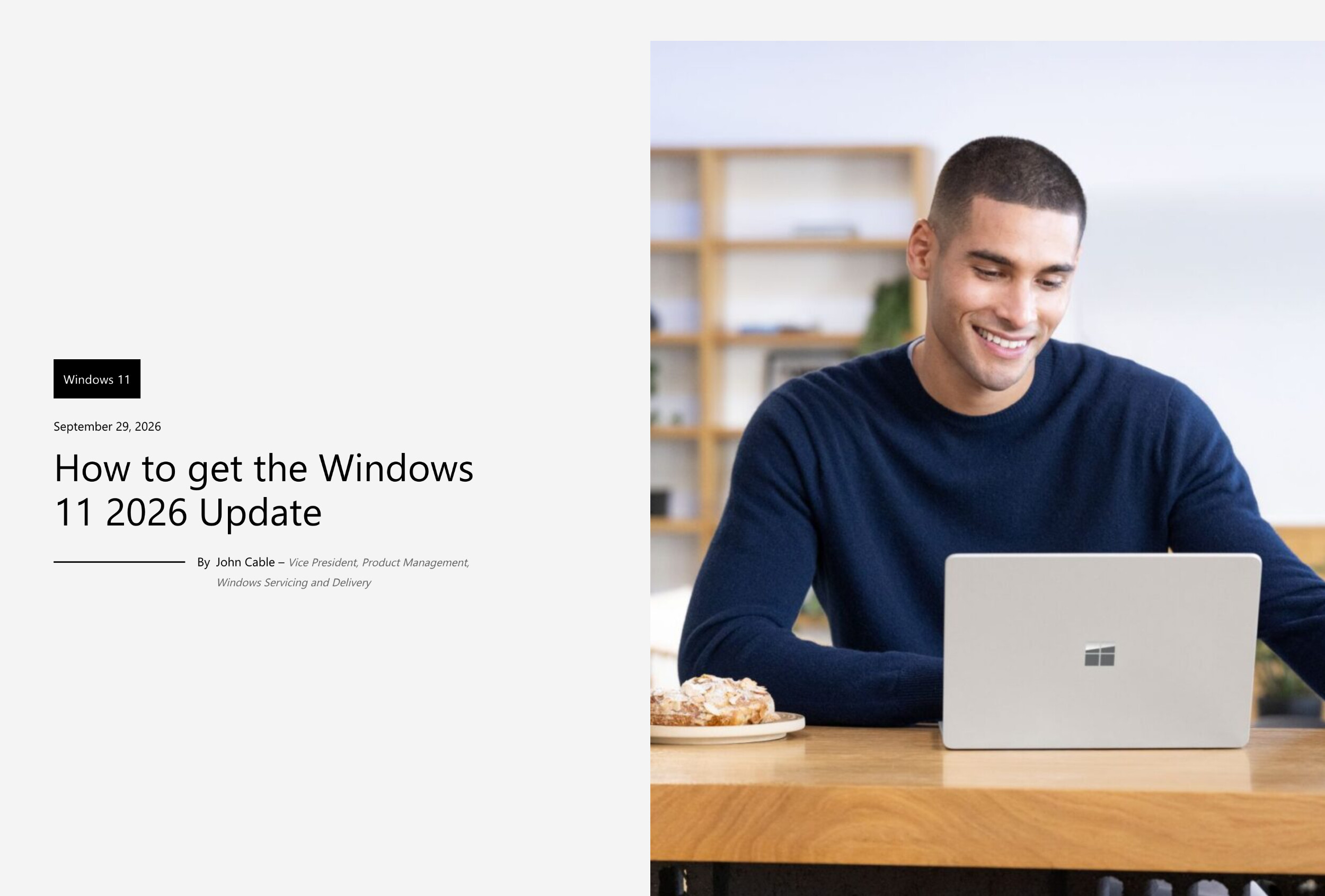 Windows 11 26H2 Update (Image © Microsoft)
Improvements to File Management and Search
Version 26H2 introduces significant changes to File Explorer to boost productivity. New built-in AI features are now available for supported image files. In addition, the system can now generate summaries for documents stored in SharePoint and OneDrive. For users with Professional or Education accounts, the update adds Quick Access shortcuts to streamline workflows. The system has also expanded its native support for a wider variety of archive file formats, reducing the need for third-party decompression software.
The Windows Search program has been redesigned to improve the accuracy of search results. Technical improvements include:
- Improved previews: Users can now view content previews directly in the search results.
- Input tolerance: The search engine now handles typos and incomplete application names more effectively.
- Automatic indexing: The system automatically indexes frequently accessed folders to reduce search latency.
- Result classification: Search results are now categorized with clearer type labels to help users distinguish between files, folders, and apps.
Accessibility and User Interface Customization
The update expands the range of accessibility tools to ensure more comprehensive compatibility with users’ diverse needs. The Magnifier now offers more precise zoom controls and advanced screen tinting options to reduce eye strain. Narrator has been enhanced with a Braille viewer. Additionally, voice access on Copilot+ PCs has been improved, enabling more complex natural-language commands to control the operating system.
The customization options for the user interface have also been expanded. The Start menu now offers new view options and a customizable size. The taskbar has received several updates, including the ability to change its position on the screen, as well as the introduction of a smaller size setting for users who prefer more screen space.
Installation and Eligibility Criteria
Version 26H2 is available for devices currently running Windows 11 versions 24H2 and 25H2. The rollout is phased, meaning availability will gradually expand to different hardware configurations. For unmanaged devices, the update is delivered via Windows Update. Priority is given to users who have enabled the setting to receive the latest updates as soon as they become available. Organizations that manage their devices through a centralized IT infrastructure can use specialized deployment tools to validate the update and roll it out across their entire device fleet.
Maintenance and Support Lifecycle
The support period for version 26H2 begins on September 29, 2026. The duration of support varies depending on the software edition:
- Enterprise and Education editions: Support is provided for 36 months for these versions.
- Home and Pro editions: Support is provided for 24 months for these versions.
Resources are available to help IT administrators during the planning and validation phases, including a dedicated guide for professional deployment and a Release Health Dashboard for monitoring known issues and stability updates.
