


 Computer Forum
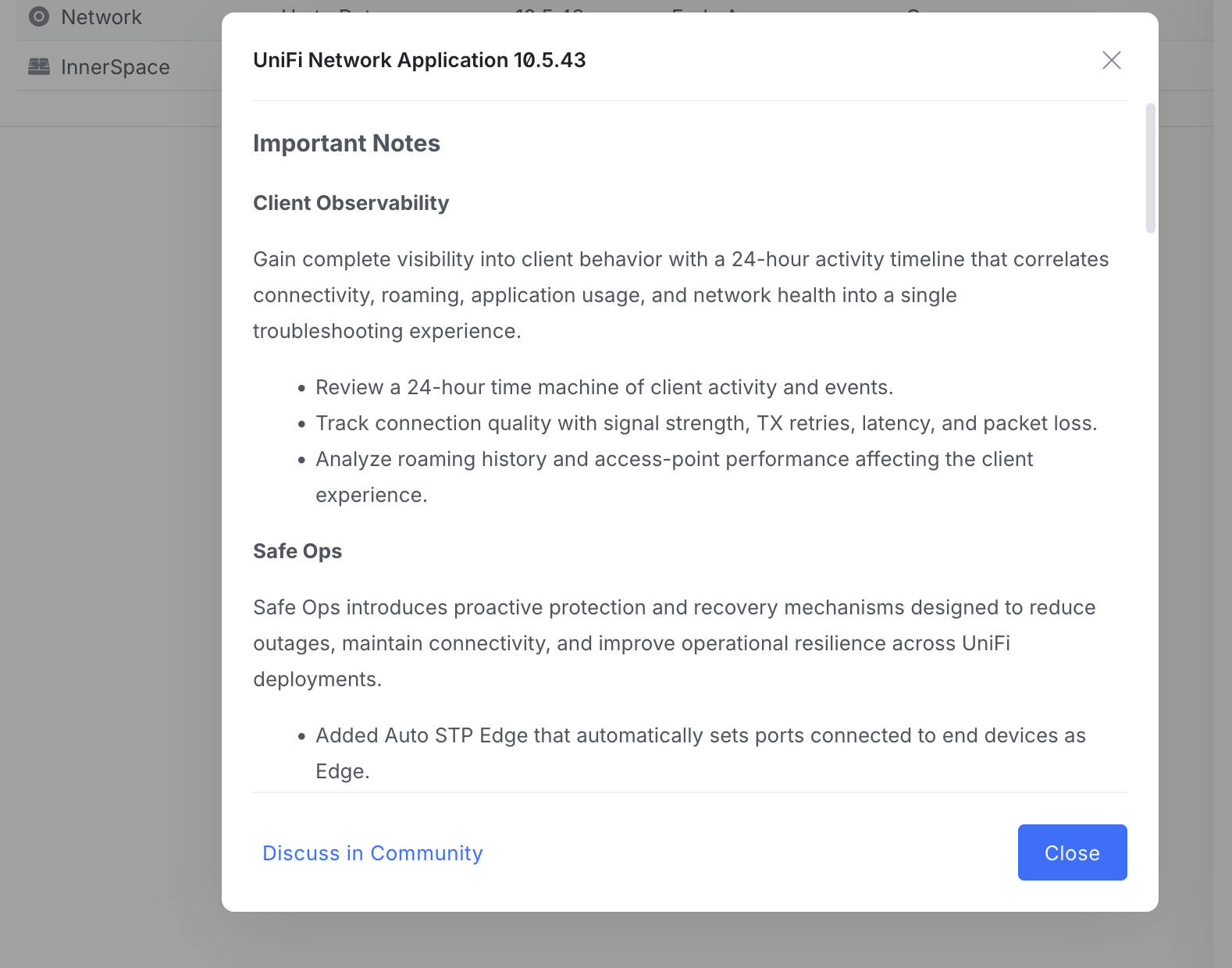 UniFi Network Application 10 5 43 (Image © PCMasters.de)
An important new feature in this release is the Client Observability Suite. Administrators can now access a 24-hour activity timeline that summarizes connection events, roaming history and application usage. This tool is designed to simplify troubleshooting by consolidating network health metrics - such as packet loss, latency and signal strength - into a single chronological view. This allows for an accurate analysis of how access point performance impacts specific client experiences over the course of an entire day.
Operational reliability through Safe Ops
To reduce unplanned outages, the update introduces “Safe Ops”, a series of proactive protection mechanisms. These include the “Auto STP Edge” function, which automatically classifies ports connected to end devices as edge ports. In addition, “Link Debounce” controls have been added to stabilize connections by reducing the impact of short interruptions that typically lead to link flapping. For configuration management, the “Test and Commit” feature provides a safeguard by automatically resetting network or Internet settings if the device loses connectivity after an update. This feature requires UniFi OS 5.1.12 or newer. Global auto-recovery controls have also been added to the Device Supervisor, allowing configurable thresholds for health monitoring and recovery. Note that certain Safe Ops features require USW 7.5.4 or newer.
Infrastructure and routing improvements
The 10.5.43 update brings several technical improvements for routing and VPN management. Users can now configure local subnets for policy-based IPsec site-to-site VPNs and use the “Advertise BGP to SD-WAN” option. To improve management efficiency, a sorting function has been added to the OSPF and BGP neighbor tables, and the VLAN limit for EFG IDS/IPS has been extended from 25 to 64. Hardware-specific updates include a new hardware acceleration option for the UDM Beast and optimized eSIM data usage for U5G devices during WAN monitoring. The application also introduces customizable internet outage reboot behavior, allowing users to set delays and limit recovery cycles to avoid overloading modems during extended outages.
Topology and interface updates
The infrastructure topology map has been revised to provide more clarity. The system now includes access points with wired downlinks and tracks connection events for third-party devices. To lighten the load on the log, consecutive offline and online events are now grouped together, making it easier to identify the cause of an uplink failure.
The management interfaces have also been updated to provide customizable columns on the “Radios” page and in the “Firewall Zone” table, with the latter now containing “Firewall Hit” and “Last Hit” data.
Fixed technical issues
Version 10.5.43 fixes several stability issues. Major fixes include fixing a bug in LTE Pro Failover and a fix for WPA Enterprise SSIDs not being sent due to outdated RADIUS accounting secrets. The update also fixes a critical issue where restoring a backup would inadvertently disable hardware offloading on supported consoles. In addition, the development team has fixed a bug where locked clients remained restricted even after being removed from the lock list, as well as issues with duplicate WAN settings when using multiple U5G devices.
