
 Computer Forum
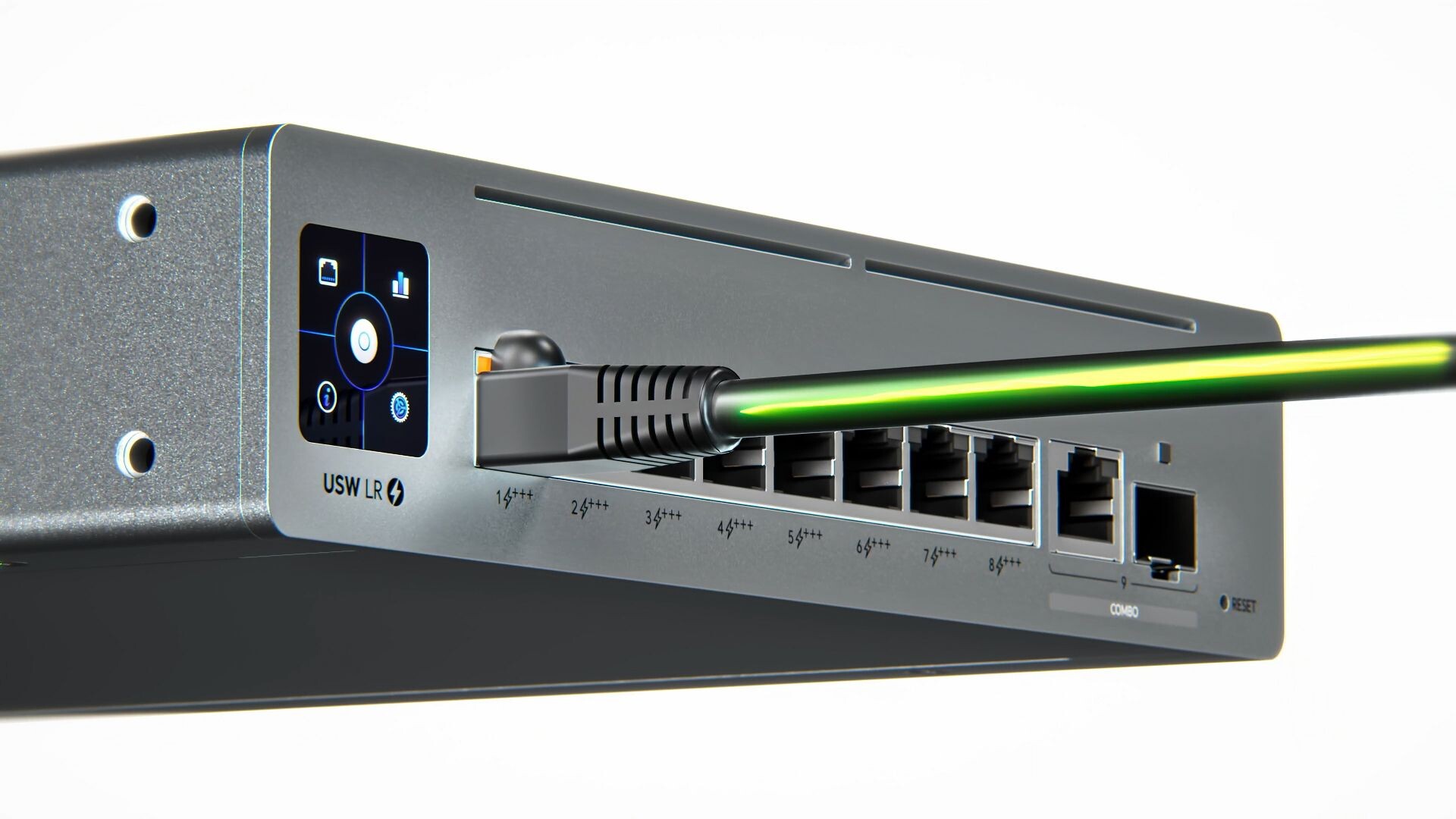 Ubiquiti UniFi Long Range PoE Switching (Image © Ubiquiti)
A significant part of version 11.1.56 is dedicated to expanding guest-related features. Administrators can now access detailed guest information directly in the “Clients” and “Guests” sidebars, enabling faster identification and management of connected users. For environments with strict security requirements, a new “Isolate Guests” option has been implemented. With this feature, each guest on a “Personal WiFi” network can be assigned to a separate network, preventing peer-to-peer communication and enhancing the security of the Wi-Fi environment.
The hotspot functionality has been updated in several ways:
- External Authorization: External hotspot authorization now supports custom fields, allowing specific data—such as student IDs—to be captured during the authentication process.
- Notification Systems: The application now supports hotspot webhook notifications that trigger an alert when a guest’s access time expires.
- API and User Interface: The guest access integration API has been optimized for improved performance, and the “Hotspot Settings” menu has been redesigned for better usability to simplify configuration.
Firewall Policies and Hardware Updates
Version 11.1.56 offers greater flexibility in applying firewall rules. The application now supports the use of local firewall policies in conjunction with the Orchestration Engine’s firewall policies, enabling a hybrid approach to traffic management. Hardware maintenance now includes a firmware reset option specifically for U5G devices. This allows administrators to roll back firmware versions if a recent update causes instability or incompatibility in their specific network environment.
Technical Fixes
This release addresses a specific issue with data analysis. Previously, some installations experienced a problem where data usage figures for guests connected to the hotspot via wired connections were not displayed correctly. This has been resolved, so data usage is now accurately tracked and visible across all connection types.
Deployment and Server Recommendations
In conjunction with Update 11.1.56, guidelines for hosting the network application have been provided. For users currently using self-hosted deployments, switching to the UniFi OS Server is recommended. This platform is designed to provide a comprehensive experience by integrating the latest features and software enhancements into a unified environment.