Computer Forum
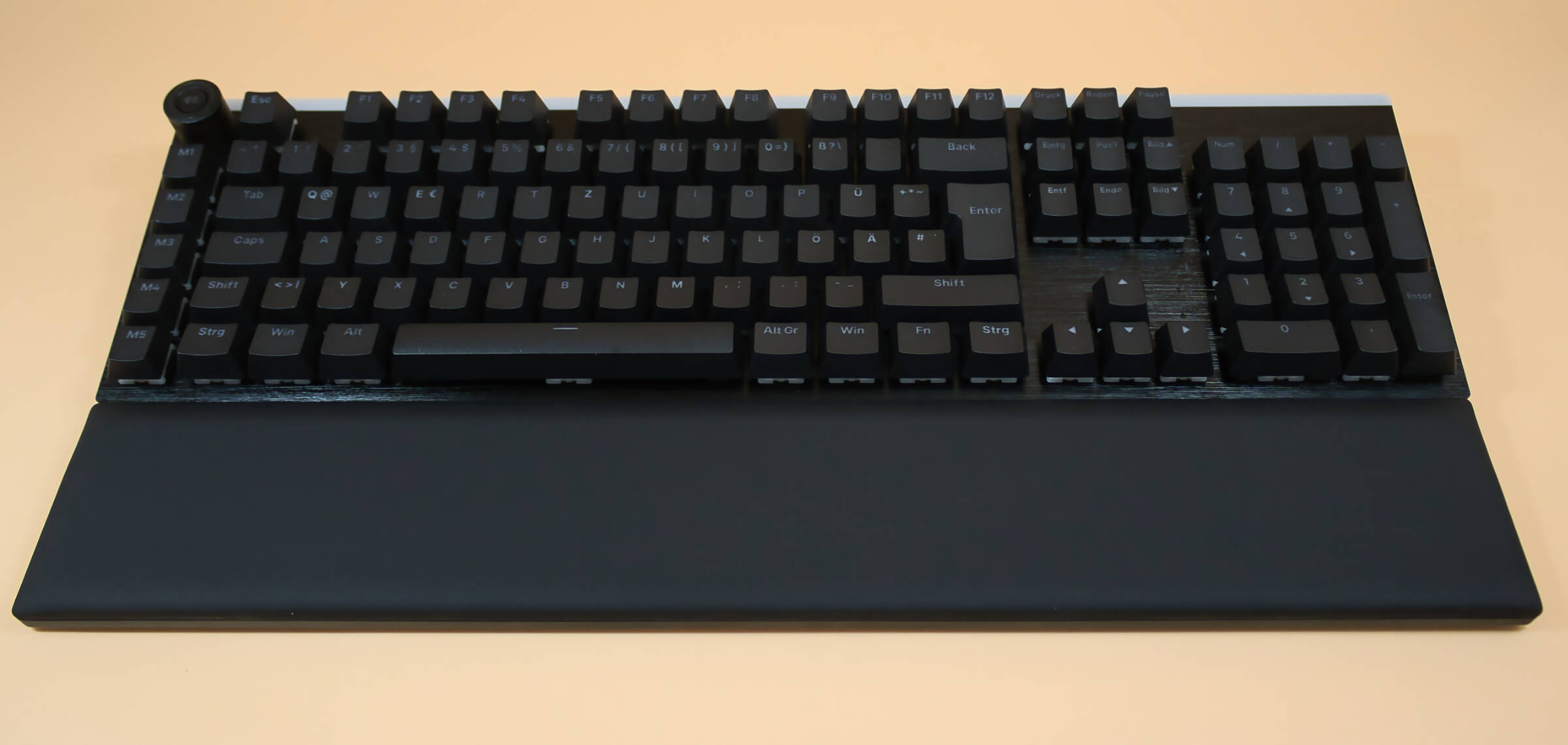 be quiet Light Mount Test/Review (Image © PCMasters.de)
Technical data
| be quiet! Light Mount Silent Linear - Technical data | |
|---|---|
| Switches | mechanical linear orange silent |
| RGB illumination | Yes |
| Volume control | yes |
| Media buttons | no, or macro buttons configurable |
| Macro buttons | yes, 5 freely configurable |
| Weight | 1.19 kg |
| Buttons | PBT double-shot keycaps |
| Dimensions (L x W x H) | 212 x 461 x 44 mm |
| Dimensions LxWxH | 441 x 138 x 38 mm |
| RRP | , 169,90 € |
| Price (13.04.26) | RRP, 169.90 € €139.90 (Affiliate) |
Company history
Be quiet was founded in Hamburg in 2001, the name has always been the program and in 2003 they developed their first power supply unit and are now the market leader in Germany when it comes to power supply units. From 2008, case fans were produced and later also CPU coolers. In 2014, the company entered the PC case business. In 2019, more than 100 employees were employed worldwide for the first time and in 2021, turnover exceeded €125 million for the first time. Since 2025, the company has also been targeting the keyboard market and the Light Mount tested here is one of its first products.
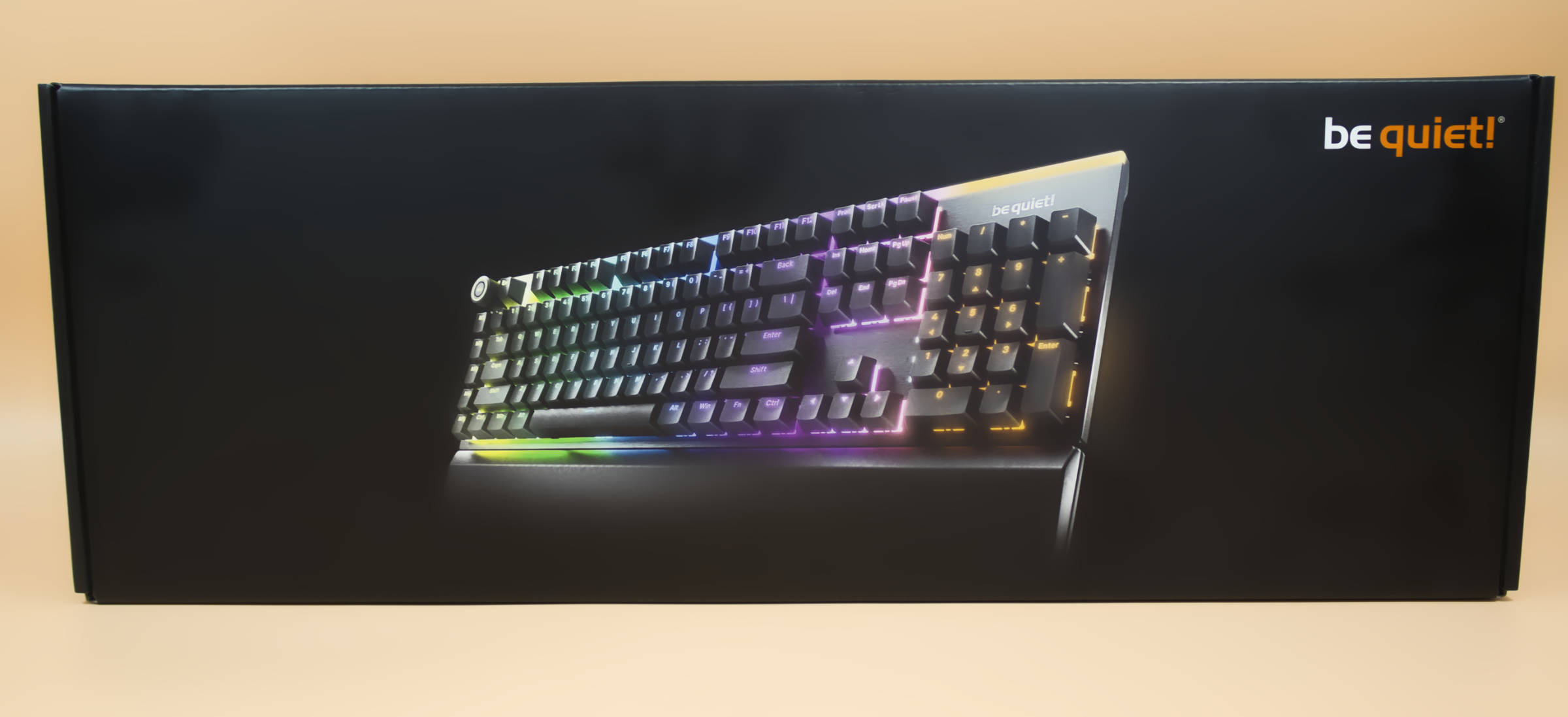 be quiet Light Mount Keyboard Verpackung front (Image © PCMasters.de)
Packaging and scope of delivery
The packaging is a dark box with a picture of the fully illuminated keyboard on the front. The back contains technical data and a brief description. After opening the packaging, there is a keyboard wrapped in soft plastic and in 2 chambers there is the USB-A to USB-C connection cable which is well made and sufficiently long at just under 2 meters.
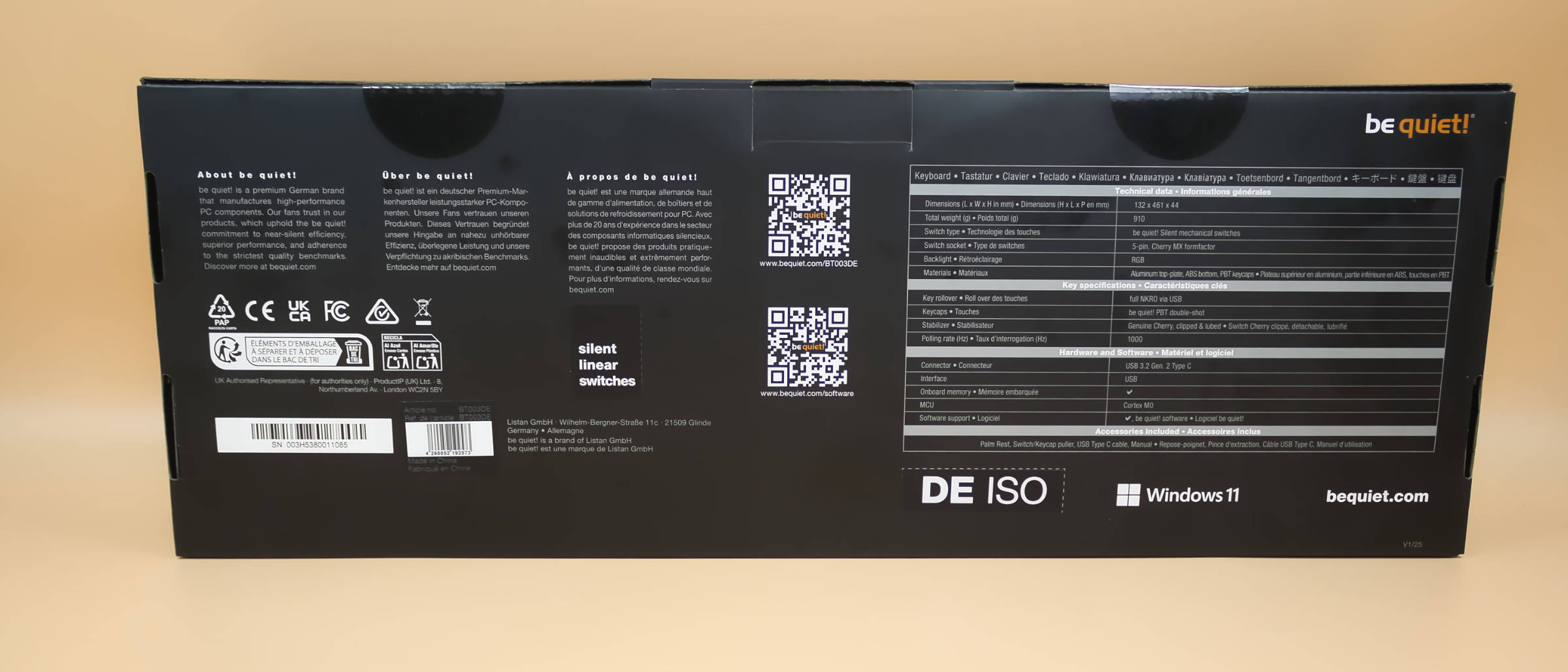 be quiet Light Mount Keyboard Verpackung Rückseite (Image © PCMasters.de)
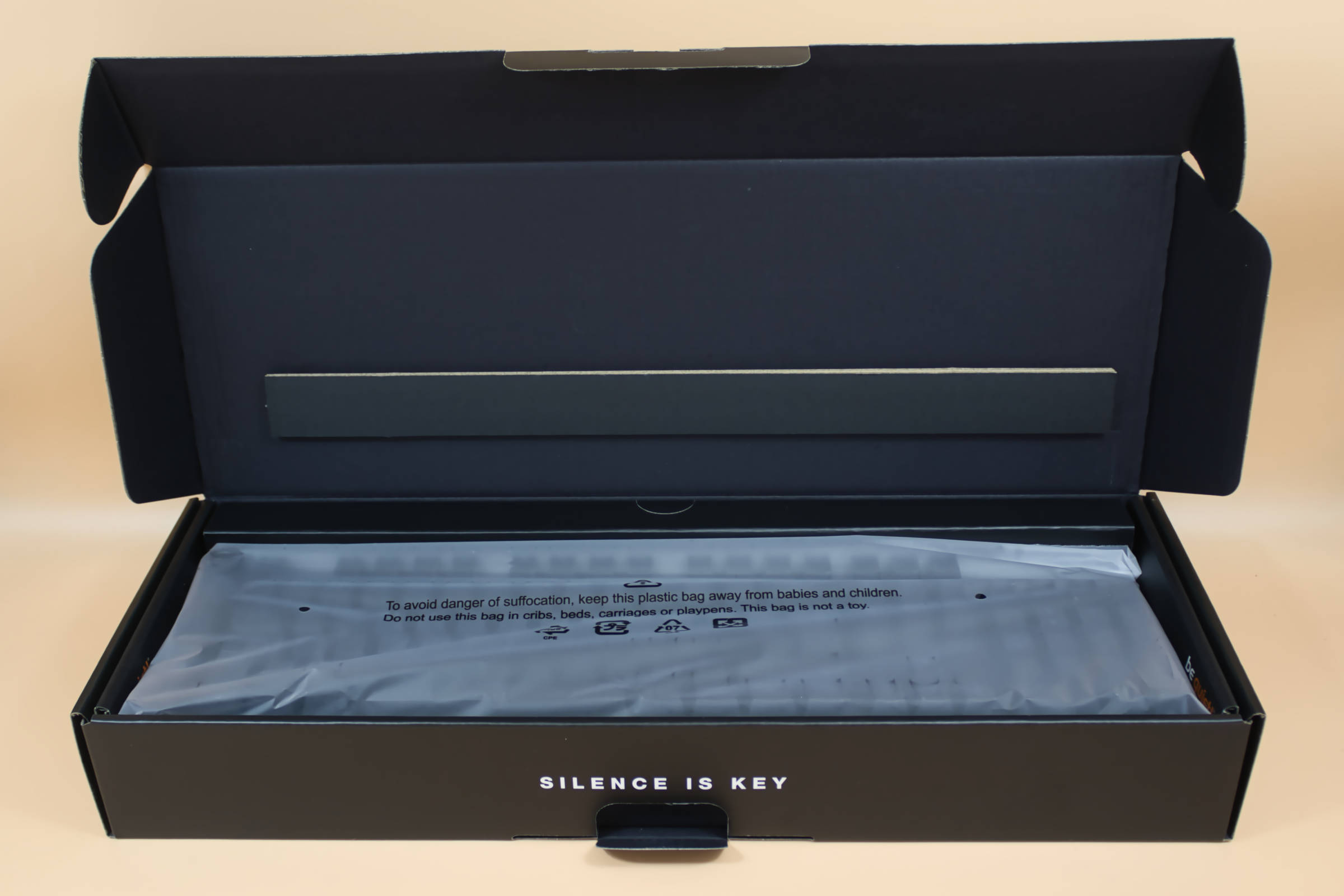 be quiet Light Mount Keyboard Verpackung geöffnet (Image © PCMasters.de)
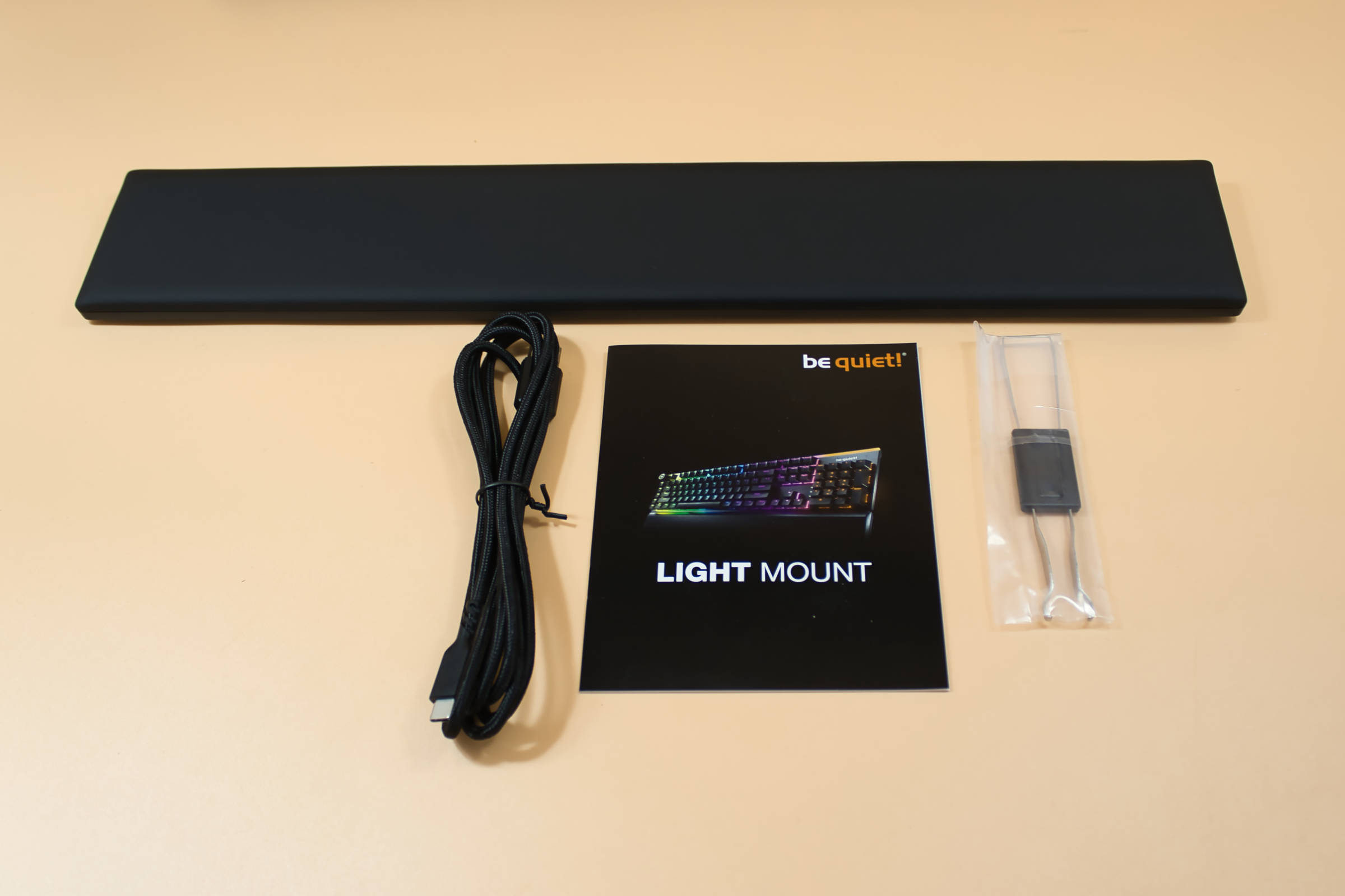 be quiet Light Mount Keyboard Lieferumfang (Image © PCMasters.de)
You also get a tool for removing the keycaps and switches. The obligatory quick start guide is also included. We are particularly pleased with the palm rest, which you don't have to buy separately and can be used here to fit perfectly.
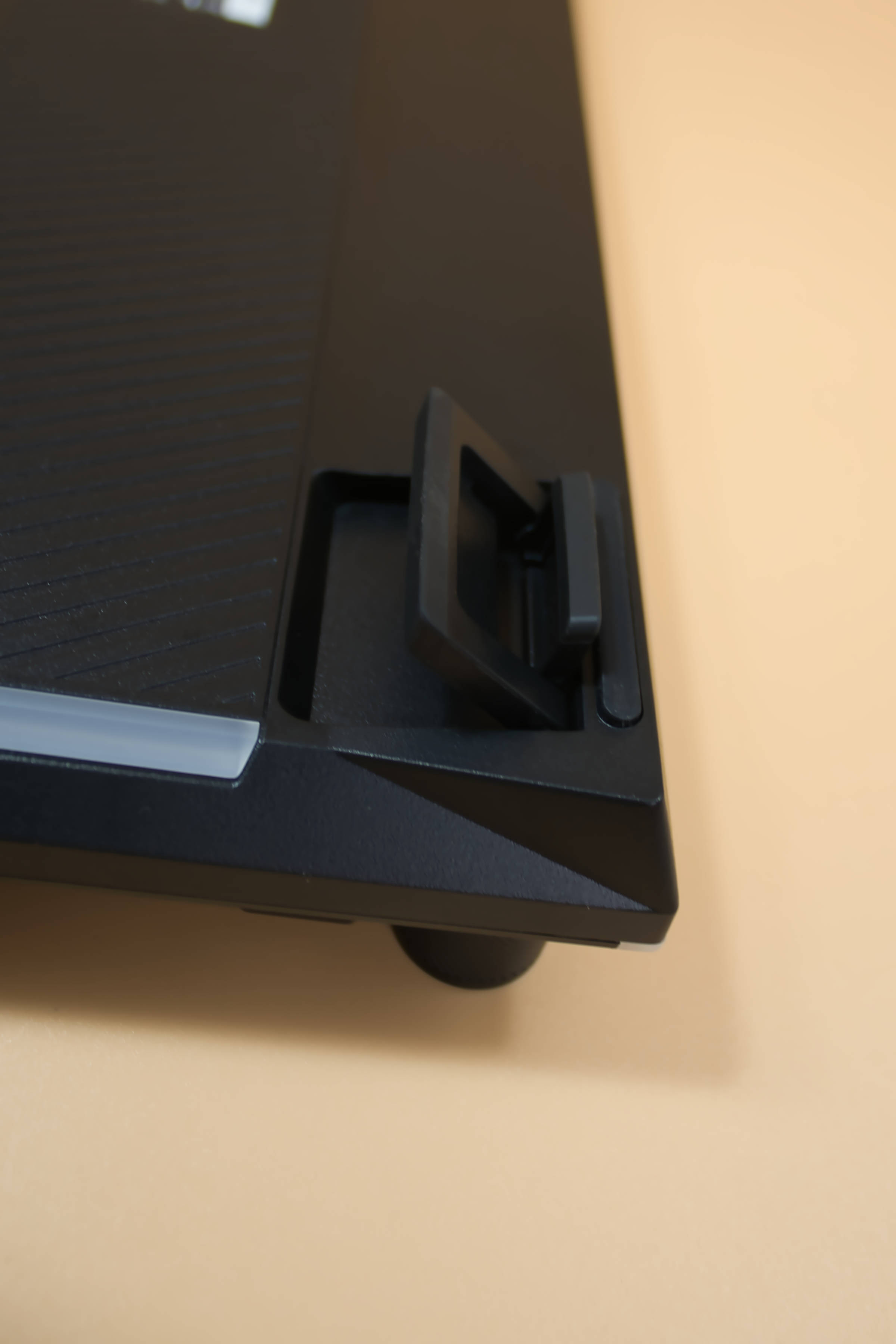 be quiet Light Mount Keyboard 3 Stufiger Aufsteller (Image © PCMasters.de)
Quality impression
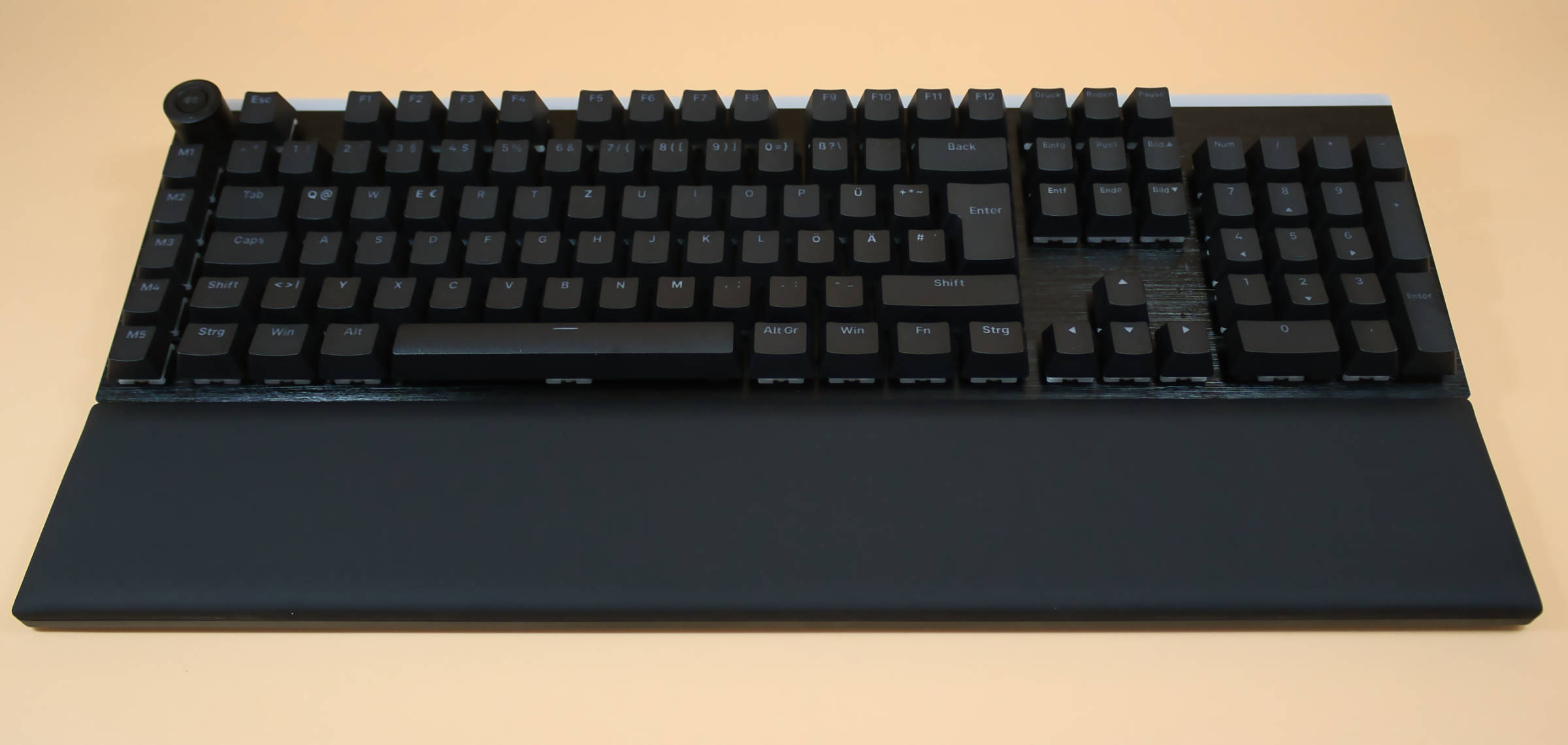
The keyboard without the palm rest is pleasantly heavy at just under a kilo and is also very rigid. The front panel is particularly noteworthy, as it has been cleanly crafted. The keycaps are all very well made, but are somewhat difficult to read without backlighting. The palm rest is extremely soft and there is nothing to criticize about it either.
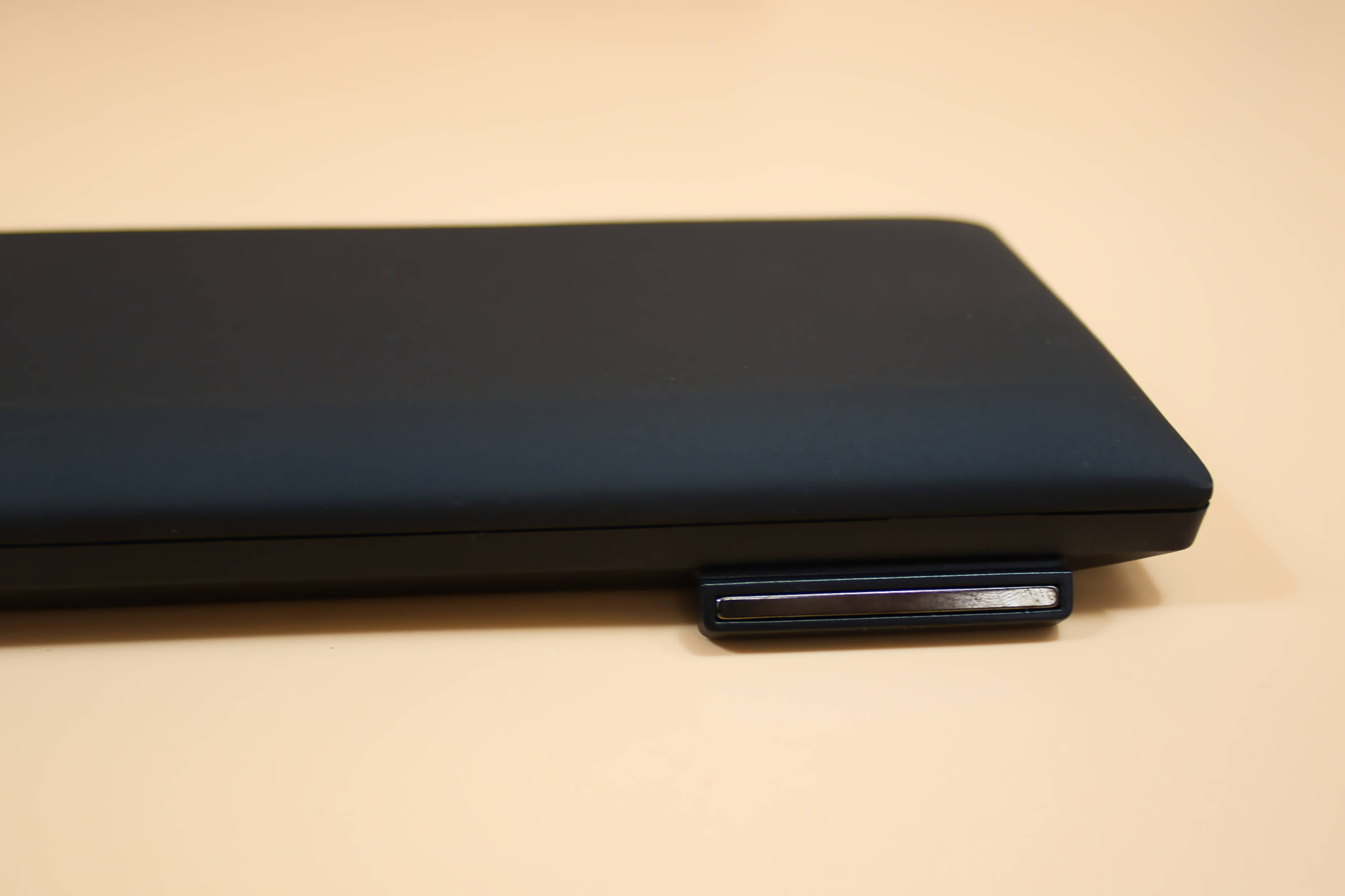 be quiet Light Mount Keyboard magnetische Befestigung Handballenauflage (Image © PCMasters.de)
We particularly liked the attachment, as it is magnetic and is held in place by small lugs. It's simple and stays perfectly in place even when the keyboard is moved on the palm rest.
The keyboard stands work very well and are also quite solid.
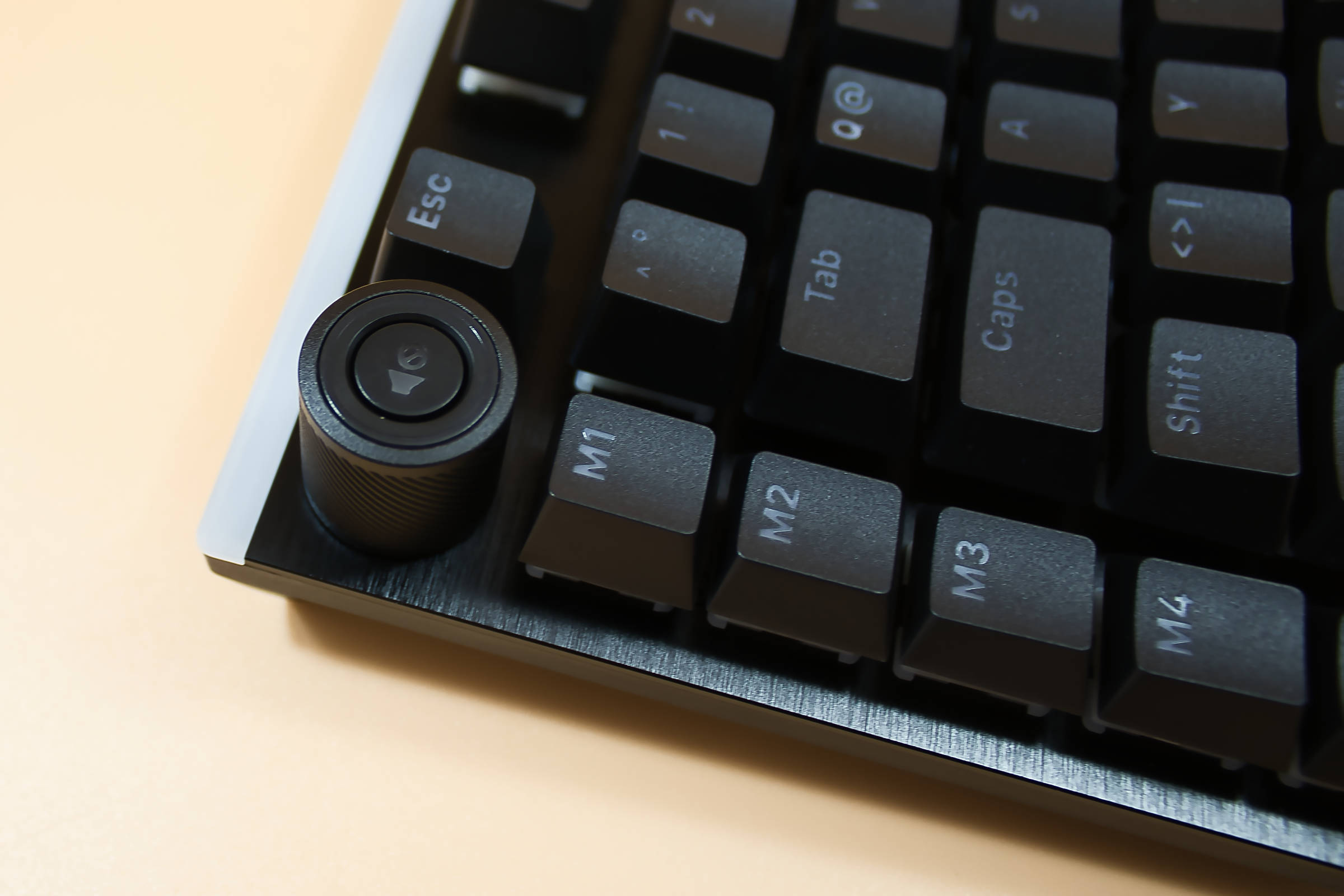 be quiet Light Mount Keyboard Detail Lautstärkeregler (Image © PCMasters.de)
The volume control has a slight click, which provides pleasant feedback. However, it could sit a little better, as it can be moved back and forth a little. The mute button is in the middle of the volume control. This is slightly recessed and has to be pressed deliberately, which is clever. Apart from the slightly wobbly volume control, we didn't notice any quality problems.
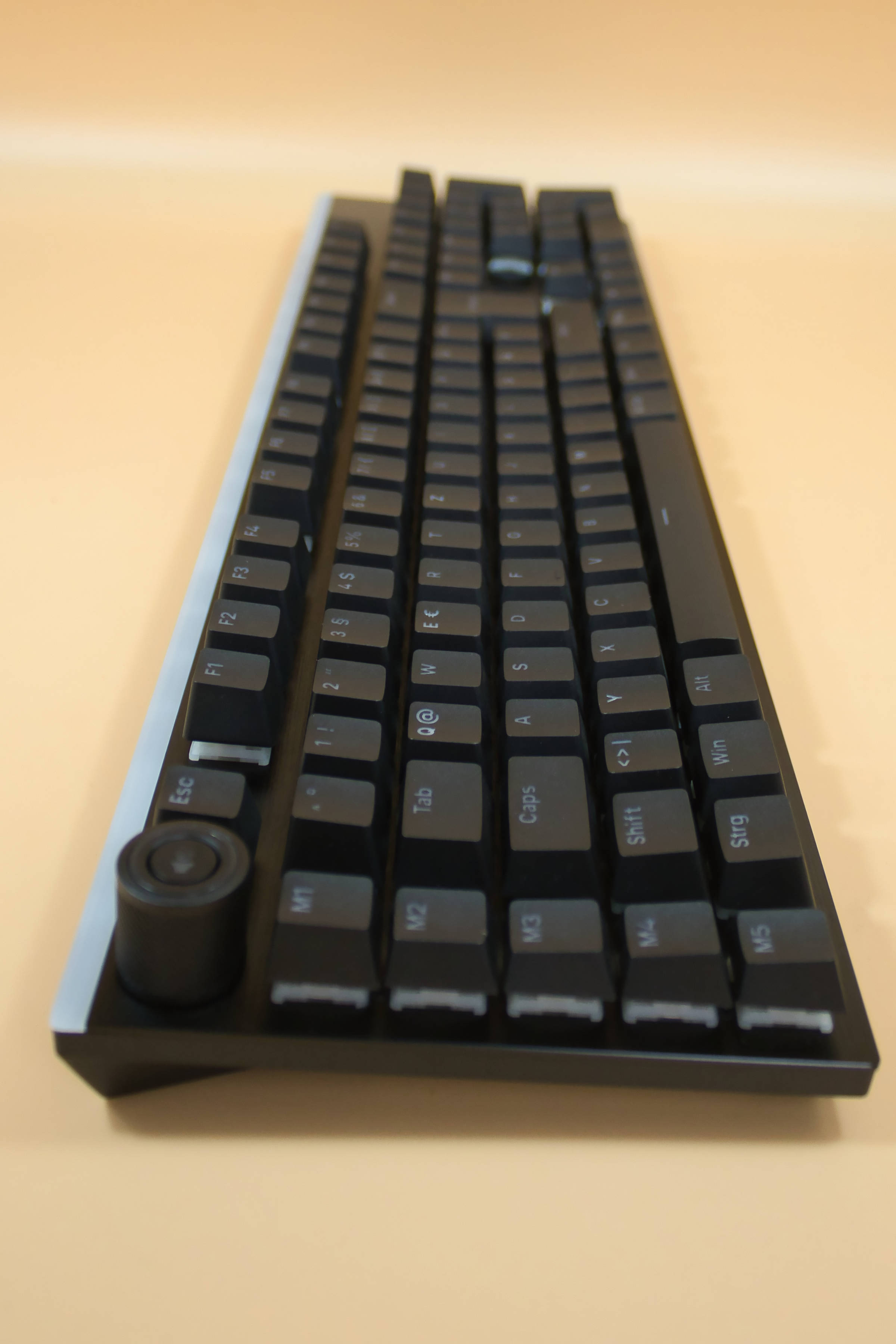 be quiet Light Mount Keyboard Ansicht linke Seite (Image © PCMasters.de)
Writing feel
When using it as a typewriter, the ingenious palm rest is noticeable and allows you to write comfortably even after hours. However, you have to get used to the key spacing, and the fact that the macro keys are on the outside was also a change, as we occasionally landed on them at the beginning. However, after a short period of familiarization, everything goes smoothly, the touch is pleasantly soft and the volume when typing makes it possible to type very quietly. Only the space bar makes a slightly louder noise. However, this should not be a problem even in quiet environments. You can really write for a long time without any restrictions and you won't disturb anyone in the office either.
Playing feel
We also have to praise the palm rest here, no matter how long we played, the palms of the hands were almost perfectly bedded. We always found it difficult to blindly hit the movement keys again when we left WASD. We were always one off. The keys don't offer any haptic feedback apart from the stroke, but we didn't miss it either. Other people in particular felt little to no disturbance in the room. We didn't notice that the keyboard didn't work, even when playing fast. Except if you want to press the ESC key a little brashly without looking, you can sometimes hit the volume control, as this is positioned quite close to the ESC key and also protrudes above it. On the other hand, we were able to reach the M4 and M5 macro buttons quite easily. The M1 to M3 keys are more suitable for quieter games.
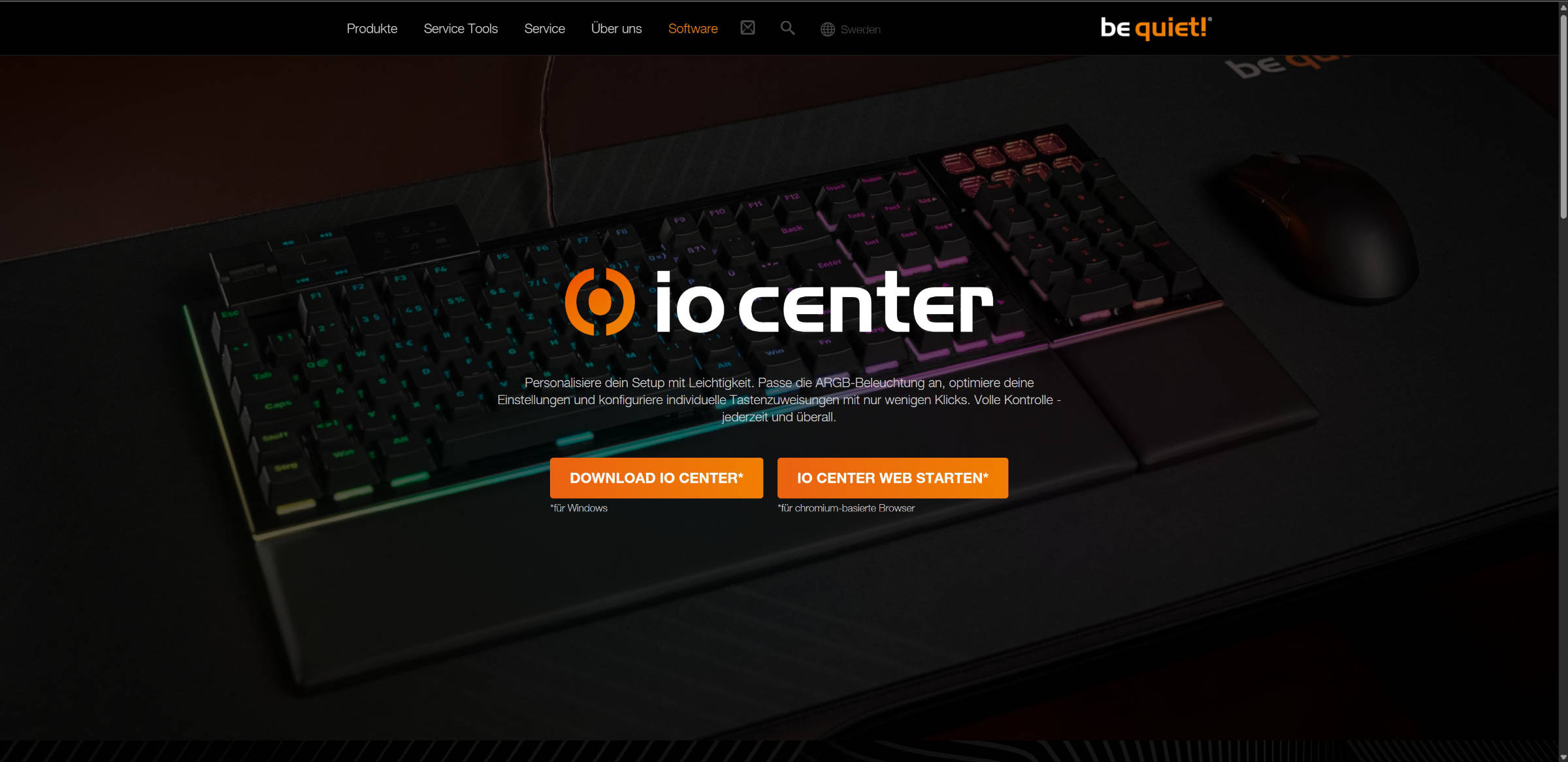 be quiet Light Mount Softwareversionen (Image © PCMasters.de)
IO Center Software
The be Quiet software was detected as a possible threat by Windows Defender. Someone should call Microsoft and clarify the matter, because this will certainly cause a little mistrust among less experienced customers. When this message pops up. There is also a browser-based setting option without installing any software.
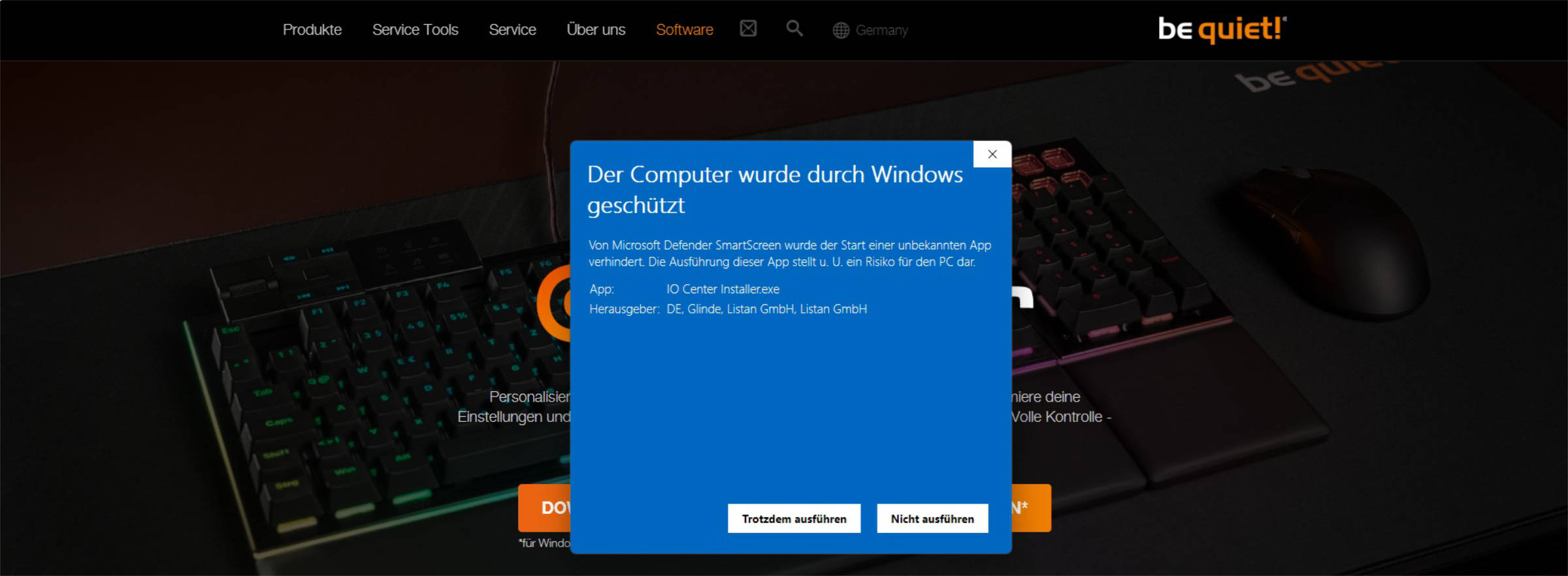 be quiet Light Mount Keyboard Software Microsoft Defender Warnung (Image © PCMasters.de)
Once the software has been installed, the software is quite simple. The following options are available in 3 tabs:
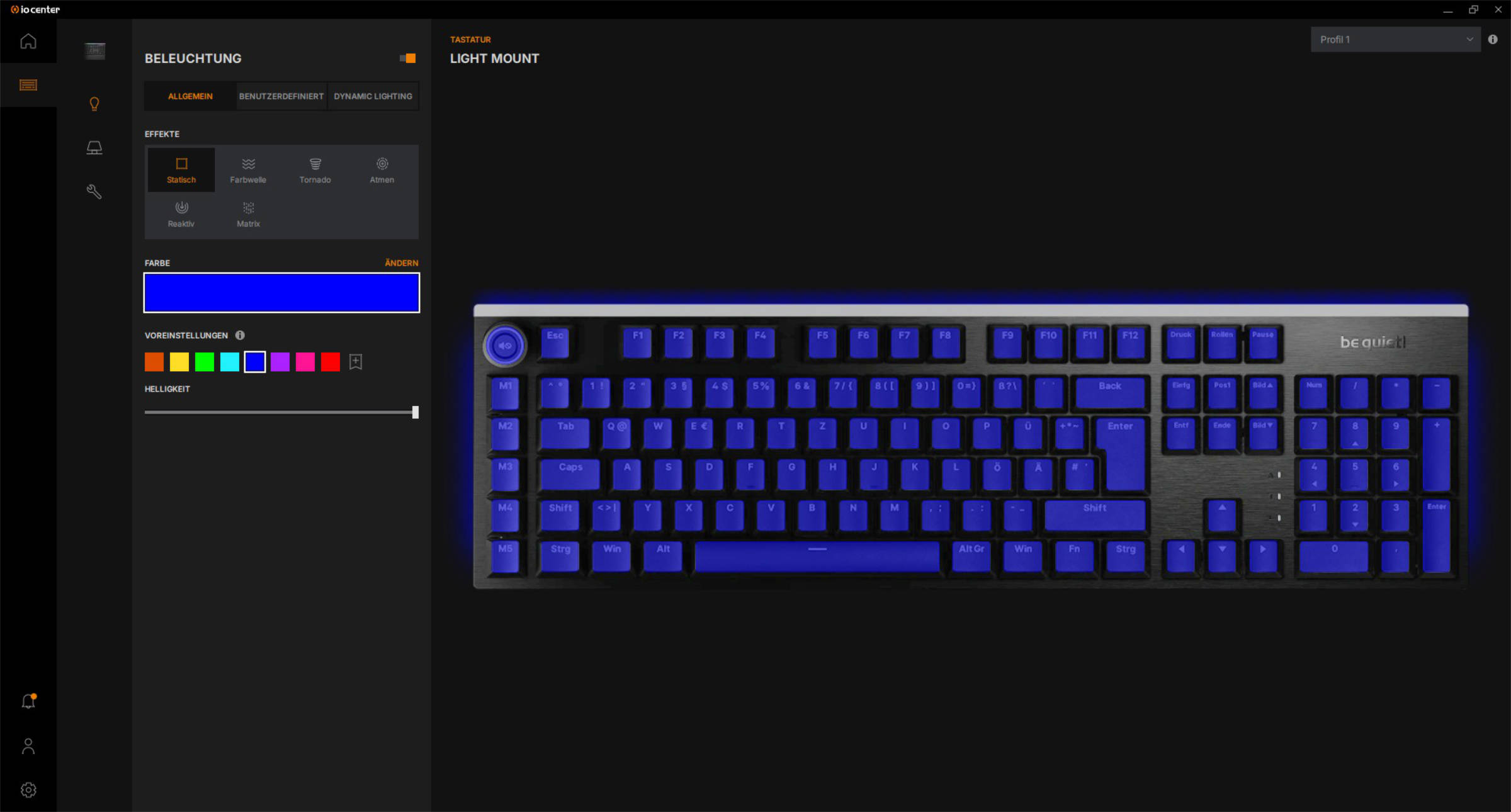 be quiet Light Mount Keyboard Software Beleuchtung (Image © PCMasters.de)
Lighting
Everything to do with RGB lighting can be set here. A reasonable selection of schemes can be selected here. The brightness can also be adjusted in 10% steps and of course the color selection can also be configured here.
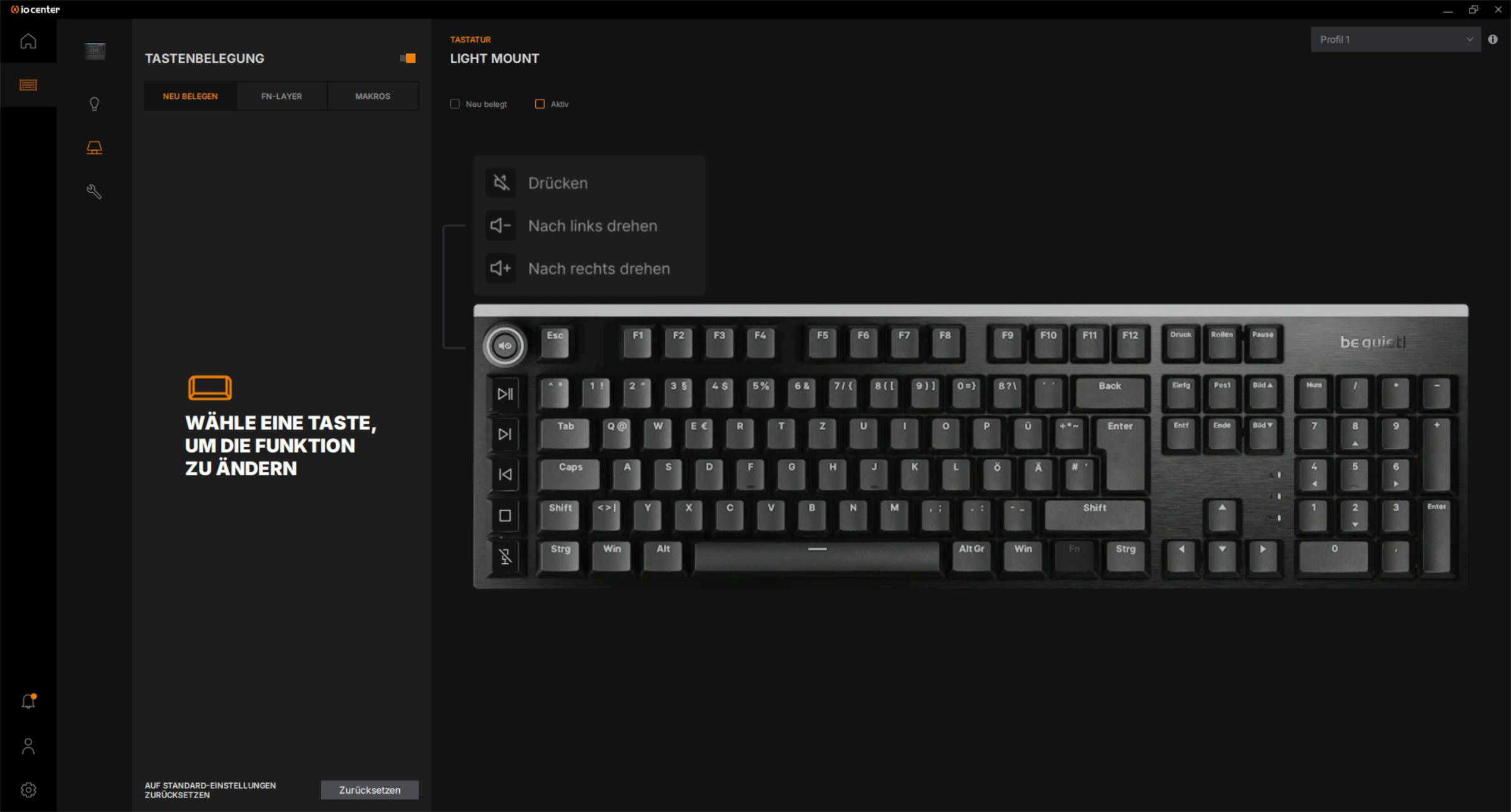 be quiet Light Mount Keyboard Software Tastenbelegung (Image © PCMasters.de)
Key assignment
Each button can be freely assigned here or macros can be created for the M1 to M5 buttons.
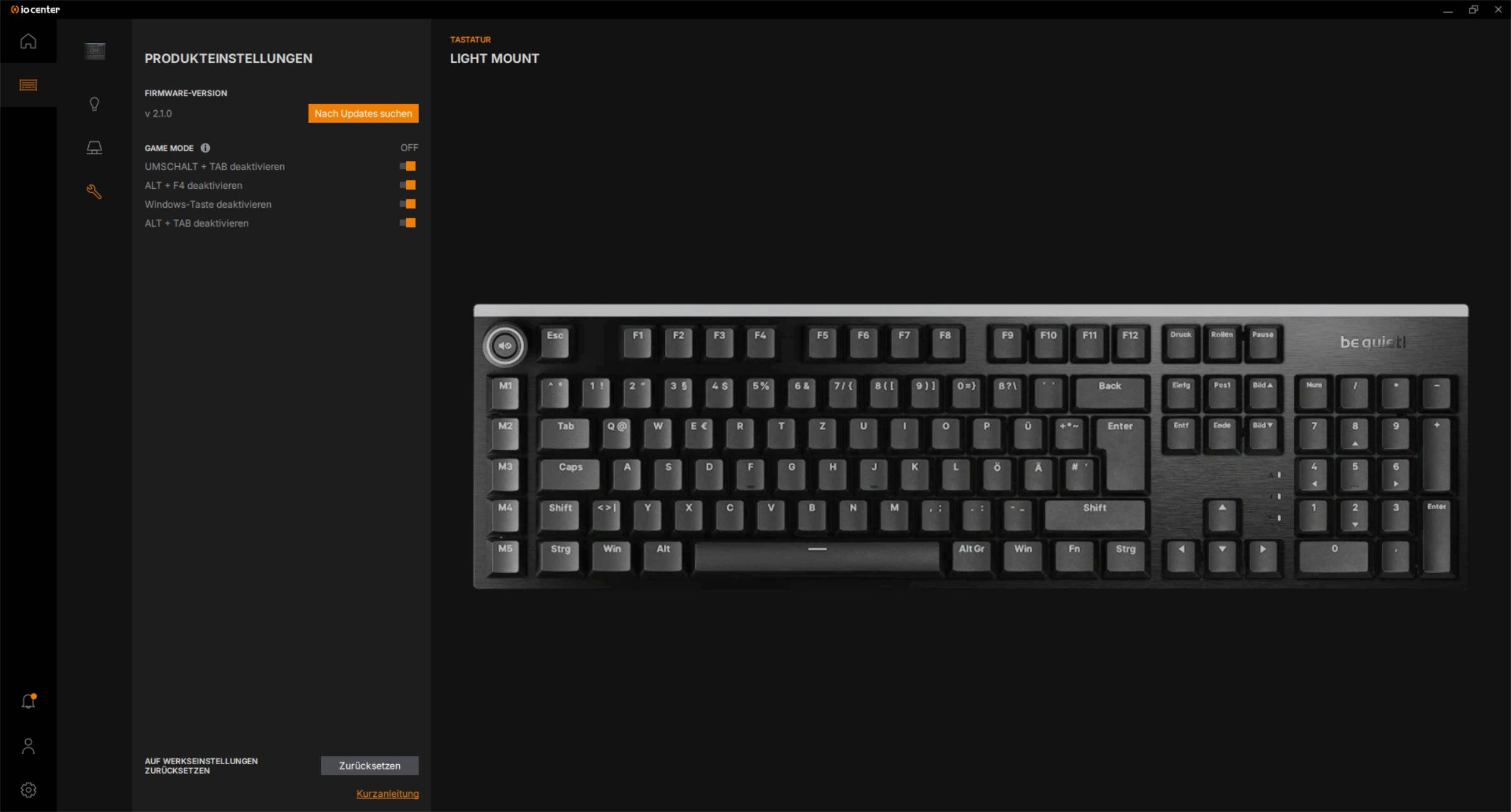 be quiet Light Mount Keyboard Software Einstellungen (Image © PCMasters.de)
Product settings
Here you will find the general settings for the keyboard, including company hardware updates and which shortcuts are activated or deactivated in game mode.
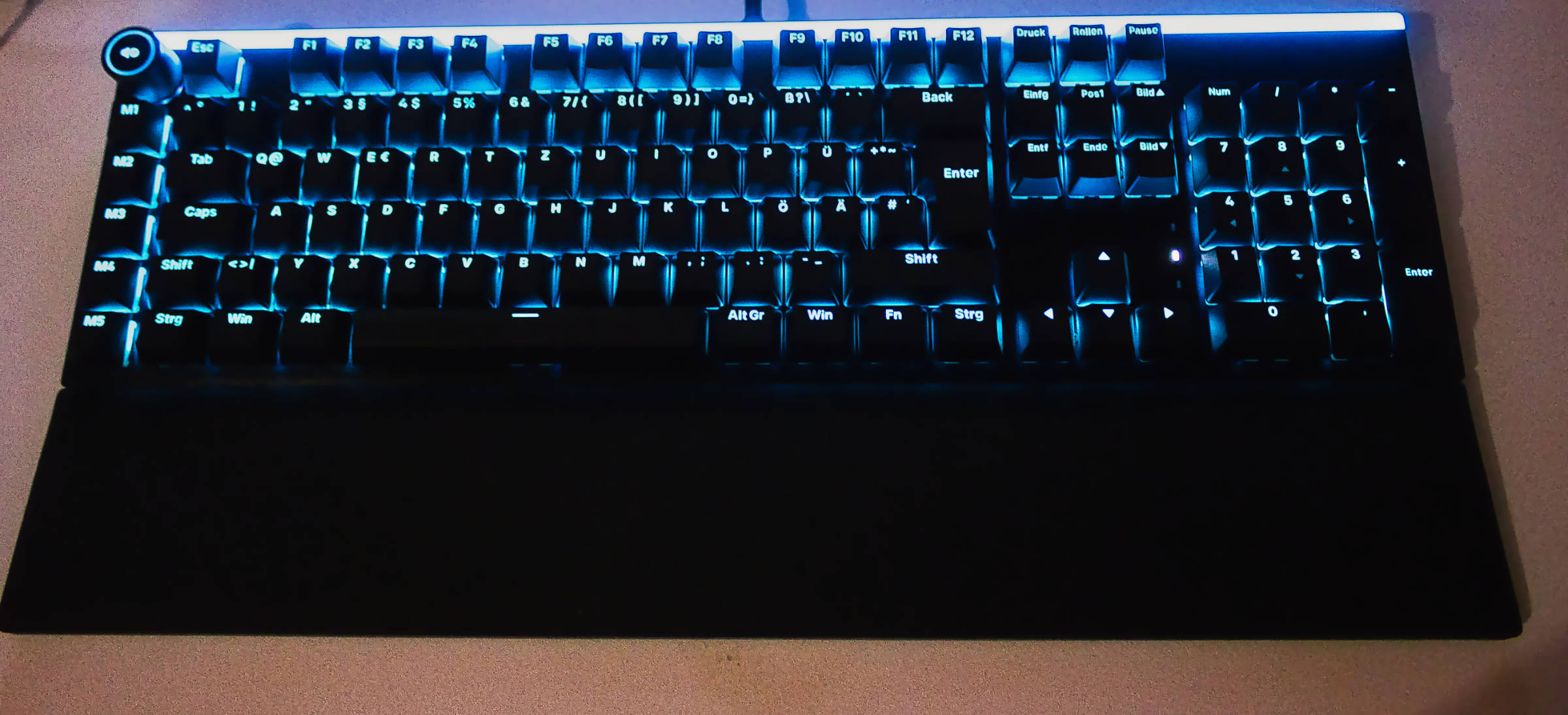 be quiet Light Mount Keyboard blau beleuchtet (Image © PCMasters.de)
RGB lighting
The lighting is moderately bright, even at 100% we had the feeling that there was still something going on, especially in sunlight the lighting is only dimly visible, but you are not dazzled in the dark. The continuous light strip in the upper area of the keyboard is nicely illuminated and there are no halos to be seen.
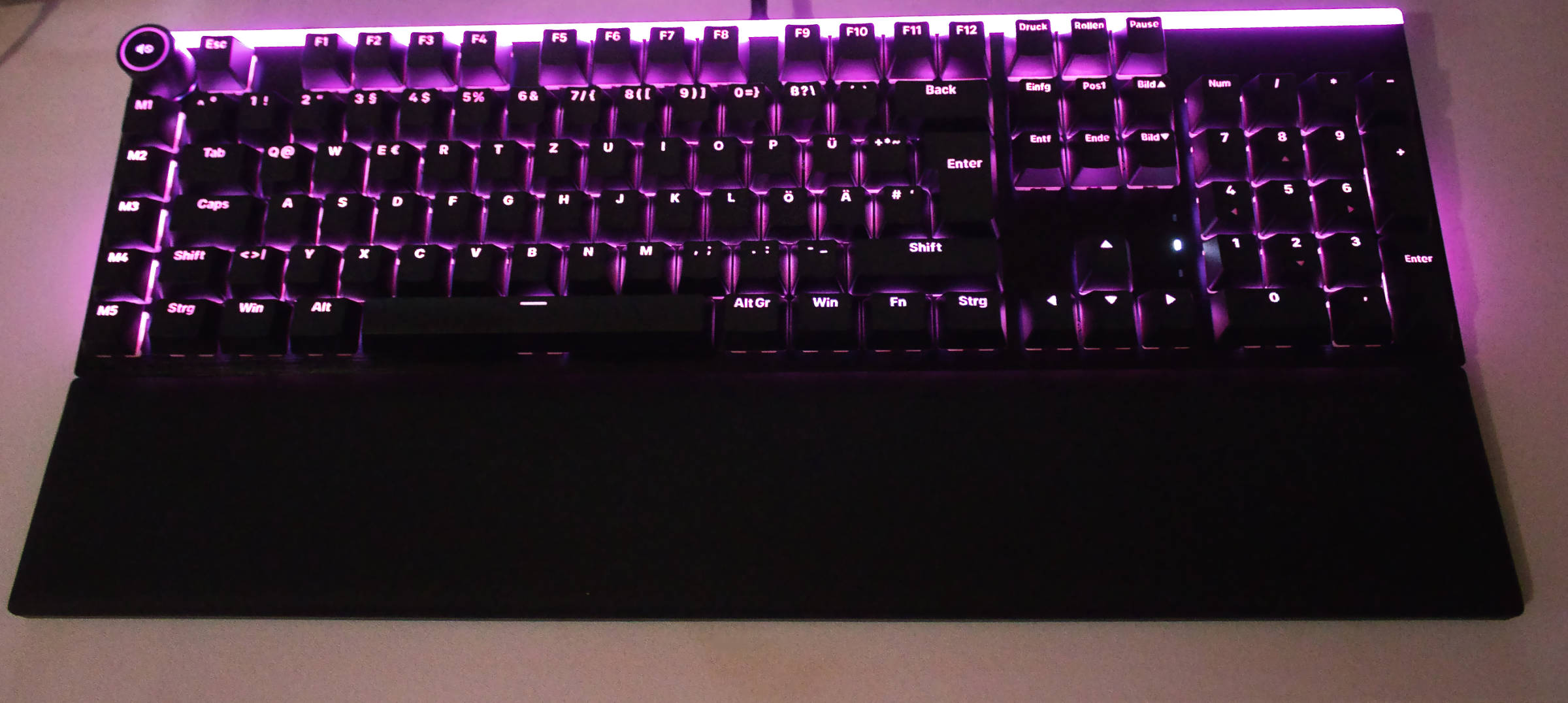 be quiet Light Mount Keyboard Lila beleuchtet (Image © PCMasters.de)
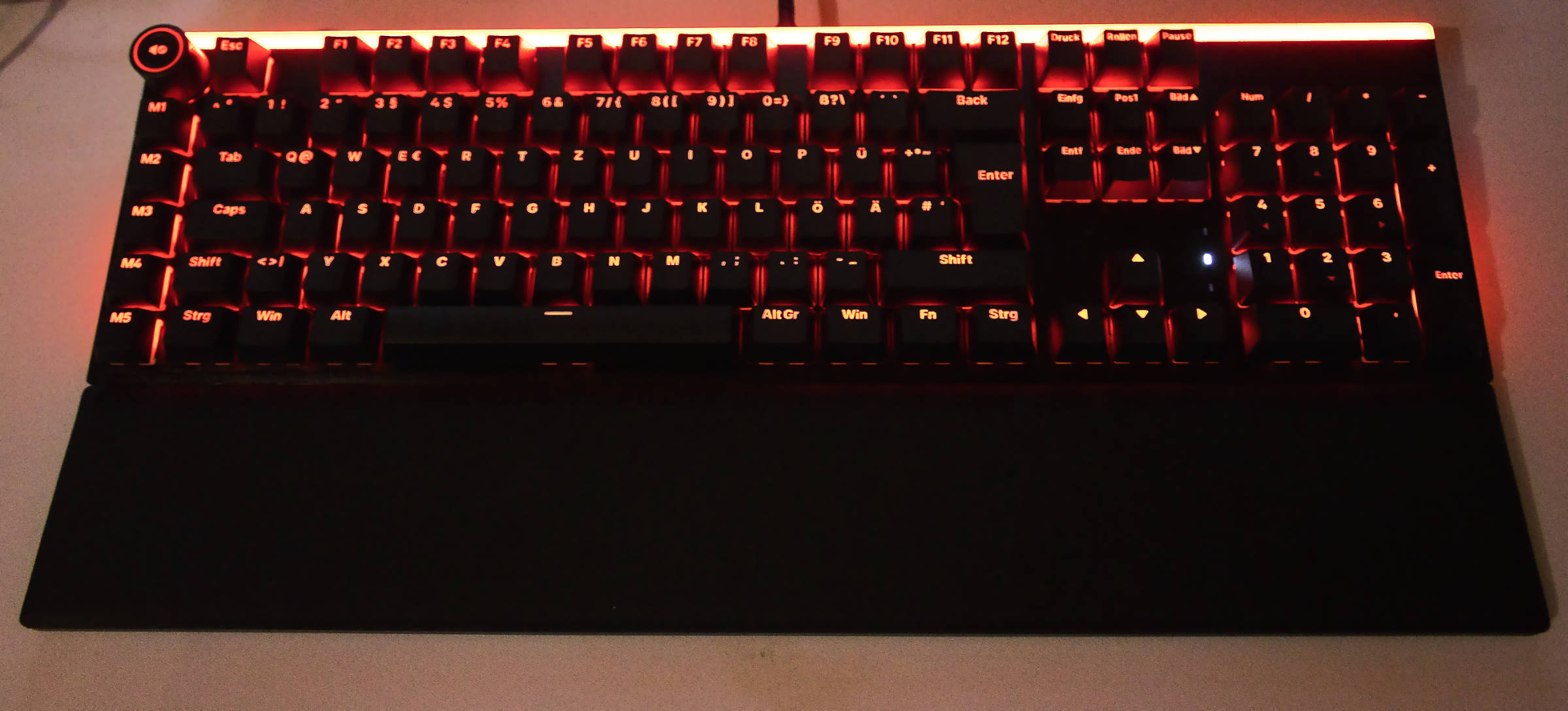 be quiet Light Mount Keyboard rot beleuchtet (Image © PCMasters.de)
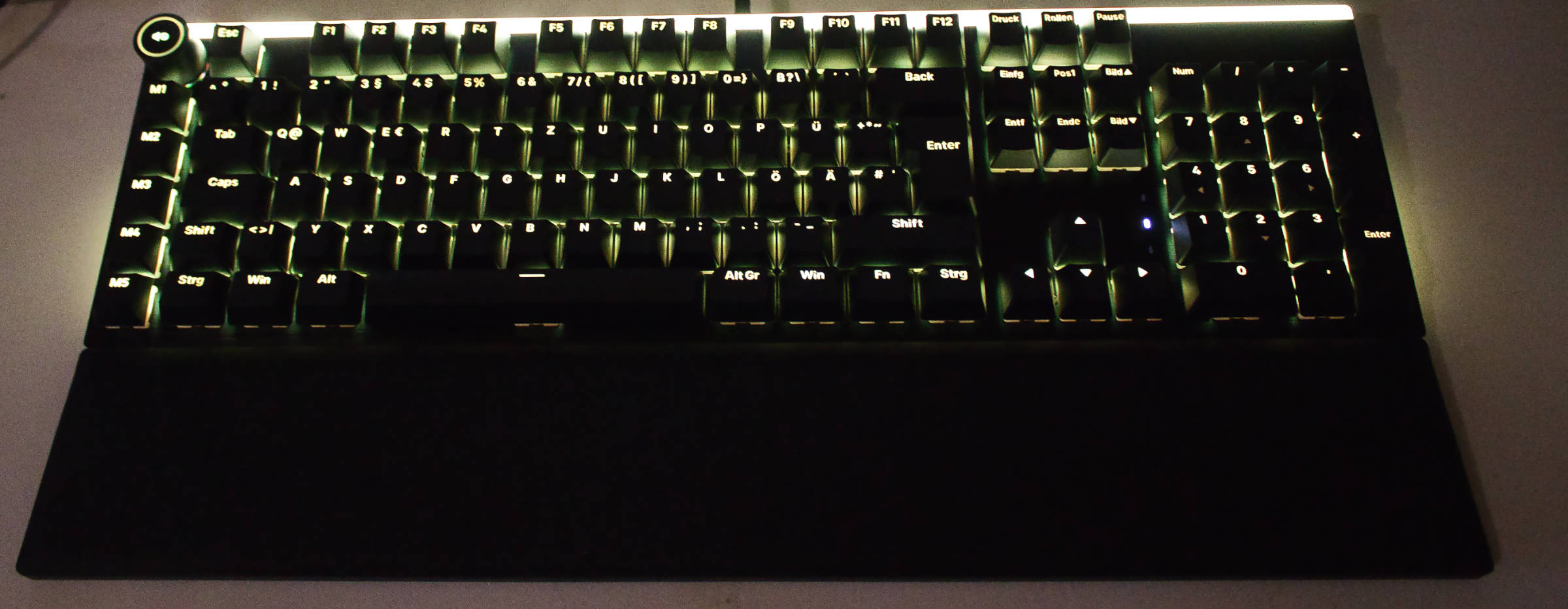 be quiet Light Mount Keyboard gelb beleuchtet (Image © PCMasters.de)
The keys are somewhat difficult to recognize without illumination. On the other hand, the lighting is consistently at a level that can make the keyboard a kind of haven of peace and flickering effects are more gentle than "in your face".
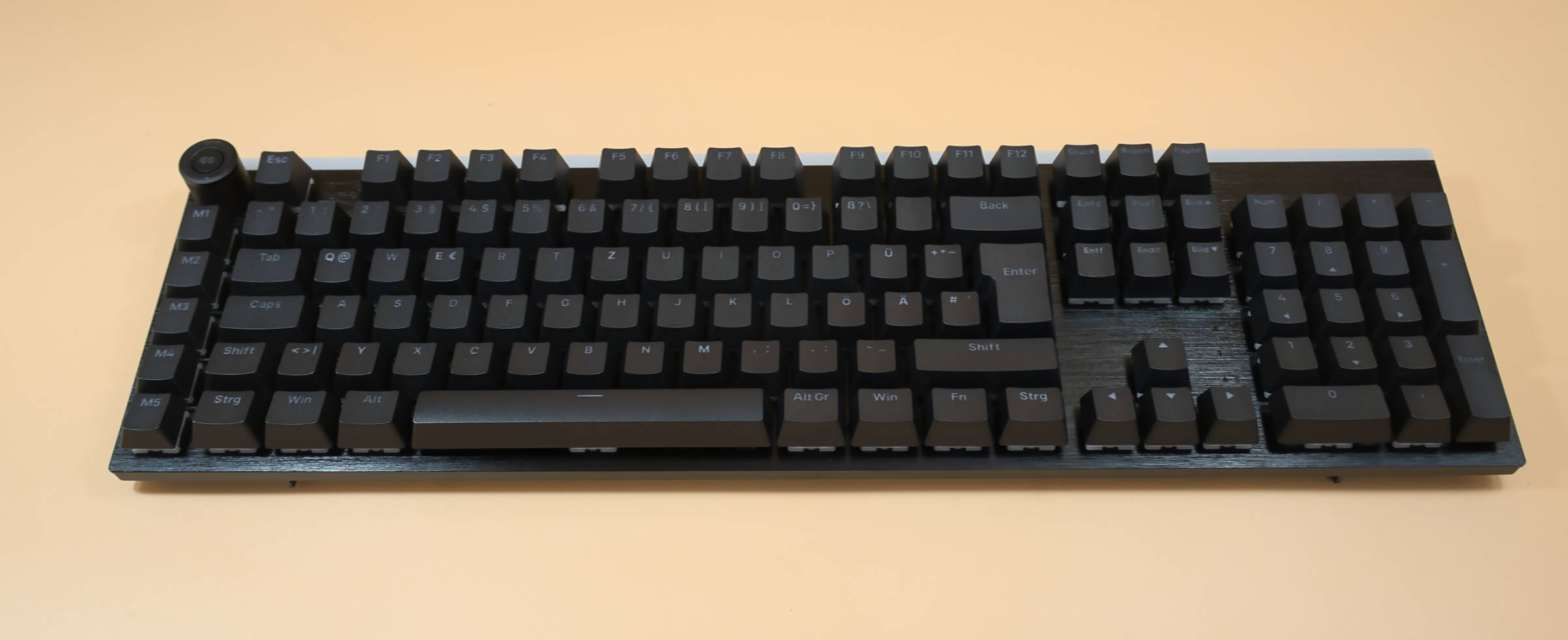 be quiet Light Mount Keyboard Tastaturkörper unbeleuchtet (Image © PCMasters.de)
Conclusion on the be quiet! Light Mount Silent Linear
With the Light Mount, be quiet has succeeded in creating a solid debut product. On the plus side, there is very good workmanship, very quiet switches, simple software, a top palm rest and even lighting. We see points of criticism in the positioning of the volume control and some macro keys, the maximum brightness of the lighting and the Windows Defender warning when installing the software. We would like to pay particular attention to the general volume when typing or playing games on the keyboard, which is perceived as very pleasant.
The attachment of the palm rest to the body has also been implemented in the same way as I would have done it, simply and yet efficiently. We feel that the RRP is too high, but the current street price is in the region where we would also place the keyboard. The be quiet! Light Mount Silent Linear keyboard is available at the time of testing for just under 139 € at Amazon (Affiliate).
Pro
- Very good workmanship
- Simple software, can also be used as a browser version
- Ingenious palm rest
- Very quiet (it's quiet)
- Uniform illumination ...
Contra
- ... which could be better at maximum brightness
- Positioning of the volume control not optimal
- Volume control could be better positioned (somewhat wobbly when touched)
- Software is not considered trustworthy