


 Computer Forum
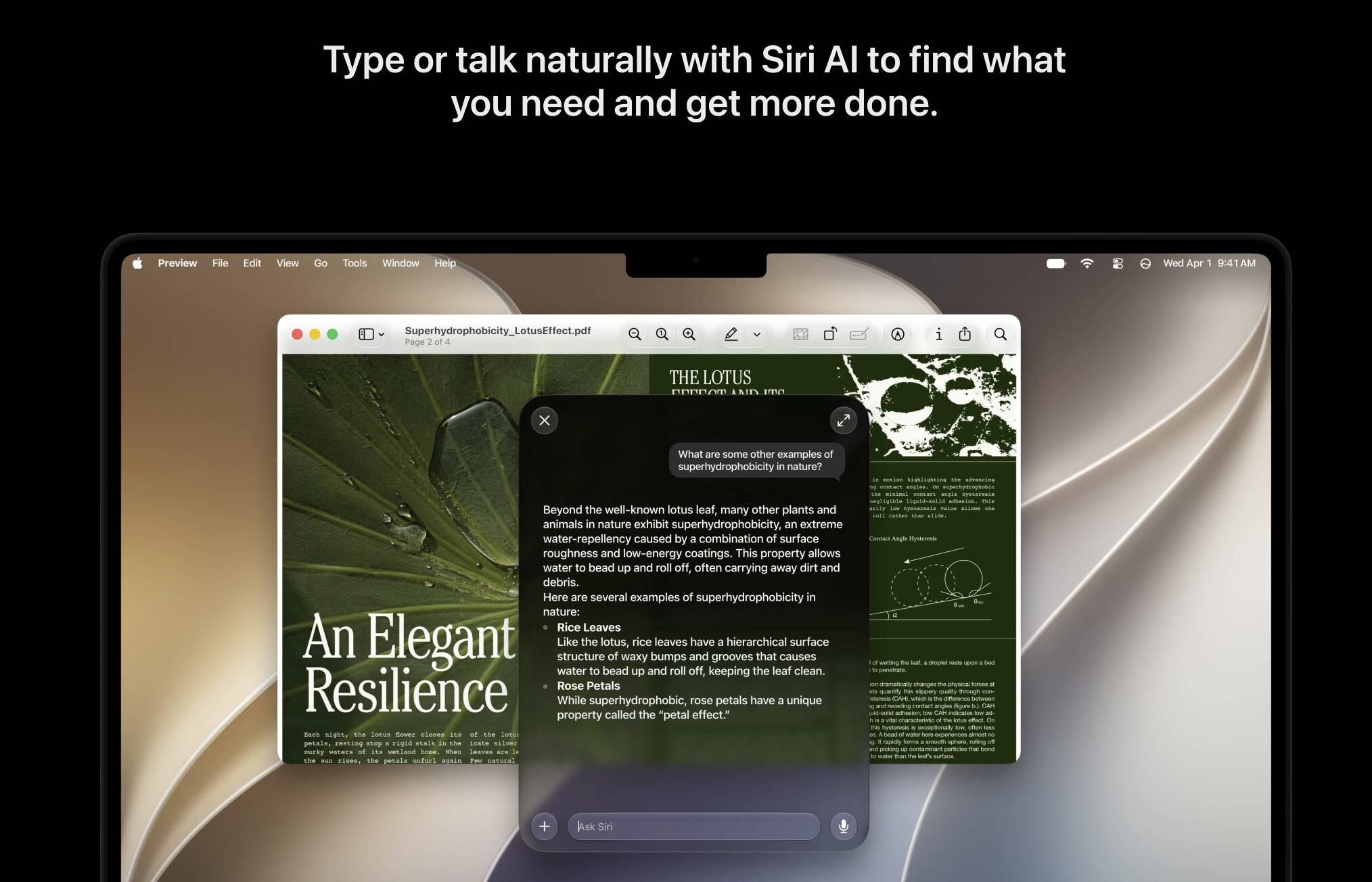 macOS 27 Golden Gate (Image © PCMasters.de)
Access to the developer program
To install the beta software, users must first register for the Apple Developer Program. Registration takes place via the official developer portal or the special Apple Developer App. Although the program is aimed at those who want to distribute apps in the App Store, registration to test the beta software is free. Users only need to provide basic contact information and accept the program terms and conditions with their Apple ID.
Installation requirements and security
As beta software is a pre-release version that may contain stability issues or bugs, a full backup of the device is required before installation. This will allow you to restore your data if the system becomes unstable or a rollback to the previous stable version is required.
Step-by-step installation guide
iPhone and iPad
Once you have signed up for the developer program, open the “Settings” app. Select “General” and then “Software Update”. The option “Beta updates” becomes available in this menu. Selecting “iOS 27 Developer Beta” will start the download and installation process. The device restarts as soon as the update is installed.
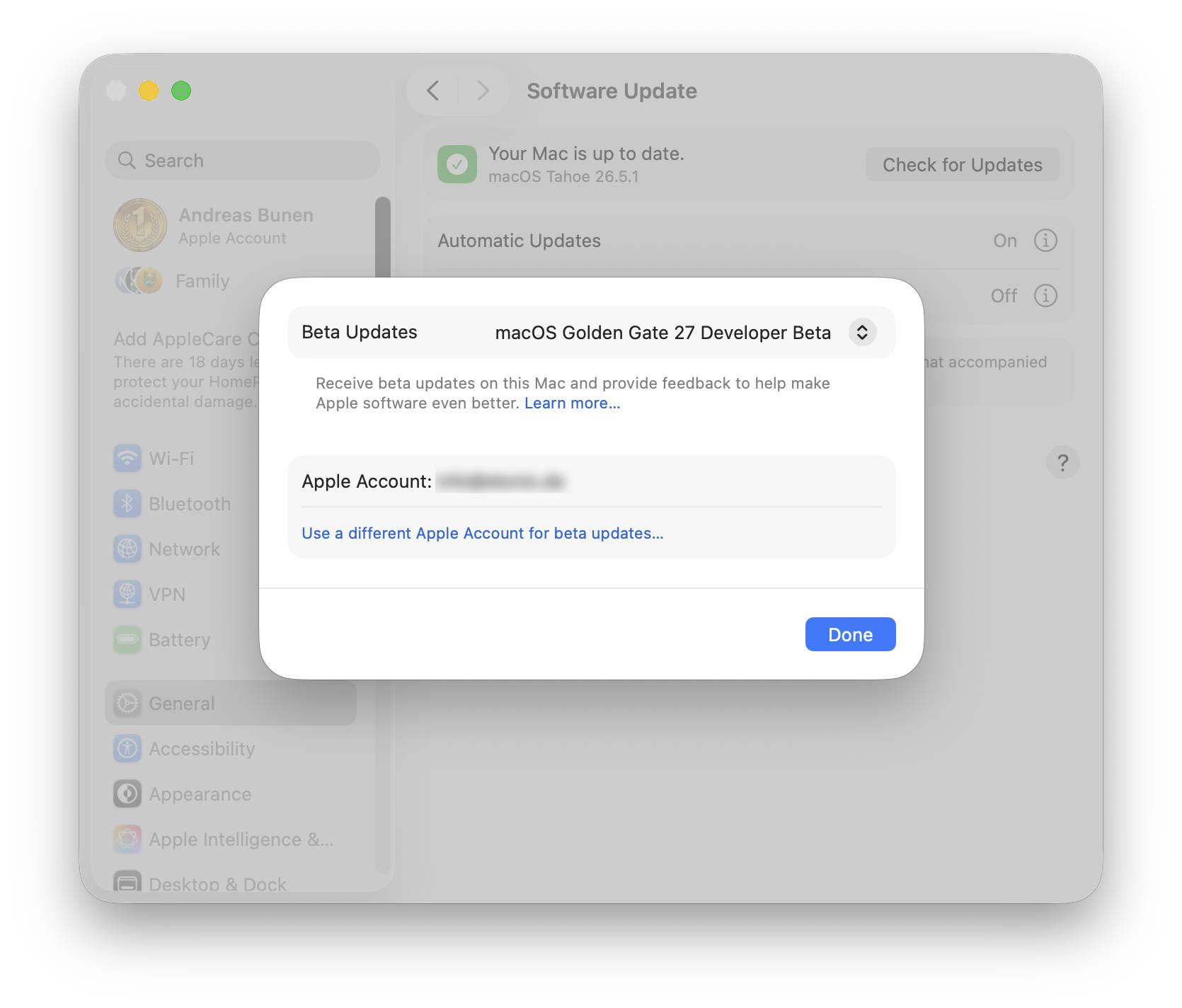 macOS 27 Golden Gate Beta (Image © PCMasters.de)
MacOS Beta (macOS 27 Golden Gate)
The process for macOS is similar. After completing a system backup, users should open System Preferences, navigate to “General” and select “Software Update”. By clicking on the Information icon next to “Beta Updates”, a drop-down menu will appear where the “macOS Developer Golden Gate Beta” can be selected.
The installation steps for watchOS, visionOS and tvOS follow the same general logic within their respective software update settings.
