


 Computer Forum
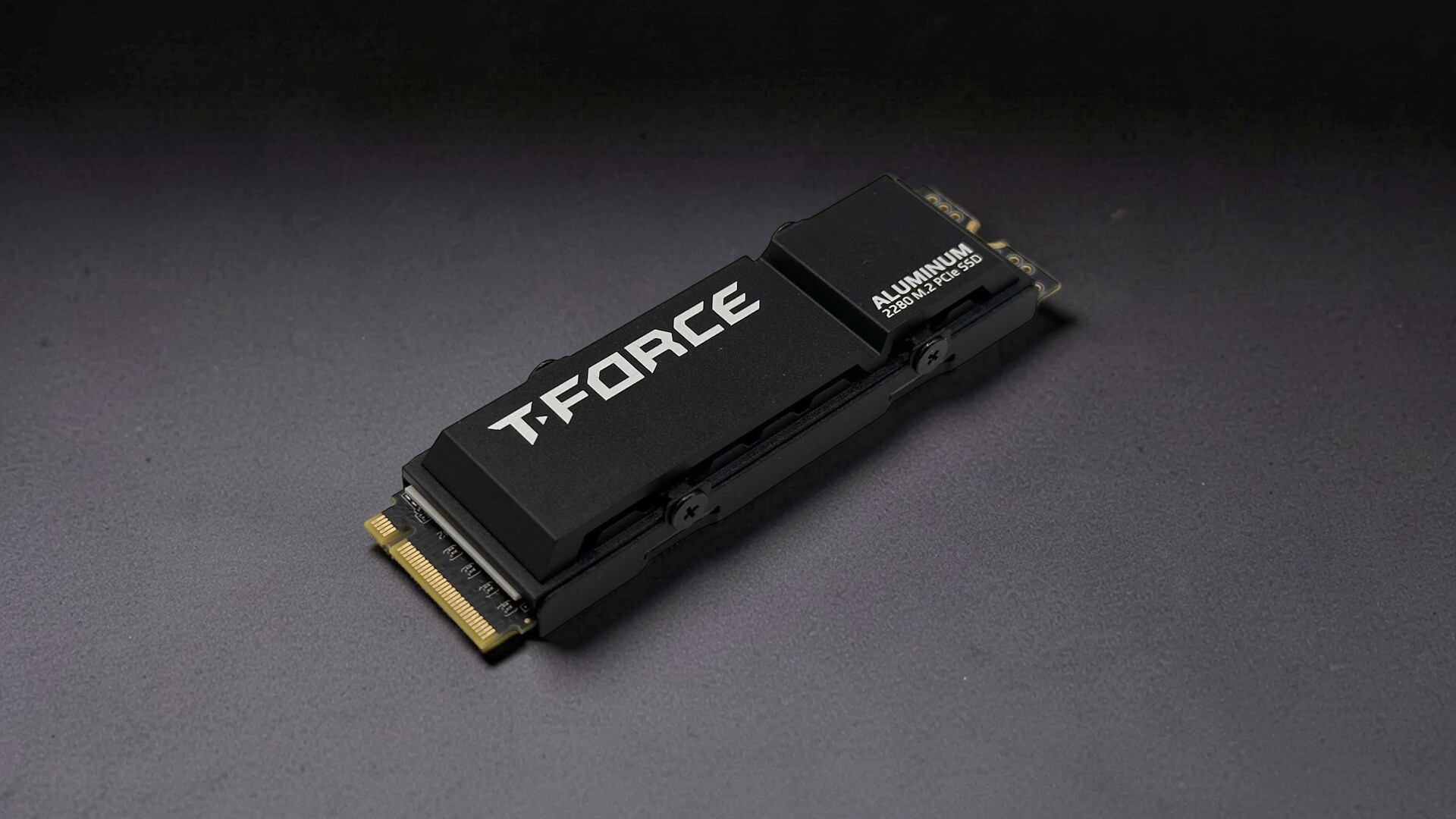 T FORCE G70 Pro Titelbild (Image © PCMasters.de)
The TEAMGROUP T-FORCE G70 Pro SSD
Today we’d like to introduce you to the T-FORCE G70 Pro, an SSD from TEAMGROUP. It’s a fast PCIe 4.0 M.2 SSD. T-Force is the manufacturer’s gaming division. The model we’re reviewing has a capacity of 2 TB and, according to the manufacturer, promises up to 7,400 MB/s in sequential read speeds and up to 6,800 MB/s in sequential write speeds. The cooling system has also received a lot of attention, with the manufacturer including two cooling options. You can find more details below.
 T FORCE G70 Pro Verpackung (Image © PCMasters.de)
Details
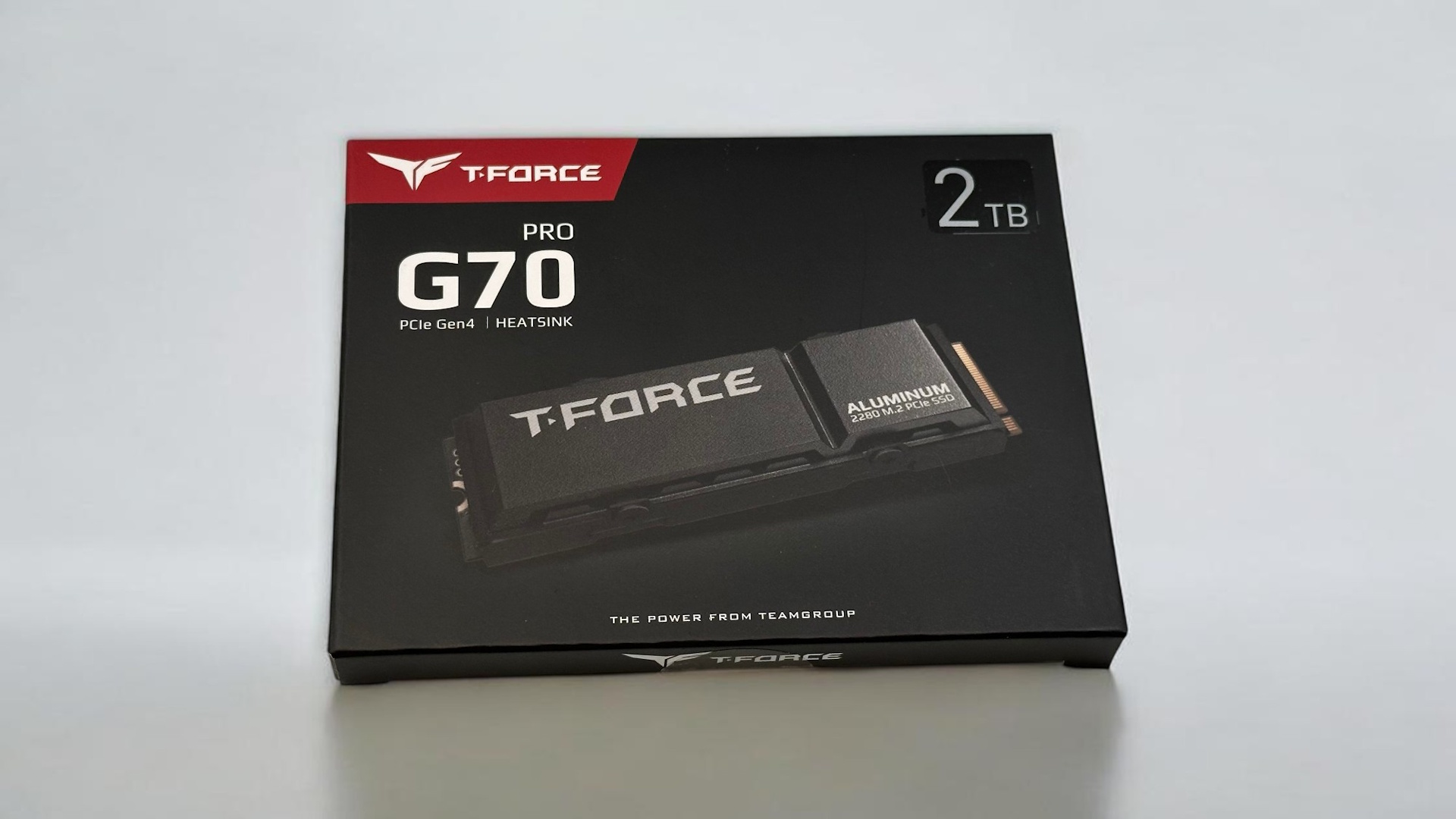
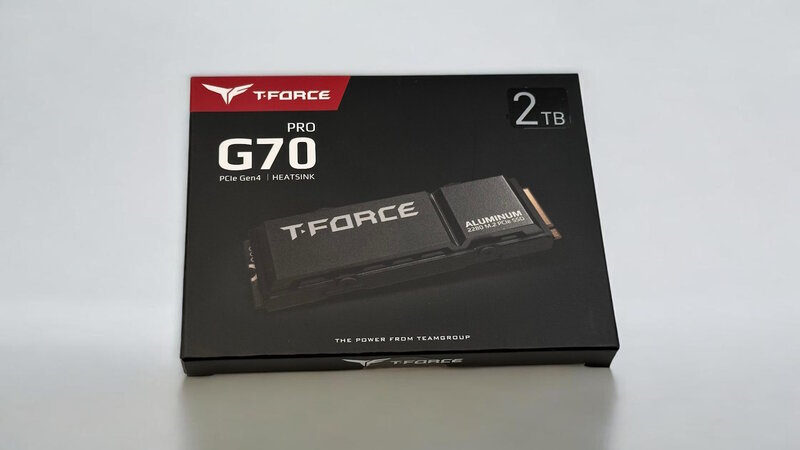
The T-FORCE G70 Pro comes in compact cardboard packaging. The front of the box displays the manufacturer’s logo, model name, and capacity. Additional information, such as read and write speeds, can be found on the back.
 T FORCE G70 Pro Inhalt (Image © PCMasters.de)
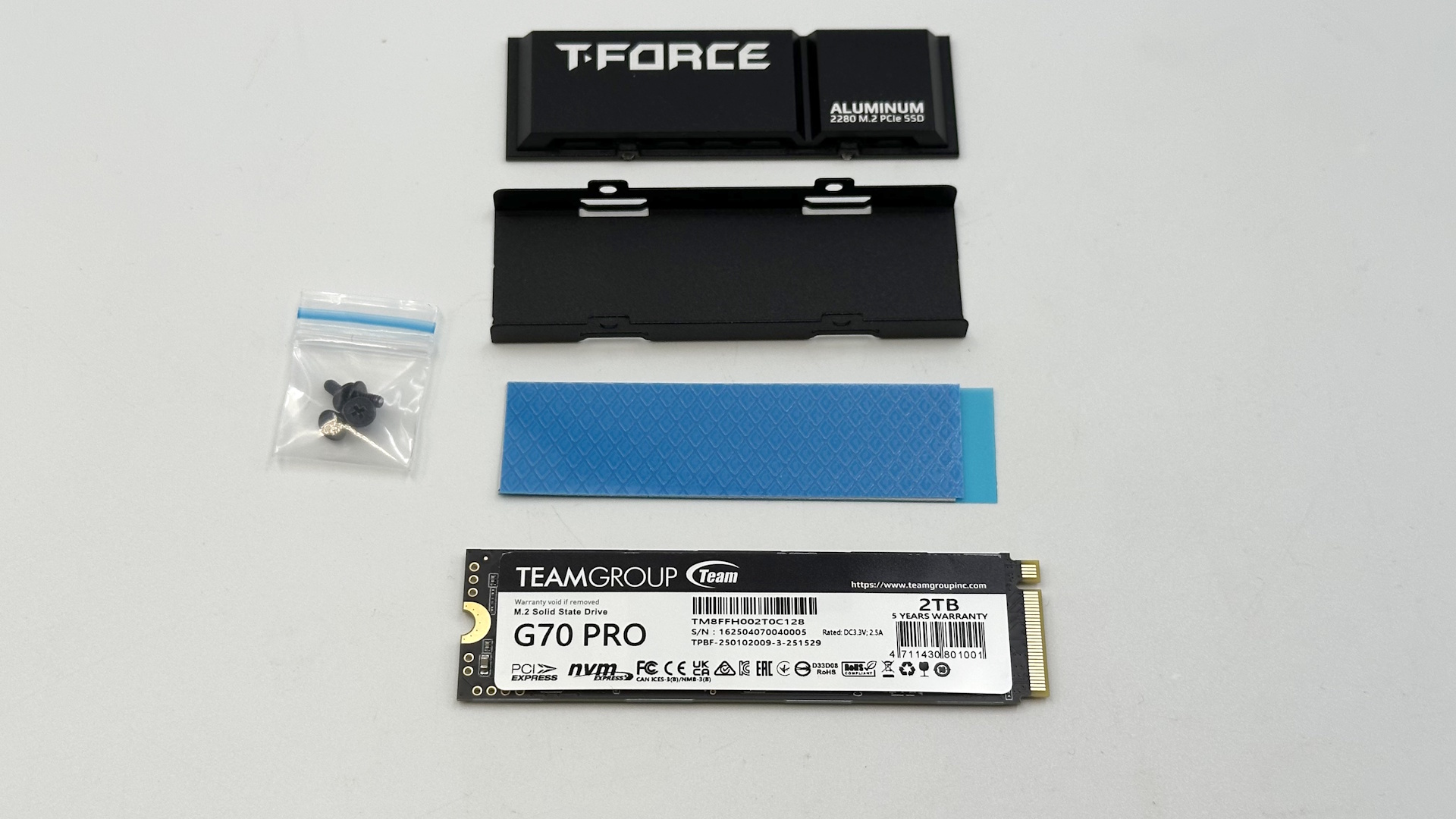
In addition to the SSD itself, the packaging includes the two cooling options mentioned earlier. The first option is the set shown here. This is a passive aluminum heatsink that must be screwed onto the SSD before installation. The second option is a graphene sticker that is applied to the top side of the SSD.
The advantage is that this offers three possible scenarios:
- Without the coolers, if the motherboard already has appropriate heat sinks.
- Aluminum heat sink, if there is enough space and the motherboard does not provide a heat sink.
- Graphene sticker, if space is limited. Examples include installation on the back of the motherboard (on some ITX motherboards) or in consoles.
| TEAMGROUP T‑FORCE G70 Pro Technical Specifications | |
|---|---|
| Dimensions | 80 x 22 x 2.7 mm (L x W x H) |
| Weight | 7 g |
| Capacity | 2 TB |
| Performance |
Sequential Read: up to 7,400 MB/s Sequential Write: up to 6,800 MB/s |
| MTBF | 3,000,000 hours or 1,480 TBW |
| Warranty | 5 years |
Before we get to the visual features and practical applications, it’s worth taking a look at the technical specifications of the T FORCE G70 Pro. The following overview summarizes the most important specifications and shows what features the SSD offers. This helps put both the height with the different cooling options and the manufacturer’s performance figures into perspective. These values serve as the basis for the remaining sections of this review and help position the SSD within the current PCIe 4.0 segment.
 T FORCE G70 Pro SSD Seite 1 (Image © PCMasters.de)
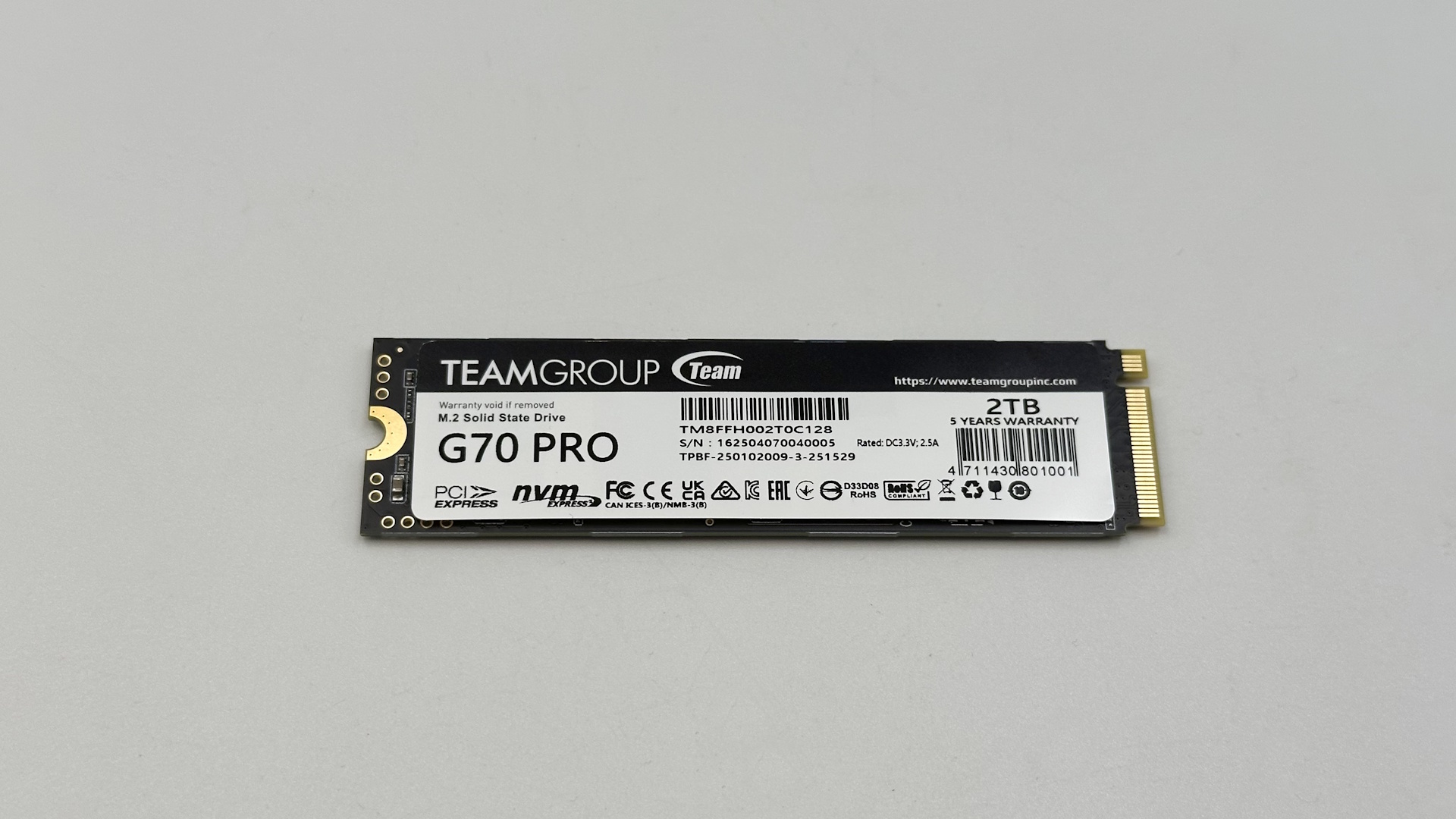
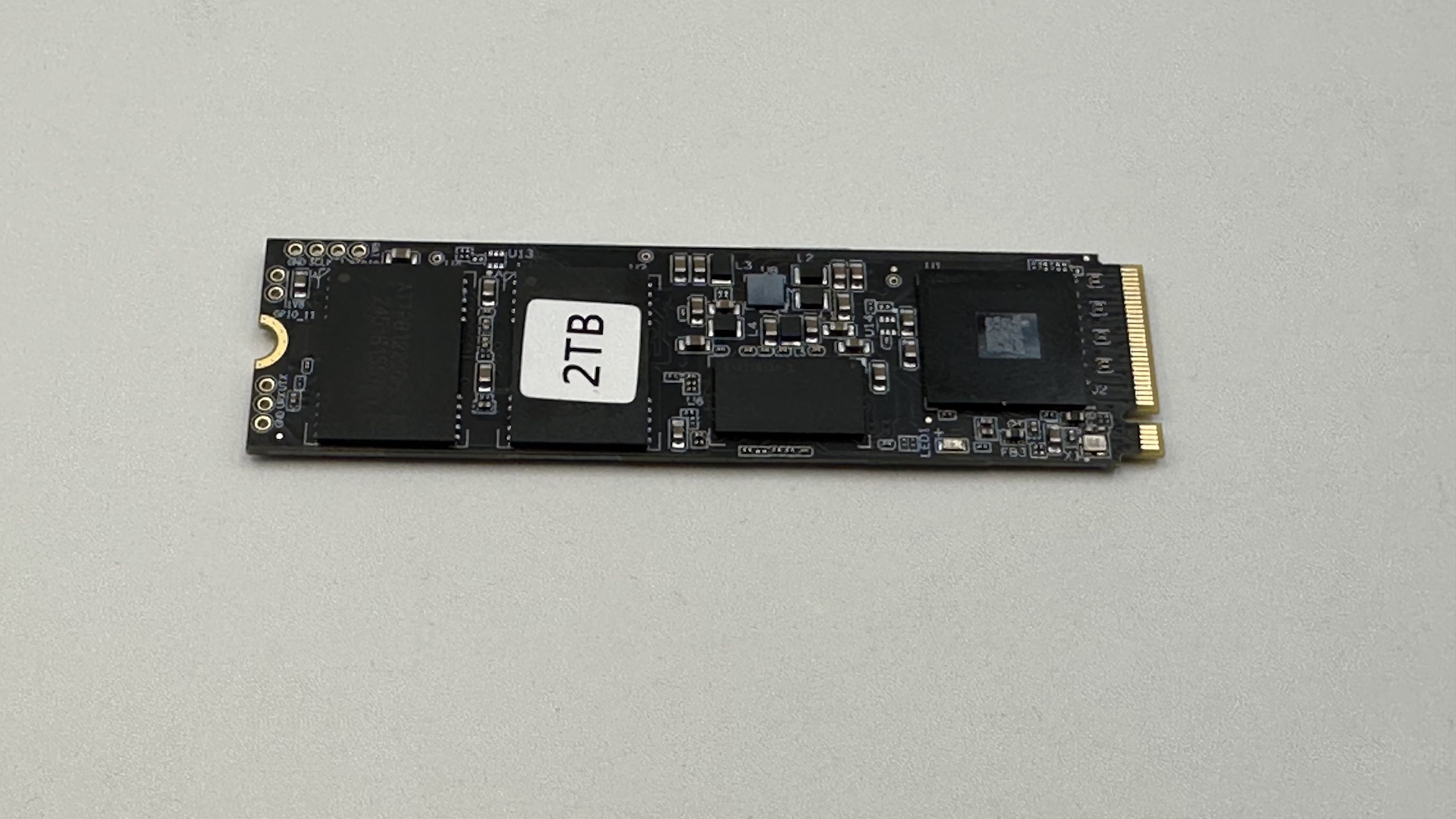
The T-FORCE G70 PRO has a low-key appearance. On the top, there is a large sticker featuring logos, the model name, and some technical specifications.
 T FORCE G70 Pro SSD Seite 2 (Image © PCMasters.de)
A total of four flash memory chips, each with a capacity of 512 GB, are installed. These are YMTC 128-layer 3D TLC NAND chips. In addition, there are two high-speed DDR4 chips, each with a capacity of 1 GB. According to the specifications, these operate at a clock speed of 2,400 MHz.
The controller used is an Innogrit IG5236. This is a high-performance PCIe 4.0 x4 controller designed specifically for high-end storage solutions. It is known not only for its high performance but also for its robustness and reliability.
 T FORCE G70 Pro Kühlkörper 1 (Image © PCMasters.de)
There are several options for cooling SSDs. We’ll briefly discuss the most common ones:
Without a Heatsink
If the motherboard does not provide cooling, it is recommended to ensure airflow over the SSD. This can be achieved with appropriate fans in the PC case. Temperature control is not as precise.
Motherboard Heat Sinks
Some motherboards feature heat sinks for the SSD area. Mounting methods vary; there are even tool-free options. The connection between the SSD and the heat sink is established via a thermal pad. These heat sinks typically dissipate heat evenly and can absorb heat. Here, too, airflow is essential.
Graphene Sticker
This SSD comes with a graphene sticker that is applied to the side housing the controller. A thin layer of graphene helps dissipate heat from the controller and flash chips slightly more effectively. Airflow is important here as well, but heat is dissipated somewhat more effectively.
Heat Sinks
There are various models on the market; most are mounted to the SSD using a mounting bracket and four screws. Here, too, the connection between the SSD and the heat sink is established via a thermal pad. Heat dissipation is similar to that provided by motherboard heat sinks.
There are also a few other cooling options. The best-known are heatsinks with small fans. They come in various sizes, from large to small. They’re a bit more expensive but usually provide better cooling. The downside is the small fan, which is usually quite audible at high speeds. A more exotic option is water coolers for custom water-cooling setups. These are few and far between and not particularly affordable.
 T FORCE G70 Pro Kühlkörper 2 (Image © PCMasters.de)
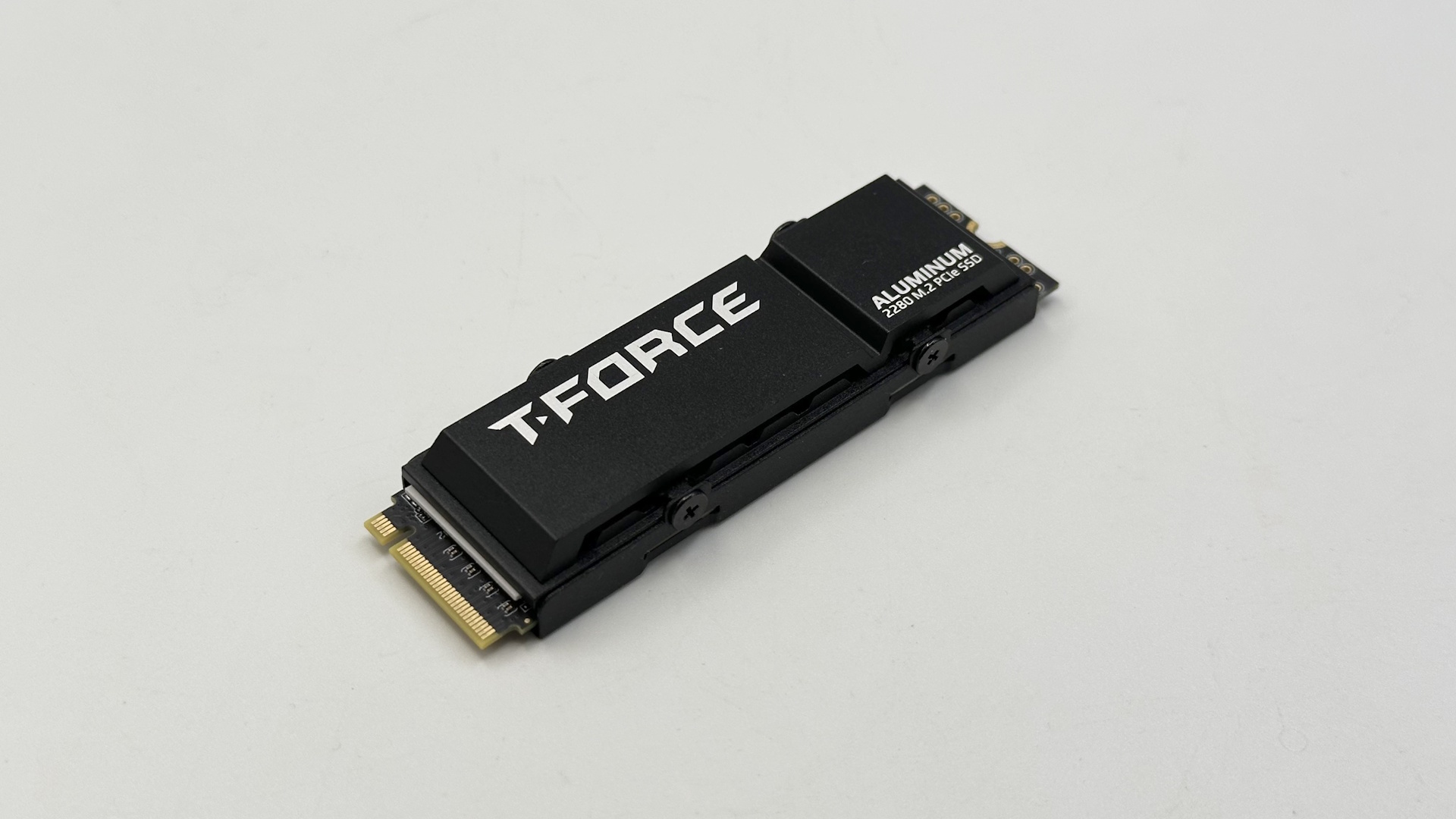
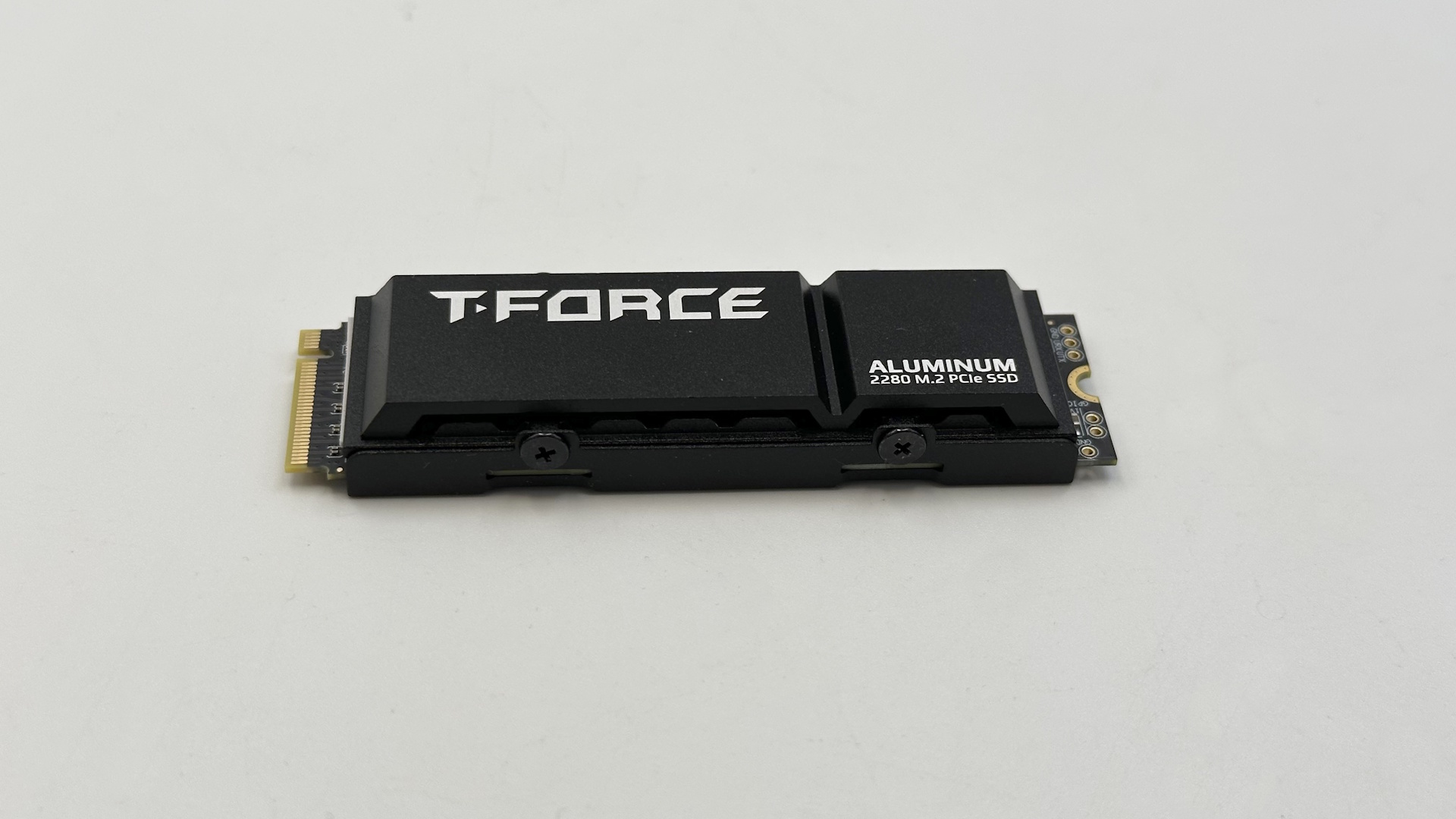
In addition to the graphene sticker, the manufacturer of the T-FORCE G70 Pro also includes an aluminum heatsink. To install it, place the included thermal pad on the SSD where the controller is located. Then place the heatsink on top and secure it from the side using the mounting plate and a total of four small screws. Installation is very simple and quick. However, you should check the cooler’s fit before installation to ensure it doesn’t interfere with any components on the motherboard and that it still fits easily into its slot.
Conclusion on the TEAMGROUP T-FORCE G70 Pro SSD Review
Compared to similarly equipped SSDs, the T-FORCE G70 Pro falls in the mid-range. The 2 TB model is currently priced at around 263 € (Affiliate). For this price, you get not only the SSD but also the two coolers. The listed performance figures and features suggest that this SSD is more than capable of handling virtually all everyday tasks and more. Its speed makes it ideal for demanding games.
