Computer Forum
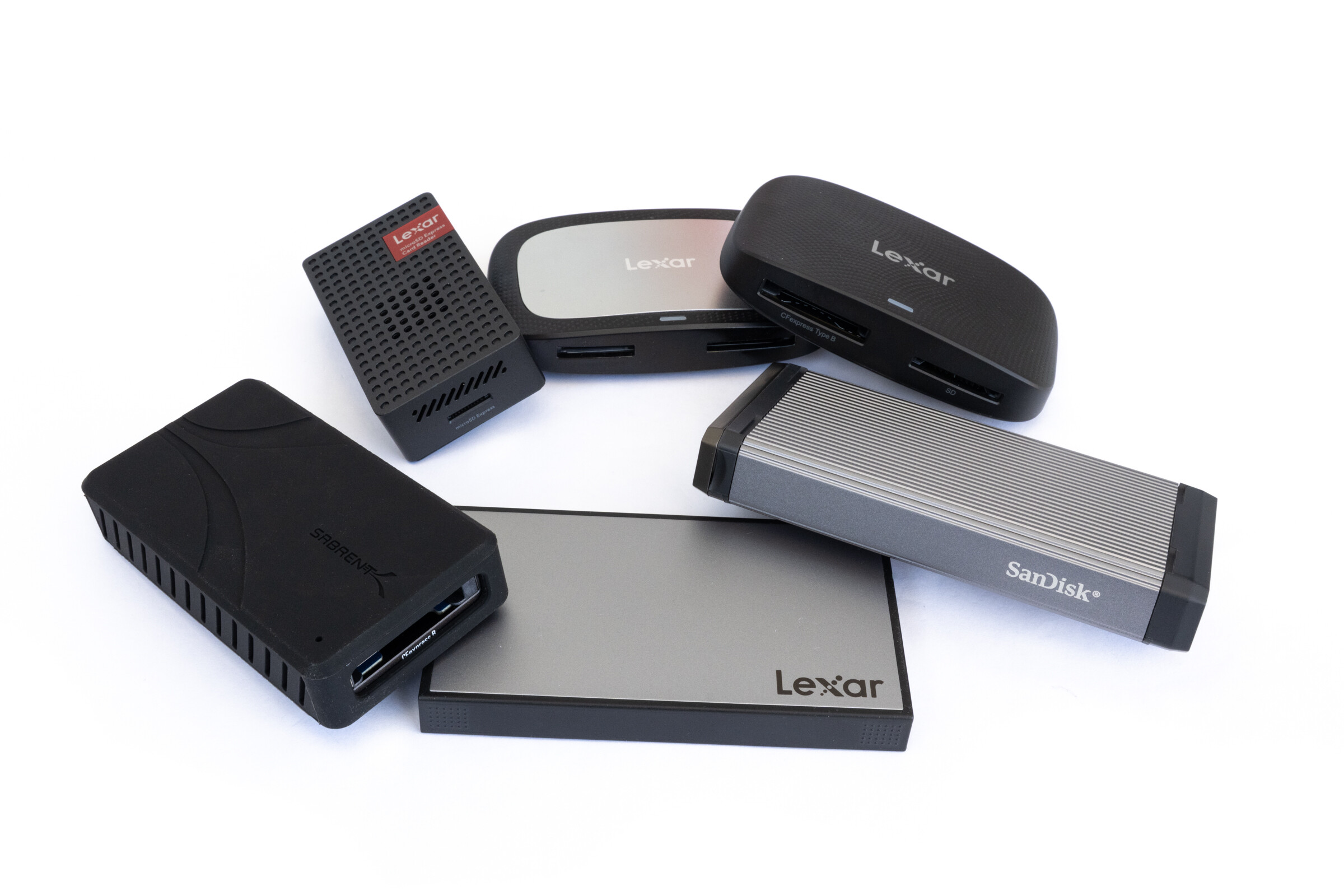 Kartenleservergleich CFexpress SD SDExpress Overview (Image © PCMasters.de)
In today’s review, we’ll be looking at various models for standards such as SD UHS-II, SD Express, microSD Express, and CFexpress Type A and Type B. We’ll not only examine build quality but also test real-world performance and, of course, how much performance the card readers actually extract from the memory cards via their respective interfaces.
Technical Details
| Model | Supported Card Types | Interface / Connection | Special Features |
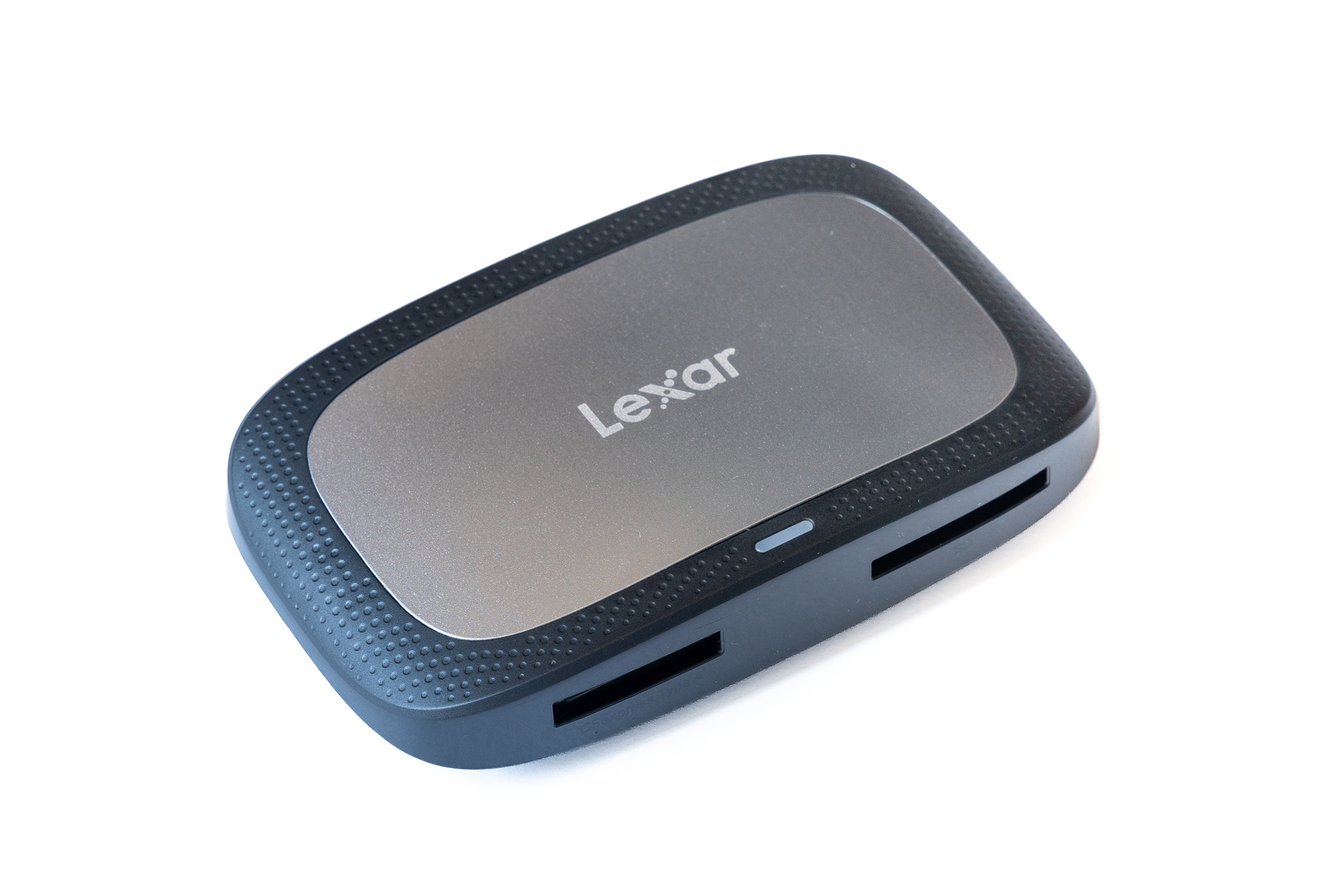
| Lexar CFexpress Type A / SD UHS-II RW530 | CFexpress Type A, SD (UHS-II) | USB 3.2 Gen 2 (10 Gbit/s) | High-gloss finish on the sides |
| Lexar CFexpress Type B / SD UHS-II RW520 | CFexpress Type B, SD (UHS-II) | USB 3.2 Gen 2 (10 Gbit/s) | Matte finish |
| Lexar Workflow Dual-Slot SD UHS-II WF720 | 2x SD (UHS-II) | USB 3.2 Gen 2 (10 Gbit/s) | Modular for Lexar Workflow Dock |
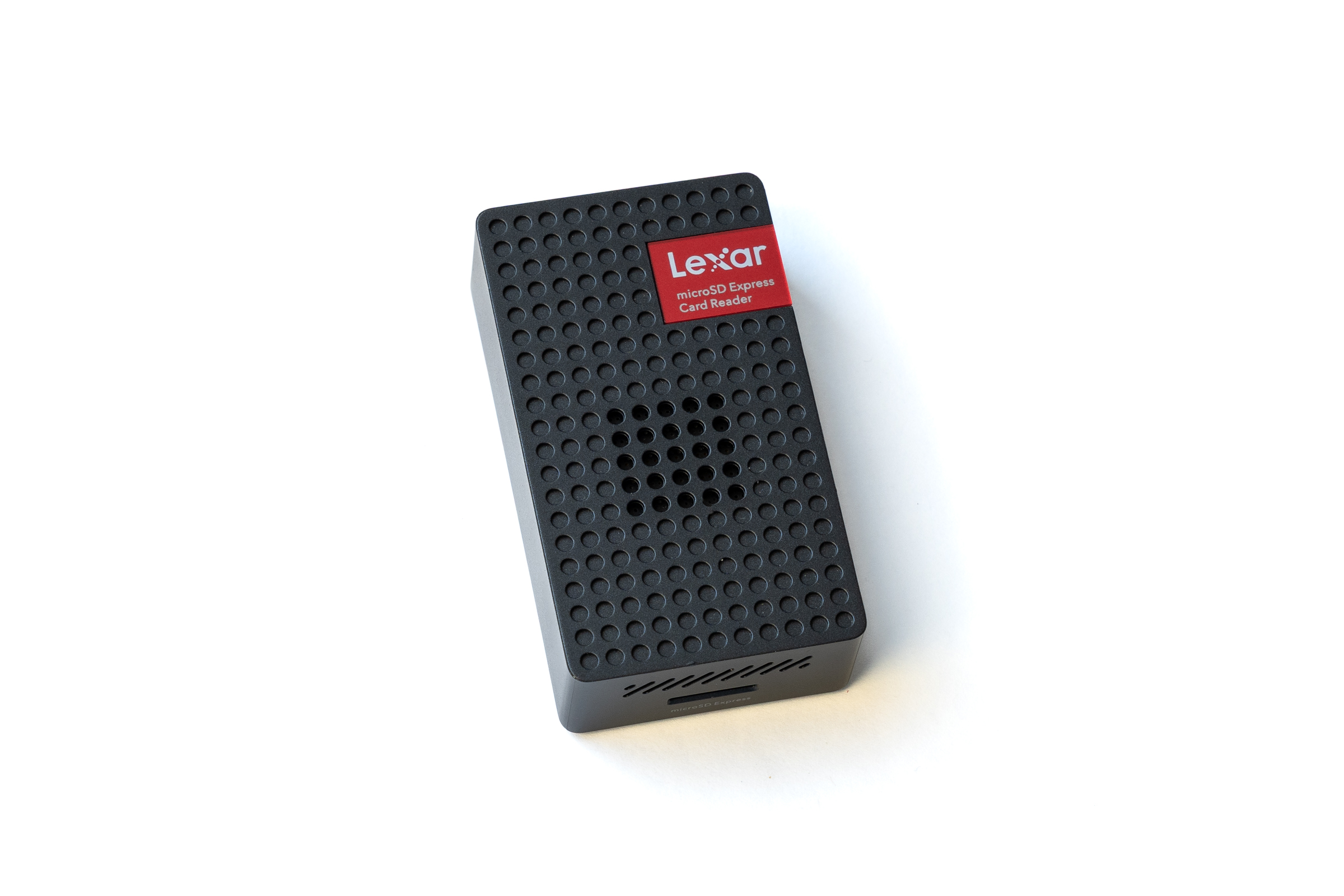
| Lexar microSD Express RW540 | microSD Express, microSD (UHS-I) | USB 3.2 Gen 2 (10 Gbit/s) | Active fan |
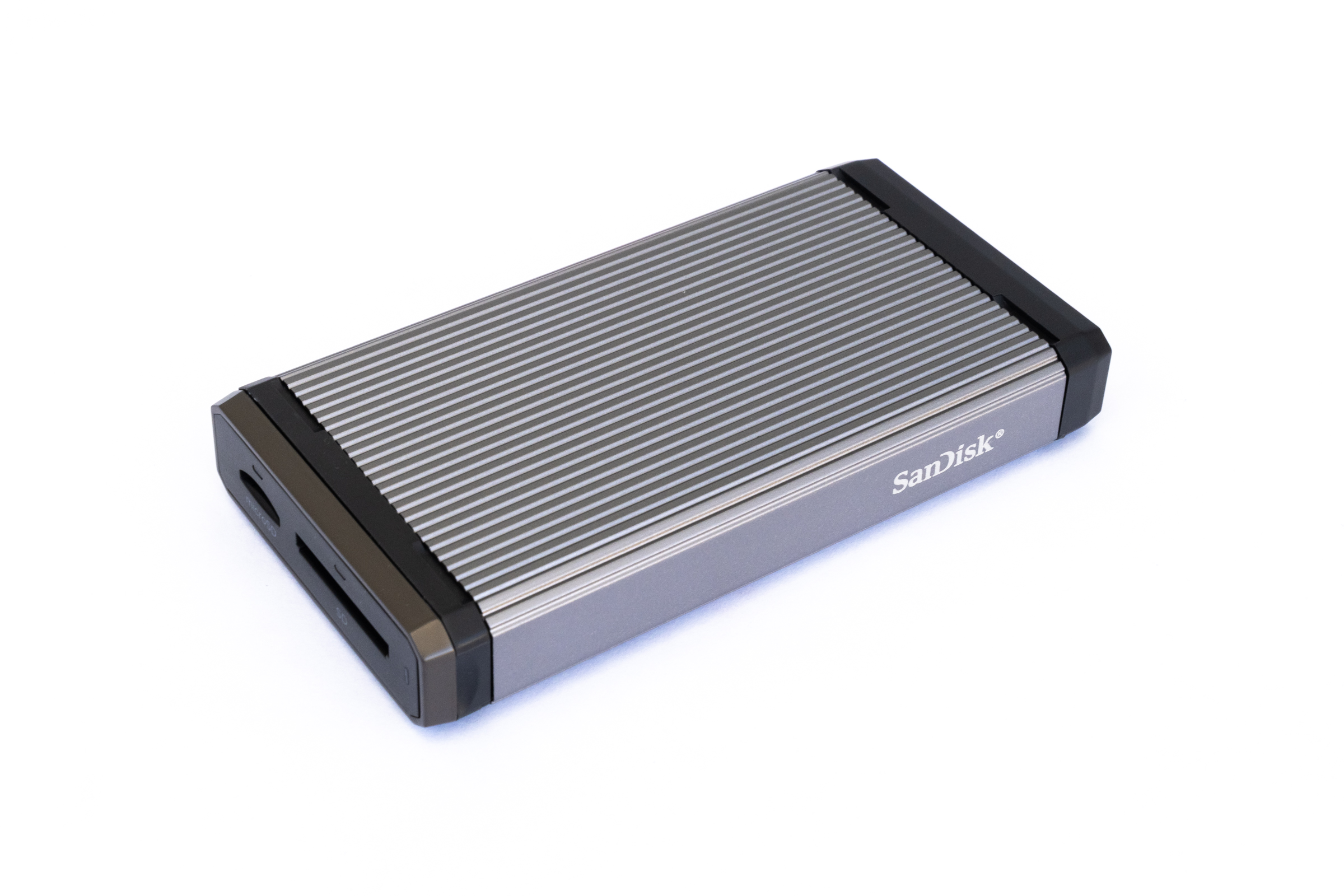
| SanDisk Pro-Reader SD Express Dual Card | SD Express, microSD Express, SD/microSD (UHS-I) | USB 3.2 Gen 2 (10 Gbit/s) | Aluminum housing, write-protect switch, modular for SanDisk PRO-DOCK 4 |
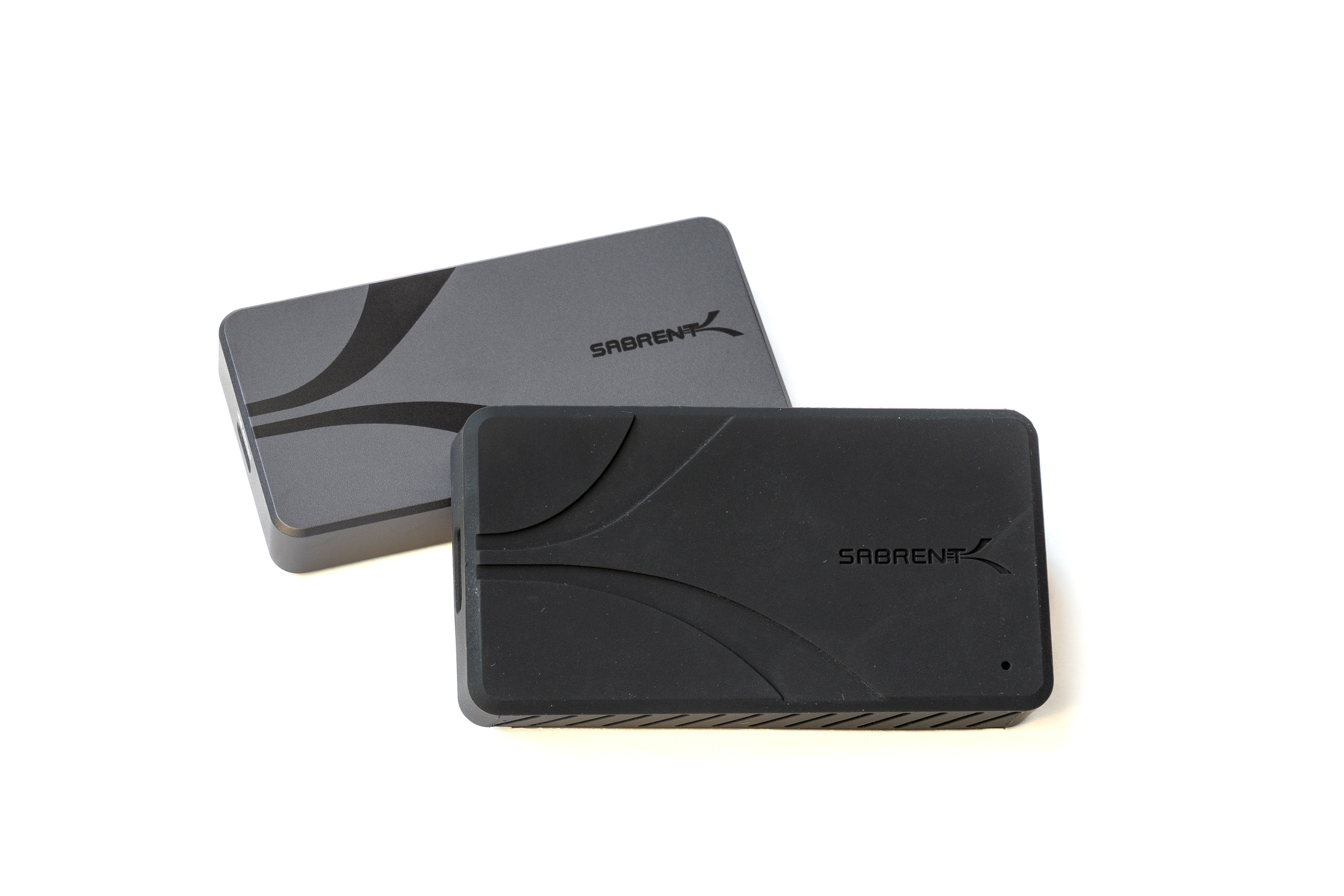
| Sabrent USB4 CFexpress Type B CR-U4XB | CFexpress Type B (4.0 & 2.0) | USB 4 (40 Gbit/s) | Aluminum housing, removable silicone protective sleeve |
Test Candidates at a Glance
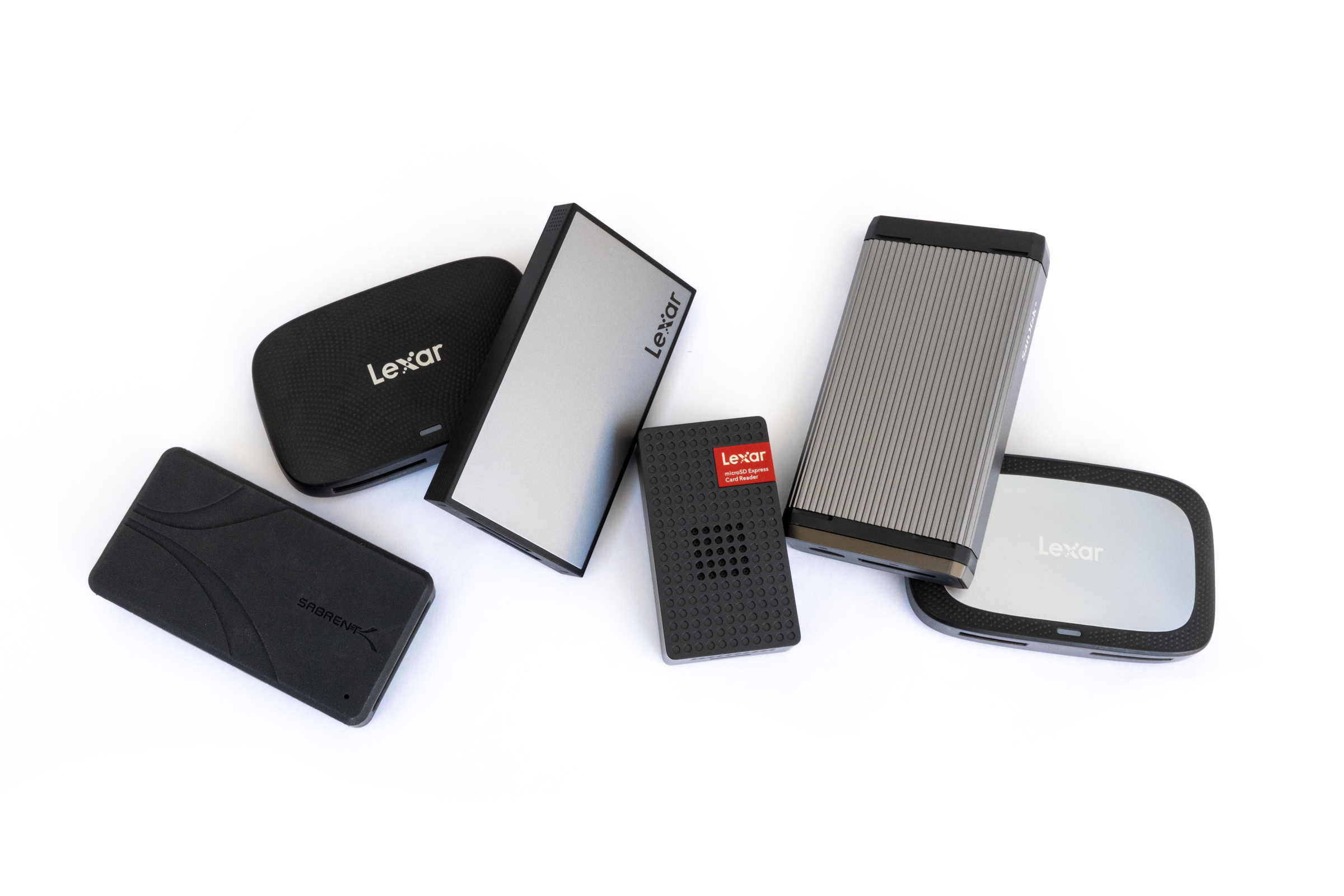
In our test, we aim to cover various performance classes and use cases. The lineup consists of four specialized models from Lexar, a USB 4 reader from Sabrent, and a Pro Reader from SanDisk as a rugged dual-slot solution.
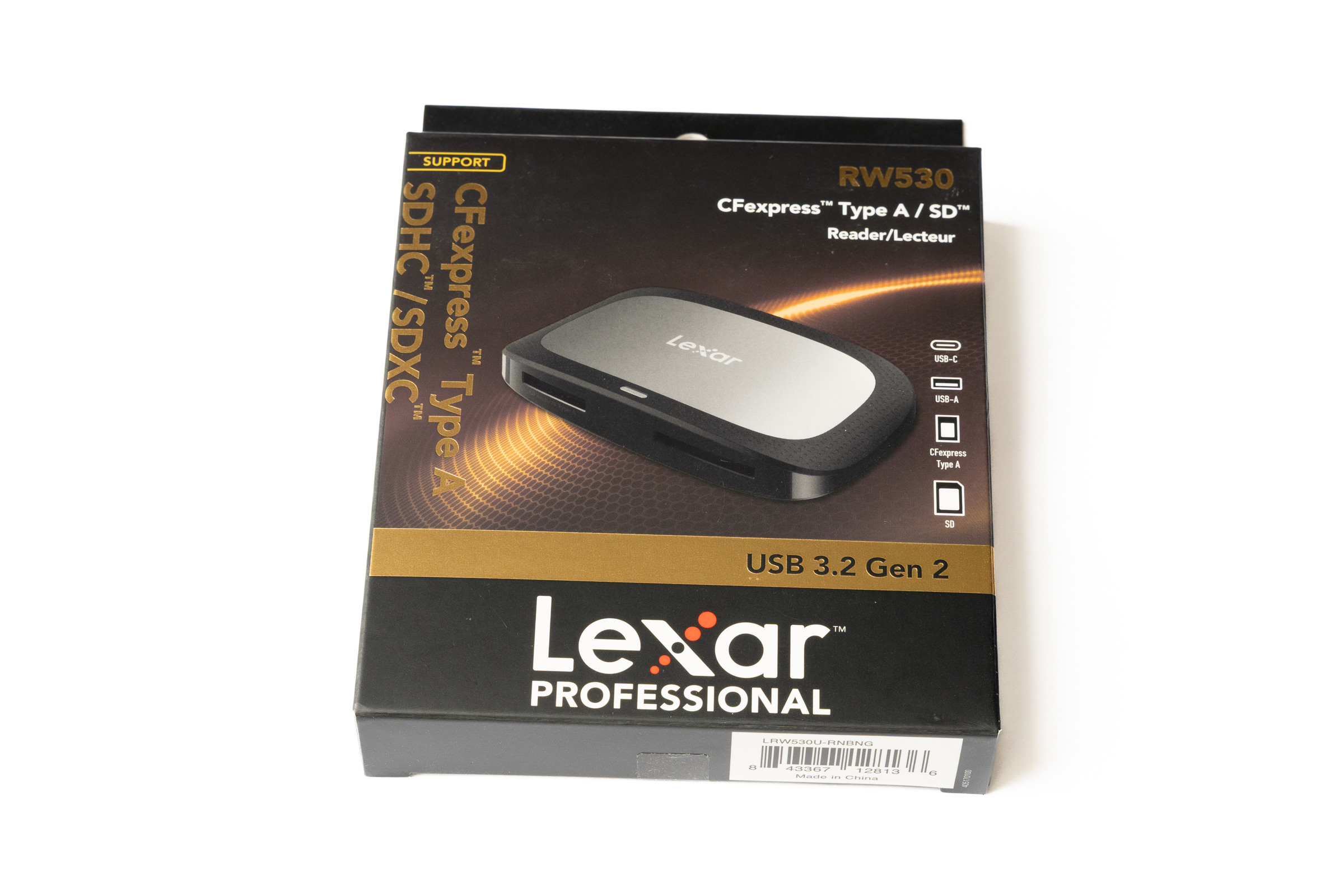 Lexar Kartenleser RW530 Verpackung (Image © PCMasters.de)
Lexar CFexpress Type A / SD UHS-II RW530
The RW530 combines a slot for CFexpress Type A with an SD UHS-II slot, making it ideal for users who need flexibility with both formats. Connectivity is via USB 3.2 Gen 2 with speeds of up to 10 Gbit/s. According to the manufacturer, read speeds of up to 900 MB/s are possible with CFexpress Type A, while SD UHS-II cards reach speeds of around 312 MB/s. The package includes a matching USB-C to USB-C cable with a USB-C to USB-A adapter.
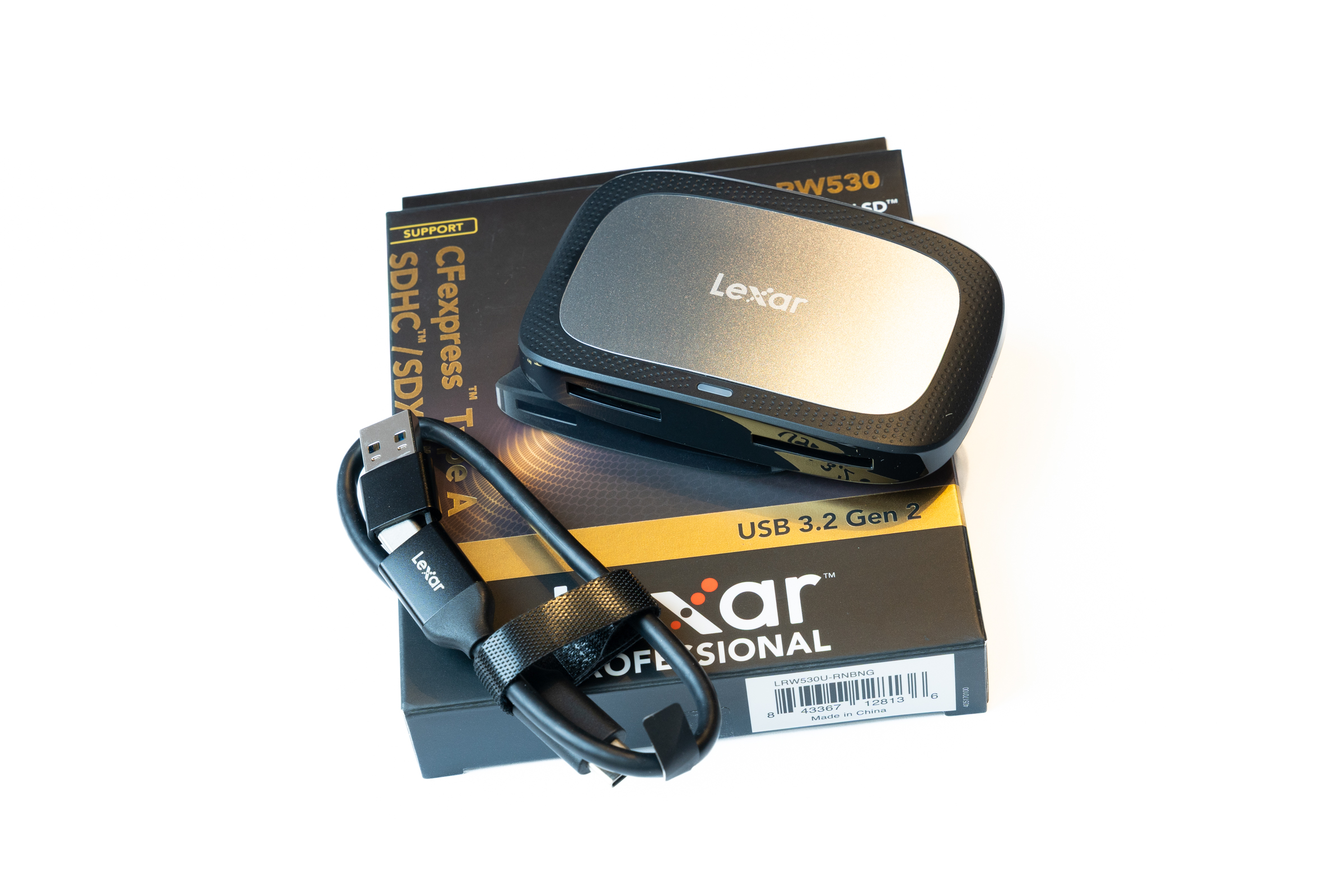 Lexar Kartenleser RW530 Lieferumfang (Image © PCMasters.de)
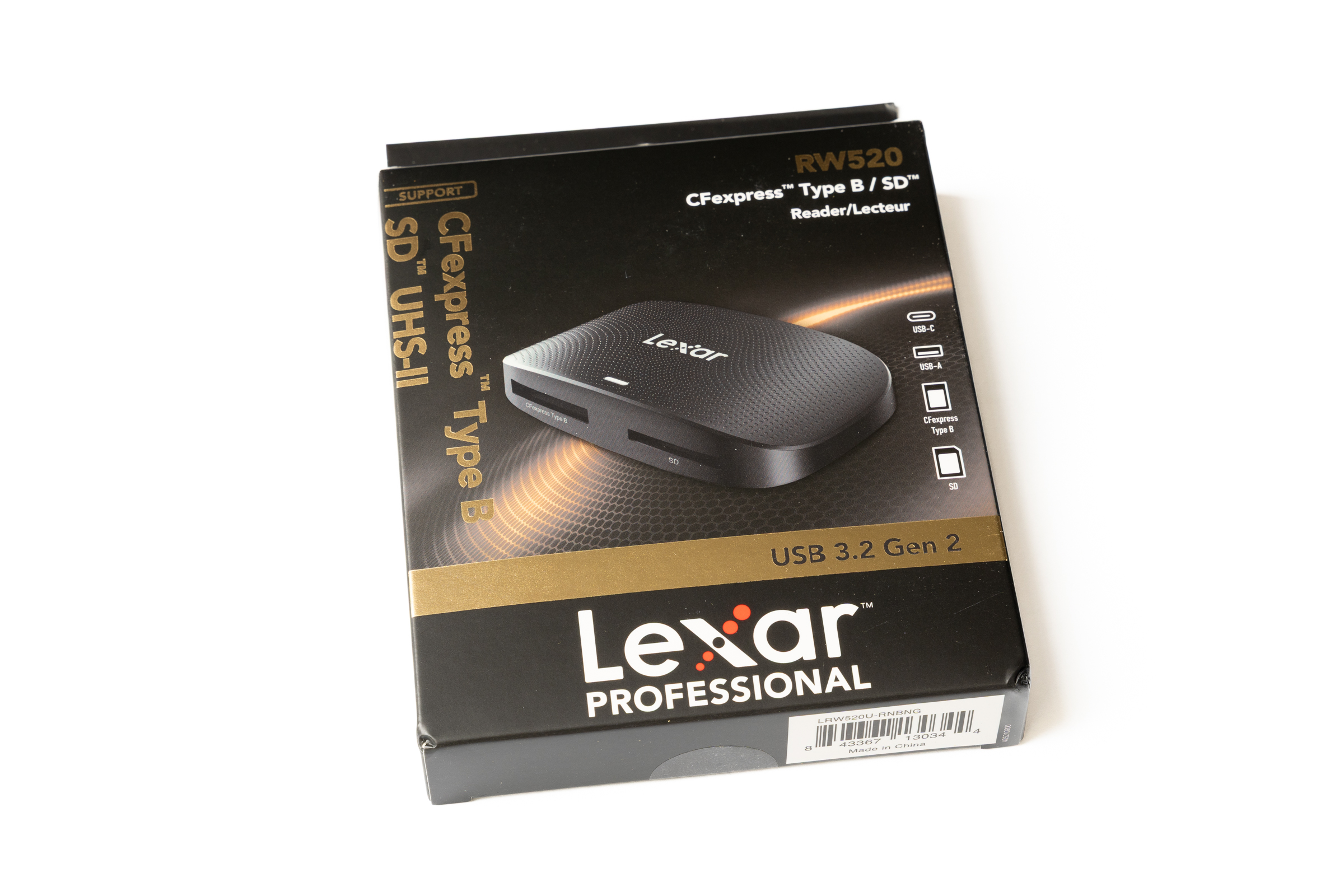 Lexar Kartenleser RW520 Verpackung (Image © PCMasters.de)
Lexar CFexpress Type B / SD UHS-II RW520
The RW520 supports the slightly larger CFexpress Type B standard as well as SD UHS-II cards and is also connected via USB 3.2 Gen 2 at speeds of up to 10 Gbit/s. Many professional cameras today use exactly this combination in their two internal slots. According to the manufacturer, the reader achieves read speeds of up to 1,050 MB/s with CFexpress Type B and around 312 MB/s with SD UHS-II cards. In addition to a USB-C-to-USB-C cable, Lexar also includes a separate USB-C-to-USB-A cable.
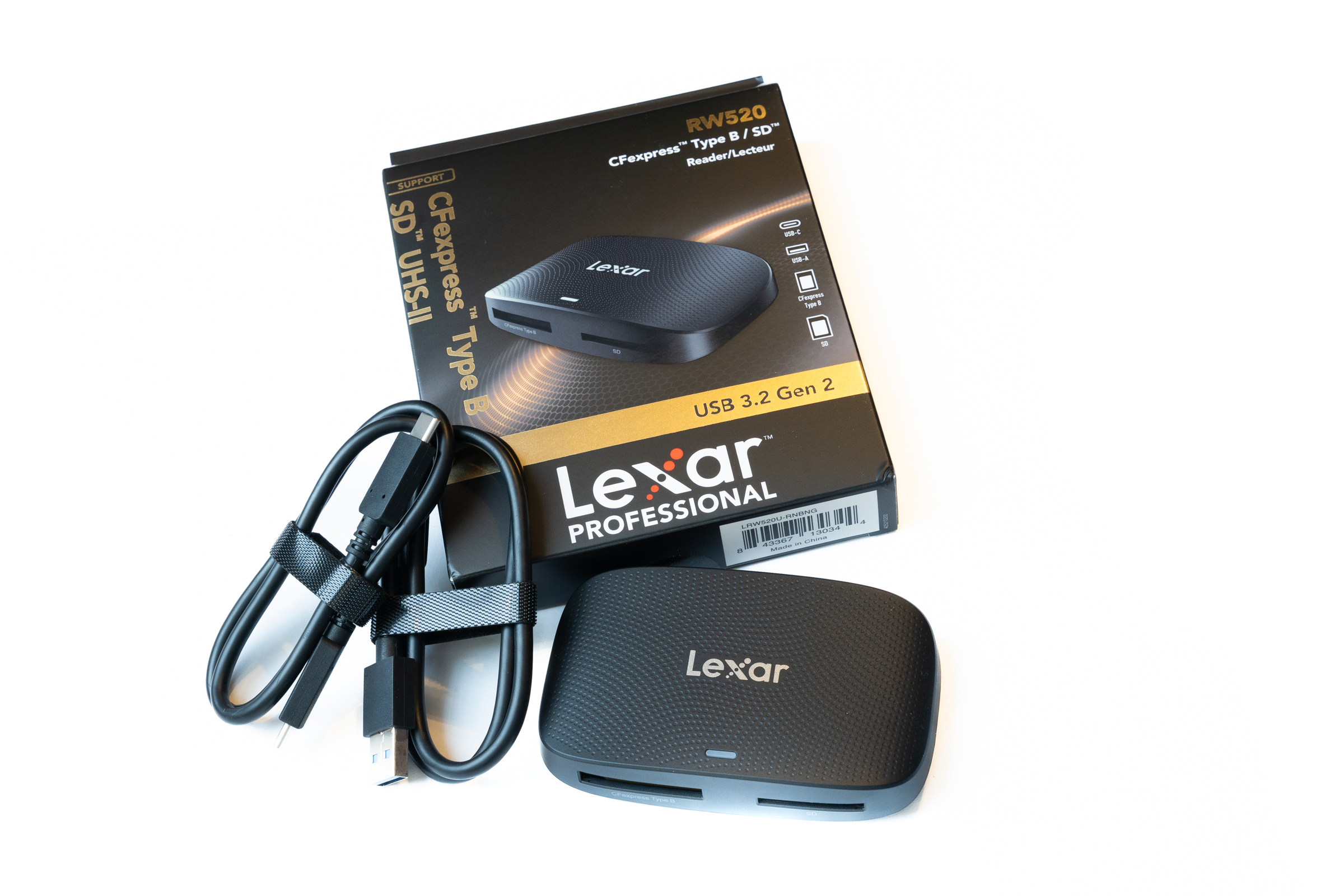 Lexar Kartenleser RW520 Lieferumfang (Image © PCMasters.de)
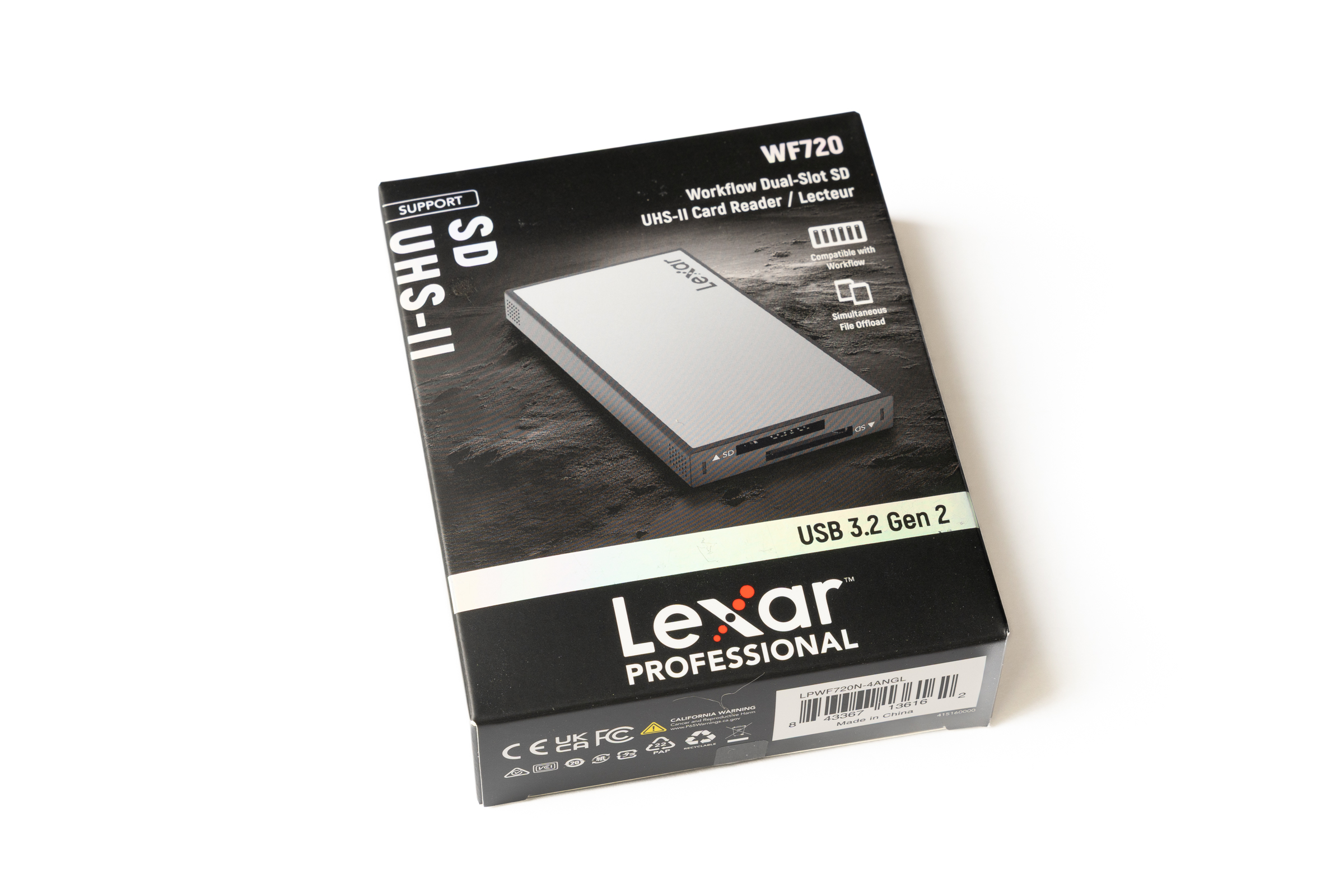 Lexar Kartenleser WF720 Verpackung (Image © PCMasters.de)
Lexar Workflow Dual-Slot SD UHS-II WF720
With the WF720, the focus is clearly on SD cards. The card reader features two UHS-II slots and allows simultaneous access to both cards. It connects via USB 3.2 Gen 2. According to the manufacturer, maximum read speeds are in line with the UHS-II standard at around 312 MB/s per card. As a bonus, Lexar includes a USB-C to USB-C cable and a matching USB-C to USB-A adapter.
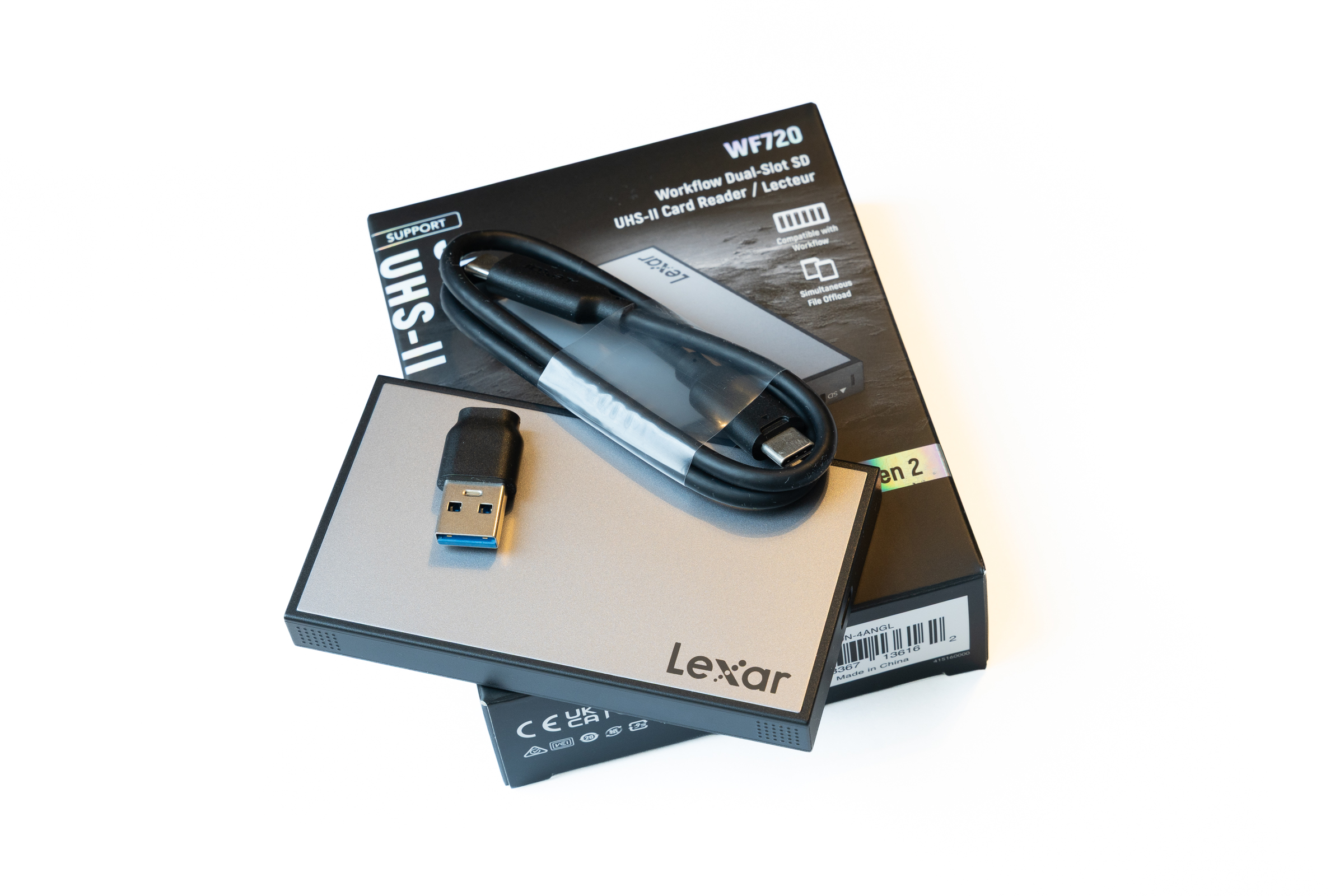 Lexar Kartenleser WF720 Lieferumfang (Image © PCMasters.de)
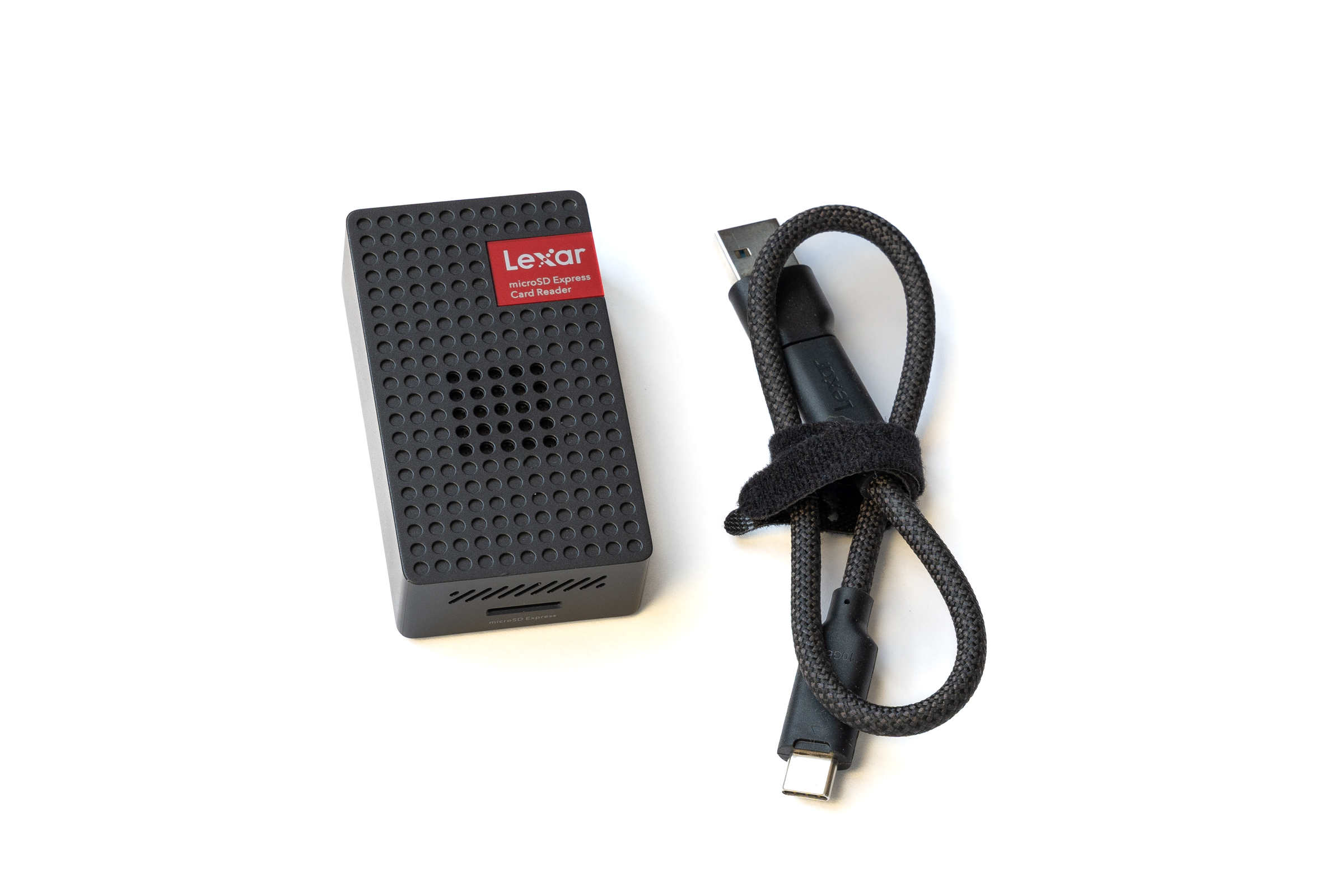 Lexar Kartenleser RW540 Lieferumfang (Image © PCMasters.de)
Lexar microSD Express RW540
The RW540 is designed for the still relatively unknown microSD Express standard and is aimed at users who want to use particularly compact memory cards with high speeds. USB 3.2 Gen 2 is also used here. The specified read speeds reach up to 900 MB/s, depending on the card used. Lexar includes a USB-C to USB-C cable and a USB-C to USB-A adapter for fast data transfer.
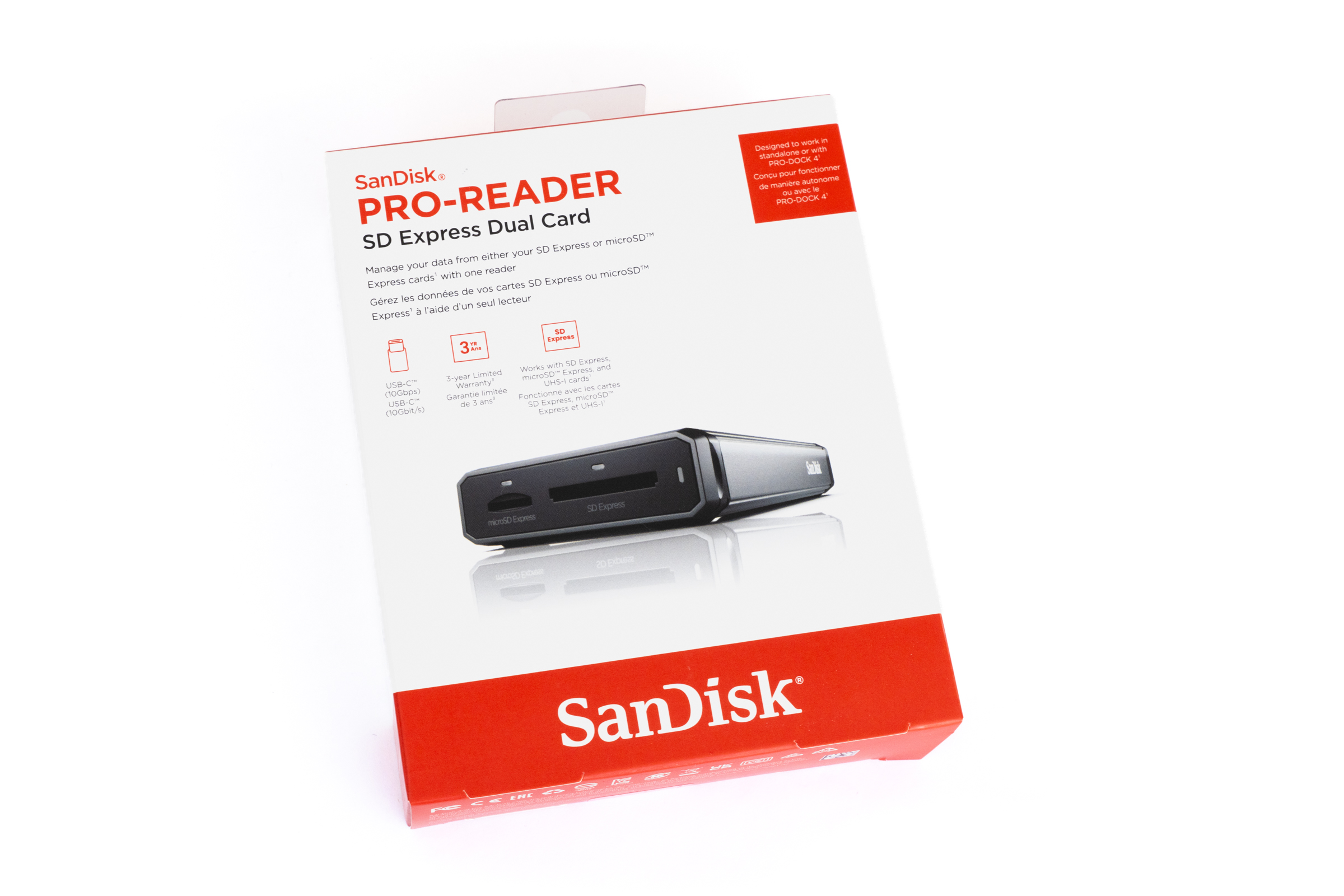 SanDisk Pro Reader SD Express Dual Card Verpackung (Image © PCMasters.de)
SanDisk Pro-Reader SD Express Dual Card
With the Pro-Reader, SanDisk offers a flexible solution for modern SD Express and microSD Express cards. The reader features two slots that utilize the high-speed PCIe interface. In addition, both slots are backward compatible with standard UHS-I cards. The connection is again via USB 3.2 Gen 2 with speeds of up to 10 Gbit/s, and a matching USB-C to USB-C cable is included.
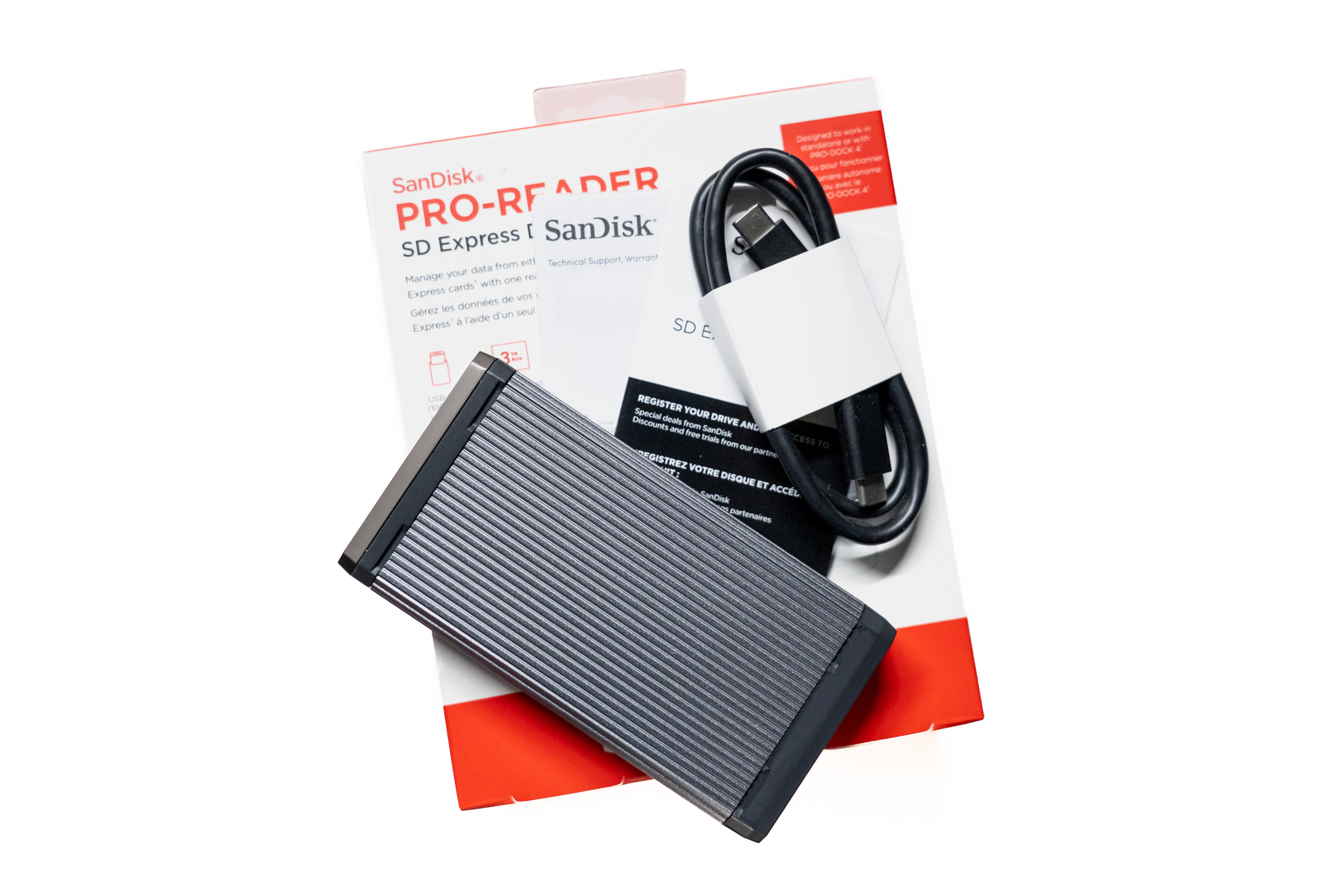 SanDisk Pro Reader SD Express Dual Card Lieferumfang (Image © PCMasters.de)
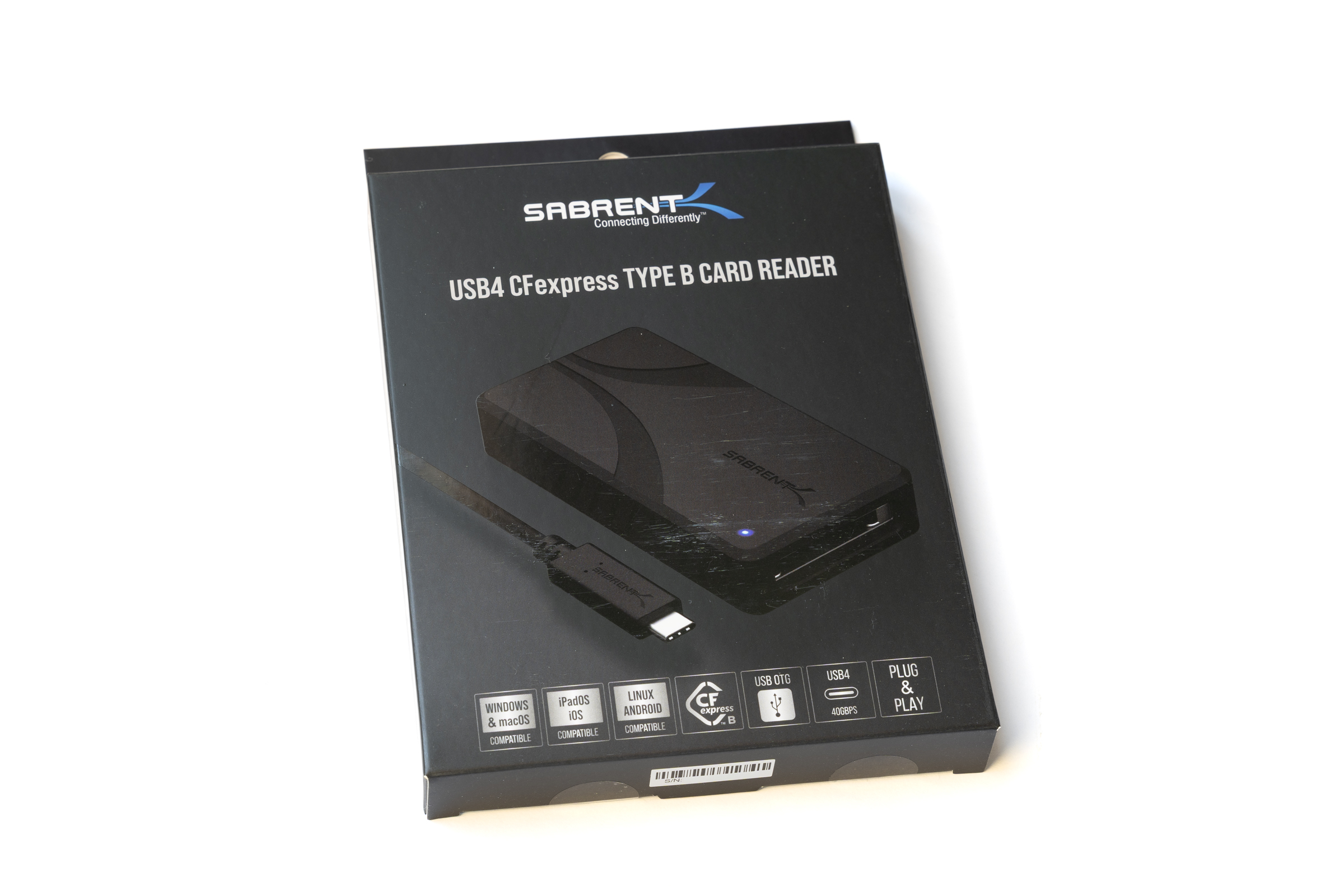 Sabrent Kartenleser CR U4XB Verpackung (Image © PCMasters.de)
Sabrent USB4 CFexpress Type B CR-U4XB
The Sabrent card reader is clearly designed for maximum performance and supports CFexpress Type B via USB 4. This enables significantly higher bandwidths than with traditional USB 3.2 Gen 2 readers. According to the manufacturer, read speeds of up to 3,500 MB/s are achievable, making it particularly appealing for the latest CFexpress 4.0 cards. The package includes a USB-C to USB-C cable and a durable silicone protective case that shields the unit from impacts.
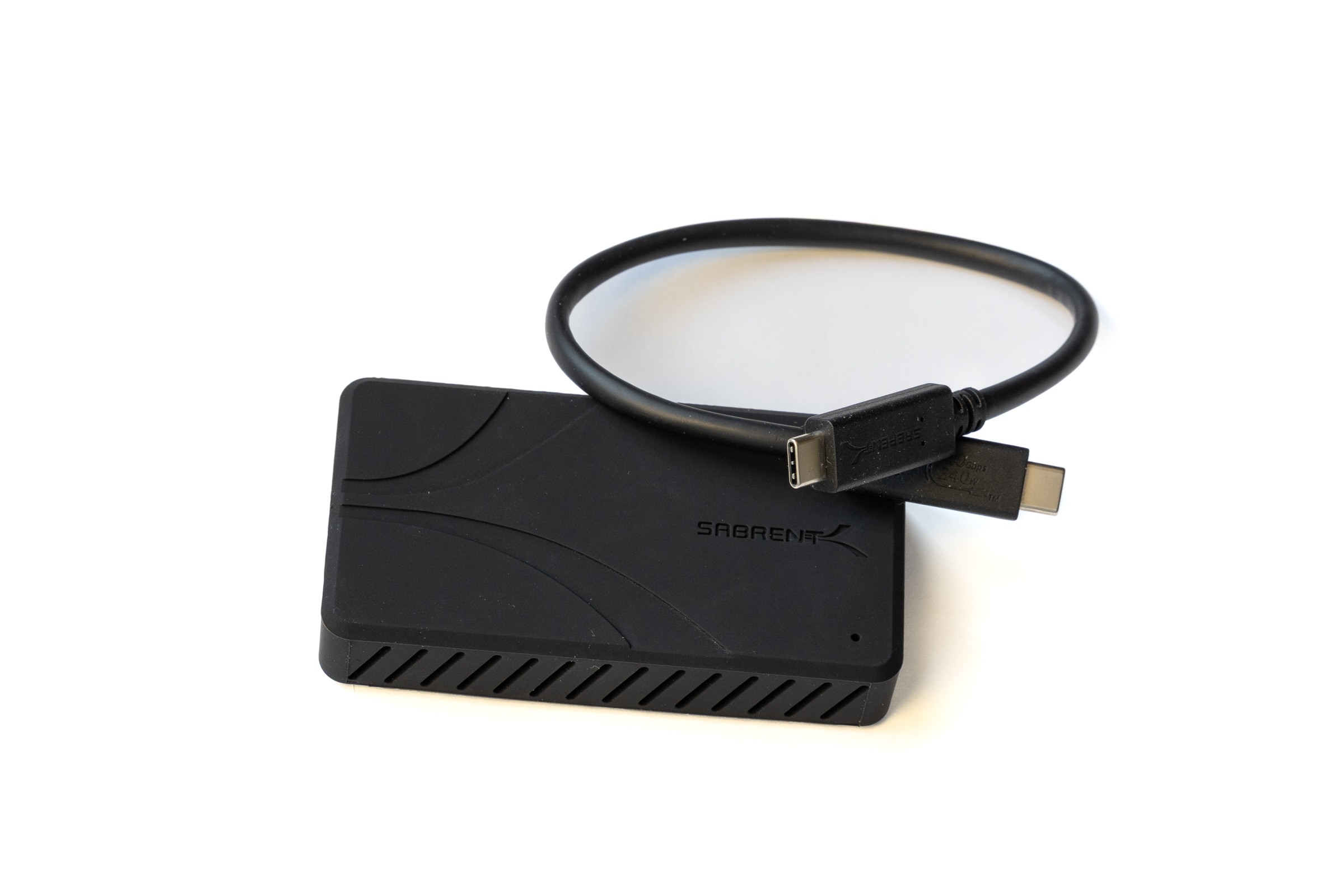 Sabrent Kartenleser CR U4XB Lieferumfang (Image © PCMasters.de)
Test Setup
For our tests, we’re using a 14-inch MacBook Pro from 2021 with an M1 Pro chip. The platform offers sufficient performance and bandwidth to test the card readers under realistic conditions without being limited by the system.
The ports are based on Thunderbolt 4 and support data transfer rates of up to 40 Gbit/s. This ensures that even high-speed readers can reach their full potential. At the time of testing, we are using macOS 26.5 Tahoe as the operating system.
Test System Overview:
- 14-inch MacBook Pro with M1 Pro
- Thunderbolt 4 ports with up to 40 Gbit/s
- macOS 26.5 Tahoe
The following memory card models are used:
- Lexar Professional SILVER CFexpress 2.0 Type A
- Lexar Professional GOLD CFexpress 4.0 Type B
- Lexar Professional 1800x GOLD SDXC UHS-II
- PNY microSD Express
The test software used is AmorphousDiskMark and ATTO Disk Benchmark. The test procedure consists of two stages:
- AmorphousDiskMark Version 4.0.1: Test size 1 GiB, 5 runs
- ATTO Disk Benchmark Version 1.01.0: Test size 64 MiB
Test Results
When testing card readers, we focus primarily on the maximum read speed. Since the card reader primarily serves as an interface, the read speeds are the best indicator of whether the device reliably passes the maximum bandwidth of the respective standard to the computer. Write speeds, on the other hand, depend heavily on the built-in memory chips and the caching behavior of the memory cards in everyday use.
 Sabrent Kartenleser CR U4XB abnehmbare Silikonhülle (Image © PCMasters.de)
Our test data shows that none of the card readers we tested underperformed. Overall, the transfer rates are very close to one another and make good use of the respective ports. The Sabrent reader uses USB 4 and can therefore achieve significantly higher bandwidths. Especially when paired with the Lexar CFexpress 4.0 Type B card, it really shows what it’s capable of. It’s ideal for users who need the highest data rates in their workflow.
 Lexar Kartenleser RW540 (Image © PCMasters.de)
The Lexar microSD Express reader achieves impressive results of nearly 900 MB/s with our PNY test card. The SanDisk Pro Reader SD Express Dual Card, which features the same PCIe-NVMe connection, demonstrates nearly identical performance in the test and, when used with the PNY card, also delivers outstanding speeds close to the maximum of the USB 3.2 Gen 2 interface. Both readers impressively demonstrate what modern PCIe and NVMe standards can achieve in a compact format.
 SanDisk Pro Reader SD Express Dual Card Gehäuse (Image © PCMasters.de)
Lexar’s CFexpress readers also fully exploit the potential of the USB 3.2 Gen 2 interface with Type A and Type B cards, consistently delivering stable peak performance. In addition, our SD UHS-II card achieved the best results in the SD slot of the CFexpress Type A card reader. However, the CFexpress Type-B reader and the Workflow reader are only slightly behind when used with SD cards. The differences between the UHS-II cards are minimal overall, so all tested devices deliver very good performance depending on the connection type.
 Lexar Kartenleser RW530 (Image © PCMasters.de)
Overall, the test results show that all tested models impress with stable, reliable speeds. If you own a newer CFexpress 4.0 card and want to achieve the absolute maximum speed, you’ll hit a wall with USB 3.2 Gen 2 these days due to its 10 Gbit/s limit. In this case, we recommend opting directly for a model with USB 4.
| Model | AmorphousDiskMark (SEQ1MQD8 Read) | ATTO Disk Benchmark (Read) |
| Lexar CFexpress Type A / SD UHS-II RW530 | 812 MB/s (CF) / 260.40 MB/s (SD) | 809.59 MB/s (CF) / 244.92 MB/s (SD) |
| Lexar CFexpress Type B / SD UHS-II RW520 | 918.99 MB/s (CF) / 258.67 MB/s (SD) | 894.78 MB/s / 235.94 MB/s (SD) |
| Lexar Workflow Dual-Slot SD UHS-II WF720 | 245.42 MB/s | 243.98 MB/s |
| Lexar microSD Express RW540 | 896.76 MB/s | 895.85 MB/s |
| SanDisk Pro-Reader SD Express Dual Card | 878.20 MB/s | 874.50 MB/s |
| Sabrent USB4 CFexpress Type B CR-U4XB | 3295.66 MB/s | 3362.79 MB/s |
Build Quality, Handling & Practical Use
Lexar Type A / SD UHS-II RW530
The Lexar Type A card reader feels solid and functional overall. The build quality is clean, and the bottom is equipped with rubber feet, preventing the reader from slipping on smooth surfaces. However, the side panels have a high-gloss finish, which makes them feel slightly "cheaper" compared to the Type B reader discussed next. We’re not entirely fond of this, as fingerprints are immediately visible.
Lexar Kartenleser RW530 (Image © PCMasters.de)
In testing, however, it performed its function with absolute reliability and delivered consistent data transfer rates without any issues under sustained load. It gives the impression of being stable and robust.
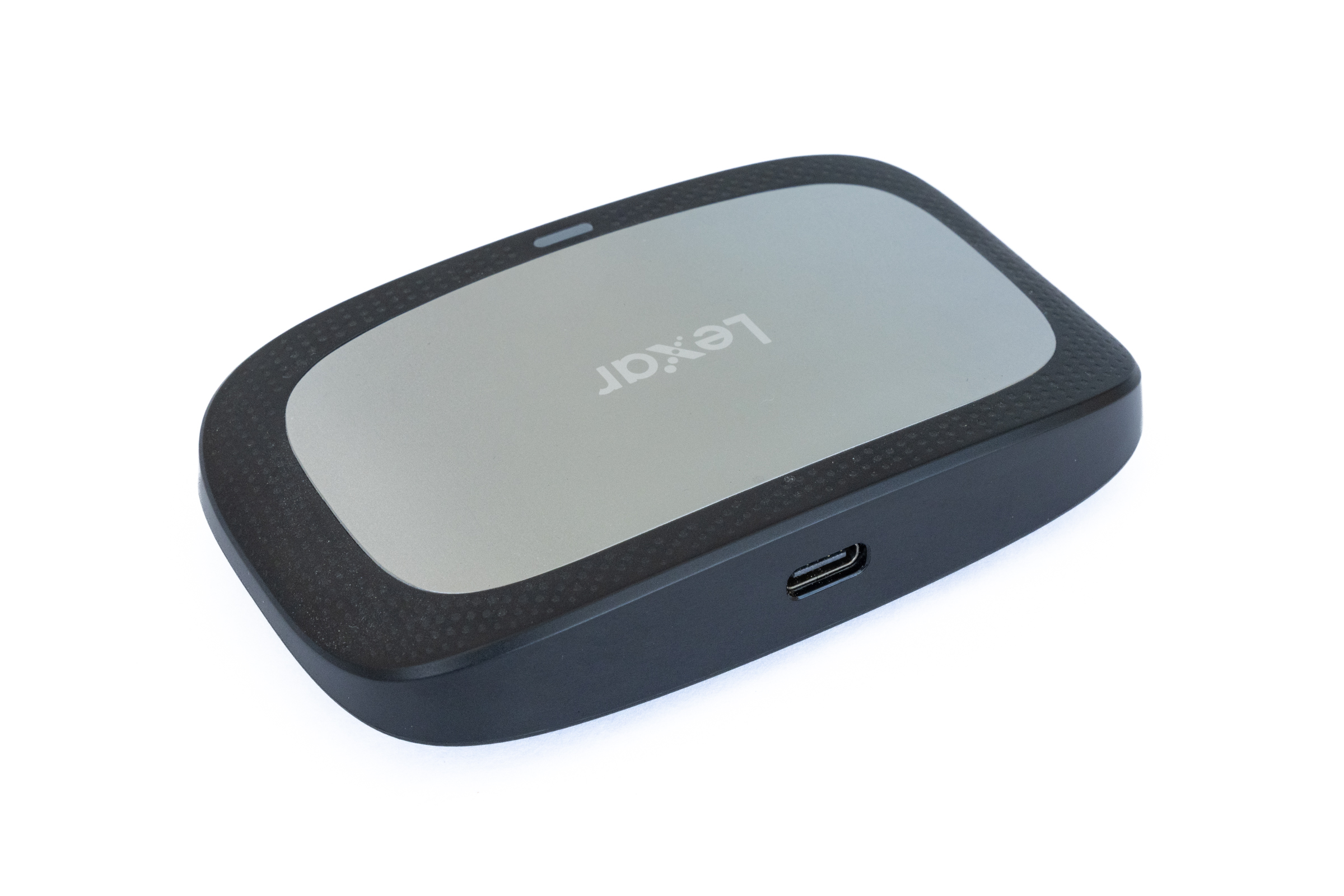 Lexar Kartenleser RW530 USB Port (Image © PCMasters.de)
Lexar CFexpress Type B / SD UHS-II RW520
Compared to the Type A reader, Lexar’s Type B reader feels higher quality. The casing has a matte finish, the surface features a nice texture, and the reader is slightly heavier than the Type A reader, which immediately gives it a more premium feel. Additionally, the rubber foot on the bottom is more slip-resistant.
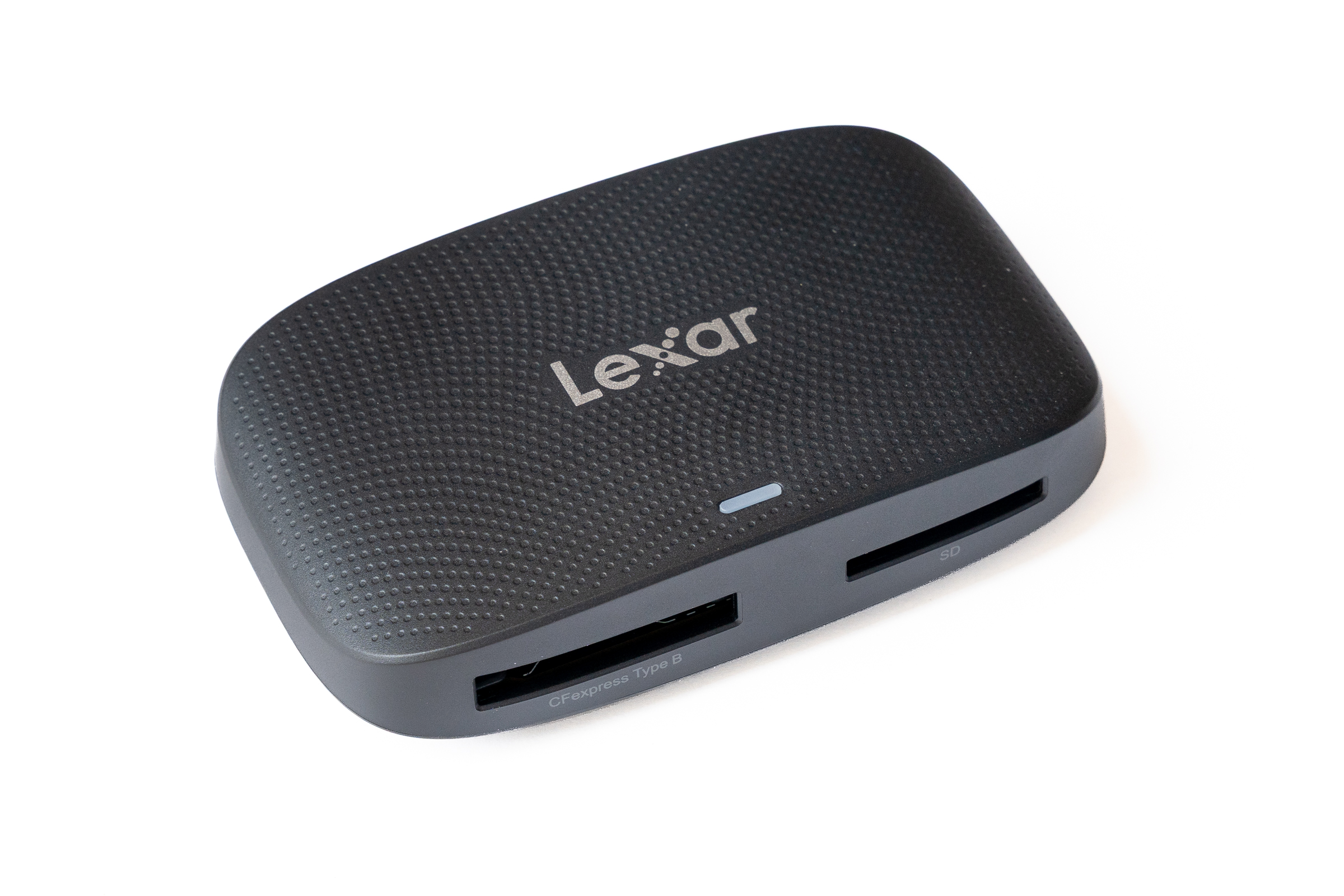 Lexar Kartenleser RW520 (Image © PCMasters.de)
In practice, the card reader impressed across the board. It delivered high speeds in testing and remained absolutely stable even under continuous load. The memory cards were reliably recognized at all times, enabling smooth operation.
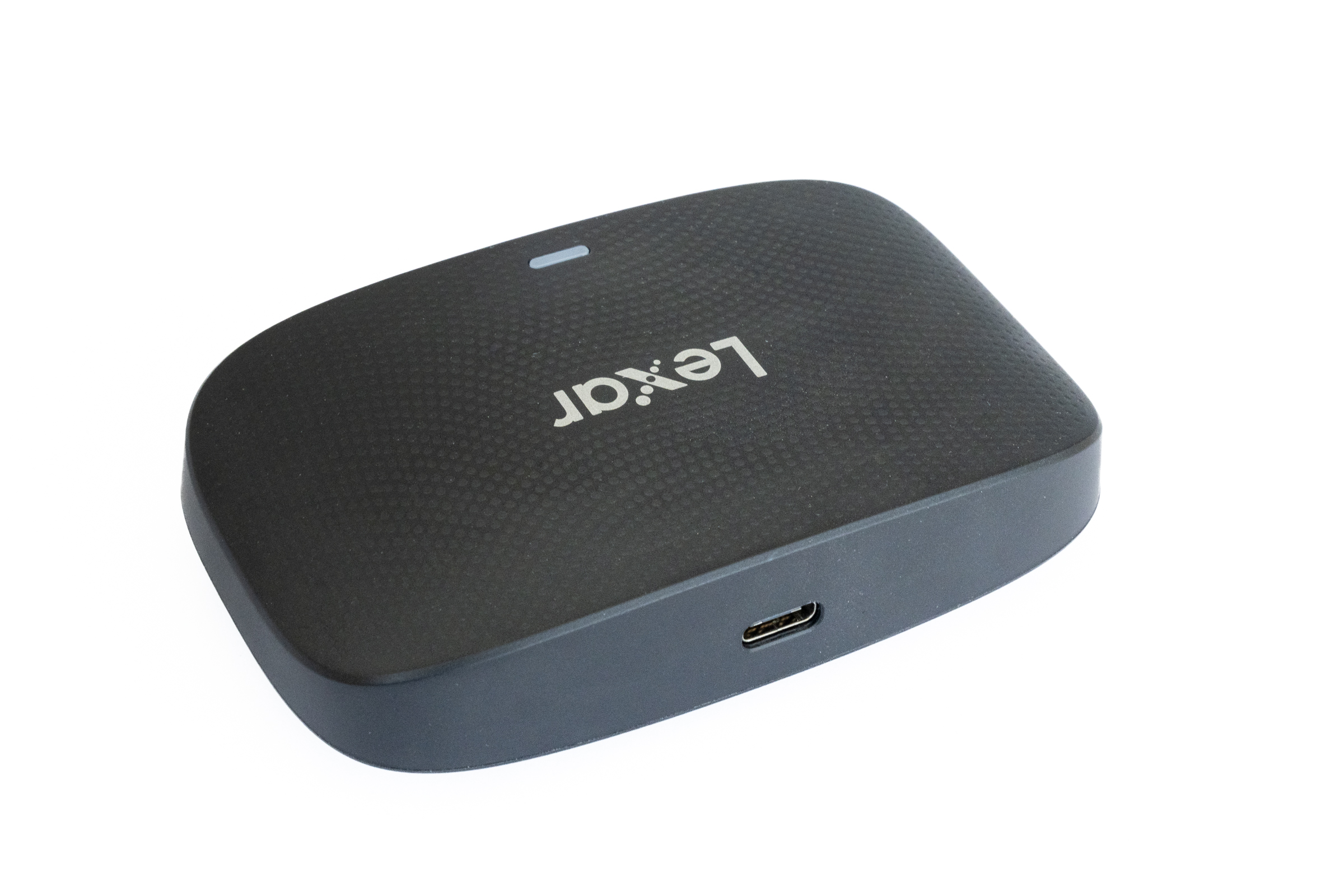 Lexar Kartenleser RW520 USB Port (Image © PCMasters.de)
Lexar SD UHS-II WF720
The Workflow reader is a USB 3.2 Gen 2 card reader capable of handling two SD cards simultaneously. It is lighter and slimmer than the two CFexpress readers and can optionally be integrated into a separately available all-in-one dock from Lexar. The build quality feels slightly less robust—especially compared to the CFexpress Type B reader—but it fully serves its purpose. The focus here is clearly on portability and dual-slot SD support.
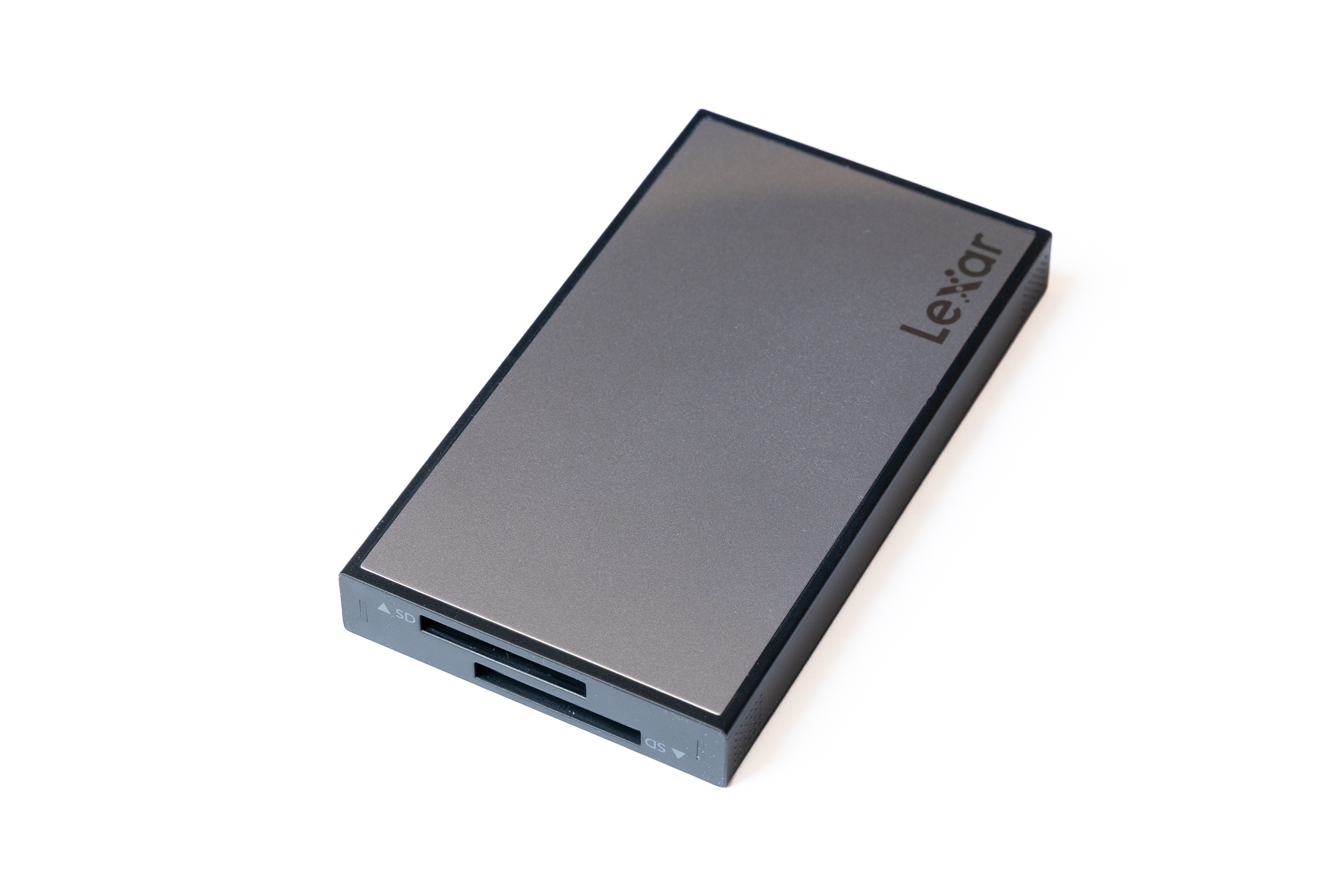 Lexar Kartenleser WF720 (Image © PCMasters.de)
USB 3.2 Gen 2 ensures that even large amounts of data can be transferred in parallel from two UHS-II SD cards without any limits. The cards were reliably recognized at all times during our test, and there were no failures even under continuous load. Anyone who needs dual-SD functionality should take a closer look at this reader.
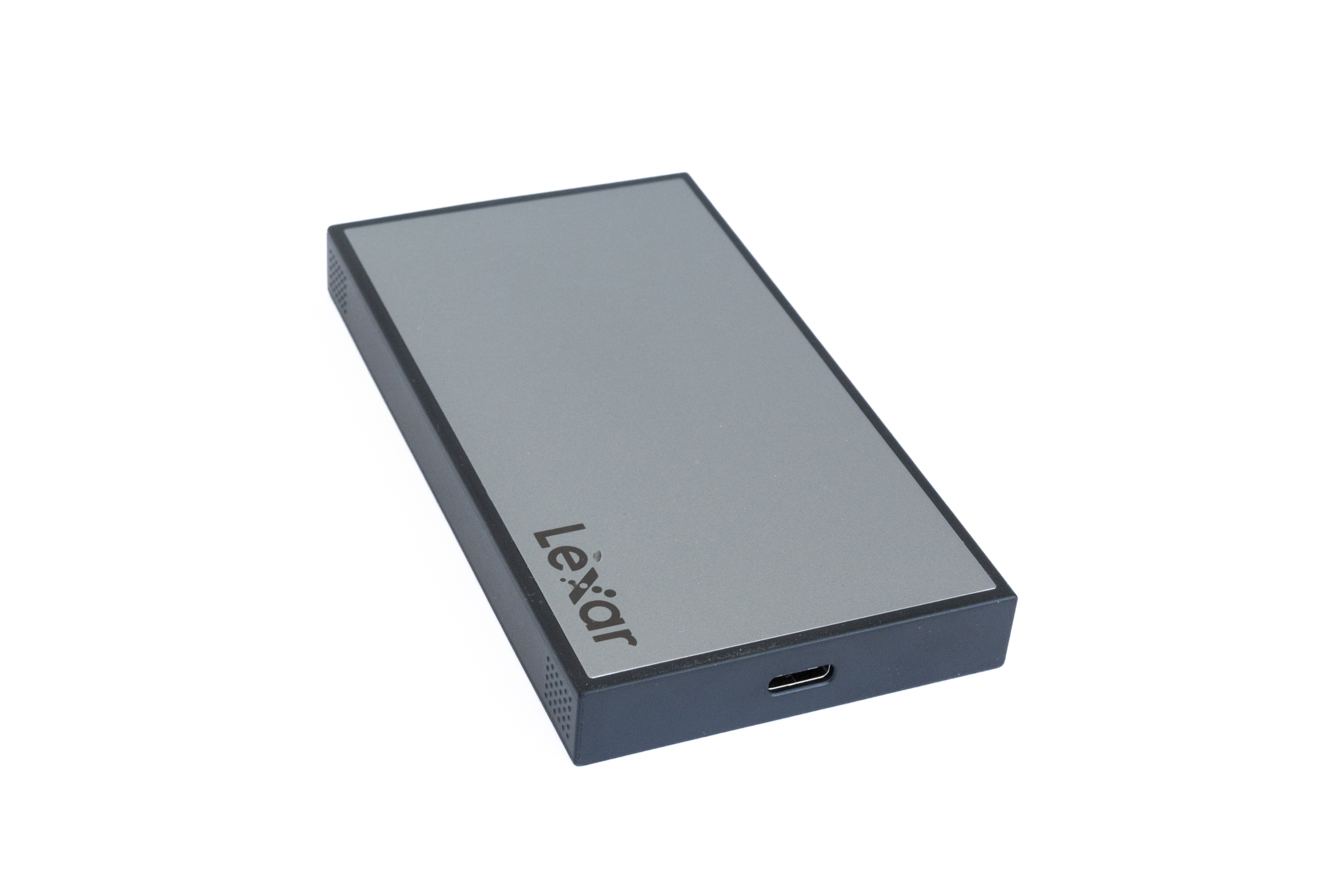 Lexar Kartenleser WF720 USB Port (Image © PCMasters.de)
Lexar microSD Express RW540
The Lexar microSD Express RW540 is a compact USB 3.2 Gen 2 card reader designed specifically for microSD Express cards. The case is small and lightweight, and the build quality feels solid, even if it’s not quite as sturdy as the CFexpress Type B reader. There’s also a single large rubber foot on the bottom. Inside is an active—and rather loud—fan that, under load, audibly blows heat out through the cooling vents. This keeps the housing quite cool at all times, though. As soon as the card is ejected, it goes quiet again.
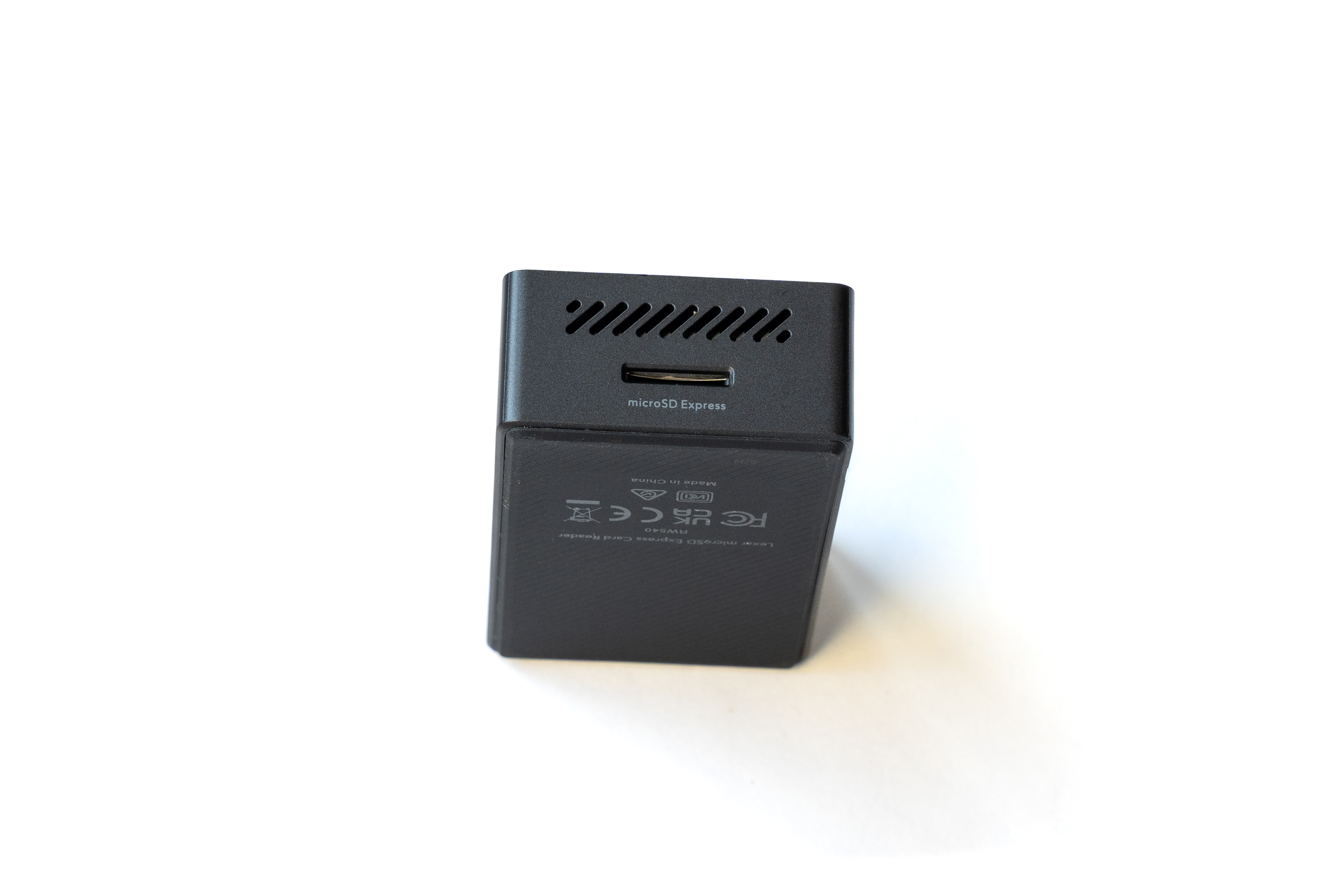 Lexar Kartenleser RW540 Kartenslot (Image © PCMasters.de)
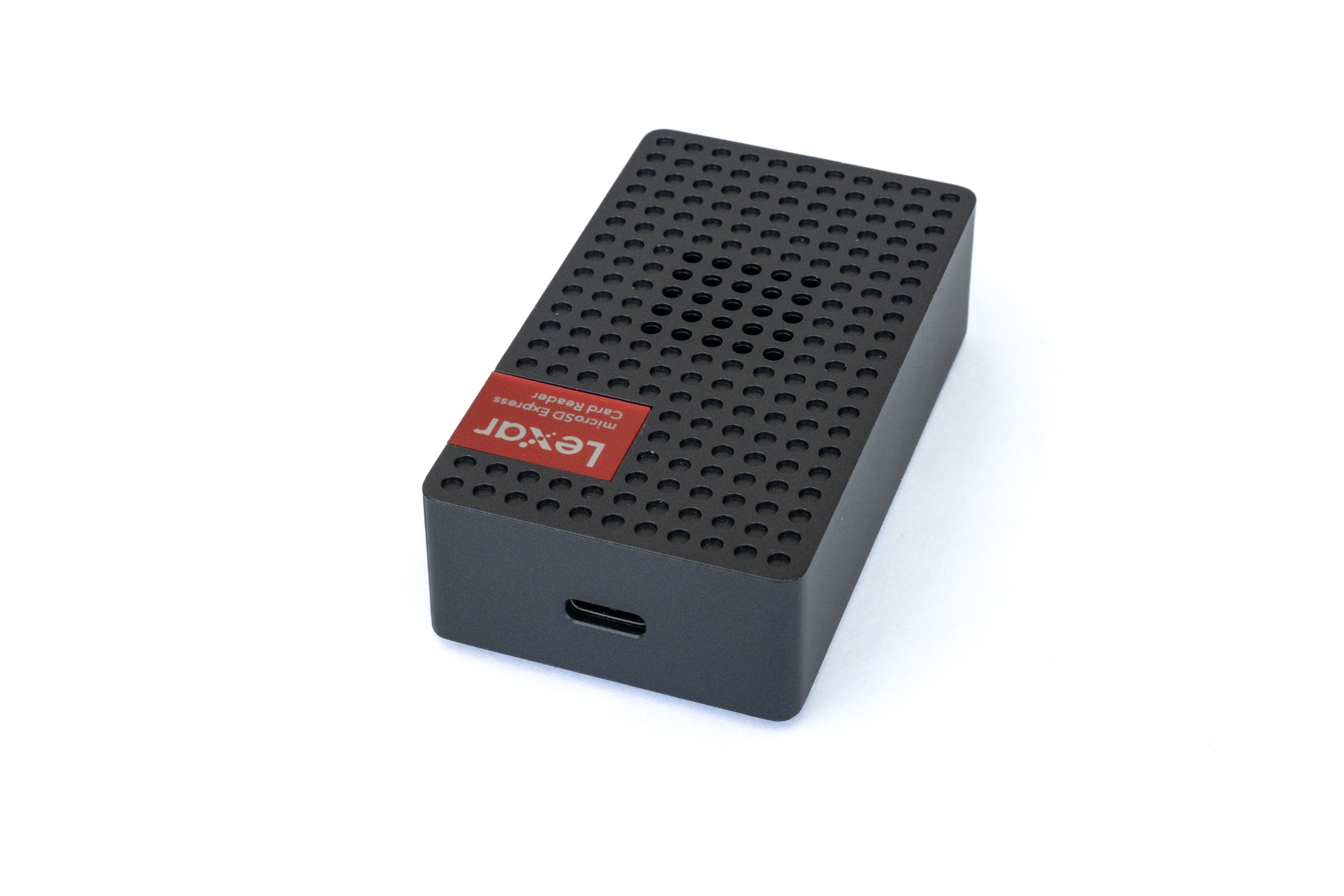 Lexar Kartenleser RW540 USB Port (Image © PCMasters.de)
USB 3.2 Gen 2 and the SD Express standard ensure that even large amounts of data can be transferred quickly. In testing, the RW540 performed reliably without any dropouts or issues under sustained load. The noise level is, however, somewhat distracting. In return, though, you get a lot of speed.
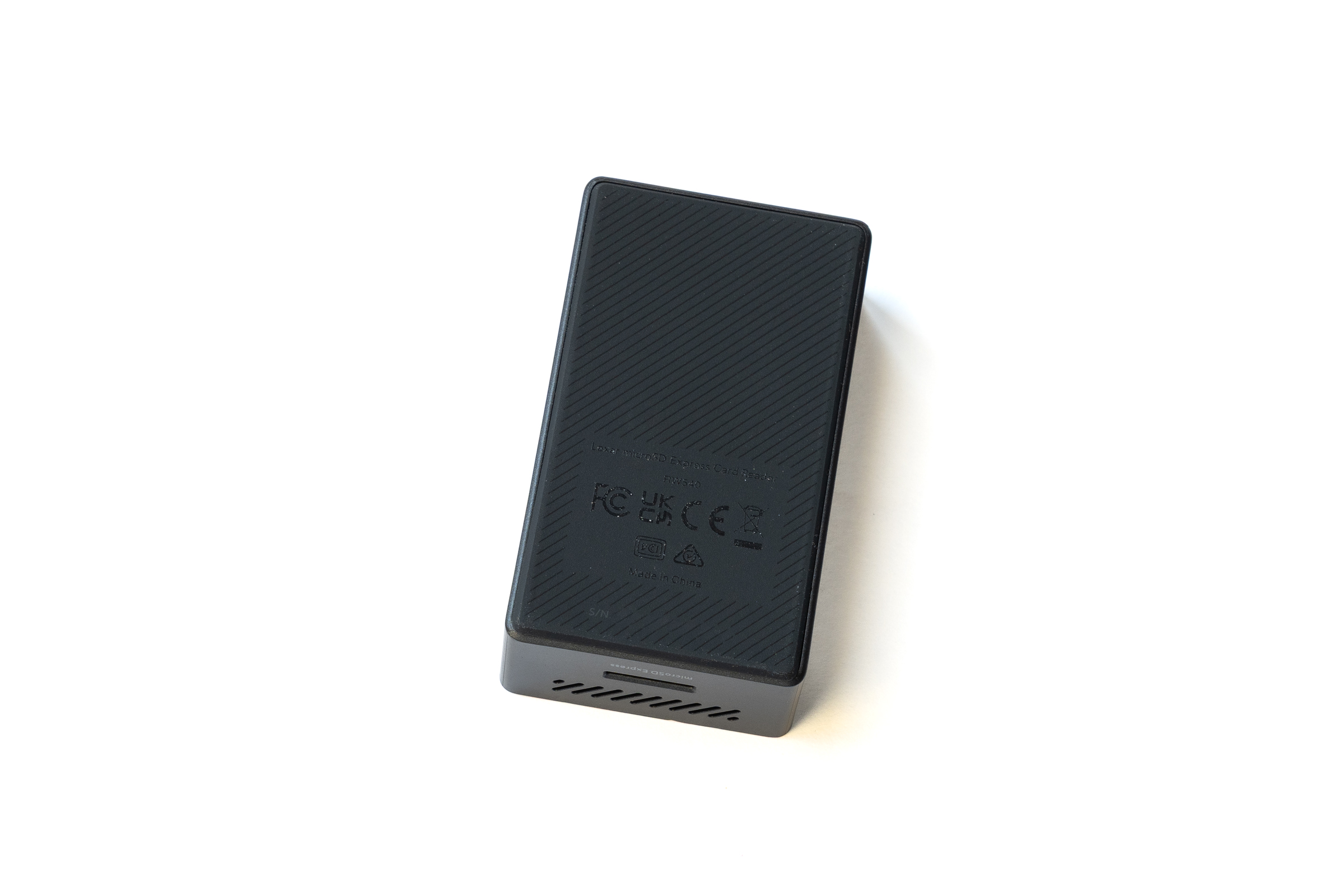 Lexar Kartenleser RW540 Unterseite (Image © PCMasters.de)
SanDisk Pro-Reader SD Express Dual Card
The SanDisk Pro-Reader immediately stands out thanks to its solid, high-quality aluminum housing. It looks extremely sturdy, sits firmly on the desk due to its weight, and rubberized strips on the bottom ensure a non-slip grip. A practical feature is the integrated write-protect switch on the side. Additionally, the front features a flip-up cover that serves as a mechanical lock for the separately available SanDisk PRO-DOCK 4.
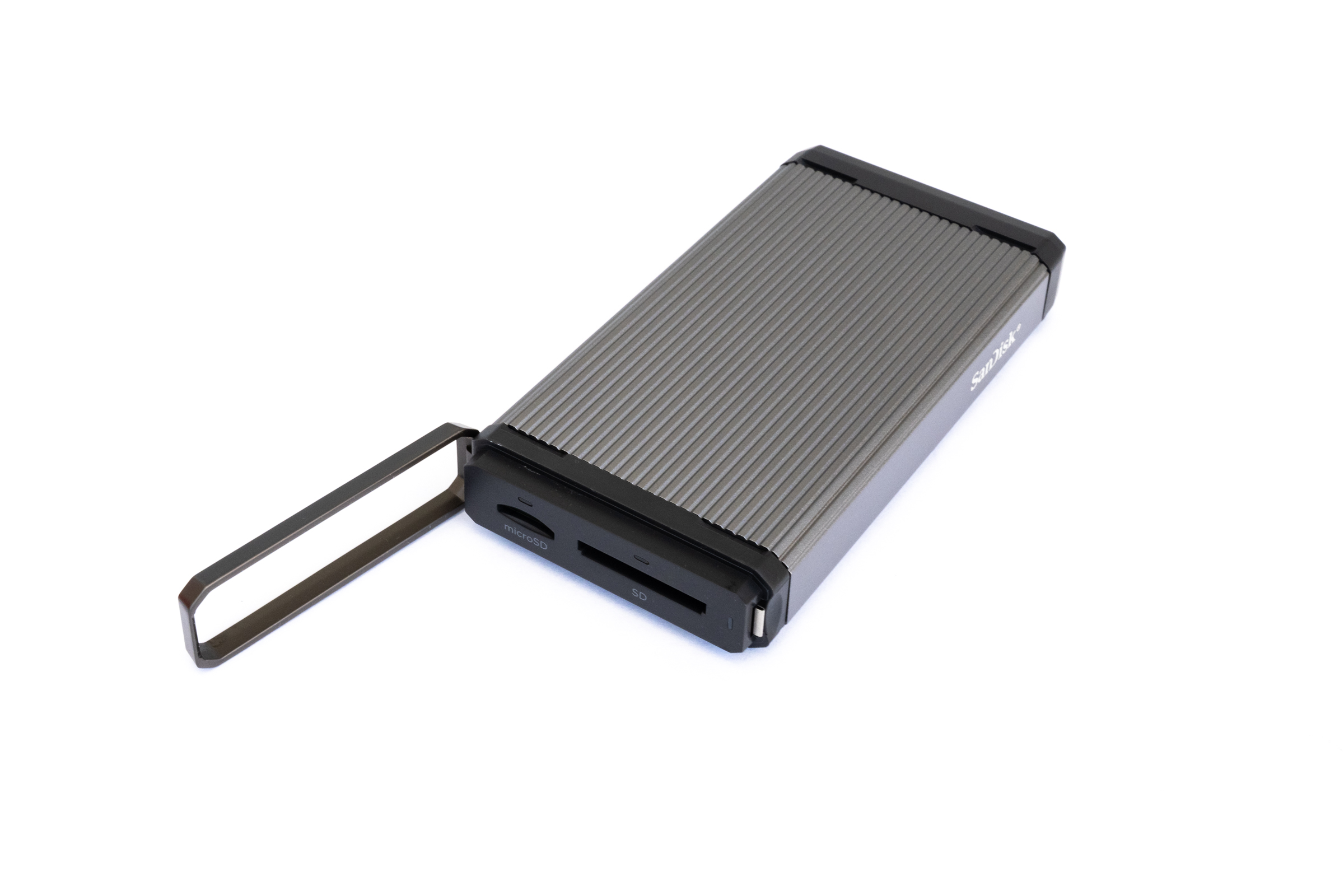 SanDisk Pro Reader SD Express Dual Card Kartenslots (Image © PCMasters.de)
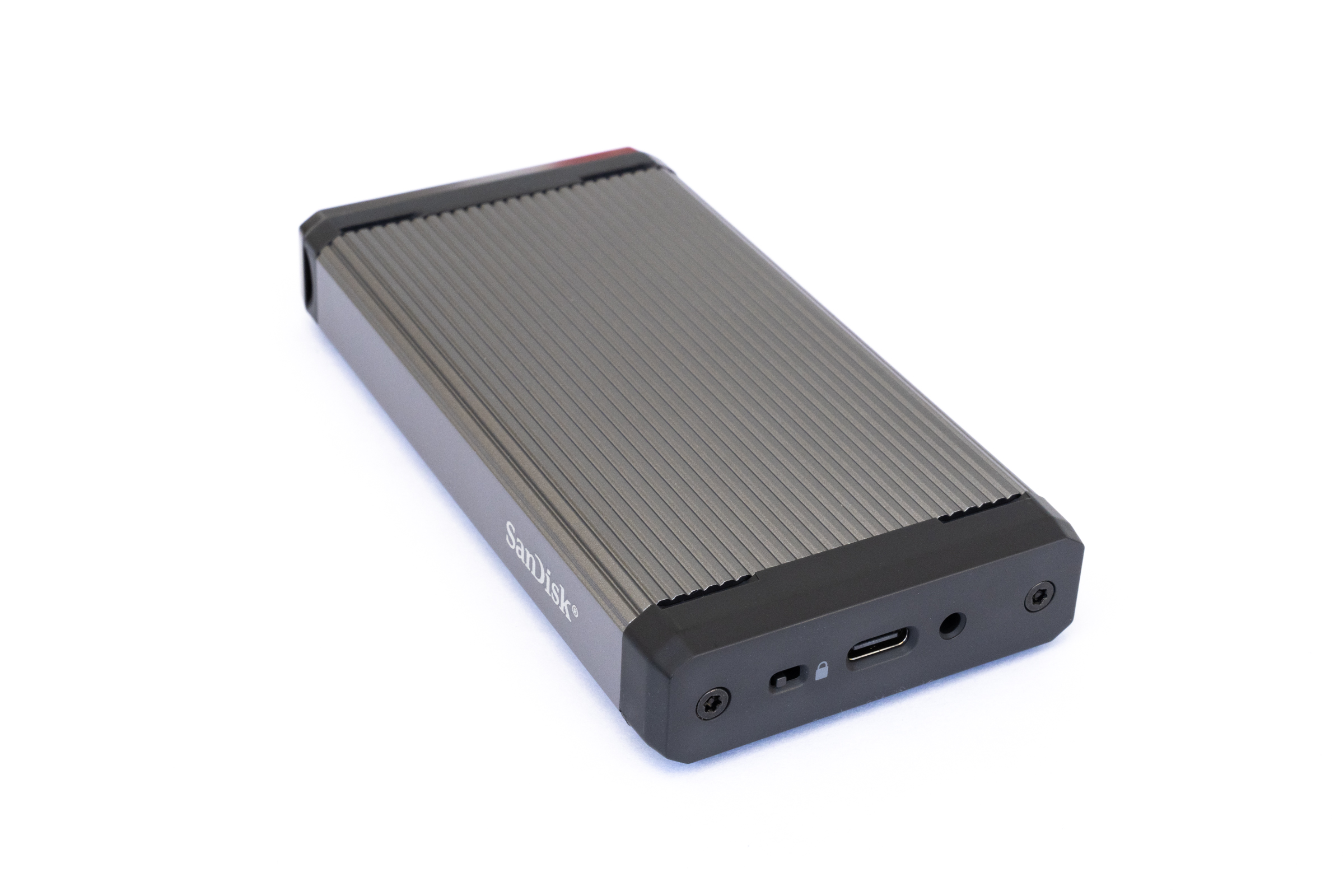 SanDisk Pro Reader SD Express Dual Card USB Port und Schreibschutz (Image © PCMasters.de)
In real-world testing, the device impressed with consistently stable performance via its USB 3.2 Gen 2 interface. The metal housing acts as a passive heat sink; while it does get warm under continuous load, it operates entirely without a fan. The memory cards snap into place in the slot with a distinct click and were consistently recognized during testing.
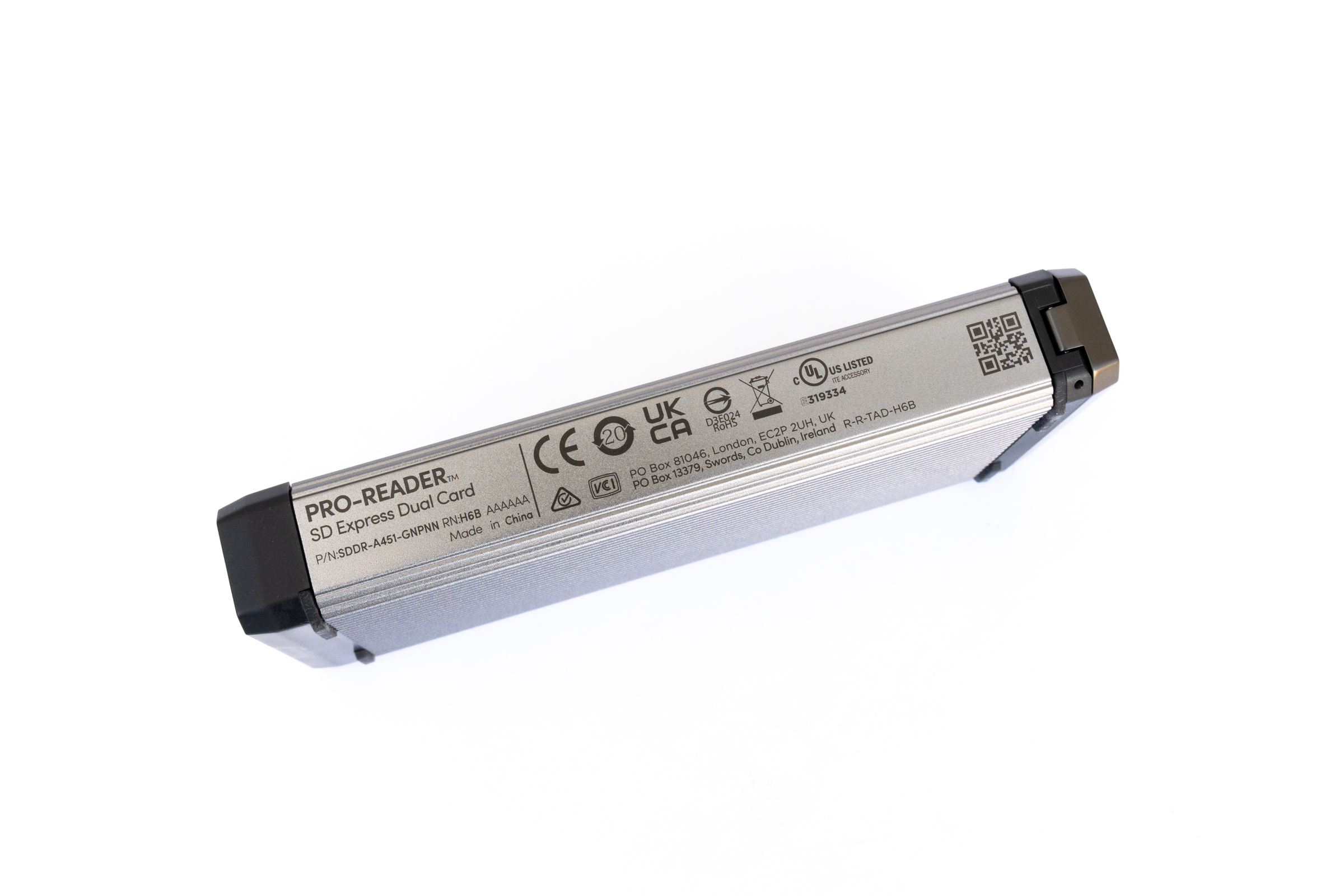 SanDisk Pro Reader SD Express Dual Card Daten (Image © PCMasters.de)
Sabrent CFexpress Type B USB 4 CR-U4XB
The Sabrent CR-U4XB is a high-performance card reader designed for exceptionally fast CFexpress Type B cards. Like the SanDisk reader, the housing is made of aluminum and feels extremely sturdy and high-quality. The build quality is excellent, and the reader sits stably on the desk thanks to its weight.
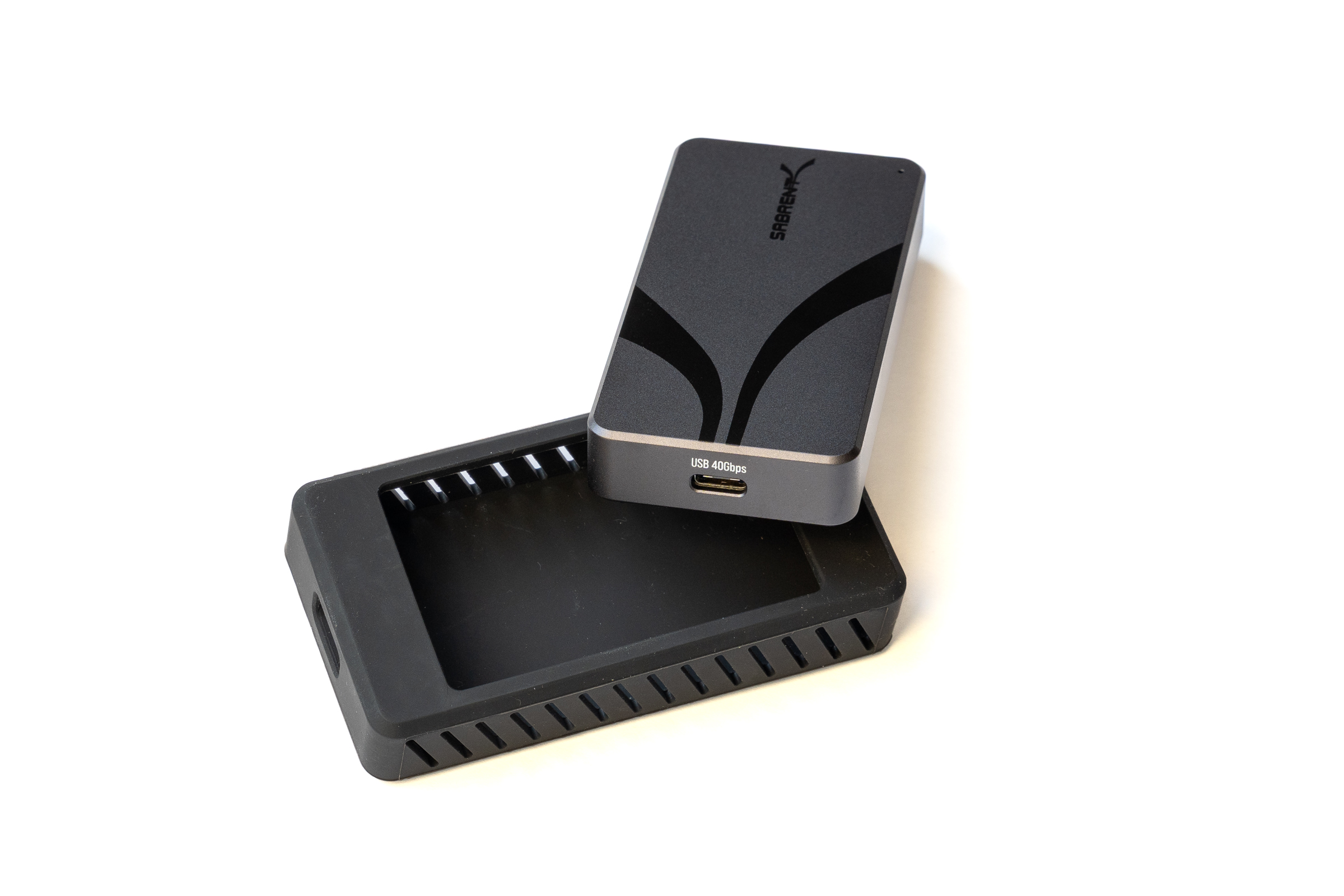
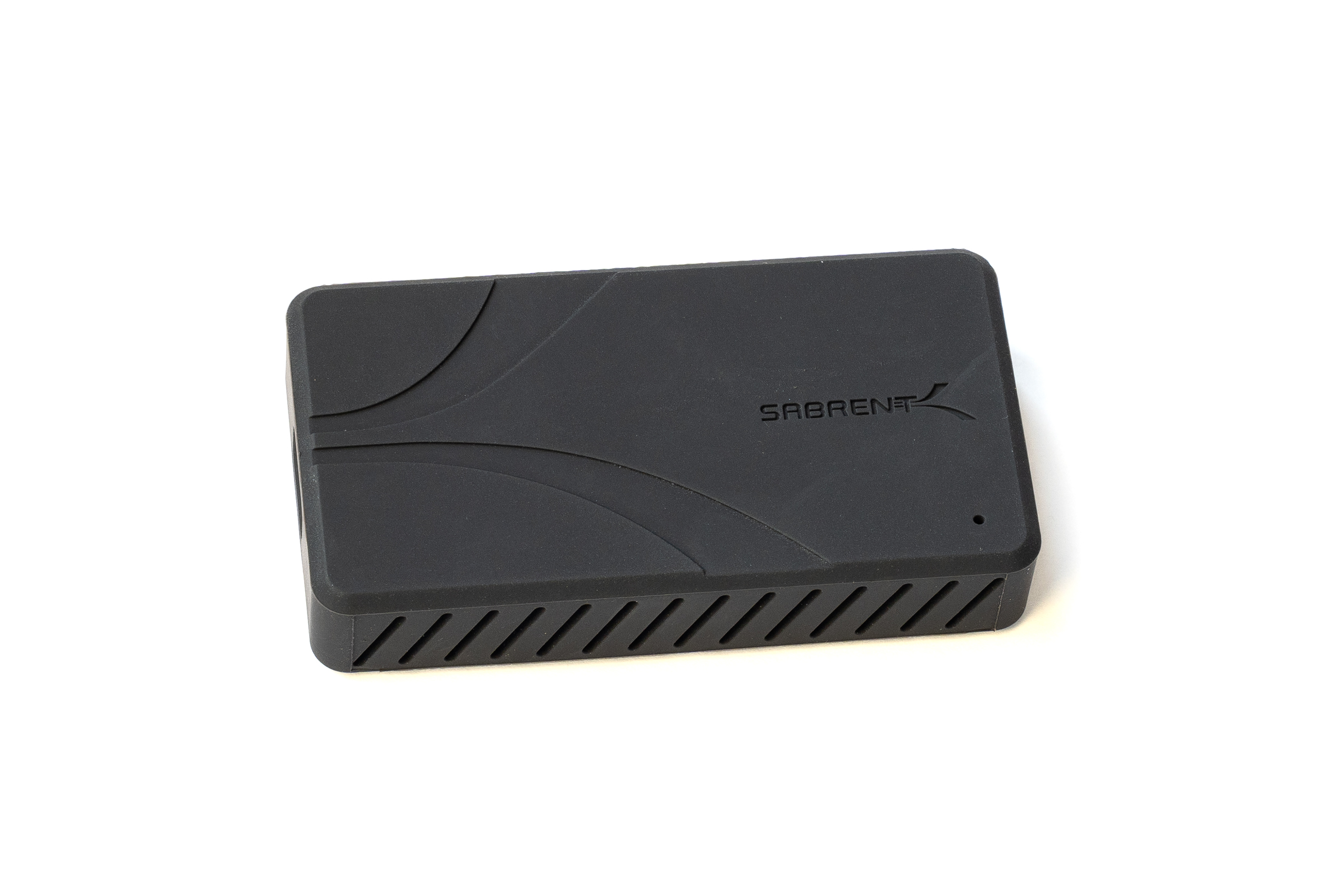
Thanks to its compact design, it remains portable nonetheless. There are two rubber feet on the bottom, and Sabrent also includes a sturdy rubber sleeve for protection, which can be used optionally.
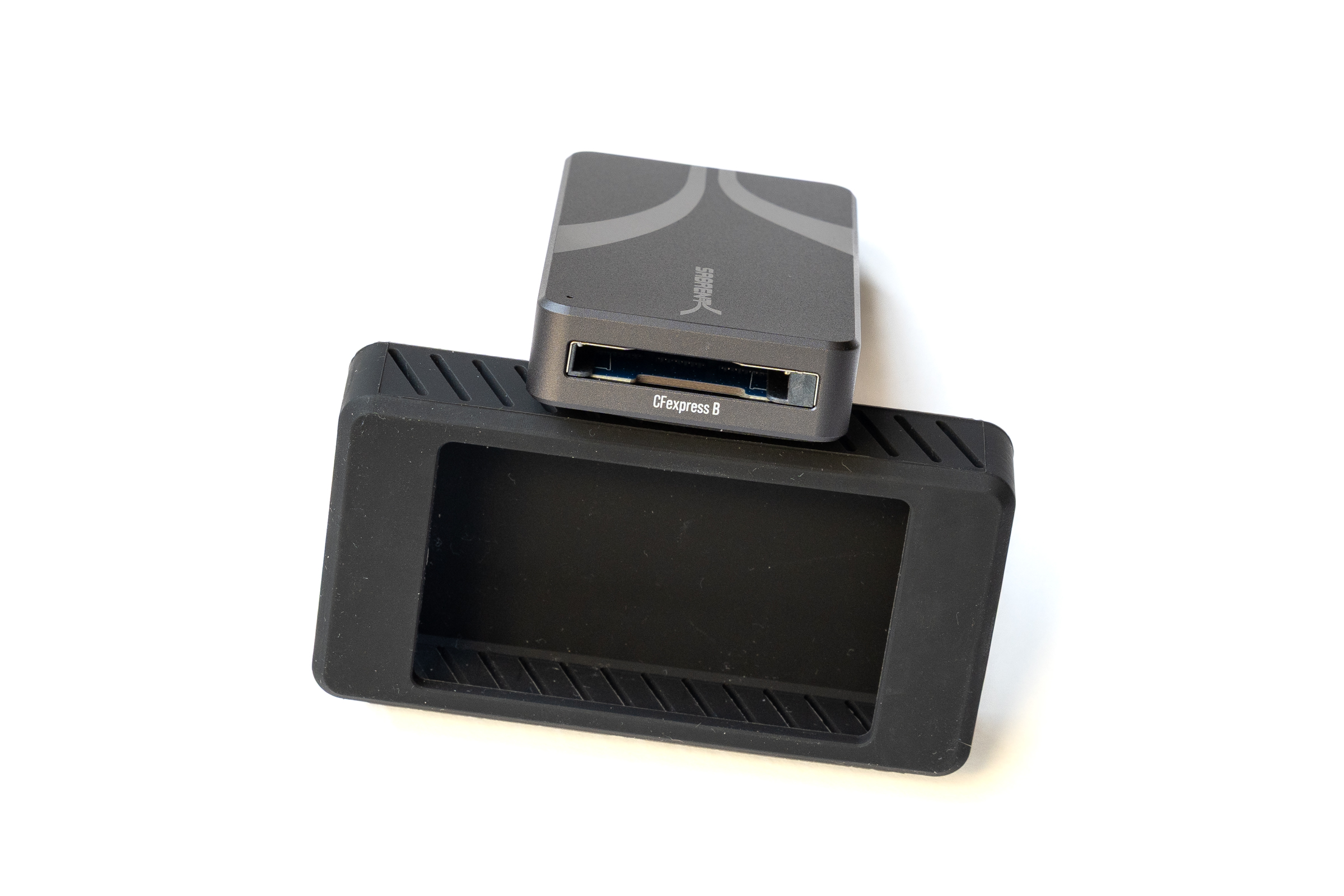 Sabrent Kartenleser CR U4XB Kartenslot (Image © PCMasters.de)
 Sabrent Kartenleser CR U4XB USB Port (Image © PCMasters.de)
Thanks to USB 4, the reader supports very high data transfer rates of up to 40 Gbit/s. In our tests, it demonstrated that it reliably harnesses the performance of modern CFexpress 4.0 cards and delivers very stable transfers even under continuous load.
 Sabrent Kartenleser CR U4XB (Image © PCMasters.de)
 Kartenleservergleich CFexpress SD SDExpress Fazit (Image © PCMasters.de)
Conclusion
At first glance, it’s not easy to draw a conclusion. Our test results impressively demonstrate that choosing the right card reader today is less a matter of pure reliability and depends heavily on the intended use and the card technology employed. Virtually all of the models tested operate stably and deliver excellent transfer rates in practice.
For those who rely on maximum performance and use modern CFexpress 4.0 cards, the Sabrent USB 4 CFexpress Type B is the highest-performing model in the test lineup. Thanks to its USB 4 connection, it noticeably outperforms the rest of the field in terms of transfer rates, though it does require corresponding interfaces on the host system. In the USB 3.2 Gen 2 reader segment, the candidates from Lexar and SanDisk are locked in a close, neck-and-neck race. The Lexar microSD Express scores points with extremely high read speeds, but uses an active fan for cooling that is audible under load. The SanDisk Pro-Reader SD Express Dual Card offers a more premium, completely silent aluminum design with nearly identical transfer performance. With its integrated write-protect switch and docking compatibility, it’s clearly aimed at users with high expectations for build quality and durability.
- Sabrent USB4 CFexpress Type B CR-U4XB starting at €89 on Amazon (Affiliate)
- SanDisk Pro-Reader SD Express Dual Card starting at €72 on Amazon (Affiliate)
For classic setups, the Lexar CFexpress Type A / SD and the Lexar CFexpress Type B / SD offer an excellent combination of versatility and solid everyday performance. If you regularly need to read two SD cards simultaneously or want to expand your setup modularly, go for the Lexar Workflow Dual-Slot SD. Ultimately, all models in the test impress with rock-solid performance. The purchasing decision therefore depends primarily on which ports your equipment requires—whether it’s maximum USB-4 performance, silent cooling in a sturdy enclosure, or modular flexibility for your individual workflow. The suggested retail price for the readers ranges from €64 to €130, depending on the features.
- Lexar CFexpress Type A / SD UHS-II RW530 starting at €79 on Amazon (Affiliate)
- Lexar CFexpress Type B / SD UHS-II RW520 starting at €79 on Amazon (Affiliate)
- Lexar Workflow Dual-Slot SD UHS-II WF720 starting at €94 on Amazon (Affiliate)
- Lexar microSD Express RW540 starting at €99 on Amazon (Affiliate)