Computer Forum
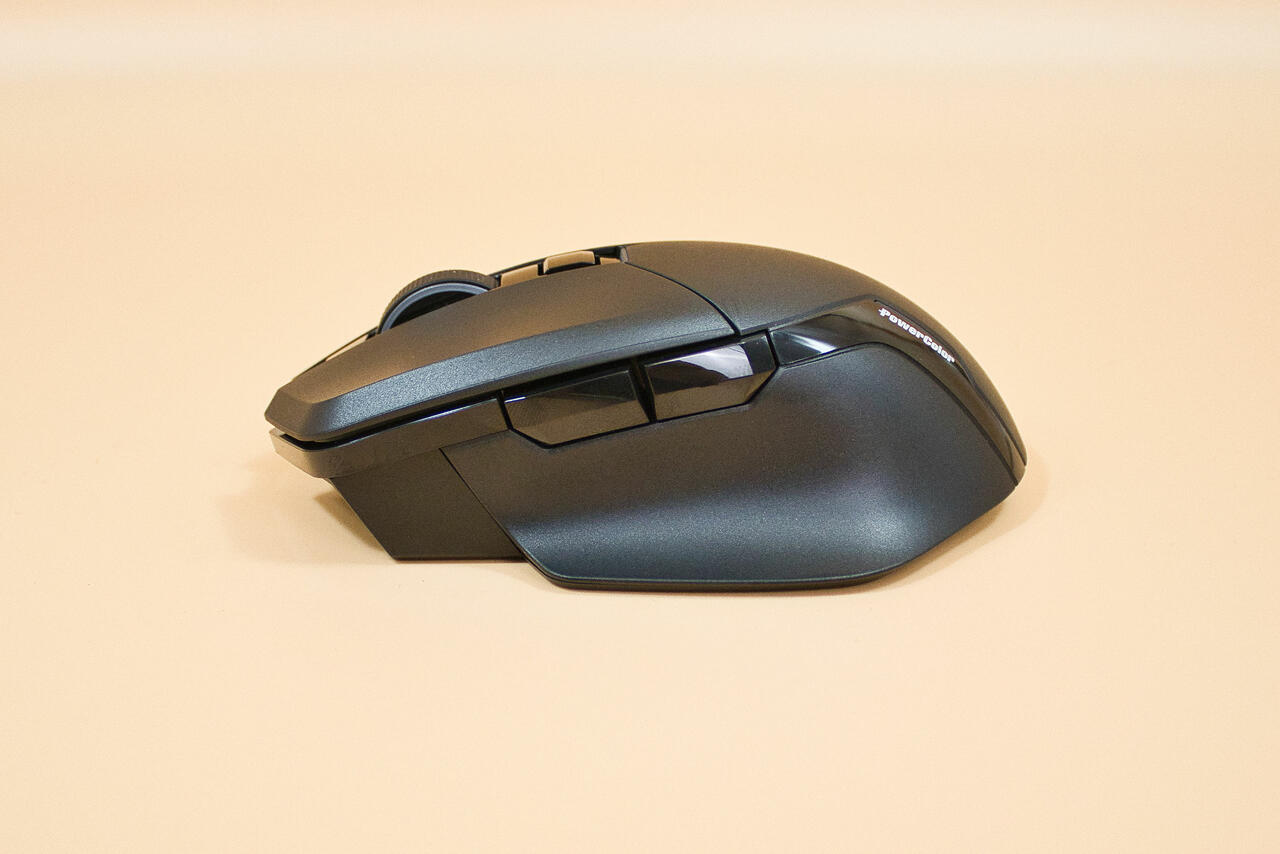 Powercolor AM10 Alphyn Test Review (Image © PCMasters.de)
PowerColor Company History
PowerColor is a U.S. subsidiary of TUL Corporation, which founded the company in 1997 and has been producing graphics cards ever since. The company primarily uses AMD graphics chips, but NVIDIA chips are also used in the "Zogis" series. Smaller business segments include the case and power supply divisions. Recently, the peripheral division has also been added to the portfolio, and the AM10 tested here is its first product in the mouse category.
Technical Specifications
| PowerColor Alphyn AM10 Wireless - Technical Specifications | |
|---|---|
| Type | wireless |
| Number of buttons | 6 buttons |
| Connection | 2.4 GHz, Bluetooth, and USB |
| Sensor | PixArt PMW 3395 |
| Resolution | adjustable from 100 dpi to 26,000 dpi |
| Polling Rate | via cable: 250 Hz to 8 kHz; via dongle: 250 Hz to 1 kHz; via Bluetooth: 125 Hz |
| Scroll Wheel | 2-way scroll wheel |
| Design | Right-handed design |
| Battery life | 50 hours maximum |
| Weight | 96 g |
| Mouse buttons | Omron optical switch (70 million clicks) |
| Grip type compatibility | Palm and Claw |
| Special Features | RGB lighting, braided cable, stowable receiver |
| Price | €89 (Affiliate) |
 Powercolor AM10 Alphyn Verpackung front (Image © PCMasters.de)
## Packaging The AM10 mouse comes in packaging that’s entirely black; a fabric wrist strap protrudes from the top of the box—very unusual, but well, tastes vary.
 Powercolor AM10 Alphyn Verpackung Rückseite (Image © PCMasters.de)
Otherwise, the packaging is made of sturdy cardboard; the black finish seems to magically attract fingerprints and could quickly look unsightly in retail settings if everyone picks it up to examine it.
 Powercolor AM10 Alphyn Lieferumfang (Image © PCMasters.de)
What’s in the Box
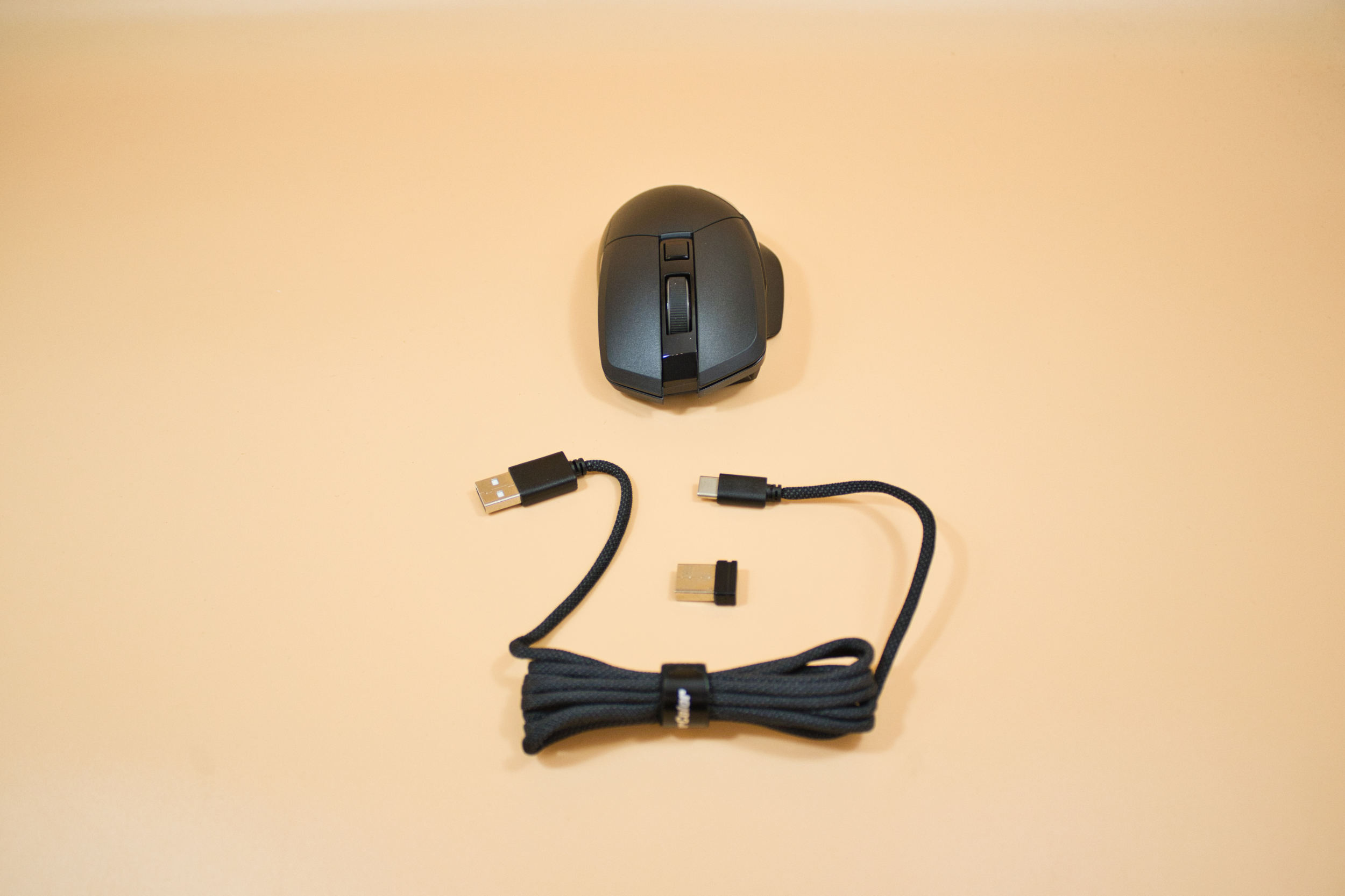
The package includes the mouse, a dongle, and a USB-A to USB-C cable sheathed in paracord, which, at 1.8 meters, is sufficiently long. There is no user manual at all; only a QR code on the packaging takes you to PowerColor’s support page, where you must then manually enter your product model to search for it. This could be improved, for example, by redirecting users directly to the mouse’s product page; creating a QR code for each individual product shouldn’t be a problem these days. In our opinion, the current solution is not consumer-friendly. Once you’ve found the PDF manual, it’s only available in English.
 Powercolor AM10 Alphyn Frontbeleuchtung 1 (Image © PCMasters.de)
Build Quality
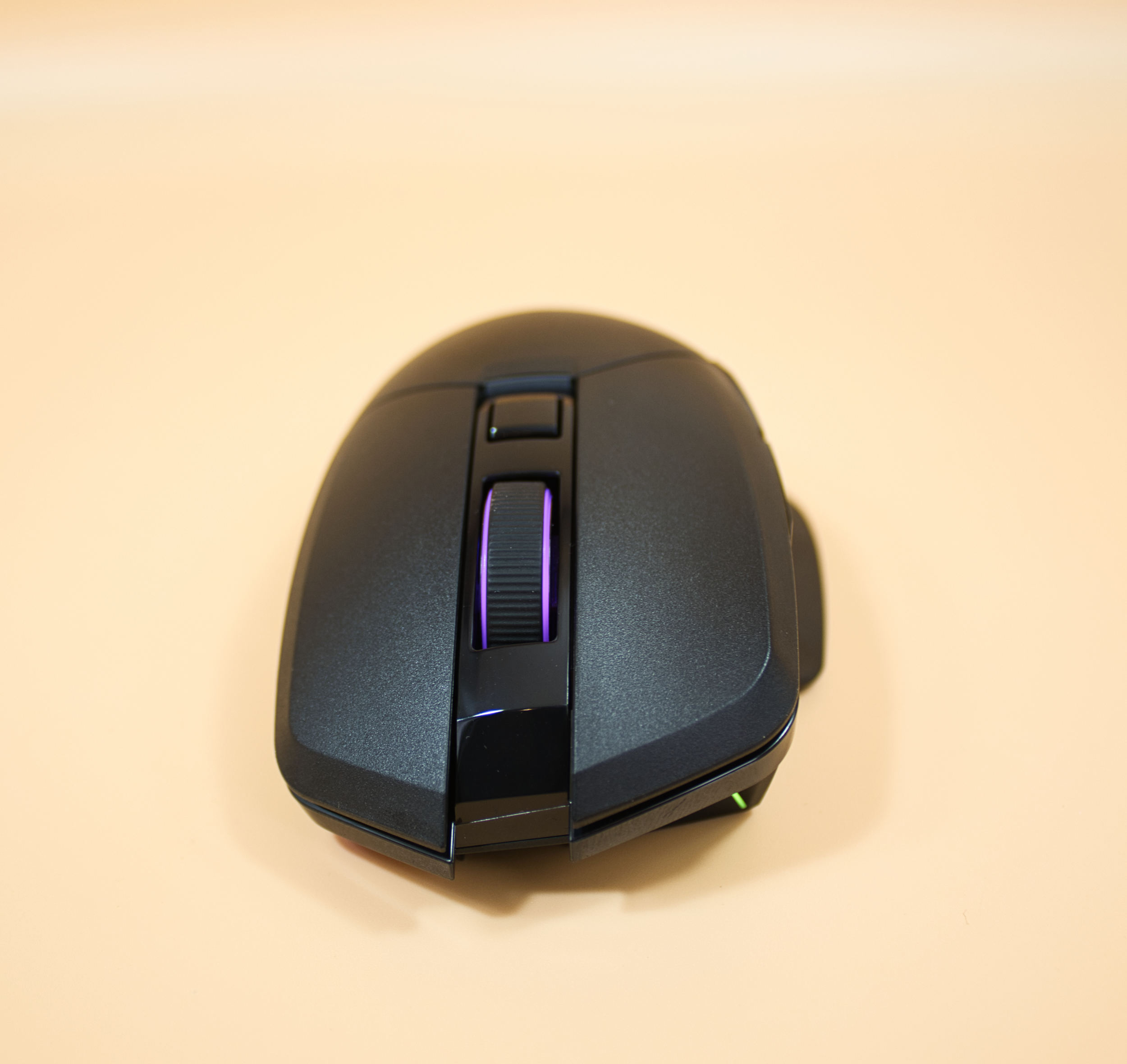
There’s basically nothing to complain about in terms of build quality; the gaps are even and nothing creaks. We particularly like the narrow RGB lighting, which changes colors virtually seamlessly. It’s just a shame that this design element is so hard to see, since most of the RGB lighting is located on the front, below the main buttons.
 Powercolor AM10 Alphyn Mausradbeleuchtung (Image © PCMasters.de)
On the bottom, there’s a selector switch that lets you choose the connection type; it clicks into place firmly and is pretty self-explanatory. Below that is a button you can use to pair the device, for example, if you select Bluetooth as the connection type. Removing the protective film from the glide surfaces was a bit fiddly, as there’s no protruding tab to help you grip the film.
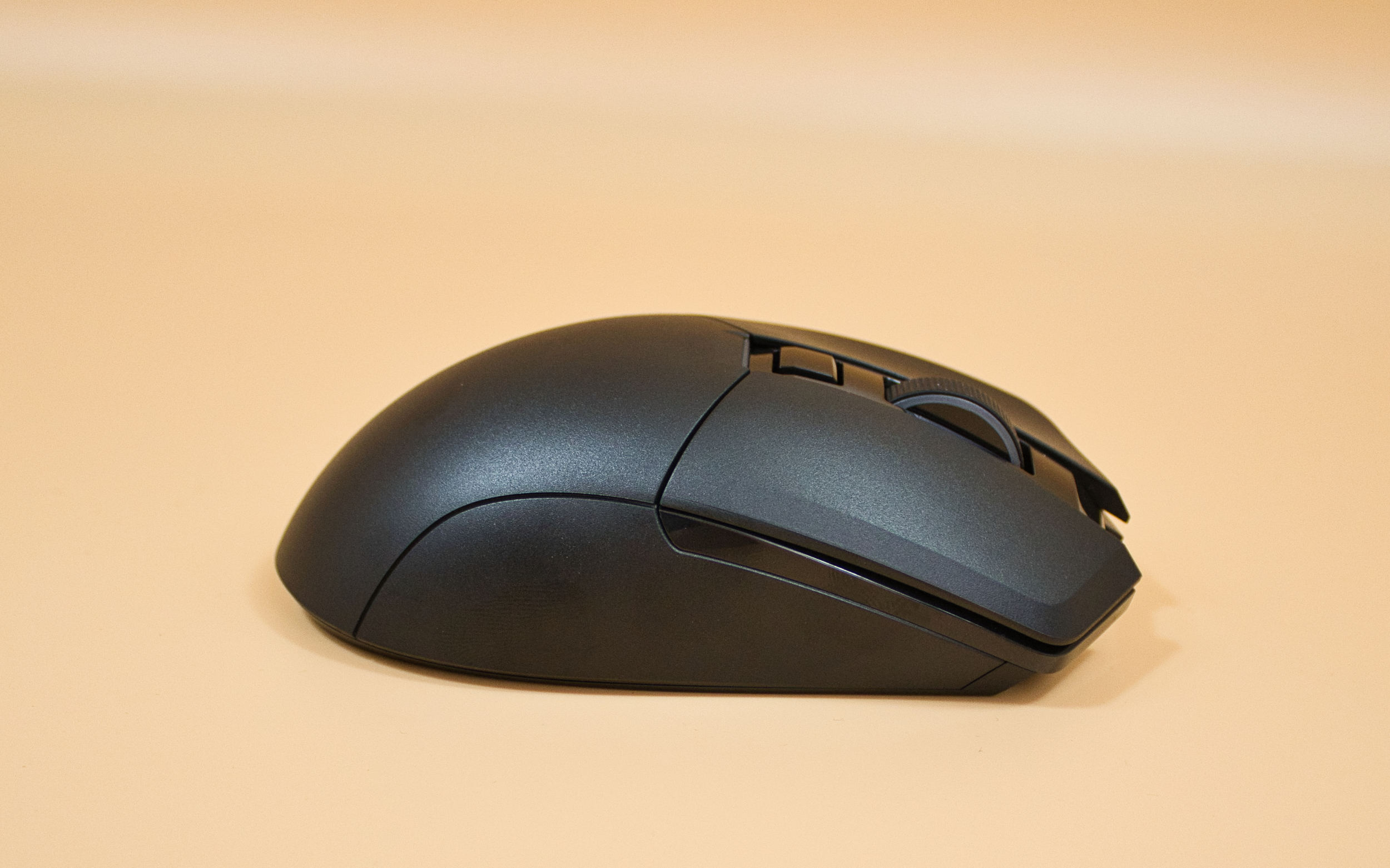 Powercolor AM10 Alphyn Seitenansicht (Image © PCMasters.de)
Mouse Feel and Ergonomics
The mouse is relatively tall but fits well in the hand, and the palm is well supported. The main buttons have a good actuation point and thus provide good feedback. The mouse wheel is rubberized and has a good clicky feel, allowing for very precise control. The side buttons are easy to reach and respond to even light pressure; while this can lead to accidental inputs, it also offers a slight advantage in the heat of battle. Above the scroll wheel is the DPI selector switch for the sensor, which is easily accessible. At 96g, it’s not exactly a lightweight, but thanks to its good ergonomics, this is only noticeable in extreme situations.
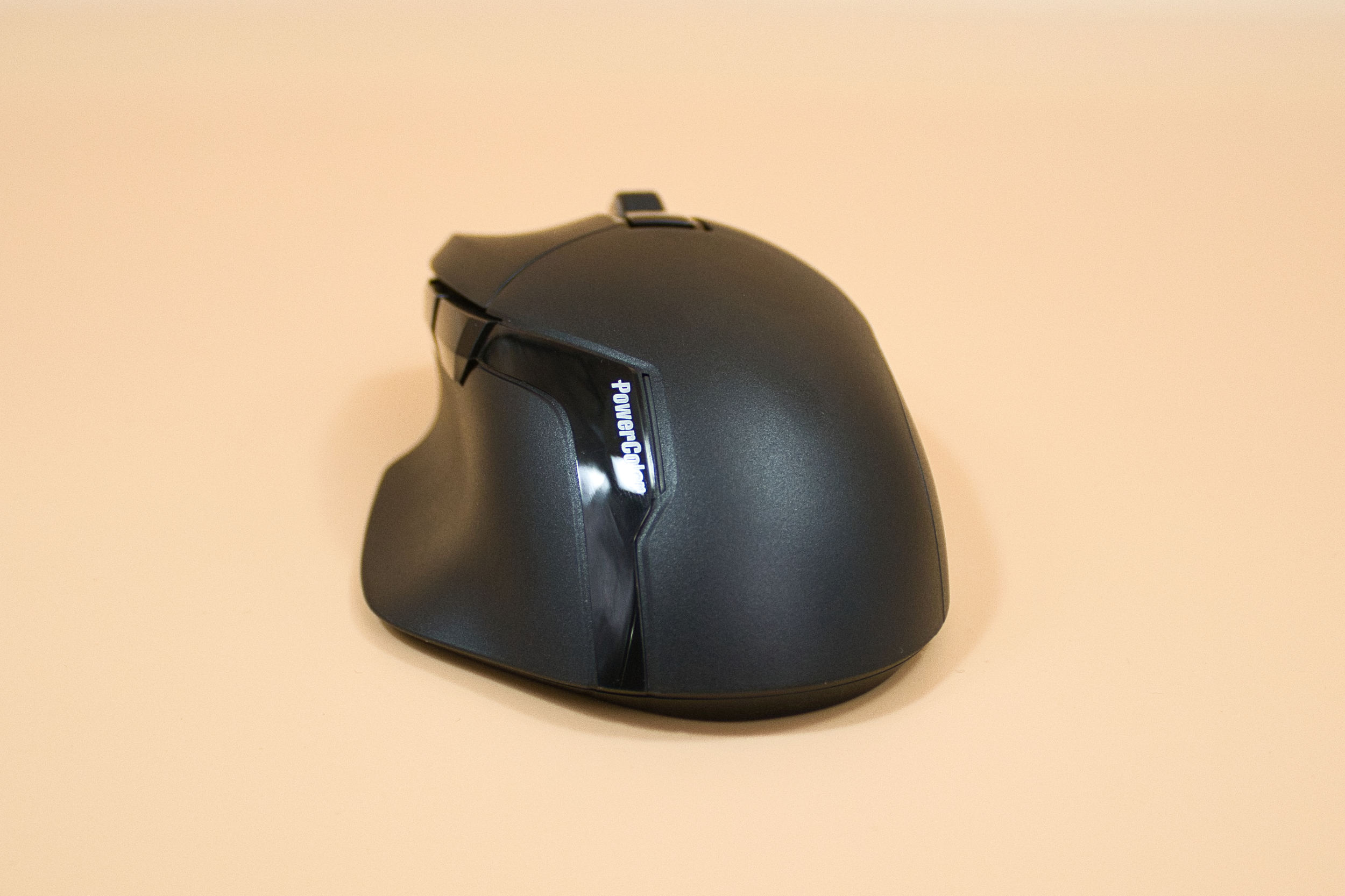 Powercolor AM10 Alphyn Heckansicht (Image © PCMasters.de)
The Pixart 3395 sensor, used in many other mice, performs exceptionally well as usual and should meet even the highest demands. Whether you actually use the 26k sampling rate is another matter. Fortunately, this can be adjusted in the software.
 Powercolor AM10 Alphyn Beleuchtung von unten (Image © PCMasters.de)
The glide pads allow the mouse to glide smoothly across the mousepad and are also quite large. All in all, a really solid mouse. Our only minor criticism is more of a practical nature: the dongle cannot be stored inside the mouse for transport.
 Powercolor AM10 Alphyn Software 1 (Image © PCMasters.de)
Software
At just under 100 MB once installed, the software is a rather pleasant exception. The software is called Keystone and is quite uncluttered and not overloaded, which we really appreciated; unfortunately, the software is only available in English, so people who struggle with foreign languages are at a slight disadvantage.
 Powercolor AM10 Alphyn Software 2 (Image © PCMasters.de)
The main menu is divided into three sections. Section 1 is "Customization," where you can configure the buttons and mouse wheel to suit your preferences. The whole process is kept quite simple and shouldn’t pose any problems for most users.
 Powercolor AM10 Alphyn Software 3 (Image © PCMasters.de)
Section 2 is the Performance section, where you can set the mouse’s DPI in individual steps—you can create up to 5 different levels. The lift-off distance can also be adjusted here. In the second sub-window, you can set the polling rate depending on the connection type. And in the third sub-window, you can configure settings related to power management.
 Powercolor AM10 Alphyn Software 4 (Image © PCMasters.de)
No. 3 is the Color section, where the RGB lighting takes center stage. Here, you can configure various RGB effects and colors. However, only the overall lighting can be configured here; individual RGB strips cannot be controlled separately.
 Powercolor AM10 Alphyn Frontansicht Beleuchtung 2 (Image © PCMasters.de)
Conclusion on the Alphyn AM10 Wireless
With the Alphyn AM10 Wireless Gaming Mouse, PowerColor has succeeded in creating a great mouse using well-chosen components—a debut product that has made a very good impression on us. The ergonomics are well-executed, even if we think the weight could be a bit lighter. The fact that the website, product description, and software are only available in English is a minor drawback, but using a mouse isn’t exactly rocket science, so it’s something we can live with. It would have been nice to have a place to store the dongle inside the mouse for transport. The RGB lighting is well-done but barely visible due to the mouse’s design. In terms of connectivity, it supports virtually all standard options—USB, dongle, or Bluetooth—which should give everyone the freedom to choose.
Pro
- Good ergonomics
- Good sensor
- Stylish RGB lighting
- Very good build quality
- Pleasantly low software storage requirements (under 100 MB)
- Clean, uncluttered software
- Many connectivity options
- Decent battery life
Contra
- Relatively heavy
- Dongle cannot be stored inside the mouse
- Software, website, and description available only in English
- Slightly cumbersome to find the manual