


 Computer Forum
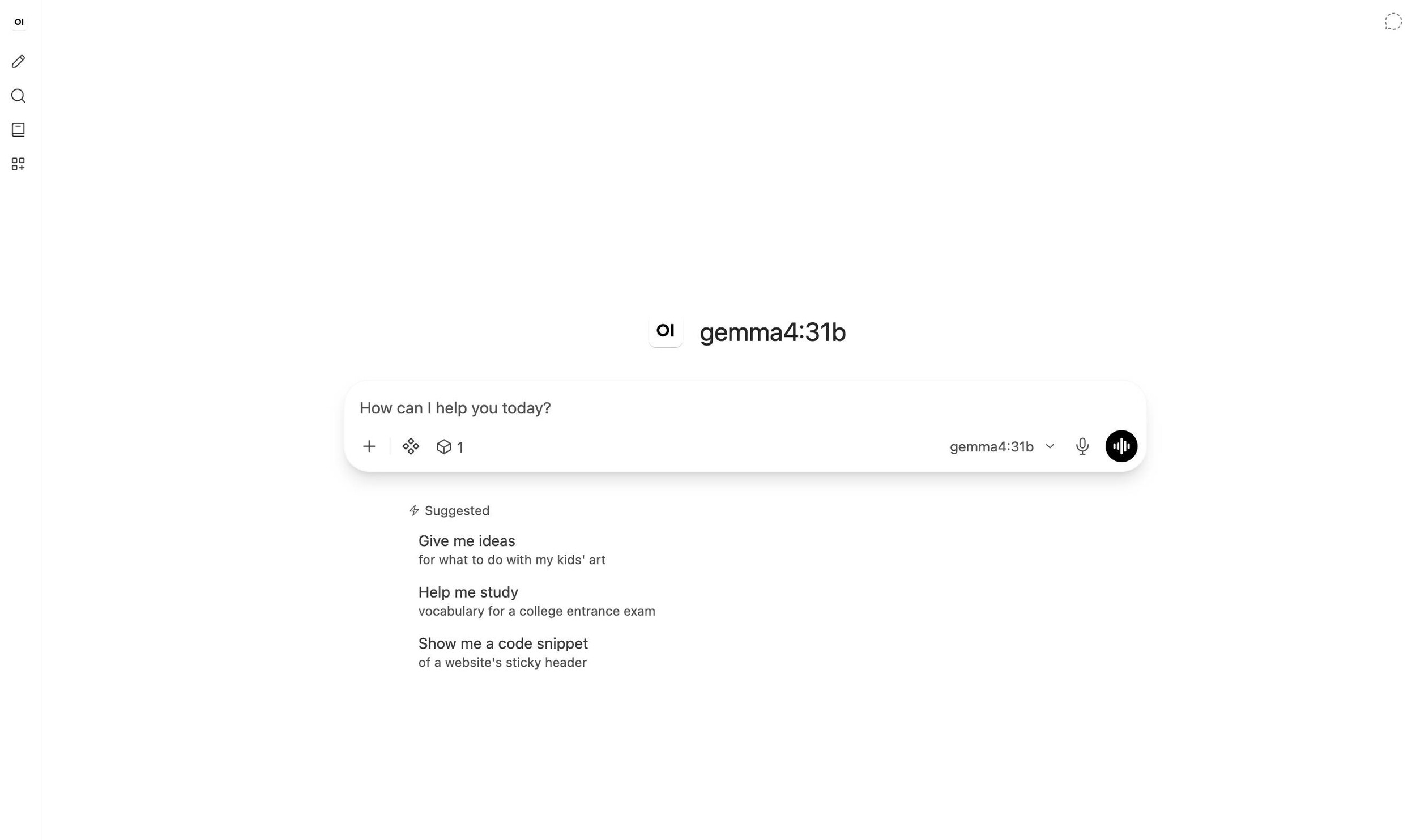 Open WebUI v0 11 1 Update (Image © Open WebUI)
Improved Accessibility and User Interface Customization
A significant part of the latest updates focuses on inclusion and user experience. The previous “High-Contrast Mode” has been renamed “Accessibility Mode.” This mode now provides higher contrast for pale text, icons, and menu highlights in both light and dark themes to comply with accessibility guidelines. In version 0.11.3, these improvements were extended to dropdown menus and model selection fields.
Users now have more control over the visual environment, as a field for custom interface fonts has been added, allowing the use of locally installed fonts throughout the application. In addition, the user interface has been optimized for touchscreens; zoom buttons have been removed from file previews to maximize available screen space, and sidebars can now be moved using a touch or stylus.
Open WebUI
Backend Performance and Infrastructure Optimization
To support larger deployments, the developers have implemented several measures to improve backend efficiency. For systems using Redis-based WebSocket servers, load has been reduced by optimizing the cleanup of old sessions and the processing of outgoing messages.
In addition, model list updates have been optimized for deployments with multiple workers. The system no longer requires each worker to rewrite the shared cache when the model list remains unchanged, which reduces network traffic and CPU overhead. For deployments without configured pipelines, unnecessary setup steps are no longer performed for every chat message, further reducing latency.
AI Workflow and Model Integration
The updates bring several improvements regarding the system’s interaction with AI models. A new step for filtering requests allows developers to customize the payload immediately before a model call. To improve the user experience with inference models, streaming has been optimized to prevent the user interface from freezing before generation is complete.
The inference processes have also been reorganized: When a model uses a tool, the subsequent inference steps are now displayed in a hidden “Thoughts” panel instead of being output as plain text. Additionally, pinned models in the sidebar are now correctly initialized with their own specific tools and capabilities, rather than inheriting the settings of the previously used model.
System Stability and Critical Bug Fixes
Version v0.11.3 includes a critical fix for database upgrades. Previously, failed migrations could result in a partially updated state; the system now stops immediately upon a migration error to prevent data corruption or errors caused by missing tables. Other notable fixes include:
- Chat persistence: Chat threads and replies now remain correctly linked even after the page is reloaded and after edits.
- Security: v0.11.2 included important security and access control patches for production environments.
- Windows compatibility: The built-in code interpreter has been updated to serve files with browser-safe types, resolving Pyodide loading errors on Windows hosts.
- Search functionality: SQLite-based installations now support case-insensitive searching for non-Latin characters and accented text.
Updates to Tools and Automation
The automation and calendar systems have been extensively revised. Recurring events and automations now correctly retain their schedules and counts after being saved. A new restriction has been added for calendar events, limiting repetitions to a maximum of once per day.
When managing tool servers, the system now prevents the sending of empty authorization headers to servers that do not require a key, thereby reducing the number of rejected connections. In addition, file previews in the terminal for Word and slide documents have been improved so that finished documents are now displayed with clickable page thumbnails.
