 Computer Forum
 Pop OS 26 04 LTS (Image © System76)
Visual Customization via “Constellations”
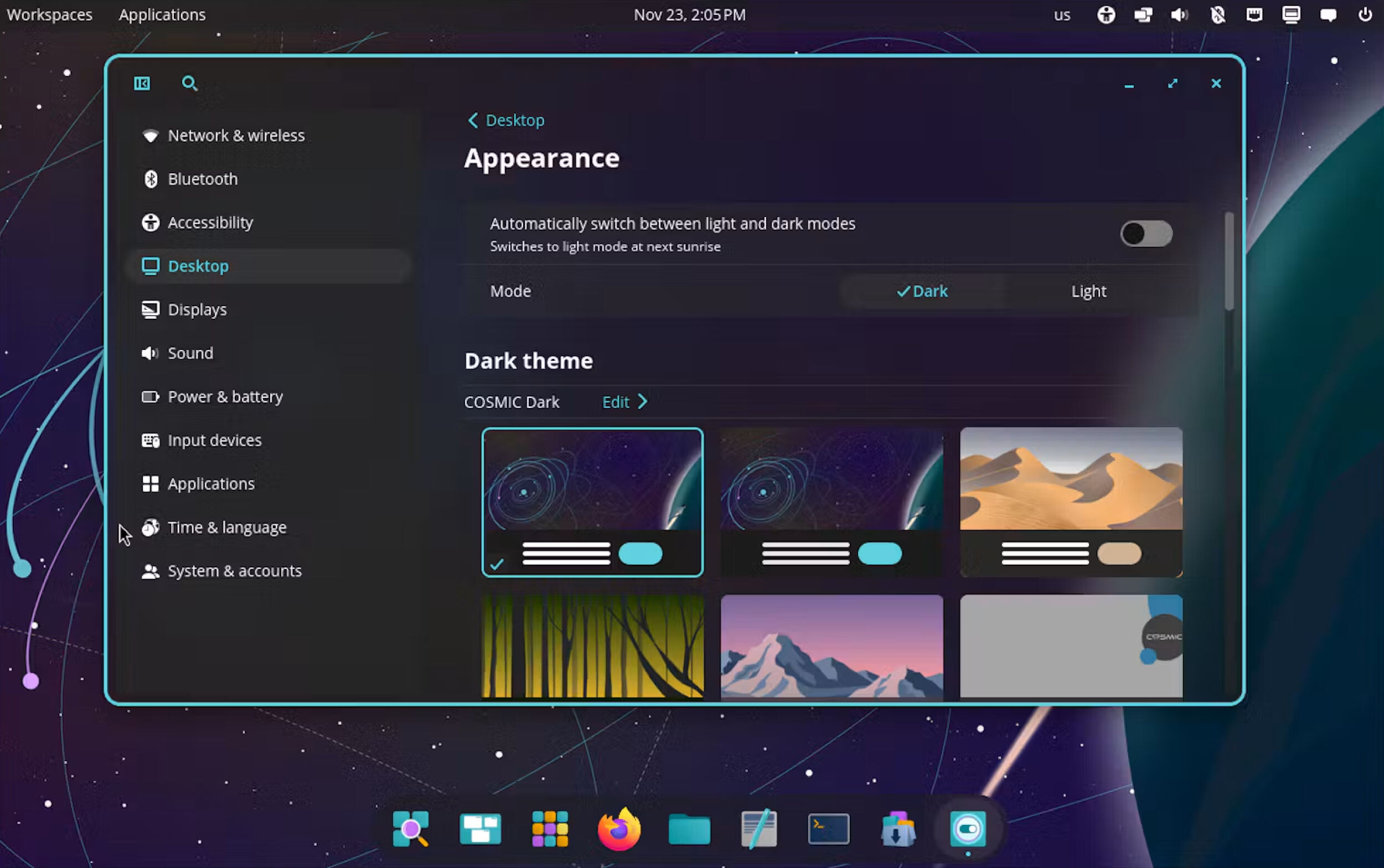
A key feature of this release is the introduction of “Constellations,” which are bundled design packages within the COSMIC desktop. This system allows users to customize wallpapers, accent colors, icons, and fonts simultaneously with a single selection.
Previously, users had to navigate through several separate menus for wallpapers, appearance, panels, docks, and window management. In version 26.04, these settings are consolidated under Settings > Desktop > Appearance. In this menu, administrators can switch between light and dark modes, enable automatic mode switching based on the time of day, and apply a specific Constellation.
In addition, the system supports the Frosted Glass visual effect. Users can edit individual components of a Constellation and export their final configurations as backup files or to share with other users.
Hardware and Peripheral Support
Pop OS 26.04 LTS expands its utility for professional creatives by introducing native support for graphics tablets. This update enables precise pen input and integrates tilt sensitivity, thereby laying the necessary technical foundation for applications in the fields of computer-aided design (CAD), geographic information systems (GIS), animation, and digital illustration. To accommodate different hardware configurations, this version also includes a native on-screen keyboard designed for compatibility with touch interfaces and gamepad inputs.
 Pop OS 26 04 LTS Packages (Image © System76)
System Administration and Native Application Ecosystem
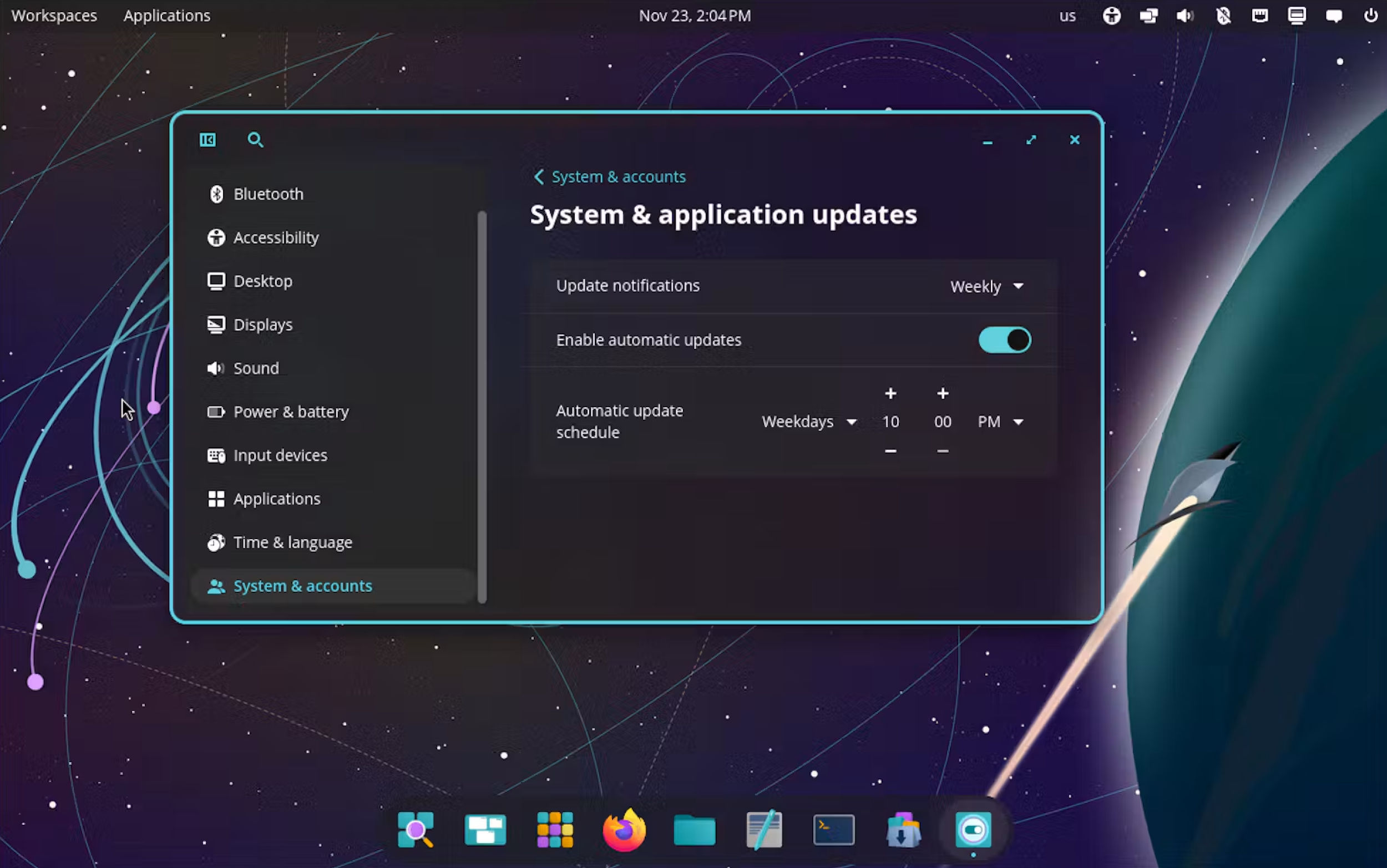
To ensure system stability and security, the operating system now features an automatic update mechanism. This can be enabled during the initial installation process or managed later via Settings > System and Accounts > System and Application Updates, thereby reducing the likelihood that users will miss important security patches.
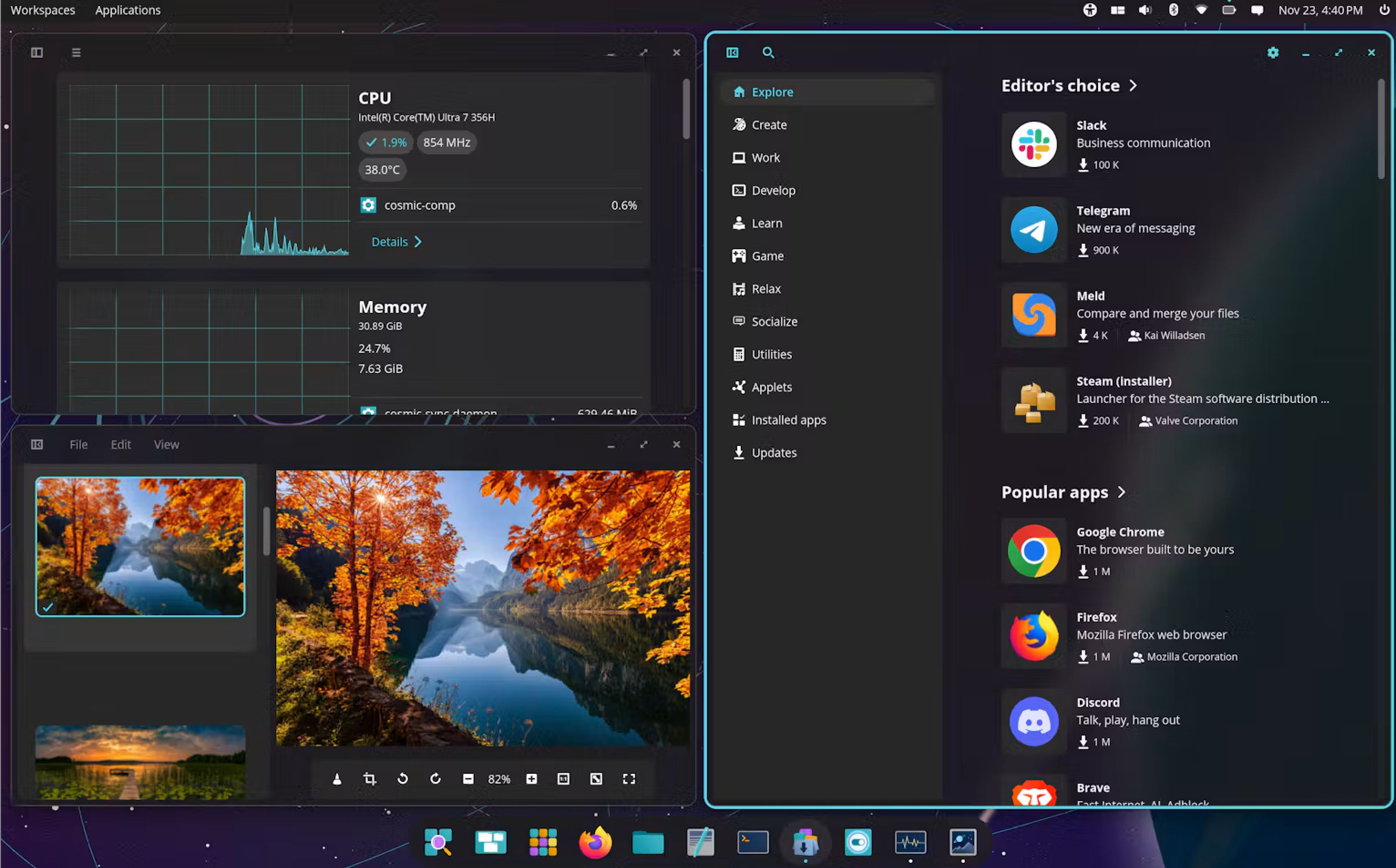
The ecosystem of native COSMIC applications has also been expanded. This release introduces the following:
- COSMIC Viewer: A native file viewer utility.
- COSMIC System Monitor: A tool for real-time monitoring of hardware and processes.
- COSMIC Store: A completely redesigned interface for application management.
Accessibility and System Performance
Version 26.04 includes several technical refinements to the user interface and system behavior:
Accessibility Improvements
The operating system implements several features to support users with visual or motor impairments, including a “Shake-to-Find” cursor feature, scalable cursors, and adjustable pointer sizes. Additionally, the screen magnifier has been updated to provide greater clarity and improved performance.
System and Gaming Optimizations
For users with hybrid graphics hardware, the system has improved the logic for automatic GPU selection. Gaming performance is also enhanced through the implementation of pointer restrictions that prevent the cursor from leaving the active window during gameplay. ### General User Interface Updates
The update introduces a configurable split-screen feature for virtual workspaces, as well as general improvements to the behavior of full-screen applications. Additionally, native remote desktop support is now integrated into the system.
 Pop OS 26 04 LTS Update Progress (Image © System76)
Installation and Upgrade Path
Since the COSMIC desktop follows a rolling release model, some of these features may already be included in earlier versions. However, the developers recommend a fresh installation of 26.04 to ensure the full system experience. For users currently running version 24.04, the official upgrade path to 26.04 is scheduled to be activated in December.