


 Computer Forum
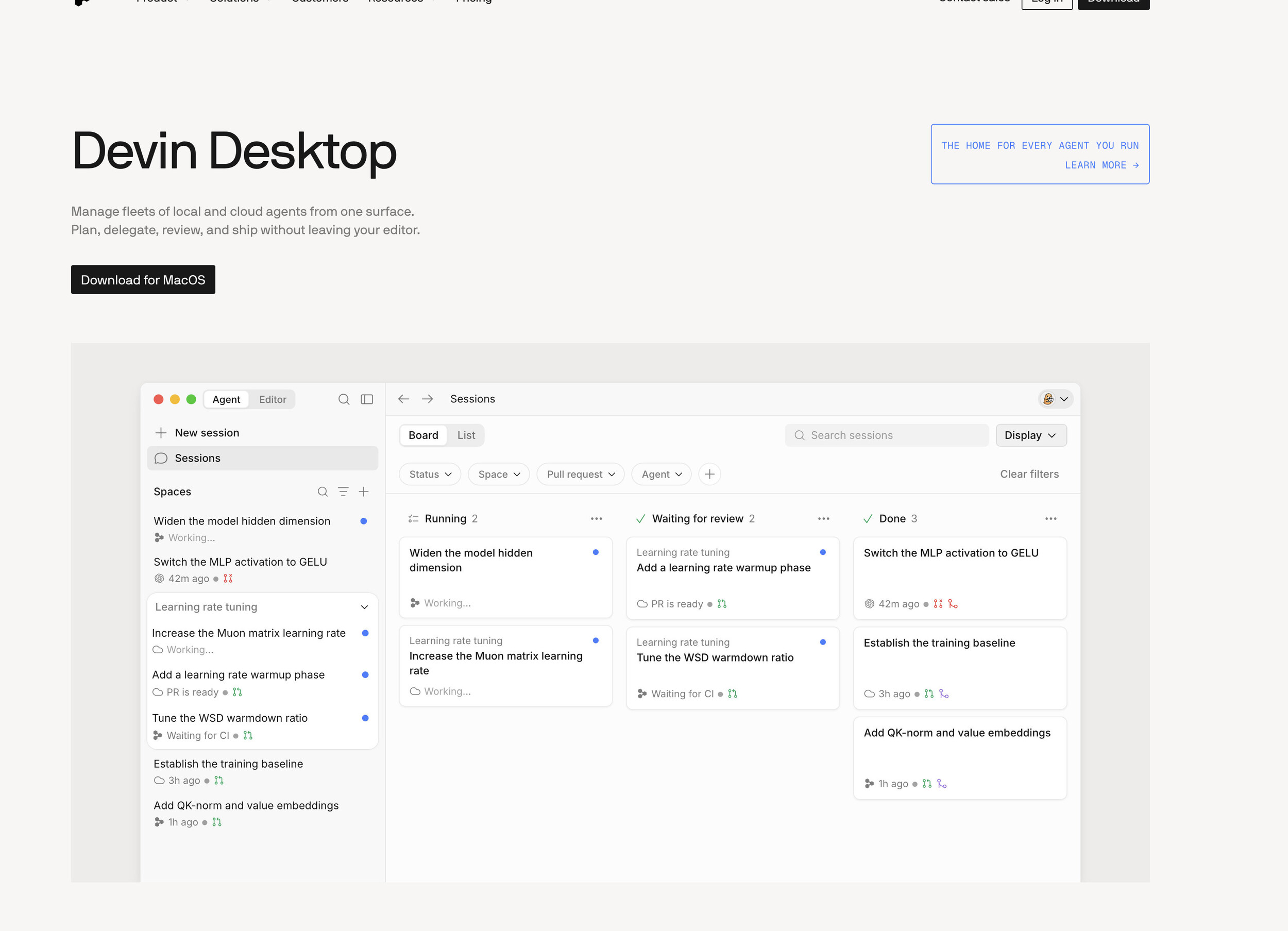 Devin Desktop (Image © PCMasters.de)
Not all tools are structured the same way. Some simply look at the open file and guess the next line of code. Others map every single file in your repository to understand how data flows from the database to the front end. There’s also a distinction between assistive tools, which act like a pair programmer, and agent-based tools, which can independently plan features, execute terminal commands, and troubleshoot errors.
AI-Native IDEs for Professional Developers
Windsurf / Devin Desktop
Windsurf probably comes closest to the cursor experience. It’s based on VS Code but was developed from the ground up for AI. Its main advantage is “Cascade.” This agent-based mode keeps track of your project across different sessions. You don’t have to spend ten minutes re-explaining your API structure or naming conventions every time you open a new chat.
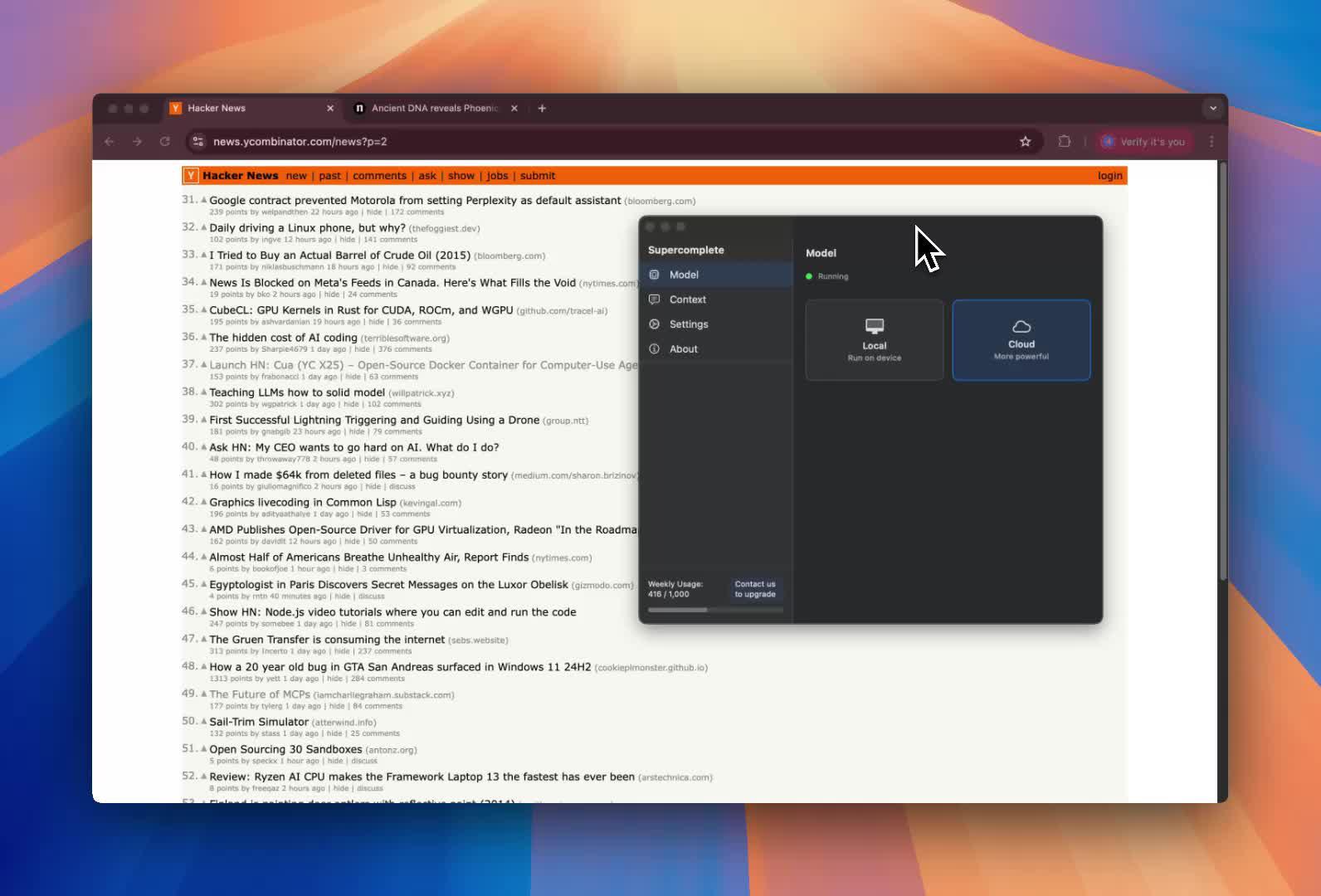 Supercomplete (Image © PCMasters.de)
Supercomplete
Then there’s Supercomplete. It handles tab completion by taking the entire workspace into account, not just the current file. This makes the suggestions seem more predictive. It also automatically executes terminal commands while you’re working to speed up your workflow. Windsurf offers a free plan, while the Pro and Teams tiers cost $20 and $40 per month, respectively. One downside is that the community is smaller than Cursor’s, which means fewer third-party tutorials.
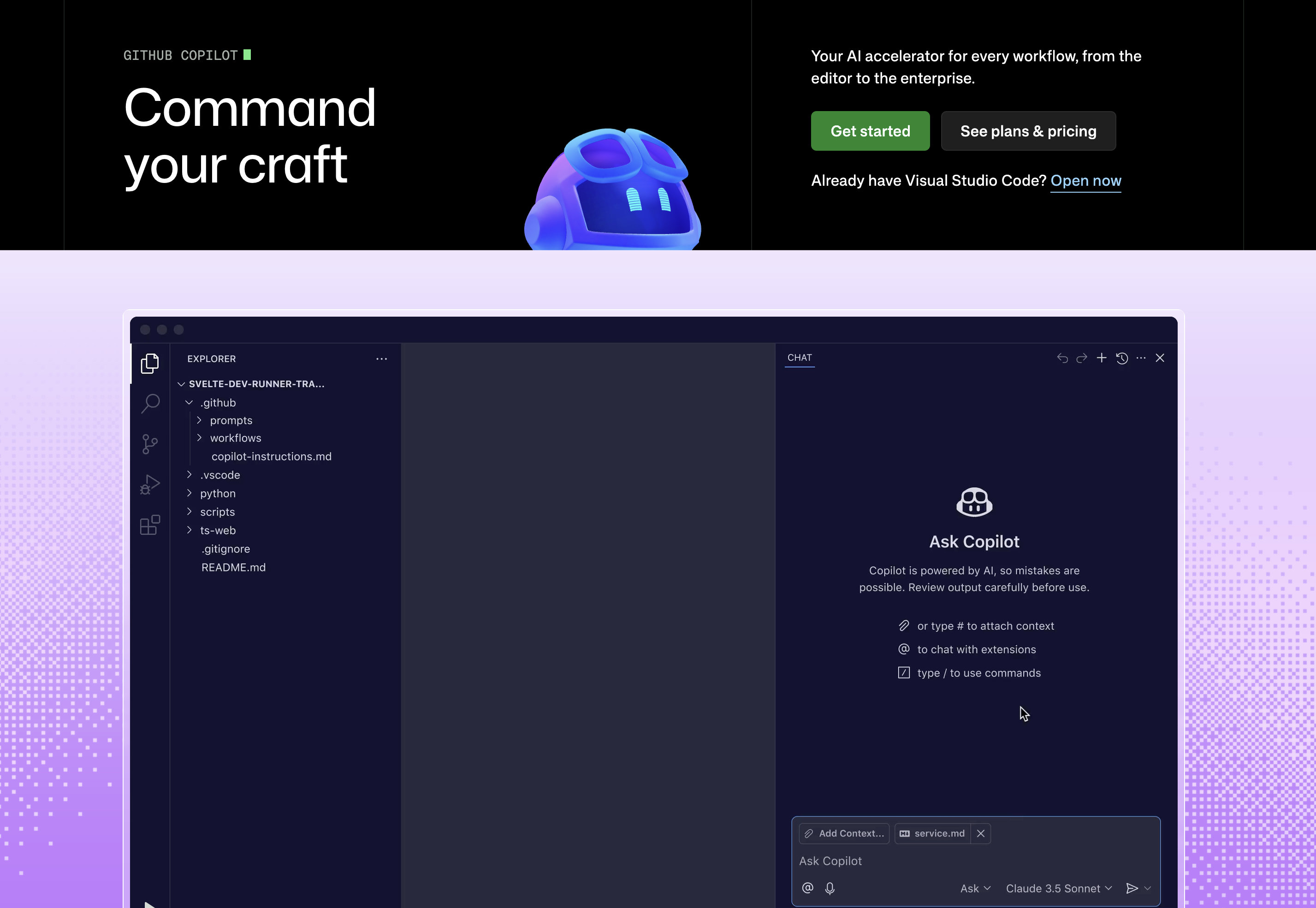 GitHub Copilot (Image © PCMasters.de)
GitHub Copilot
GitHub Copilot is for anyone who hates switching between tools. It doesn’t require a new IDE. You simply install an extension in VS Code, JetBrains, or Vim. At $10 per month for the Pro version, it’s the most affordable professional option. Even the free plan is generous, offering users 2,000 code completions and 50 chat requests per month. However, its understanding of the codebase context is weaker. It feels more like having a highly skilled assistant sitting next to you than a colleague who has memorized your entire project architecture.
Agents for Huge Repositories and OpenAI Teams
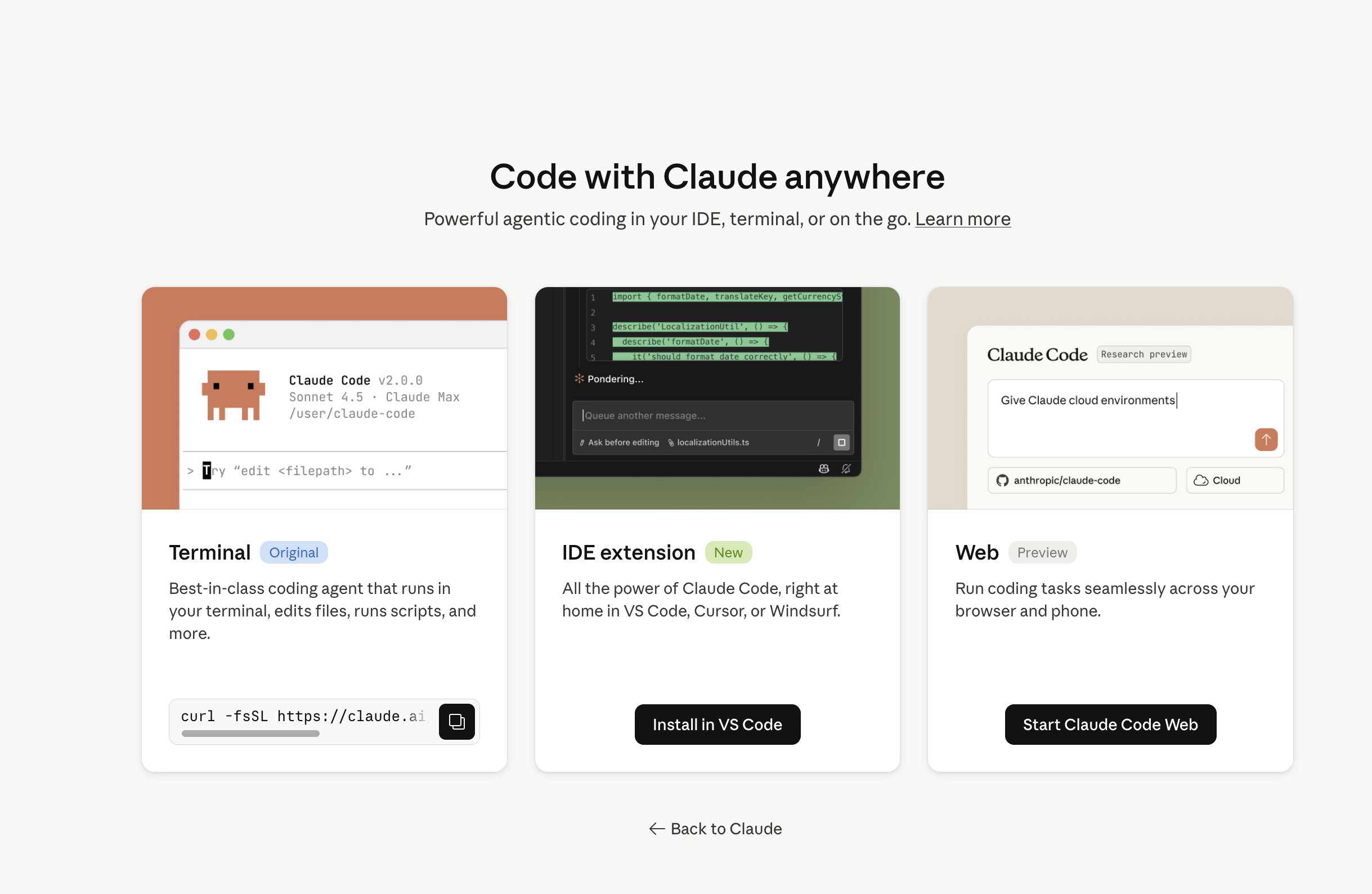 Claude Code (Image © PCMasters.de)
Claude Code
When the codebase becomes too large for standard tools to handle, Claude Code comes into play. This tool from Anthropic uses a context window of 1 million tokens. This allows it to grasp an entire project in a single pass and detect errors across multiple files without the user having to point them out.
It operates with a high degree of transparency
Before writing code, it creates a visible to-do list so you can redirect it before it makes a mistake. It also uses a CLAUDE.md file to store long-term memory of project conventions. Although it’s powerful, its CLI-based nature results in a steeper learning curve for some developers. Pricing starts at $17 per month (billed annually).
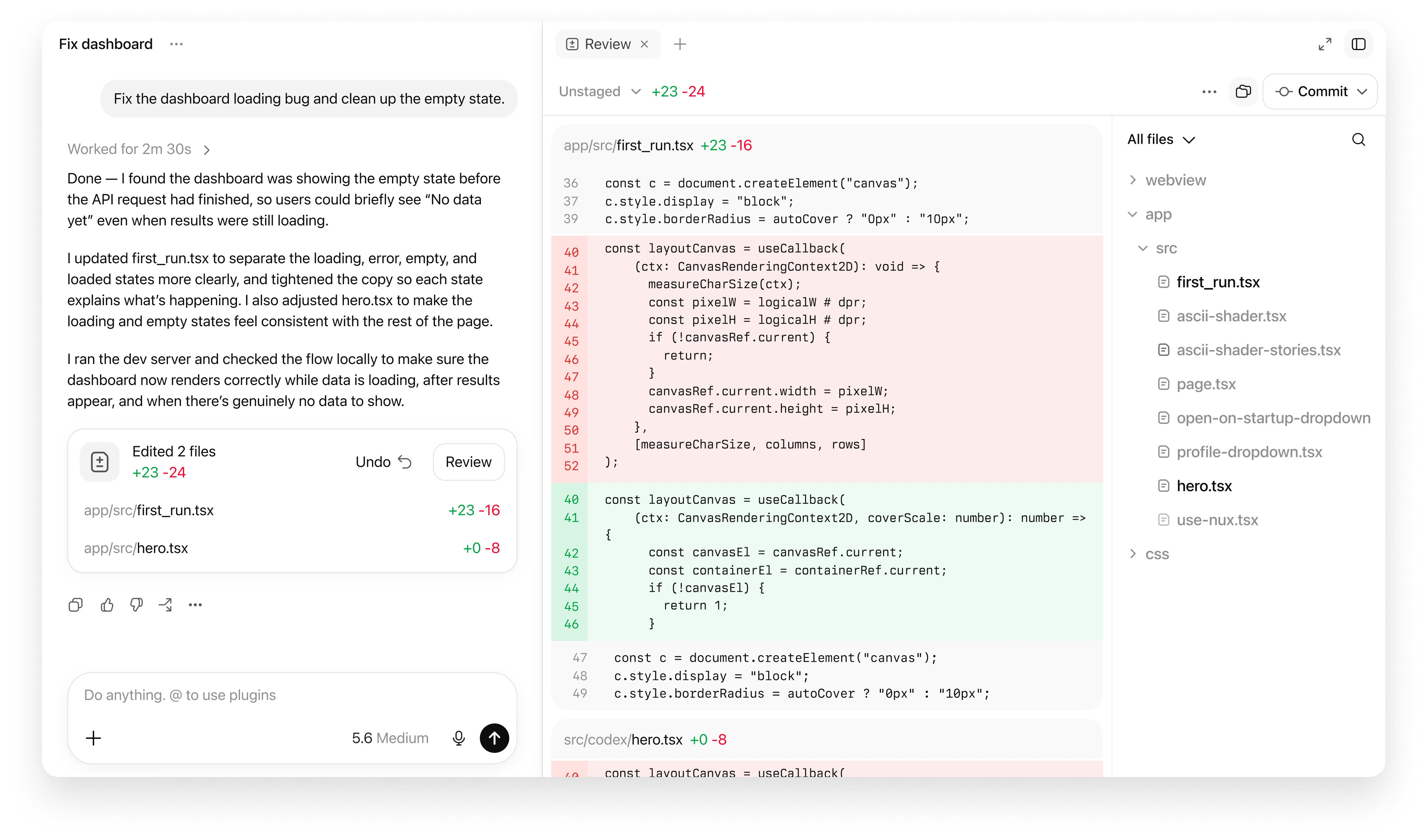 OpenAI Codex (Image © PCMasters.de)
Codex
Codex is the top choice for teams already using OpenAI. It acts as an agent that plans tasks and iterates based on the results. A key feature here is “human-in-the-loop” approval. You can lock certain processes to ensure the AI doesn’t make unsupervised changes to production code. Since billing is combined with ChatGPT Plus, many users already have access without paying for a separate subscription. There’s also “Codex mini” for anyone who needs quick, low-cost edits rather than in-depth insights.
Browser-Based Development Environments and Tools for Rapid Prototyping
 Replit (Image © PCMasters.de)
Replit
Replit is designed for anyone who wants to skip setting up a local environment entirely. Everything runs in the browser, from the code editor to the database to deployment. When you describe an app, the Replit agent asks clarifying questions before a single line of code is written.
Developers often use Replit to build the first working version of a project because there’s absolutely no friction involved. Once the prototype is stable, they export it to GitHub and switch to Cursor or Windsurf to make finer adjustments. The Core plan costs $18 per month (billed annually).
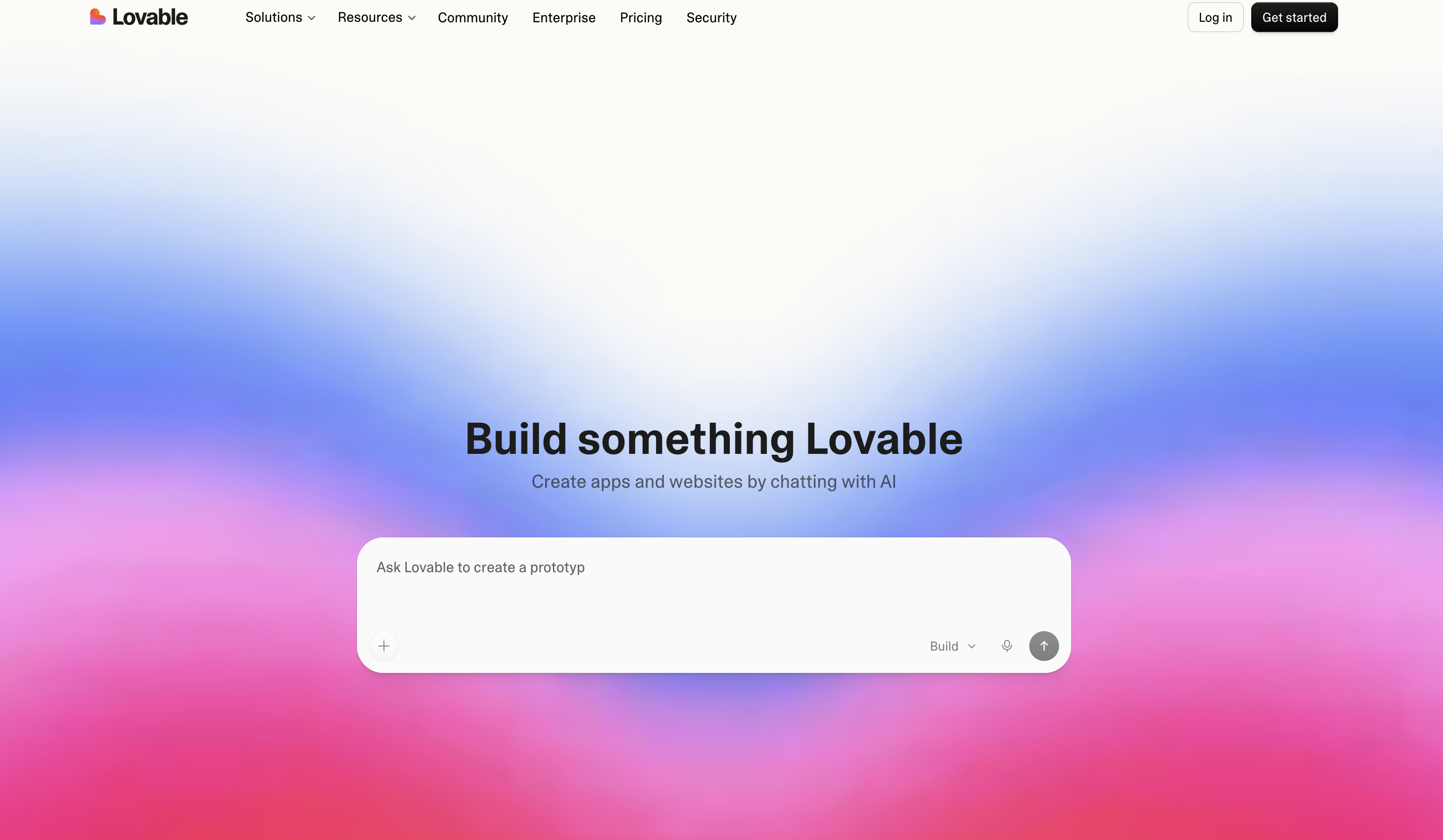 Lovable (Image © PCMasters.de)
Lovable
Lovable is designed for “vibe coding,” which emphasizes rapid visual iteration. It excels at creating sophisticated UI designs without requiring detailed CSS or layout specifications. Lovable explains its implementation plan before starting to code, which gives non-developers a sense of control over the logic. It integrates directly with Supabase for backend data and with GitHub for version control. The downside is that credits run out quickly. Users often hit their limits quickly with plans starting at $21 per month.
