Computer Forum
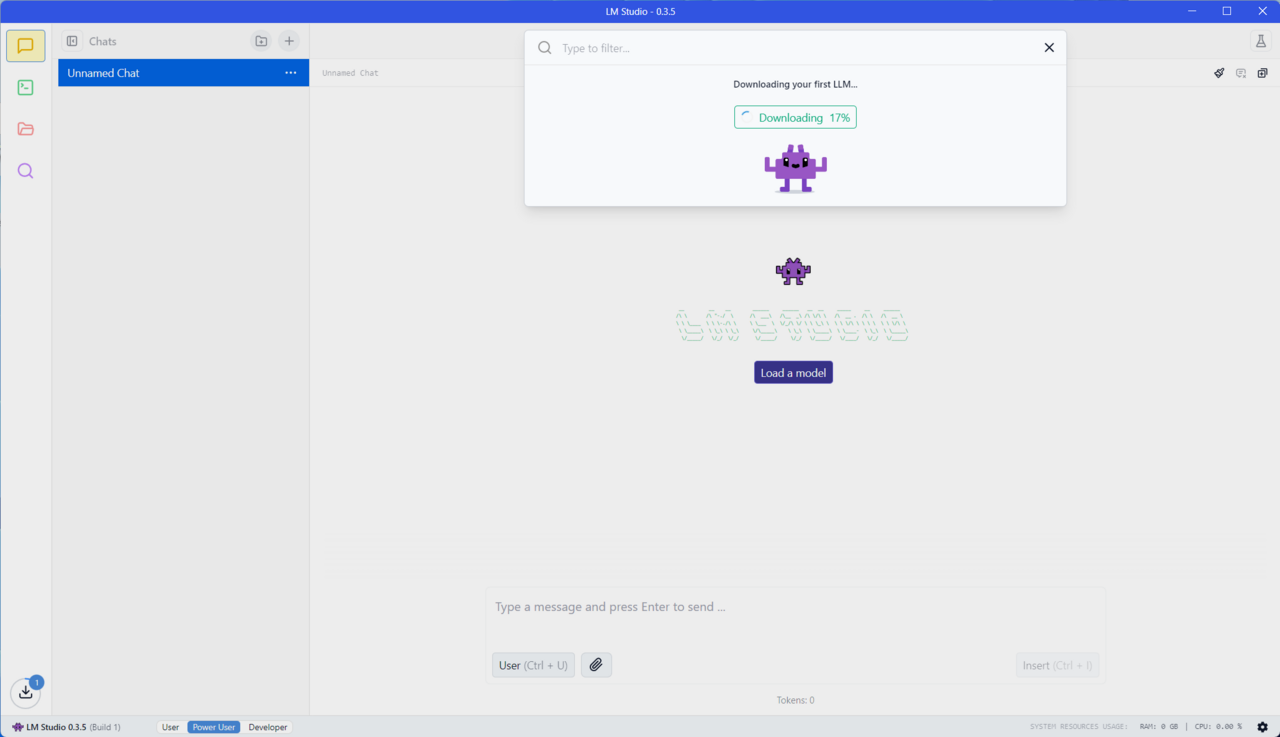 LM Studio Windows (Image © PCMasters)
However, larger models often exceed the memory capacity of consumer GPUs, so innovative solutions are needed to bring these powerful tools to everyday systems.
Local AI with GPU offloading
GPU offloading is a technique that allows users with less powerful GPUs to utilize the power of LLMs by splitting the processing between the CPU and GPU. This method ensures that users can benefit from GPU acceleration even when an LLM exceeds the GPU's available video memory.
LM Studio takes advantage of this approach and provides an intuitive interface for downloading and running LLMs locally. LM Studio is based on llama.cpp and allows users to set exactly how much of a model should be transferred to the GPU so that they can precisely control performance. The user interface is very simple and intuitive.
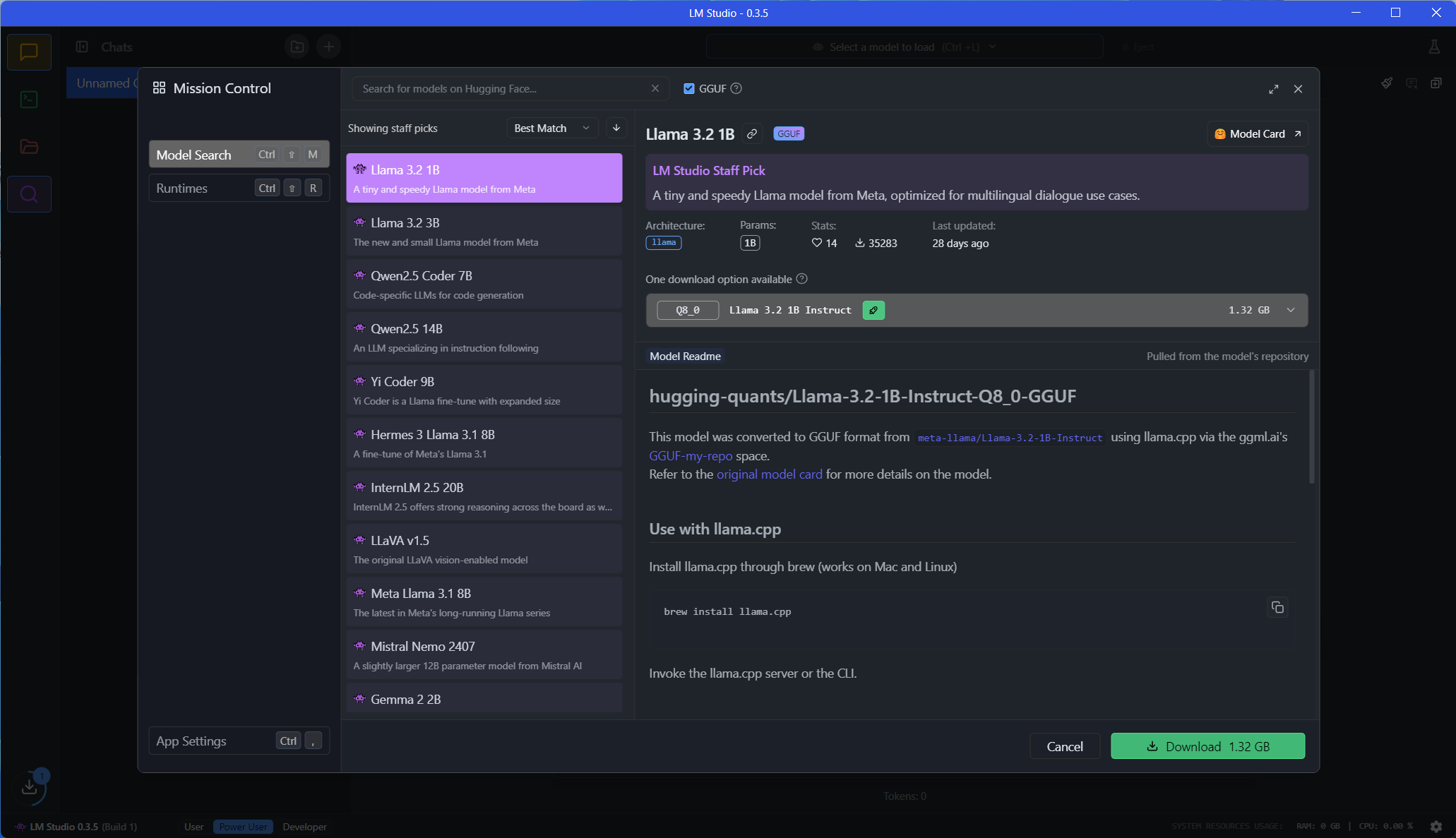 LM Studio Modelle suchen und installieren (Image © PCMasters)
More performance without maximum VRAM
A large model such as Gemma-2-27B with 27 billion parameters, for example, requires 19 GB of VRAM for full GPU acceleration. With GPU offloading, users with less powerful systems can still achieve a significant performance boost by running part of the model on the GPU and the rest on the CPU.
Tests have shown that offloading can dramatically improve throughput, from just a few tokens per second on the CPU alone to much higher speeds when a larger portion of the model is processed on the GPU. On our test system with Rtyzen 9 9750X CPU, 32 GB RAM and the GeForce RTX 4090, we were able to run LLAMA 3.2 3B and achieve around 77 tokens per second, which is already very fast and more than sufficient for everyday use.
Optimizing the LLM performance
LM Studio's GPU offloading slider allows you to find the right balance between performance and memory usage depending on your system configuration. Whether you're using a high-end GeFroce RTX 4090 or a more modest GPU, LM Studio ensures that you can realize the full potential of LLMs on your local systems.
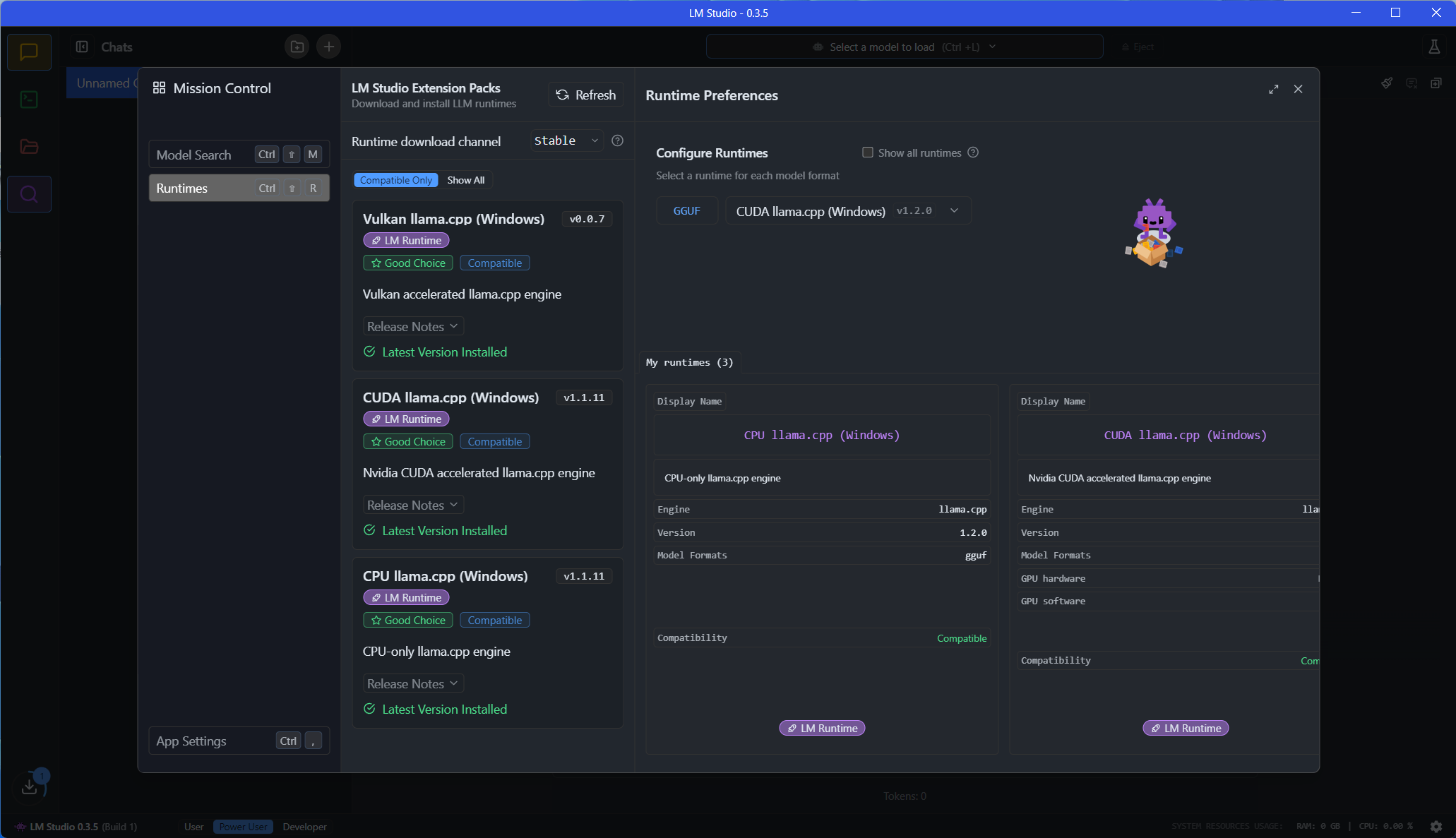 LM Studio Runtimes Support (Image © PCMasters)
In the settings of LM Studio there are CPU llama.cpp for CPUs, CUDA llama.cpp for NVIDIA graphics cards and Vulkan llama.cpp for AMD graphics cards. Other models can also be searched and installed in the settings. It is an optimal front-end for experienced and not so experienced users.