


 Computer Forum
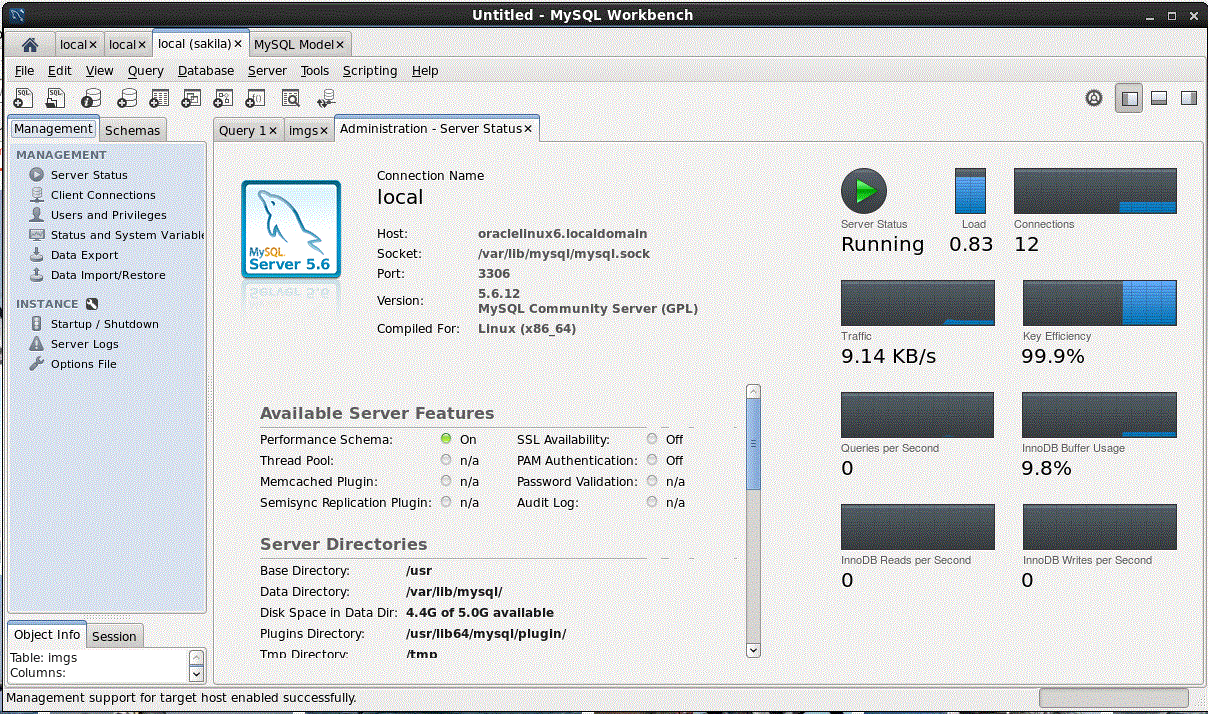 MySQL Workbench (Image © Eigene)
MySQL Workbench for Official Administration
Since MySQL Workbench was developed by Oracle, it serves as the primary official tool for the ecosystem. It is available on all major platforms. Its greatest advantage is the visual database design suite. This allows an administrator to design a schema and map relationships before any code is actually deployed.
The software also includes a dedicated migration wizard. This is useful when transferring data from Microsoft SQL Server to MySQL. Performance monitoring tools are built in, allowing users to diagnose slow queries or server bottlenecks. The downside is its complexity. The user interface is cluttered. Beginners often find it difficult to get started due to the sheer number of available options. The free Community Edition is wonderful and comes highly recommended.
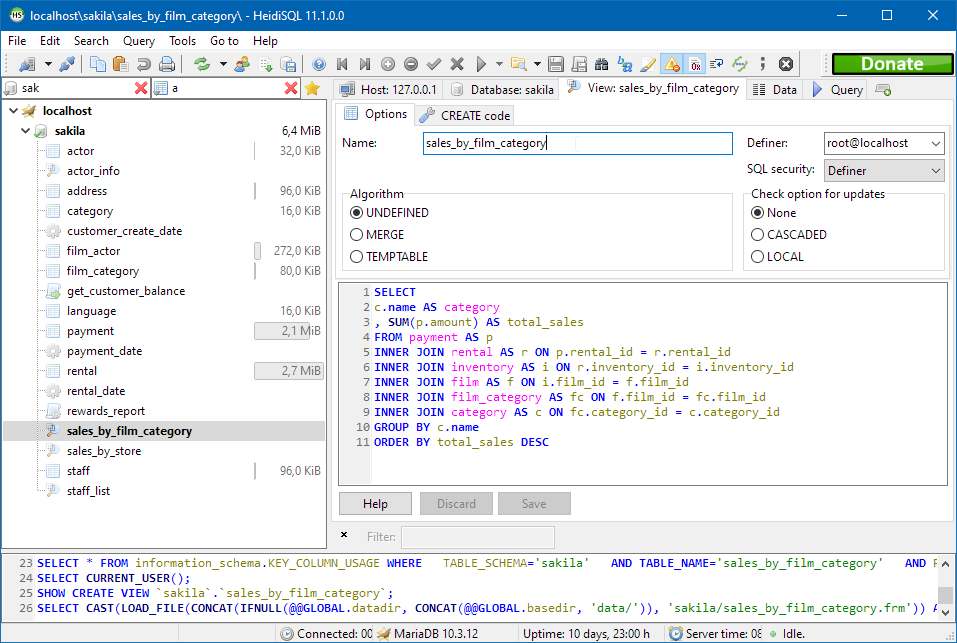 HeidiSQL (Image © Eigene)
HeidiSQL for Portability on Windows
HeidiSQL remains a favorite for those tied to the Windows ecosystem. The focus here is more on simplicity and speed than on a comprehensive feature set. One of its most practical features is portability. A developer can run the application from a USB drive without having to install it on the host computer.
The tool offers a streamlined editor for table structures. Users can edit indexes, columns, and tables on a single screen. While it supports MySQL and MariaDB, it also works with PostgreSQL and Microsoft SQL Server. Although it doesn’t offer sophisticated architecture modeling or in-depth performance optimization, it is extremely efficient for day-to-day data editing.
phpMyAdmin for Remote Web Access
phpMyAdmin was introduced in 1998 and is a web-based tool. This makes it the obvious choice for remote server management without the need to install a local client. Since it runs in a browser, accessibility is its greatest strength.
It allows users to create SQL queries via a visual interface instead of writing them by hand. Results can be quickly exported to CSV or JSON formats. The user management system is also very detailed, giving administrators precise control over permissions and access levels for different users. The biggest drawback is speed. By nature, browsers are slower than native desktop applications when processing large datasets.
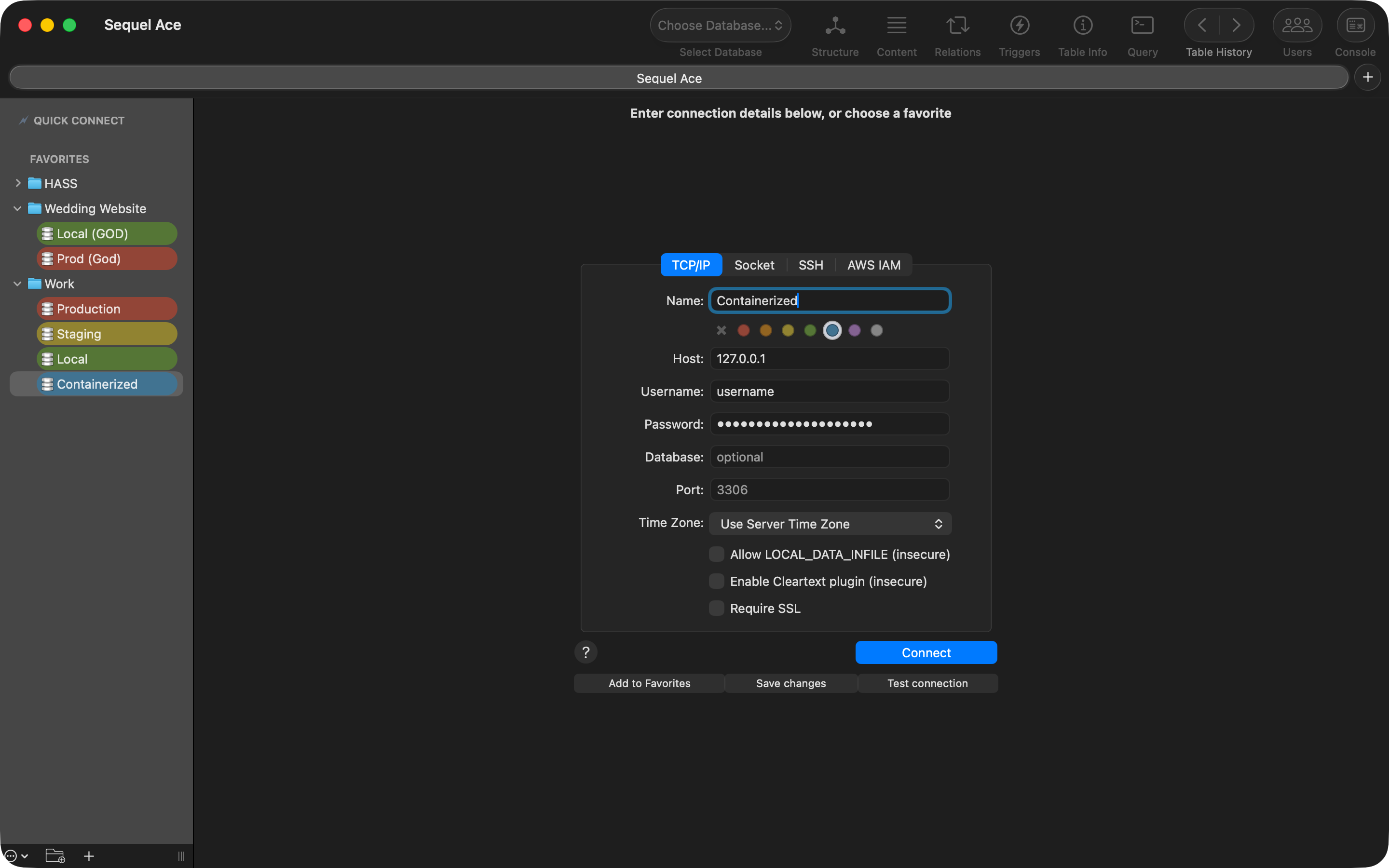 SequalAce (Image © Eigene)
Sequel Ace for Optimization on macOS
Sequel Ace is a specialized tool developed exclusively for macOS. It doesn’t try to be everything to everyone. Instead, it optimizes the user experience for Mac users by integrating native keyboard shortcuts and following Apple’s design patterns. Plus, the app is really fast and free of ads or annoying subscription pop-ups.
It’s resource-efficient and launches almost instantly. While it handles standard MySQL tasks well, some advanced features are missing. In particular, database synchronization is currently unavailable. The project relies on community contributions to expand these more complex features, as the current focus remains on maintaining a lean, fast user experience for Mac users.
Beekeeper Studio for Cross-Platform Use
Beekeeper Studio was designed for developers who switch between different operating systems. It supports Windows, macOS, and Linux without sacrificing performance on any of the systems. In addition to MySQL, it also supports PostgreSQL and SQLite.
The user interface avoids the cluttered look common in database tools. Instead, it offers a spreadsheet-style view. This allows users to edit table data directly, just as if they were using a traditional spreadsheet. The SQL editor is designed for precision and speed. For most users, the Community Edition is sufficient. However, there is a paid version for those who need synchronization across multiple devices or specialized import and export tools.
