

 Computer Forum
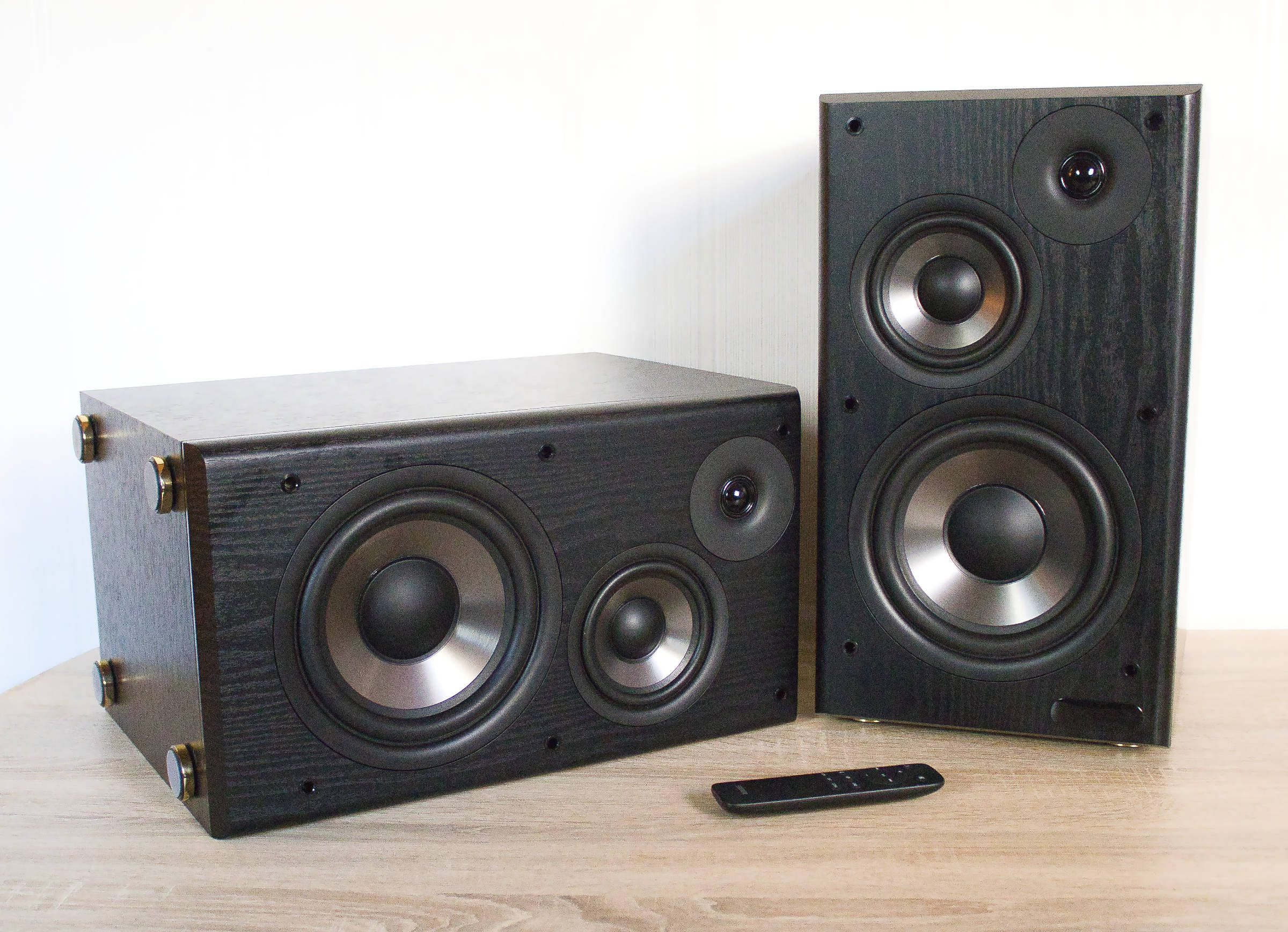 Edifier Studio R2750DB MKII Test Review (Bild © PCMasters.de)
Company History
The company was founded in China in 1996 with the mission of always delivering the best possible audio experience. Initially, Edifier operated as an original equipment manufacturer (OEM) for other companies such as Logitech and Creative. Since 2007, however, it has been marketing its own products, and the company headquarters moved from Beijing to Shenzhen; it now employs over 3,000 people in more than 70 countries. One of the company’s highlights was winning the 2019 iF Design Award. The company covers a wide range of price points, offering everything from the affordable "Brüllwürfel" to high-end speakers priced over €1,000—whatever your heart desires and your budget allows.
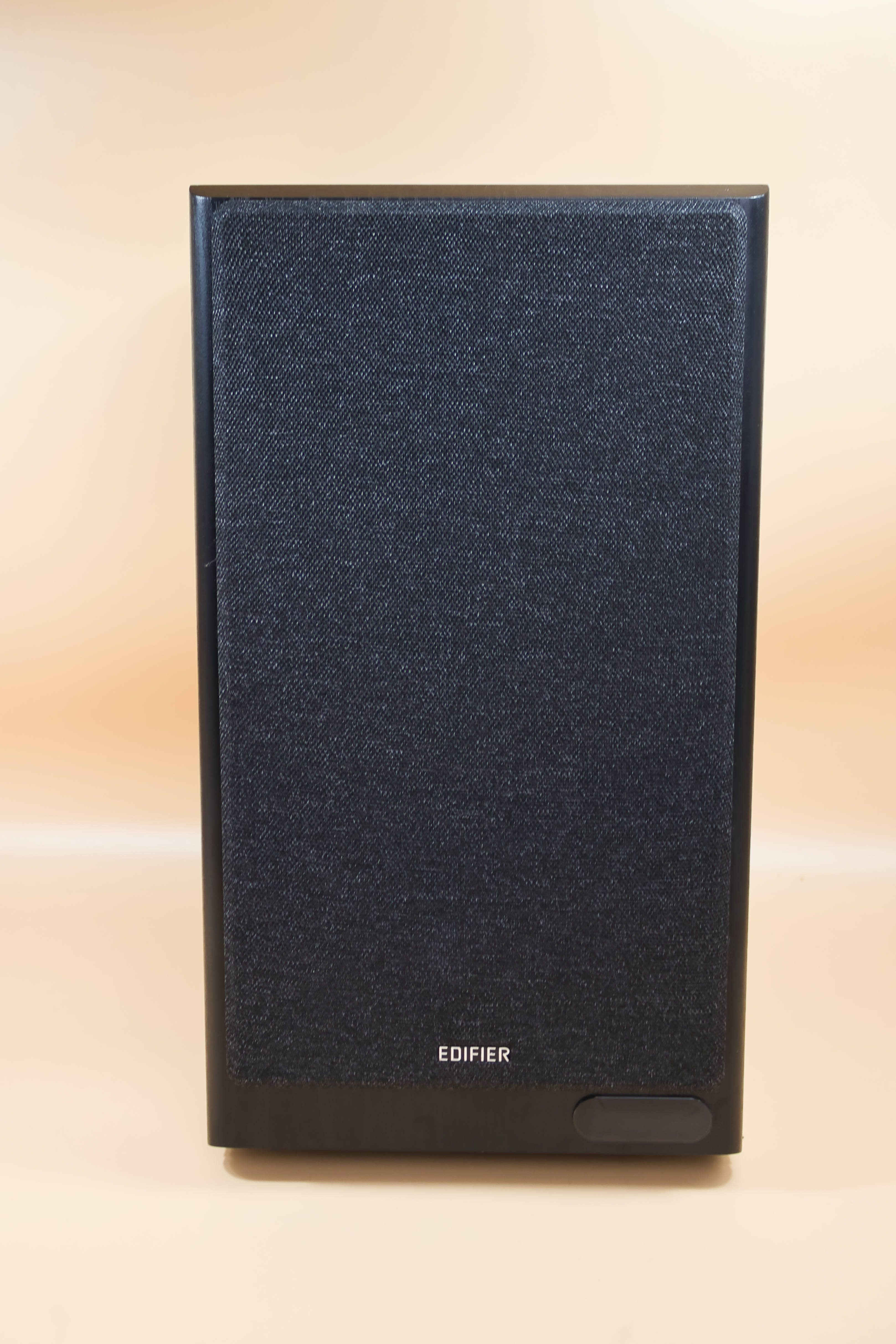 Edifier R2750DB MKII Front mit Abdeckung (Bild © PCMasters.de)
Technical Specifications
| Edifier Studio R2750DB MKII - Technical Specifications | |||
|---|---|---|---|
| Dimensions | 223 x 395 x 280 mm | ||
| Frequency Response | 45 to 40,000 Hz | ||
| Drivers | 7-inch long-throw woofer with 40 watts 4.5-inch midrange driver with 20 watts 1-inch silk dome tweeter with 12 watts |
||
| Total output power | 144 watts | ||
| Weight | 16.6 kg | ||
| Audio inputs | HDMI (eARC), optical, coaxial, line-in, and Bluetooth | ||
| Bluetooth Version | 6.0 | ||
| Signal-to-Noise Ratio | >85 dB(A) | ||
| Codecs | LDAC, SBC | ||
| Sub Out | yes | ||
| Wood finish options | brown, black | MSRP | €399 |
| Price | €349 (Affiliate) |
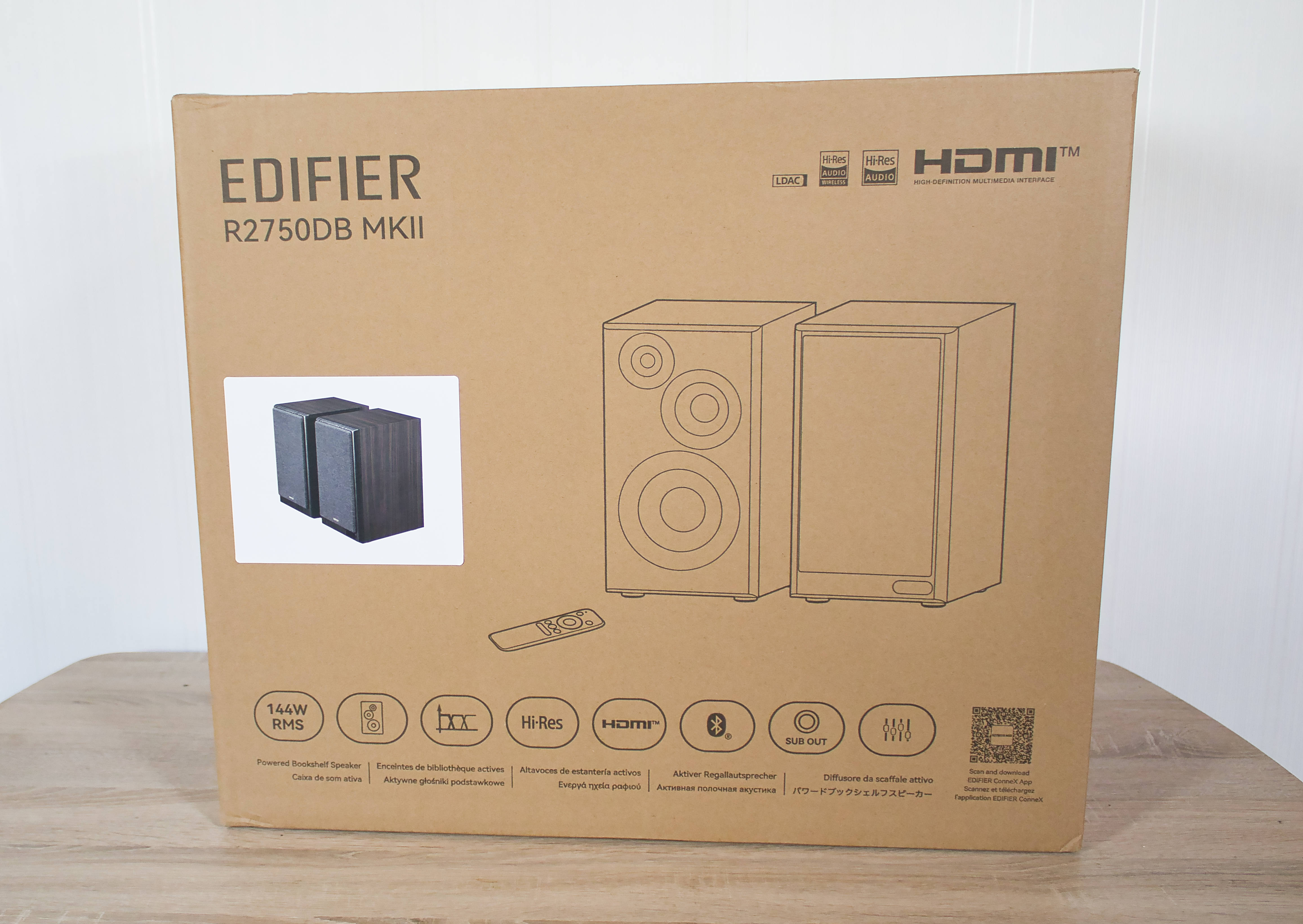 Edifier R2750DB MKII Verpackung Front (Bild © PCMasters.de)
Packaging
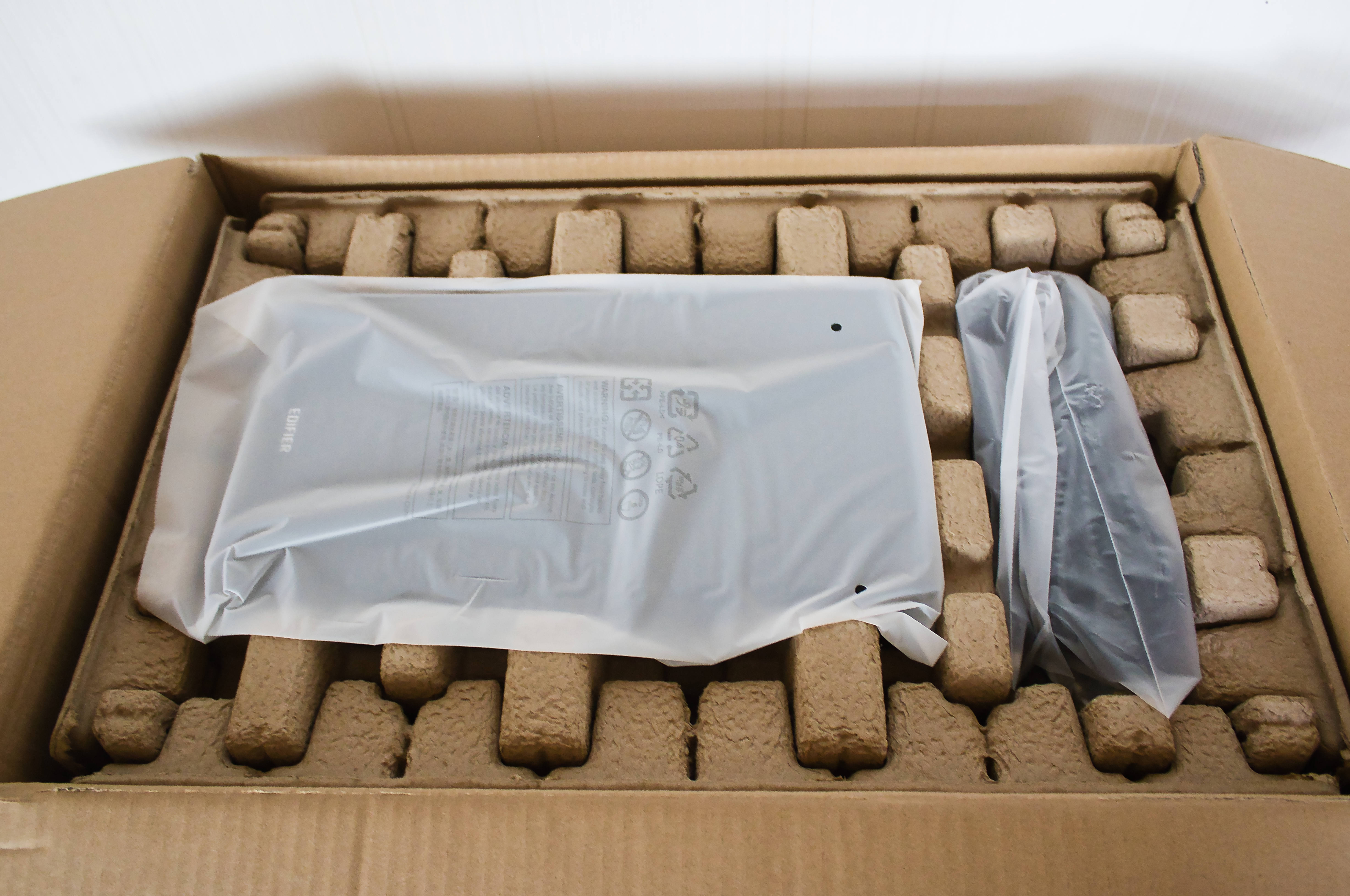
You’ll receive a large package that weighs a substantial 21 kilograms. The boxes are packed impeccably, and they’ve even included a carrying handle to help lift the boxes out of the packaging—a very commendable touch.
 Edifier R2750DB MKII Verpackung geöffnet (Bild © PCMasters.de)
The packaging itself is made of simple cardboard and can therefore be easily disposed of. The front features only a diagram of the box with and without the cover. Below that are a few logos highlighting the boxes’ key features. A small, colorful product image shows the color options for the inner boxes. On the side, there’s additional information about the boxes.
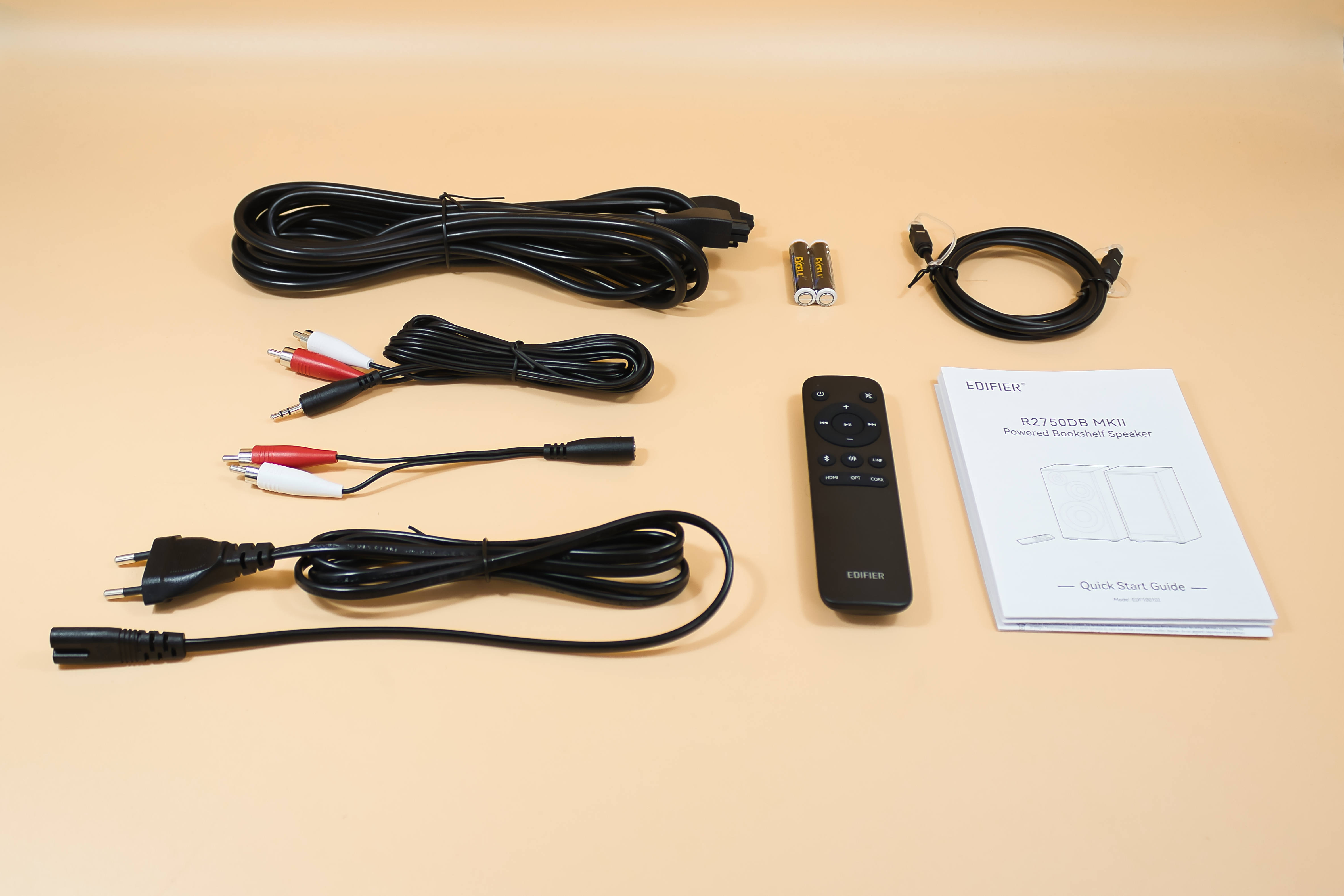 Edifier R2750DB MKII Lieferumfang (Bild © PCMasters.de)
Contents
The contents are quite extensive, as the box includes the following accessories: a 1.5-meter power cord, a long connection cable for the second speaker, plus a remote control with batteries included; for connecting external devices, there’s an optical cable, an approx. 2.2-meter jack-to-RCA cable, and a short approx. 15-cm jack (input)-to-RCA cable, and a quick start guide is also included. So everything you need is actually included; only those looking to connect via HDMI or coaxial will have to get the right cable themselves.
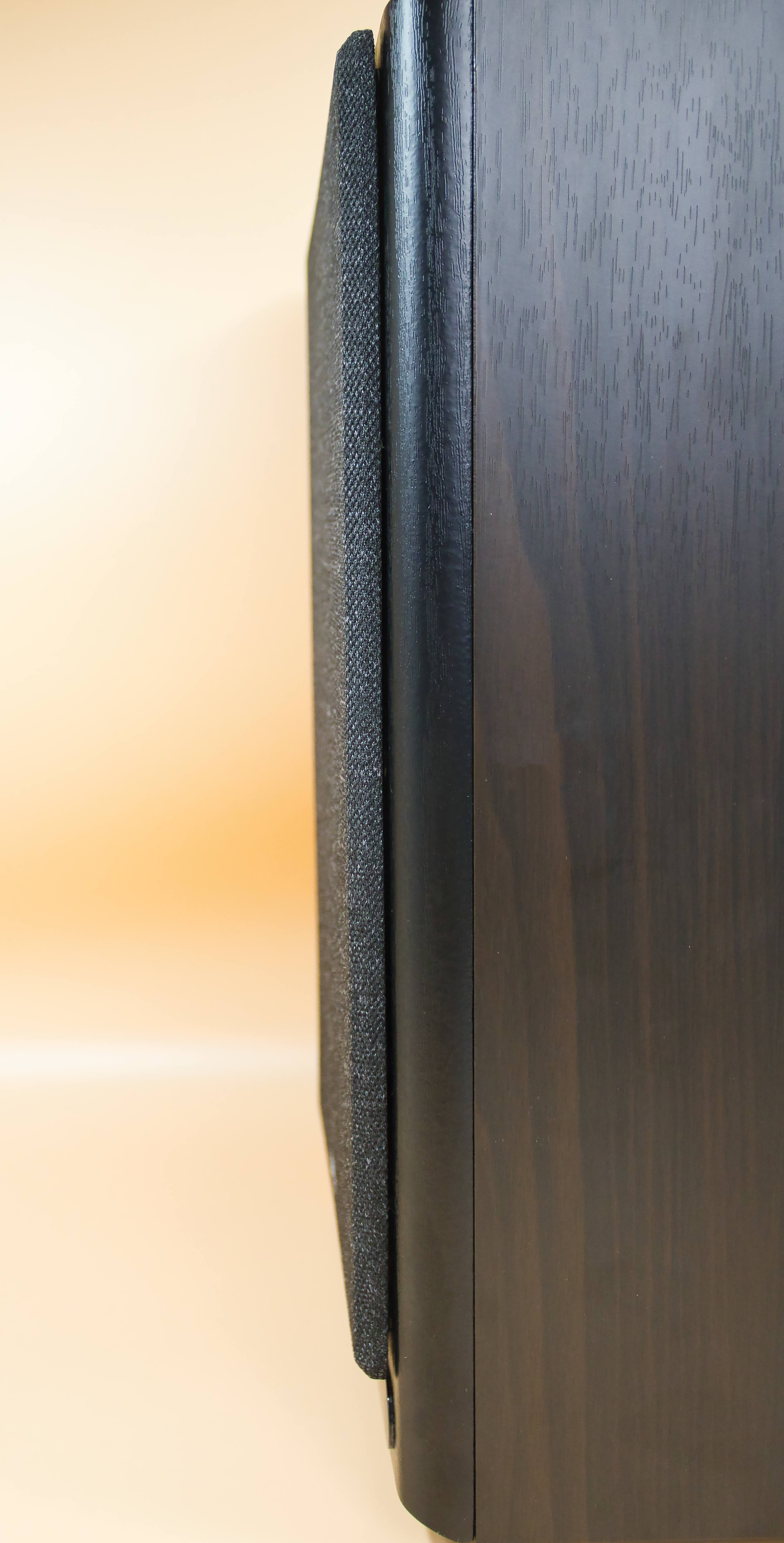 Edifier R2750DB MKII Frontabdeckung Seitenansicht (Bild © PCMasters.de)
Build Quality
When unboxing, the weight is undoubtedly the first thing that stands out, which makes quite an impression. Once the speakers are freed from the surrounding packaging material, very cleanly finished speakers are revealed; only on one speaker does some adhesive appear to have gotten on the front, but this could be quickly removed by gently rubbing it. This shouldn’t happen, but that was the only minor flaw we could find.
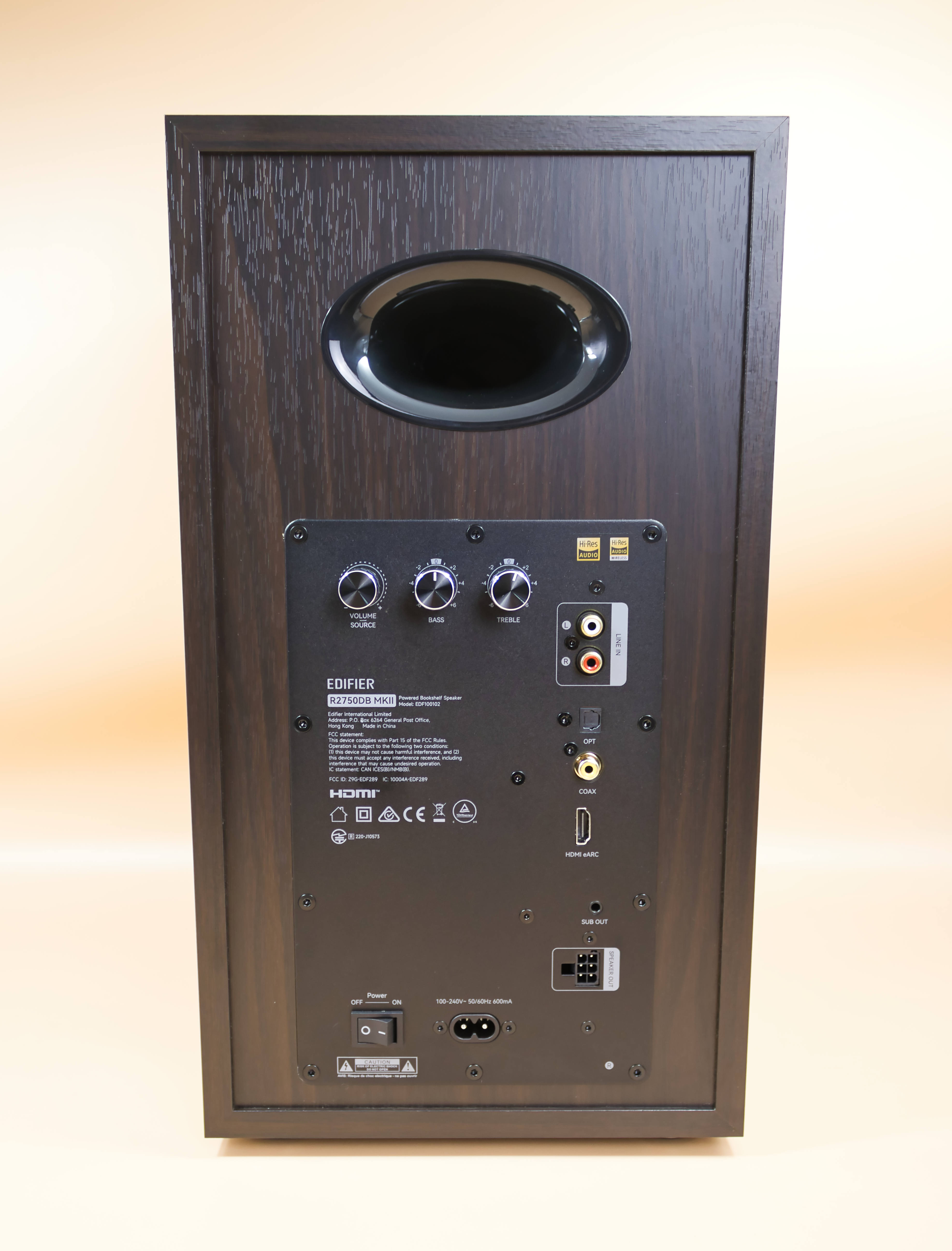 Edifier R2750DB MKII Rückseite (Bild © PCMasters.de)
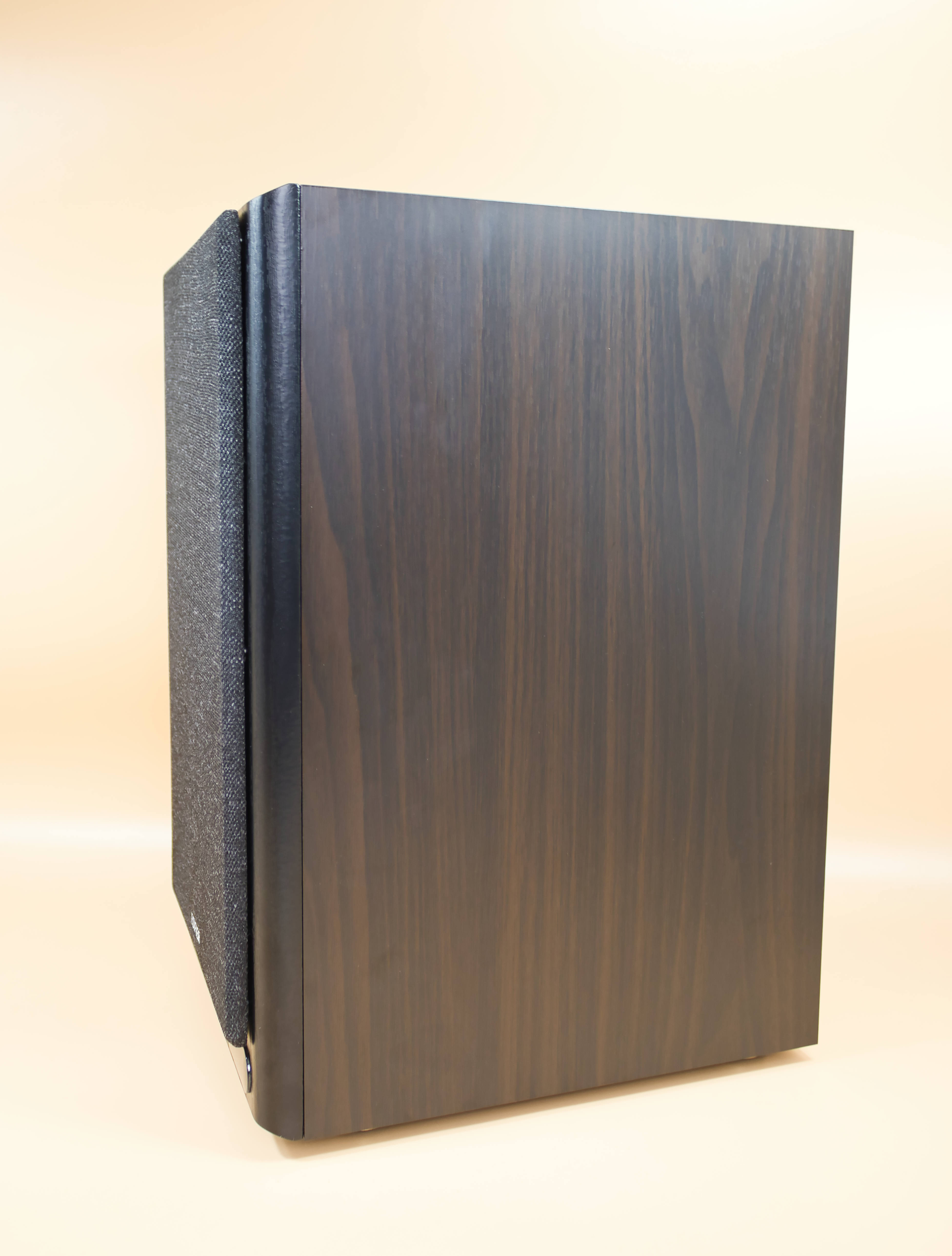
The control knobs are very well made, the speakers fit very snugly in the wooden frame, and the gaps are practically perfect. The front covers fit so tightly in their mounts that we could only remove them by prying them loose with a plastic spatula. So anyone who opts for the covers need not worry that they’ll fall off easily.
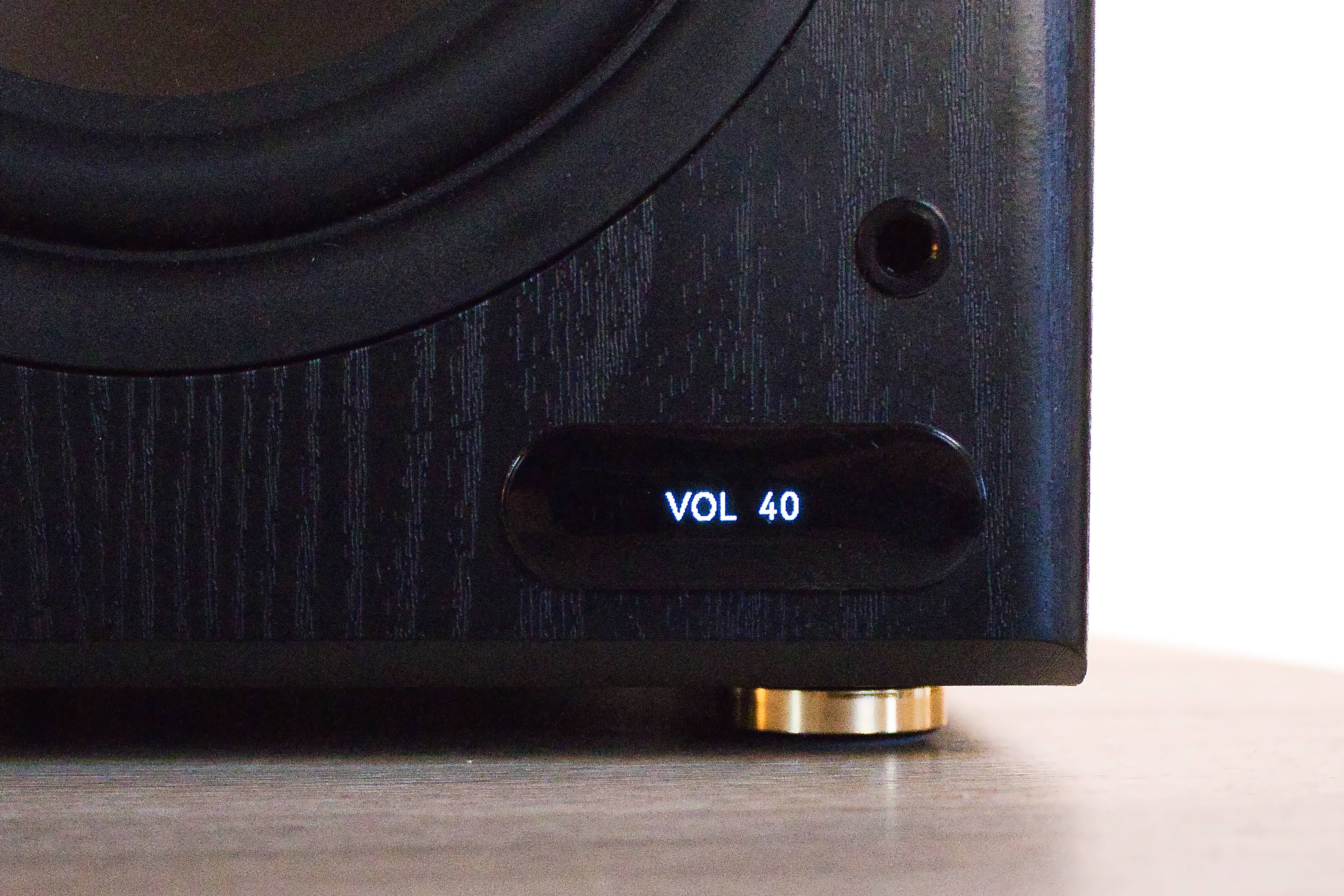 Edifier R2750DB MKII Display (Bild © PCMasters.de)
 Edifier R2750DB MKII Display 2 (Bild © PCMasters.de)
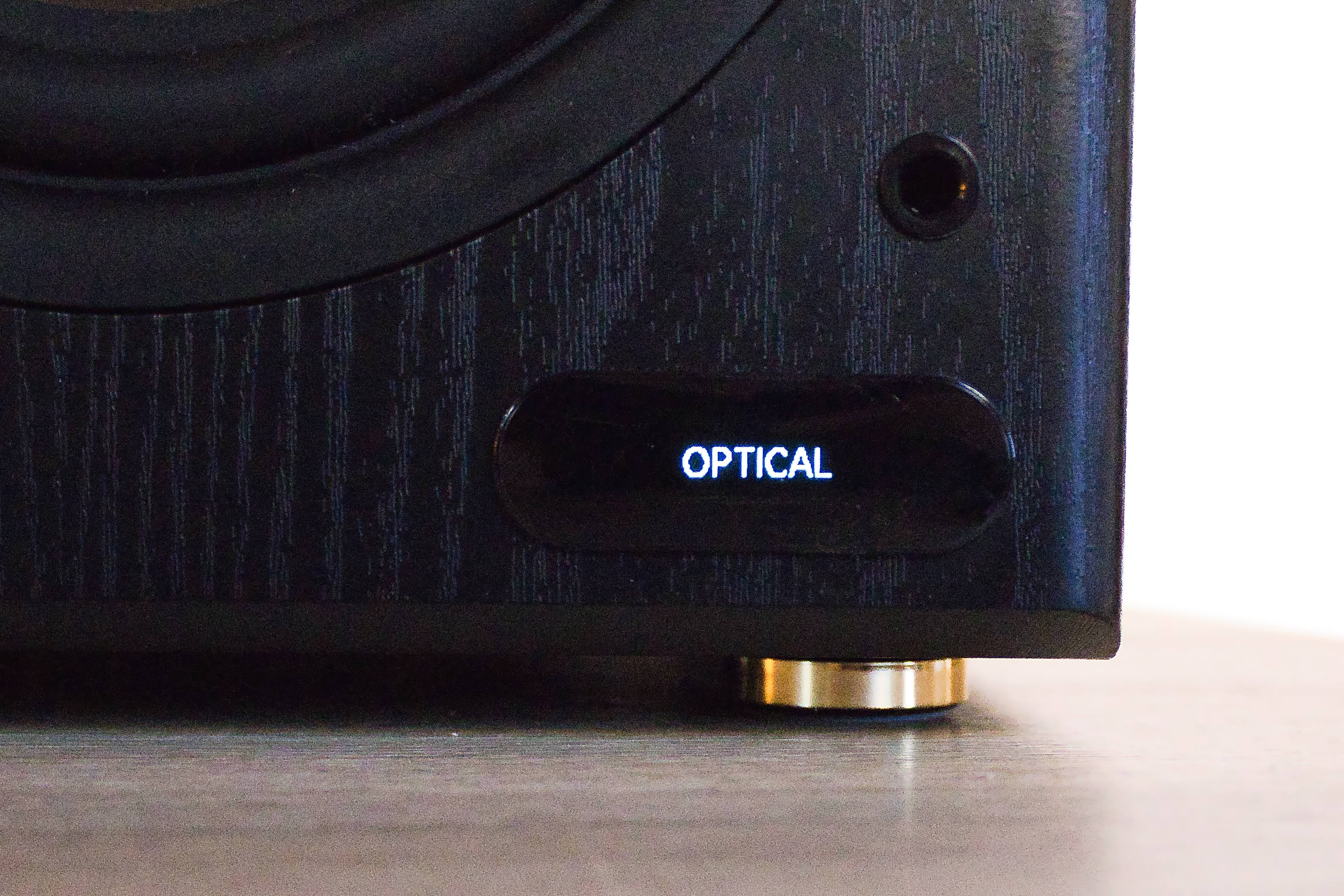
The small display on the right speaker fits perfectly and has a fairly understated design, allowing the speakers to blend seamlessly into any living room setting. The remote control feels high-quality and looks nice, too. We just wish there were a few more equalizer settings; currently, you can either adjust it via the app (for a custom profile) or switch between the preset profiles.
 Edifier R2750DB MKII Seitenansicht (Bild © PCMasters.de)
Sound Quality
Since we lack professional measurement equipment, we’re relying solely on the tester’s ears here. He prefers a rich sound and a precise, pronounced bass range, but he also knows that sound encompasses the entire audible spectrum. The presence and clarity of what’s heard also contribute to the atmosphere, and even if it doesn’t always hit the mark 100%, the overall impression can be better than the sum of its individual components.
 Edifier R2750DB MKII Tieftöner Detail (Bild © PCMasters.de)
Bass
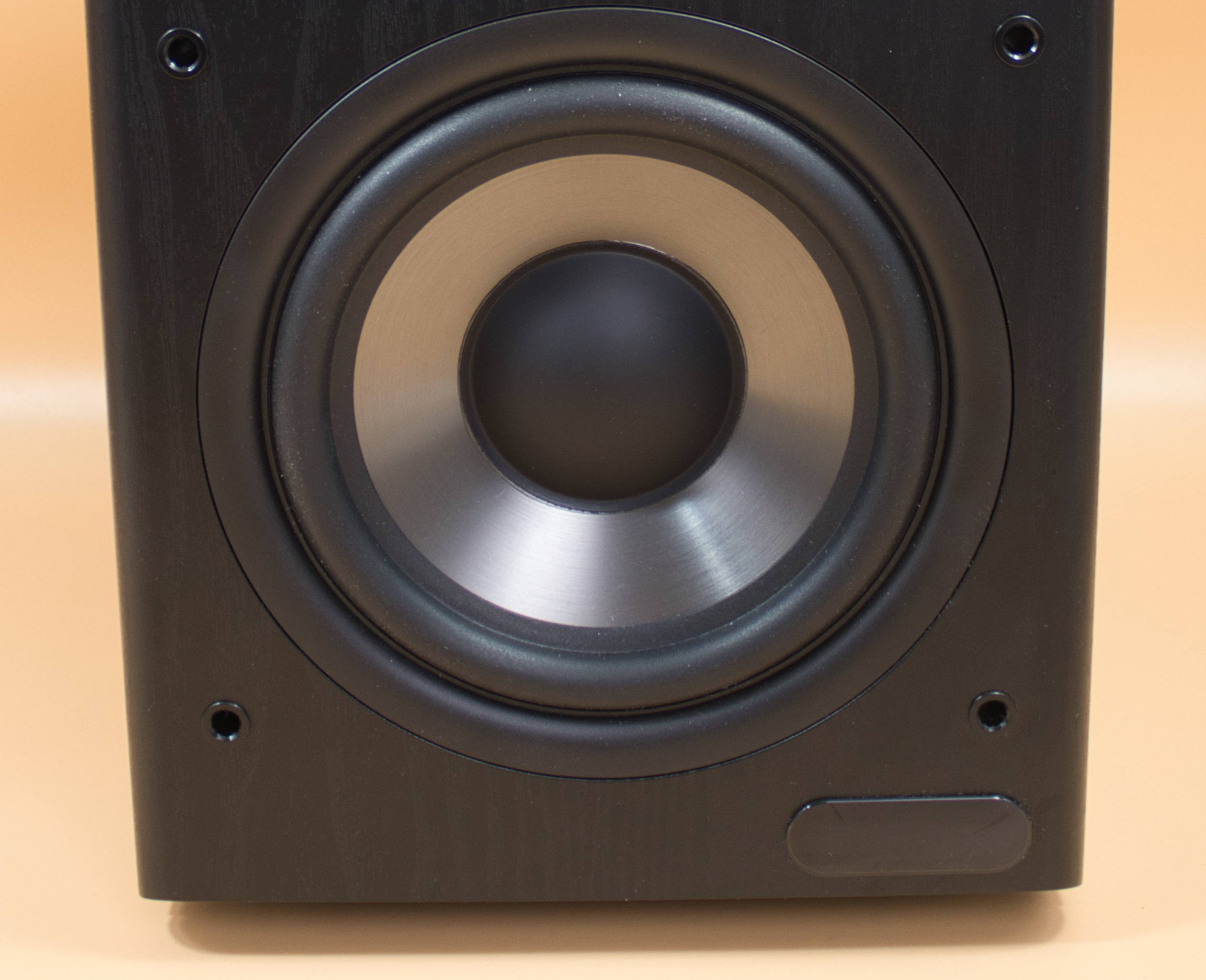
The bass can really rumble—and I mean really. Yet it always came through cleanly. During the volume test, the neighbors came over and said that from the shower, the water droplets were vibrating. You can hear that too! We played a round of War Thunder and rarely felt so immersed. Hollywood couldn’t have staged the rumbling thunder of distant gunfire any better. Although it’s "just" a 2.0 system, we’re almost speechless at how good the sound is, and even the sound localization works very well. And even with movies, there’s always a cinematic moment when the bass kicks in—it’s truly awesome. Even if the neighbors aren’t so thrilled, we definitely are—and that’s without a subwoofer! We did notice, however, that it also depends on the source device. For example, on our phone, the bass reproduction is somewhat limited even though we’re using LDAC. When connected to the PC via Bluetooth, the bass reproduction is practically perfect. There seems to be an issue here; even with different equalizers, we couldn’t resolve the problem. It just doesn’t sound as full as it does on the PC, and the problem isn’t completely gone on the tablet either—there might be an issue with Android here.
 Edifier R2750DB MKII Mittel und Hochtöner Detail (Bild © PCMasters.de)
Midrange
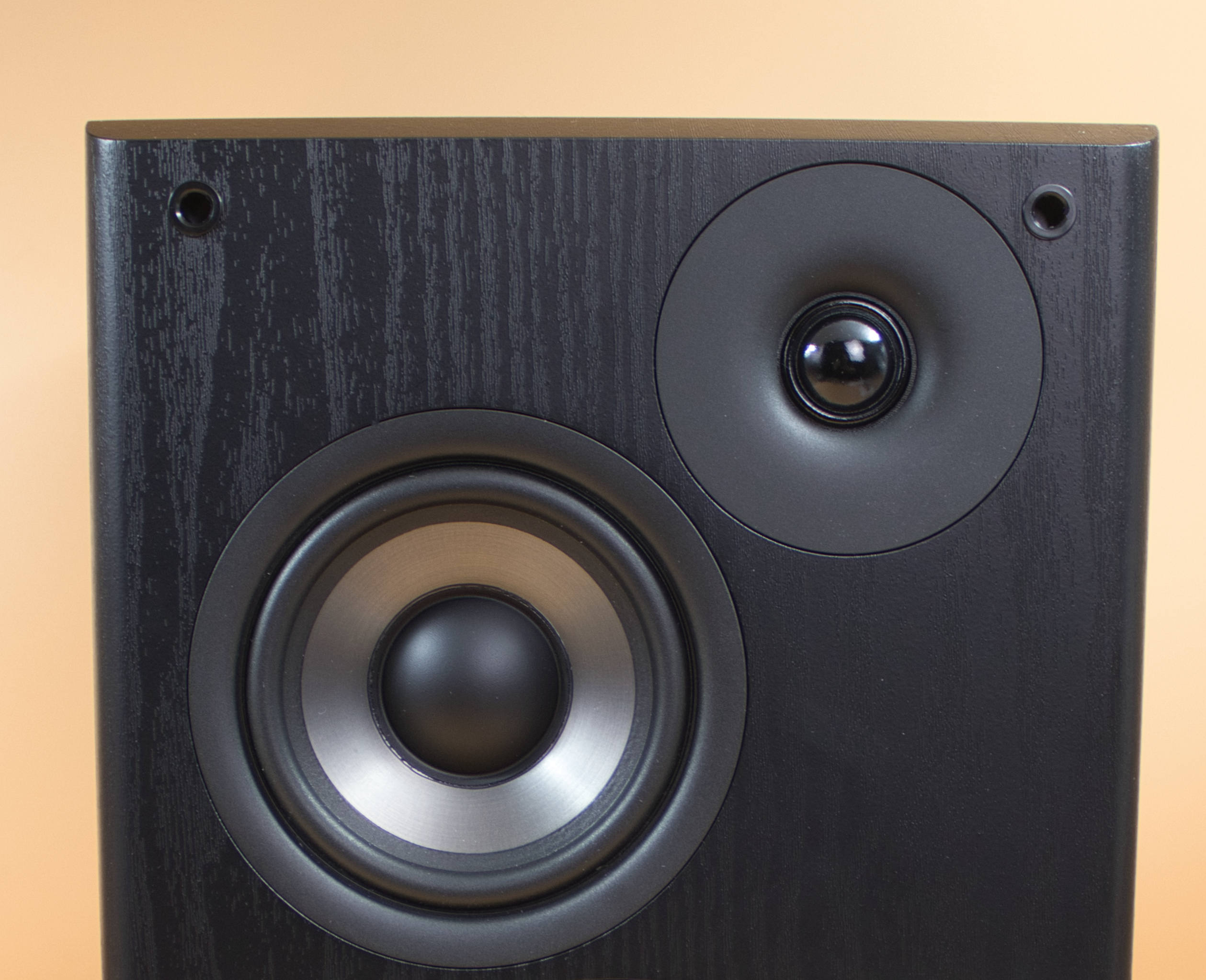
We didn’t notice any issues with vocals; whether listening to music or watching movies, the midrange is cleanly resolved and the soundstage is clearly defined. It’s simply a pleasure to listen to the singers, as you can hear all the instruments clearly while the vocals remain detailed. Whether it’s A-ha, the Eagles, or even Iron Maiden, the R2750DB MKII delivers consistently, even at higher volumes. Music lovers will get their money’s worth here.
High Frequencies
Here, too, we can give the R2750DB MKII top marks. High hats, clinking glass, or even tinnitus effects in video games are always reproduced clearly. In our opinion, they’ve achieved a very nice balance between being present without sounding exaggerated or over-the-top.
 Edifier R2750DB MKII Backplate Detail 1 (Bild © PCMasters.de)
Connections
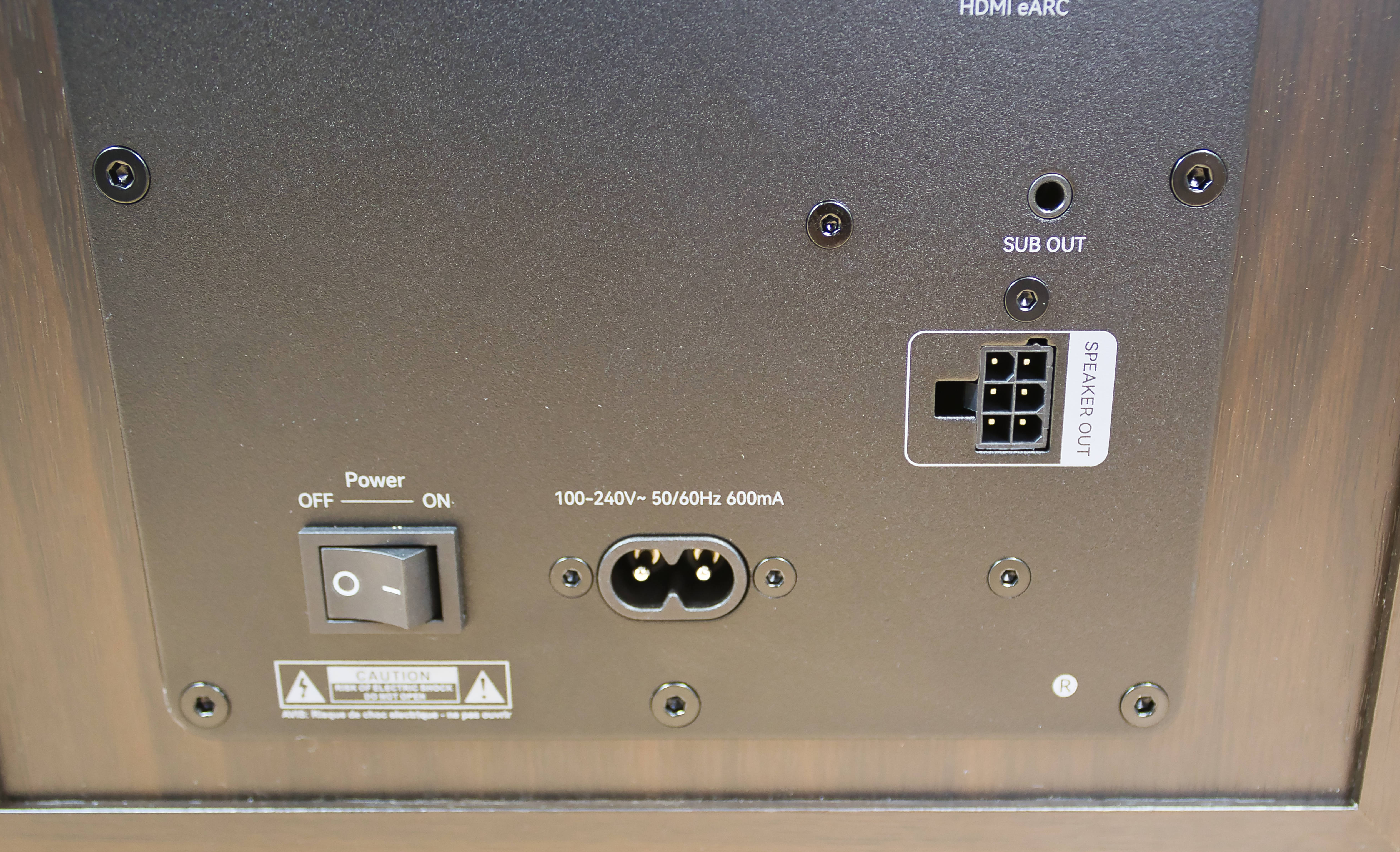
If there’s one thing this speaker has, it’s connections—there’s something here to make everyone happy. Whether via HDMI, optical, coaxial, line-in, or Bluetooth, you can connect just about anything here—very commendable. Perhaps USB-C would be one missing option, but that’s just nitpicking.
 Edifier R2750DB MKII ConneX APP Übersicht (Bild © PCMasters.de)
Software
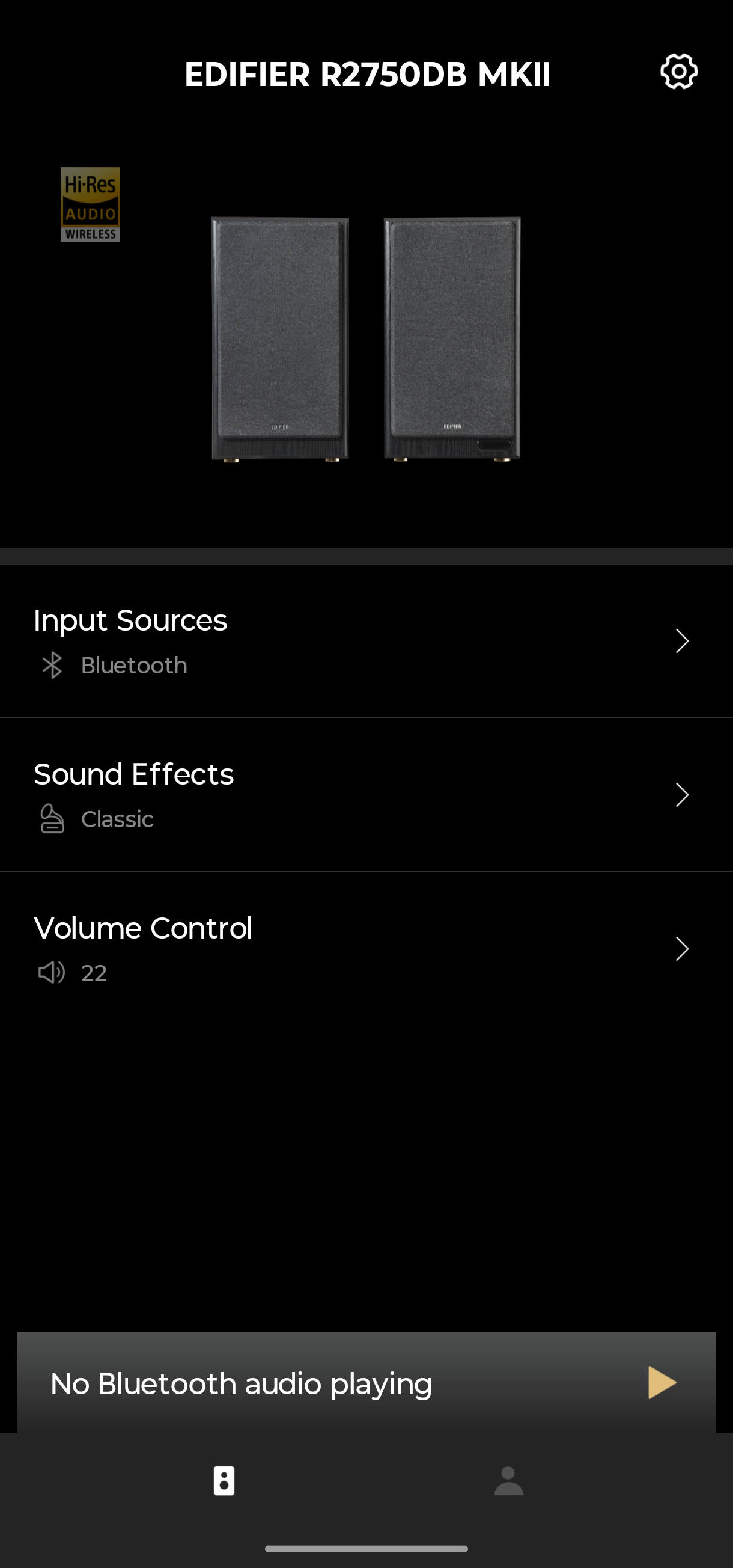
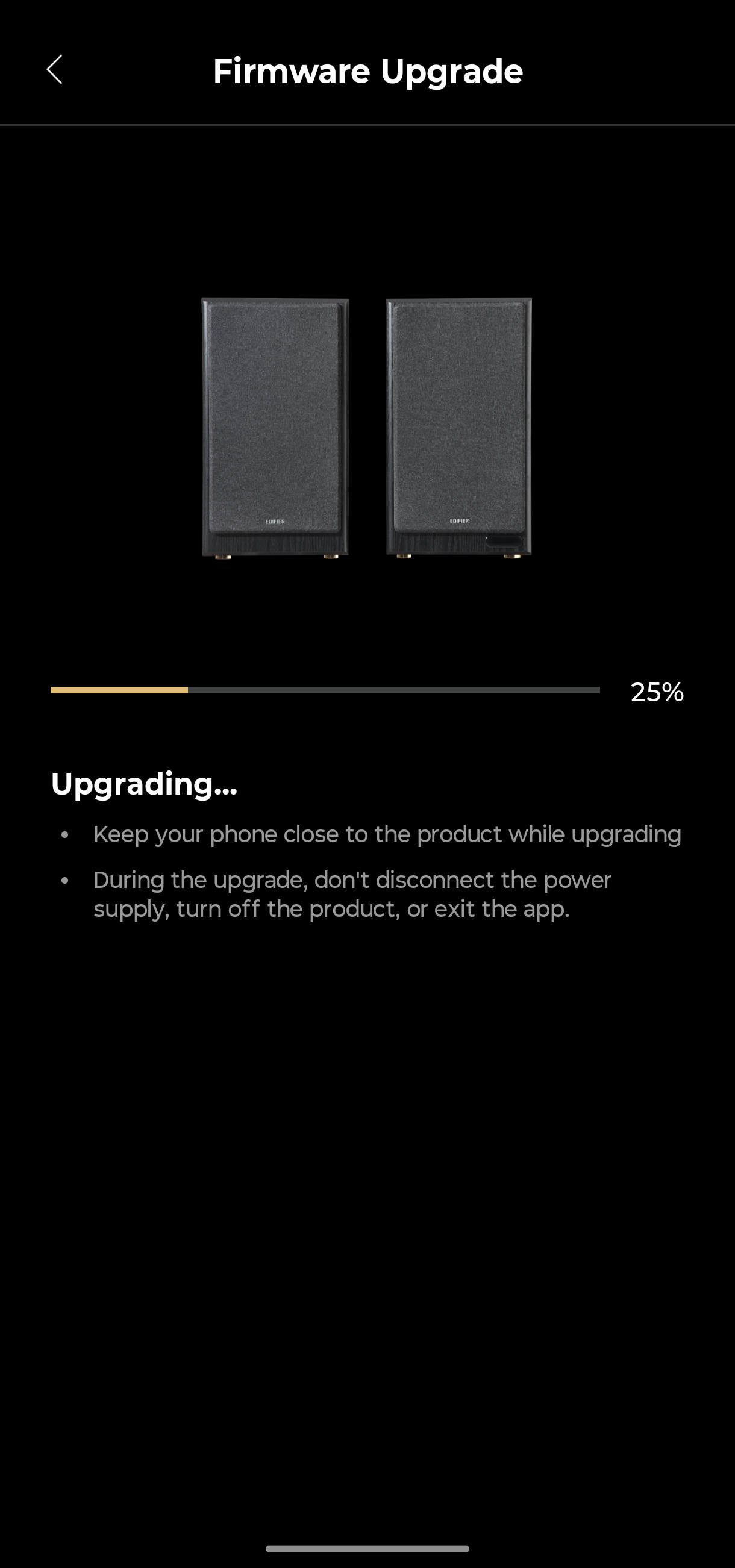
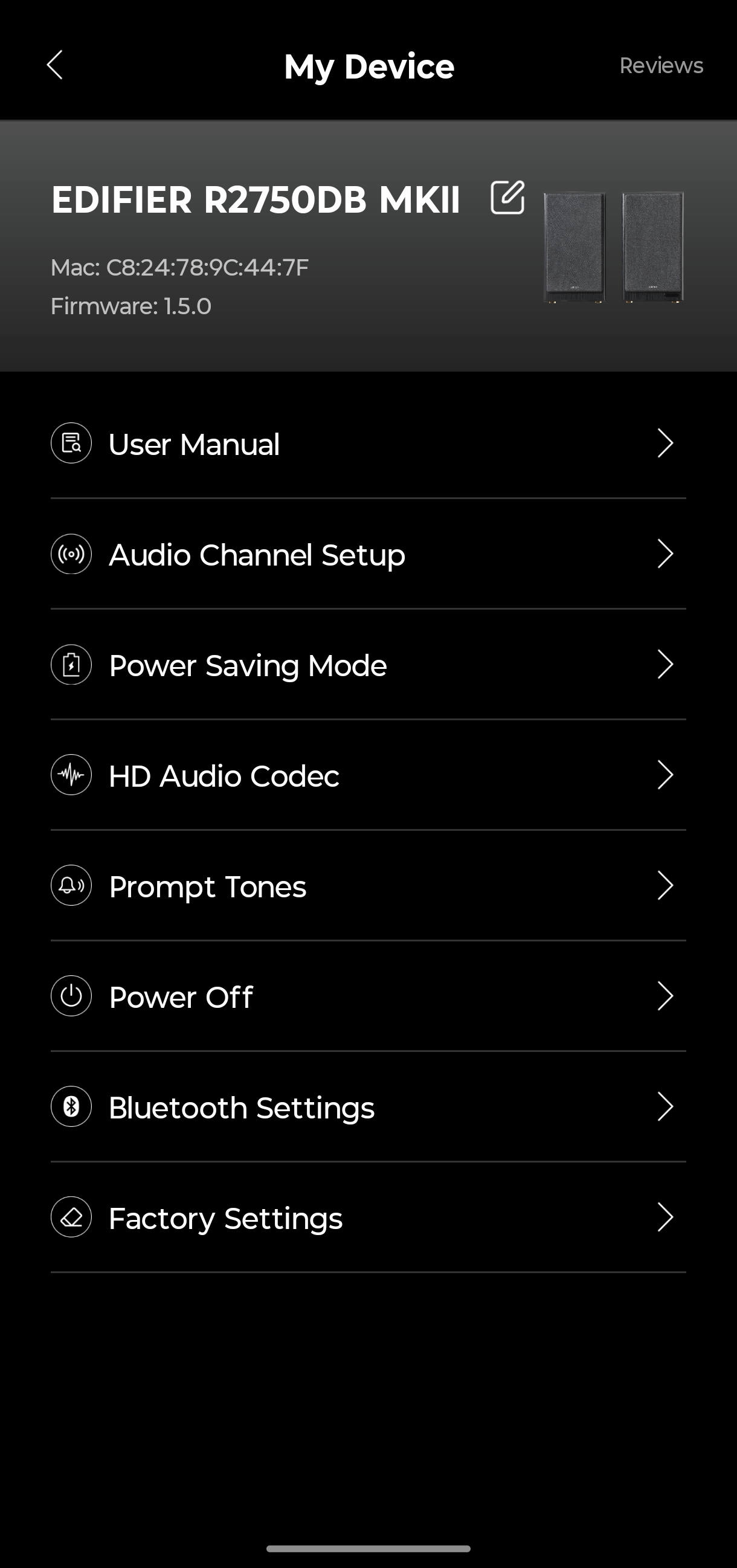
Edifier offers an app for your Android phone called Edifier Connex. It essentially acts as an advanced remote control for the R2750DB MKII, allowing you to switch between input channels, configure LDAC, adjust sound effects, create your own profile, and set the volume. Firmware updates are also distributed through this app.
 Edifier R2750DB MKII Connex APP Upgrade Firmware (Bild © PCMasters.de)
 Edifier R2750DB MKII ConneX App Einstellungen (Bild © PCMasters.de)
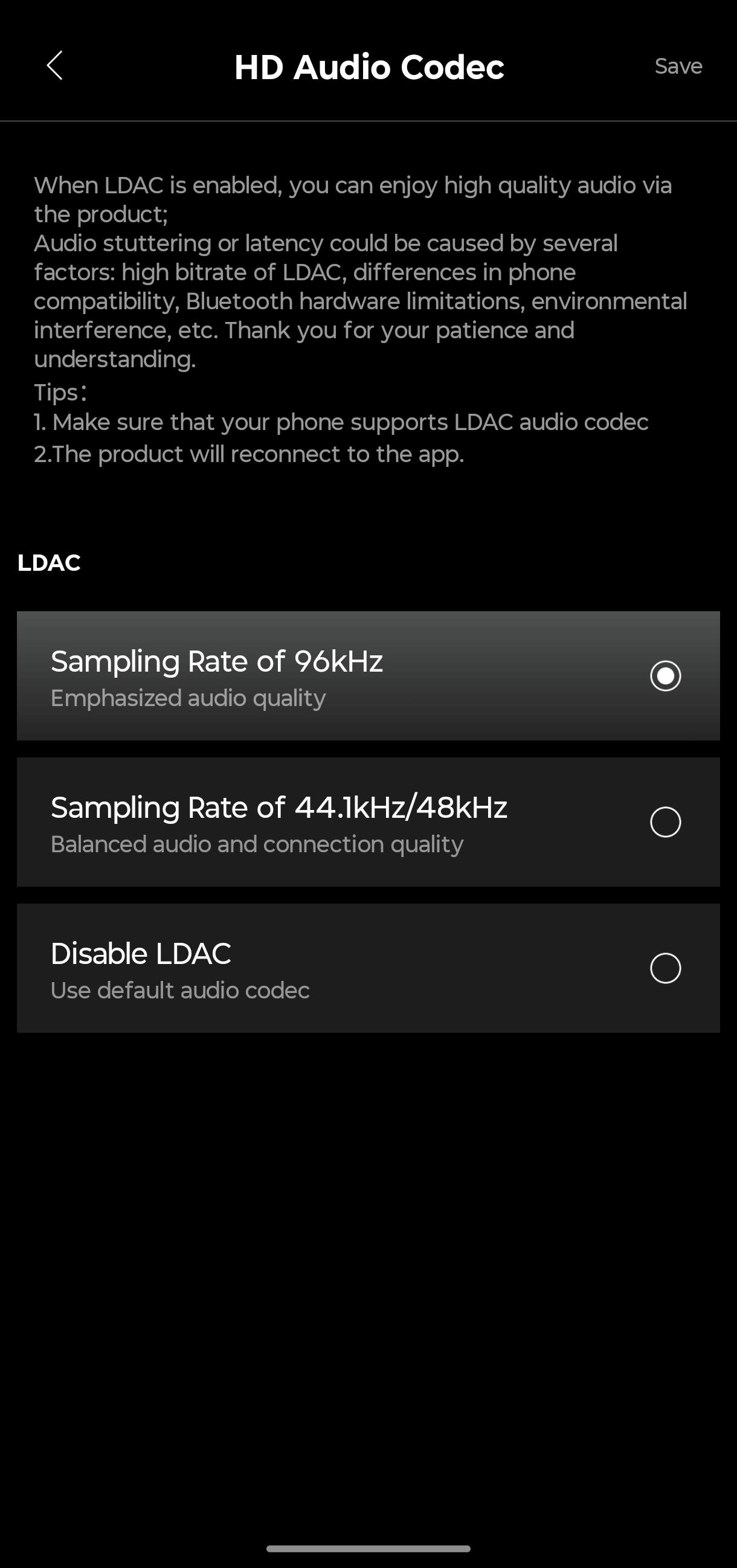 Edifier R2750DB MKII ConneX App Codec Einstellungen (Bild © PCMasters.de)
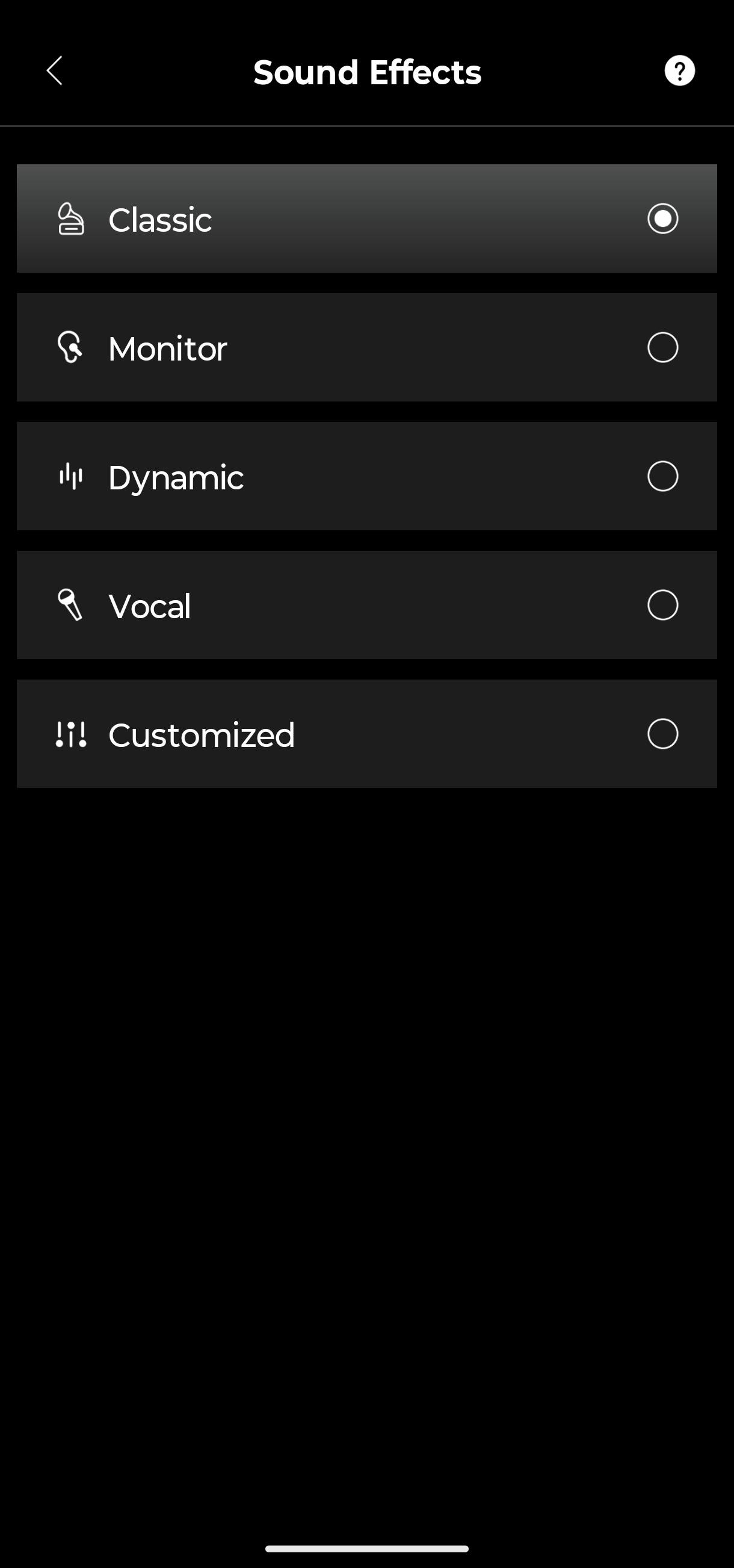 Edifier R2750DB MKII ConneX App Sound Effekte (Bild © PCMasters.de)
Edifier R2750DB MKII ConneX App Einstellungen (Bild © PCMasters.de)
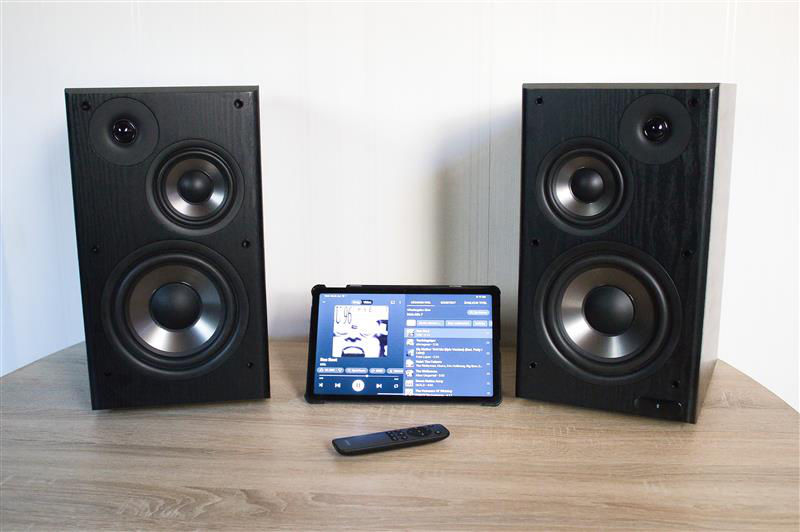 Edifier R2750DB MKII Fazit (Bild © PCMasters.de)
Conclusion

With the R2750DB MKII, Edifier has created a truly excellent 2.0 speaker system that is ideal for music playback. The individual components are well-tuned, and the build quality is fundamentally very high; the small drop of glue on our test unit was easily removed and should not normally occur. The remote control is sleek, though it could use a few more options for adjusting the equalizer. With its 144 W RMS, the system is very well equipped to fill even larger living spaces with sound. And if the neighbors complain that the bass is too loud, who needs a subwoofer? However, one can still be connected via the line-out port. One minor drawback, unfortunately, is connecting via Bluetooth to an Android phone; this connection didn’t allow the R2750DB MKII to reach its full potential.
The MSRP of €399 is certainly steep, but it should be viewed as an investment, because this 2.0 system is here to stay! And even now, there are occasional deals around €350 at specialty retailers (Affiliate)—if you’re looking for a great system with a classic look for your living room, this is definitely a good choice.
Pros
- Beautiful design and build quality
- Great sound tuning
- Surprisingly good bass depth
- Clean mids and highs
- Great soundstage and stereo separation
- Creates a great "right in the middle" feeling when playing
- Simple app
- Display is nice and sharp…
Cons
- … but too small, making it hard to read from a distance
- Sound potential isn’t fully realized via Bluetooth on an Android phone
- Remote control could offer more equalizer settings