


 Computer Forum
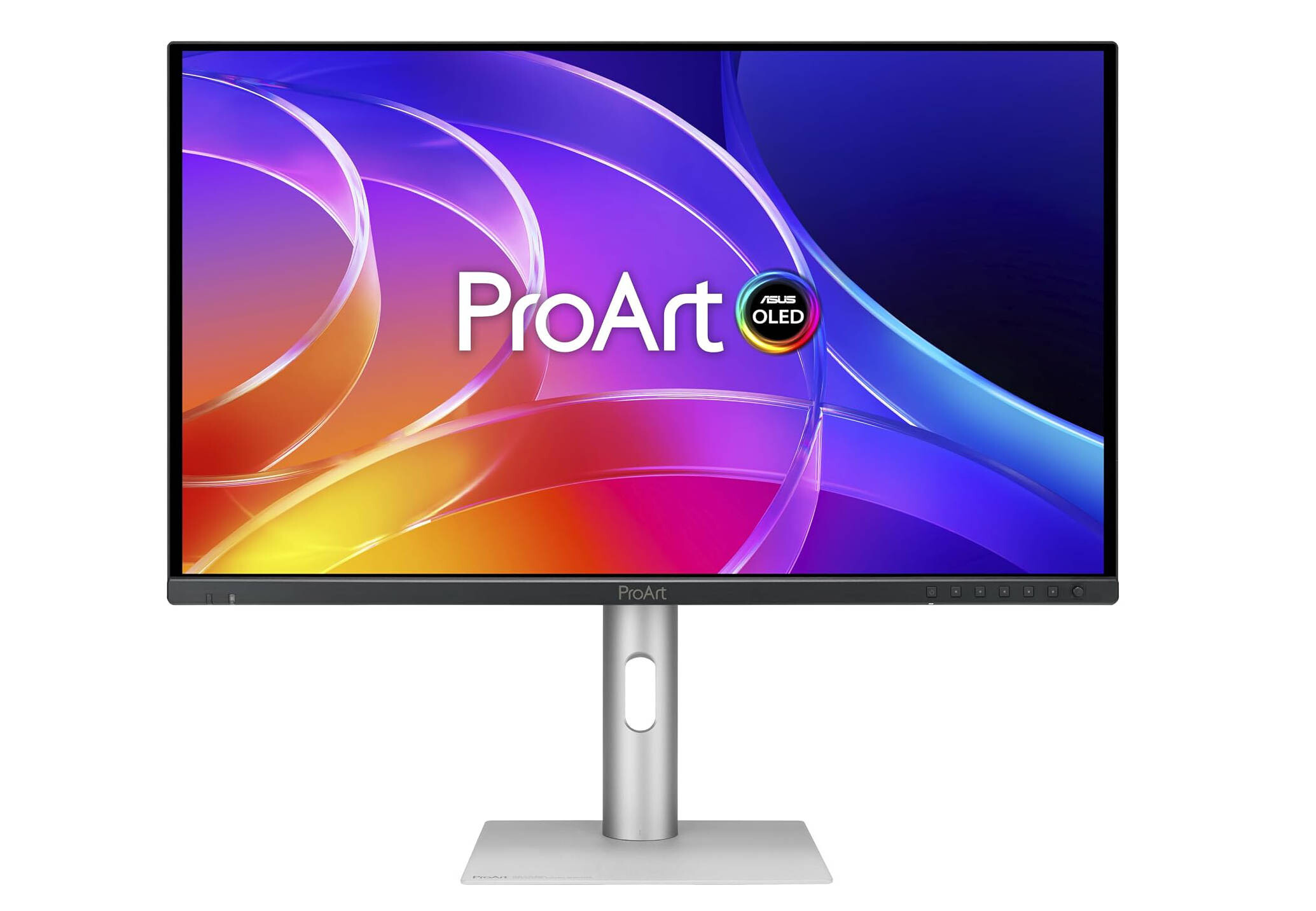 ASUS ProArt PA279CDV (Image © ASUS)
Display Specifications and Color Accuracy
The PA279CDV and PA329CDV offer a peak brightness of 1,000 nits over 3% of the screen area and support a refresh rate of up to 120 Hz. To display fast-rendered images, the monitors feature Variable Refresh Rate (VRR) technology. In terms of color reproduction, both displays cover 99% of the DCI-P3 color space as well as 100% of sRGB and Rec. 709. They use true 10-bit color depth and can display over 1.07 billion colors. Each device is factory-calibrated to ensure a Delta E value of less than 1.5, utilizing grayscale tracking technology to ensure uniformity across the entire panel.
Hardware Protection and OLED Care
To ensure longevity, ASUS has equipped the screens with a scratch-resistant protective film that offers 2.5 times greater scratch resistance than previous QD-OLED generations.
To reduce the risk of image burn-in, the monitors feature a range of OLED Care functions. This system includes pixel shift, screensaver, and ISP (Global) functions, as well as an image protection tool that detects and dims static elements such as taskbars and logos. Additionally, a proximity sensor is integrated that automatically reduces brightness when no user is detected in front of the screen.
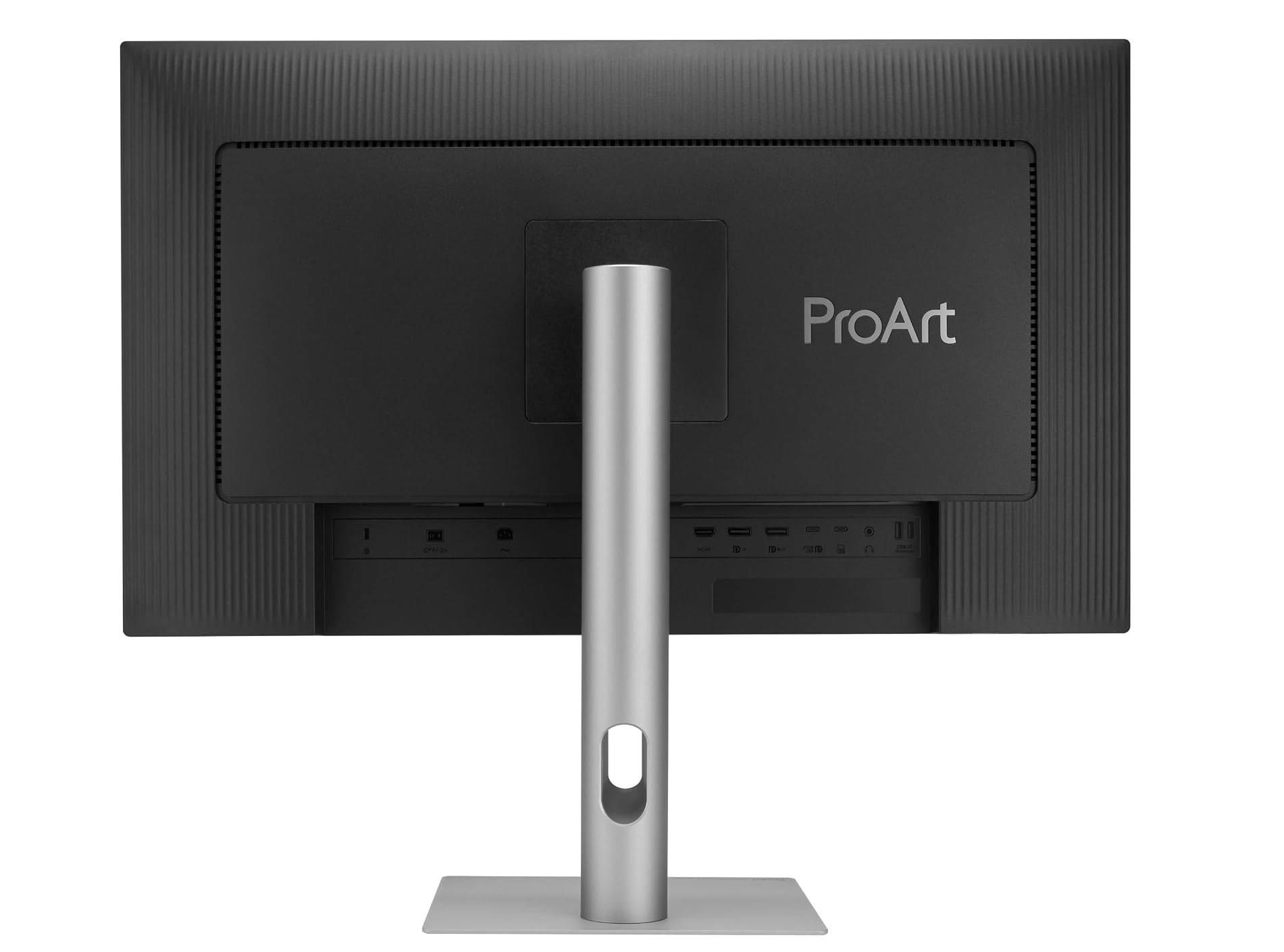 ASUS ProArt PA279CDV Rückseite (Image © ASUS)
Connectivity Options and Workflow Integration
The monitors are equipped with extensive connectivity options, including:
- Fully functional USB-C ports with 96-watt Power Delivery.
- HDMI 2.1 and DisplayPort 1.4 with DSC for daisy-chain support.
- An integrated USB 3.2 hub with one USB-C and three USB Type-A ports.
- An auto-KVM switch that allows two separate, connected systems to be controlled using a single keyboard and mouse.
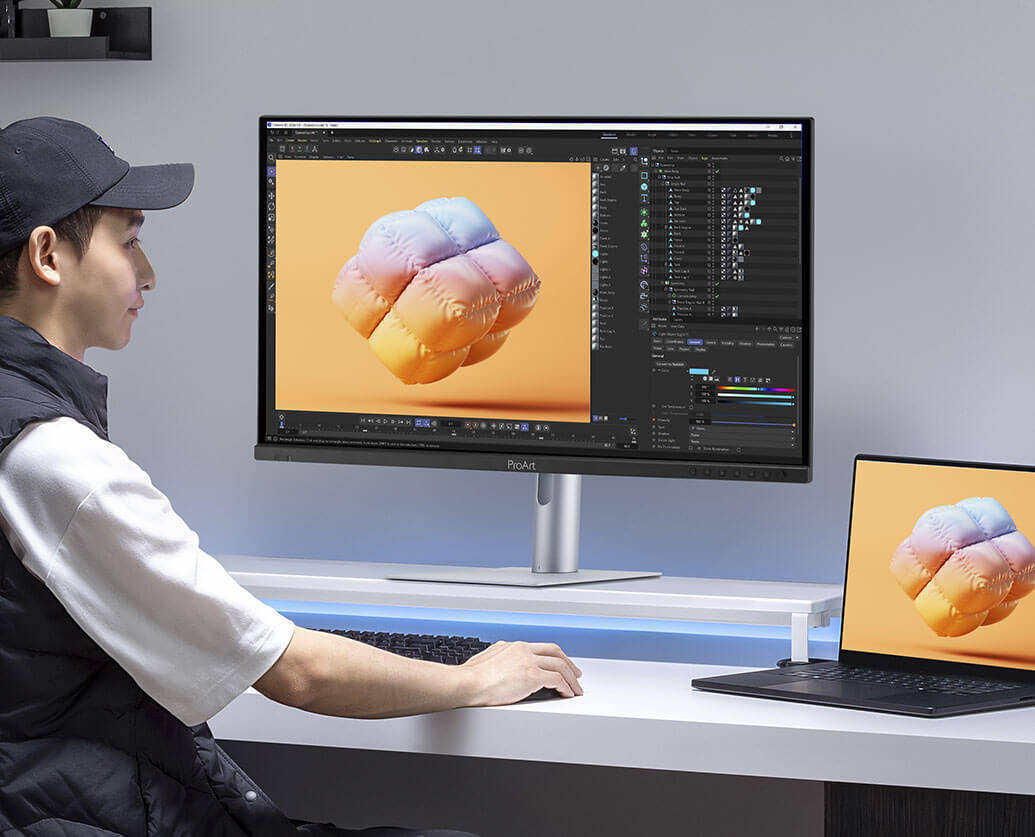 ASUS ProArt PA279CDV Monitor (Image © ASUS)
For macOS users, the displays offer the “M Model-P3” color profile for consistency with Apple devices. The 120-Hz VRR is designed to synchronize with Apple ProMotion technology, and the ASUS DisplayWidget Center software is available for macOS to adjust brightness, contrast, and color temperature with a mouse.
The new models feature a redesigned stand that is half as thick as previous versions, reducing the footprint on the desk by 33%. They also include a built-in ambient light sensor that automatically adjusts color temperature and brightness to match the surrounding lighting. In select regions, the purchase price includes a three-month trial subscription to the Adobe Creative Cloud suite.
Prices and Release Dates:
- ProArt Display OLED PA279CDV available starting at €799 (Affiliate)
-
ProArt Display OLED PA329CDV: Expected to be available starting in September 2026 for €899
