


 Computer Forum
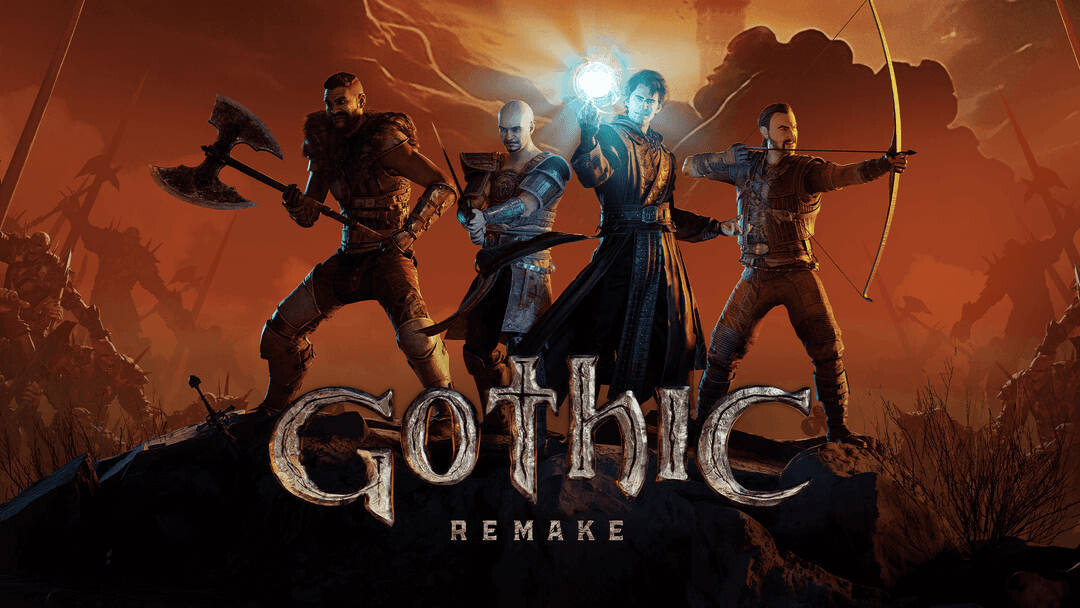 Gothic 1 Remake Systemanforderungen (Image © THQ Nordic)
XeSS stability and hardware compatibility
The primary technical goal of this release is to eliminate image tearing associated with XeSS frame generation. This issue affected a wide range of Intel hardware, including the Arc A-Series “Alchemist” and B-Series “Battlemage” discrete GPUs. The fix also extends to the integrated graphics cards of the Core Ultra Series 1 “Meteor Lake”, Series 2 “Arrow Lake” and the new Series 3 “Xe3 Celestial” processors.
Game compatibility
Version 101.8826 includes specific optimizations to ensure stability and performance for the following titles:
- Gothic 1 Remake
- F1 25: Season 2026
- Fortnite Chapter 7: Season 3
Despite the fixes, several DirectX 12 titles still have some known issues. “Borderlands 4” and “Indiana Jones and the Great Circle” may experience intermittent application crashes, the latter especially when path tracing is enabled. Apex Legends may display flickering image errors on certain maps, while Marathon may display object errors when anisotropic filtering is active. In addition, users of the Core Ultra Series 3 may experience crashes in Mafia: The Old Country.
Software and benchmark stability
For professionals using content creation tools, the update notes indicate stability issues with PugetBench. Users of Arc A and B series GPUs may experience crashes in Adobe Premiere Pro and Davinci Resolve Studio. For the latter, Intel recommends increasing the timeout slider in the benchmark settings to at least 1500 seconds so that the tests can be completed.
The Intel Graphics Driver also contains several bugs. On Windows 10, using the option to reset all settings may cause the application to crash. Users may also find that the hide graph button on the performance page does not work correctly and that the application may crash once during the initial rearrangement of performance metrics.
