


 Computer Forum
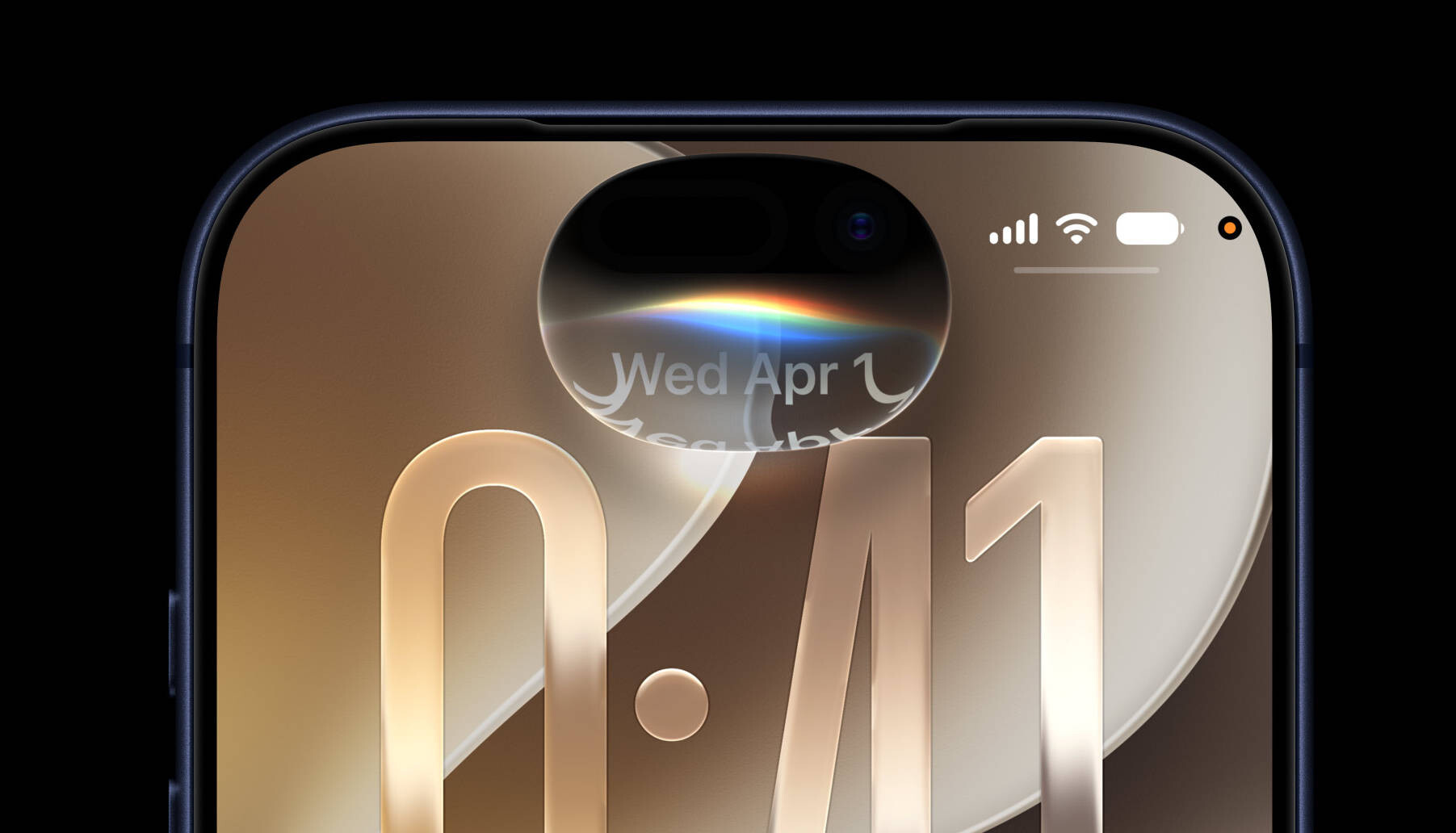 iOS 27 Preview 2 (Image © Apple)
The most noticeable change isn’t a new feature, but the speed. Everything feels faster. Animations run more smoothly, and apps open faster than they did in iOS 26. This performance boost also extends to AirDrop transfers and iMessage synchronization across devices. Even older iPhones benefit from these under-the-hood optimizations, although the more noticeable AI tools are still only available on newer hardware.
Siri has been completely redesigned and is now called Siri AI. It no longer feels like a simple voice command tool, but more like a conversation partner. Since it has private access to your emails and messages, it can actually be useful. You can ask it to find a specific link someone sent you last Tuesday, or instruct it to lock all the doors at midnight via your home automation system. It can even scan a recipe on a website and add the ingredients directly to a shopping list.
For users with an iPhone 15 Pro or newer, Apple Intelligence offers several handy features. Visual Intelligence is now integrated into the Camera app. You can point your phone at a plate of food to display its nutritional information, or take a photo of a receipt to calculate who owes what. There’s also the “Write with Siri” tool, which analyzes your existing messages and emails to mimic your individual writing style when composing new texts.
The Photos app has received a major upgrade to its “Clean Up” tool. It removes unwanted objects from images more effectively than before. The AI can now also expand the edges of a photo or completely change the image composition.
Other utilities received targeted updates. The Passwords app can now automatically replace weak or compromised passwords via Safari. Safari itself now supports custom extensions created using natural-language prompts. For example, you could instruct Safari to style a website like a page from the 1990s, with bold colors and eye-catching fonts, or have it generate a source citation for the current page and copy it immediately to your clipboard.
HomeKit users will notice that Secure Video cameras now support 2K and 4K recording. If you have a 2 TB iCloud+ plan, you can also use AI to get text descriptions of what’s happening in your home or search video archives using natural language.
Hardware enthusiasts should check out the audio settings. There’s finally a custom EQ for AirPods 4, Pro 2, Pro 3, and Max 2, letting you manually adjust the mids, highs, and lows. If you find the “Shortcuts” app confusing, you can now simply tell the AI what a shortcut should do, and the system will create it automatically.
Install the iOS 27 Public Beta
To install the beta, users must sign up via Apple’s public beta page before navigating to “Software Update” in their Settings. It’s a good idea to back up your iOS 26 device in case you want to downgrade later.
