


 Computer Forum
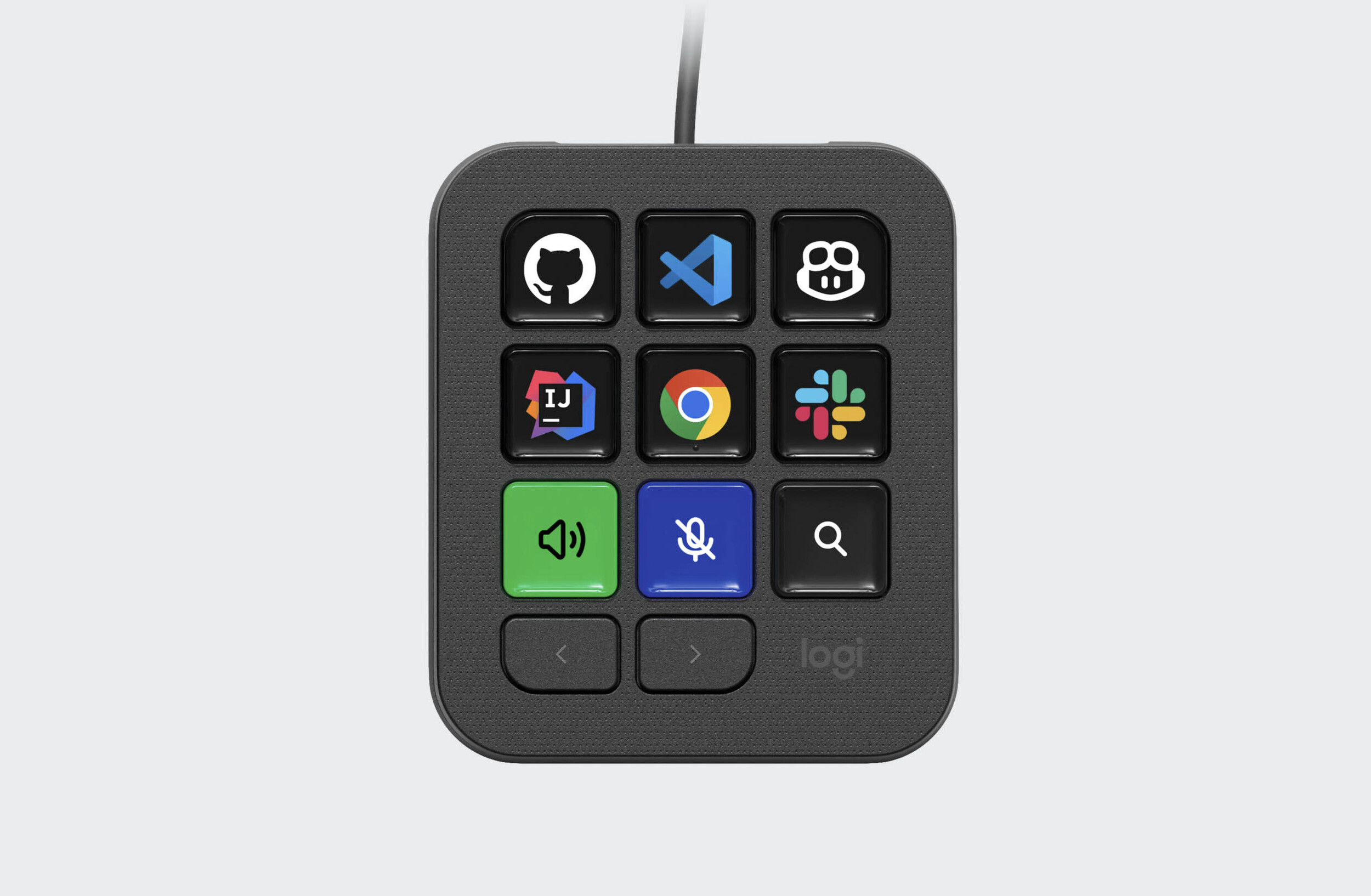 Logitech MX Keypad (Image © Logitech)
The MX Keypad is compatible with common programming environments and includes pre-installed plugins for Claude Code and GitHub Copilot. This integration is designed to reduce the friction that arises when using multiple AI assistants during the programming process.
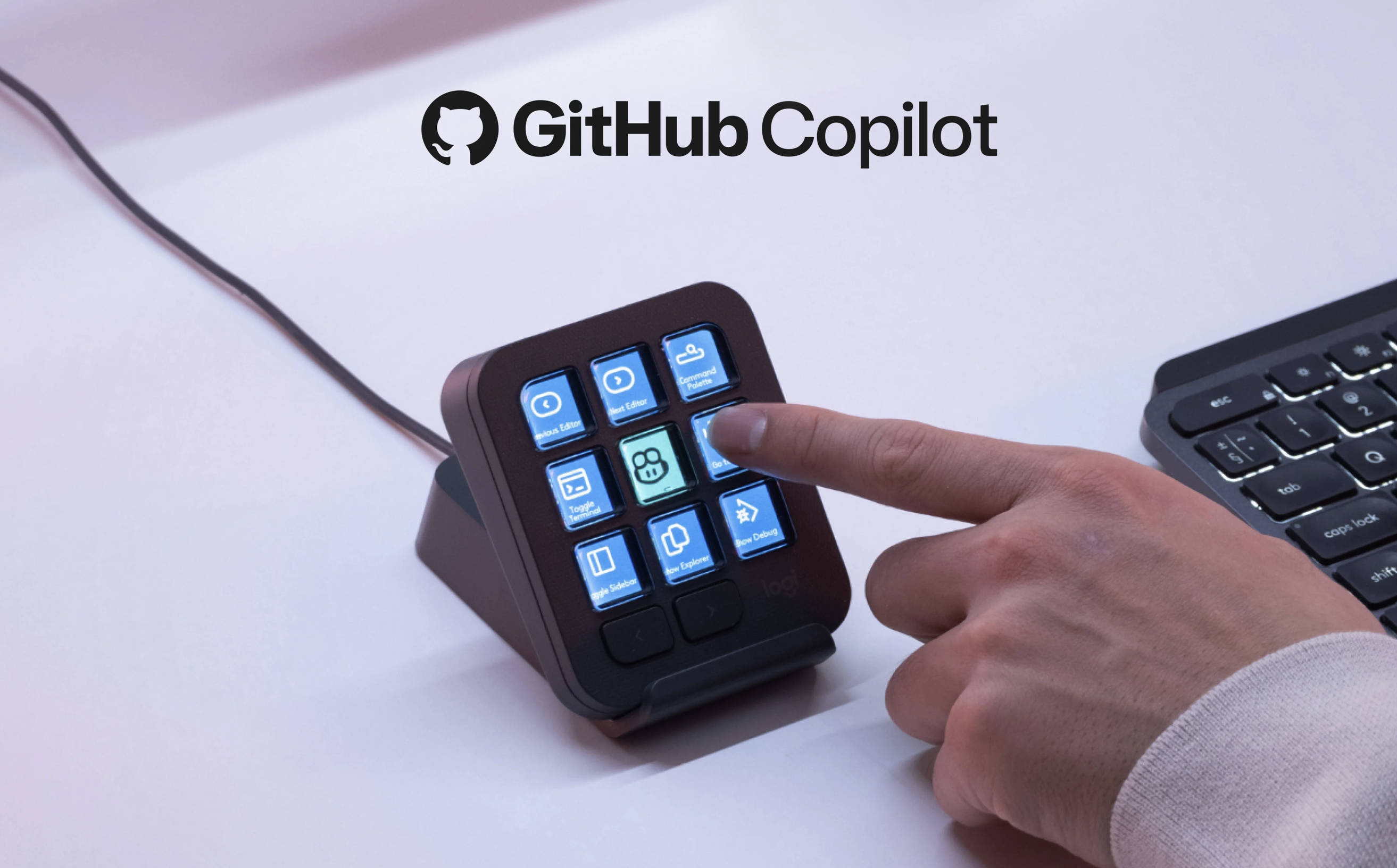 Logitech MX Keypad Github (Image © Logitech)
Integration with the GitHub and Microsoft Ecosystems
The MX Keypad was developed in close collaboration with GitHub, resulting in native integration with GitHub Copilot and Visual Studio Code. This ensures that the hardware works seamlessly with these widely used developer tools.
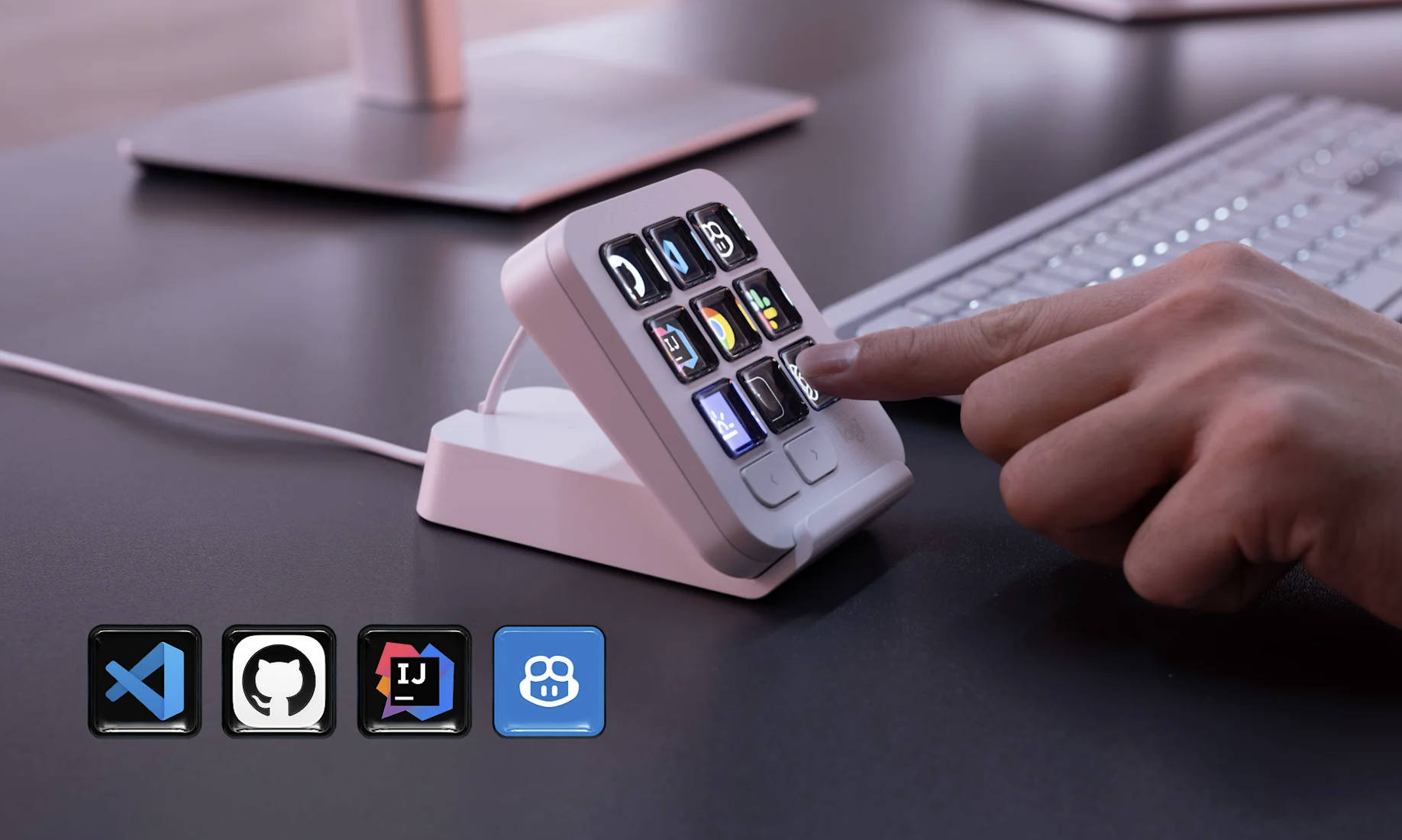 Logitech MX Keypad Integration (Image © Logitech)
As part of the product launch, every MX Keypad includes a three-month subscription to GitHub Copilot Pro+. This offer is available through the Logi Options+ software for both new and existing subscribers to the service.
Logi Actions SDK
To support a wide range of specialized workflows, Logitech provides the Logi Actions SDK. With this software development kit, programmers can create their own custom tools and integrations. The SDK is supported by documentation designed for compatibility with AI tools, which significantly reduces the time required to develop custom plugins.
In addition, the Logi Marketplace offers community-developed plugins for OpenAI Codex and Claude Code, which allow users to monitor the status of AI agents in real time. Control via the command-line interface (CLI) is handled directly through the device buttons and is compatible with over 100 million Logitech devices.
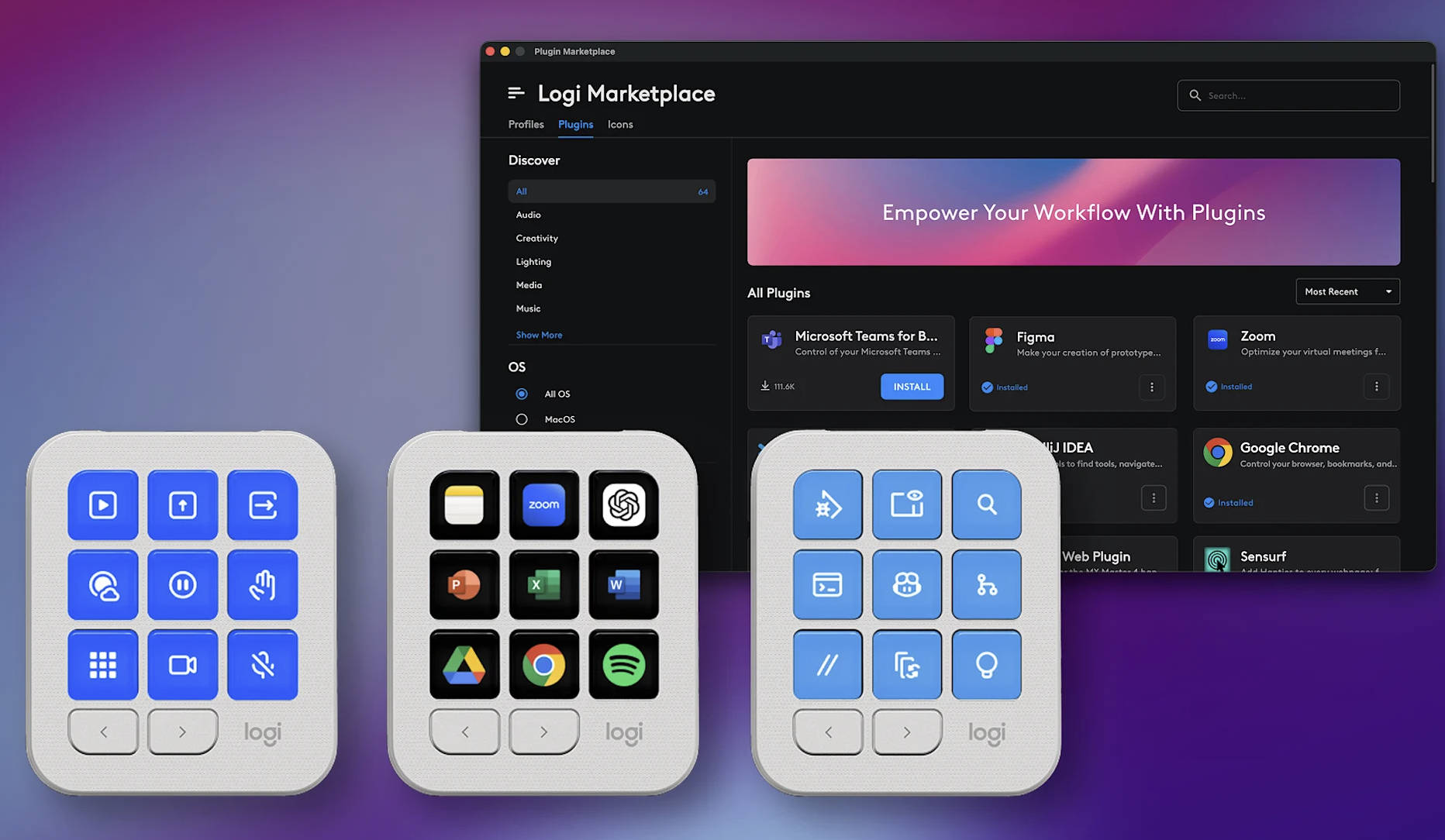 Logitech MX Keypad Workflows (Image © Logitech)
MX Keypad Price and Availability
The MX Keypad will be available starting today in “Graphite” and “Light Grey” and is priced at €99.99.
