


 Computer Forum
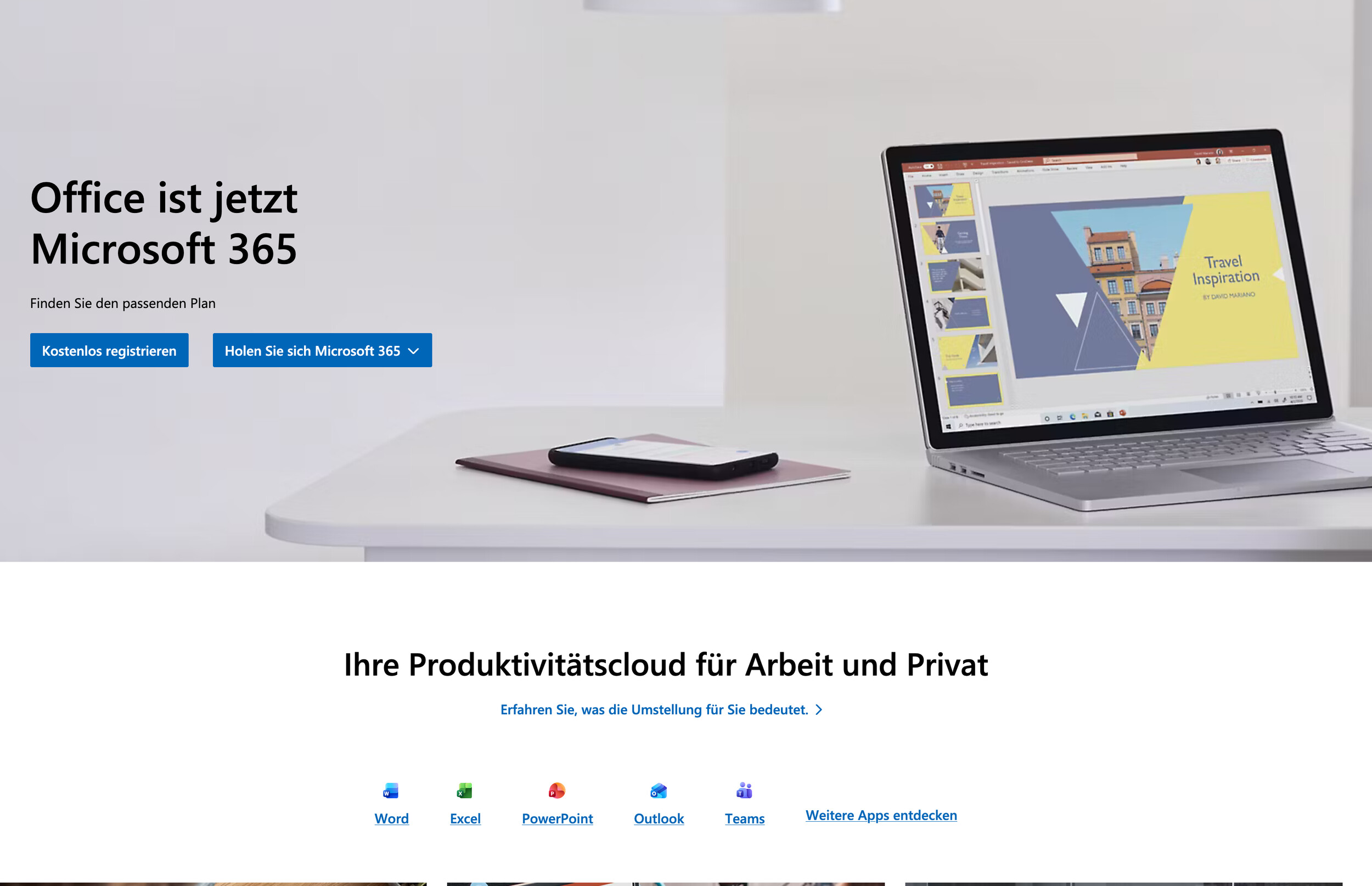 MS Office (Image © Microsoft)
The project uses Proton, a Wine-based compatibility layer, to bridge the gap between Windows binaries and the Linux kernel. Specifically, the latest version of the project uses GE-Proton11-7 to launch applications. The current workflow allows users to download the Office 365 suite directly into a Linux environment and install it there.
At present, the suite’s functionality is inconsistent. During testing, the developers focused primarily on Microsoft Word, which initializes and launches successfully. However, the application is currently still in restricted mode. Since the software cannot verify a valid license, editing functions are disabled, so the user can only view the files. Although the installation package also includes Microsoft Excel, PowerPoint, and Outlook, these applications have not yet been tested as thoroughly as Word. Their current operational status has not yet been verified, even though they are included in the deployment package.
The Challenge of Software Protection and Licensing
The biggest technical hurdle for the “Office365_flake” project is the Windows Software Protection Platform (SPP). The SPP is a central component of the Windows operating system used for license verification and activation. Since Wine and its derivatives, including Proton, do not offer native support for the SPP, standard activation methods fail.
To circumvent this limitation, the project developers are implementing a token-based licensing approach. Instead of relying on the traditional SPP activation sequence, the system attempts to use authentication tokens linked to a personal Microsoft account. By leveraging existing account information, the project aims to bypass hardware-level activation checks that normally prevent the software from entering edit mode on non-Windows systems. Initial Test Results and Adoption
Initial tests show that the software can successfully connect to a user’s account to view files stored on OneDrive. However, the transition from view mode to a fully active edit mode has not yet been verified, as the test accounts used during development do not have a compatible license.
The project maintains a comprehensive list of known issues and possible workarounds on GitHub, where the necessary files and configuration scripts for implementing Microsoft 365 on Linux are made available to the community.
