


 Computer Forum
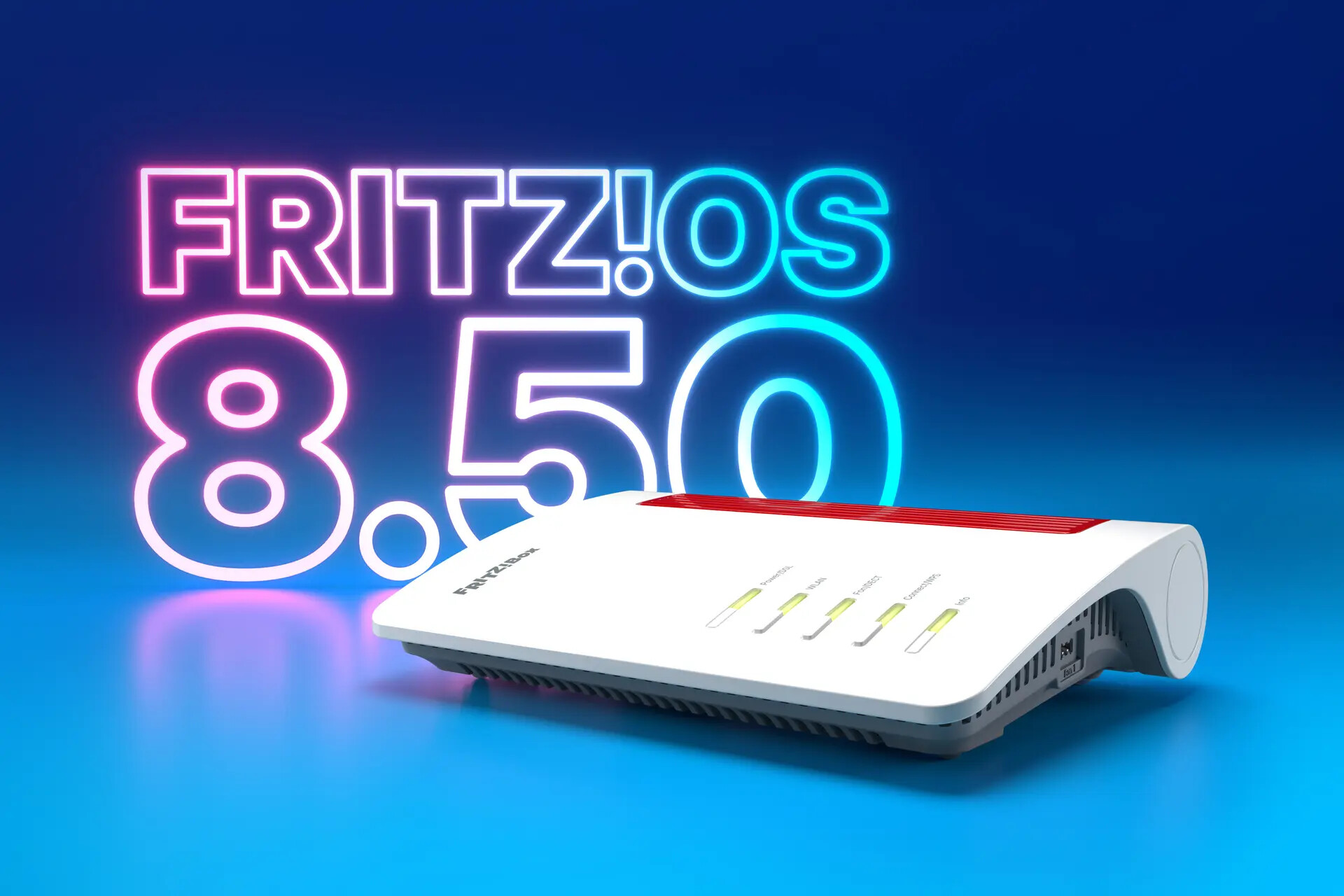 FRITZOS 8 50 Firmware Update (Image © FRITZ)
Advanced DNS Filtering
An important security enhancement in FRITZ!OS 8.50 is the introduction of DNS filters. With this feature, the router can block access to specific Internet domains for all connected devices, including computers and smartphones. The system supports standard formats for importing lists of blocked domain names.
Users can utilize public DNS filter lists to block ad servers, trackers, and known malware sources. Additionally, the filter can be configured to prevent access to phishing sites and botnet command-and-control servers. This functionality is being rolled out gradually on select hardware models.
Integrated Network Diagnostics via Smart Check
The MyFRITZ!App now features a function called “Smart Check,” which provides a real-time status overview of the home network directly on the app’s home screen. This diagnostic tool monitors various categories:
- Internet connection and telephony
- Stability of the home network, Wi-Fi, and LAN
- Status of the USB port
- Smart home integration and general security
Smart Check identifies specific issues, such as a missing mesh connection to a repeater, and provides technical instructions for resolving the problem. A status overview is displayed on the home screen, and a detailed analysis is available upon selection.
Automatic Traffic Prioritization for Real-Time Applications
To reduce latency during bandwidth-intensive tasks, FRITZ!OS 8.50 introduces automatic prioritization for real-time data streams. The router can now independently identify traffic related to online gaming and video conferencing. As soon as such traffic is detected, the system prioritizes these packets over other network traffic to ensure connection stability. Users can check active prioritizations via the user interface, and a log of these events remains available for up to 24 hours after the session. This feature will be rolled out for select models in the coming weeks.
Enhanced Connection Redundancy with FRITZ! Failsafe
The FRITZ! Failsafe redundancy system has been extended to FRITZ!Box 4G and 5G models. These mobile devices now support Internet access via a LAN port and can thus work with external devices such as an Optical Network Terminal (ONT) for fiber-optic connections. If the primary landline connection fails, the system automatically switches the home network to the mobile data connection to maintain availability.
Accessibility Improvements for FRITZ!Fon
The calling experience for FRITZ!Fon users has been optimized with the introduction of a “Simple Mode.” This mode simplifies the menu structure, thereby improving usability. The most important changes include:
- Speed Dial: The selection keys can be directly assigned to specific phone numbers or functions.
- SOS Call Function: Users can program up to four emergency contacts. In an emergency, the device contacts these people one after another. The intervals between these calls can be customized to optimize response times.
Smart Home Automation and Matter Integration
The update introduces new energy management and automation options for smart home hardware:
Energy Management
The FRITZ!Smart Energy 200, 210, and the soon-to-be-released 201 indoor outlets can now be configured to automatically shut off if a defined power threshold is exceeded for a specific duration.
Geofencing and Routines
New automation profiles such as “Leaving Home,” “Coming Home,” and “Vacation” can be triggered using geofences set up in the FRITZ!App Smart Home. Future updates will allow for the combination of multiple triggers—for example, requiring all registered residents to leave a defined zone before a routine is activated.
Matter Bridge Support
The FRITZ!Box 5690 Pro now functions as a Matter Bridge. This allows FRITZ! Smart Home devices and other compatible third-party hardware registered with the 5690 Pro to be integrated into Matter networks managed by Apple Home, Google Home, or Amazon Alexa, enabling cross-platform voice control.
