Computer Forum
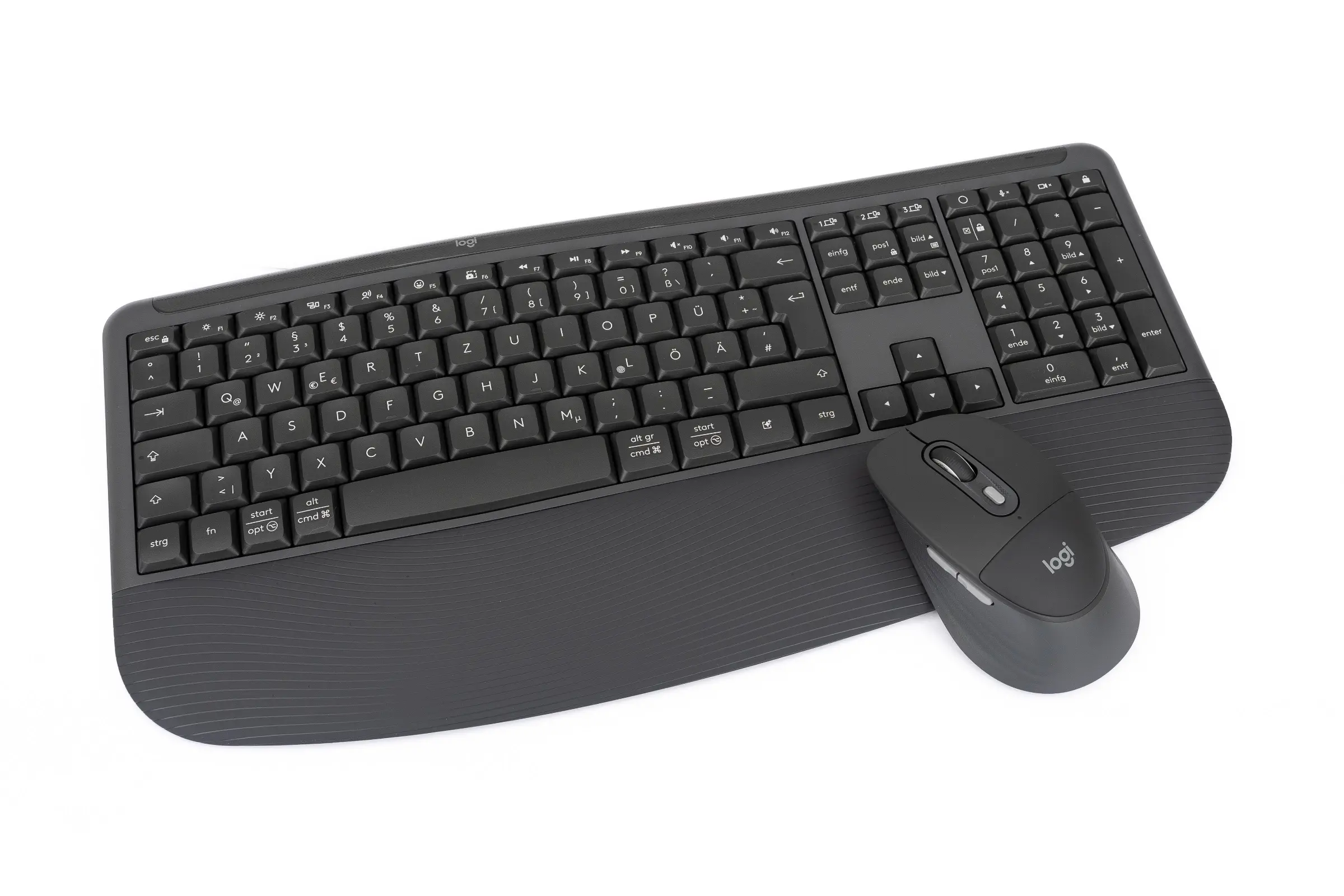 Logitech Signature Comfort Plus Combo MK880 Overview2 (Image © PCMasters.de)
We took a closer look at the set, which consists of the K880 keyboard and the large-format M850L mouse. In our review, we’ll determine whether the combo lives up to expectations for everyday typing comfort and for whom investing in the new set is truly worthwhile.
About Logitech
Logitech has been a global provider of computer peripherals for decades and has built up a vast product range, from classic mice to webcams and streaming equipment. With its Signature series, the manufacturer focuses specifically on ergonomics and comfort to make modern office life more relaxed. In addition, Logitech is now placing greater emphasis on ensuring that environmental protection is not neglected in the choice of materials and design.
Technical Specifications
Let’s start by taking a closer look at the technical specifications of the new combo. In the overview below, we’ve concisely summarized the most important specifications of the K880 keyboard and the M850L mouse for you.
| Logitech K880 Keyboard | Logitech M850L Mouse | |
|---|---|---|
| Dimensions (H x W x D) | 211.74 mm x 444.15 mm x 29.88 mm | 121.8 mm x 74.3 mm x 44.2 mm |
| Weight (with batteries) | 685 g | 107.9 g |
| Power supply | 1 AA battery | 2 AAA batteries |
| Battery life | 24 months | 36 months |
| Warranty | 2 years | 2 years |
| Connectivity | Bluetooth Low Energy | Bluetooth Low Energy |
| Logi Bolt Compatibility | Yes | Yes |
| Palm rest | Yes | Yes |
| Sensor | Pluto ONE | |
| Scroll wheel | SmartWheel | |
| Height-adjustable | Yes (4- and 8-degree angles) | |
| Button type | Plunger switches | |
| Other | Splash-resistant, customizable via Logi Options+ | Customizable via Logi Options+ |
| MSRP | €109.99 |
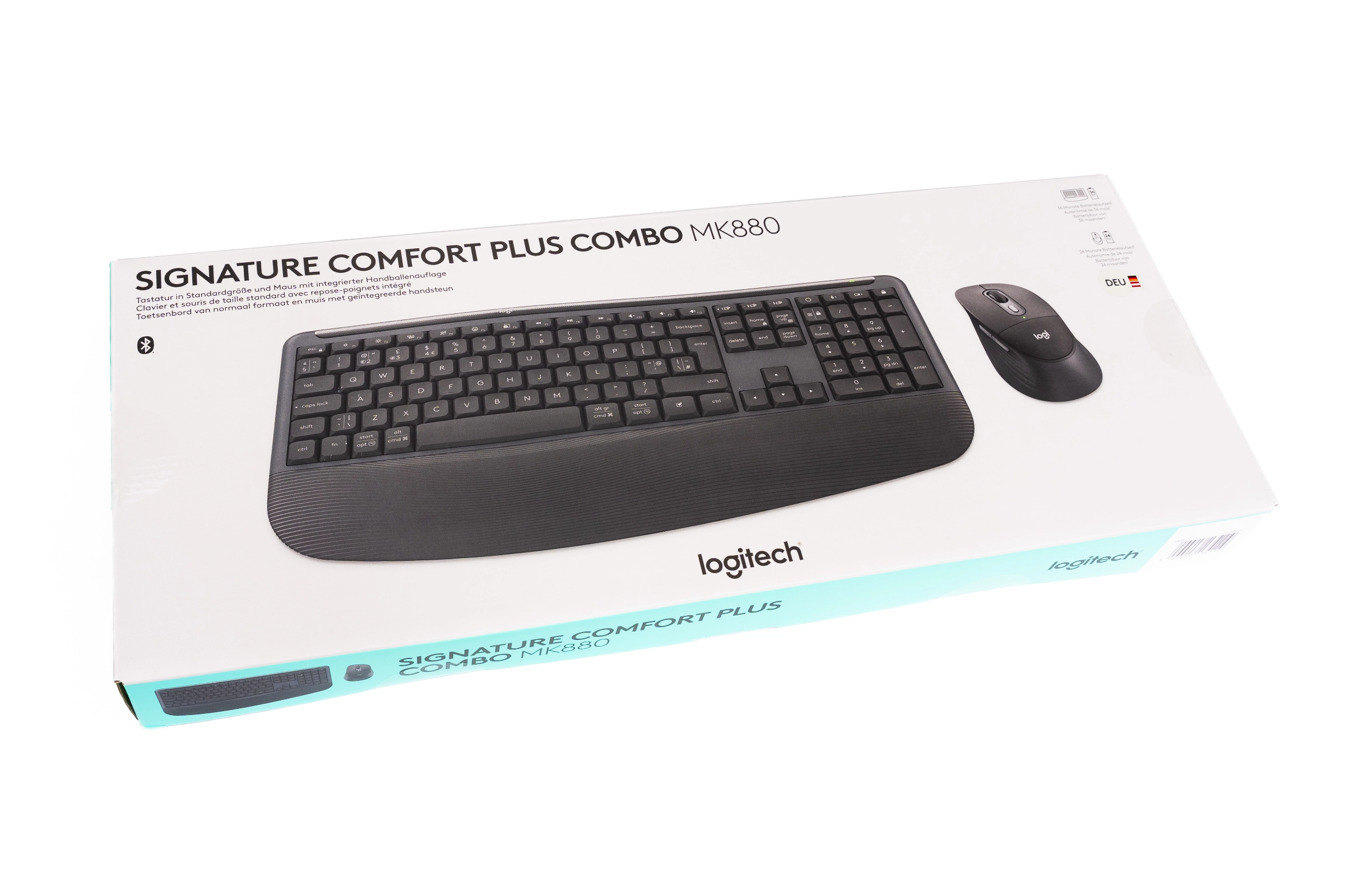 Logitech Signature Comfort Plus Combo MK880 Verpackung Vorderseite (Image © PCMasters.de)
Package Contents
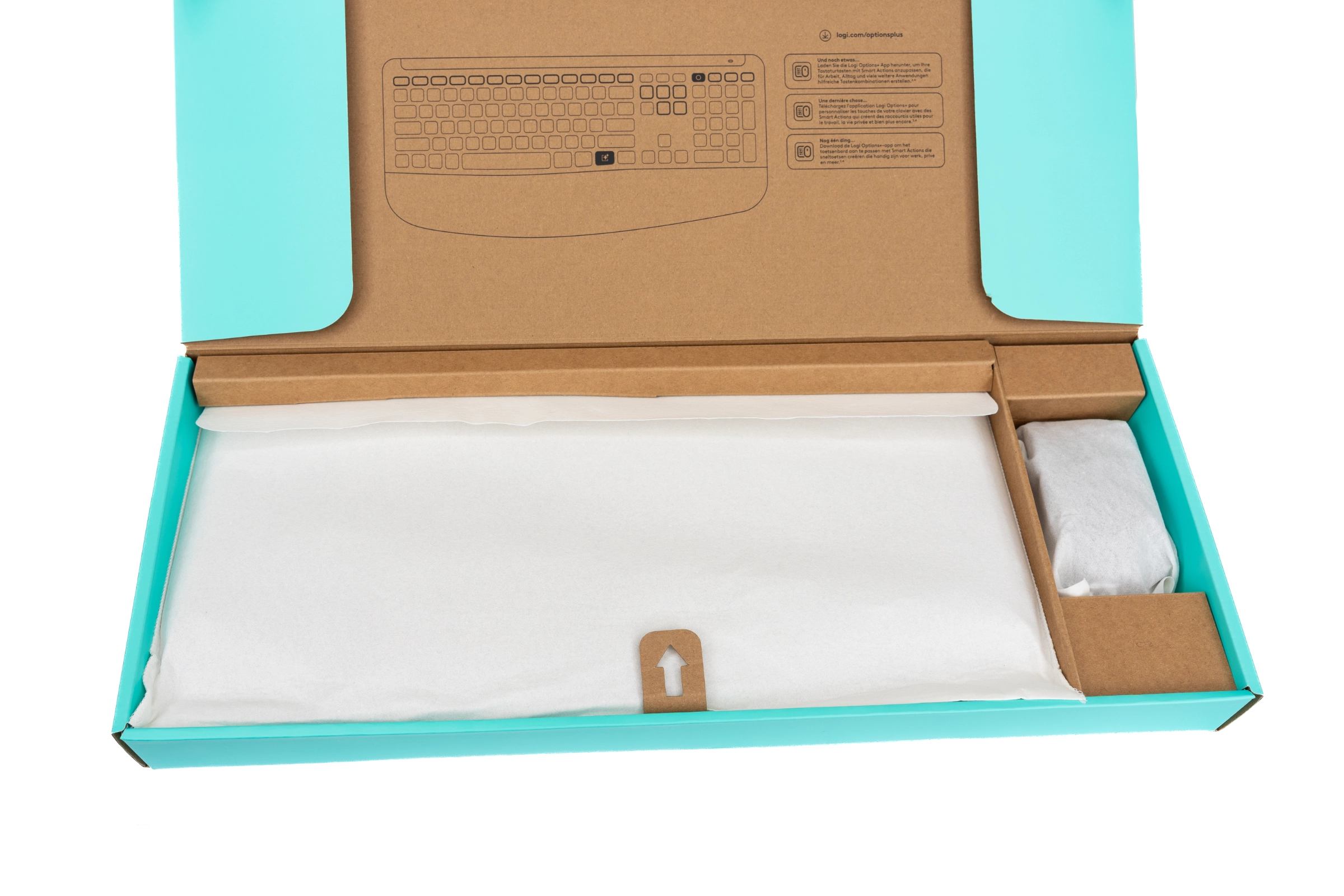
Logitech ships the combo in simple white-and-green packaging that is fully FSC-certified. It therefore almost completely avoids the use of plastic, which we particularly like. Upon opening, we see that everything is neatly and securely packed. The mouse and keyboard are well protected, ensuring nothing can happen during transport.
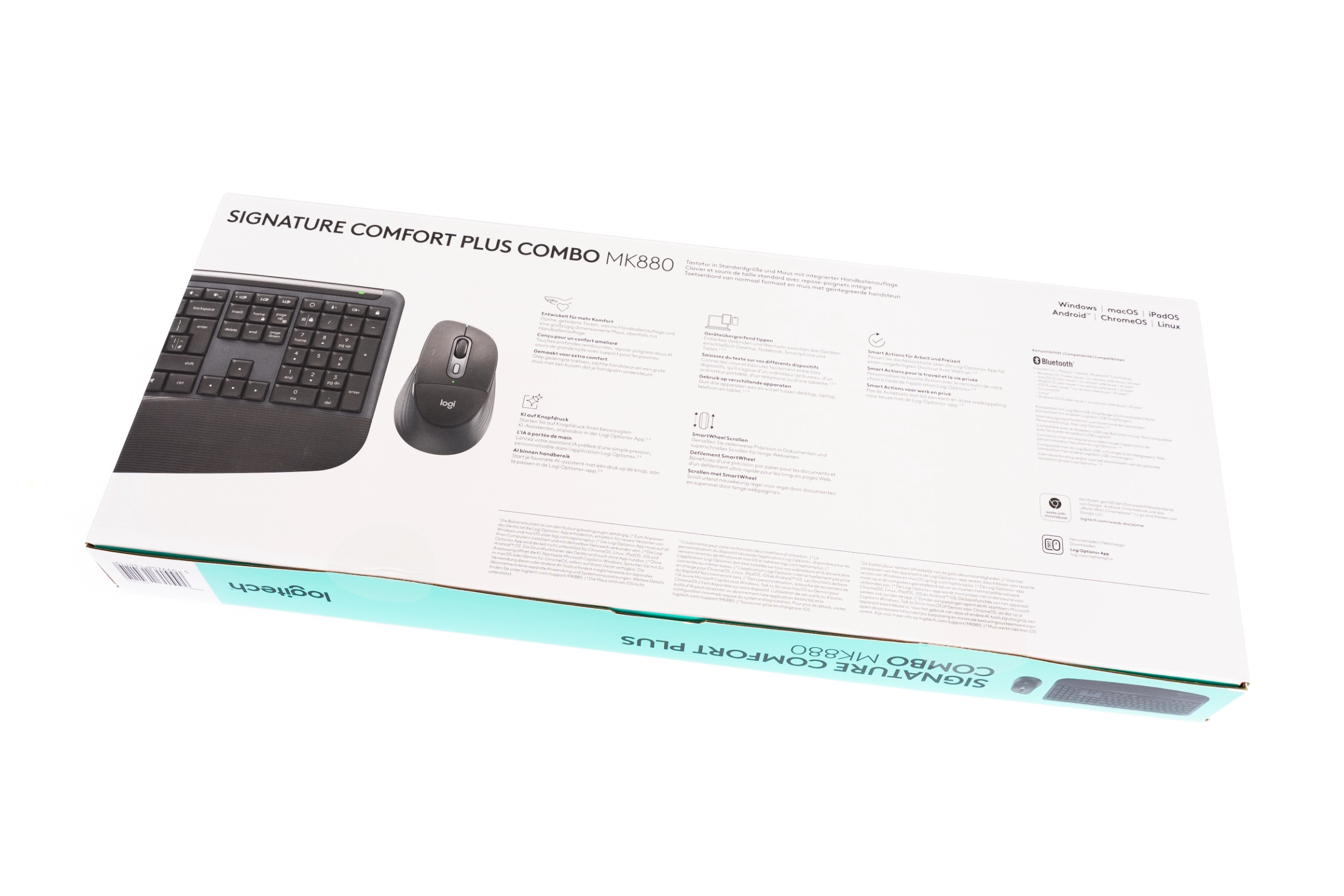 Logitech Signature Comfort Plus Combo MK880 Verpackung Rückseite (Image © PCMasters.de)
 Logitech Signature Comfort Plus Combo MK880 Verpackung Innen (Image © PCMasters.de)
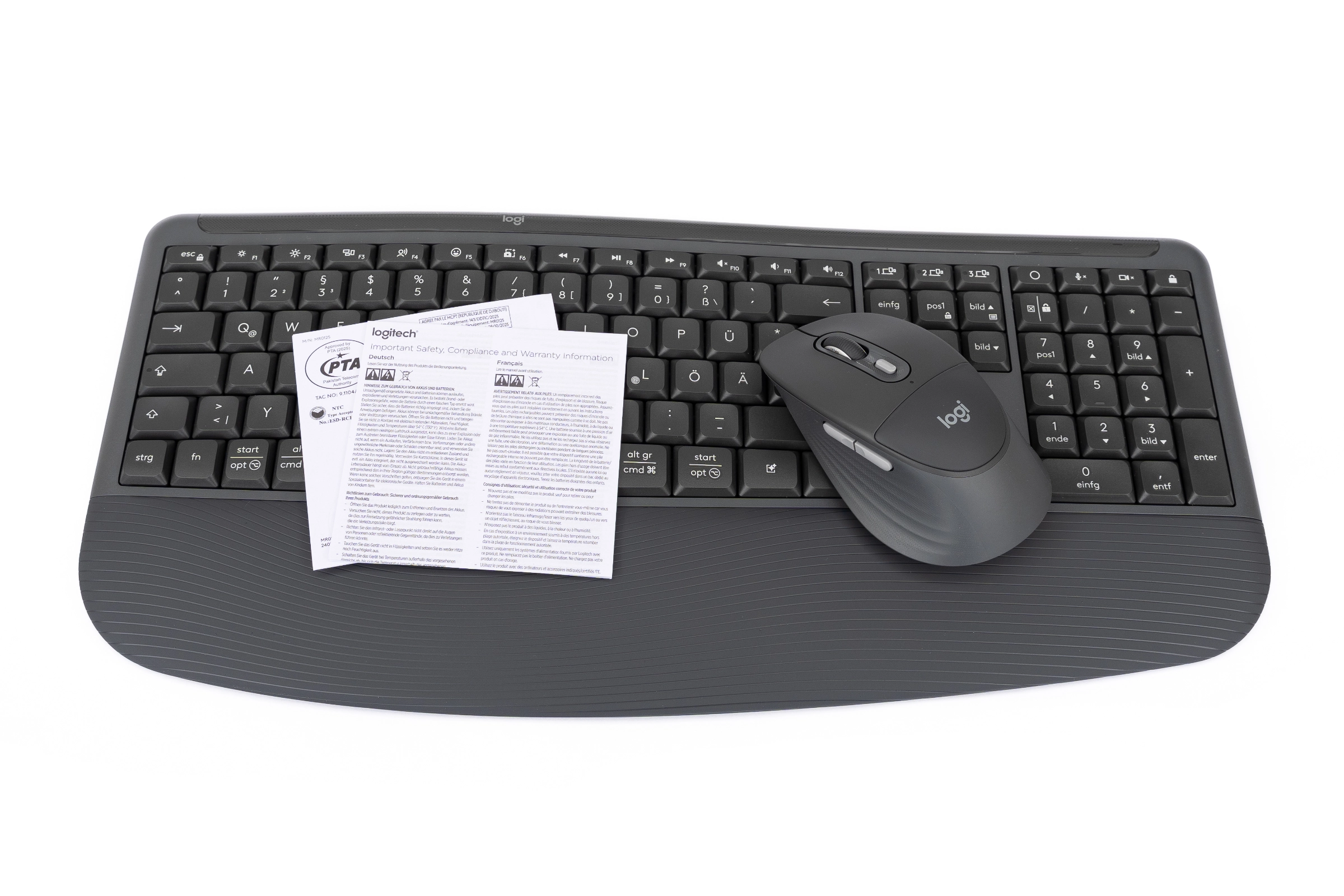
Logitech does not include a Logi Bolt USB receiver with this bundle. Instead, it relies on Bluetooth for the initial connection. If you still want to take advantage of the Bolt receiver, you can order it separately at any time. Both devices in the combo are fully compatible, which is great.
 Logitech Signature Comfort Plus Combo MK880 Lieferumfang (Image © PCMasters.de)
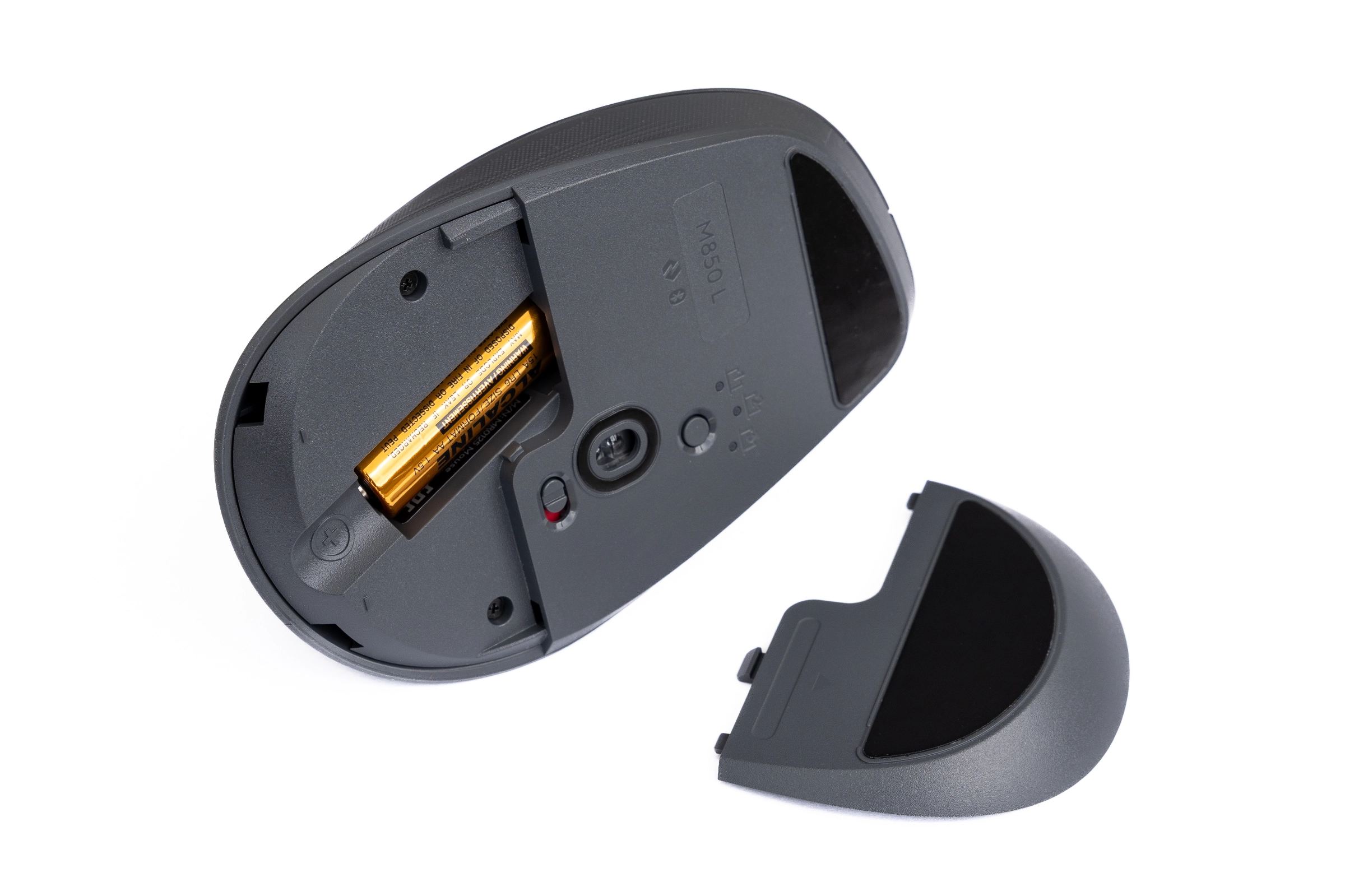
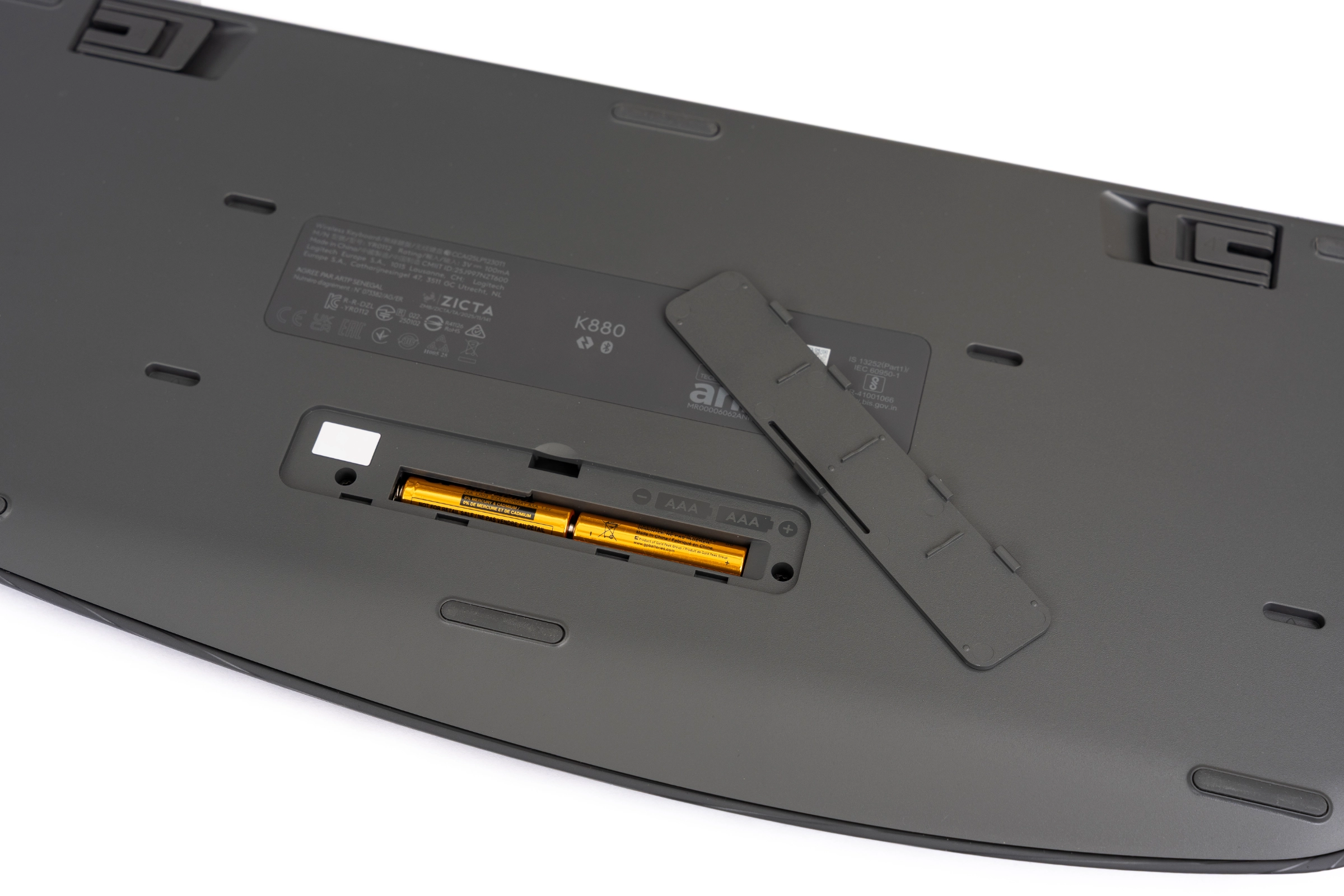
To ensure a smooth first setup, Logitech has already inserted the batteries into both devices. Two AAA batteries power the keyboard, while a single AA battery powers the mouse. All we need to do is pull the small protective tabs out of the battery compartments to activate the devices.
 Logitech Signature Comfort Plus Combo MK880 Maus M850L Batteriefach (Image © PCMasters.de)
 Logitech Signature Comfort Plus Combo MK880 Tastatur K880 Batteriefach (Image © PCMasters.de)
Besides the hardware itself, the box contains only the standard warranty and safety instructions. There is no printed, detailed user manual; instead, a brief graphical guide printed inside the box helps you quickly pair the devices with your desired device.
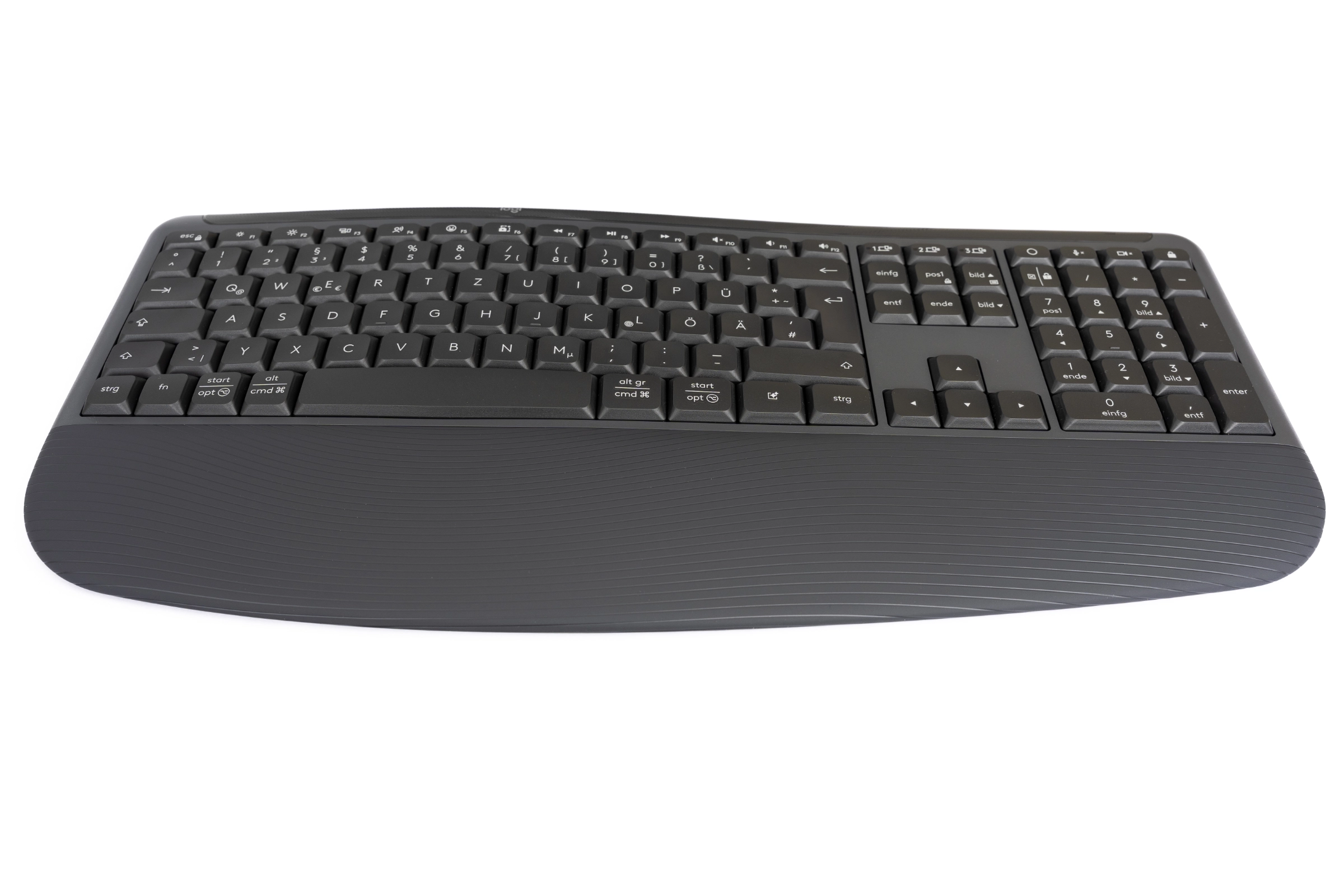 Logitech Signature Comfort Plus Combo MK880 Tastatur K880 Handballenauflage (Image © PCMasters.de)
Logitech Combo MK880 in Detail
Upon closer inspection of the set, it becomes clear that Logitech has put a lot of attention to detail into the development of the Signature Comfort Plus Combo MK880. The most striking feature of the K880 keyboard is its curved shape. The key deck isn’t flat but curves in a wave shape, which is designed to naturally guide your hands outward while typing. This comfort is enhanced by the built-in, wide, and soft palm rest, which also features a wave pattern. Visually, it looks quite stylish and fits well into any workspace.
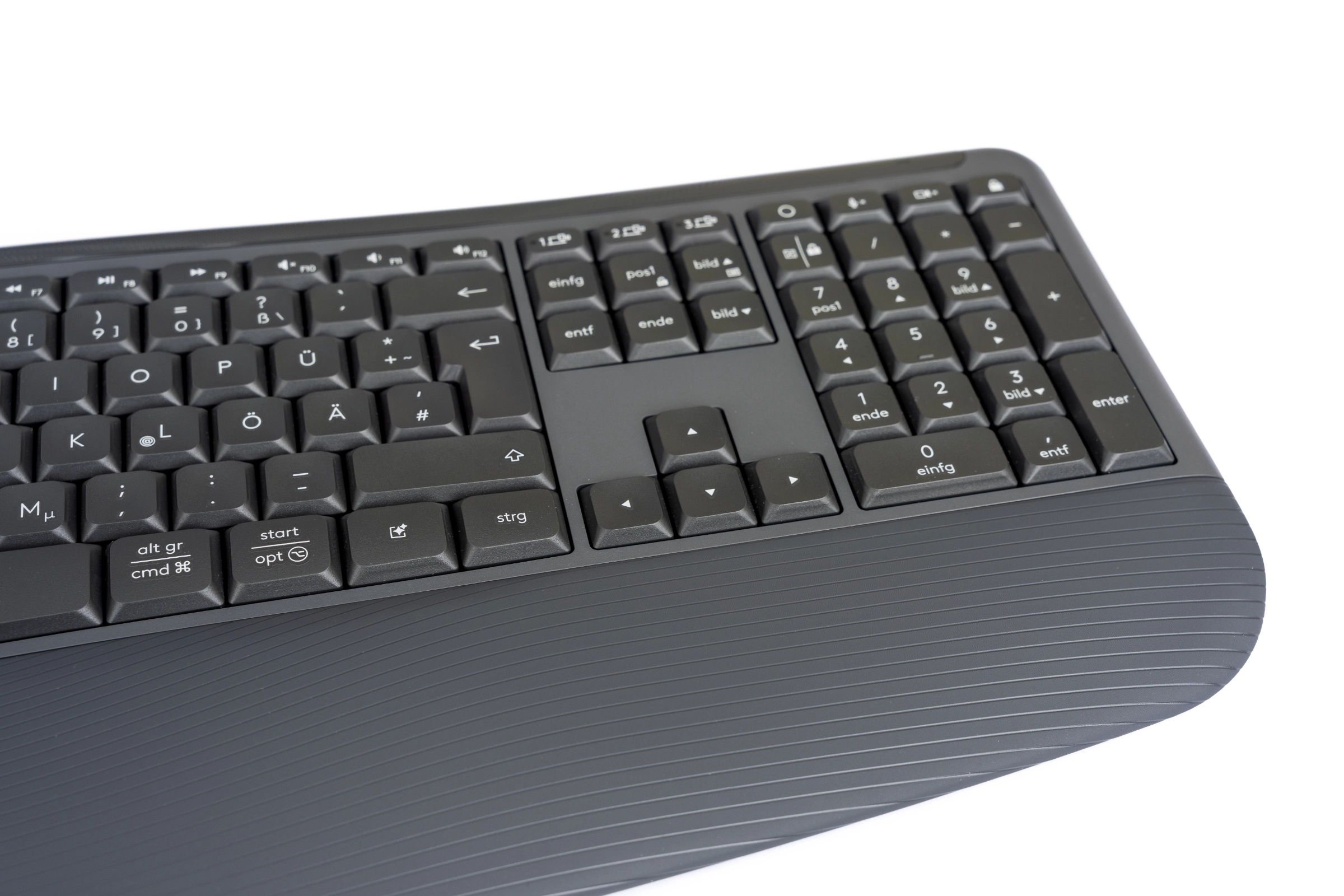 Logitech Signature Comfort Plus Combo MK880 Tastatur K880 Detail2 (Image © PCMasters.de)
Logitech has given the lower keys a dual-function layout, which is why the K880 is designed for both Windows and Mac users. This makes switching between different systems particularly easy, even if it does come with certain drawbacks. If you’re a user of only one system, the keyboard no longer looks as tidy, and you always have to put up with the dual-function keys. Here, we would also like to see versions with a single key mapping for each respective system. The top row of the keyboard features many special function keys, ranging from monitor brightness and emojis to microphone controls, music playback, and screenshot functions. We also find the three keys for the Easy-Switch function there, allowing you to quickly switch back and forth between individual devices.
On the top edge, we find the power switch with a red-and-green backlight. When we flip the keyboard over, the first thing we notice is that it has a built-in stand with two different angles. We can raise the keyboard by 4° or a full 8°, which is really great. Many more keyboards should give users this choice, since everyone prefers slightly different ergonomics.
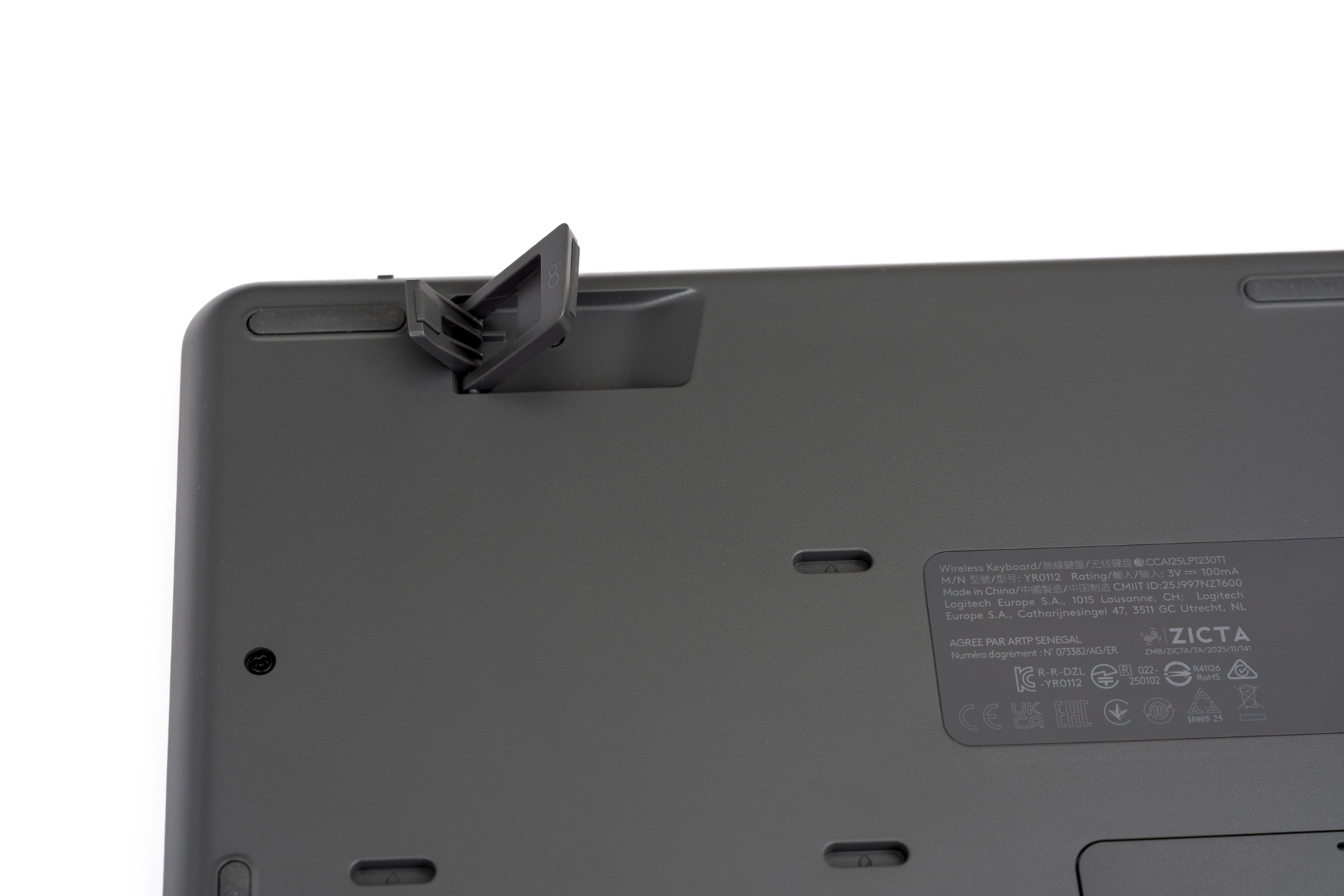 Logitech Signature Comfort Plus Combo MK880 Tastatur K880 Füße ausgeklappt (Image © PCMasters.de)
Several rubber pads also ensure that the 766-gram keyboard stands securely and stably on your desk. In the center is the model label, and below it is the battery compartment for the two AAA batteries. There are also six drainage holes around the edges so that, in the event of water damage, liquid can easily drain out of the otherwise splash-proof keyboard.
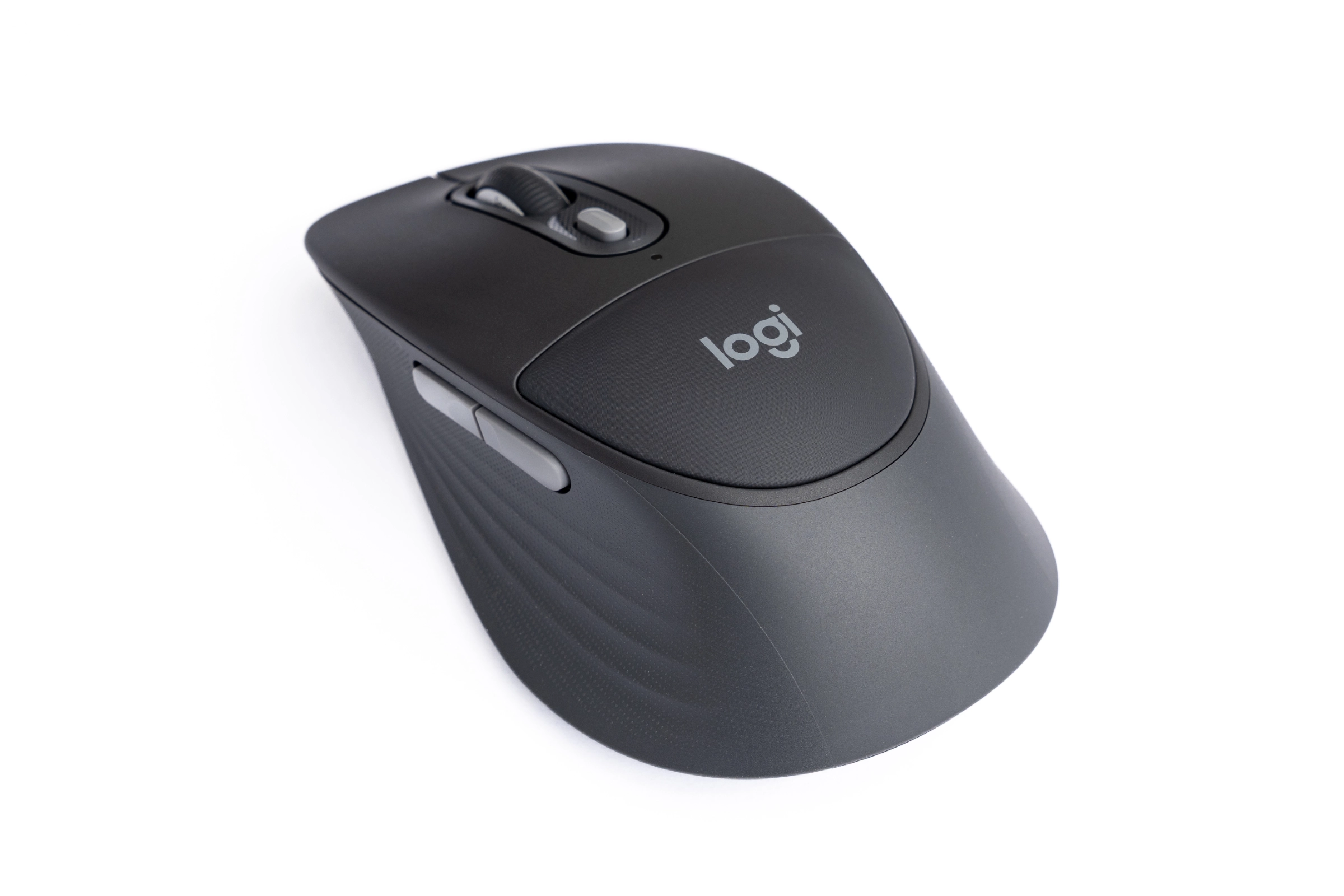 Logitech Signature Comfort Plus Combo MK880 Maus M850L Kissen (Image © PCMasters.de)
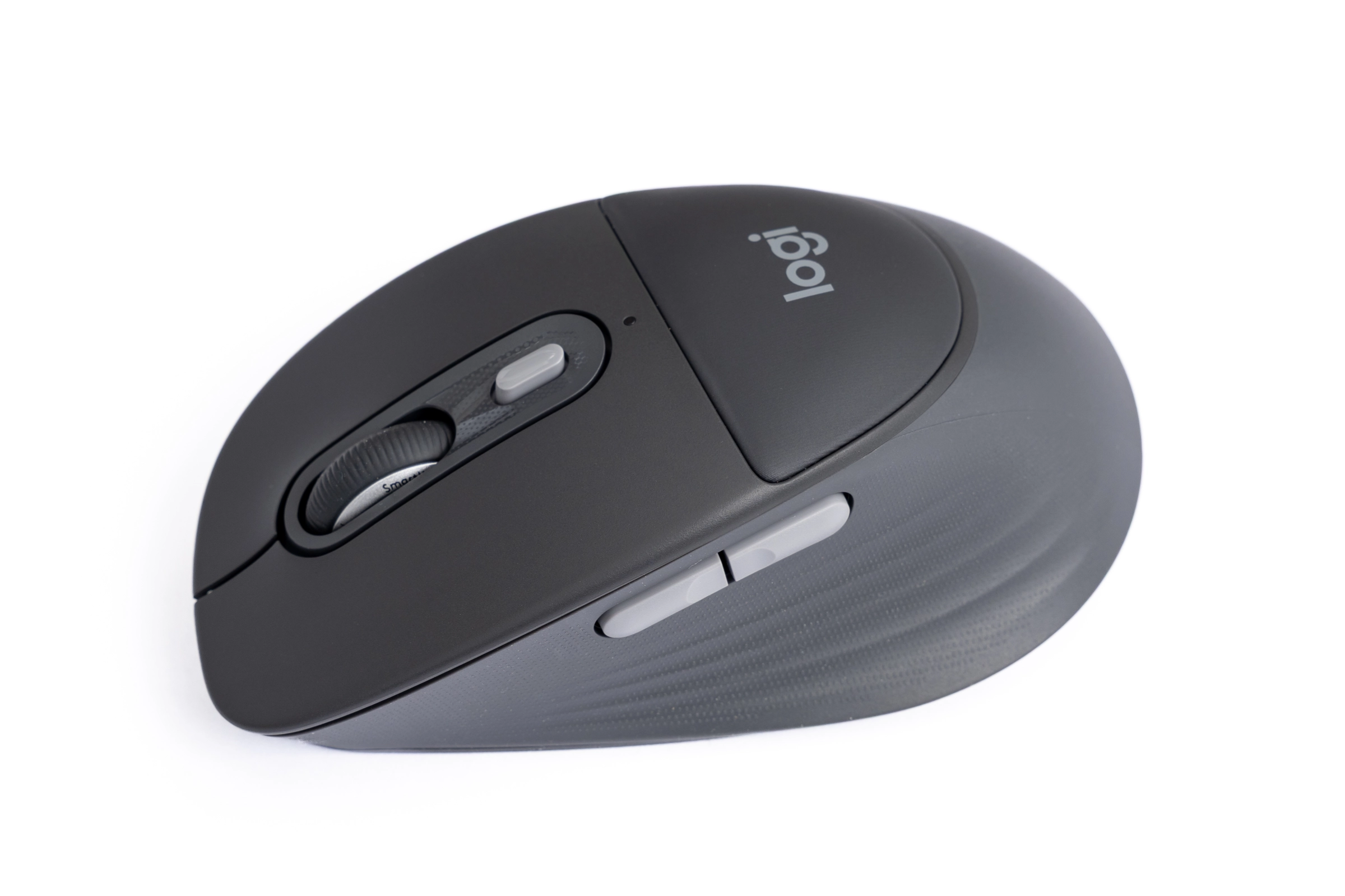
For the 103-gram M850L mouse, Logitech is using a soft pad for the first time. While many mice rely on a purely hard upper shell, here we find a soft and slightly yielding material in the palm rest area—precisely where the Logi logo is displayed. The mouse is covered all around with a non-slip rubber coating that features a fine, textured pattern. As a special touch for feel and grip, Logitech has incorporated additional vertical stripes into the rubberized side panels. This not only looks modern but also provides a secure grip for the fingers.
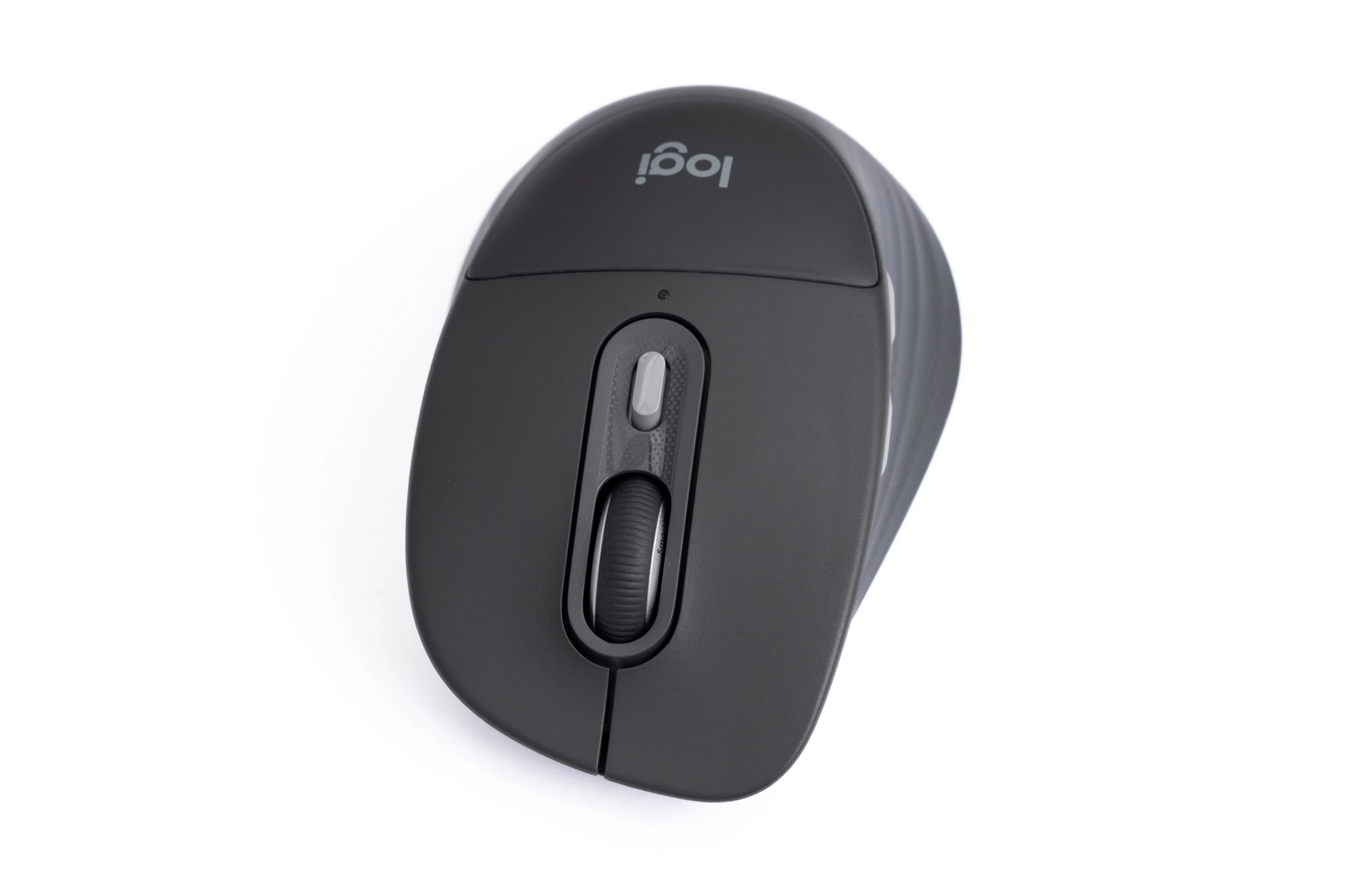 Logitech Signature Comfort Plus Combo MK880 Maus M850L Mausrad (Image © PCMasters.de)
Logitech has equipped the mouse with a SmartWheel scroll wheel, an additional middle button, and two side buttons. Moving to the underside, we find the battery compartment for the single AA cell, as well as the power switch and the Easy-Switch toggle for three devices.
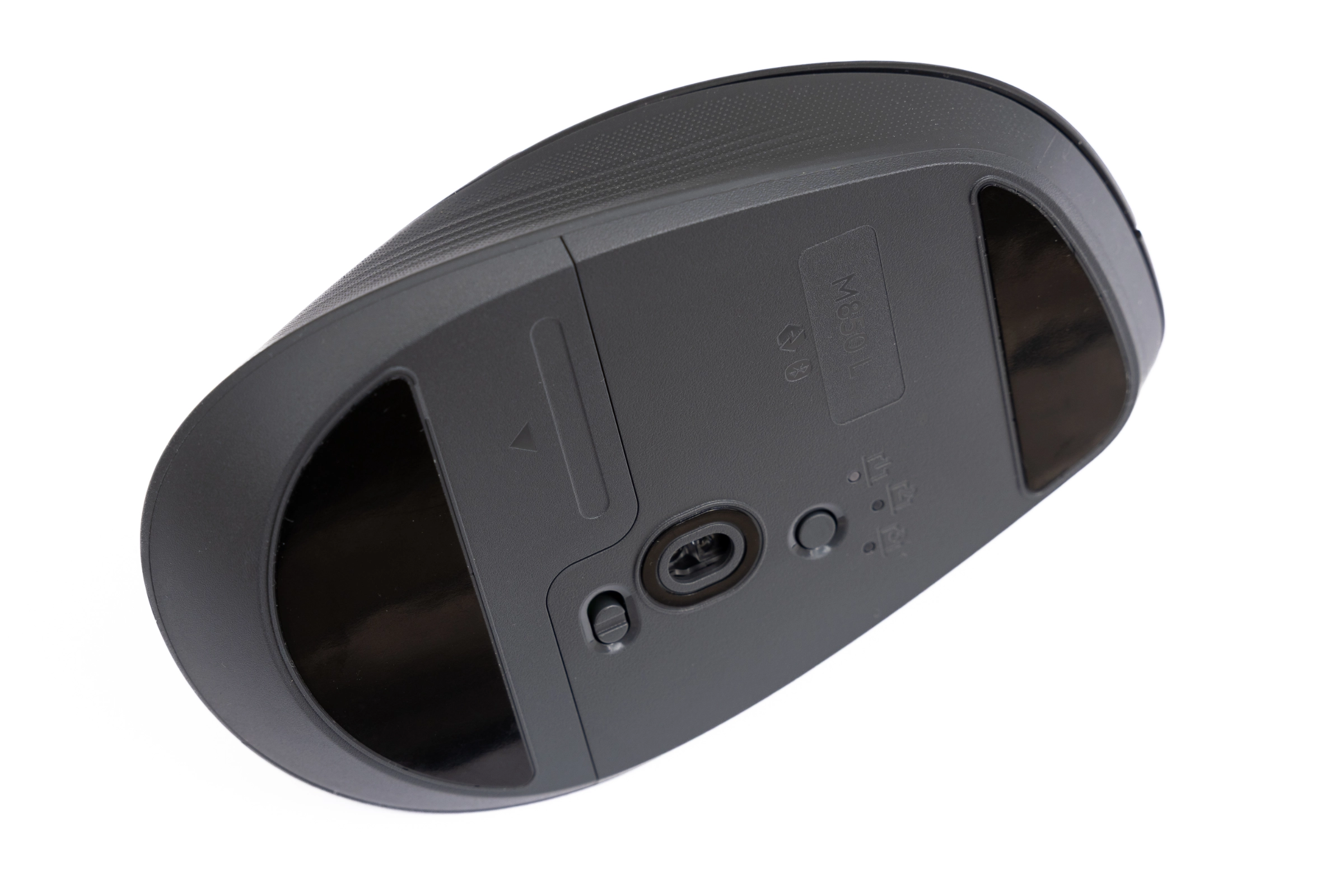 Logitech Signature Comfort Plus Combo MK880 Maus M850L Unterseite2 (Image © PCMasters.de)
According to Logitech, the combo set is made from at least 49% recycled plastic. This shows that ergonomic design and responsible use of resources can now go hand in hand.
But let’s get down to the practical aspects and see how the devices feel and what they can do.
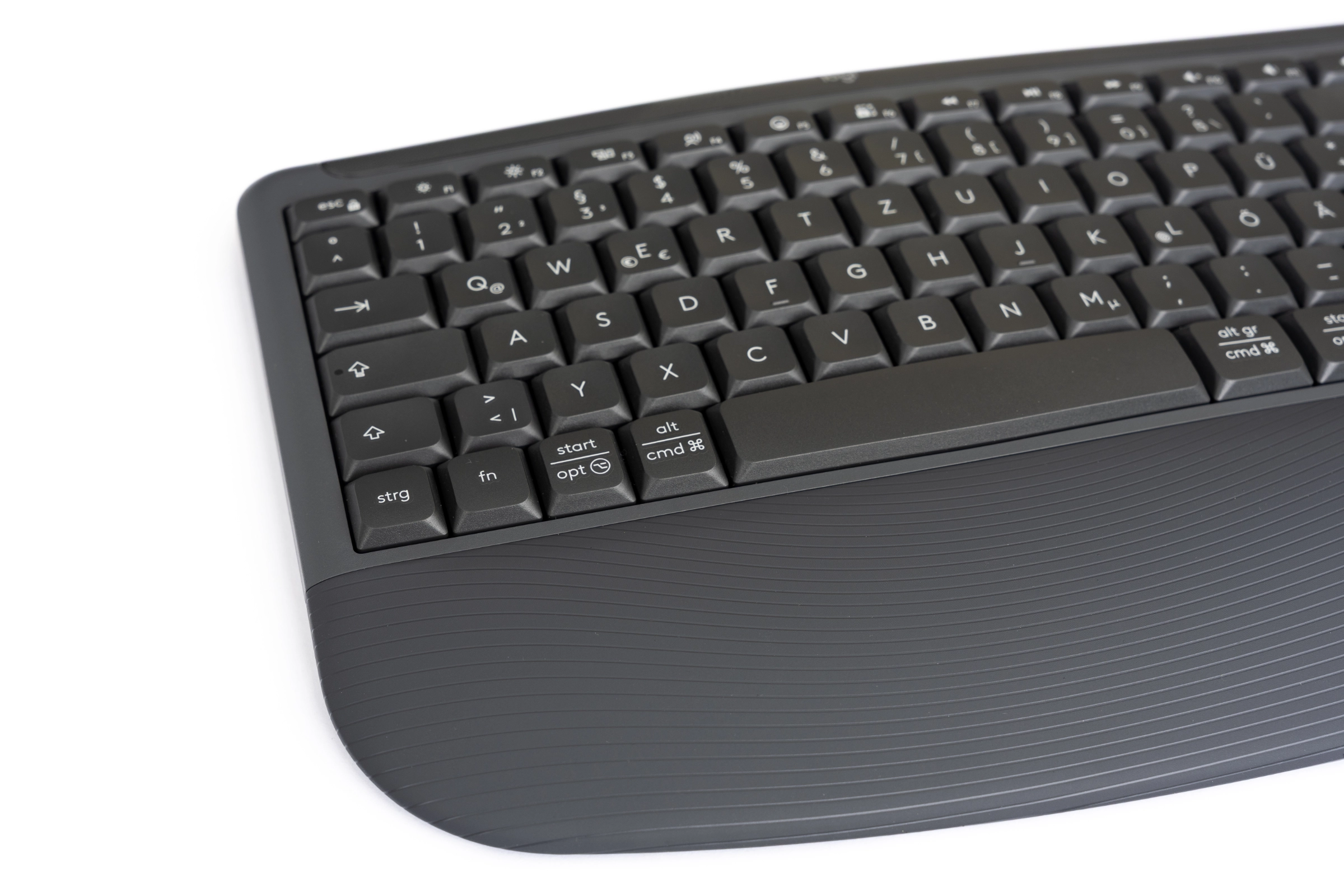 Logitech Signature Comfort Plus Combo MK880 Tastatur K880 Detail (Image © PCMasters.de)
Hands-on Test and Review
Logitech makes getting started with the combo very easy. After unpacking everything, we simply need to remove the white plastic tabs from the battery compartments. Since the batteries are already installed, both devices turn on immediately, and we can establish the connection via Bluetooth. Both devices started our test with a full 100% charge. Since Logitech specifies a battery life of up to 36 months for the keyboard and 24 months for the mouse, it will likely feel like an eternity before we need replacements. Even though we couldn’t fully exhaust the battery life during the test period, the Combo’s endurance leaves nothing to be desired.
You simply forget that you’re working wirelessly, and that’s a good thing.
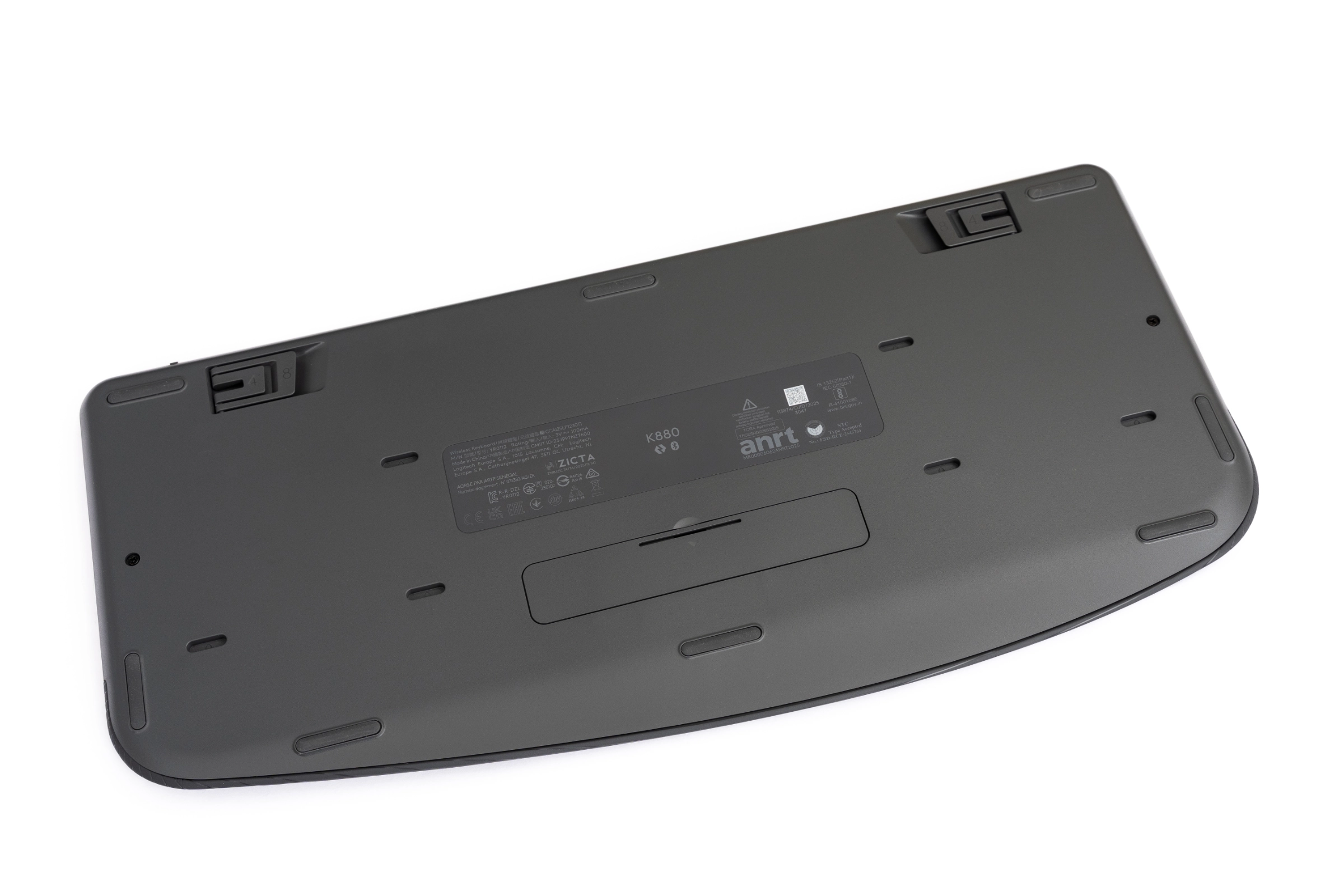 Logitech Signature Comfort Plus Combo MK880 Tastatur K880 Rückseite (Image © PCMasters.de)
Both devices support the Logi Bolt connection to establish a very stable and secure connection. Unfortunately, the receiver isn’t included in the package, though most people will probably rely on Bluetooth anyway. Now that we’ve established the connection, we’ll install the Logi Options+ software, which isn’t strictly necessary but gives us a bit more flexibility in configuration.
Let’s start with the K880 keyboard, because it feels really good to use. Its curved shape encourages a posture that feels a bit more relaxed after just a few minutes compared to the rigid typing on flat keyboards, even if it takes a little getting used to at first. The integrated cushion in the palm rest is soft, relatively durable, and takes the pressure off the wrists, which we really like. The keystrokes are muted and have a pleasant actuation point. While they aren’t completely silent, they provide good tactile feedback.
Thanks to the numerous function keys, we already have access to many helpful shortcuts in Windows and macOS, which we can also configure later in Options+. The calculator, screen lock, and screenshot functions, in particular, are helpful features that you might find yourself using every now and then in your daily work. We also really liked the fold-out feet on the bottom, which allow the keyboard to be raised to two different heights. Angles of 4° and 8° are available, and it’s great that the user is given the choice.
 Logitech Signature Comfort Plus Combo MK880 Maus M850L Seitentasten (Image © PCMasters.de)
The M850L mouse fits comfortably in our hand. The soft padding on the back of the mouse is a clever detail we haven’t seen before. Unfortunately, for our hand size and grip, the pad can’t reach its full potential, as we barely touch it most of the time. That may be different for other users, which is why we don’t want to rate this negatively. But compared to the keyboard’s palm rest, which we find very comfortable to use, the difference is quite noticeable. The cushion on the mouse is also nice and soft and very easy to maintain.
With the whisper-quiet buttons of the M850L, which are barely audible even during rapid clicking, the desk becomes an absolute quiet zone. Combined with the keyboard, this is a real added value. One feature, however, has particularly impressed us in everyday use, and that is the SmartWheel. It can best be described as the little brother of the famous MX Master mouse wheel, the MagSpeed. If you’re working precisely in documents, you get clean, line-by-line feedback. But if you need speed, a quick flick of the finger is enough, and the wheel automatically switches to free-spinning mode. This lets you fly through long web pages without scrolling your finger raw. Admittedly, it doesn’t scroll as endlessly in free-wheel mode as the large MagSpeed mouse wheel. Nevertheless, it will significantly improve your workflow once you get used to it. It’s great that this mouse wheel was carried over from the predecessor.
We were also impressed by its versatility during testing. Both devices paired seamlessly with three different systems. We tested it with Windows, macOS, and iPadOS. The connection was established within a few seconds, and switching between systems worked flawlessly using the buttons. The fact that you can also assign each button on the mouse and all the special keys on the keyboard individually makes the combo a real powerhouse.
In our opinion, the build quality of both devices is solid. Of course, the mouse and keyboard are made entirely of plastic and rubber; no metal is used here. And naturally, the build quality of the combo can’t compete with, say, an MX Master—but it doesn’t need to. Instead, both devices feel good in the hand, are well-finished, and, thanks to the integrated pads, are very comfortable. What more could you want at your desk?
 Logitech K880 Options Einführung (Image © PCMasters.de)
Software
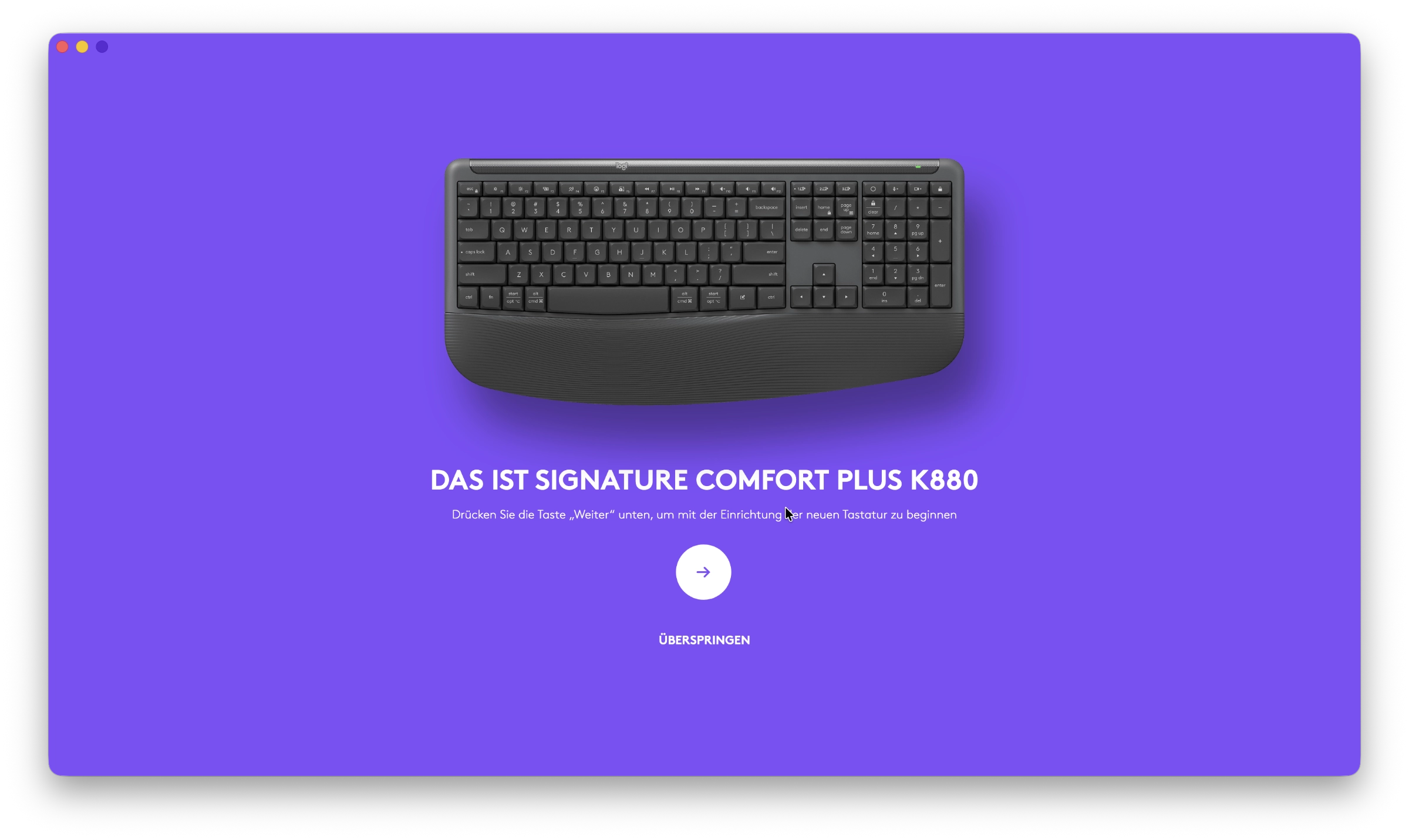
As with other Logitech devices, the Signature Comfort Plus Combo MK880 is fully supported by the Logi Options+ software. While it isn’t a mandatory requirement for use, it gives us the ability to customize our combo even further. As in previous tests, the software has proven very reliable for us. As soon as you open Options+, both devices are displayed in a clear graphic, and we have immediate access to all important settings. For the keyboard, for example, we can customize all function keys individually. Additionally, the new AI key—which is assigned to Siri by default on our Mac—offers further convenience. But we can also define the Insert, Home, Page Up, and Page Down keys according to our own preferences, contrary to the labels on the keyboard.
 Logitech M850L Options EInführung (Image © PCMasters.de)
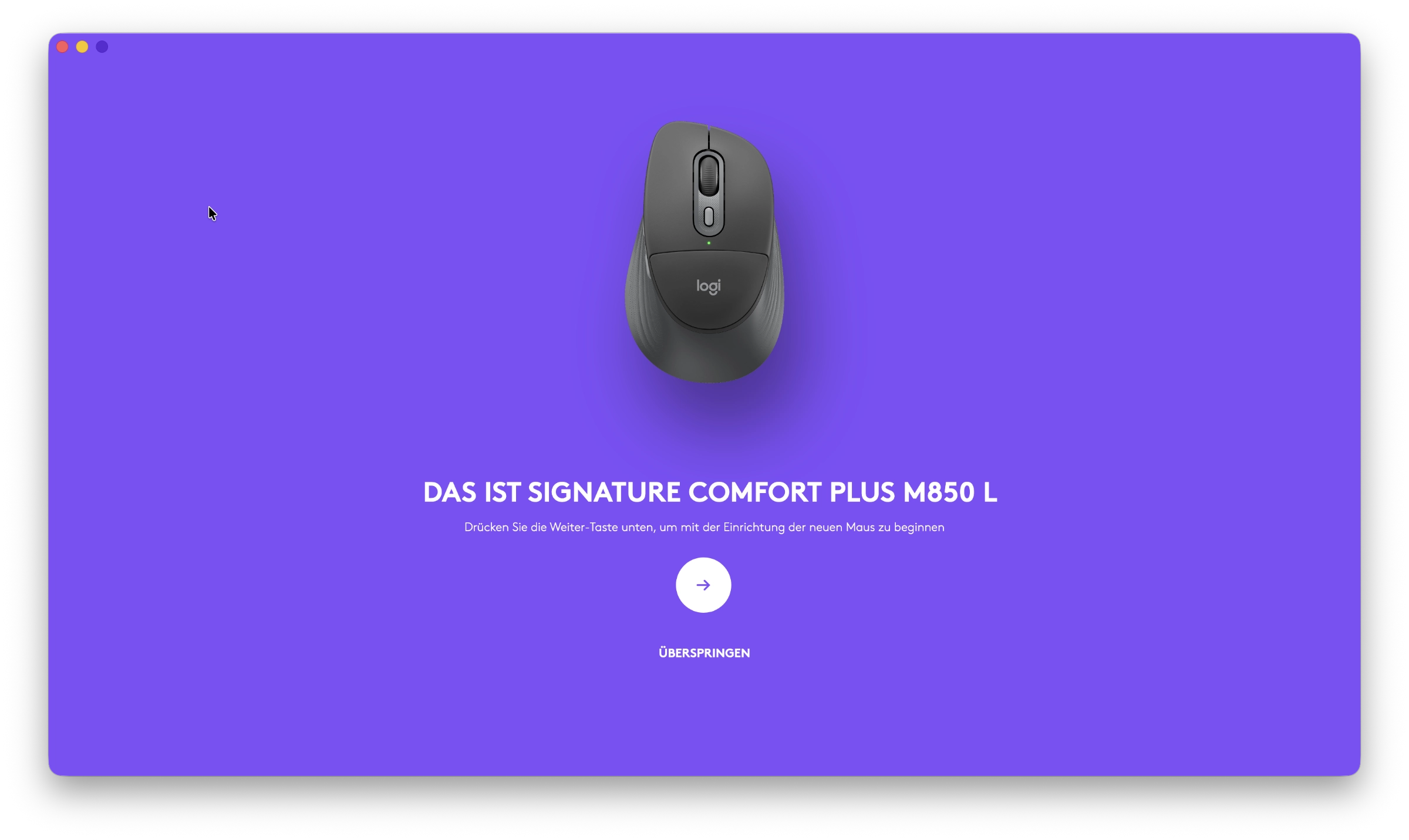
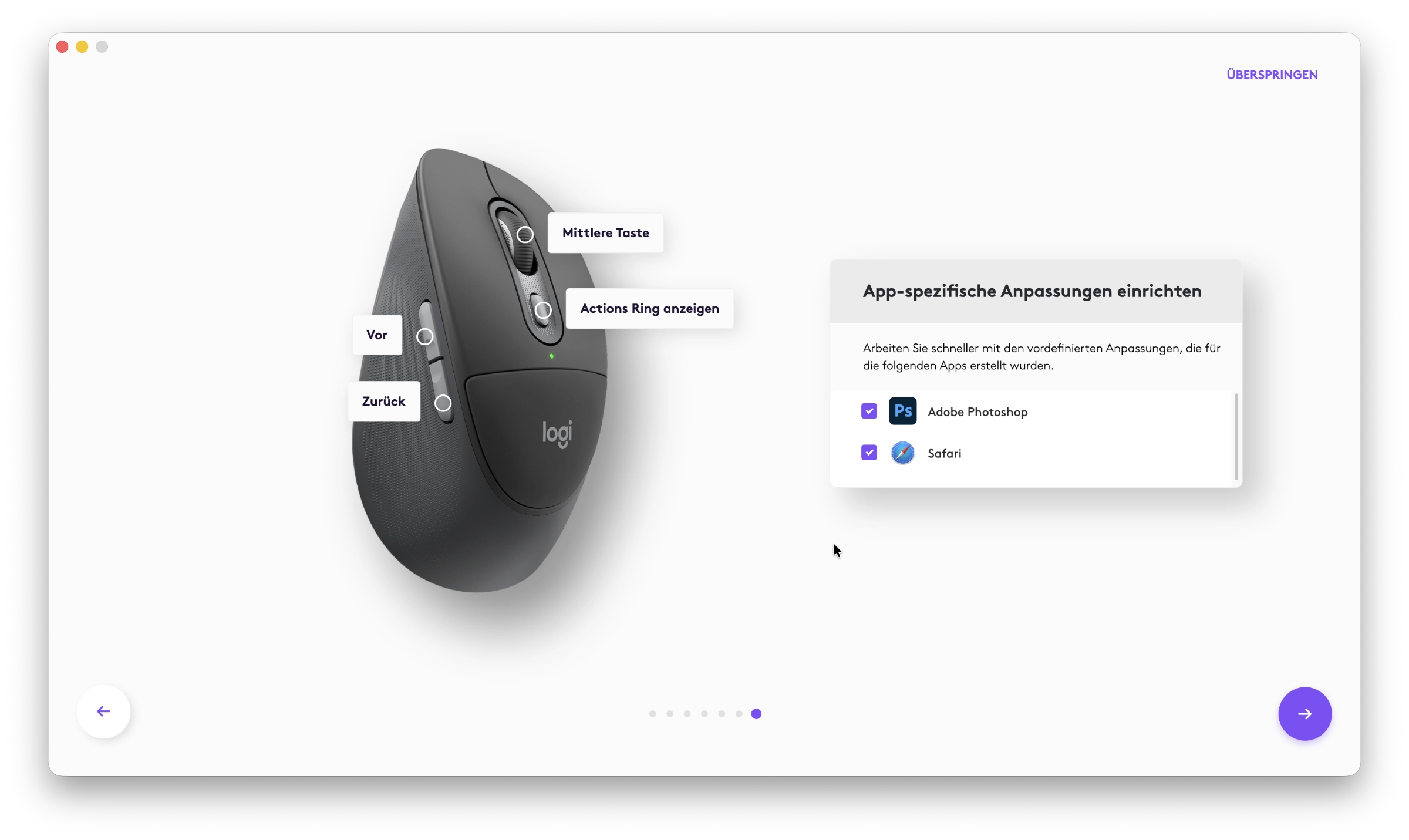
The mouse also offers us a wide range of customization options. Whether you assign classic copy-paste commands to the mouse’s thumb buttons, customize the mouse wheel to your needs, or create specific app profiles, Options+ is already powerful. The software can automatically detect whether you’re currently working in Photoshop, Excel, or Teams, for example, and then adjusts the key assignments accordingly. And if firmware updates become available, they can be installed on the side as well.
 Logitech M850L Options appspezifische Anpassung (Image © PCMasters.de)
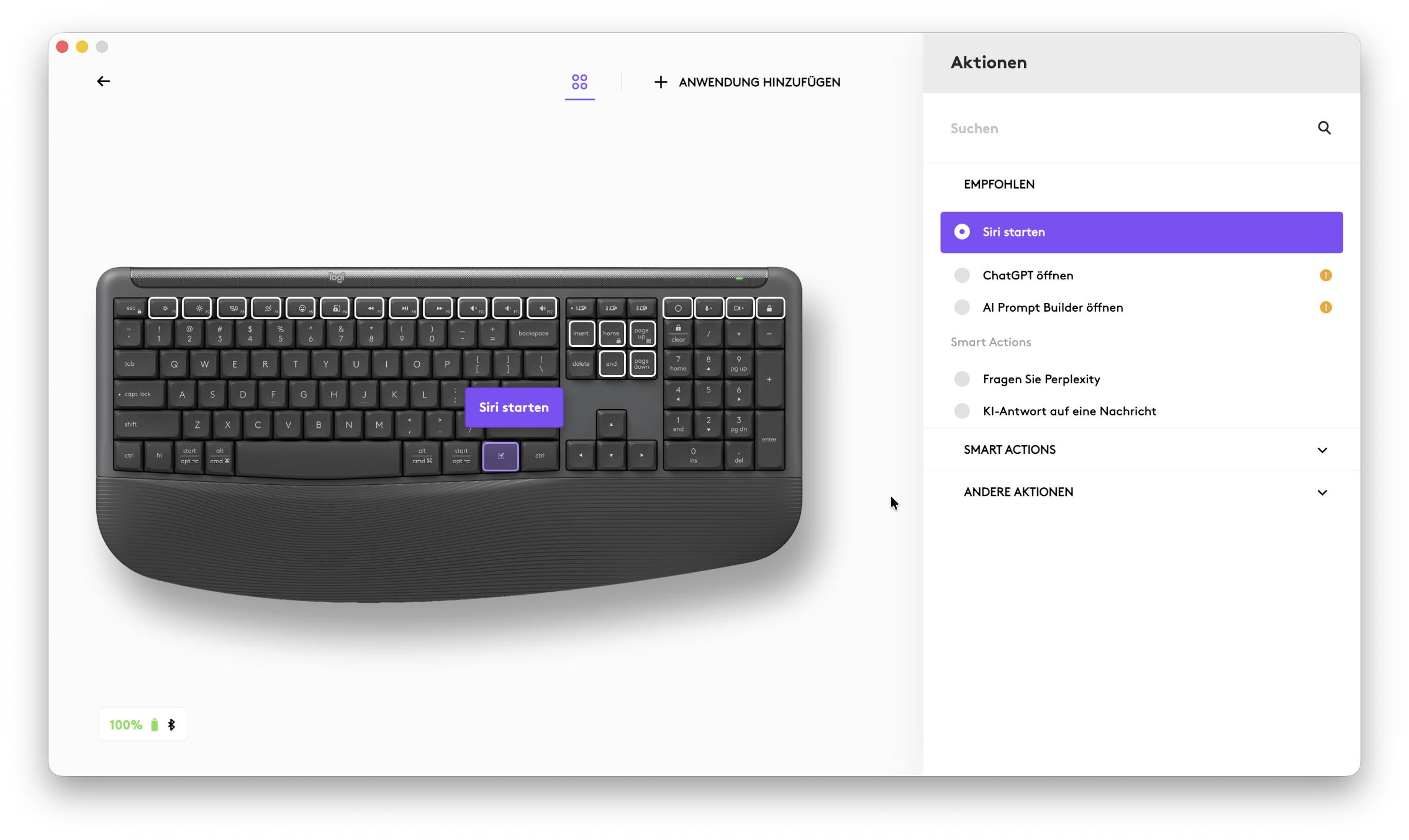 Logitech K880 Options Ki Taste (Image © PCMasters.de)
Another nice feature is that we can link the Easy-Switch devices together. So if we pair the mouse and keyboard in the software and want to switch from a Mac to a Windows computer, for example, all we need to do is flip a switch on one device. Thanks to the pairing, the other device switches over automatically. The setup was incredibly simple and worked flawlessly for us during testing.
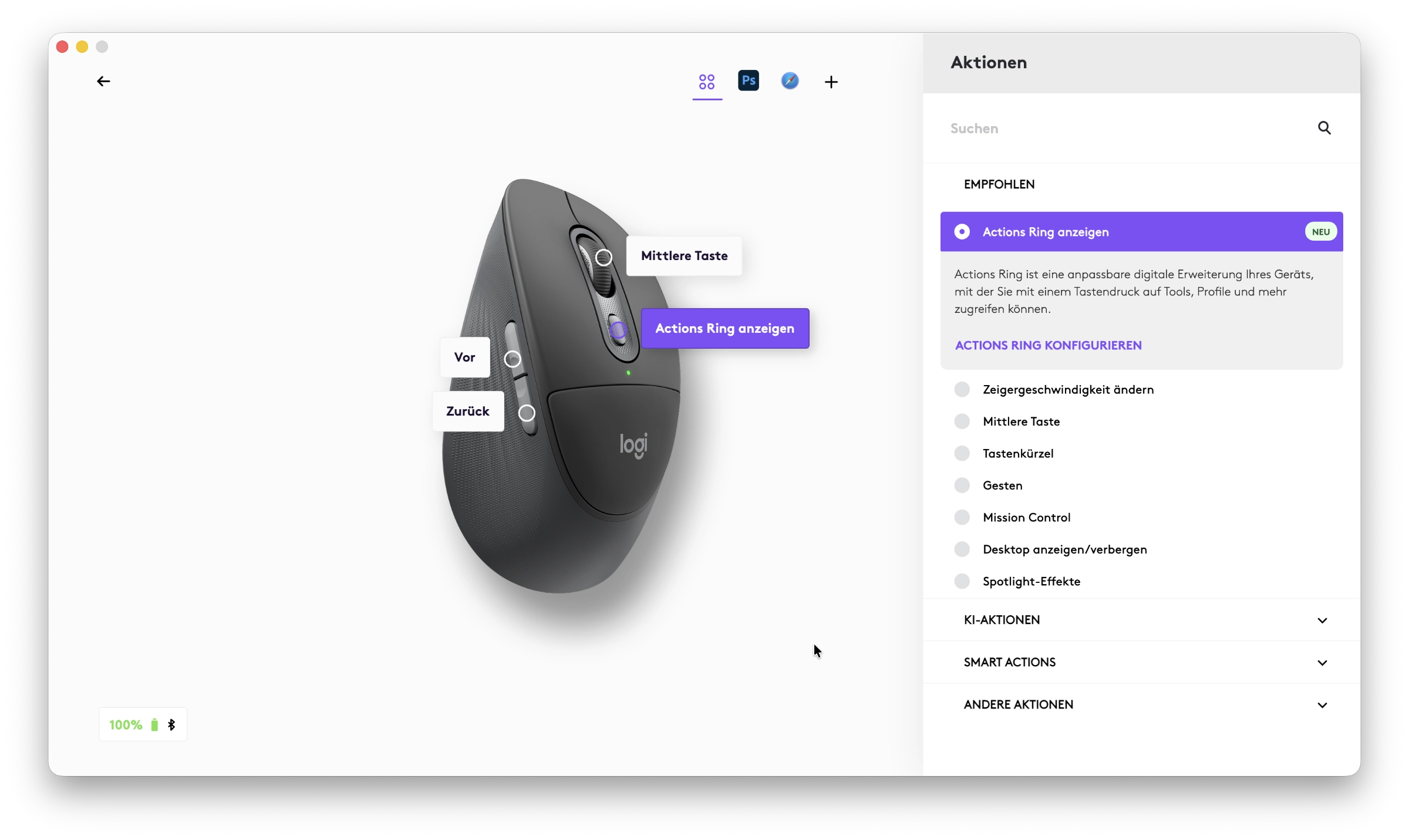 Logitech M850L Options Einstellungen2 (Image © PCMasters.de)
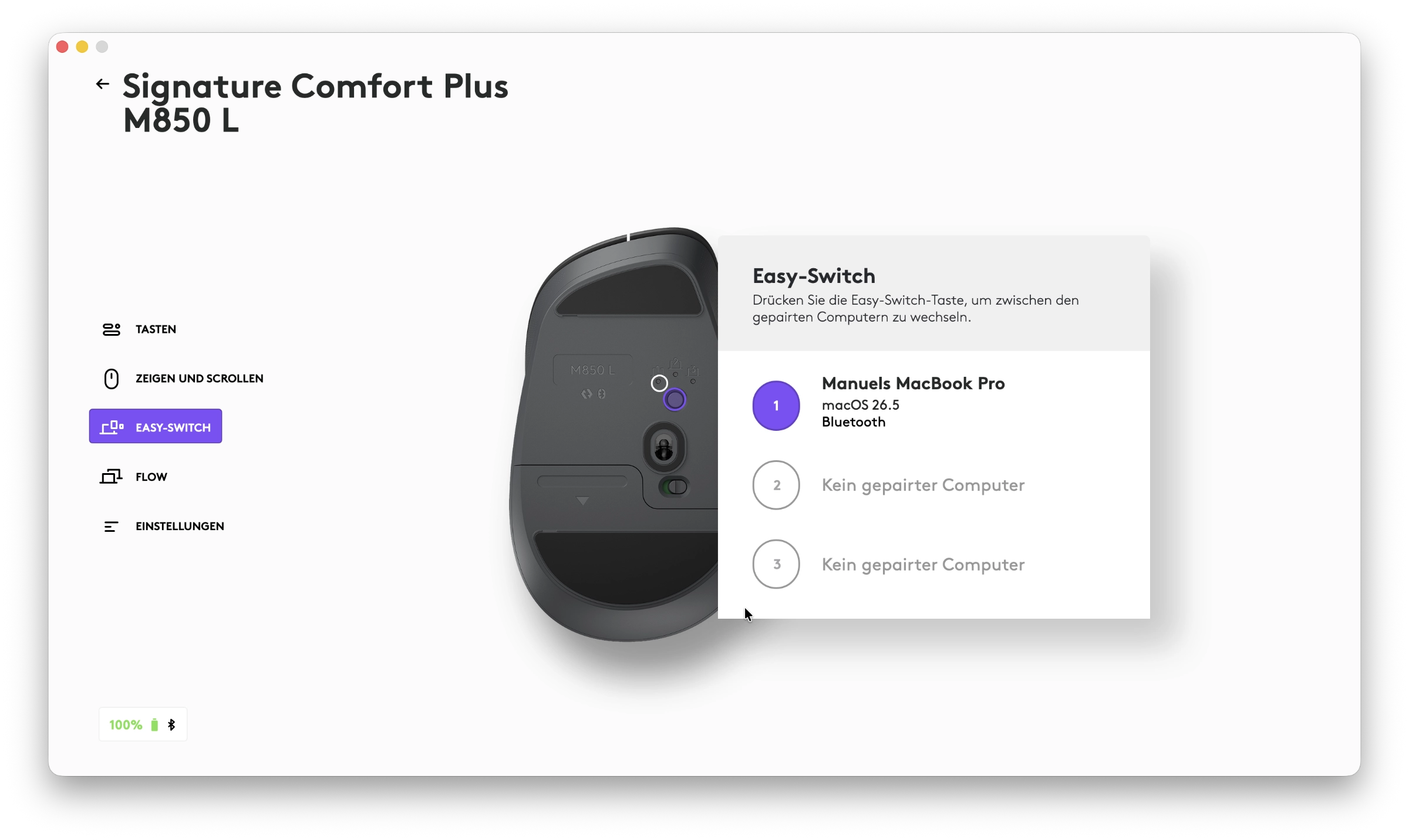 Logitech M850L Options EasySwitch (Image © PCMasters.de)
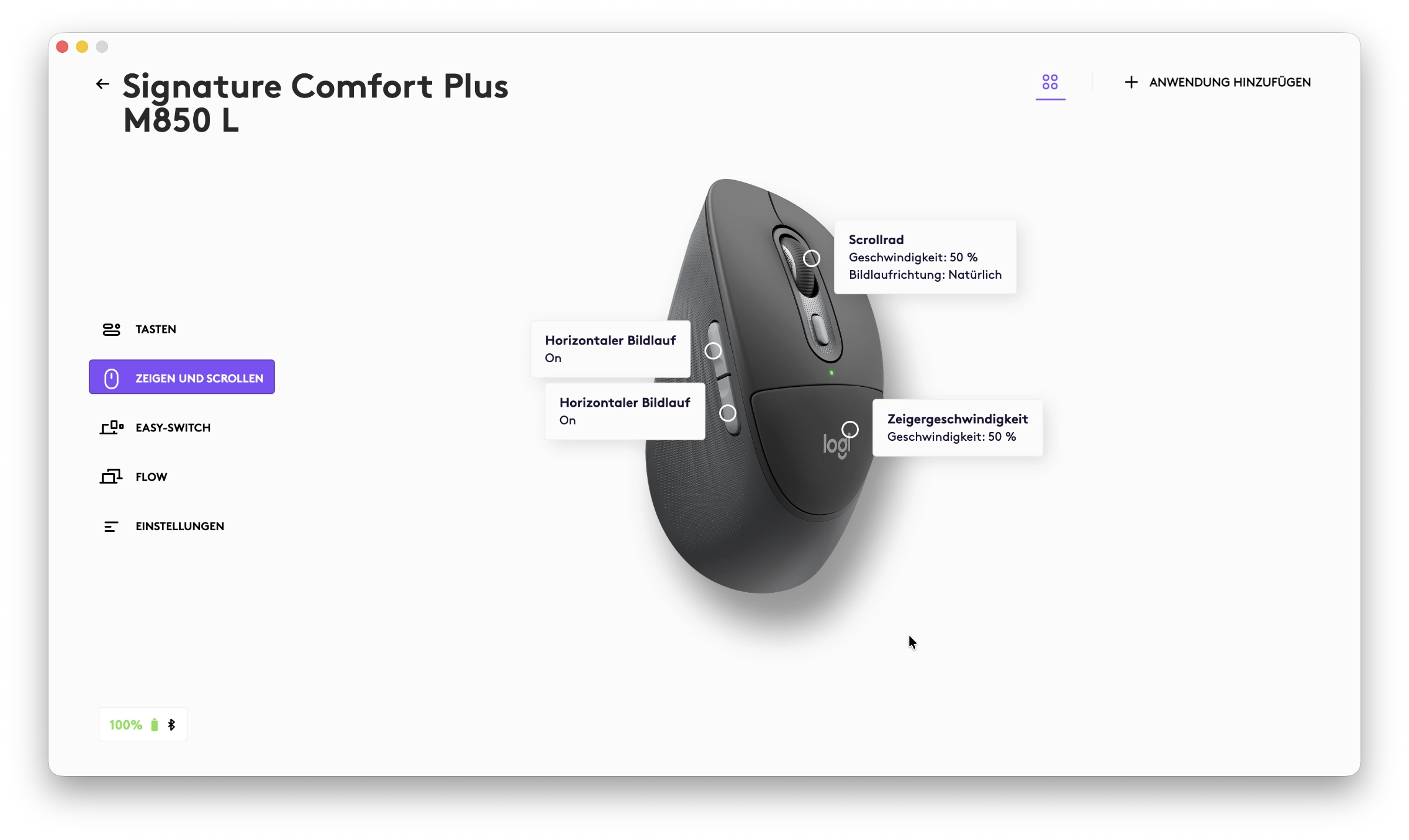 Logitech M850L Options Einstellungen (Image © PCMasters.de)
The software also offers Logi Flow, which makes interacting between different computers very straightforward. During our test, we were able to simply move the mouse cursor beyond the edge of a laptop onto a desktop monitor, and the best part is that the keyboard automatically followed the mouse. This allows you to copy text or files between two computers as if they were a single system. To ensure that all these settings aren’t lost when switching computers, Logitech also offers a type of cloud backup.
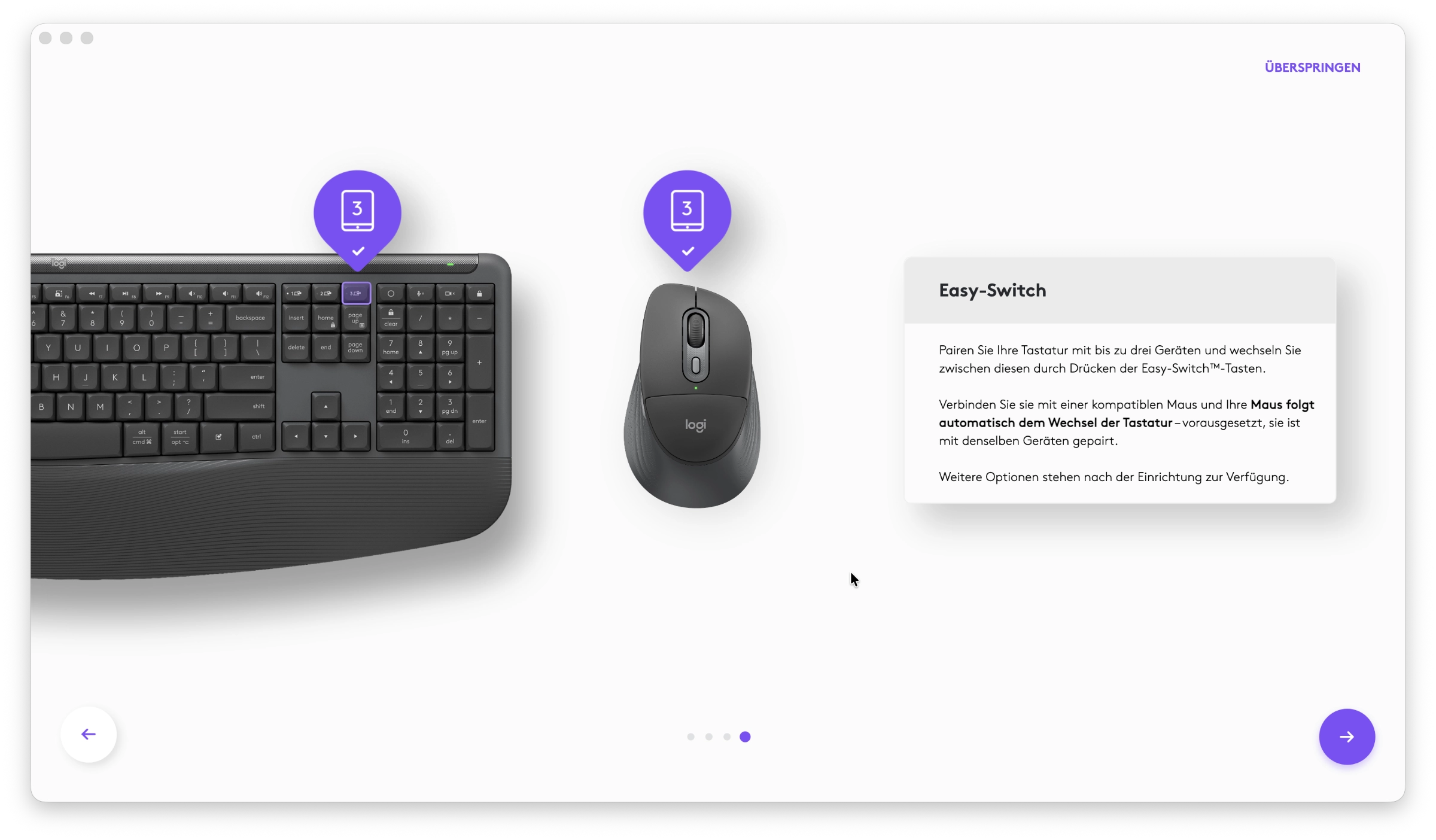 Logitech K880 Options EasySwitch (Image © PCMasters.de)
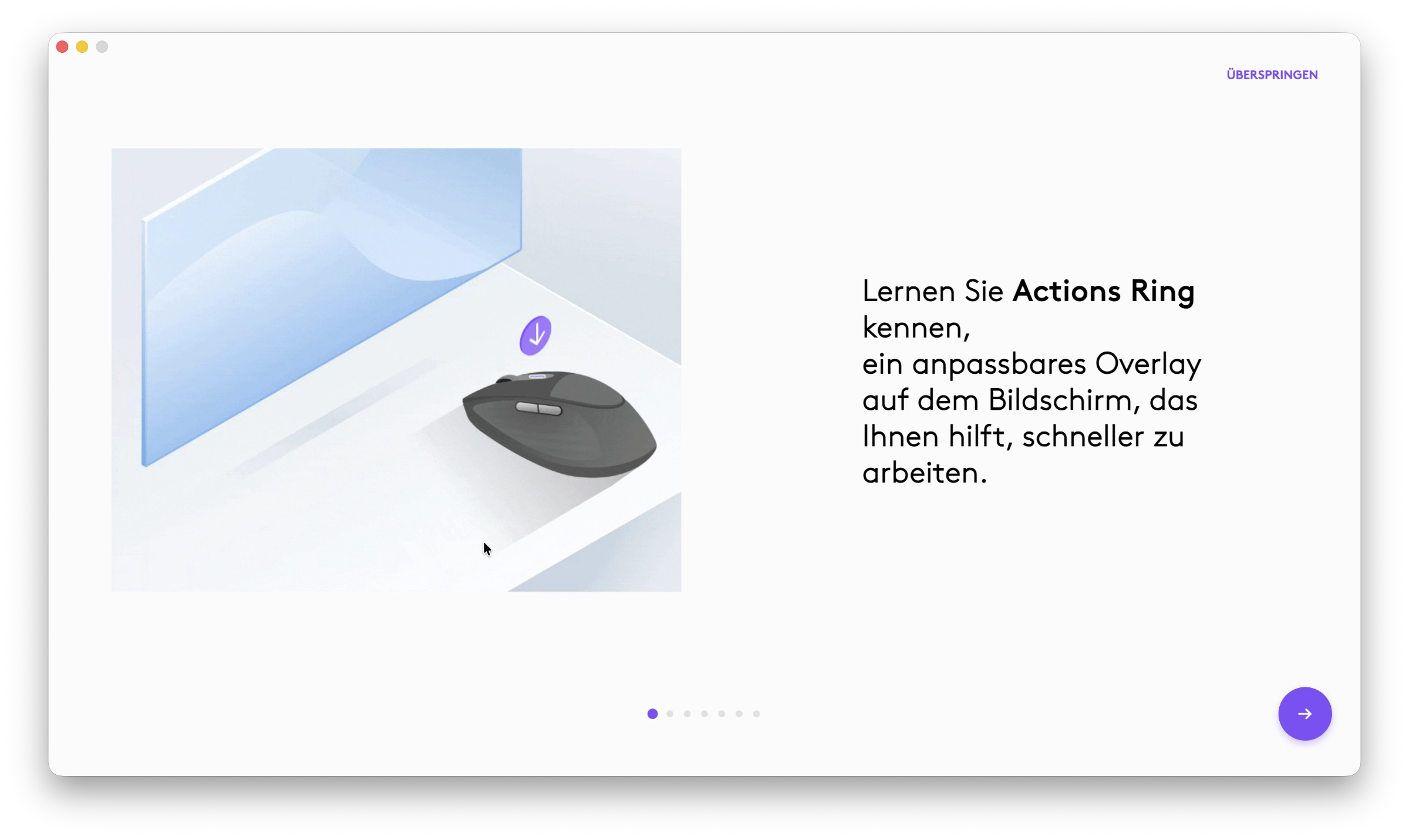 Logitech M850L Options Tutorial (Image © PCMasters.de)
Logitech M850L Options appspezifische Anpassung (Image © PCMasters.de)
With a Logitech account, your personal profile is synced, allowing you to immediately resume working with your usual settings at any workstation. The complete package of hardware and Logi Options+ thus comes across as extremely well-thought-out and professional. In general, Options+ offers a wide range of customization options here, and everyone should be able to set up their device according to their own needs.
Logitech Signature Comfort Plus Combo MK880 Lieferumfang (Image © PCMasters.de)
Conclusion
With the Signature Comfort Plus Combo MK880, Logitech has put together a fine package that, in our opinion, impressively bridges the gap between standard office equipment and expensive high-end gear. Anyone who sits at a computer all day and whose wrists often throw a wrench in their plans by evening will find this to be a very good solution on the market. The combination of the K880’s curved "Wave" layout and the relief provided by the integrated wrist rest is undeniable in everyday work. The fact that the M850L mouse consistently carries this concept forward with its soft palm rest and ingenious SmartWheel makes the set a well-rounded package. In particular, the whisper-quiet SilentTouch technology ensures that you can truly work in peace, whether in the office or at home.
Sure, with an MSRP of €109.99, the MK880 combo isn’t a bargain for casual users, but it’s not really overpriced either, given the performance it offers. You get truly excellent ergonomics, the proven multi-device connectivity, and the depth of software features with Logi Options+ that is usually reserved for more expensive models. If you can do without built-in rechargeable batteries and don’t mind the fixed palm rests, you’ll get an all-inclusive, worry-free package with battery life of up to three years.
We can therefore give the Logitech Signature Comfort Plus Combo MK880 a clear recommendation for anyone looking to improve their typing comfort in everyday use. If you’re searching for a reliable and ergonomic tool for the rigors of daily office life, you absolutely can’t go wrong with this set.