


 Computer Forum
The main difference between Tiny11 and the standard version of Windows 11 is the consistent removal of bloatware and secondary system components. The optimization process includes the removal of telemetry data and unused drivers that often consume CPU and RAM resources in the background.
Despite these reductions, the project retains the core functional components of the operating system and includes the Microsoft Edge browser. Crucially, most security features are retained, so the removal of secondary components does not leave the system vulnerable or compromise critical security features.
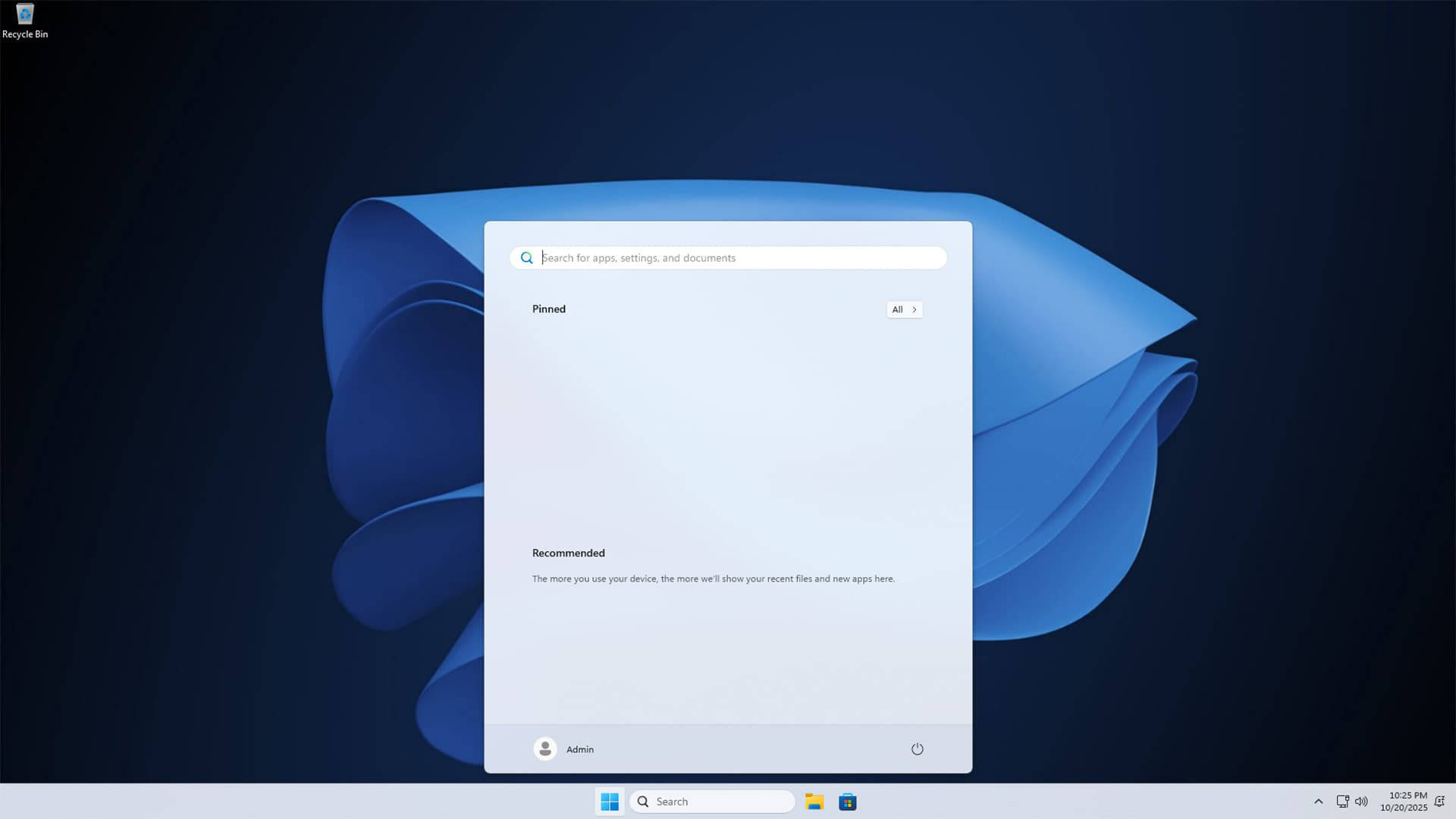 Tiny11 Download (Image © Tiny11)
Hardware compatibility and RAM requirements
One of the biggest advantages of Tiny11 is its lower hardware requirements. While standard Windows 11 requires higher specifications, Tiny11 runs on systems with as little as 2 GB of RAM, making it a viable option for revitalizing older machines.
The project also offers versions for a variety of non-traditional platforms. This includes support for ARM-based systems such as Apple Silicon Macs and the Raspberry Pi, allowing Windows applications to run on hardware where the official operating system is not supported.
Compatibility risks and driver limitations
Despite its wide platform availability, Tiny11 is not universally compatible. The experience varies significantly depending on the hardware used.
On the Raspberry Pi, for example, the operating system does not support GPIO pins, and there may be instabilities with the integrated Bluetooth and WLAN modules. In addition, some niche devices, such as the Pinebook, are completely incompatible with the software. Users using ARM-based or less common hardware are advised to exercise caution as driver support is not guaranteed.
Although Tiny11 was developed for older systems, it is also suitable for modern hardware. For users who need a system compatible with Windows software but prefer an environment without pre-installed manufacturer software and background telemetry, the stripped-down operating system offers an optimized alternative to the standard installation.
