Computer Forum
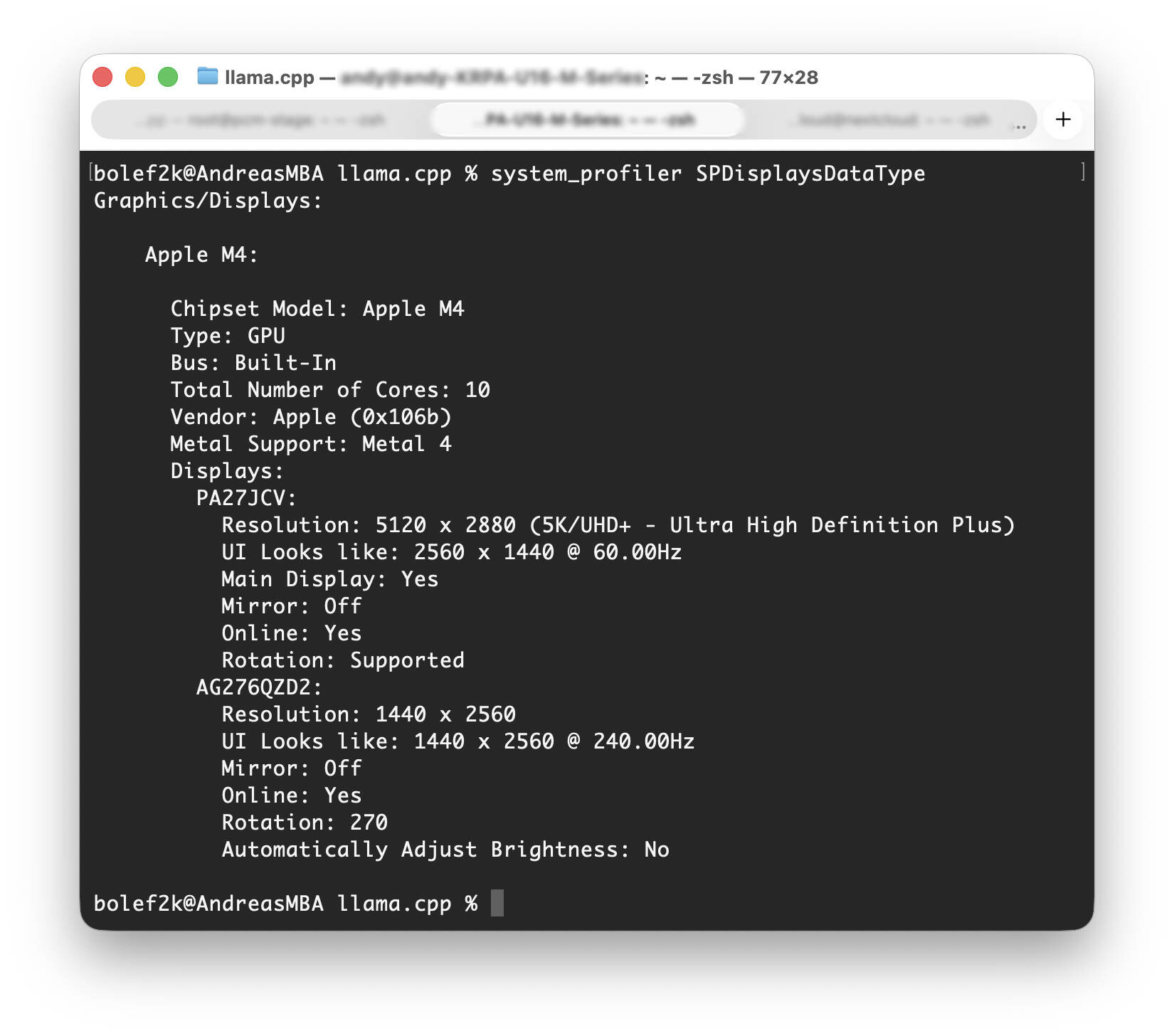 MacBook Air system profiler (Image © PCMasters.de)
The first step was to check if the MacBook supports Metal. Metal is an essential framework for performance optimization because it addresses the GPU of the M chips.
Running the system_profiler SPDisplaysDataType command confirms that the Apple M4 chipset supports Metal 3 and the crucial feature to improve GPU calculations is present. The output displayed comprehensive details on the graphics capabilities, including the total number of cores and supported display types.
Next, the required build packages need to be installed using Homebrew. Brew is a popular package manager on macOS. This included installing cmake, ninja and git to ensure all dependencies were met for the build of llama.cpp.
brew install cmake ninja git
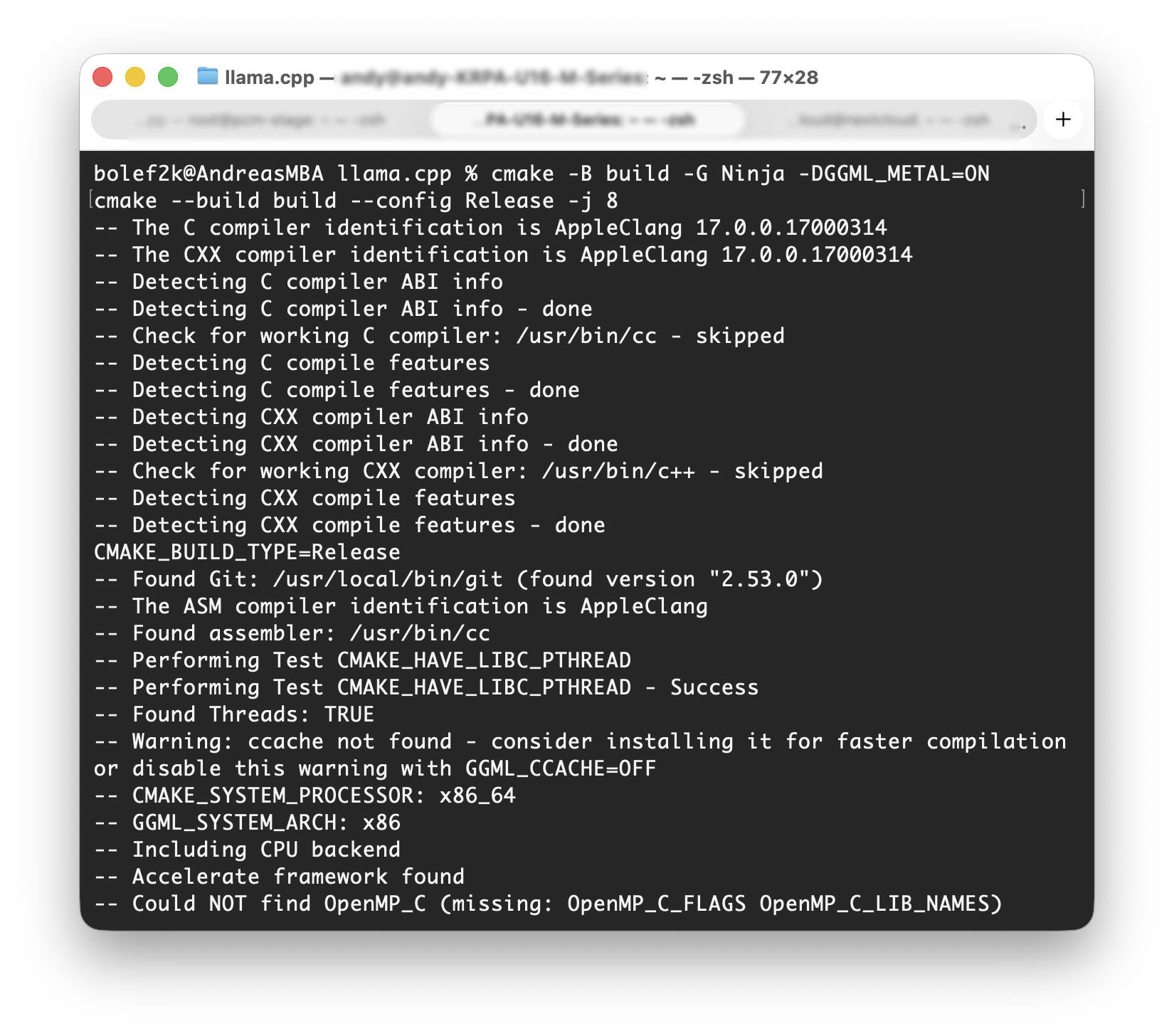 llama cpp build (Image © PCMasters.de)
After all the requirements for compiling the C libraries are met, the llama.cpp repository is cloned from GitHub to the local environment using the following commands:
git clone https://github.com/ggml-org/llama.cpp
cd llama.cpp
The project is then compiled with Metal support enabled using the flag -DGGML_METAL=ON, whereby CMake will select the appropriate compiler on the system:
cmake -B build -G Ninja -DGGML_METAL=ON
cmake --build build --config Release -j 8
In the same folder you can then also start the LLAMA.cpp server or use the CLI. Depending on what you want to do, you can specify the model or the text in the parameters:
./build/bin/llama-cli -m /Users/UserName/Downloads/Meta-Llama-3-8B-Instruct.Q5_K_S.gguf -p “What I want to ask the LLM, I'll write here”
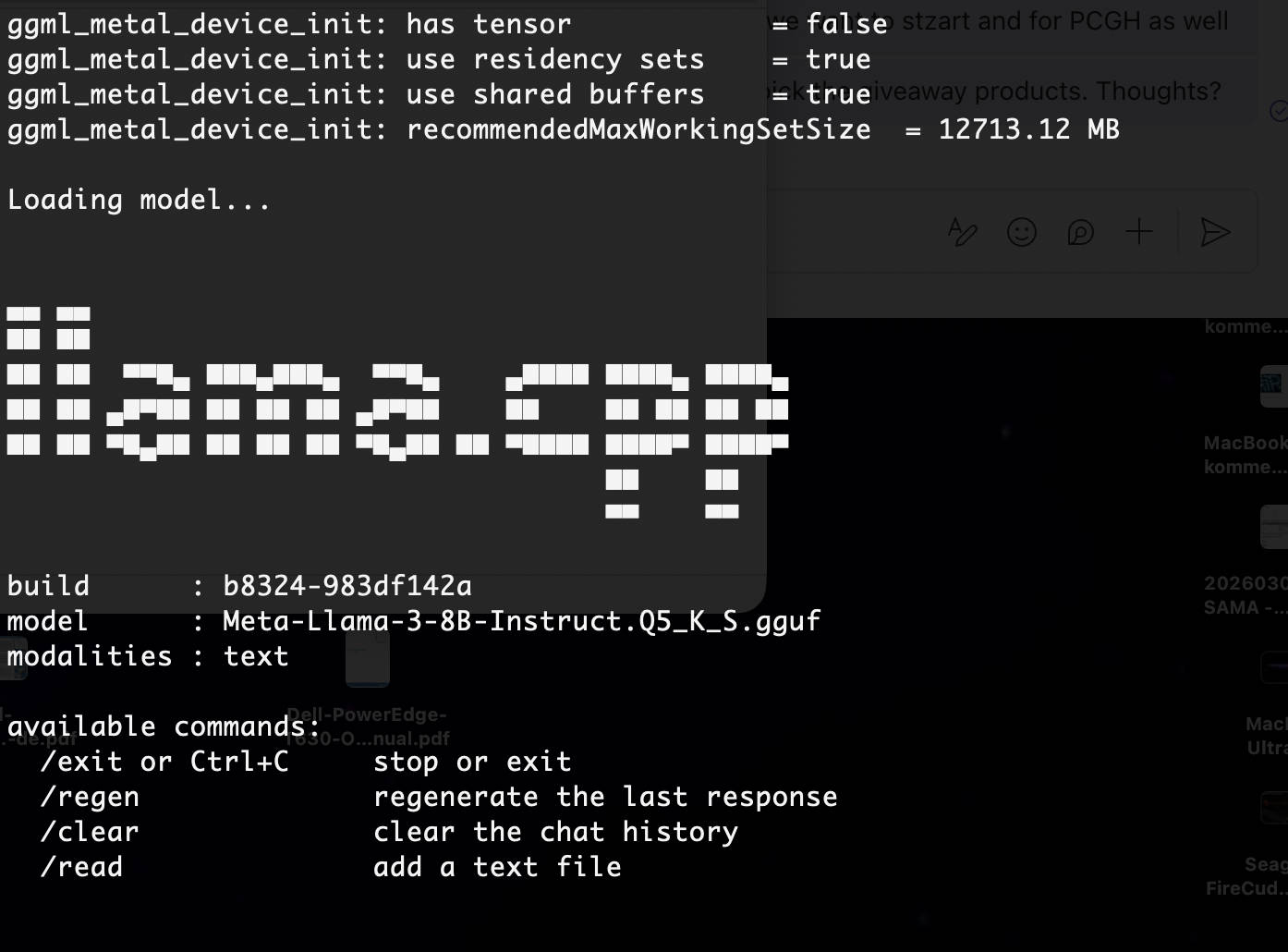 llama cpp starten (Image © PCMasters.de)
Using this approach, we were able to increase llama.cpp from 0.06 to 13.7 t/s on the larger Meta-Llama-3-8B model when generating tokens. With M5 Macs, 30 t/s should also be easily achievable here. This unleashes the full potential of the MacBook Air/Pro for the efficient generation of content with llama.cpp.