


 Computer Forum
 PHP FPM und Nginx Server Leistungsoptimierun (Image © PCMasters.de)
System Installation and Environment Setup
On Ubuntu- and Debian-based systems, the PHP-FPM environment and the required extensions are installed via the package manager. The following command sequence installs the core manager and essential libraries for database connectivity, data processing, and image processing: apt update
apt install php-fpm php-mysql php-curl php-gd php-mbstring php-xml php-zip
You can check the installed version using the command: php -v.
Architectural Workflow and File System Structure
The communication flow between the web server and the processor follows a specific sequence:
-
- Nginx intercepts the incoming HTTP request.
-
- The request is forwarded to PHP-FPM via a Unix socket or a TCP connection.
-
- PHP-FPM executes the script.
-
- The processed output is returned to Nginx.
-
- Nginx delivers the final response to the client.
Important configuration and log files are located in the following paths (example based on PHP 8.2):
-
Main configuration:
/etc/php/8.2/fpm/php.ini -
Pool definitions:
/etc/php/8.2/fpm/pool.d/www.conf -
Unix socket:
/run/php/php8.2-fpm.sock -
System logs:
/var/log/php8.2-fpm.log
Nginx Integration and Communication Methods
Local Communication via Unix Sockets
For applications where the web server and PHP-FPM run on the same physical or virtual machine, Unix sockets are preferred to reduce overhead. The server block configuration looks as follows:
Nginx Config:
server {
    listen 80;
    server_name example.com;
    root /var/www/example.com;
    index index.php index.html;

    location / {
        try_files $uri $uri/ /index.php?$query_string;
    }        location ~ \.php$ {
        include snippets/fastcgi-php.conf;
        fastcgi_pass unix:/run/php/php8.2-fpm.sock;
    }

    location ~ /\.ht {
        deny all;
    }
}
Remote Communication via TCP
TCP is used in architectures with high traffic or distributed systems where PHP-FPM is hosted on a separate backend server.
Nginx configuration:
location ~ \.php$ {
    include snippets/fastcgi-php.conf;        fastcgi_pass 127.0.0.1:9000;
}
PHP-FPM pool configuration (www.conf):
listen = 127.0.0.1:9000
Process Manager (PM) Configuration and Resource Allocation
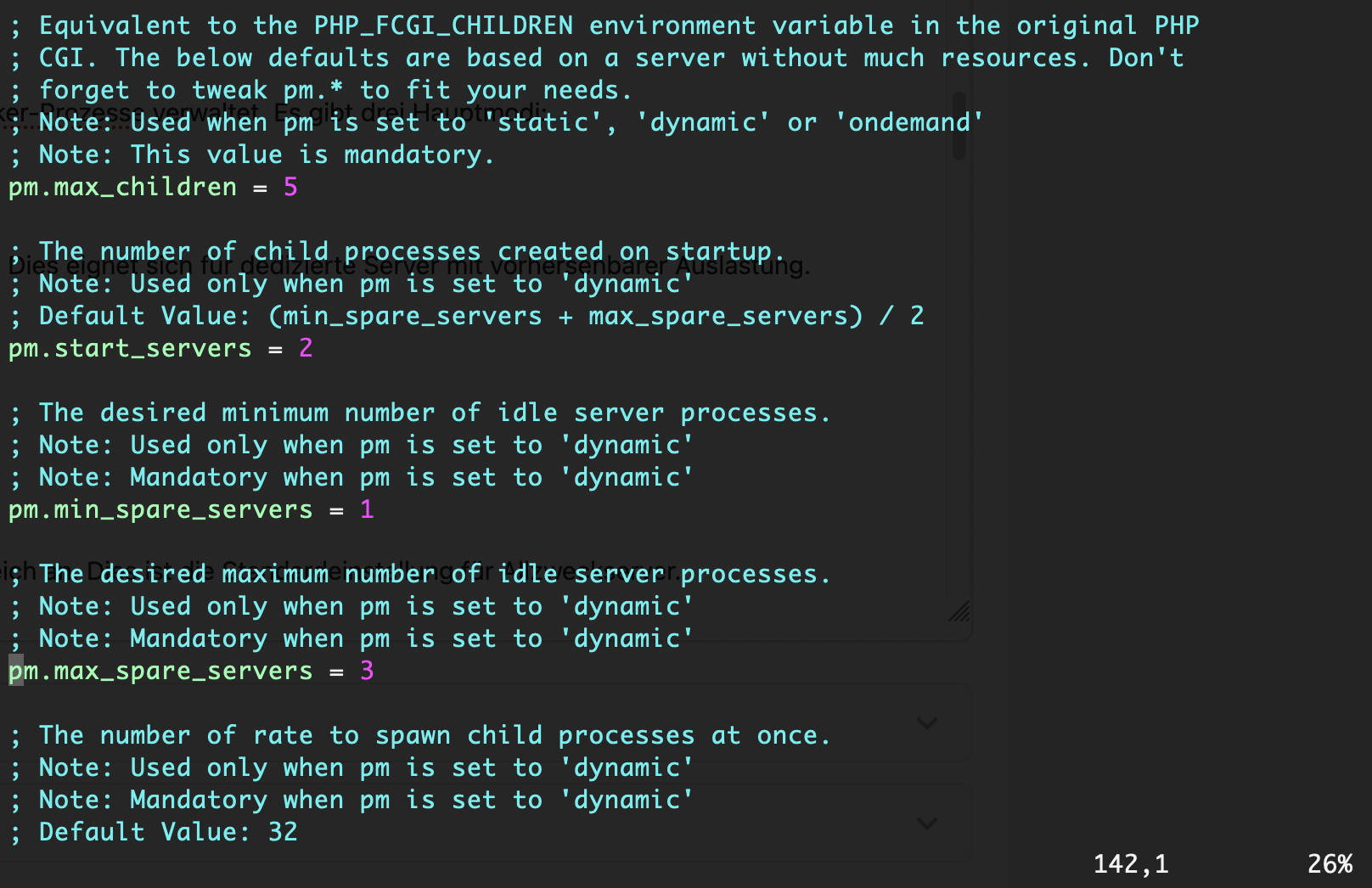
The file /etc/php/8.2/fpm/pool.d/www.conf specifies how the server manages worker processes. There are three main modes:
1. Static Mode
Maintains a fixed number of child processes regardless of demand. This is suitable for dedicated servers with predictable load.
pm = staticpm.max_children = 10
2. Dynamic Mode
Adjusts the number of worker processes based on a defined range. This is the default setting for general-purpose servers.
pm = dynamicpm.max_children = 50pm.start_servers = 5pm.min_spare_servers = 5pm.max_spare_servers = 35
3. On-Demand Mode
Creates worker processes only when a request is received, thereby reducing memory consumption during idle periods.
pm = ondemandpm.max_children = 50pm.process_idle_timeout = 10s
Calculating the Optimal Number of Workers
To determine the value for pm.max_children, use the following formula:
Available RAM / Average RAM requirement per PHP process = max_children
Calculation Example:
- Total server RAM: 4 GB
- System and database overhead: 1 GB
- Remaining RAM for PHP: 3 GB
- Estimated RAM requirement per process: 50–100 MB
- Result: 30 to 60 workers.
To calculate the actual memory usage per process, run the following:
ps --no-headers -o “rss,cmd” -C php-fpm8.2 | awk ‘{ sum+=$1 } END { print sum/NR/1024“ MB” }’
Optimizing the PHP Engine and OPcache
Fine-tuning the php.ini file is necessary for stability and speed.
Resource and Upload Limits
memory_limit = 256M
max_execution_time = 300
max_input_time = 300
upload_max_filesize = 64M
post_max_size = 64M
OPcache Configuration
OPcache stores precompiled script bytecode in shared memory so that PHP does not have to reload and parse scripts with every request. The following settings are recommended for production environments:
opcache.enable = 1
opcache.memory_consumption = 128    opcache.interned_strings_buffer = 16
opcache.max_accelerated_files = 10000
opcache.validate_timestamps = 0
opcache.revalidate_freq = 0
Advanced Monitoring and Diagnostics
FPM Status Page
To monitor performance in real time, enable the status path in www.conf:
pm.status_path = /fpm-status
Restrict access in Nginx to local requests only:
location /fpm-status {
    include fastcgi_params;
    fastcgi_pass unix:/run/php/php8.2-fpm.sock;        allow 127.0.0.1;
    deny all;
}
Implementing the Slow Log
To identify inefficient code, enable the slow log in the pool configuration:
slowlog = /var/log/php8.2-fpm-slow.log
request_slowlog_timeout = 5s
Multi-Pool Deployment for Isolation
For servers hosting multiple websites or users, separate pools should be created (e.g., /etc/php/8.2/fpm/pool.d/example.conf) to ensure process isolation:
[example]
user = example
group = example    listen = /run/php/php8.2-fpm-example.sock
listen.owner = www-data
listen.group = www-data
pm = dynamic
pm.max_children = 10
php_admin_value[error_log] = /var/log/php/example-error.log
php_admin_flag[log_errors] = on
