


 Computer Forum
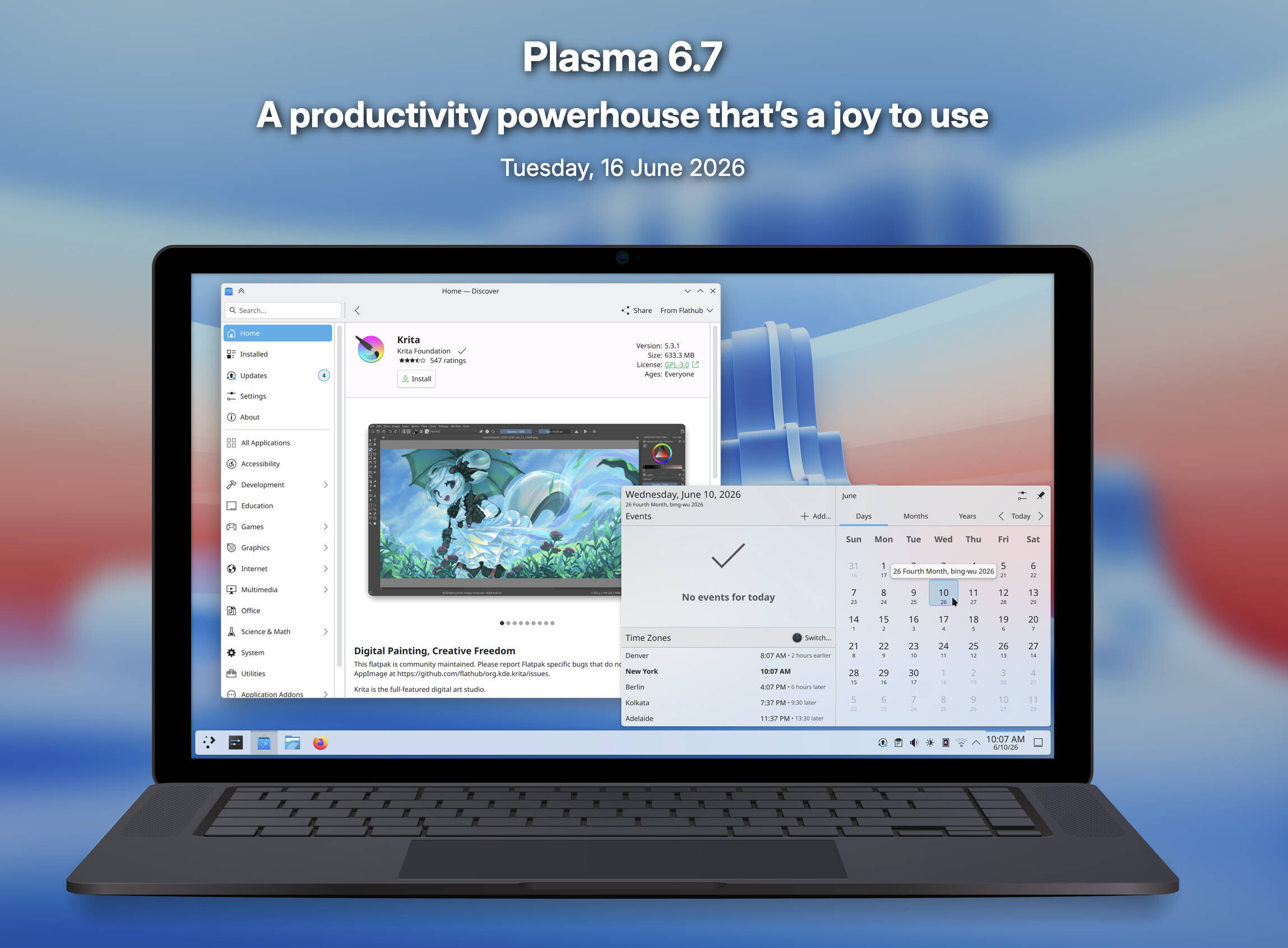 KDE Plasma 6 7 Release (Image © KDE )
Optimizations for desktop and workflows
One of the most important new features is the introduction of virtual desktops per screen. This will allow users to manage separate workspace layouts across multiple monitors. This is complemented by improvements to the overview screen, on which users can now navigate between the virtual desktops using the scroll wheel or the “Page up” and “Page down” buttons.
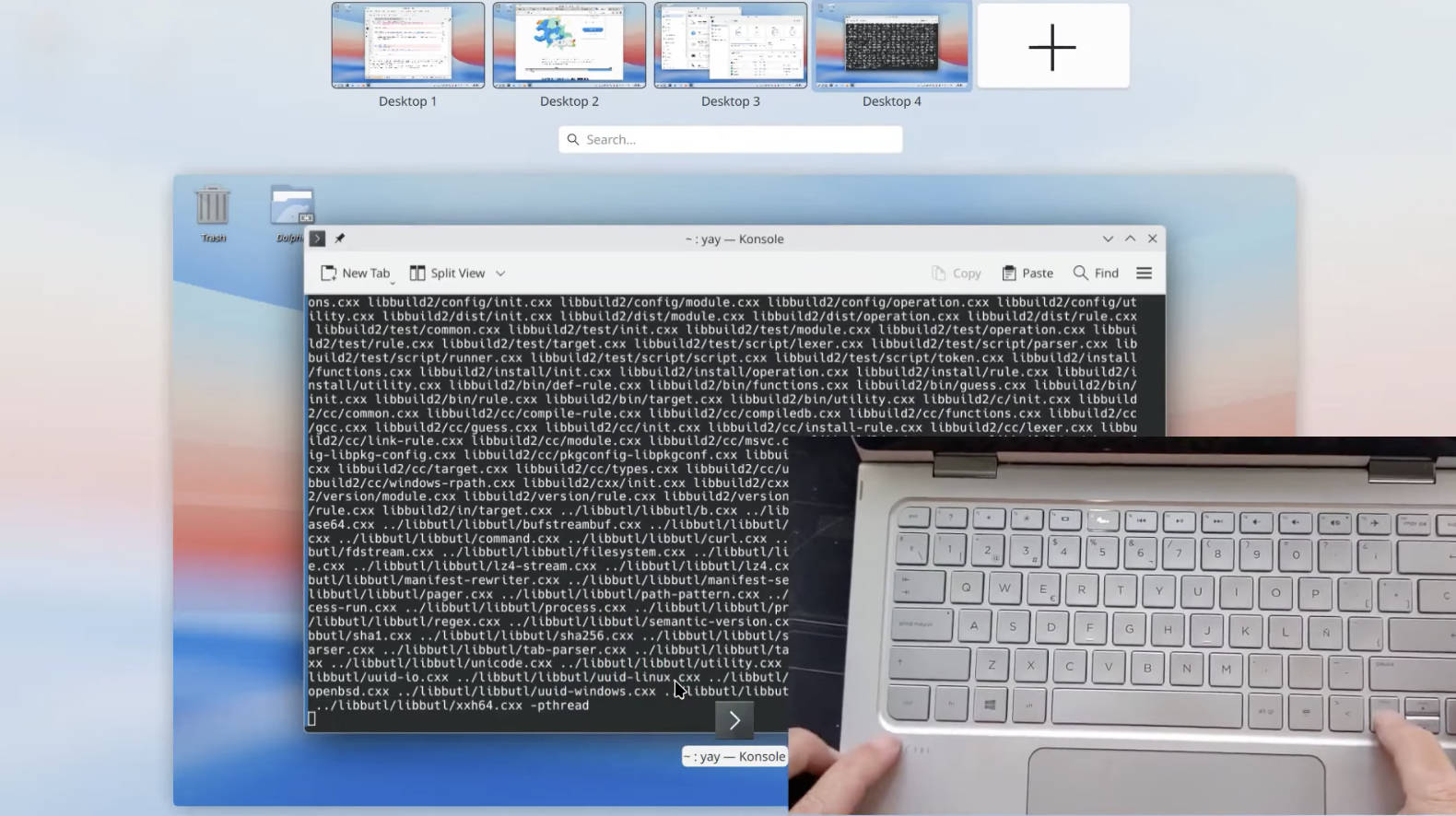 KDE Plasma 6 7 Screens (Image © KDE )
For advanced users, the desktop now supports a preview mode that enables faster file selection via keyboard input. In addition, application launchers - including the application menu and dashboard - now support drag-and-drop actions to add or remove favorite apps.
New architecture and look for designs
Plasma 6.7 introduces “Union”, a new design system that uses CSS to style Plasma, QtQuick and QtWidgets applications. Union is currently available as a technical preview and aims to simplify the design creation process by using a fully documented open standard.
The update also sees the return of the Oxygen design, which has now been adapted to the current Breeze standards. This includes the reintroduction of the bright “Air” style and classic background images. The standard Breeze design has been refined with rounded accents for lists and grids and a new sliding animation for system notifications.
Technical performance and hardware support
A lot of work has been put into screen and power management. Users can now use HDR content and ICC color profiles simultaneously. For users of AMD laptops, a new setting allows control of color shifts that occur at extremely low brightness levels. Performance optimizations have been implemented to reduce power consumption and increase speed for applications rendered by the CPU, integrated Intel GPUs and full-screen window management. Support for various Wayland protocols and portals has also been extended.
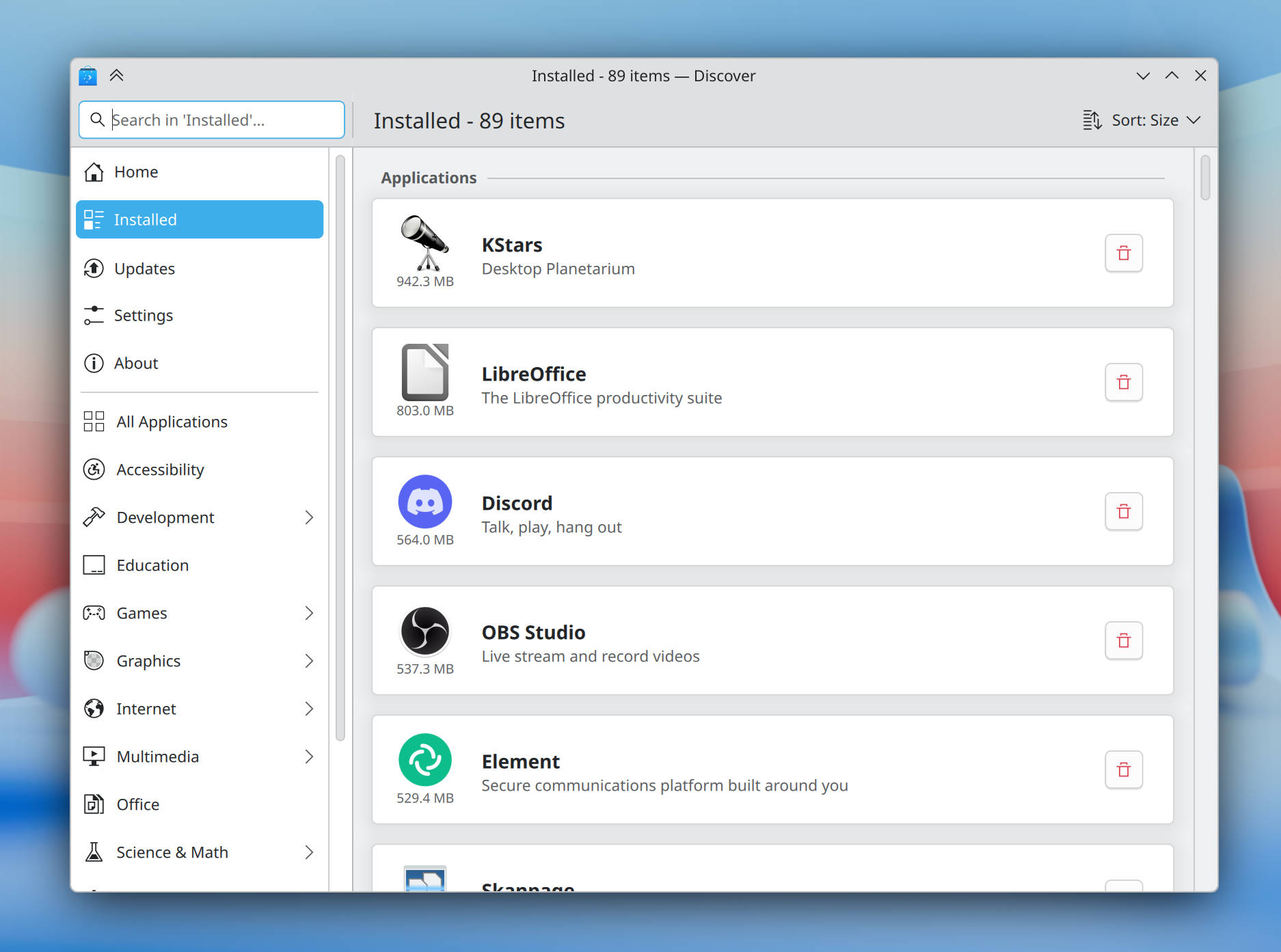 KDE Plasma 6 7 Discover installed page (Image © KDE )
System utilities and user experience
The “Discover” software center has been redesigned with a more visible install button and a new grouping system that categorizes installed software by type. In the taskbar, users can now monitor background applications - especially those using the Flatpak format - and track active print jobs via a new notification icon. Printing features have been enhanced to make it easier to connect to shared printers on Windows networks, coupled with a new management tool for handling multiple print queues.
Other notable additions include a microphone volume testing tool, a light/dark mode toggle for global themes and the addition of the Vietnamese lunar calendar. The “Digital Clock” widget has also been updated and now shows the time difference between the local time zone and other configured time zones.
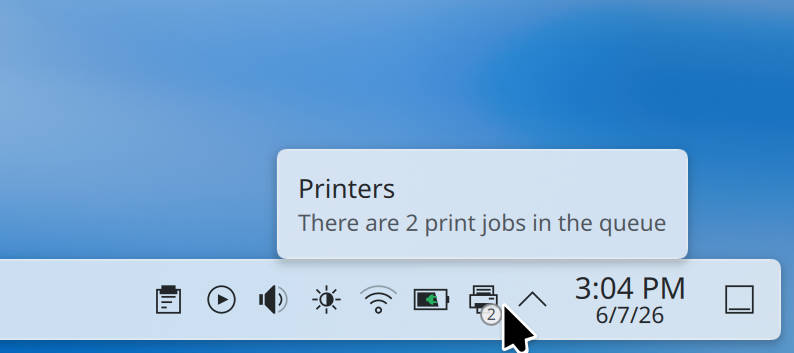 KDE Plasma 6 7 Print Queue Badge (Image © KDE )
Additional functions
Rounding out the update are several usability improvements, including the ability to duplicate network connections to simplify setup in corporate environments, as well as mouse and pen pointer synchronization. Users can now assign specific keyboard shortcuts to clear notification history or toggle global microphone mute, and the system monitor now honors custom settings for storage units.
